Customer Ratings & Reviews
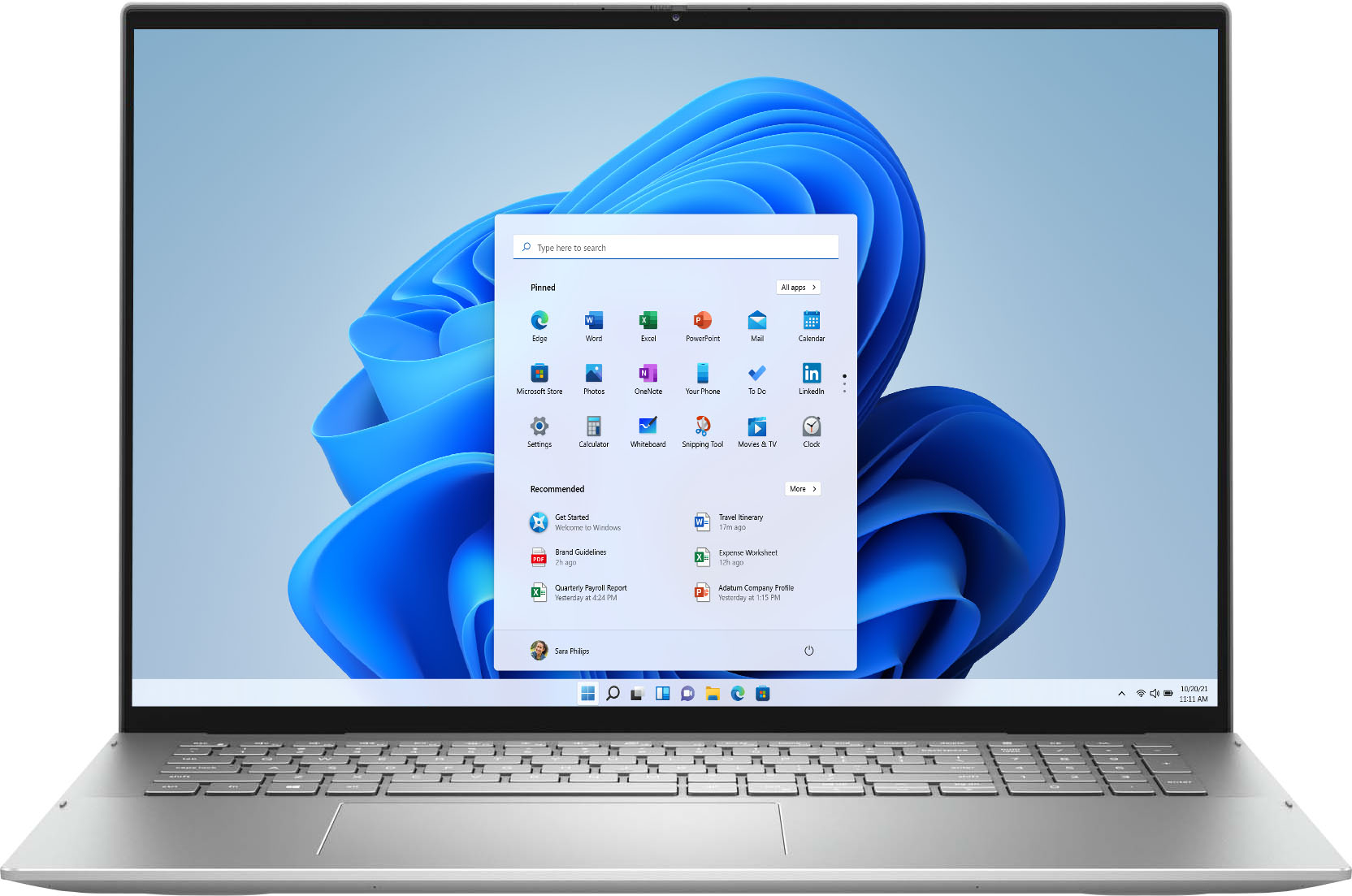

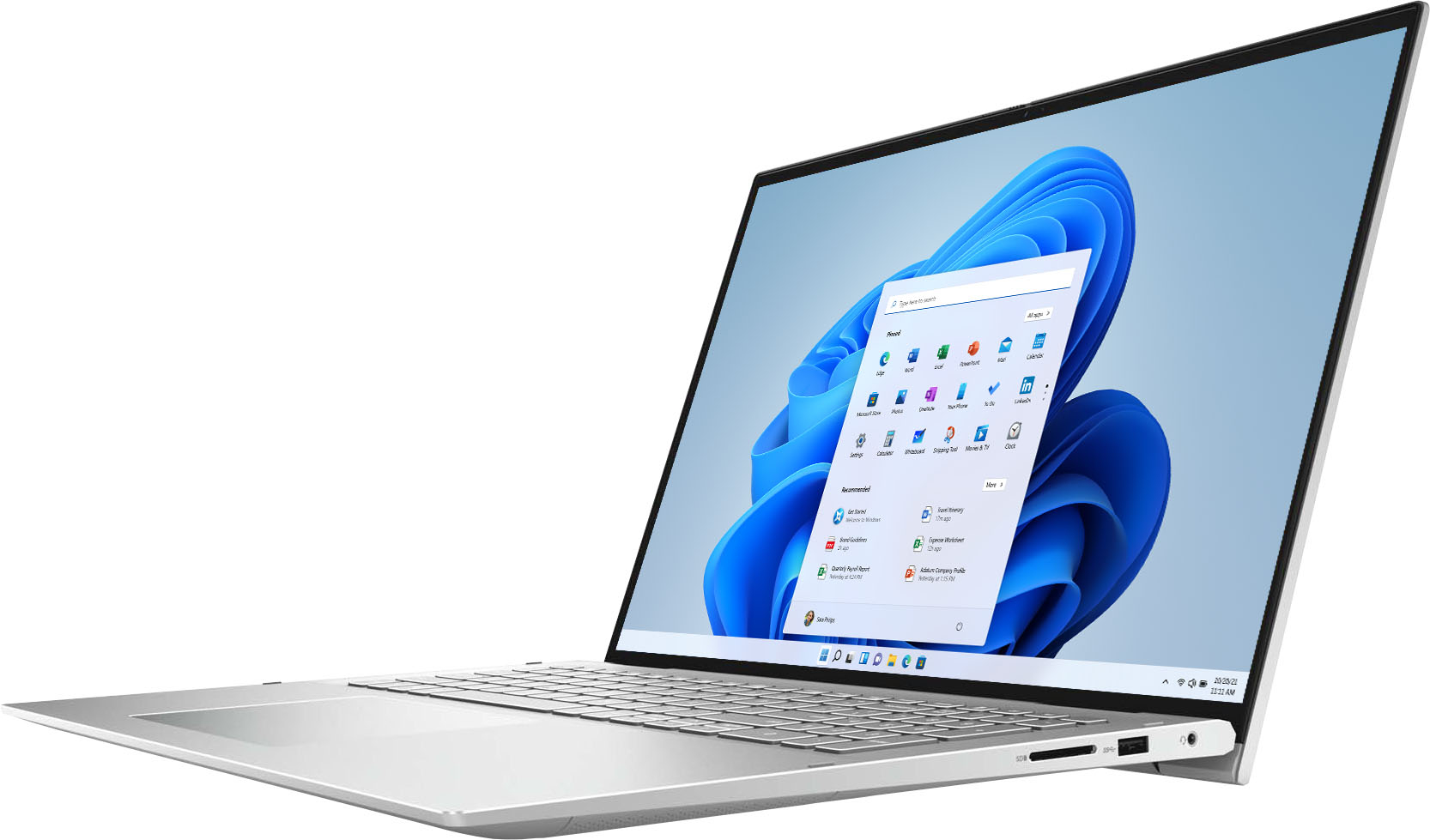
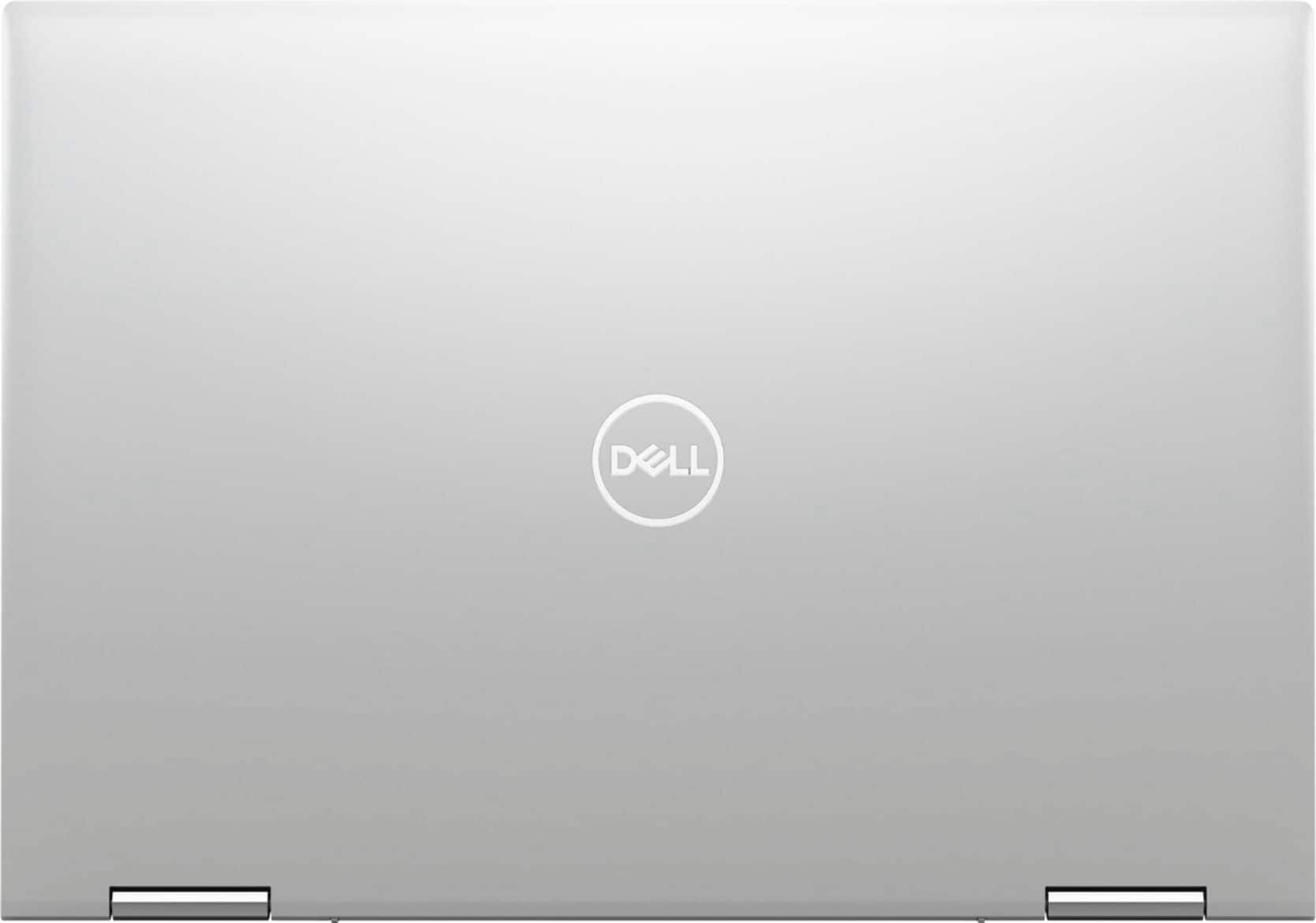
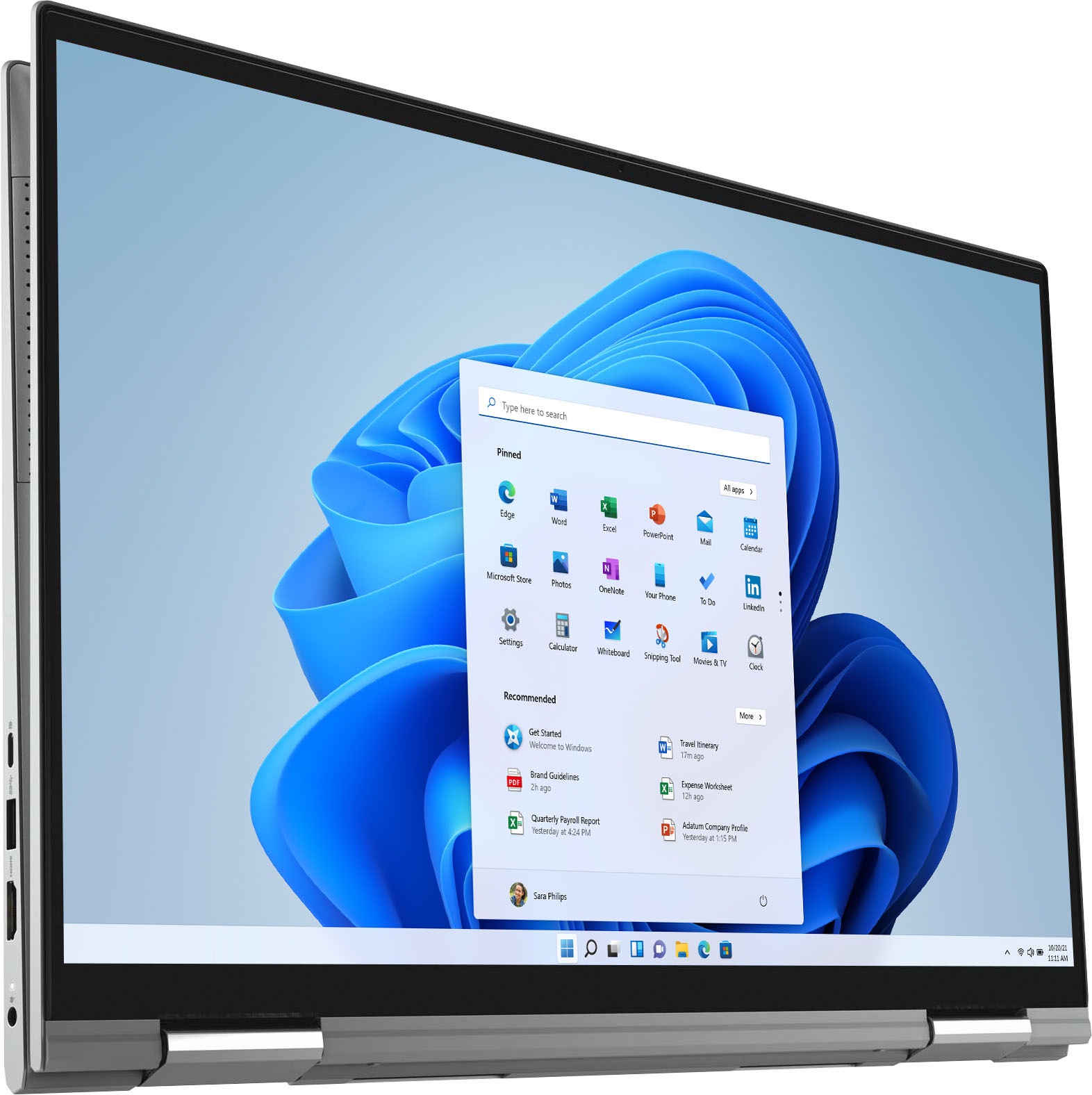






- Model:
- i7706-7821SLV-PUS
- SKU:
- 6432550
Rating by feature
- Battery Life
Rating 4.5 out of 5 stars
- Speed
Rating 4.6 out of 5 stars
- Display
Rating 4.7 out of 5 stars
Customers are saying
Customers often highlight the large screen size and ease of use of the Inspiron 7000 2-in-1 17" laptop. Positive feedback also frequently mentions its performance and battery life, with many describing it as lightweight. However, some users expressed a desire for more RAM, citing insufficient memory for their needs. A few also reported issues with the fingerprint sensor and pre-installed software.
This summary was generated by AI based on customer reviews.
- Pros mentioned:Speed
✅
Posted .This reviewer received promo considerations or sweepstakes entry for writing a review.Perfect word super fast ✅✅✅✅✅✅✅✅✅✅✅✅✅✅✅✅✅✅✅✅✅✅✅✅✅✅✅✅✅✅
I would recommend this to a friend - Pros mentioned:Battery life
Amazing:)
Posted .This reviewer received promo considerations or sweepstakes entry for writing a review.This laptop has lasted me 4 years of college so far!!! I love it.
I would recommend this to a friend Everything for school and work
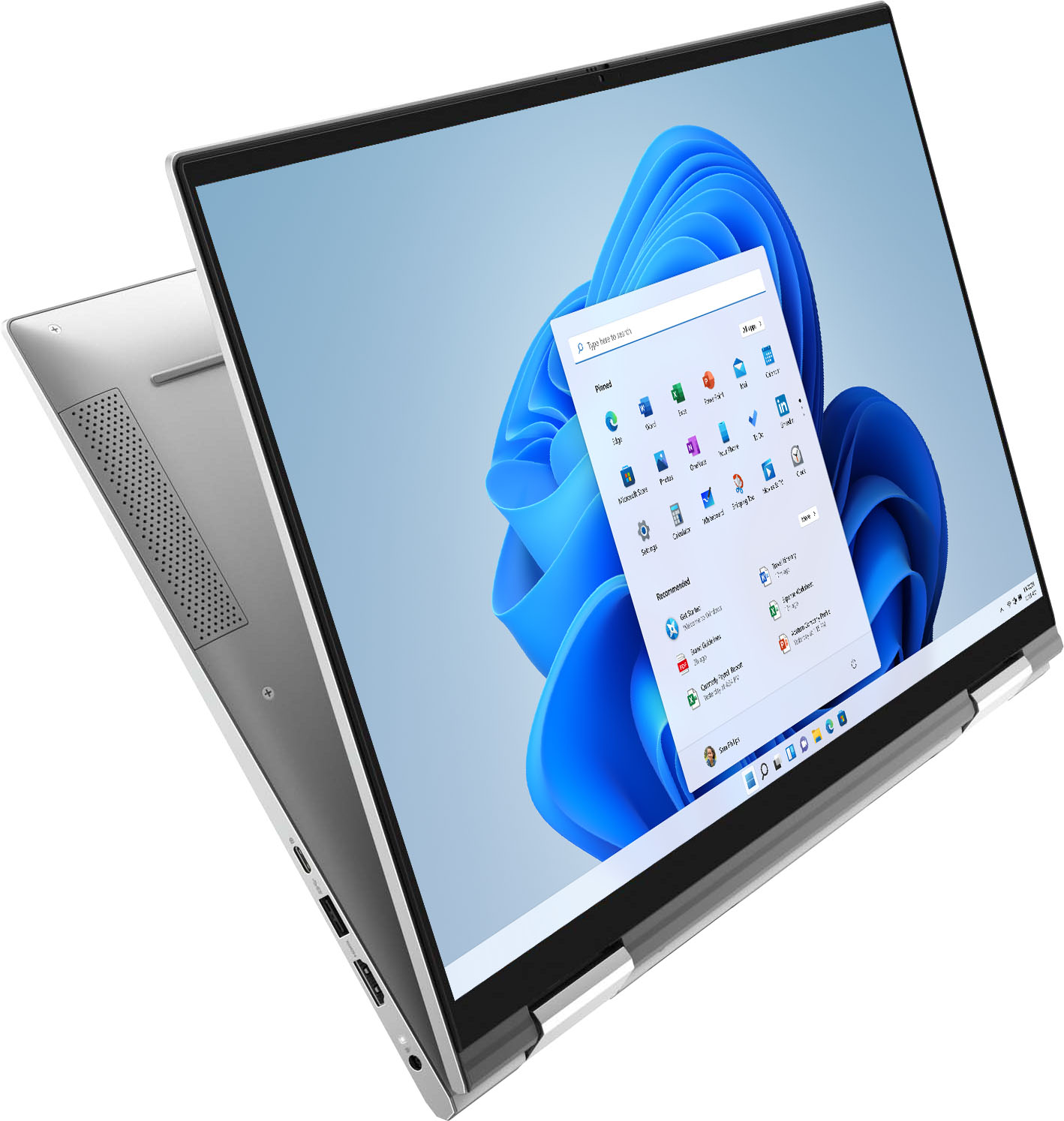
Posted .This reviewer received promo considerations or sweepstakes entry for writing a review.I love that I can flip it over and hand write notes.
I would recommend this to a friendGreat purchase
Posted .This reviewer received promo considerations or sweepstakes entry for writing a review.I bought my labtop in 2022 for nursing school and it has been great. The glass screen is nice and clear
I would recommend this to a friendOnly Dell!
Posted .This reviewer received promo considerations or sweepstakes entry for writing a review.I love my computer! I only have had Dell laptops and they do not disappoint.
I would recommend this to a friend- Pros mentioned:Screen size
Laptop
Posted .This reviewer received promo considerations or sweepstakes entry for writing a review.Amazing Laptop. It is fast and have great screen size for working comfortable
I would recommend this to a friend - Pros mentioned:Ease of use
You will love this computer.
Posted .This reviewer received promo considerations or sweepstakes entry for writing a review.Looks great, So easy to use. Too many features to mention.
I would recommend this to a friend - Pros mentioned:Screen size
Failed the computer test.
Posted .This reviewer received promo considerations or sweepstakes entry for writing a review.comparing this computer to my note10+ fails other than 2 things. it does have a larger screen and faster CPU. like my note 10 it does not have a 256G SSD drive in it. it is embedded like my telephone. there is no physical drive this is what it is. no way to update in any way if you want to put in a 512gb or 1tb or 2tb SSD drive you can not. it has no SSD drive. on my note it has external Dex computer interface and internal add on SSD slot up to an additional 1tb this is only and external SD reader you can not use it for expansion either, so compared to a note 10 phone it fails. the phone has more capabilities and expansion. this computer as well as all the other dell computers only have a faster cpu and larger touch screen only. even the usable so called internal memory is less then the phone the phone has 256gb or 512 gb usable the computer has 212 or 475 usable and fail on that too. this computer is a android tablet on steroids that happens to run the windows 10 platform but also found it will not run all windows software it will run the windows 10 apps and microsoft newest software and of course the included dell software beware there as well. it is good quality for an android on windows 10. being its not a real computer by my definition it fails for value. and ease of use it runs windows 10 platform no better no worse.
No, I would not recommend this to a friendBrand response from YourDellTeam
Posted .Hello bobob,
Thank you for your review. We are sorry to learn that your laptop didn't quite meet your expectations. We really do appreciate your feedback and will use it to help improve our current and future products. If you come across any further questions, issues or concerns, please contact Dell Support at your earliest convenience at 1-800-264-9896.
Best regards,
Wendy C.
Do Not Purchase!
Posted .This reviewer received promo considerations or sweepstakes entry for writing a review.Hinge Broken. Can’t open or close laptop. Owned less than 2 years with light to moderate use. I didn’t purchase warranty but from what I understand it wouldn’t be covered anyway. Do NOT purchase!
No, I would not recommend this to a friendBrand response from YourDellTeam
Posted .Hey There JanineL,
We want to thank you for taking the time to leave a review of your Inspiron 7706. We are sorry to hear that the hinge on your device is broken. That is not the type of feedback we like to hear from our customers, or the type of product Dell intends to deliver. We have noted the details of your statement and will escalate them to our quality team to ensure improvement in our current and future products. Below I have provided the toll-free number and chat link if you need further assistance.
Should you need further assistance; we recommend that you contact Dell directly with the information below.
Chat or call: https://bit.ly/DellSupportTeam
Phone number to Dell: 1-800-624-9896.
Regards,
Summer@Dell
Good
Posted .This reviewer received promo considerations or sweepstakes entry for writing a review.Good laptop! One of the decent laptop out there!!!
I would recommend this to a friendLabtop
Posted .This reviewer received promo considerations or sweepstakes entry for writing a review.Great item works very well happy with my purchase.
I would recommend this to a friendDead in little more than TW YEARS. Won't turn on.
Posted .This reviewer received promo considerations or sweepstakes entry for writing a review.One morning wife goes to computer only to discover it's dead. Won't power on. Piece of junk
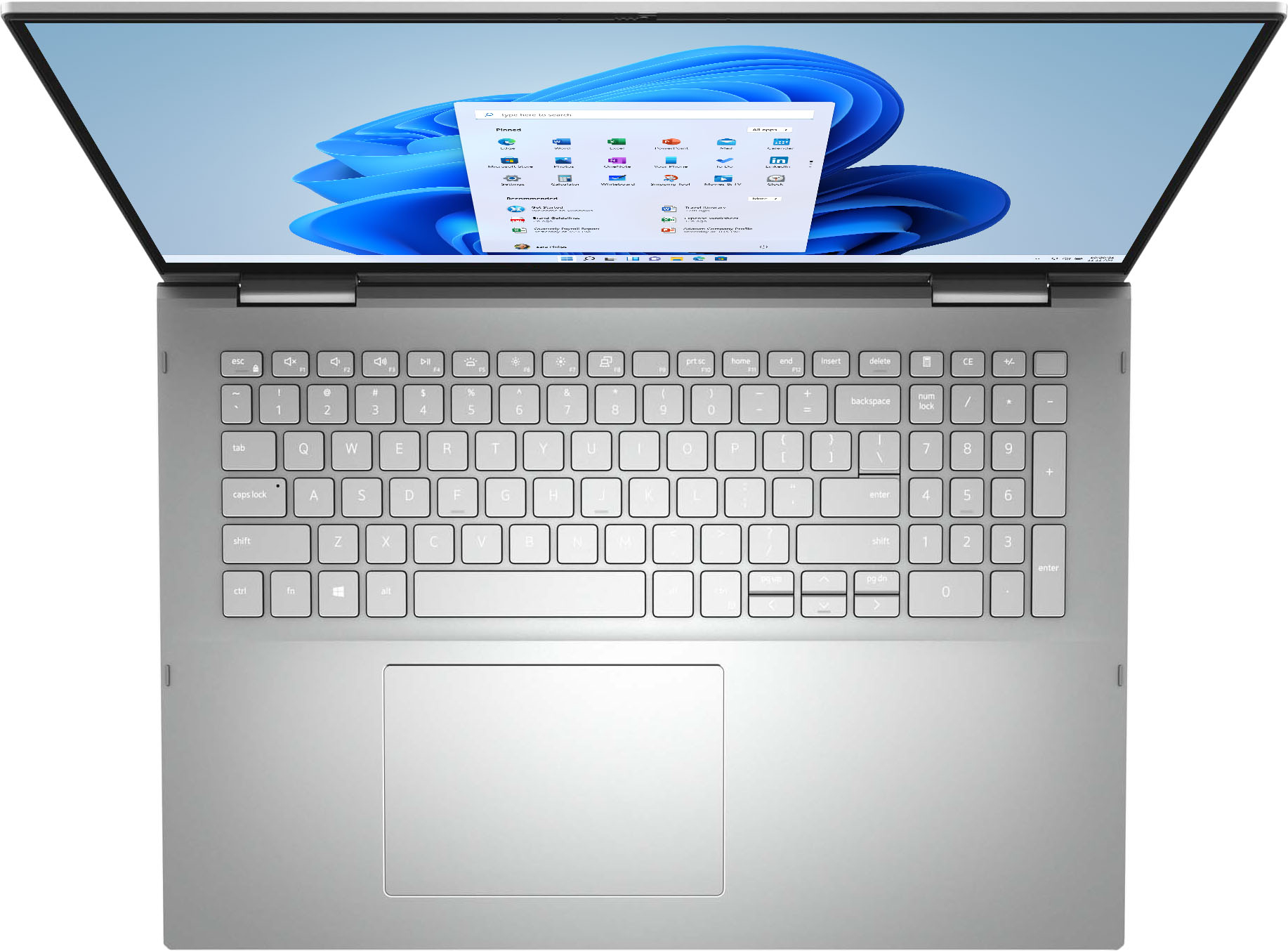
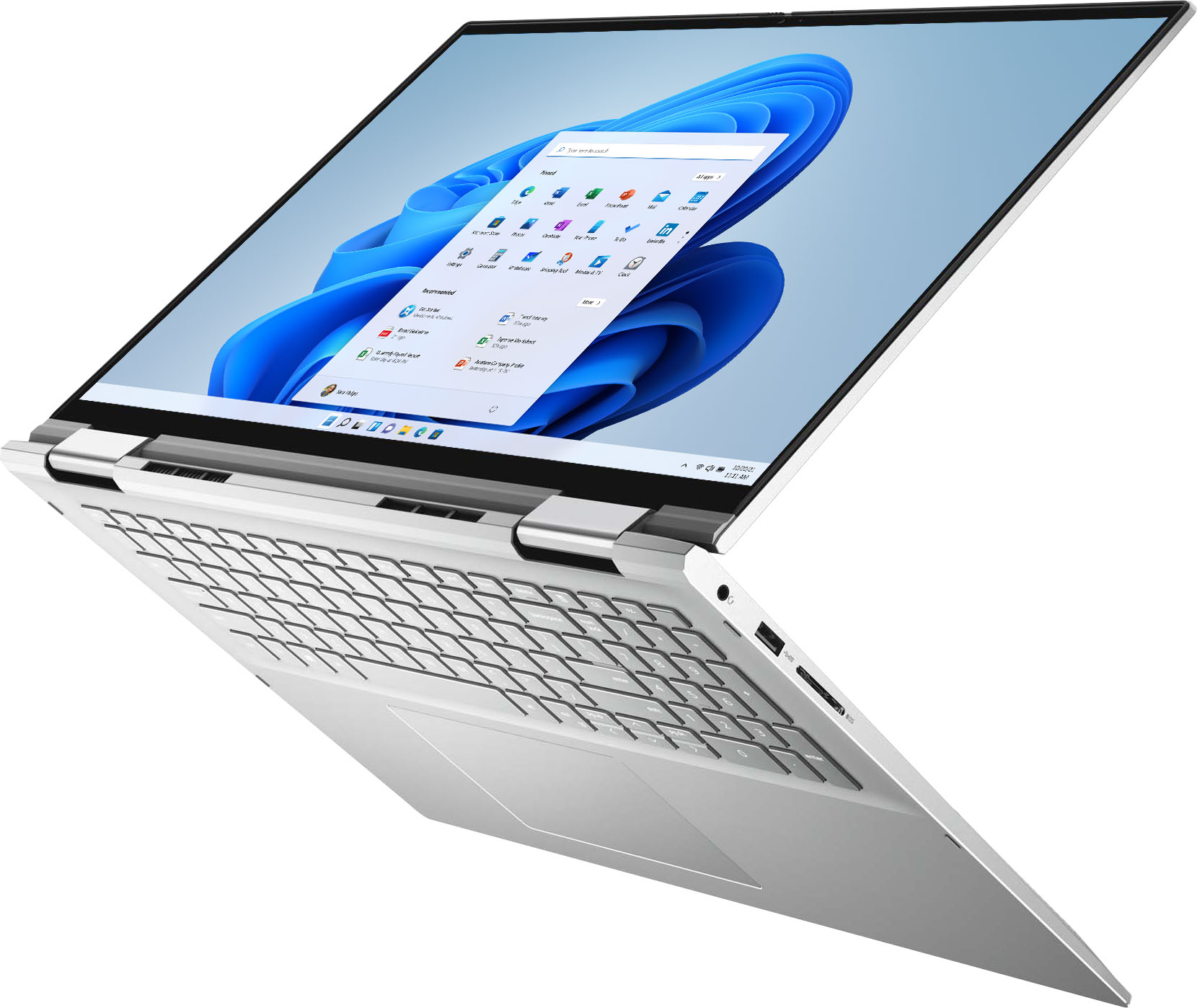
No, I would not recommend this to a friendWhite Letters on Silver Keys - Very Wrong
Posted .This reviewer received promo considerations or sweepstakes entry for writing a review.I was setting this up and after several hours I could not get used to the silver keys with white letters. It turned out to be a deal breaker and I returned it.
No, I would not recommend this to a friendBrand response from YourDellTeam
Posted .Hello,
Thank you for your feedback and review. We are sorry to hear that the keyboard lighting of your new Inspiron has not met all of your expectations. To help with the keyboard lighting issue we suggest disabling the backlit keyboard when you are in lit areas. Below I have provided the steps to disable the backlighting and the full article link.
Backlit keyboard options in BIOS
1. Click the + sign next to System Configuration.
2. Click Keyboard Illumination.
3.* Disabled or Off - The keyboard illumination is off.
*Dim - The keyboard illumination is at half brightness.
*Bright - The keyboard illumination is at full brightness.
4. Click Apply, and then Exit.
5. How to turn off or on and troubleshoot backlit keyboard: https://dell.to/3tHbZ8X.
We invite you to review the product Support Page if any other concerns arise.
Best regards,
Wendy C.
https://bit.ly/DellSupportTeam.
Phone number to Dell: 1-800-264-9896.