Customer Ratings & Reviews

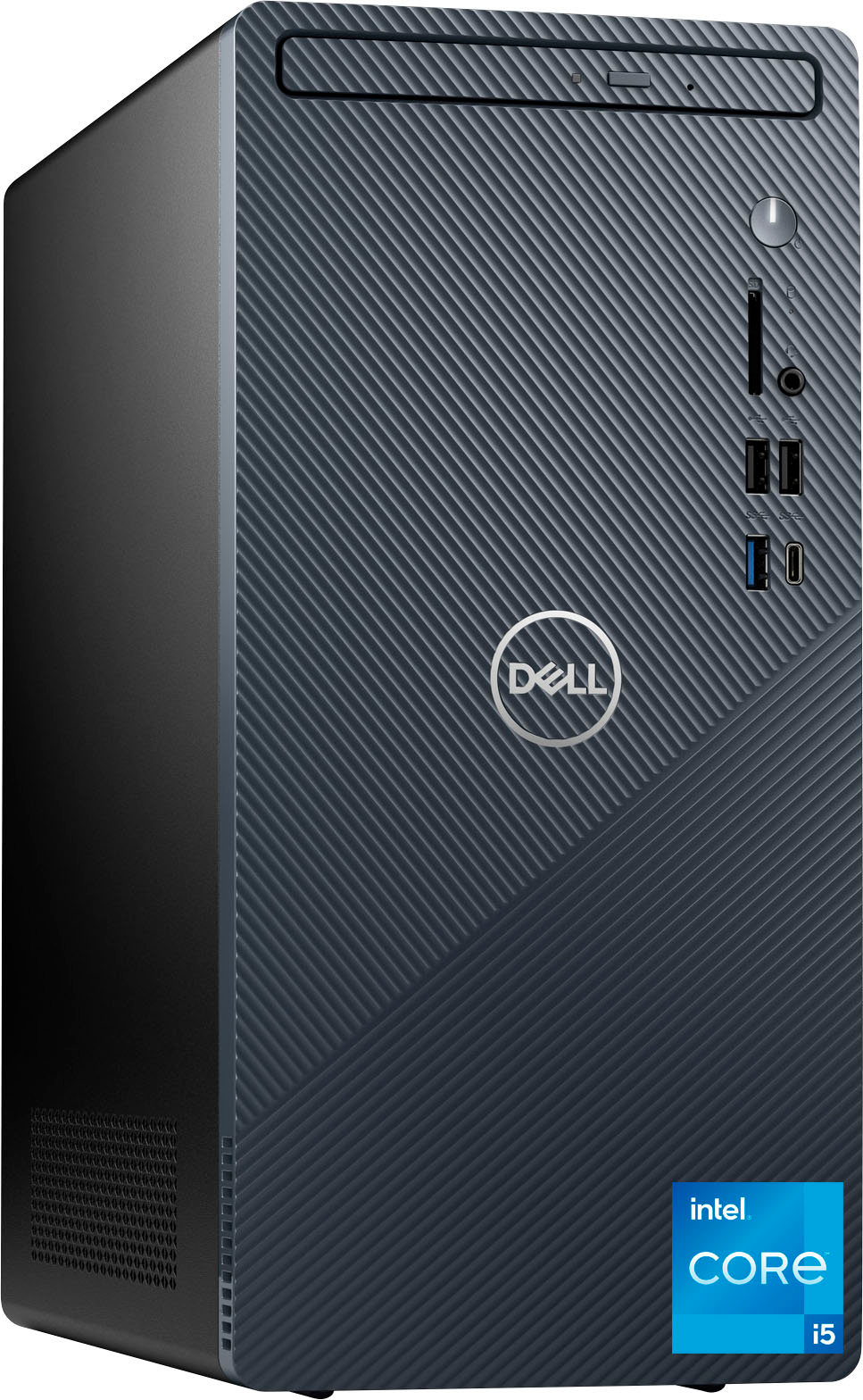
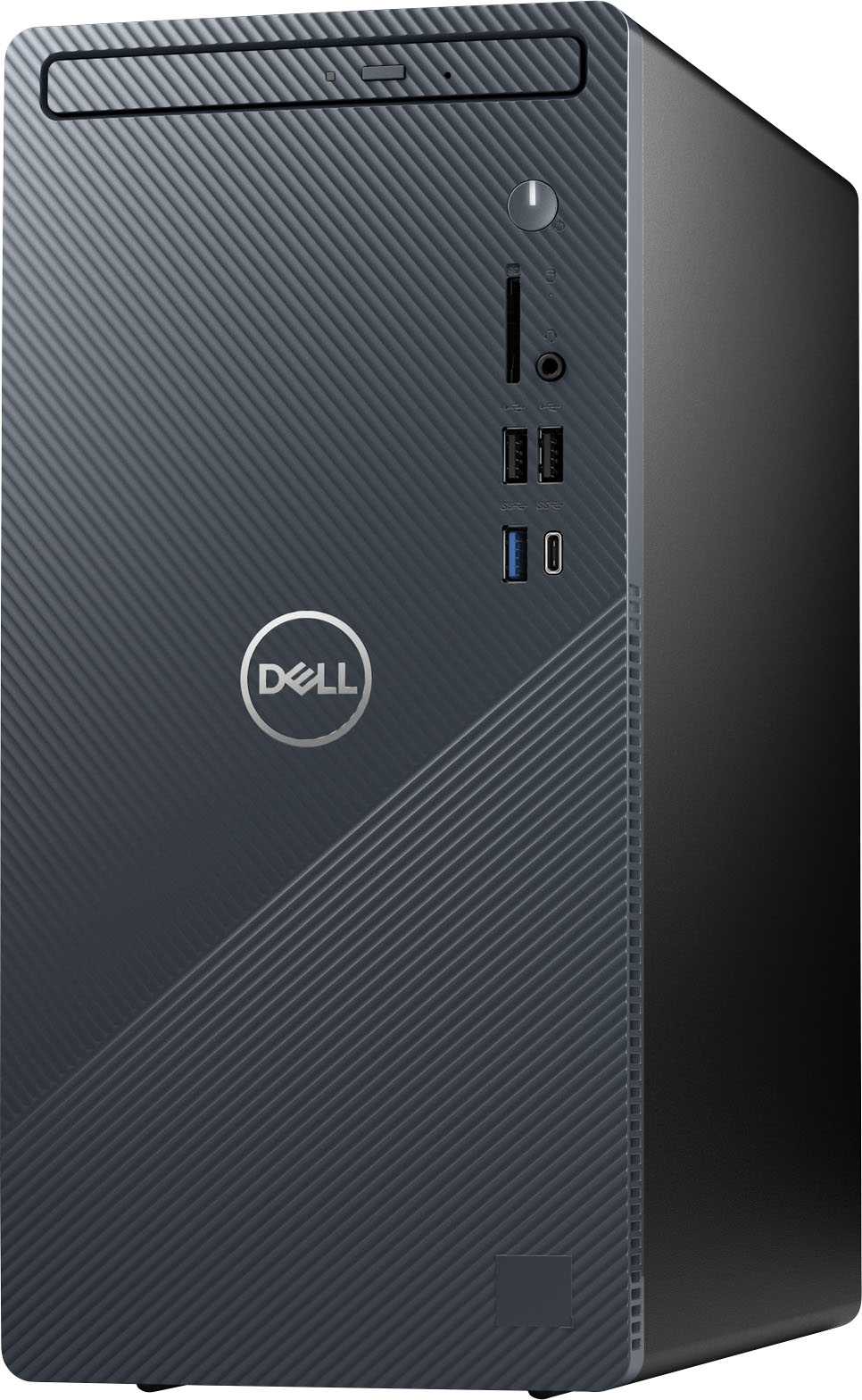
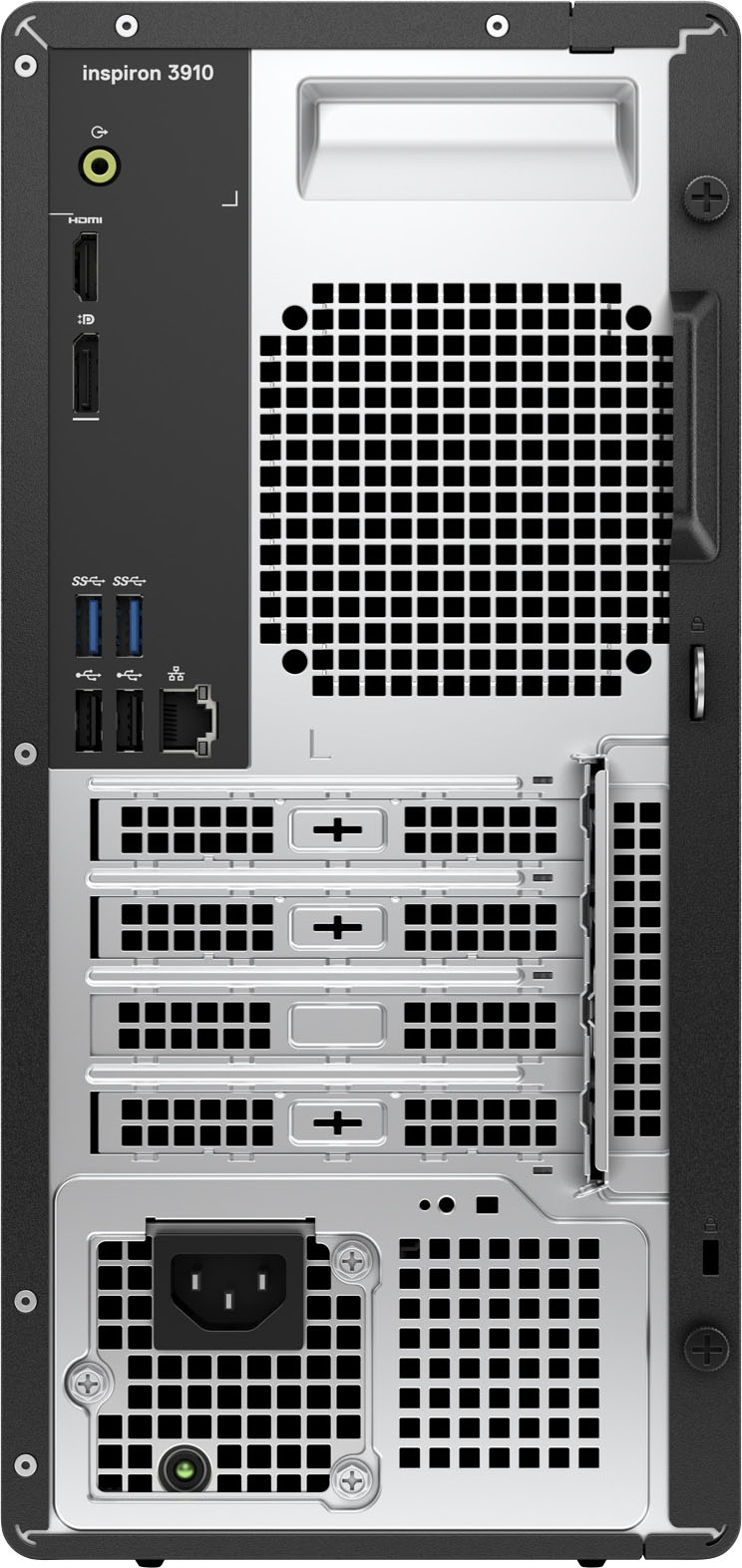

- Model:
- i3910-5870BLU-PUS
- SKU:
- 6501295
Rating by feature
- Value
Rating 4.6 out of 5 stars
- Quality
Rating 4.7 out of 5 stars
- Ease of Use
Rating 4.6 out of 5 stars
Customers are saying
Customers praise the Inspiron Compact Desktop's performance, ease of use, and compact size, frequently citing its quiet operation and good value for the price. Many appreciate the easy setup and the speed provided by the solid-state drive. However, some users express concerns about the limited storage capacity and have noted issues with the pre-installed operating system.
This summary was generated by AI based on customer reviews.
Absolute Junk!
Posted .This reviewer received promo considerations or sweepstakes entry for writing a review.This computer has been trouble plagued since I bought it one month ago. I would have returned it but I missed the 15 day return period. It constantly freezes and reboots. I spent a very painful half-hour on the phone with tech support. The only thing I got from that was the suggest to spend $99 on enhanced tech support. Subseqently I tried more online diagnostics and even tried reloading Windows 11. It did not help. The diagnostics program even freezes. I'm sitting here debating whether to throw this thing in the trash and find something else or to spend more money on tech support to try and fix this brand new computer.
No, I would not recommend this to a friendBrand response from YourDellTeam
Posted .Hello Slats48,
Thank you very much for your valued feedback. We apologize for the issues you have come across with your Dell Inspiron 3910 computer because it is freezing and rebooting.
Below I have provided a list of solutions for the freezing issue, along with a link to the full article, should you need further information. We also recommend making sure your BIOS is up to date on your PC. I have given you a link to the Drivers and Downloads page for your computer so you can check for and do applicable updates.
Resolutions
1. Run a Computer Diagnostic. To determine if your computer is experiencing a hardware problem, run the Dell Pre-boot System Assessment (PSA) Diagnostics. For information on how to run Diagnostics, and to determine the issue, refer to Dell Knowledge Base Article: http://dell.to/2iaiujA
2. Check Safe Mode for Symptoms. To boot into safe mode, please follow the instructions below:
a) Start the computer.
b) Tap 'F8' on the keyboard immediately and every one second until the Dell logo screen disappears. From there you will see the Windows Advanced Options Menu on the screen. (If the Windows Advanced Options Menu does not appear, restart the system and try again.)
c) Select Safe mode with Networking and press Enter.
d) Log on as the administrator or as a user with administrative access.
e) Open applications and test the computer in safe mode. If the symptoms exist in safe mode, please continue the troubleshooting steps in this article. If the symptoms do not exist in safe mode, the issue is likely related to a driver or software and you may wish to complete step 3 to see if you are able to resolve the lockups or freezing.
3. Check for Malware. Malware (Virus, Spyware, etc.) can definitely cause a Windows system to lock up or appear to hang. To check for malware on your system and to ensure that your computer is up to date on security software, visit Dell Knowledge Base Article: http://dell.to/2wWP1zI
You can read the full article here - https://dell.to/3rTldMZ
Drivers and Downloads page: https://dell.to/3PQa4tw
I have also provided a link to the troubleshooting article that should help troubleshoot and resolve the random rebooting issue.
Troubleshoot shutdowns link: https://dell.to/2JAaXsU
After utilizing the troubleshooting options provided, if the issues are not resolved, please contact our support team for further guidance here: 1-800-624-9896.
Best,
Katarina@Dell
Should you need further assistance, you can contact Dell directly with the information below.
Chat or call: https://bit.ly/DellSupportTeam
Phone number to Dell: 1-800-624-9896
Employee theft issue
Posted .This reviewer received promo considerations or sweepstakes entry for writing a review.Melbourne store has employee theft issue could not find when came to store. It walked out the door...
No, I would not recommend this to a friend