Customer Ratings & Reviews

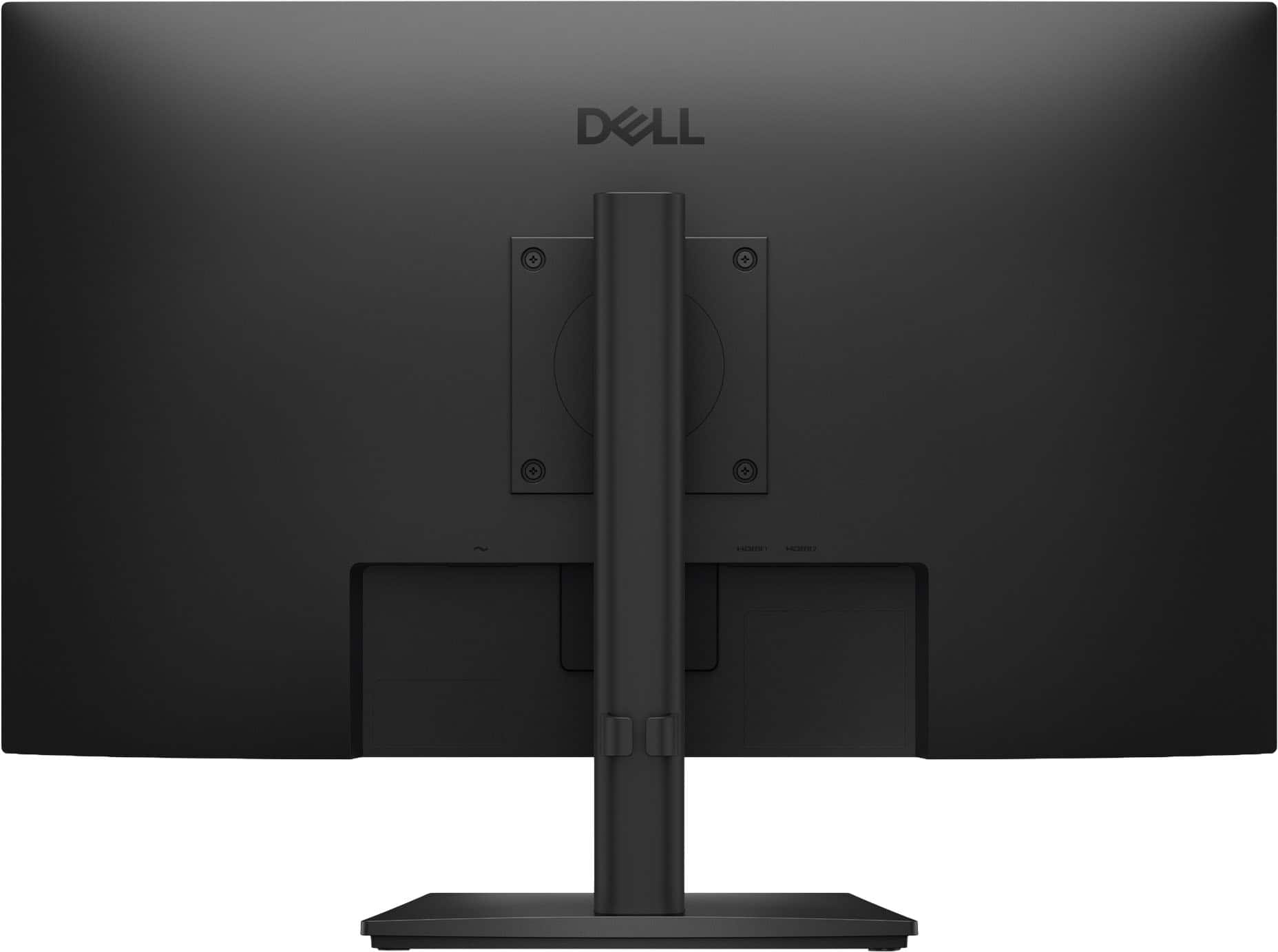

- Model:
- SE2726HS
- SKU:
- 6670396
Rating by feature
- Ease of Use
Rating 4.9 out of 5 stars
Customers are saying
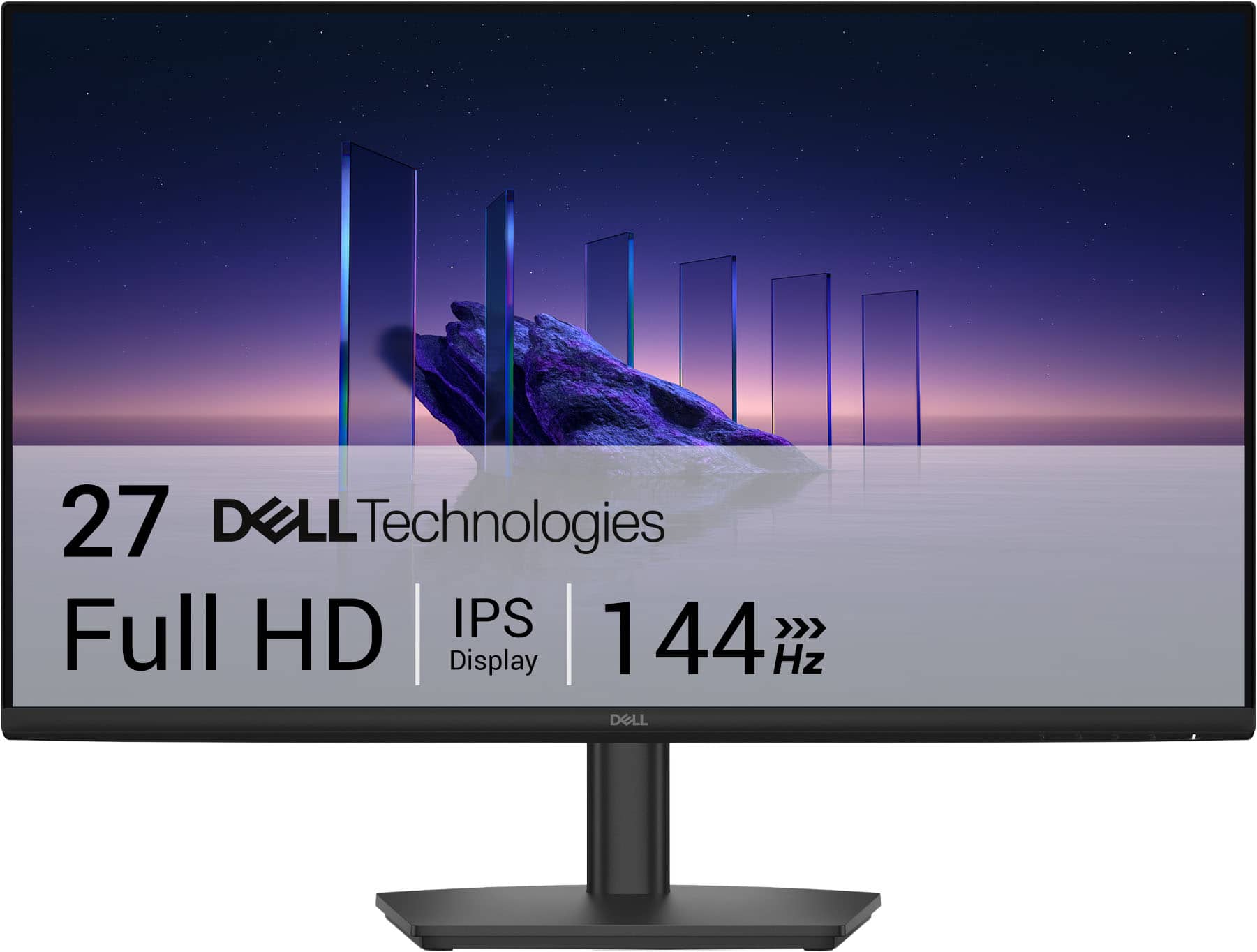
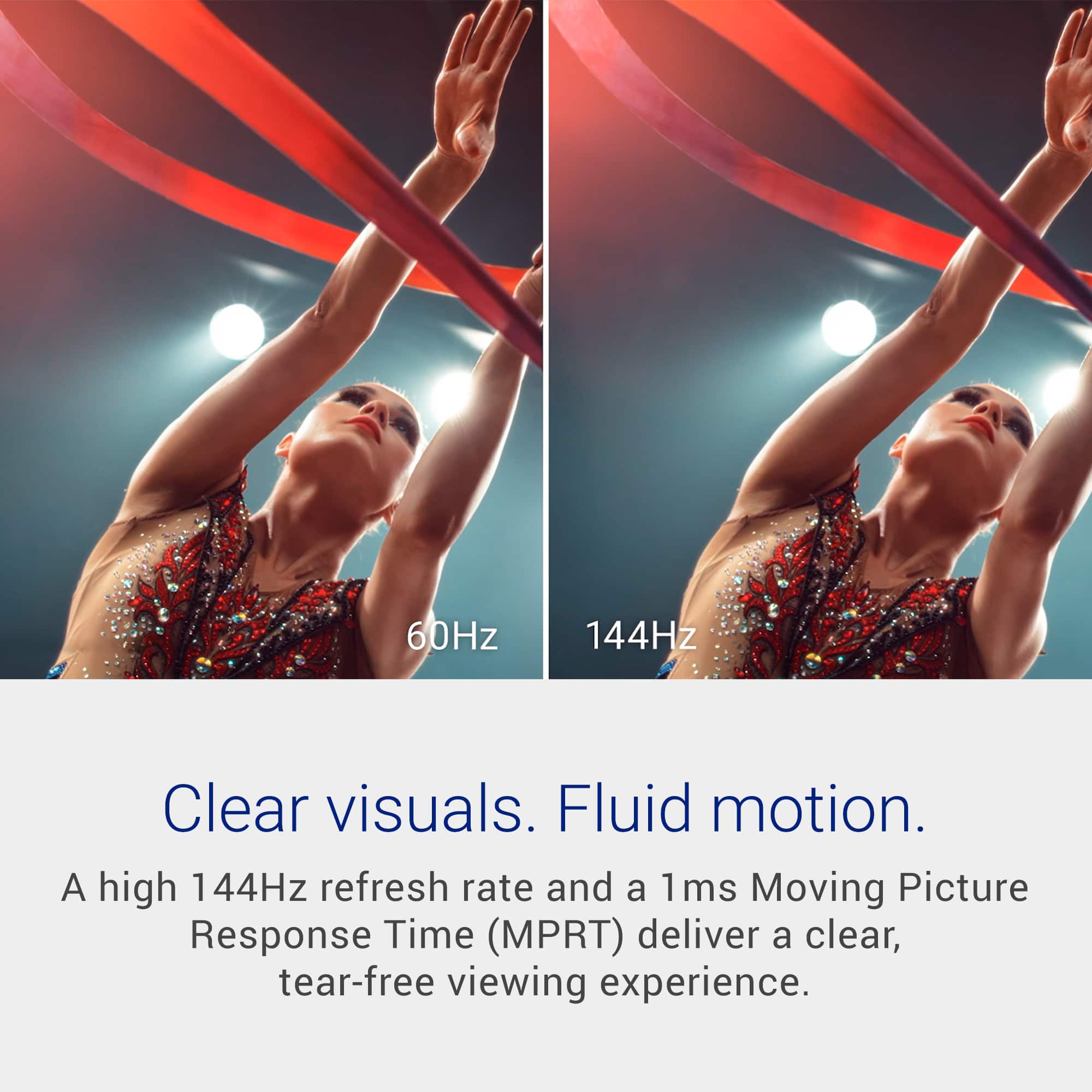
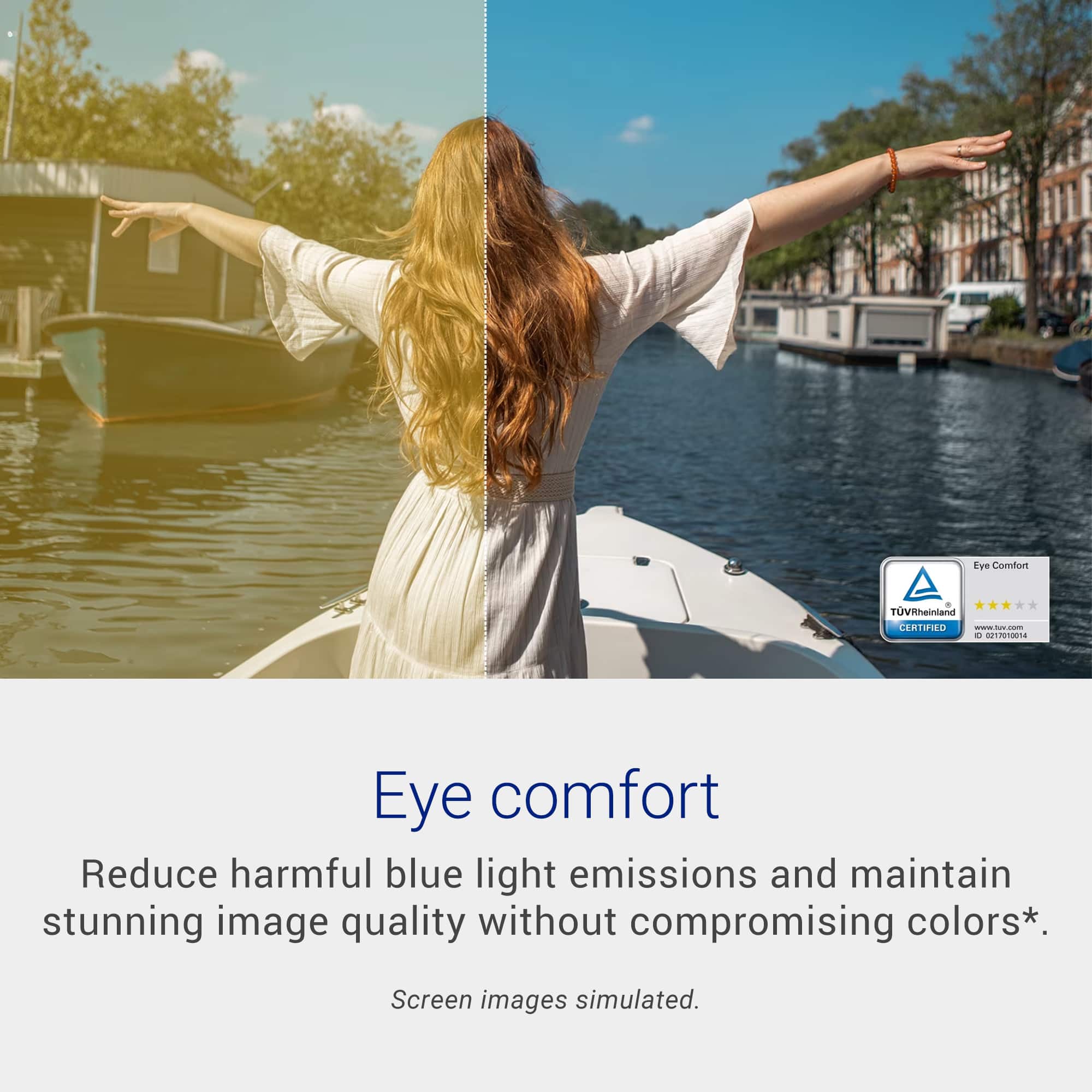
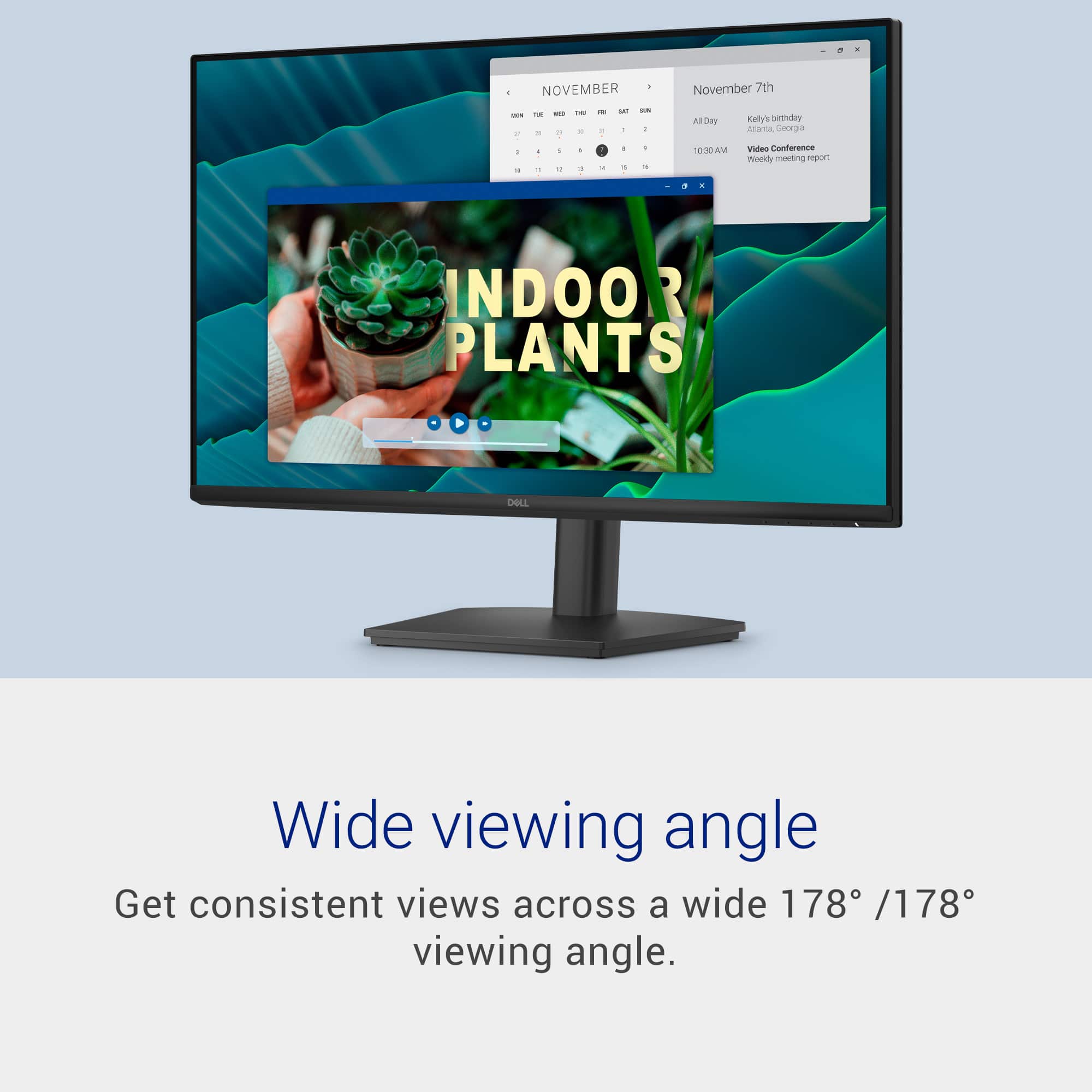
Customers commend the product's impressive color quality and its smooth 144 Hz refresh rate. They also appreciate its versatile adjustability, sleek and thin design, and the built-in eye comfort feature that reduces blue light. Additionally, the wide 178-degree viewing angle is a significant benefit.
This summary was generated by AI based on customer reviews.
- Pros mentioned:Color quality, Refresh rate

Outstanding Display
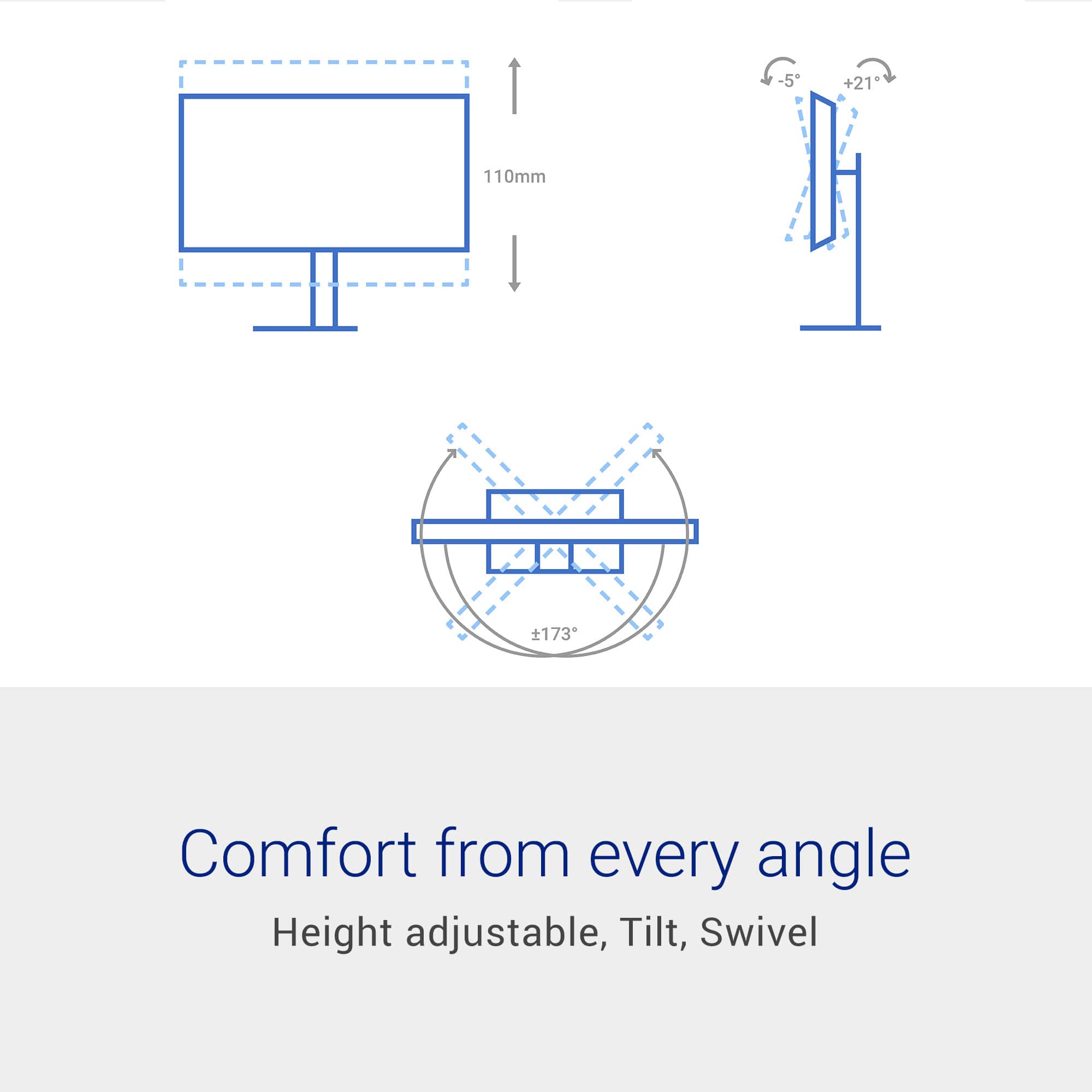
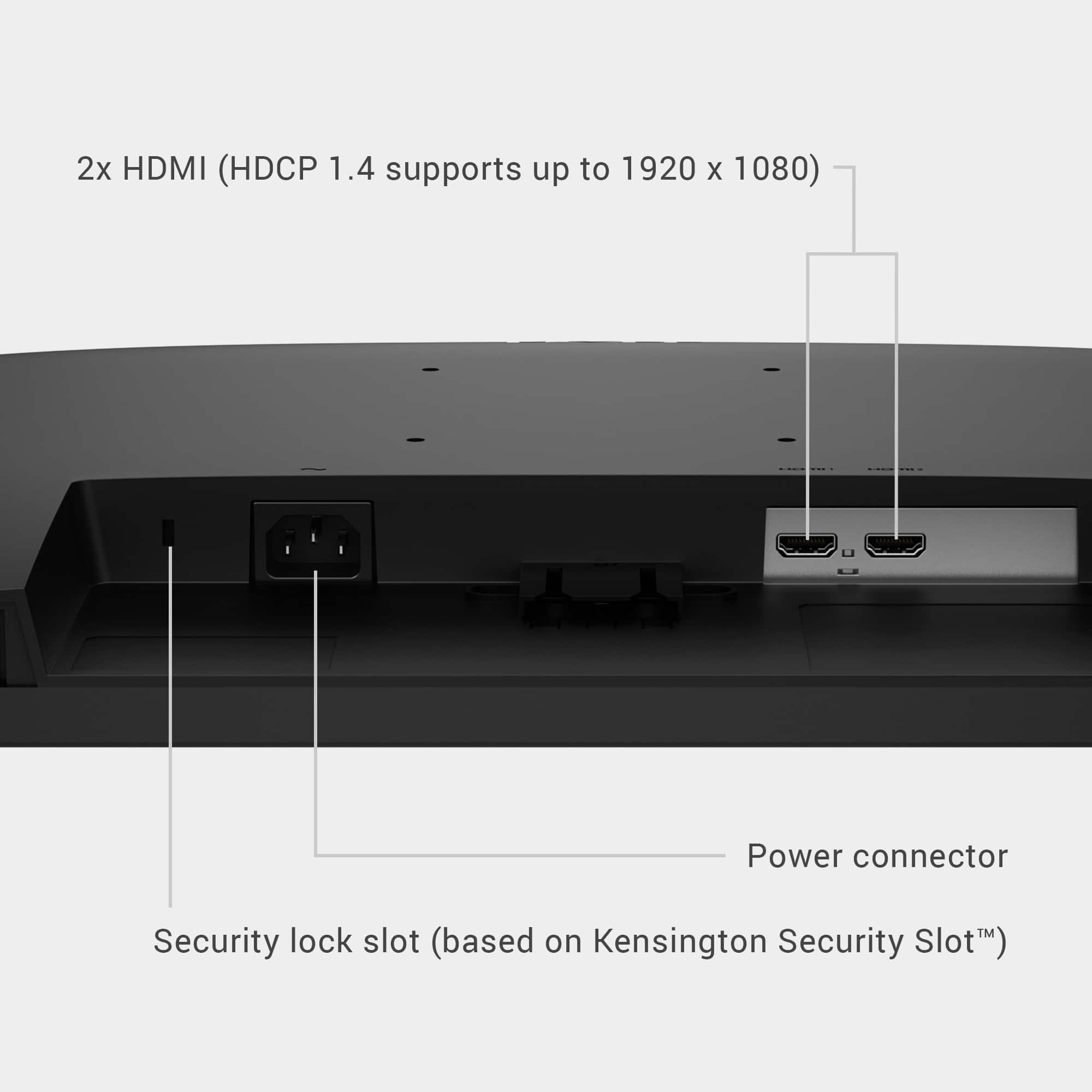
|Posted .This reviewer received promo considerations or sweepstakes entry for writing a review.This 27 inch monitor from Dell is one of the best displays I have ever gotten from the company. It has an outstanding image with excellent color production and a completely flicker free image. During game play or watching movies there is no blur thanks to the rather high refresh rate. The narrow bezels add to the enjoyment of whatever you are viewing and particularly makes movie watching more enjoyable as there is no distraction to what you are watching. The built in stand is easy to adjust to optimize the display to your viewing pleasure, It provides just the right amount of "heft" to hold the display in place on you desk or table when you are adjusting the viewing angle to suit you. It has both HDMI and display port to connect to your computer which provides options for how you want to use the display eiither depending on preference or equipment. Personally I Penerslly prefer HDMI but to each their own. I do like having the option for either as it's always best to have somerthing and not need it than to need something and not hate it. Overall I feel this is an excellent display from Dell.
I would recommend this to a friend Monitor the situation
|Posted .This reviewer received promo considerations or sweepstakes entry for writing a review.Picture this: you're a gamer and your primary screen is your 15" laptop screen, with a 21" monitor streaming YouTube next to you. Skibbidi, right? Now, refresh and picture the update: you're a gamer and your primary screen is a 27" Dell HD 144Hz widescreen. Now you have that main character energy! After making the swap to a screen that is over a foot bigger, a few things were immediately apparent: It's bigger, which makes games easier to play. However, not much else makes the screen stand out. FOV didn't change, color saturation and crispness didn't make an impression, and there wasn't a noticeable improvement in motion. In fact, when spinning left to right, or right to left, the bottom 1/3 of the screen seems to "split" from the top 2/3 and lags behind. The lag isn't enough to get a character in trouble, but it's noticeable in the heat of the game. It's happened in multiple games, too, so it's not the specific software. Setup was straightforward with a power cable and the HDMI. I would have preferred a D-port connection over HDMI, but if you're hooking it up to older equipment, HDMI works just fine. The physical buttons are conveniently located, and the computer didn't have any issues locating the new monitor. For the price point, it's a decent monitor, but don't expect too much from it as it's not a 4K UHD Nvidia DLSS-equipped setup that can fully utilize ray-tracing. If you're looking for size, this monitor definitely delivers, especially at this price point.
I would recommend this to a friend- Pros mentioned:Design
Very clear display with no glare.
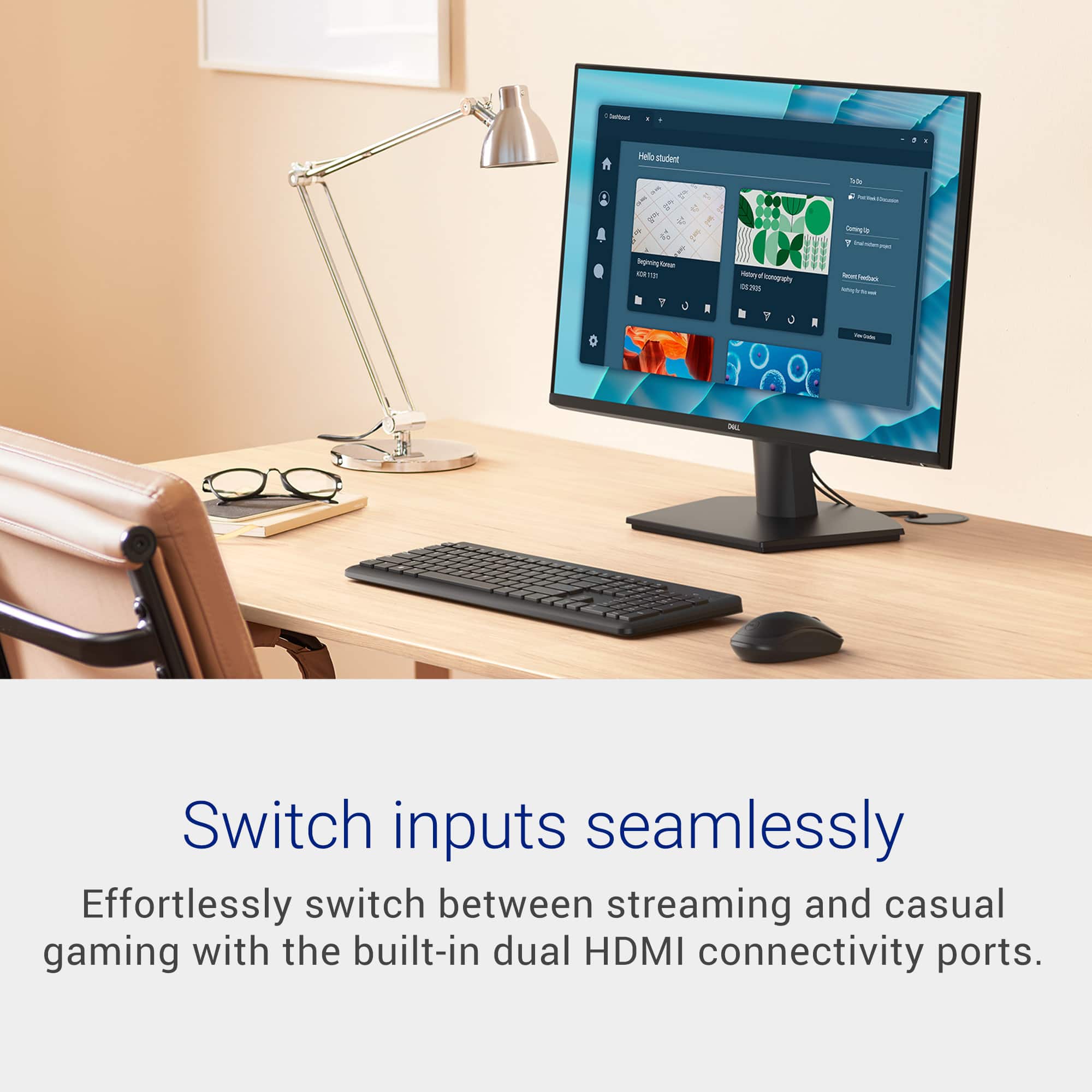
|Posted .This reviewer received promo considerations or sweepstakes entry for writing a review.Dell typically makes good products and this monitor will not disappoint. If you are looking for an inexpensive monitor, this one will meet your needs. Dell typically makes good products and this monitor will not disappoint. If you are looking for an inexpensive monitor, this one will meet your needs and is a best in class contender. It can be mounted via VESA mount or use the provided stand. It has 2 HDMI ports and allows you most of the standard adjustments. The screen is clear, vibrant and does not produce a glare. If I could change one thing, it would be allowing you to select a different input easier. You have to have to use the directional arrows for multiple steps and it can be tedious. Outside of that, it performs well and it does not hinder my score because most monitors perform the same way. I would not hesitate to purchase this. I replaced a 4K monitor with this and like the quality much better. Its light weight and I was able to set up with minutes mounting it to my multi monitor desk mount. It has a low profile with a minimal boarder making it sleek and modern.
I would recommend this to a friend - Pros mentioned:Refresh rate
Thin bezzle, nice refresh rate, easy panel mountin
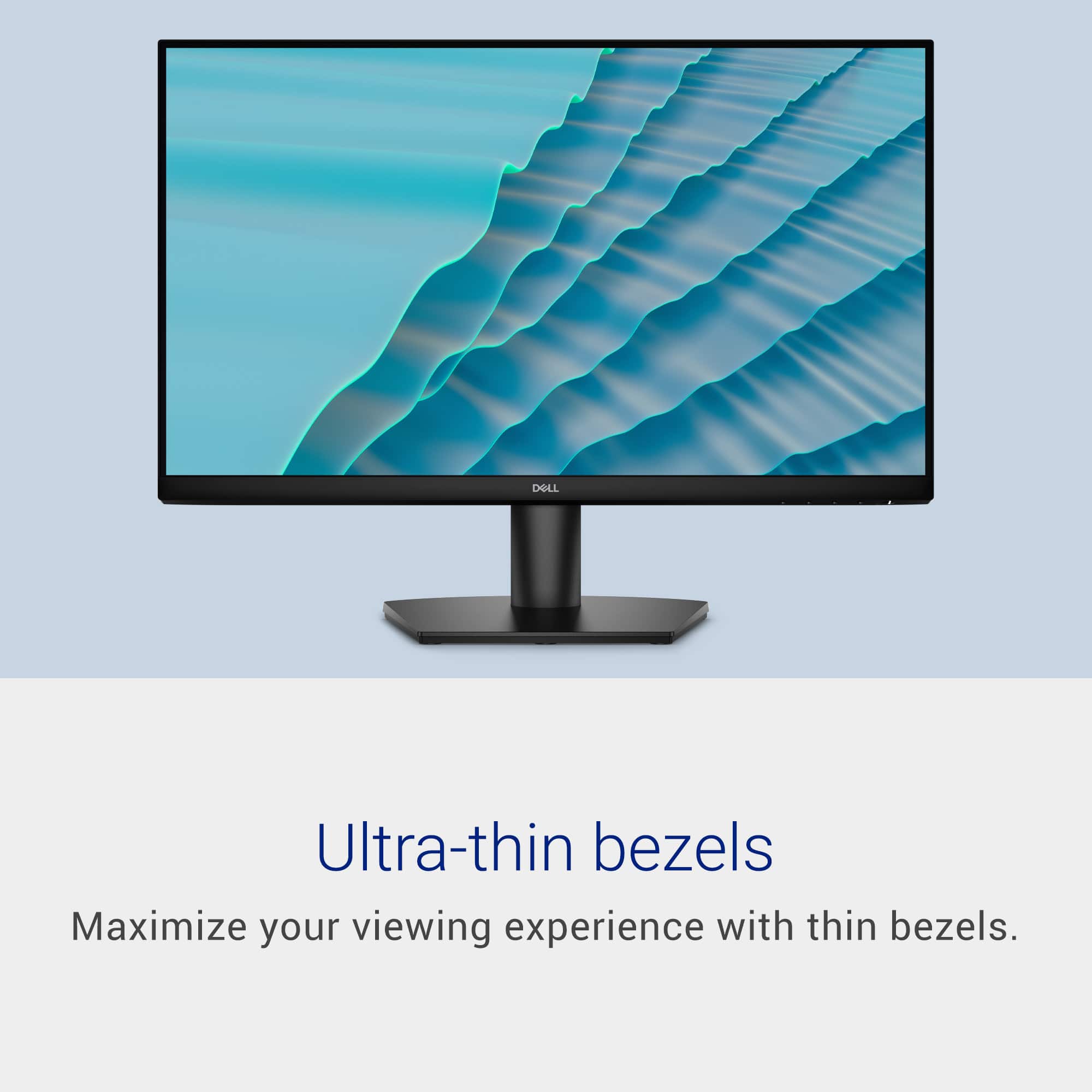
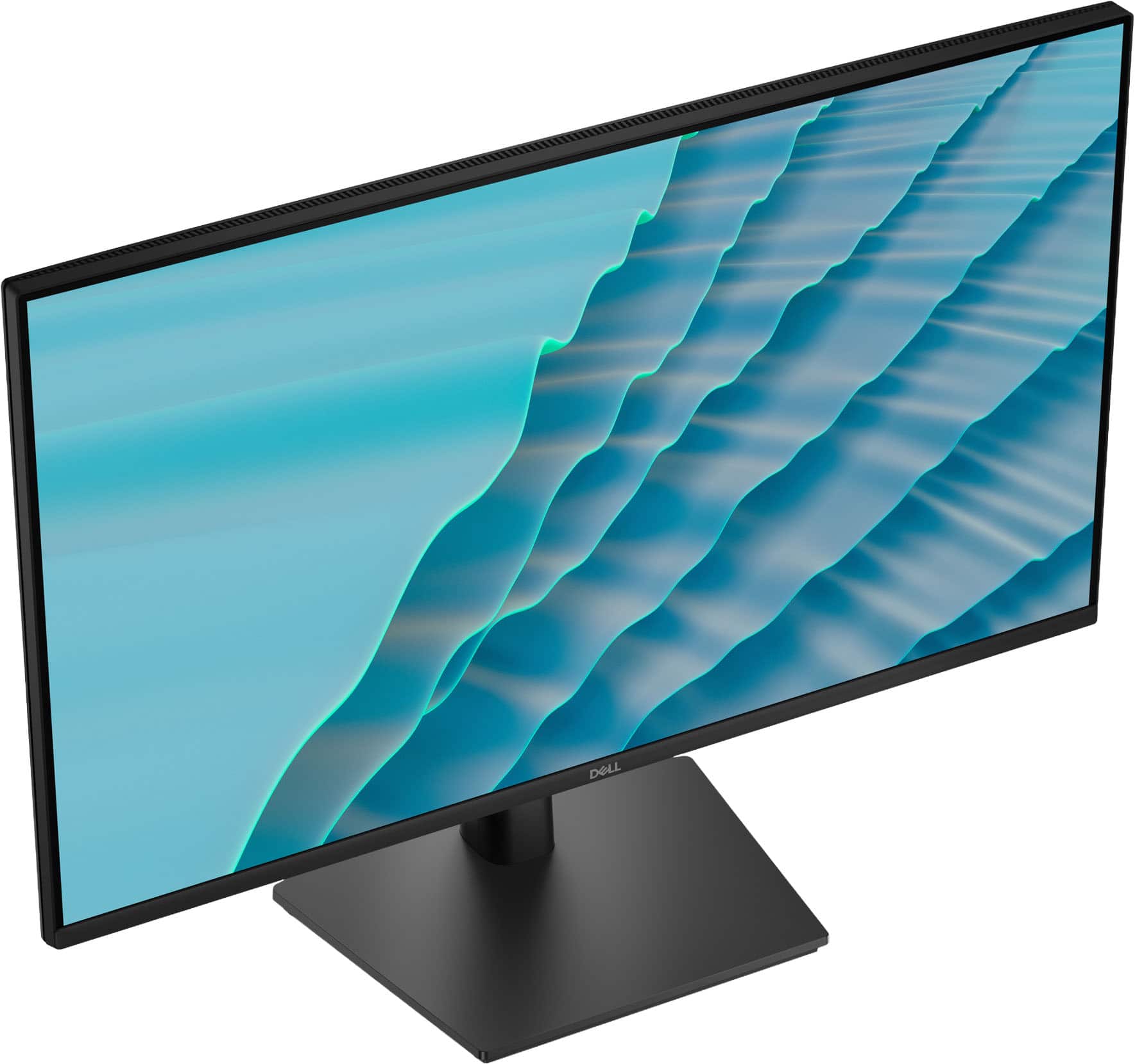
|Posted .This reviewer received promo considerations or sweepstakes entry for writing a review.This screen has a really nice thin, clean looking bezzle to it and dual HDMI Ports using the latest 1.4 for 4k plus/Full HD resolutions and HEC at a max refresh rate of 144 hertz. In the box, there is also the included HMDI cable to get you going alongside the power cable. The ultra-thin bezzle goes almost unnoticed during normal to high use while having limited eye strain with the way the screen has been designed to work in areas/room with lots of lighting for anti-glare. The anti-glare screen works very well in these types of environments. This screen works best for everyday use and office spaces, plus those occasional downtimes for gaming. It does have a high refresh rate to support gaming and graphics design. This noted, the AMD FreeSync supporting this display shows itself best during game play from prevention of flickering and smooth video when combined with an AMD supporting video/graphics card (GPU). At 27 inches in it can be easily tilted on its base stand or when panel mounted adjusted easily.
I would recommend this to a friend Simple, Smooth, and Comfortable for Daily Use
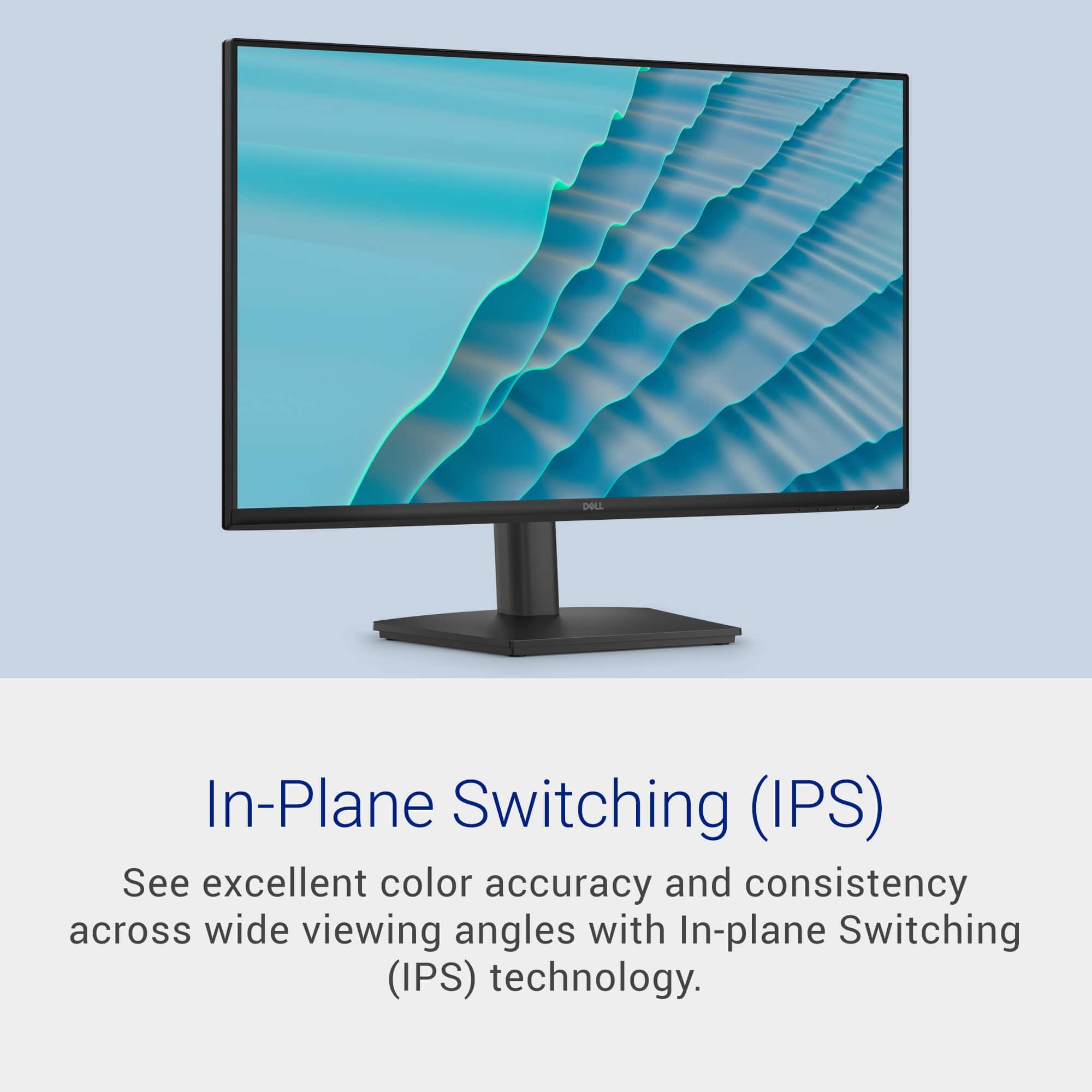
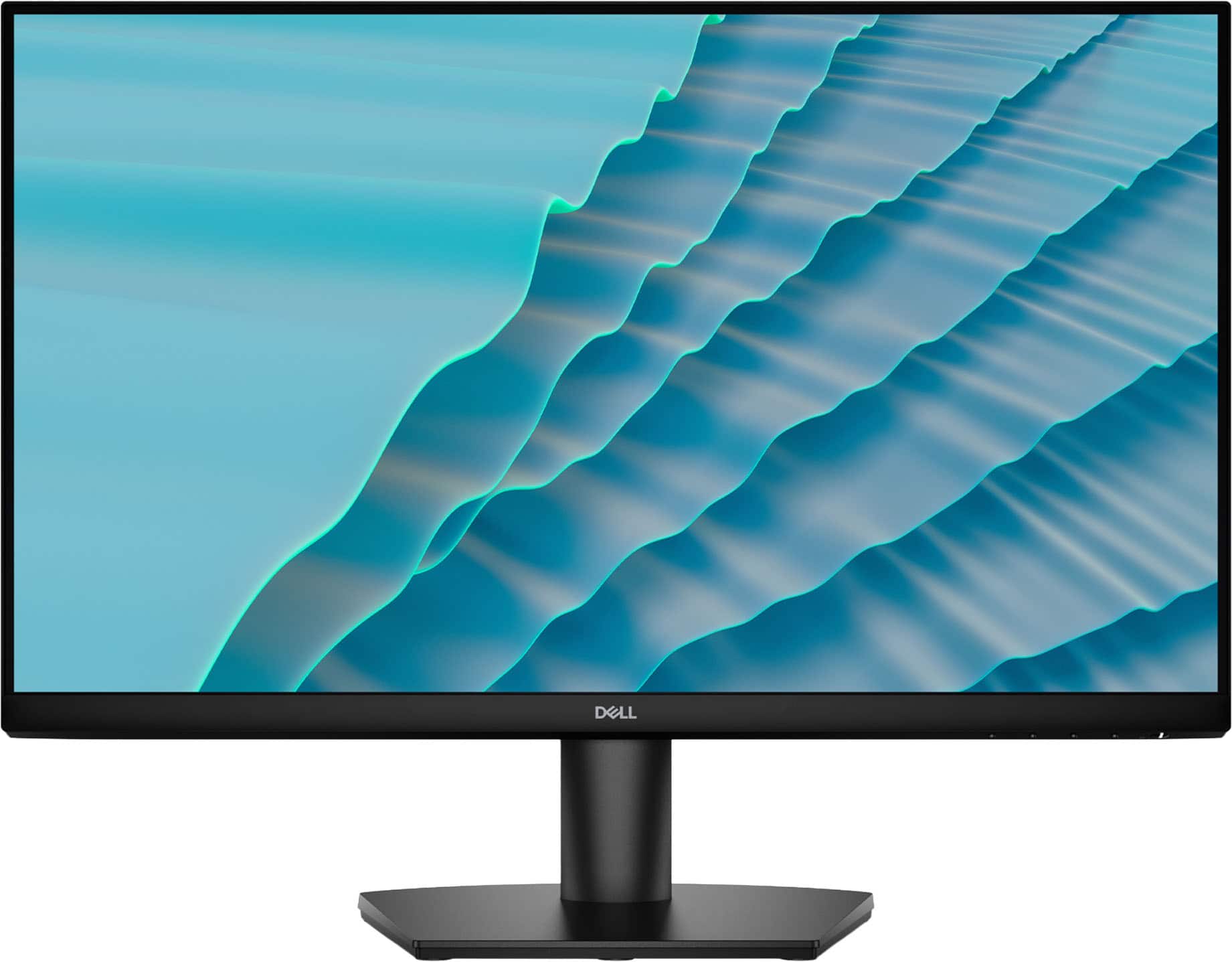
|Posted .This reviewer received promo considerations or sweepstakes entry for writing a review.The **Dell SE2726HS 27" IPS LCD FHD 144Hz FreeSync Monitor** is a great all-around monitor that I have used heavily both for work and casual game play. I find the monitor to be the right size for my work space as 27 inches isn't too big or small. The thin bezels are nice as they minimise distractions created by the monitor's frame while focusing on what's happening on the monitor itself. The 144 Hz refresh rate is a great improvement from monitors with only 60 Hz. Scrolling through documents and Web pages appears smoother; motions in games or on videos look smoother (no tearing). I do not play competitively but I can tell there is a noticeable difference in performance. Colour accuracy and viewing angles are excellent thanks to the IPS technology. I can easily move around or look at the screen from different angles without a large drop in the colours on the display (great for sharing the screen with other people). The brightness of the display is great for a typical indoor environment and the anti-glare surface helps to reduce glare. The eye comfort features of this monitor are another positive attribute. After using the monitor for long periods of time, it seems that the reduced blue light and the flicker-free display do help to reduce eye fatigue. In conclusion, I have found this to be an excellent and basic monitor for everyday use, media consumption, and light gaming. There are no bells and whistles that you would find on higher end products; just a dependable and consistent monitor.
I would recommend this to a friendA Solid Everyday Monitor With a Few Gotchas
|Posted .This reviewer received promo considerations or sweepstakes entry for writing a review.Refresh Rate Reality Check: The 144Hz That… Isn’t On paper, this 27" Dell monitor promises a 144Hz refresh rate, which sounds great - until you look at the ports. Since it only includes HDMI 1.4, you can’t reliably hit that full 144Hz. Modern DisplayPort handles high refresh rates effortlessly, but HDMI 1.4 tends to tap out closer to 120Hz unless you’re using the newest HDMI 2.2 hardware and cables. Because Dell skipped DisplayPort entirely on this model, the advertised 144Hz ends up being more of a “nice idea” than something most users will actually experience. If you’re buying this specifically for high-refresh gaming, that’s a meaningful limitation to know upfront. Resolution & Panel Quality: Great for Work, Not Built for Pros or Competitive Gamers The SE2726HS runs at 1080p, which is perfectly fine for everyday use - browsing, spreadsheets, schoolwork, general productivity. For that crowd, it looks clean and sharp enough. But if you’re a competitive gamer chasing every pixel of clarity or a content creator who needs precise detail, 1080p on a 27" screen isn’t going to cut it. You’ll probably want something sharper or more color-accurate. The IPS panel itself is solid. Colors stay consistent from different angles, which is great for office setups or shared workspaces. It’s not a color-grading monitor and it’s not trying to be - so while it won’t wow professional creatives, it handles day-to-day tasks beautifully. One nice bonus: AMD FreeSync. It does a great job reducing screen tearing in games that support it, which helps smooth out the overall experience even if the panel isn’t built for high-end gaming. Final Verdict: Who This Monitor Is Actually For The Dell SE2726HS is a straightforward, dependable monitor that does exactly what most people need it to do. The picture is clean, the colors are decent, and it’s comfortable to use for long work sessions. For the price, it’s genuinely a strong value - especially for students, professionals, or anyone who just wants a reliable display without spending a fortune. If you’re expecting OLED-level visuals or a cutting-edge gaming experience, this isn’t the monitor for you. But if you want something practical, affordable, and easy to live with, the SE2726HS fits the bill nicely. It’s not my favorite monitor ever, but it’s definitely not a bad one either. For everyday tasks, it gets the job done without fuss.
I would recommend this to a friendA Good Solid Monitor
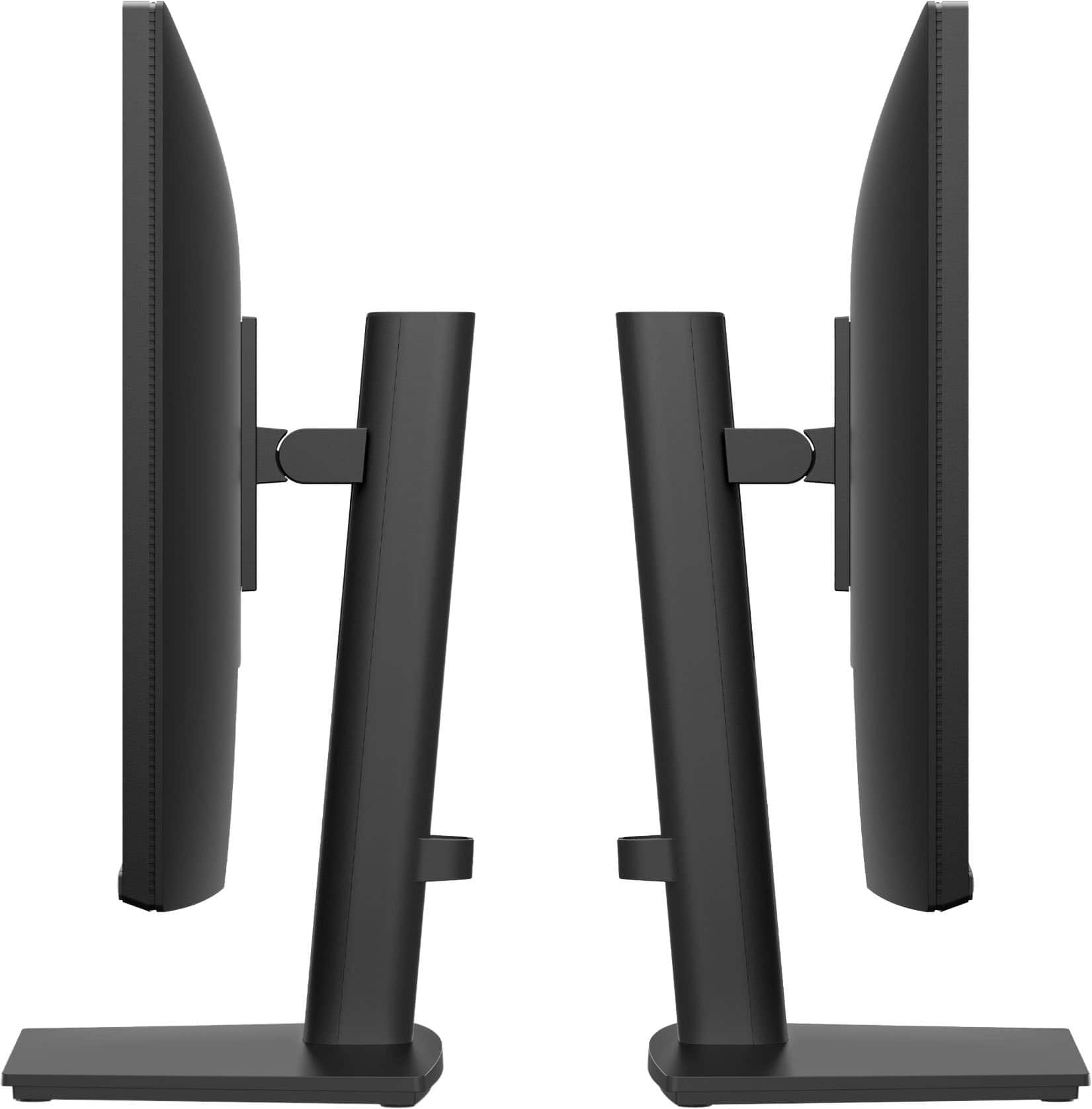
|Posted .This reviewer received promo considerations or sweepstakes entry for writing a review.Summary: This Dell 27-inch monitor seems designed and built with Home or Work Office use in mind. For example you’re not going to get any privacy in this screen. It has a specifically functioning wide field of view for collaboration with family members or staff to discuss what’s on the screen. Its rugged simple design is functional, and not something that’s going to turn heads. A definite utilitarian working device. It is the perfect size for a typical work-desk. It’s screen is clear and big enough to display multiple visual elements open on the screen. Meanwhile the external dimensions are not physically too obstructive for the typical workspace. I’m not sure I would want to go larger, unless it’s I needed an ultra-wide screen. This monitor hits the sweet spot for getting work done at home, school, or in the office. Features/Specs: Screen Size: 27 inches Input: 2 x HDMI Panel Type: IPS (In Plane Switching) Brightness: ~250 nits (typical for office/home use) Resolution: 1920 × 1080 (Full HD) Response Time: 1ms MPRT (Moving Picture Response Time) Refresh Rate: 144Hz (smooth motion for gaming & scrolling) Color: 16.7 million colors Anti Glare: Yes Contrast Ratio: ~1000:1 (standard IPS contrast) Viewing Angles: 178° horizontal / 178° vertical AMD FreeSync support (reduces tearing during fast screen motion) Works with AMD & many NVIDIA GPUs Low latency performance suitable for casual to mid level gaming 144Hz + 1ms MPRT (Moving Picture Response Time) gives noticeably smoother motion than 60Hz monitors PROS: NO Power Brick: Single 110V 60 Hz Cord from wall outlet to back of panel. CONS: No Display-Port: (important if you rely on Display Port cables for daisy chaining or high end GPUs) Limited Adjustment Options: The only physical adjustment is Tilt. There’s no up-down or side-to-side screen adjustment. In some cases, this can be limiting. CONCLUSION: The Dell - SE2726HS is a work-horse not a race-horse. It would be a very good addition to most home/office environments.
I would recommend this to a friendAMAZING
Posted .This reviewer received promo considerations or sweepstakes entry for writing a review.Amazing!!! This item is what i expected, really liked
I would recommend this to a friend