Customer Ratings & Reviews

- Model:
- U2518D
- SKU:
- 6111217
Rating by feature
- Ease of Use
Rating 4.9 out of 5 stars
- Value
Rating 4.7 out of 5 stars
- Quality
Rating 4.7 out of 5 stars
Customers are saying
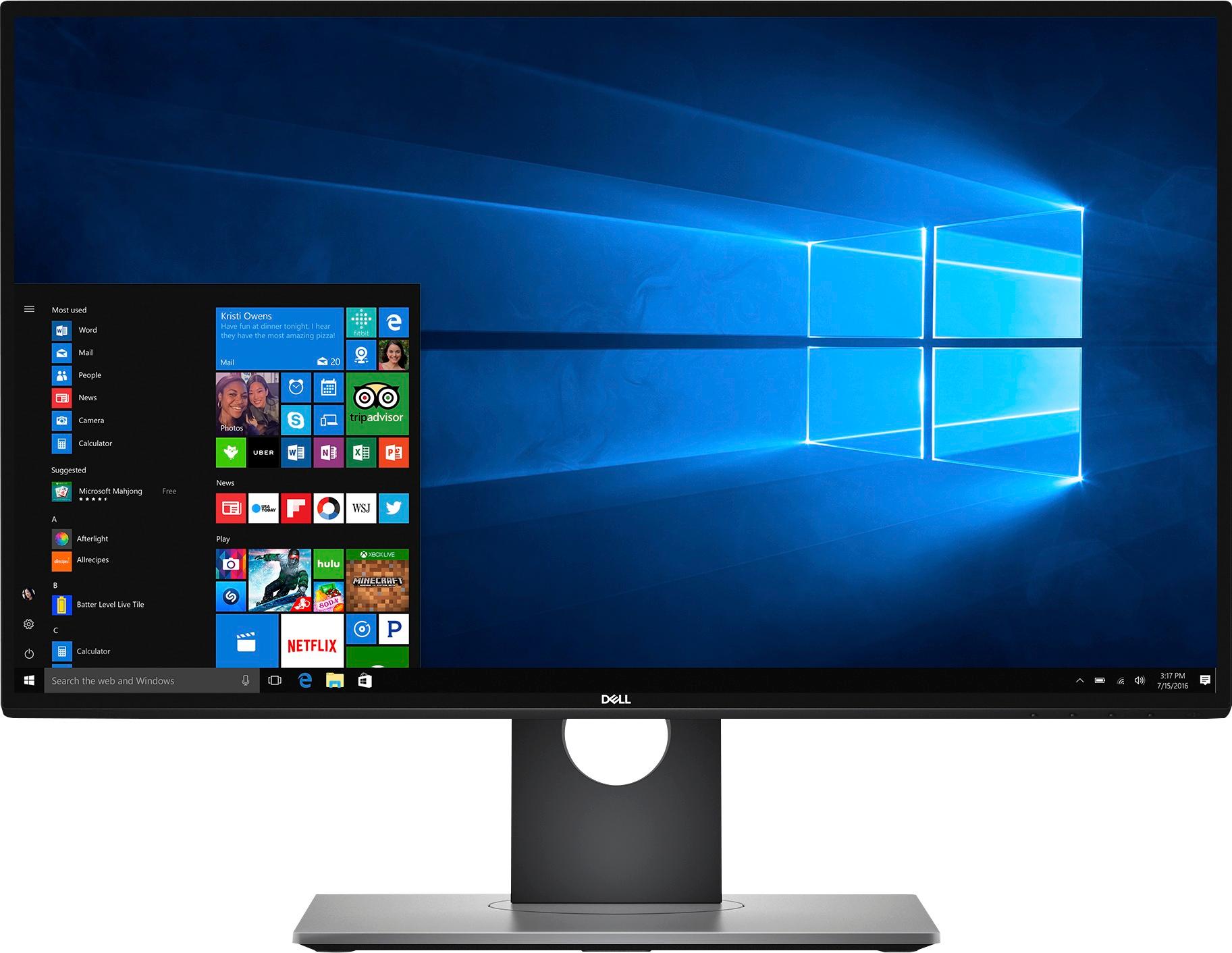
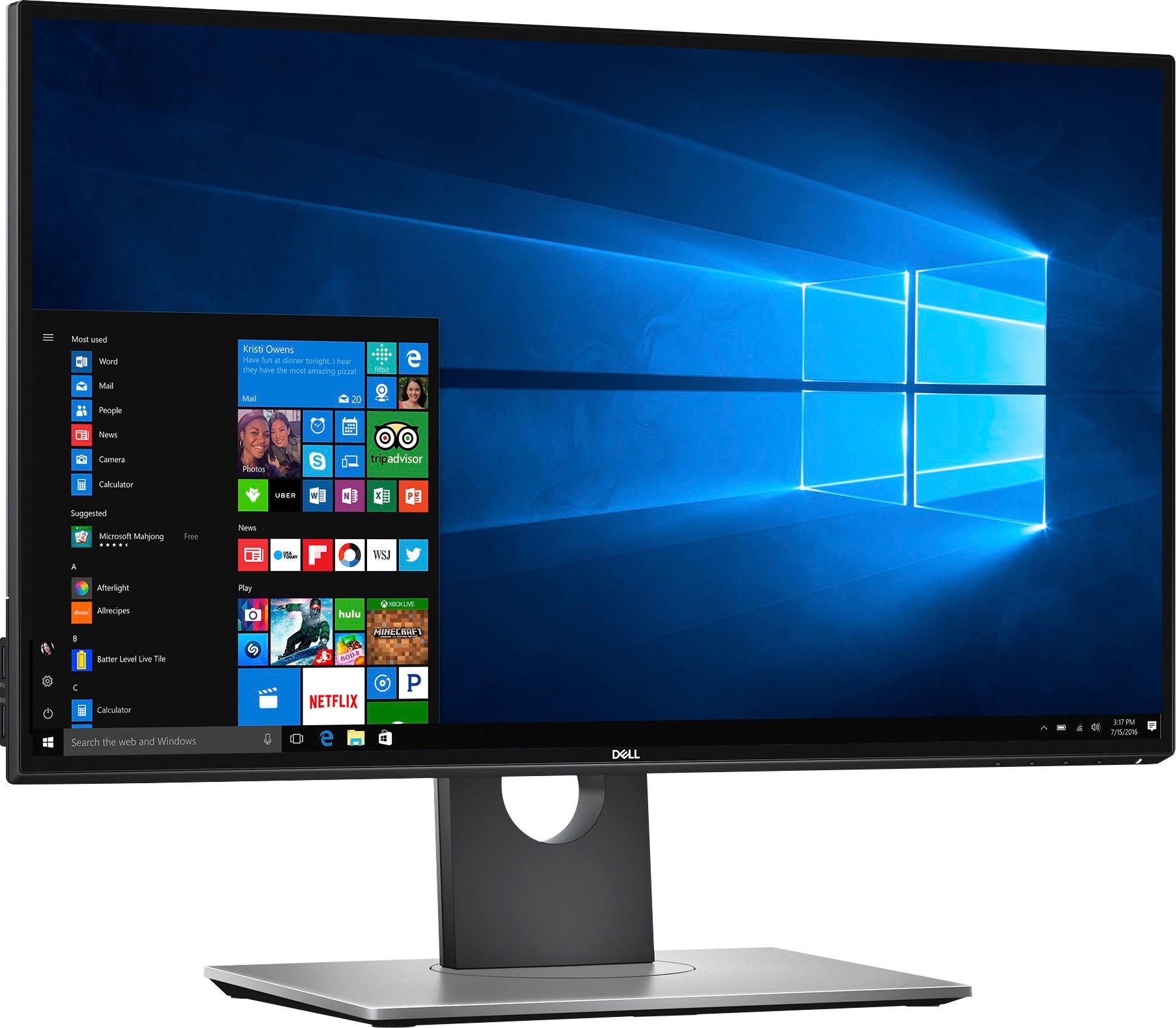
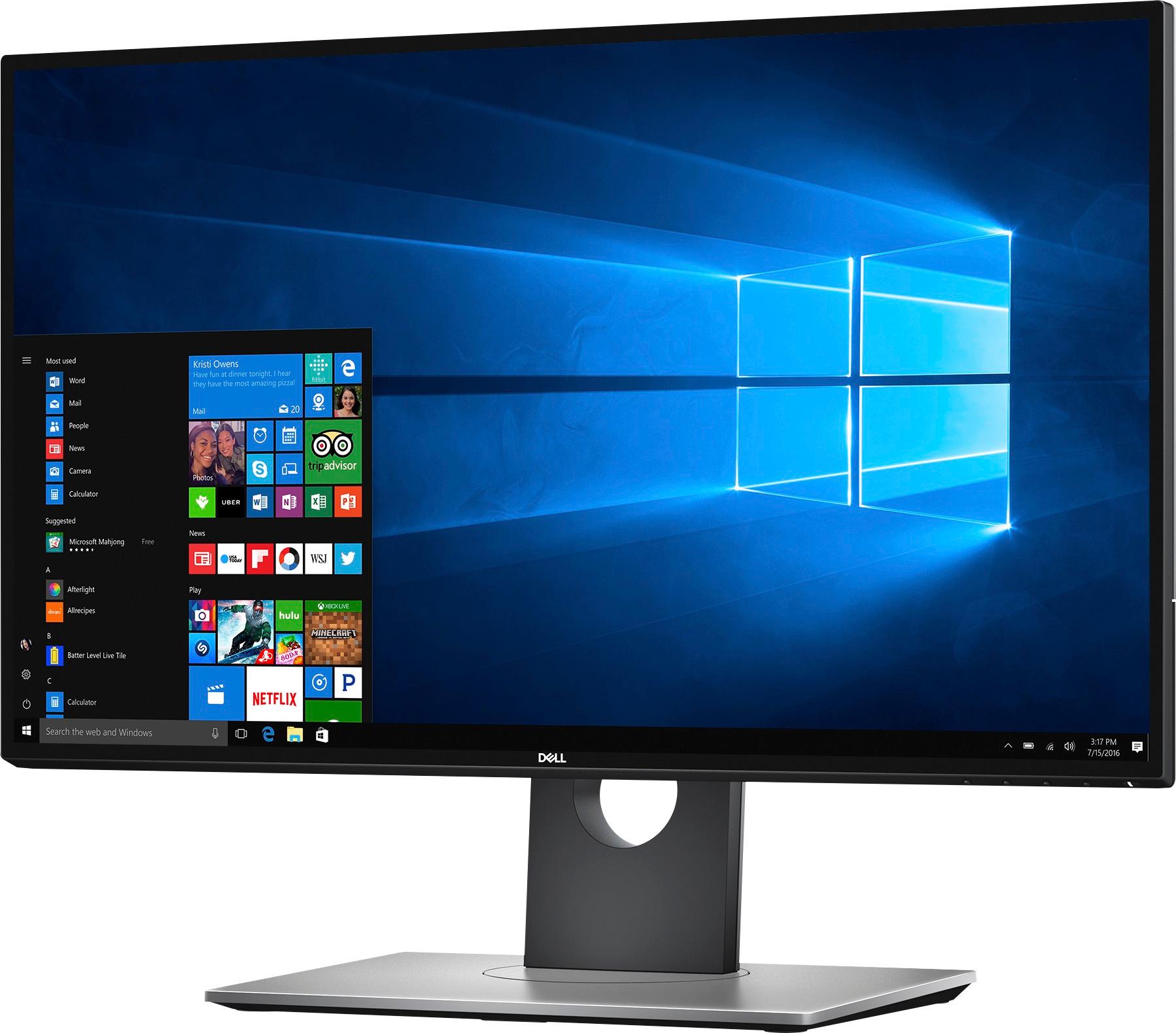
Customers find value in the UltraSharp U2518D monitor's excellent picture quality, vibrant colors, and highly adjustable stand. Many appreciate the thin bezels and generally fast refresh rate, although some users experienced issues with screen tearing during console gaming. A few customers noted the price point as a potential drawback, and some had difficulty with the power button and HDMI ports.
This summary was generated by AI based on customer reviews.
I can see clearly now...
||Posted .This reviewer received promo considerations or sweepstakes entry for writing a review.Nice, clear, sharp images. Just as clear in text as pics.
I would recommend this to a friendHappy Customer
||Posted .This reviewer received promo considerations or sweepstakes entry for writing a review.Very happy with this monitor. Met all my expectations.
I would recommend this to a friendNice
||Posted .This reviewer received promo considerations or sweepstakes entry for writing a review.Good item i use it for Samsung.dex and it work perfect
I would recommend this to a friendNice editing monitor
||Posted .This reviewer received promo considerations or sweepstakes entry for writing a review.I bought this monitor over a year ago and I am loving it, a decent monitor for editing .
I would recommend this to a friendGreat monitor for MacBook Pro users
Posted .This reviewer received promo considerations or sweepstakes entry for writing a review.This monitor works really well with the new MacBook Pro, and likely with other Apple products as well, because the resolution really suits the preferred resolution of Mac OS displays. To paraphrase "Mr A." from his very useful "Resolution is problematic for Mac users" reviews of a different monitor: Mac OS is designed to work well in the 100 dpi range or, as a "retina", in the 200 dpi range. The 4K 27" monitors (UHD) have a native resolution that falls right between these value, which means that they can be used as a native 4K monitor (like the "more space" option in the Mac settings), but then everything on the screen is so small. Most users will instead choose an in-between resolution of 2560x1440 because, at that resolution, the Mac OS interface looks just right on a 25-27" canvas. So while you may be tempted to purchase a 4k monitor, if you are running a 4k monitor as a 2560x1440, you are ending up with an inferior "scaled" display that won't look at good or run as efficiently. You should have bought a (good quality) 2560x1440 monitor instead. This is exactly what this monitor is... a very good 2560x1440 monitor that looks great in its native resolution with Mac OS, and works well when driven by the MacBook Pro using DP or HDMI cables. The Mini-DP to DP cable is in the box with the U2515D monitor, but I have the newer MacBook Pro 13" with the USB-C/Thunderbolt 3 ports, so I used it first with a USB-C to HDMI adapter and also purchased a Cable Matters USB-C to DP cable. Both drive the monitor at full resolution from any of the USB-C ports on my Late 2016 13" MacBook Pro. BTW, I am lucky to have the 27" 5K LG monitor from Apple at work, so you might ask how they compare. Interestingly, if you look at the display settings when using the 5K monitor, the MacBook is actually using "Looks like 2560x1440" mode. Don't get me wrong, the 5k 27" display is sharper because it is truly a retina display, so you can tell the difference when you put your face right up to the screen. But at a working distance, they look surprisingly similar and the key points are that everything on the screen is the "correct" size, it works right out of the box with the MacBook Pro, and it looks good. The 25" size is really nice for my home use, and the slightly smaller 25" canvas make things a bit sharper that it would on a 27" monitor. I switch between my laptop screen, the 27" 5K monitor, and this 25" Dell monitor and things just look fine. And oh yes, this monitor has a better stand and costs a LOT less than the $1300 5K monitor.
I would recommend this to a friendUltrasharp!
||Posted .This reviewer received promo considerations or sweepstakes entry for writing a review.It looks great, it's easy to use, and easy to assemble. Recommended.
I would recommend this to a friendIt's very sharp.
||Posted . Owned for 1 year when reviewed.This reviewer received promo considerations or sweepstakes entry for writing a review.It was bought for my son. He uses it and likes it a lot.
I would recommend this to a friendDecent Monitor
||Posted .This reviewer received promo considerations or sweepstakes entry for writing a review.Decent Monitor, good contrast, okay black levels, good sharpness.
I would recommend this to a friendNice Monitor
||Posted .This reviewer received promo considerations or sweepstakes entry for writing a review.Was easy to set up and works well with my MacBook.
I would recommend this to a friend- Pros mentioned:Bezel sizeCons mentioned:Gaming performance, Screen tearing
Graphical issues with DX9 games
Posted .This reviewer received promo considerations or sweepstakes entry for writing a review.I first got the Dell U2515h almost two years ago, and it has been a very good monitor. Seeing the Black Friday deal for the U2518d, I decided to get it to use as a secondary monitor. Onto the monitor: It is very good. The bezels are nice and thin, and unlike the U2515h, the U2518d's bottom bezel is the same size as the sides/top. It didn't really matter to me, but it's nice to see and I'm sure a lot of people will like this. However, there is a major issue with this monitor. I've noticed that, when playing CS:GO, the game screen seems to freeze every few seconds. When it freezes, it VERY SLOWLY goes to the next frame. I'm pretty sure this isn't screen tearing, I mean, you can literally see a horizontal line slowly wiping down the monitor. This is extremely annoying. In a game like CSGO, a 1 second freeze can make the game unplayable. It also seems like this issue is only with DirectX 9 games, since other games like Battlefield 4 don't have these issues. I've also heard about other people having this problem as well. It's disappointing, really. My U2515h did not have this problem at all, so it's a shame that this one is problematic. I seriously hope this is an issue that can be fixed with a firmware update because if not, I'm gonna have to return this monitor.
No, I would not recommend this to a friend - Pros mentioned:Bezel size, Picture quality
Awesome QHD
Posted .This reviewer received promo considerations or sweepstakes entry for writing a review.Incredible build quality. Low enough response time for my Xbox gaming. Picture quality is impressive and the display is plenty bright for my usage in a room with slightly above average light.
I would recommend this to a friend - Pros mentioned:Picture quality
Great for Photo Editing and Business
Posted .This reviewer received promo considerations or sweepstakes entry for writing a review.I haven't had it long, but so far so good. I work from home, but I also do a lot of photo editing. For work most modern monitors are fine, but for my photography hobby, I had outgrown my current monitor. After a lot of research, I settled in on this Dell Ultrasharp. Even before calibration, the difference was evident. The build quality, color accuracy and brightness was in another league. I also think QHD is the perfect middle ground for resolution, 4K may have been great for editing, but it would have been an eye strain as a business machine.
I would recommend this to a friend AWESOME DETAILED MONITOR
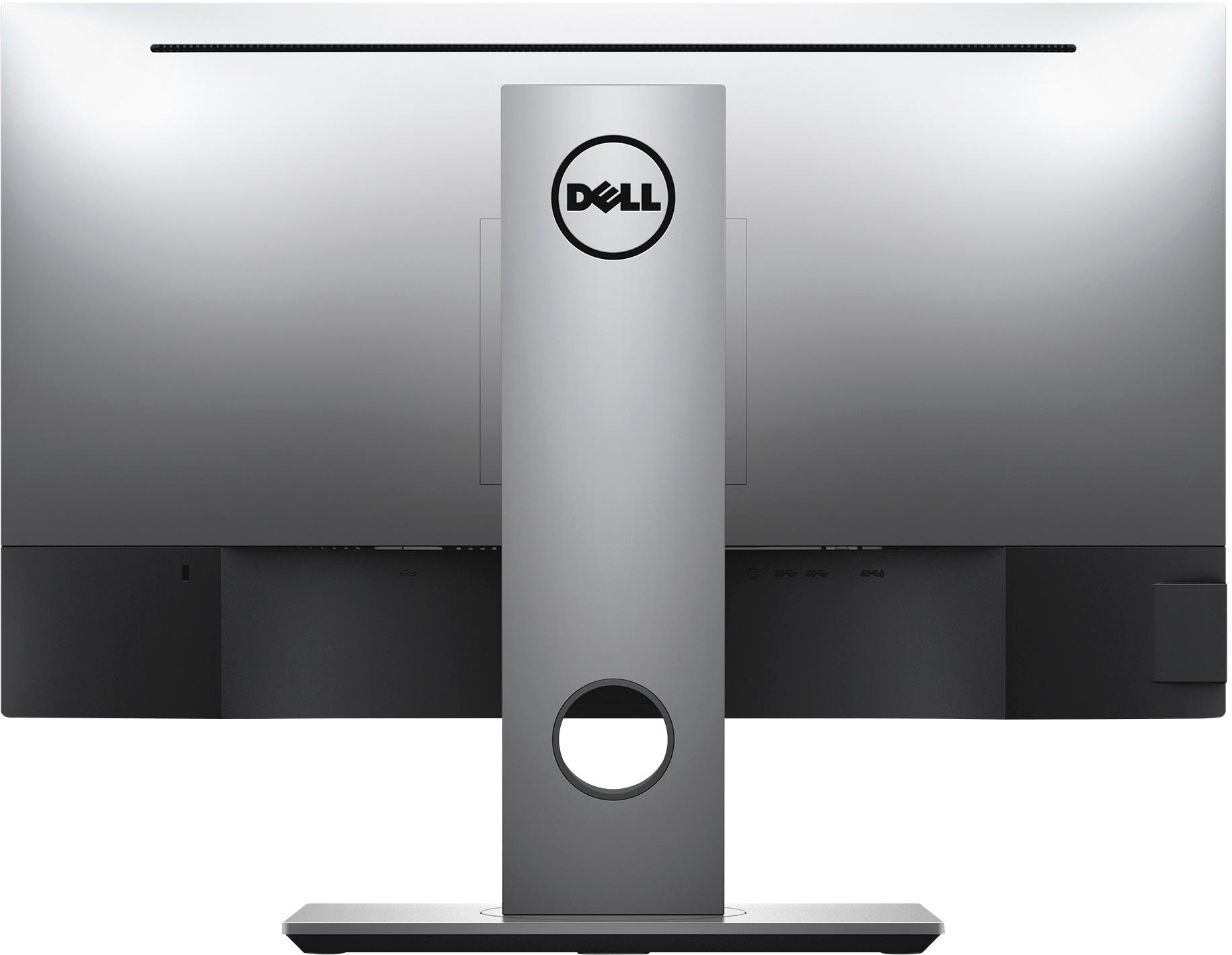
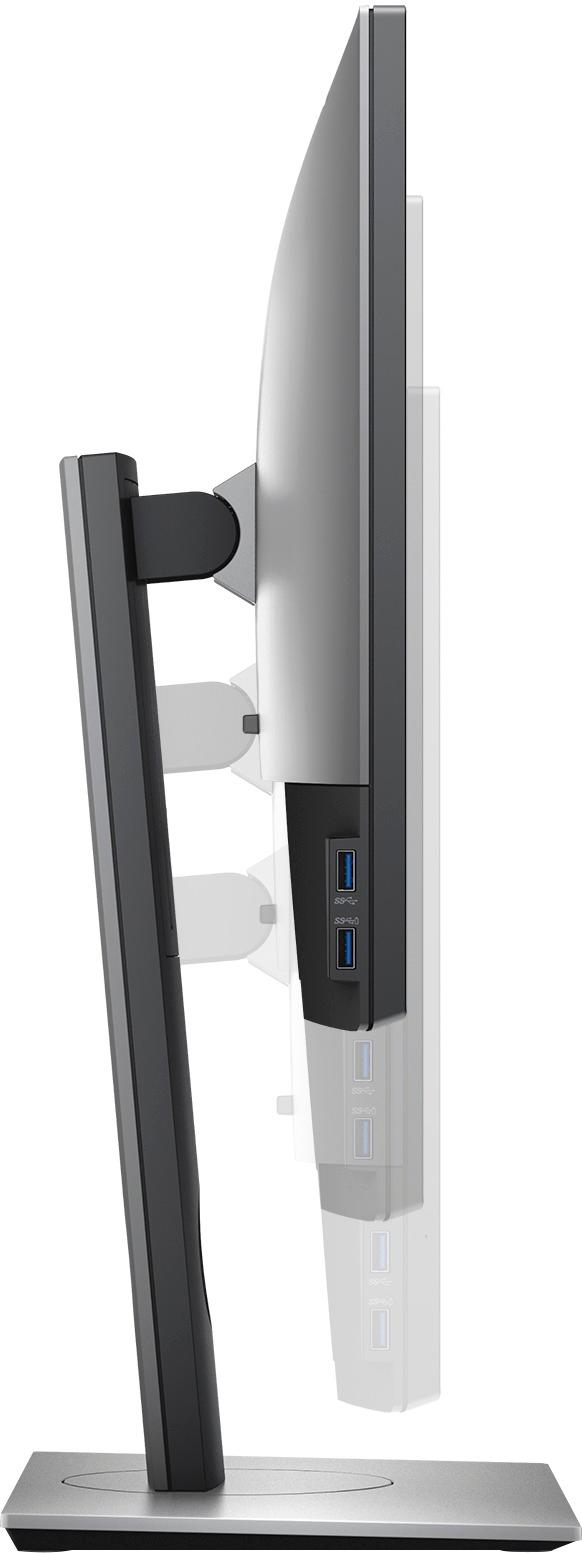
Posted .This reviewer received promo considerations or sweepstakes entry for writing a review.I purchased the DELL Ultrasharp U2518D for my wife's photography business. She loves the accuracy of the colors and is very similar to the iMac. The size is perfect for a dual screen set up with the iMac. The HDR and the 99% sRGB right out of the box is a photographers' dream. The screen is bright, detailed and accurate. Setting it up was quick and easy with no tools required. There are plenty of connections to it (HDMI, DisplayPort (in), microDisplayPort (in); Displayport (out), Audio line out, USB upstream, USB 3.0 downstream, and USB 3.0 downstream with BC1.2 charging capability). It also comes with Power cable, USB 3.0 cable, and DP-mDP cable. Also a big perk, I got the monitor on SALE (42% off)!!!!
I would recommend this to a friend- Pros mentioned:Picture qualityCons mentioned:Screen tearing
sharp display but screen tearing on PS4 Pro
Posted .This reviewer received promo considerations or sweepstakes entry for writing a review.Great monitor for web browsing, video watching, video editing, and photo editing.. looks much sharper and has better color than my other dell but super aggravating screen tearing when playing console games. have not been able to test issue with PC gaming yet, but its distracting enough to rate it from a 4 or 5 to a 2.. I bought this monitor for $200 but i wouldnt again if I had seen anyone mention it in any of the numerous reviews this thing has.
No, I would not recommend this to a friendBrand response from YourDellTeam
Posted .Hi je66b,
Thanks for your review and we're sorry to hear about the screen tearing that you are experiencing. We'd recommend that you check the latest drivers and downloads for your monitor here - https://dell.to/2lq3xsz.
We hope that these new drivers help improve the tearing that you are seeing.
Best,
Bryan
1-800-624-9896
- Pros mentioned:Picture quality
Flaws ruin a great monitor
Posted .This reviewer received promo considerations or sweepstakes entry for writing a review.This monitor has some nice features and a couple serious flaws. It has a nice selection of ports and DP pass-through. Menus are easy to navigate and understand. Picture quality, resolution, colors, etc are very good. The anti-glare coating to me seems a little strong and interferes with the picture quality. Back-light bleed (not IPS glow) seems to be a common complaint on these monitors, but mine were OK (there was some). As others have pointed out, this monitor has issues with stuttering/tearing. Not only in games, but I have also seen it videos. Just do a search on U2518D tearing (or stuttering) and you can read up on the details (Dell seems uninterested in this issue). However, I also found another surprise with this monitor. I had one of my monitors connected to my main desktop via HDMI and my work laptop via mDP. When switched to HDMI and actively in use for my desktop, the laptop would (after 15 minutes or so) blank its screen (power setting). This would cause the U2518D to go blank also, even though it was in use on the HDMI port. Once this happened, it would not wake up unless I switched it back to mDP and woke up the screen via the laptop. Due the way I work, this was absolutely a show stopper for me. Thankfully I was able to return my 2 monitors for a full refund.
No, I would not recommend this to a friend - Cons mentioned:Price
Hot (and Cold) Garbage
Posted .This reviewer received promo considerations or sweepstakes entry for writing a review.Really confused at how this monitor has such good overall reviews here on BestBuy's site. Maybe I just have really bad luck, but after trying two different monitors and having the same problem with both, I'm giving up and finding something else. The color temperature across the panel on both monitors I tried varies GREATLY from left to right. Both are very cool(blue) on the left, and eventually becoming very warm(yellow) in the bottom-right. It was more pronounced in the first than the second, but the second also had more light-bleed than the first. Completely unacceptable for a monitor of this price point. Reviews elsewhere for this product line up with my experience, but unfortunately I didn't put as much stock in those given how greatly reviewed the monitor was here at Best Buy. Shame on me. Definitely would suggest you look elsewhere. Clearly these are junk panels that Dell is using in this model. Definitely not worth it at full price, and still not worth it when "on sale". Buyer beware! Testing notes: To verify the issue I was seeing, I connected these Dell monitors to two separate computers. One Mac, one PC. Used a light-colored image to fill the screen. White, light to medium grey, etc. In this test case, if you have a junk panel you'll definitely be able to tell. It's less noticeable on darker backgrounds, but VERY noticeable (and annoying) on light. Same two computers, I connected my old (very inexpensive) 1080P no-name monitor (which I was trying to replace). Color temperature on that monitor is very even across the entire panel.
No, I would not recommend this to a friend Great monitor
Posted .This reviewer received promo considerations or sweepstakes entry for writing a review.Got this monitor for graphics work. This thing looks amazing and bright compared to my old dell ultrasharp.
I would recommend this to a friend