Customer Ratings & Reviews
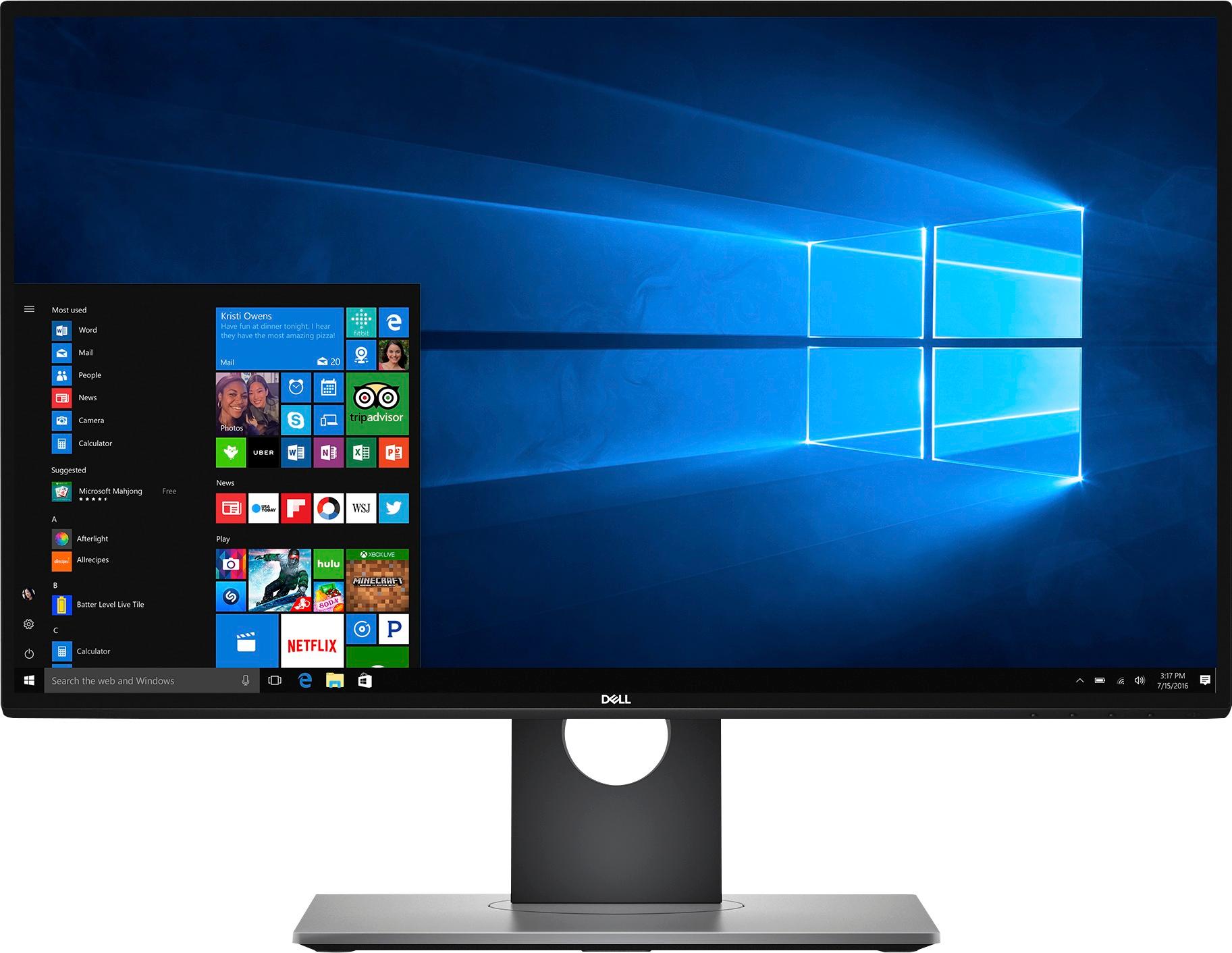
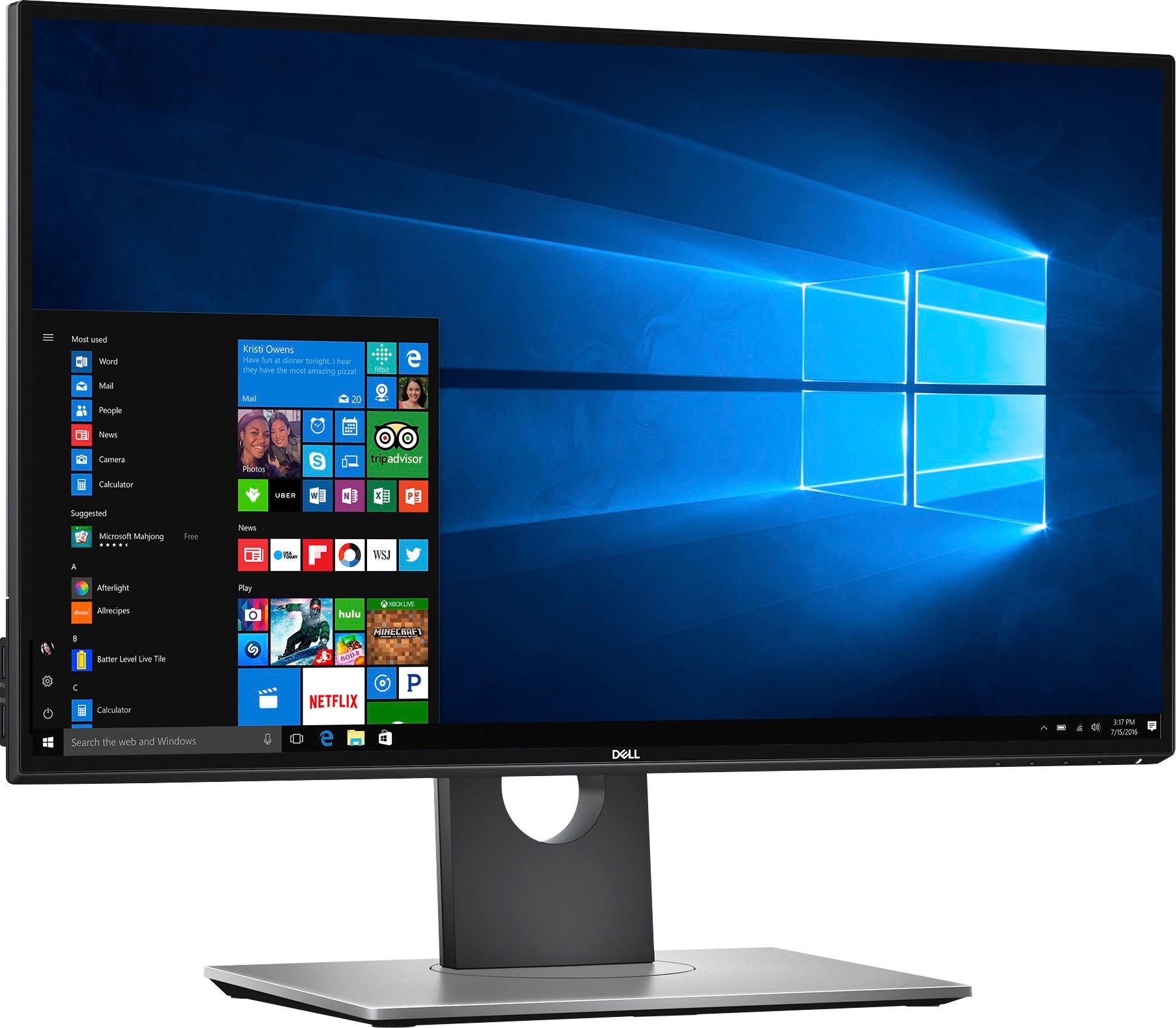
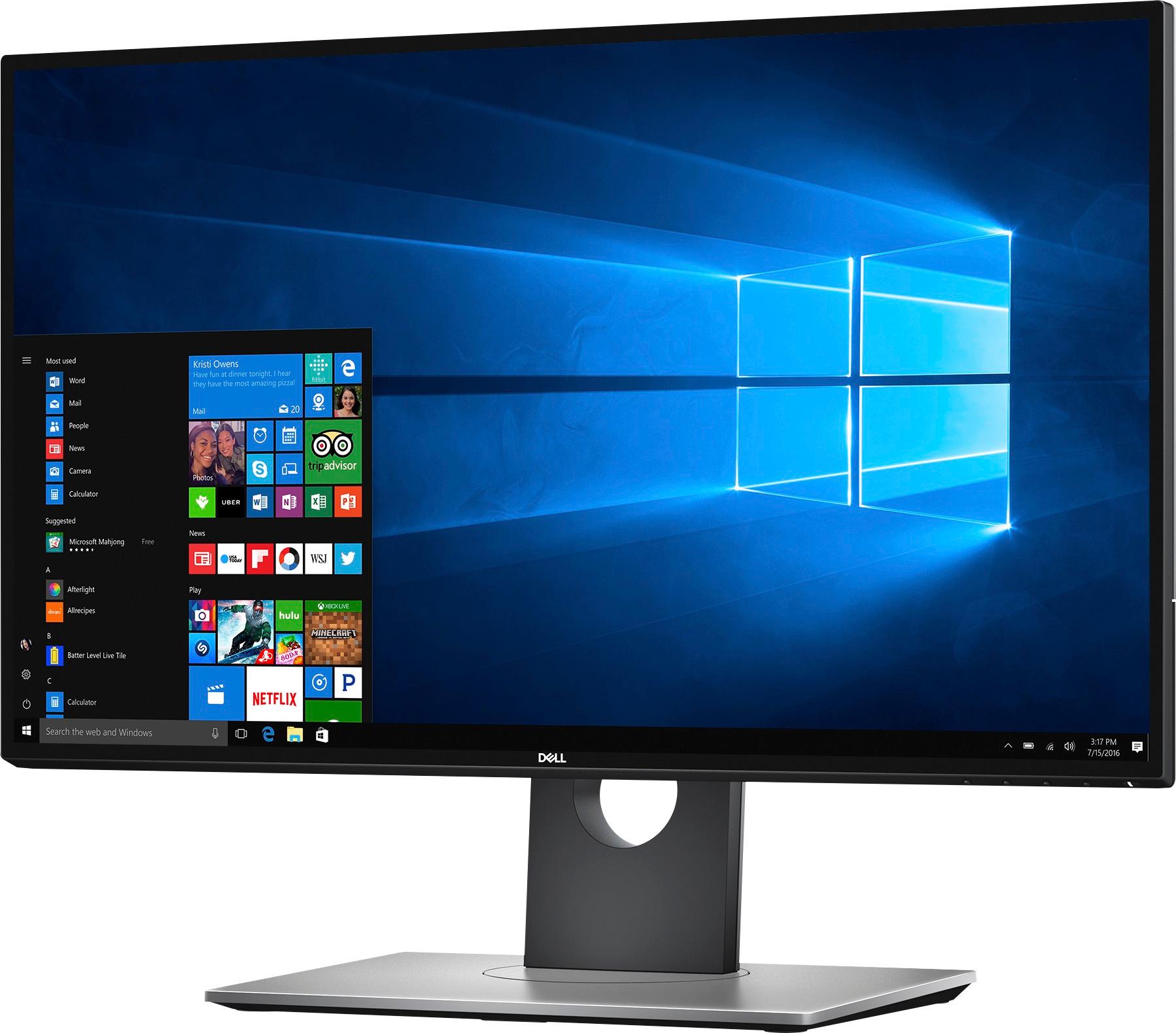
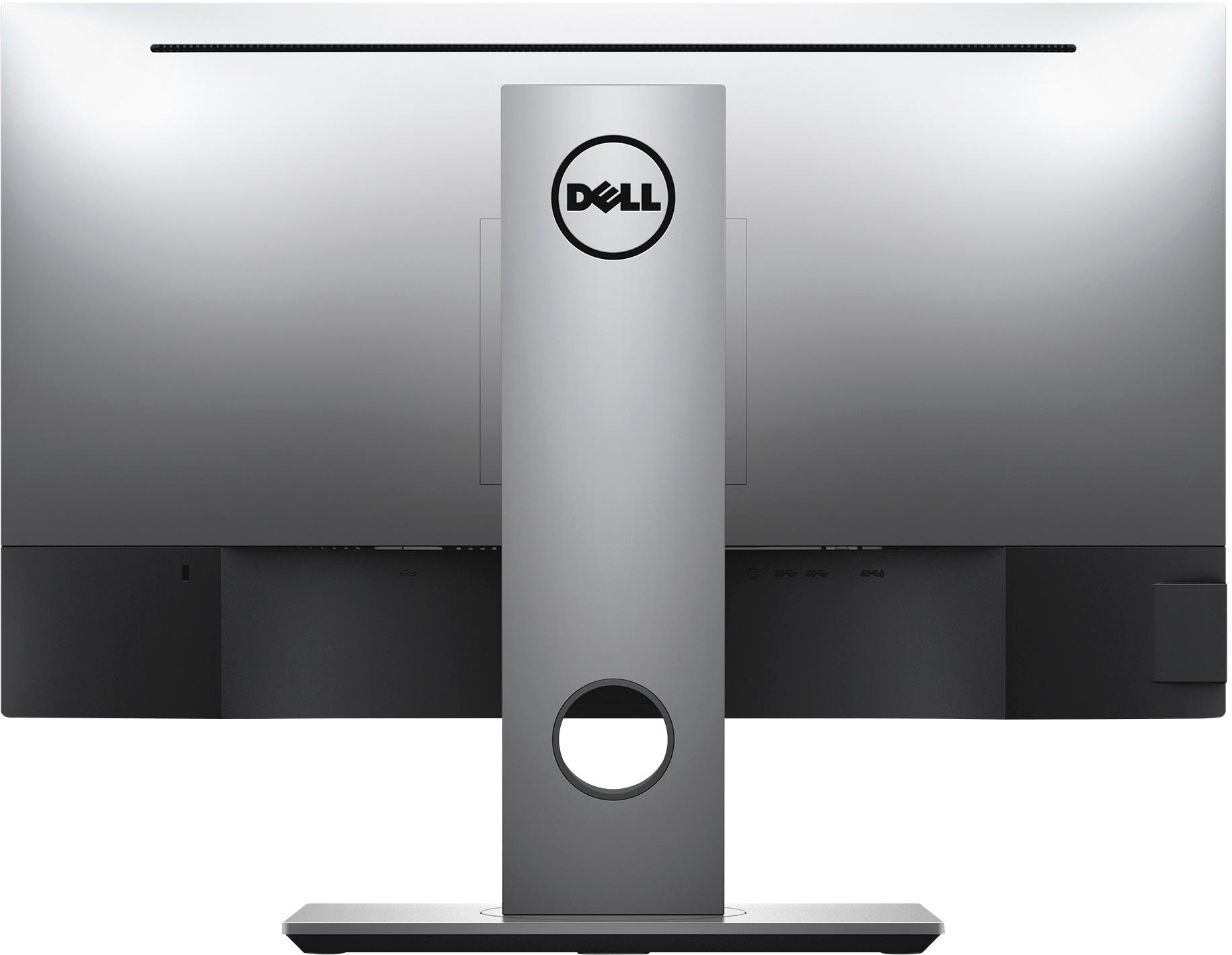
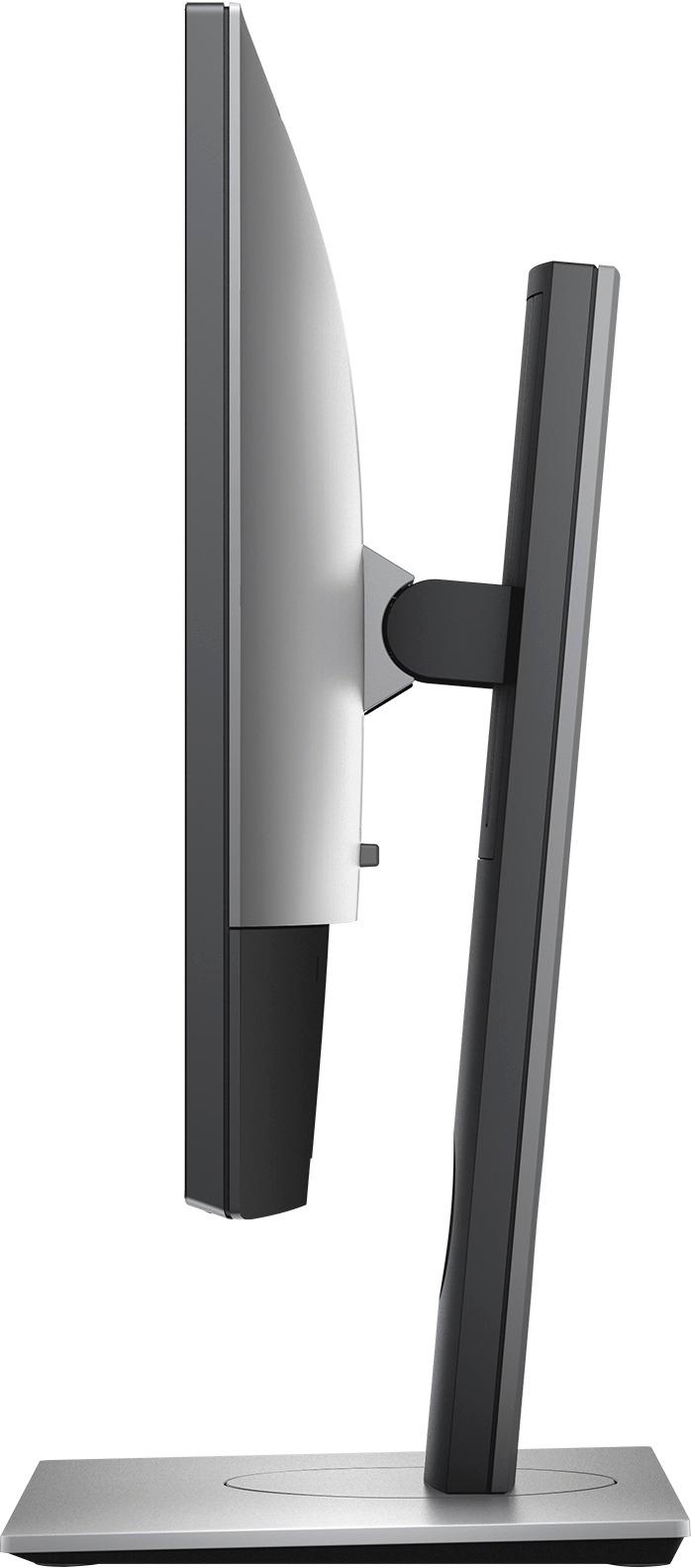
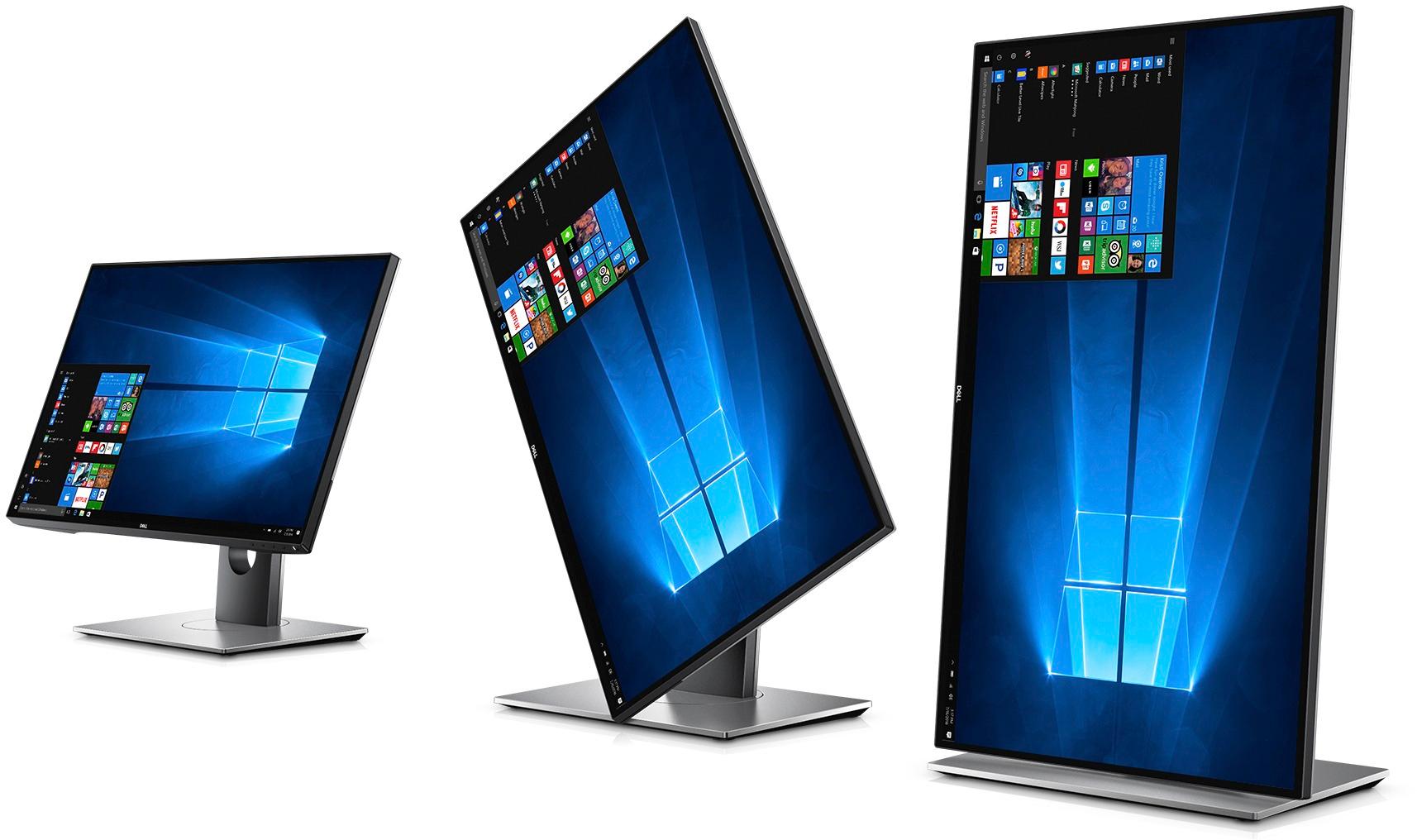
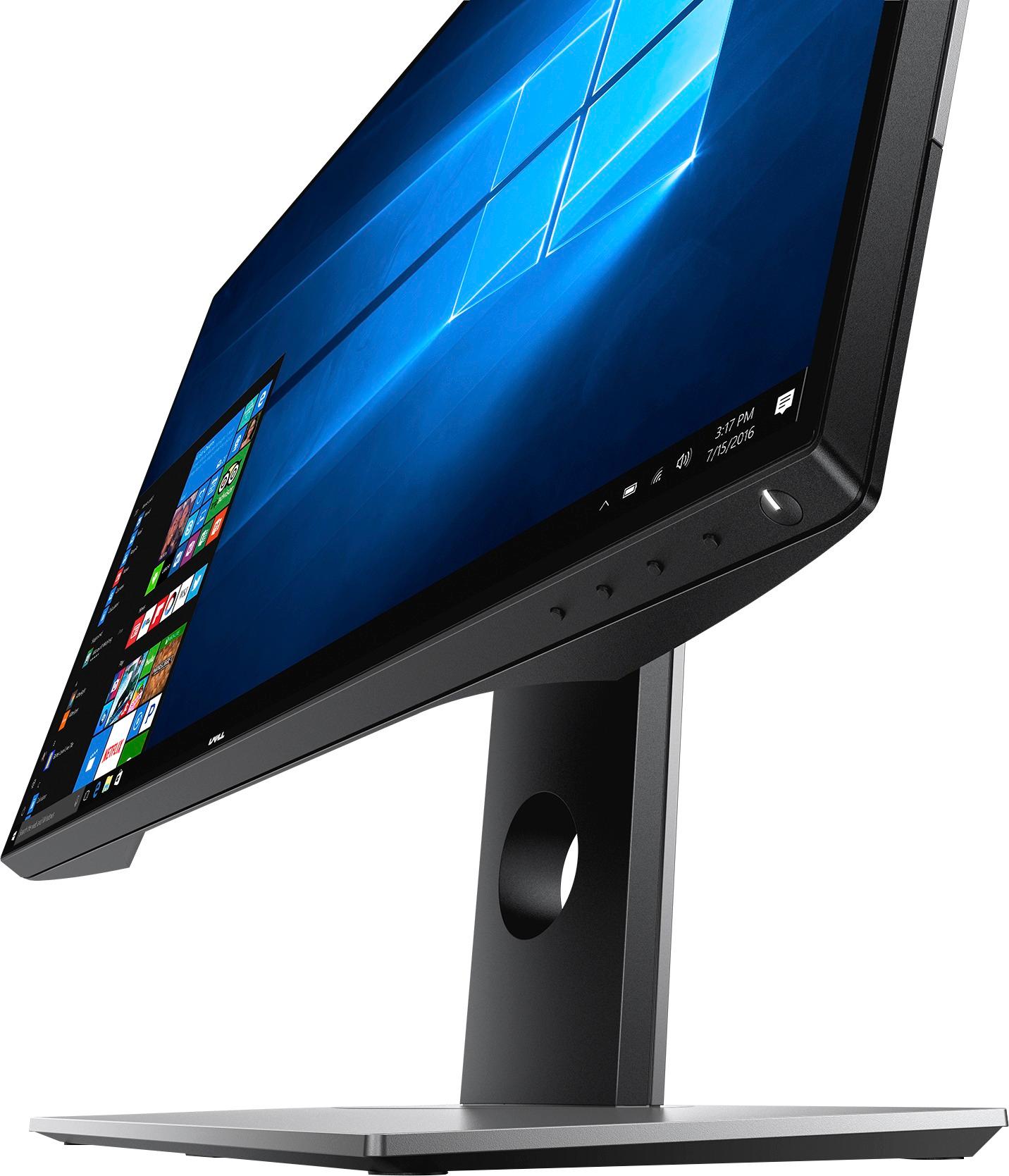
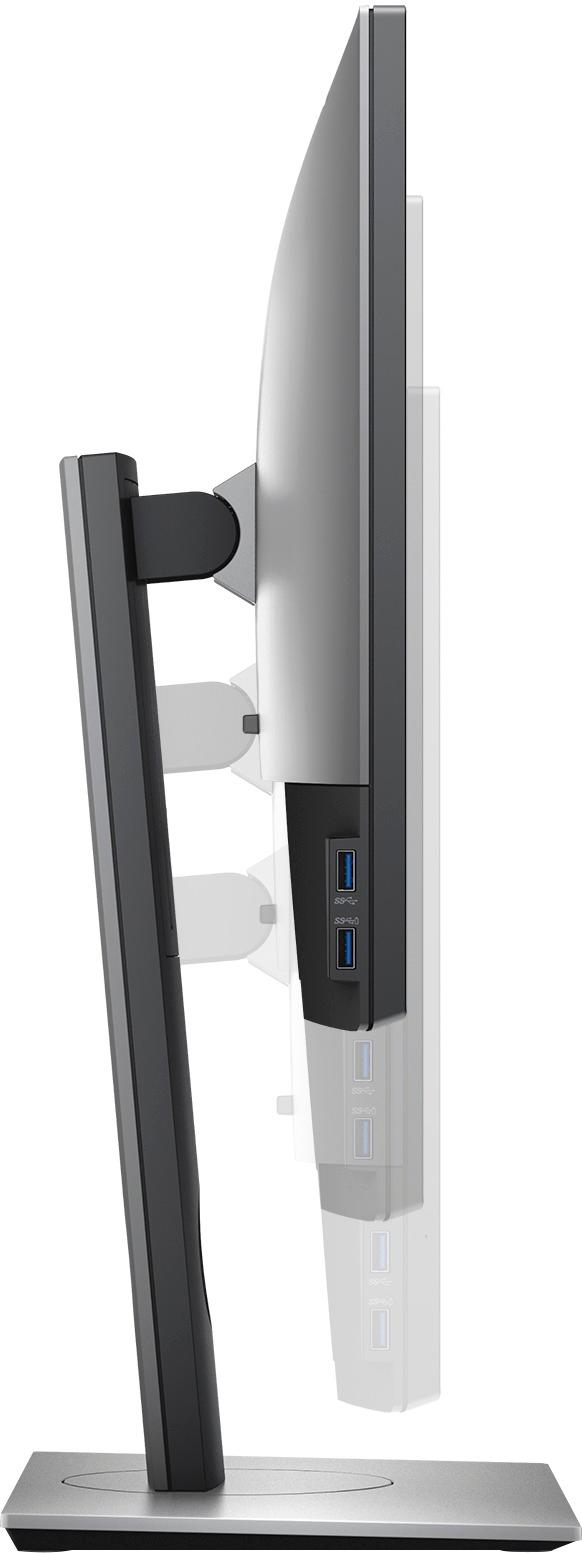

- Model:
- U2518D
- |
- SKU:
- 6111217
Customer reviews
Rating 4.7 out of 5 stars with 197 reviews
(197 customer reviews)Rating by feature
- Ease of Use4.9
Rating 4.9 out of 5 stars
- Value4.7
Rating 4.7 out of 5 stars
- Quality4.7
Rating 4.7 out of 5 stars
Customers are saying
Customers find value in the UltraSharp U2518D monitor's excellent picture quality, vibrant colors, and highly adjustable stand. Many appreciate the thin bezels and generally fast refresh rate, although some users experienced issues with screen tearing during console gaming. A few customers noted the price point as a potential drawback, and some had difficulty with the power button and HDMI ports.
This summary was generated by AI based on customer reviews.
- Pros mentioned:Color
Rated 5 out of 5 stars
Fantastic IPS when buying on sale.
||Posted .This reviewer received promo considerations or sweepstakes entry for writing a review.I am going to school for programming and I was looking for a monitor that was IPS that wouldn't break the bank. I wasn't 100% sure if I should upgrade to 4K or upgrade to 2k (coming from a 27" 1080p.) I had read quite a few reviews on this previous (or sister model?) And only a handle for this exact one. With a lot of programmers really enjoying the monitor, so I saw that it was on sale for $250 and snatched up the only non display model they had left. I would have to say after a month of having it I absolutely love it. I love having a native 2k IPS that I put in portrait mode that I can code on. The color is absolutely stunning, perfect for what I need it for. My only complaint is the "Dell HDR" which is a complete joke, which I knew before buying, however, due to the price I could careless about the HDR. The one thing I thought I would never use is the USB ports, however after setting up my monitor arms I wound up plugging in my keyboard and mouse in to the back, and use the usbs(which are at the top now) for flash drives which make it super convenient as m y desk top is out of arms reach. I could highly recommend to anyone(on sale) that is looking to upgrade from a 1080p, who doesn't want to fully invest into a 4k due to space. ( as usually to get best clarity you need 27" - 32"+) I was talked into buying a displayport cord, however there is a mini DP(from monitor) to normal DP(gfx card) included, which works just fine. Also on a side note, this is my first dell. Really pleased with this budget Ultrasharp, and wish my work would buy two for me to use during working hours. Not even after a week of buying this I bought a Dell S2716DGR to upgrade my gaming 27" 1080P. Which also was on sale at $350. Not as impressed with it, however I love having the screen real estate and the price outweighed any cons for the S2716DGR.
I would recommend this to a friend Rated 5 out of 5 stars
Great Monitor
||Posted .This reviewer received promo considerations or sweepstakes entry for writing a review.I use it mostly for work and it is perfect, it was intended as a second screen for my laptop but became the primary screen and my laptop the secondary one. The adjustable height allows me to align the monitor with the laptop below so I don't need to turn my head left or right. The only issue I have is with the power button, you need to press it a little bit harder than expected which sometimes cause the monitor to tilt to the left, but it is really a minor thing.
I would recommend this to a friend- Pros mentioned:Picture qualityCons mentioned:Hdmi
Rated 5 out of 5 stars
Great Monitor
||Posted .This reviewer received promo considerations or sweepstakes entry for writing a review.I had some trouble finding monitors that were display port capable with the resolution I wanted. This was larger than I was used to and have zero regrets about my choice. The two USB ports on the side are welcome however I run dual monitors and when they are pushed together the ports on one monitor are hard to access. Two per side would have been a real treat but I cant fault the monitor for my setup.
I would recommend this to a friend - Pros mentioned:Picture quality
Rated 5 out of 5 stars
Best design monitor around
||Posted .This reviewer received promo considerations or sweepstakes entry for writing a review.The picture on this thing is vivid and crystal clear. We love them! Works great on both Macs and Windows and is compatible with multi display adapters.
I would recommend this to a friend - Pros mentioned:Color
Rated 5 out of 5 stars
Great monitor
||Posted .This reviewer received promo considerations or sweepstakes entry for writing a review.This dell monitor has excellent resolution, great color rendition, great clarity. I have had several monitors from other vendors, read the hype, and was disappointed with the display results and longevity. This monitor is on equal footing with monitors costing significantly higher in price. Highly recommend this dell monitor- you will not be disappointed.
I would recommend this to a friend Rated 5 out of 5 stars
Excellent Picture
||Posted .This reviewer received promo considerations or sweepstakes entry for writing a review.I purchased new monitor to replace my old one that did not have HDMI slots. I am very happy with this one. It had the best display of all the ones on display at the store. It has other advantages in that it has multiple inputs of varying types including USBs that are linked to my computer, which lacks an adequate amount of slots. Very happy with this monitor.
I would recommend this to a friend- Pros mentioned:Picture quality
Rated 5 out of 5 stars
Overall great monitor!
||Posted . Owned for 1.5 years when reviewed.This reviewer received promo considerations or sweepstakes entry for writing a review.I was searching for a monitor to use whenever I work from home and/or for coding purposes. I wasn’t too sure about size dimensions given it was my first ever monitor purchase. Reviews for this were promising so took my chances on it, especially buying on sale. 2 years this monitor works like a charm. Good screen size for my personal use with the added benefit of an anti-glare film applied to it, which is especially useful for me given I have my desk setup close to my window. The different modes (Standard, Comfort, Computer, Game) definitely useful, given sometimes I like to hookup my PS4 to it (yes I know, I should get a gaming monitor blah blah blah haha) or coding sessions can be strenuous on my eyes. The amount of peripherals, especially USB ports I like very much. I plugged in both of my external hard drives to it and have the included USB connector plugged into my laptop whenever I need to use the extra storage. Build quality is solid, doesn’t feel like cheap plastic that will break the moment you touch it. Highly recommend over HP or Acer if you can get it on sale
I would recommend this to a friend - Pros mentioned:Bezel size, Picture quality
Rated 5 out of 5 stars
Great Picture
||Posted .This reviewer received promo considerations or sweepstakes entry for writing a review.The picture is amazing. Large and colorful. This edges are slim. I have 3 of these side by side by side on my Dell XPS8910 desktop and it looks clean and it works perfectly. Huge screen real estate to do any task without having to flip back and forth between tabs.
I would recommend this to a friend - Pros mentioned:Picture qualityCons mentioned:Hdmi
Rated 3 out of 5 stars
Great Picture and Build quality but not perfect
||Posted .This reviewer received promo considerations or sweepstakes entry for writing a review.I have had this machine for about 2 years now, and i really liked the picture quality and the latency on the machine. But when i first got the machine, there was a white glow in the bottom left of the monitor. Not bad enough to where i felt like taking it in and switching it out or activating a warranty on it. Over all the picture is good, I have a gaming pc hooked up via DPM, and it works great. I hooked up a ps4 to the hdmi of this machine and got screen tearing every 10 seconds or so scrolling up from the bottom of the screen all the way to the top. The hdmi at least with the ps4 is not useable if you have a discerning eye. It’s a known issue and there is no exact fix, you can change the hdmi protocol but that doesn’t fix it 100% and picture quality goes down. Lastly, I left my house for about an hour yesterday and had it on browsers on the pc DPM input, came back and the colors all appeared to be broken for some reason. Their is now a red hue across everything and it appears to have screen burn, which is something that is close to impossible on lcd displays. Will be getting this replaced asap.
No, I would not recommend this to a friend - Pros mentioned:Bezel size, Picture quality
Rated 5 out of 5 stars
Fantastic resolution
||Posted .This reviewer received promo considerations or sweepstakes entry for writing a review.I bought this monitor because the picture looked far better than everything else on display. It was so much brighter, the resolution is fantastic and it's really easy to adjust the settings. The base makes the screen adjustment super fluid. Very high quality. I absolutely love it!
I would recommend this to a friend - Pros mentioned:Color
Rated 5 out of 5 stars
Excellent monitor
||Posted .This reviewer received promo considerations or sweepstakes entry for writing a review.Got this for my new alienware. the color is excellent. and the design is awesome, it is thin.
I would recommend this to a friend - Pros mentioned:Picture quality
Rated 5 out of 5 stars
Good monitor
||Posted .This reviewer received promo considerations or sweepstakes entry for writing a review.This monitor is good for the person working on the program it big enough and clear
I would recommend this to a friend - Pros mentioned:Picture quality
Rated 5 out of 5 stars
nice monitor
||Posted .This reviewer received promo considerations or sweepstakes entry for writing a review.love it. pretty good size monitor.nice picture quality. love watching movies on it
I would recommend this to a friend - Pros mentioned:Color
Rated 5 out of 5 stars
Excellent Color, Sharpness and Ergonomics
||Posted .This reviewer received promo considerations or sweepstakes entry for writing a review.I picked this monitor up specifically for my work in software development. It displays at 1440p via the included mini DisplayPort cable on my older mac with crisp color, great brightness and excellent text sharpness at the default factory calibration levels. At the maximum height adjustment, the bottom of the monitor is about 8.5" above the surface of my desk, and the center of the monitor is about 15.5" up. I appreciate this as I don't have to deal with any neck discomfort while working for extended periods. Even snuck some Bose Companion 2 Series III speakers under each side of the monitor since it's of sufficient height for it. I also very much appreciate the two USB ports on the side of the monitor that I can use to charge my devices when not on the go. Very convenient and sturdy monitor all around.
I would recommend this to a friend Rated 5 out of 5 stars
Great quality and picture
||Posted .This reviewer received promo considerations or sweepstakes entry for writing a review.This monitor has exceeded expectations in terms of display and build quality. I was relieved to see no bad pixels when I first turned it on. It is a good size/resolution when used with my Yoga 720 13.3" laptop, either extended or as a primary display. At the recommended scale, the Windows 10 icons, and text in many apps, are small and about at the edge of my vision's capability, but very sharp and legible. On the other hand, the size allows two apps to be displayed very well side by side on a split screen. Because my laptop has only one USB 3 port, I use the monitor as a USB hub and it works very well. I don't use the monitor for gaming, nor do I use the HDR feature. My hobby is Electronically Assisted Astronomy and my images show a lot of detail, and really shine on this monitor.
I would recommend this to a friend- Pros mentioned:ColorCons mentioned:Power switch
Rated 4 out of 5 stars
Excellent monitor
||Posted .This reviewer received promo considerations or sweepstakes entry for writing a review.Good resolution and color. Have used it both with a MacBook Pro and a PC laptop each with the most current operating systems. No issues yet. The desk stand is excellent and easily adjusts from landscape to portrait. Only negative: control buttons under edge of panel are small and sometimes difficult to depress.
I would recommend this to a friend - Pros mentioned:Picture quality, Stand
Rated 5 out of 5 stars
Excellent Monitor
||Posted .This reviewer received promo considerations or sweepstakes entry for writing a review.Excellent picture quality and stand. Bought this to go next to another Dell 27inch monitor. The HDR is not really true HDR but didnt purchase monitor for that reason. Dell image quality is top notch.
I would recommend this to a friend Rated 4 out of 5 stars
Nice monitor
||Posted .This reviewer received promo considerations or sweepstakes entry for writing a review.Overall I'm satisfied with the monitor. The only bummer is that the USB ports are not even powered if you don't connect the monitor to your computer with the supplied "special" cable. I mean, I understand that the USB ports are not working (can't transfer data) unless that extra cable is connected, but I wish they were powered at lest w/o the extra connection. (Reason - I wanted to apply a USB powered LED strip to the back of the monitor)
I would recommend this to a friend- Pros mentioned:Picture quality
Rated 5 out of 5 stars
Great Purchase!
||Posted .This reviewer received promo considerations or sweepstakes entry for writing a review.It was time for a new monitor and like anything else, experience determines your requirements. For me a monitor has to be adjustable. Not just tilt like a regular everyday monitor but also HEIGHT ADJUSTMENT. This was the main feature that grabbed my attention with this model. I like to look straight ahead when working on the computer like slouched down like everyone has grown accustomed to. Another great feature is the left hand side of the monitor has USB 3.0 jacks. No more reach down or over to the tower. Plug your thumb drive right into the side of the monitor. Nice convenience. Oh yeah... and the picture is great!
I would recommend this to a friend - Pros mentioned:Picture qualityCons mentioned:Gaming performance
Rated 4 out of 5 stars
Excelent Cost- Performance
||Posted .This reviewer received promo considerations or sweepstakes entry for writing a review.The quality and performance of the equipment is really good, if you compare the cost-performance. The monitor 2k HDR was purchased in used condition. It has USB 3.0 ports to connect devices. It is not a monitor for video game optimization. However, it can be used.
I would recommend this to a friend