Customer Ratings & Reviews







- Model:
- XPS9315-7725SKY-PUS
- SKU:
- 6540612
Rating by feature
- Battery Life
Rating 4.5 out of 5 stars
- Speed
Rating 4.6 out of 5 stars
- Display
Rating 4.6 out of 5 stars
Customers are saying
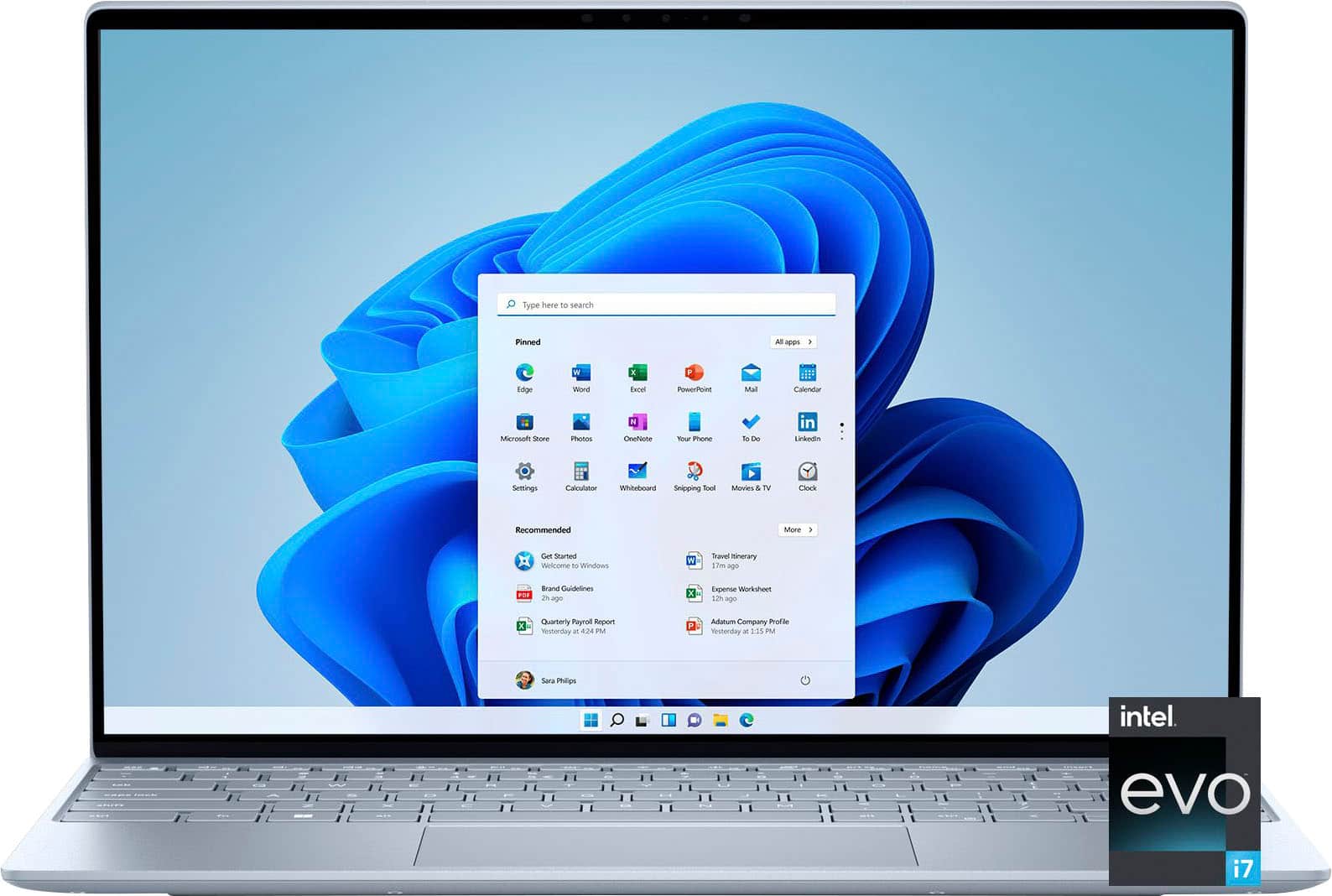
Customers love the XPS 13's lightweight design, impressive battery life, and excellent performance. Many appreciate its compact size and high-quality build, along with the ample RAM and storage. However, some users wish it had more ports, and a few have noted that it can get warm and the fan can be noticeable at times. Overall, the positive feedback on portability, performance, and build quality outweighs the concerns about ports and heat.
This summary was generated by AI based on customer reviews.
- Pros mentioned:Weight
Great laptop
Posted .This reviewer received promo considerations or sweepstakes entry for writing a review.Lap top is great, works like a dream. Design is very sleek and light weight.
I would recommend this to a friend - Cons mentioned:Ports
Good laptop
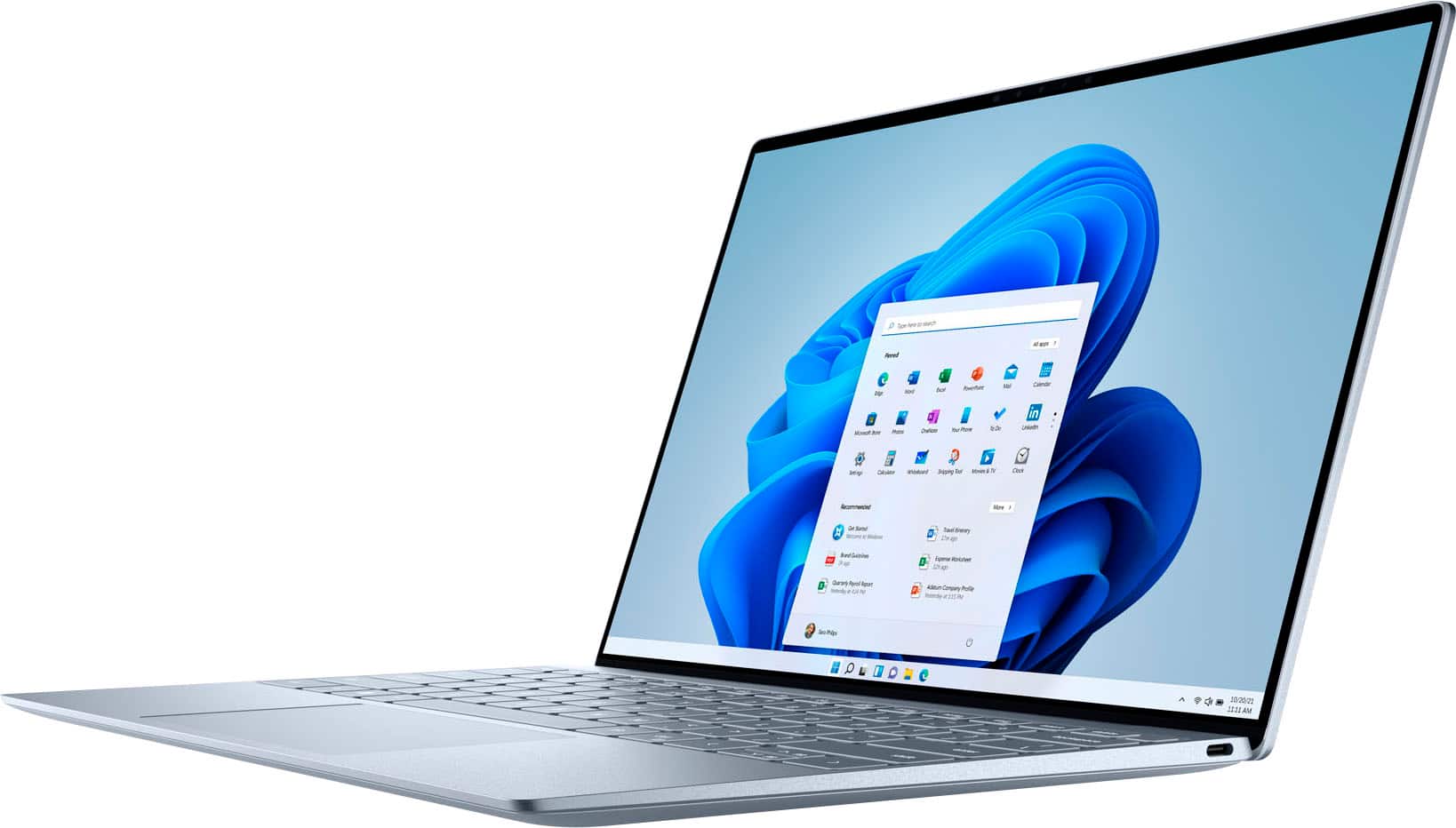
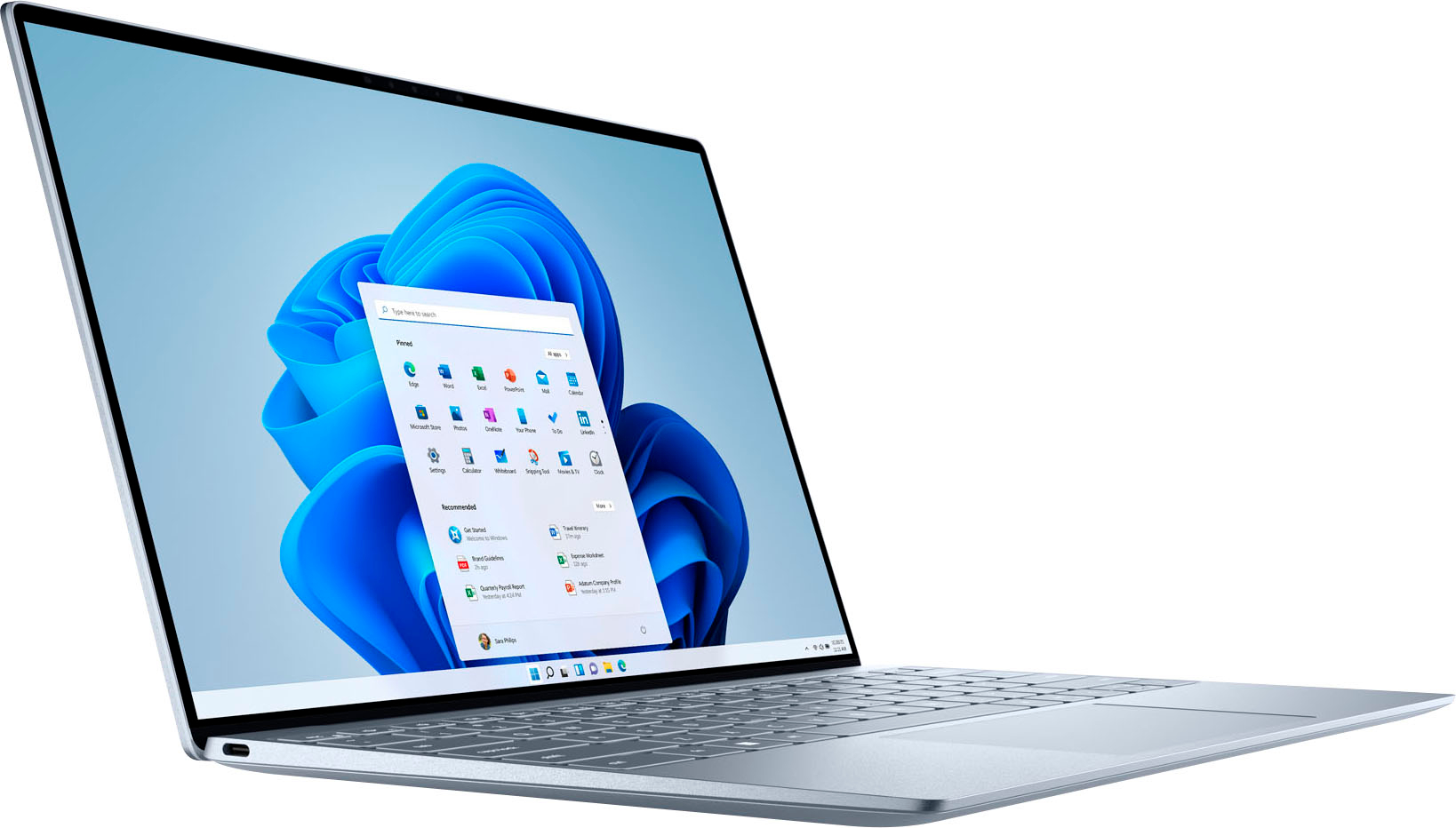
Posted .This reviewer received promo considerations or sweepstakes entry for writing a review.This is a Good laptop and the only problem is that there are only two ports
I would recommend this to a friend Not my favorite.
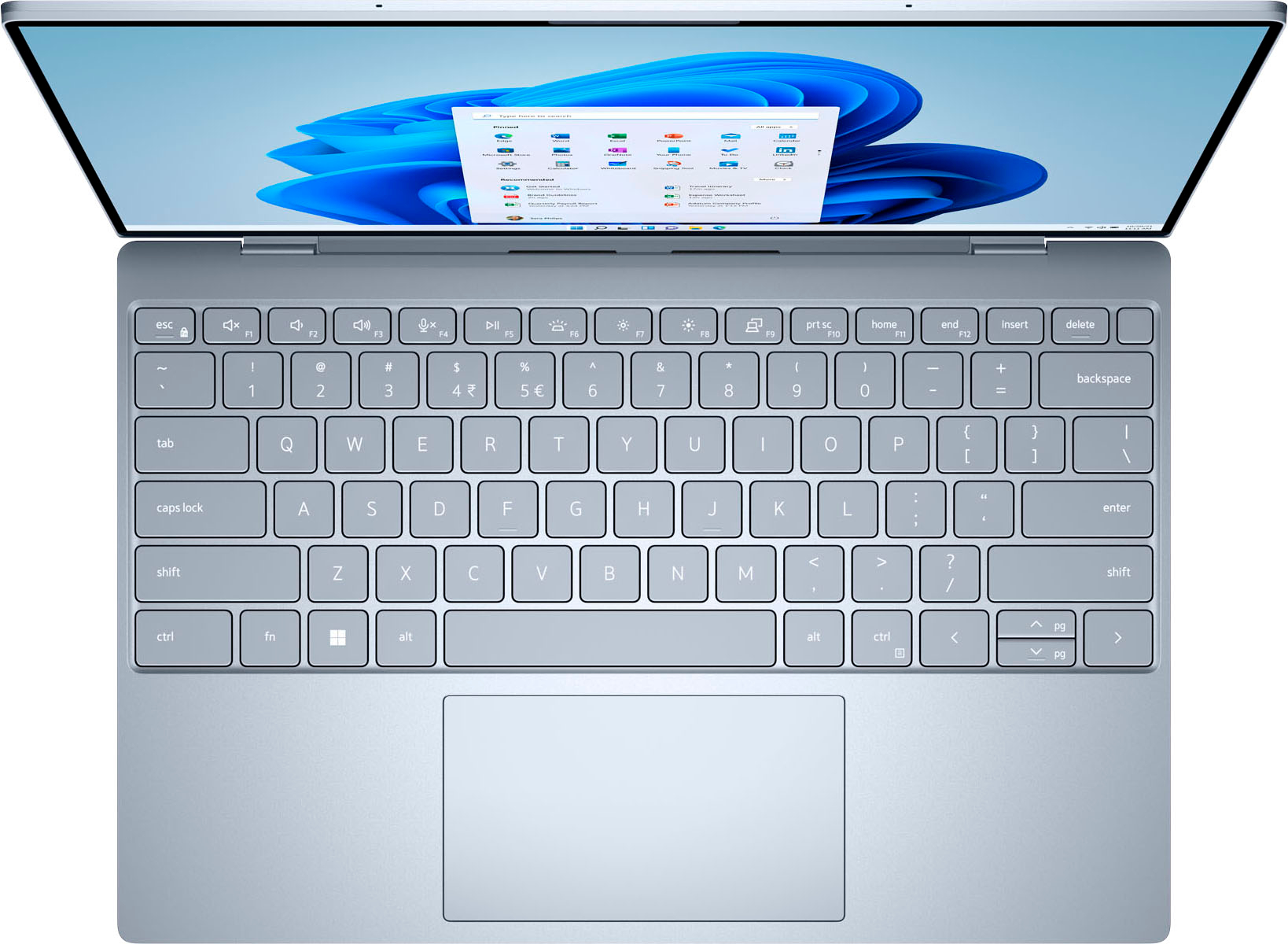
Posted .This reviewer received promo considerations or sweepstakes entry for writing a review.I hate this computer. It is my work machine, and I was really excited about the specs, particularly the screen, but I absolutely hate it. The mouse is terrible - it sticks sometimes and the click-response is slow. The keyboard sounds very nice, and I do appreciate the compact keys, although I would imagine someone with larger fingers might find them challenging, but the non-buttons for the top row are only about 75% responsive and very annoying. This is the up/down volume, brightness, home, end, insert, delete row. It's very slim and light, which is something I'm happy about. The battery life is dismal. I only get about 3hrs of full use out of mine and it gives me VERY little warning before it needs power or turns off. The design of the top and where it meets the body makes it actually fairly hard to open - all sides are flat. A bevel would have been nice for grip. The lack of ports means the need for dongles, but this is to be expected with a slim and light machine such as this; it's just a little more annoying than I anticipated. The screen resolution and color is beautiful. Amazing. No complaints there! The physical design could use some work.
No, I would not recommend this to a friendBrand response from YourDellTeam
Posted .Hello Disappointed,
Thank you for taking the time to leave a review. We apologize for the battery performance issues you are experiencing with your XPS 13 laptop. It's important for us to hear about inconsistencies in our products for consideration of future development. Below I have provided steps with the full articles that can help you improve the battery performance of your laptop.
Here are the steps to help improve the battery performance of your laptop:
1. On the notification area of the taskbar, right-click the Battery icon.
2. On the options list, click Power Options.
3. Select a power plan on the battery meter, such as Power Saver or Balanced. Windows 10 has a built-in 'Battery Saver' mode that can be activated to extend your system's battery life. The Battery Saver mode will monitor and limit background activity and other features such as push notifications. You do have the option to enable or disable this mode within settings or within advanced Battery Saver settings, you can customize the mode to best suit your needs.
a) Click on the Action Center icon in the taskbar and select the tile for Battery Saver.
b) If running Cortana, type Battery Saver into the search box and select from the results.
Within the Battery Saver settings page, you will be able to turn on and off the feature and customize the feature to best meet your needs.
c) Turn the Battery Saver On or Off.
d) Additional settings are available via the Battery use and Battery saver settings links.
e) Battery use shows further info on apps and their power usage.
f) Battery Saver Settings screen allows you to customize further the Battery Saver feature.
How to Improve the Performance of a Dell Laptop Battery: http://dell.to/2vfXWf4
If you still experience any issues after you have finished troubleshooting your laptop using the steps above, please reach out to us at: https://bit.ly/DellSupportTeam
Should you need further assistance, you can contact Dell directly with the information below.
Chat or call: https://bit.ly/DellSupportTeam
Phone number to Dell: 1-800-624-9896
Best,
Summer@Dell
The best laptop
Posted .This reviewer received promo considerations or sweepstakes entry for writing a review.I am very happy because I made a very good purchase, for me it is the best computer on the market
I would recommend this to a friendGreat for small business
Posted .This reviewer received promo considerations or sweepstakes entry for writing a review.Works excellent for my embroidery software and photo editing software.
I would recommend this to a friendHappy
Posted .This reviewer received promo considerations or sweepstakes entry for writing a review.I’m happy with all the features that has been added to this new device
I would recommend this to a friendGood
Posted .This reviewer received promo considerations or sweepstakes entry for writing a review.Good product i liked it a lot and also I suggest to my friends
I would recommend this to a friendUsed Purchase...just ok
Posted .This reviewer received promo considerations or sweepstakes entry for writing a review.Bought an Open Box that was 3 months old. Bluetooth connection, second USB c port, camera, and finger print not functional after 4 weeks, LCD dead pixels. Besides all the functional issues, the computer it self is high functioning
I would recommend this to a friendCollege Computer
Posted .This reviewer received promo considerations or sweepstakes entry for writing a review.Great for college! Great service at the Fargo ND store!
I would recommend this to a friendDell Junk
Posted .This reviewer received promo considerations or sweepstakes entry for writing a review.This laptop was to be dedicated to work. Within 3 weeks, it stopped working. The laptop was not abused in anyway. It was not dropped, bumped, crushed or had a liquid spilled on it. After working with Dell Support for nearly 3 hours they concluded the motherboard needed to be replaced. About a week later, a Dell tech came out to my house to replace the integrated motherboard and hard drive. As a result, the operating system has to be re-installed. Another 45 min with Dell support and they conclude I have to ship it back to Dell to have the operating system installed. I may have it back it another week. Meantime, I have lost more than half a day to deal with a brand new laptop that is suppose to help solve problems. And I had to buy another laptop for work. The support staff have been professional and helpful but the structure to resolve issues puts to burden on me. This was a problem I did not create. I'll never buy another Dell again.
No, I would not recommend this to a friendBrand response from YourDellTeam
Posted .Dear user962037,
We value your feedback and want to thank you for taking the time to leave a review of your Dell XPS 13 laptop. We are sorry to hear that your motherboard failed, and you had to send your device back for the operating software to be reinstalled. That is not the type of feedback we like to hear from our customers, or the type of product Dell intends to deliver. We have noted the details of your statement and will use them to improve current and future products.
If you continue to experience issues, please reach out to Dell Support directly by using the information provided below.
Chat or call: https://bit.ly/DellSupportTeam
Phone number to Dell: 1-800-624-9896
Best,
Summer@Dell
Buyer Beware!!!
Posted .This reviewer received promo considerations or sweepstakes entry for writing a review.STAY AWAY from Dell. I purchased my XPS 12 months ago with the very expensive Premium Protection Plus option. My screen quit working and Dell is unable to get somebody out to fix my computer while also refusing to send me a replacement. Dell has gone downhill. If you purchase a Dell, they will promise you the world with their Premium Plus protection but please know that Dell will refuse to help you if your computer breaks. do not waste your money on Dell or their very expensive support plans. They will weasel their way out of helping fix their broken product.
No, I would not recommend this to a friendBrand response from YourDellTeam
Posted .Hello Disappointed,
Thank you for taking the time to leave a review of your Dell XPS13. We are sorry to hear that you are experiencing an issue with your devices screen not functioning. That is not the type of feedback we like to hear from our customers, or the type of product Dell intends to deliver. We would love to help you resolve your issue. We recommend reaching out to our support team with the toll-free number or chat link below.
We recommend that you contact Dell directly with the information below if you need further assistance.
Chat or call: https://bit.ly/DellSupportTeam
Phone number to Dell: 1-800-624-9896
Best,
Summer@Dell