Customer Ratings & Reviews









- Model:
- XPS9340-7319BLK-PUS
- SKU:
- 6575146
Rating by feature
- Battery Life
Rating 4.5 out of 5 stars
- Speed
Rating 4.6 out of 5 stars
- Display
Rating 4.6 out of 5 stars
Customers are saying
Customers find value in the XPS 13's bright screen, long battery life, and ample RAM, frequently praising its sleek design and compact size. The laptop's performance is also highlighted as a positive aspect. However, some users express concern over the limited number of ports, particularly the lack of USB-A ports.
This summary was generated by AI based on customer reviews.
- Pros mentioned:Screen brightness
Slip and fast
||Posted . Owned for 4 months when reviewed.This reviewer received promo considerations or sweepstakes entry for writing a review.Love the design especially keyboard of this laptop!
I would recommend this to a friend Pretty good
||Posted . Owned for 3 weeks when reviewed.This reviewer received promo considerations or sweepstakes entry for writing a review.Good computer overall. Screen quality is not amazing, but good. It doesn’t have great speakers.
I would recommend this to a friendSchool Powerhouse
||Posted . Owned for 11 months when reviewed.This reviewer received promo considerations or sweepstakes entry for writing a review.I rely on this for my schoolwork, and it has truly exceeded my expectations. Its sleek design and outstanding performance make it a remarkable choice. I couldn't be happier—kudos to Dell for creating such an impressive product!
I would recommend this to a friendRetired grandfather
||Posted . Owned for 3 weeks when reviewed.This reviewer received promo considerations or sweepstakes entry for writing a review.My grandson recommended this computer. It turned out to be excellent once the Geek Squad set it up for me. I am 80 years old and needed the product with the help that I received.
I would recommend this to a friendLaptop
||Posted . Owned for 1 month when reviewed.This reviewer received promo considerations or sweepstakes entry for writing a review.The laptop is awesome from its quality and all the other points no words to say. If they provide touch screen and all at that rate will take the laptop to such a high end
I would recommend this to a friendDell! Can just blindly trust.
||Posted . Owned for 5 months when reviewed.This reviewer received promo considerations or sweepstakes entry for writing a review.The build quality is so superb that it does not feel like a laptop under $1500.
I would recommend this to a friendLaptop review
||Posted . Owned for 5 months when reviewed.This reviewer received promo considerations or sweepstakes entry for writing a review.Purchased this product for my college-bound son. Unfortunately, the laptop had a malfunction but Best Buy replaced it.
I would recommend this to a friendDell laptop
||Posted . Owned for 2 weeks when reviewed.This reviewer received promo considerations or sweepstakes entry for writing a review.Awesome customer service and knowledge from my sales associate.
I would recommend this to a friendExcellent Service. Got laptop in time.
||Posted . Owned for 1 month when reviewed.This reviewer received promo considerations or sweepstakes entry for writing a review.Was easy to order. XPS 13 is a very good laptop. Got it delivered on time as promised.
I would recommend this to a friendXps
||Posted . Owned for 2 weeks when reviewed.This reviewer received promo considerations or sweepstakes entry for writing a review.I love this laptop and thanks to best buy for super good deal.
I would recommend this to a friendXPS 13
||Posted . Owned for 1 month when reviewed.This reviewer received promo considerations or sweepstakes entry for writing a review.I recommend 100%, to anyone who would like to purchase a laptop
I would recommend this to a friendExpressive
||Posted . Owned for 3 months when reviewed.This reviewer received promo considerations or sweepstakes entry for writing a review.Excellent laptop. I would highly recommend this purchase
I would recommend this to a friend- Pros mentioned:Ram, Screen brightnessCons mentioned:Usb-c

Great little Travel Laptop
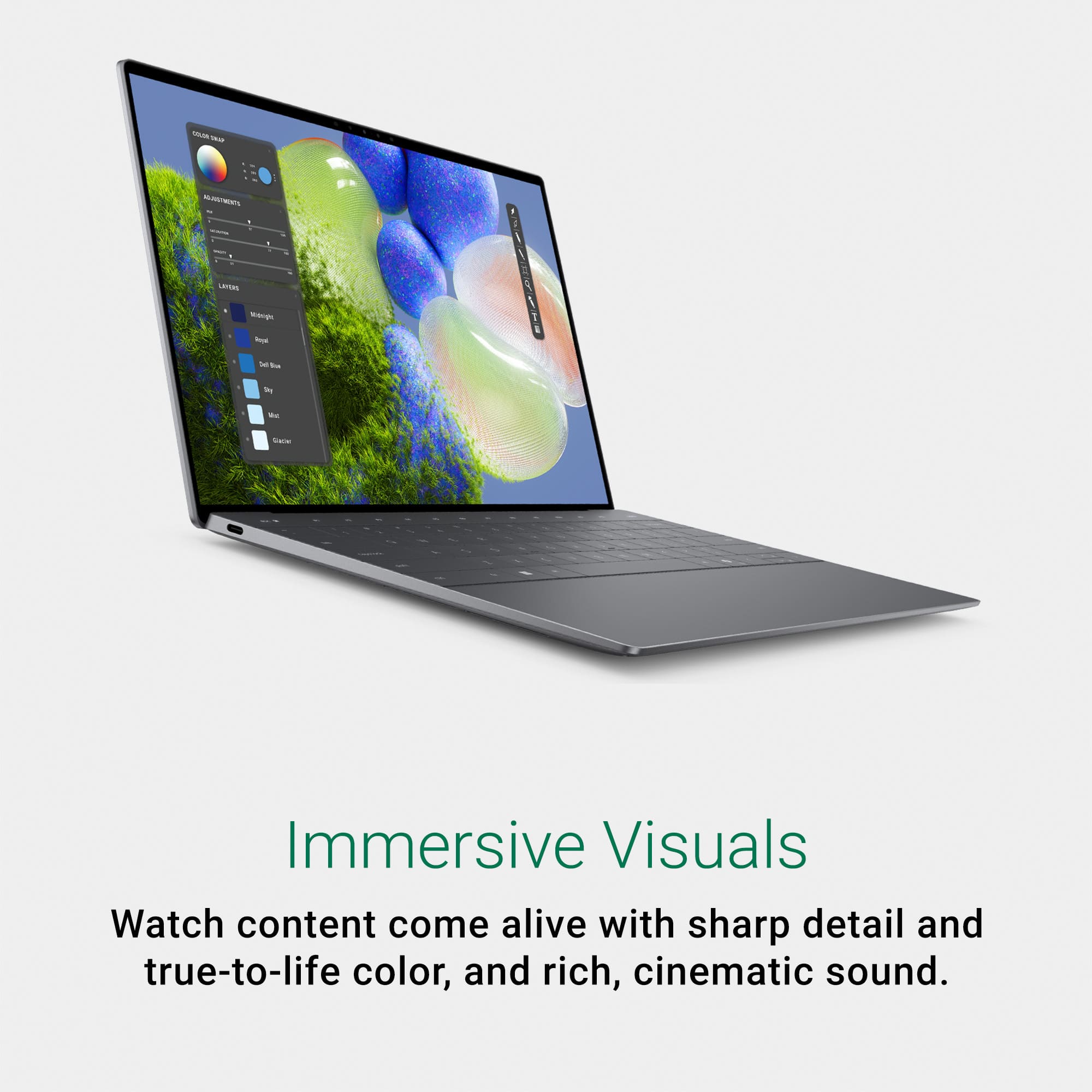
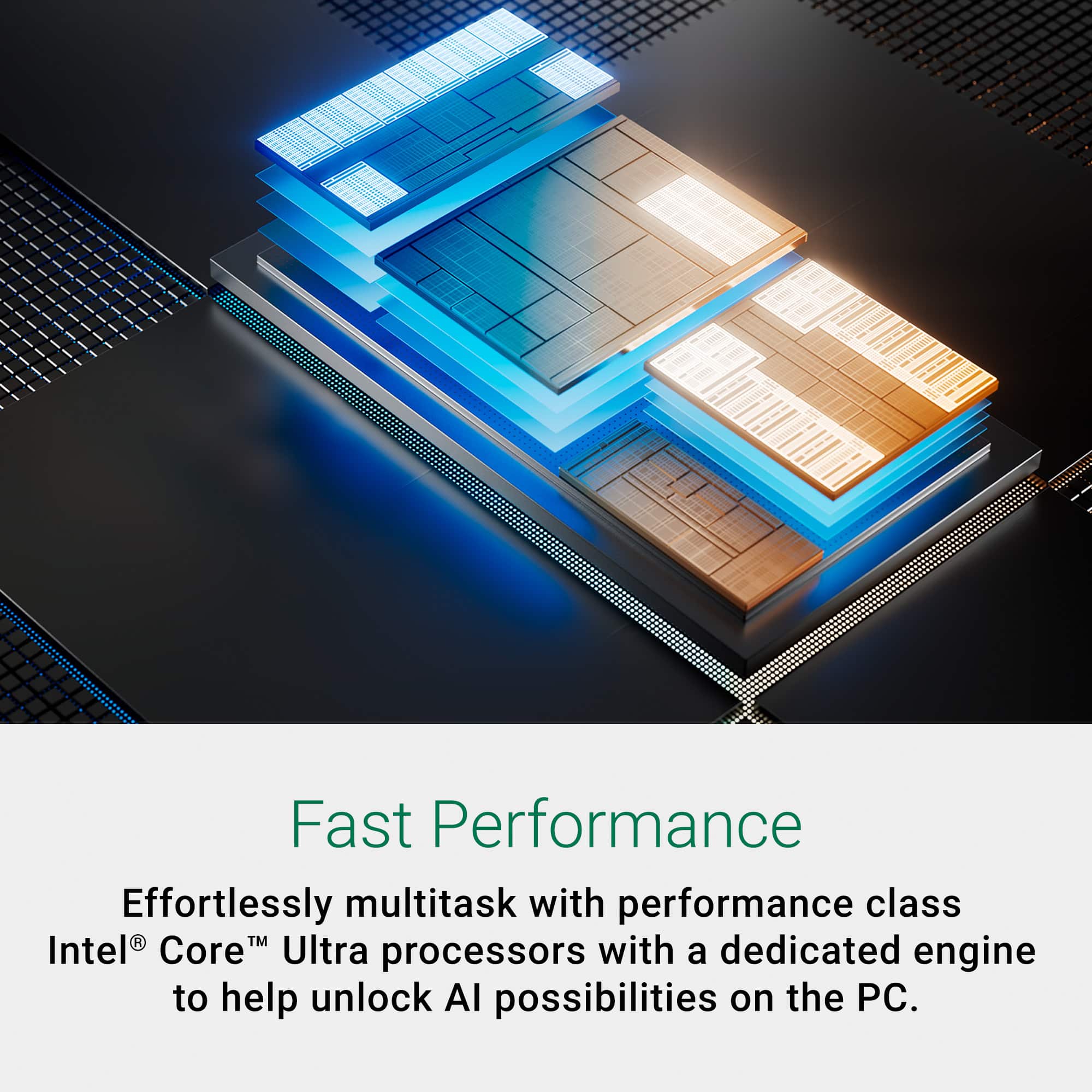
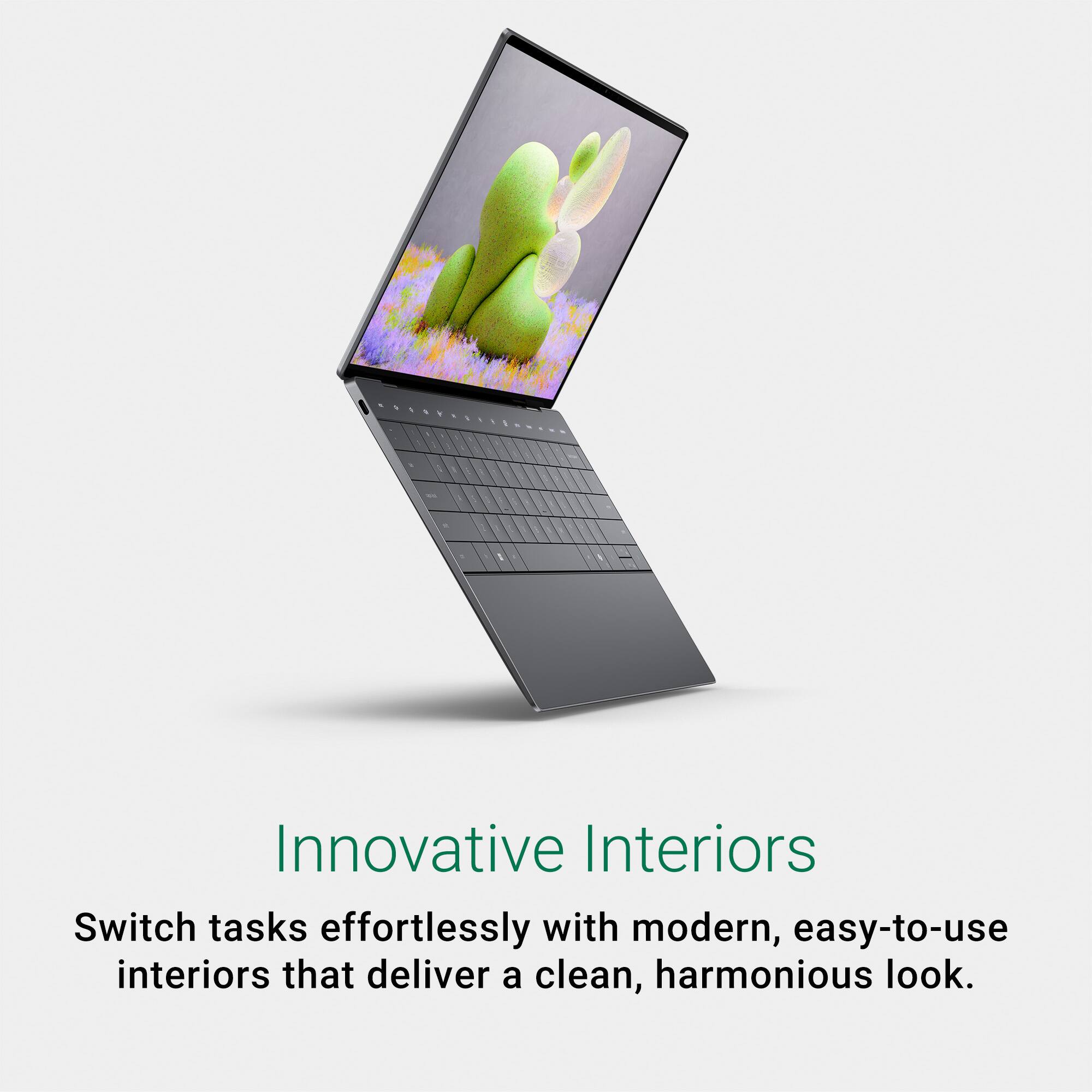
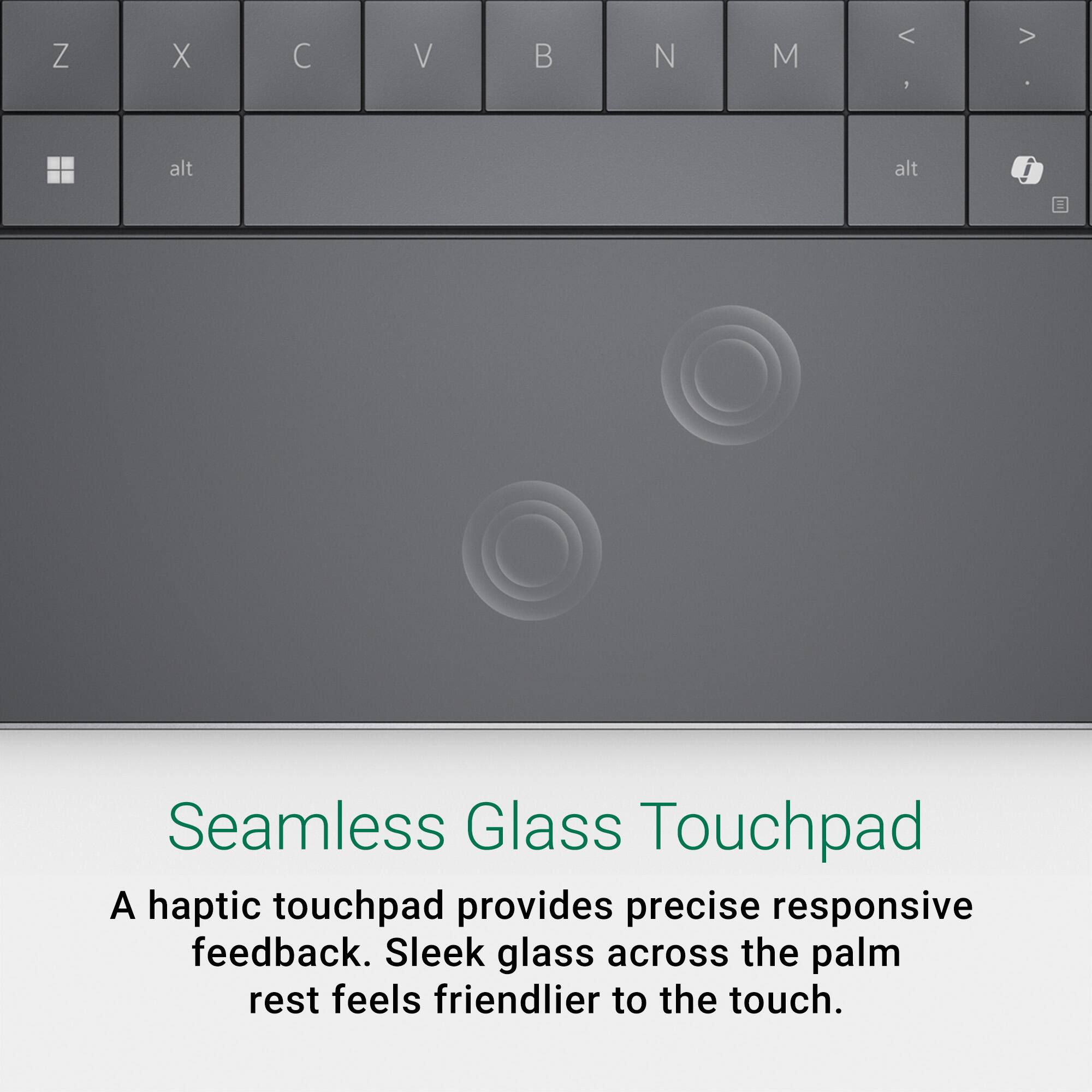
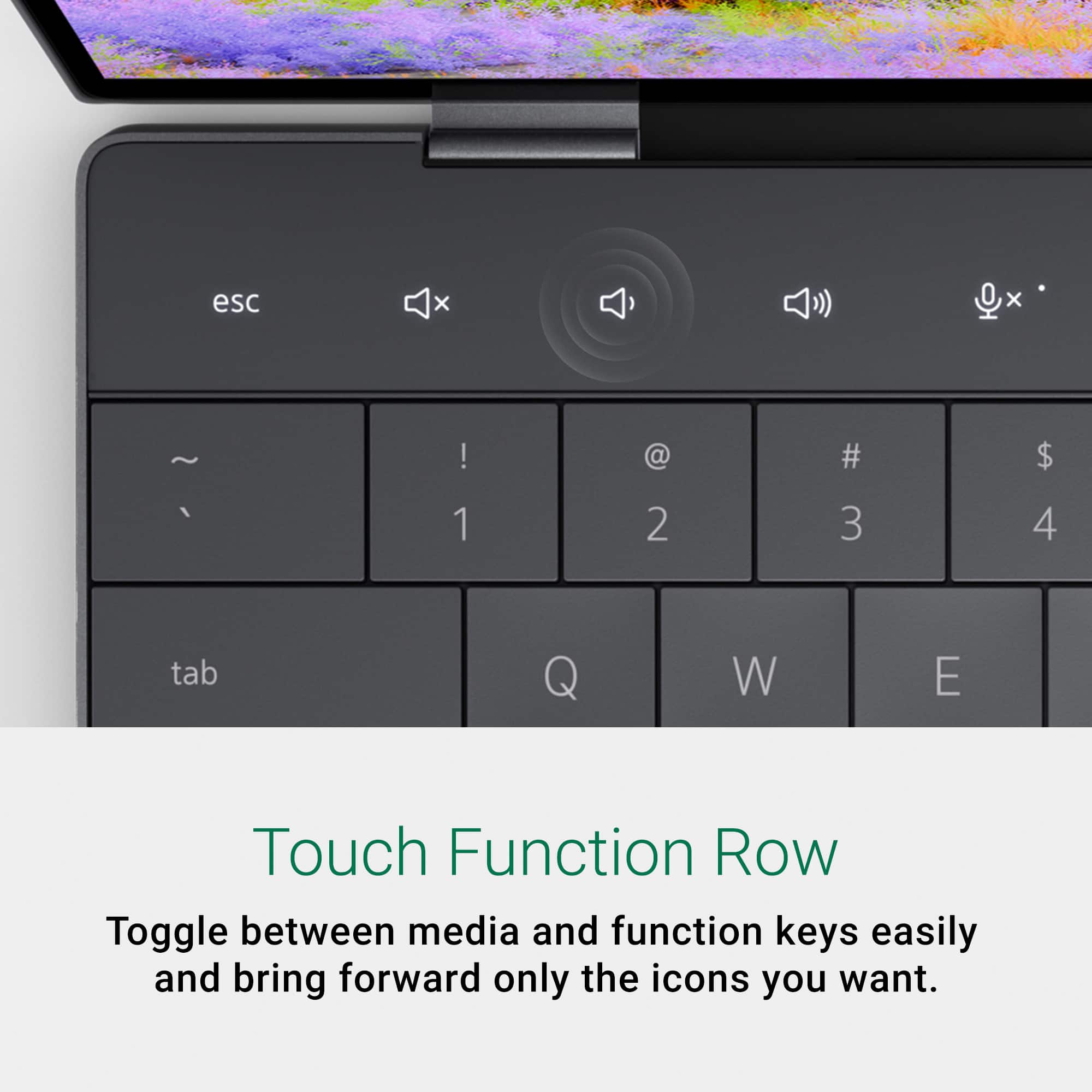
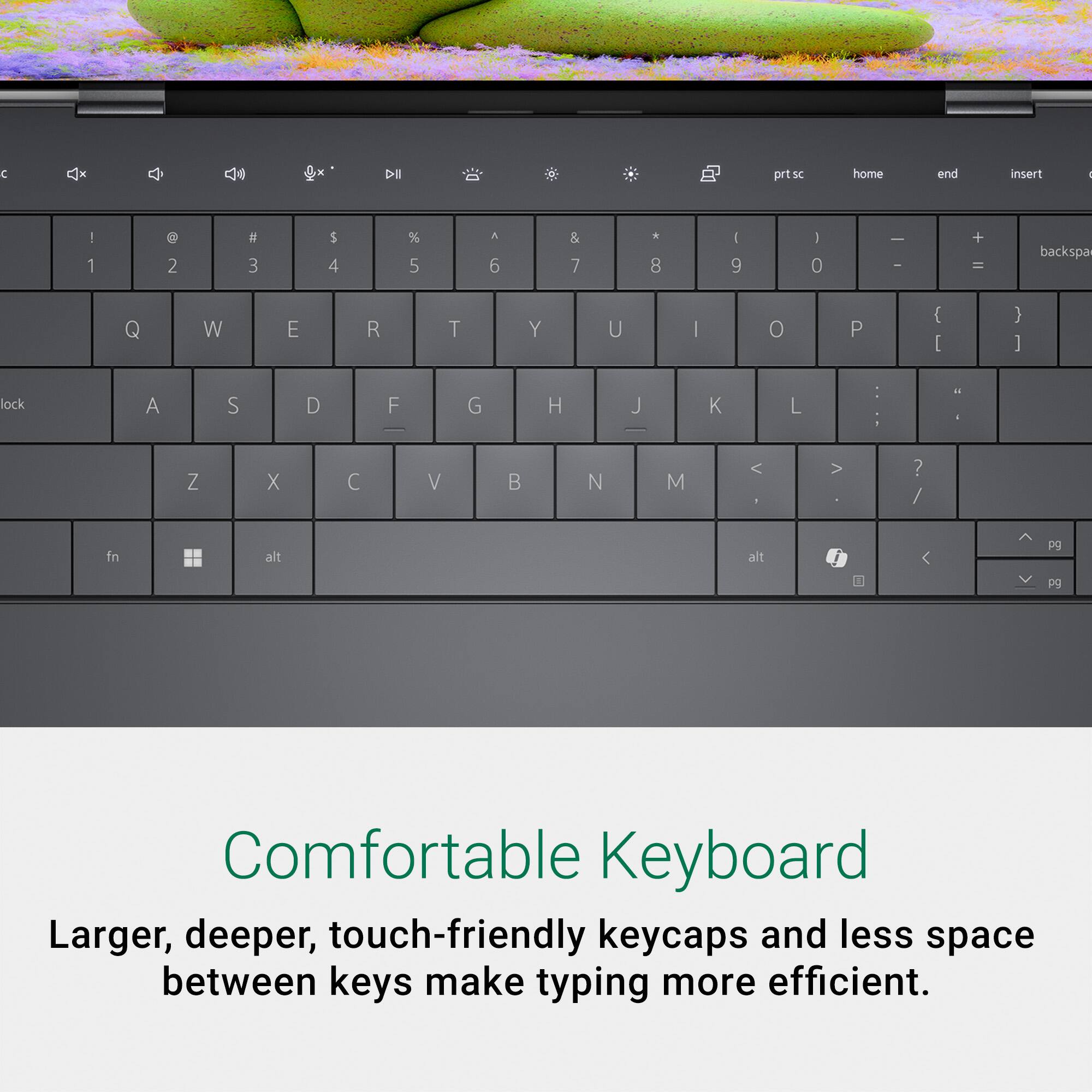
|Posted .This reviewer received promo considerations or sweepstakes entry for writing a review.The Dell XPS line has always been a good lineup of theirs with light powerful sleek laptops, and this one is no exception. Setup was easy, and while it did include several Dell utilities and McAfee, and while they didn't seem to slow the PC down in my testing, they did use more RAM than I would have liked on the device. However, uninstalling them was simple and straight forward, though considering the overall number of CPU cores on this laptop it didn't change overall performance beyond providing more RAM for other applications to run. I will say this chip with three diverse types of CPU's is still at the time of writing seems to be a bit new and the Windows scheduler and apps still seem to be learning about it, so I suspect performance will increase over time as they refine that to better utilize the different cores more efficiently for different tasks and the reason I say that, when I first ran Fire Strike to get a general idea of the strengths of the laptop, out of the box before patches and firmware updates the performance was slow. Once the updates were applied the performance doubled in fire strike, but what I did notice is run to run variance could change based on which CPU cores were given to fire strike and i suspect a few patches down the road once this chip is in widespread use will improve the consistency. From day to day usage though there were no issues that I noticed when using it and the integrated graphics seems to handle light gaming too which is nice. This chip also as an additional processor that can be used for Machine Learning/AI which seems to be the new .COM, and Windows with Copilot seems to be pushing, though I didn't notice much benefit yet or if this additional processor type on the CPU will provide benefit yet, but it is there which is nice I guess that we have it, even if not being used much yet. The only downside with this model is to get faster RAM for better performance with DDR5 Dell had to go with soldered RAM, meaning you need to determine at point of purchase and based on your current use case if the 16 GB will be enough. For normal tasks, Web browsing, watching Videos and other things it seems be enough, but anyone who has used a computer know RAM usage continually goes up, though removing McAfee and the Dell Utilities if you don't need them will help claw back some for your use. The one awesome thing I did appreciate from Dell with this laptop is the PDF manual on their site showed you how to take apart the laptop with what type of screws go where and how to service the device. This is an amazing feature that I appreciate, especially since the 512GB SSD might need to be upgraded later depending on my use case and they give incredibly detailed and concise directions on how to do that. I hope this trend continues and expands as user serviceability with clear directions helps me keep my laptops in use well past their normal life reducing e-waste. The screen they have is superb, vivid, bright, very viewable from all angles, just a joy to use, though by default for battery life, it is locked at 60 Hertz, so if you want the full 120 it offers, you'll have to modify that in settings. The power supply is all over USB-C, which I don't mind, since it means, we don't have to carry a large laptop brick around to charge/use the device on the go. Dell provides a nice one, with a long cord, the only downside, is while you can use either USB-4/Thunderbolt 4 ports, it does take a up a port, so if you want to use more USB peripherals, you'll need to investigate a docking station or a USB hub. The keyboard works well, and the touch interface that switches between F-Keys and Media/Brightness keys is awesome, since it's a Touch interface, it changes clearing displaying what you are going for and the feel is smooth. The mouse pad/touch pad is interesting as there is no recess, it just exists in the middle of the palm rest, so occasionally I might be outside, but it is responsive and works well. The device also comes with a Fingerprint reader as well as an Infrared/Windows Hello Web camera to allow for easy login and protection of your laptop. Overall Dell created a great laptop for someone who needs a performant Office Laptop and is light and easy to travel with. I highly recommend this.
I would recommend this to a friend Everything OK except Type C cable was missing
||Posted . Owned for 3 weeks when reviewed.This reviewer received promo considerations or sweepstakes entry for writing a review.Everything was perfect only type C cable was missing rest all OK
I would recommend this to a friend- Pros mentioned:Battery life, Processor speed, Ram
Perfect size for on-the-go computing!
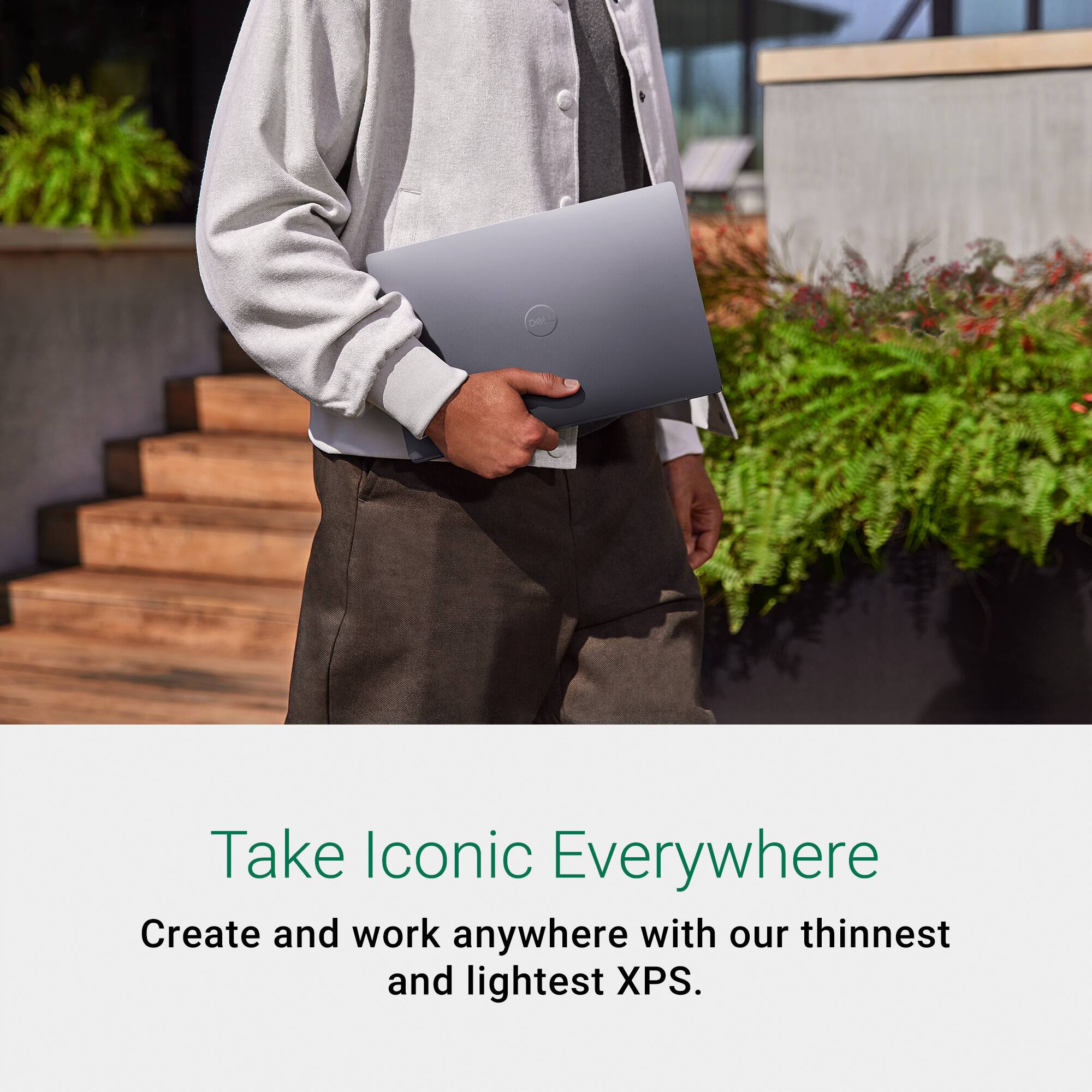
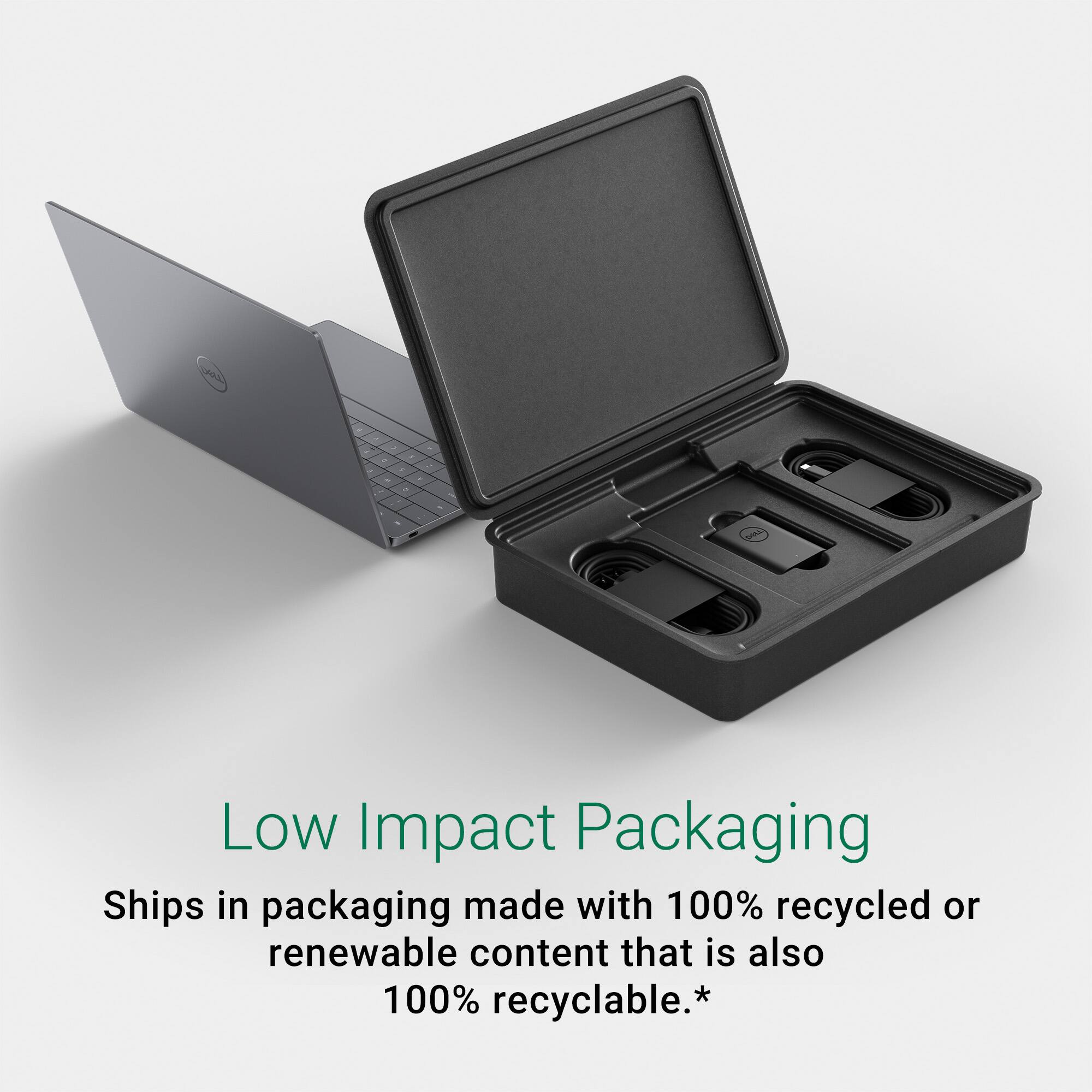
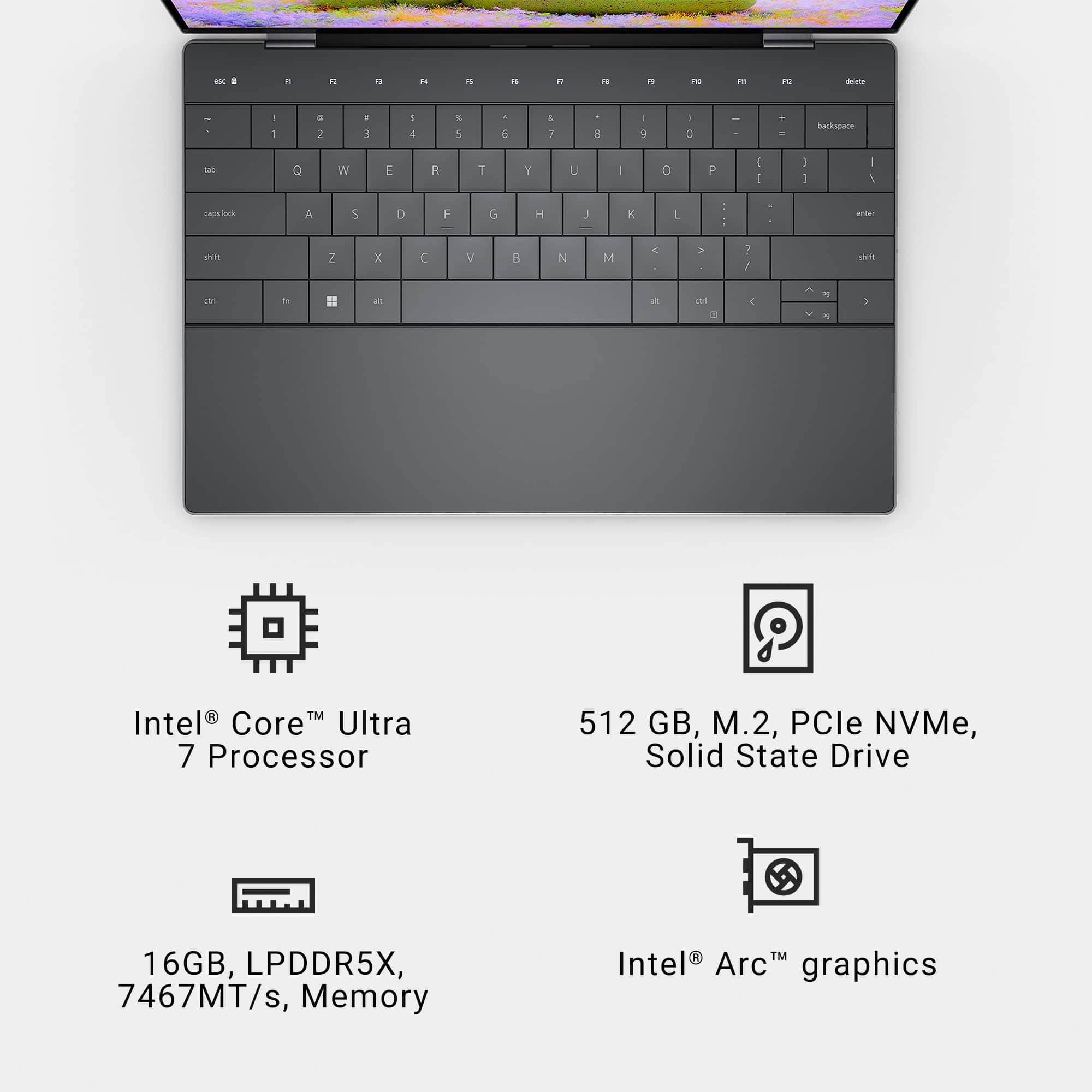
|Posted .This reviewer received promo considerations or sweepstakes entry for writing a review.Dell has produced another winner! The XPS 13 Laptop features the newest Intel Core Ultra 7 – Evo processor and packs a punch! The mini laptop arrives in premium, recyclable packaging and is well protected. The unpacking experience is minimalist (to say the least) with the only "documentation" being some printing on the screen protective foam insert that labels the power button and offers an outline of the mouse pad area. Printed documentation is limited to safety info, a figure of how to plug in the power and a QR code for access to the on-line user's manual. Sort of a chicken-and-egg dilemma if you have questions before startup! Setup follows the familiar standard Windows process. My advice is to plug in the power, pour yourself a cup of coffee and prepare for a lengthy update regimine as virtually everything will need a download, update and reboot cycle. The unit is solidly built. The screen hinge, the keyboard and even the fit of the USB-C sockets reflects quality construction. The keys have good travel but but don't offer much tactile distinction. I love the backlit, chameleon-like row of function "keys" - really just touch sensitive areas that can change their functions and labels on the fly! The mousepad size is generous and it is quite sensitive. I found myself clicking without meaning to several times! Performance is very good. Battery life is respectable and the screen is bright and crystal clear. In addition to the Evo processor the unit has 16GB Memory and a 512GB SSD. There are a few improvements that I would have liked to see. Please silk screen a logo of some kind on the power button and print an outline around the active area of the mousepad. Overall, I like this laptop a lot! It's compact size and weight are achieved without compromising its physical integrity. I feel quite confident tossing it in my bag when travelling. Add the Dell XPS13 to your short list if your looking for a compact laptop in 2024!
I would recommend this to a friend THE WORST LAPTOP
||Posted . Owned for 5 months when reviewed.This reviewer received promo considerations or sweepstakes entry for writing a review.The worst laptop I ever had! Don’t waste your money and never buy it!! I did the update you were asking for, and now I CAN’T access it in any way. It doesn’t recognize my PIN, face, or fingerprint. It’s a complete mess. And the worst part is, it was quite expensive.
No, I would not recommend this to a friend- Pros mentioned:Battery life, Processor speed, Screen brightness
Love the form factor
|Posted .This reviewer received promo considerations or sweepstakes entry for writing a review.I was in the market for a new laptop. My last one was a Dell and it was about 7 years old. It aged well or so I thought. It still functioned great and I did my taxes recently on it just fine. When I say so I thought I couldn't believe how much the visuals and designs have changed as I hadn't paid attention for many years. The specs are listed and more than enough to not need explaining here. It has a bright crisp HD screen. It's very light especially in comparison to my old one. Battery life so far has been great. I am getting about 9 hours on a charge at near maximum brightness. It's so fast and quiet. A drastic change from the hard drive and big cooling fan days. Audio seems good enough. I really like the touch sensitive control bar. The facial recognition and camera have worked flawlessly so far and there is also a fingerprint sensor for additional security. The touchpad does take some getting used to. it's a solid glass panel with no markings on where the touchpad and mouse buttons would line up. I instantly thought maybe adding a lighted virtual design underneath in the future would not only give it a unique visual appeal but also help at night. Overall it seems to be an outstanding laptop. At almost 50 years old I have owned many Dell products and have had great luck with them. I'm sure this will give me many years just as the last one has.
I would recommend this to a friend - Pros mentioned:Battery life, Screen brightness
Perfect travel companion
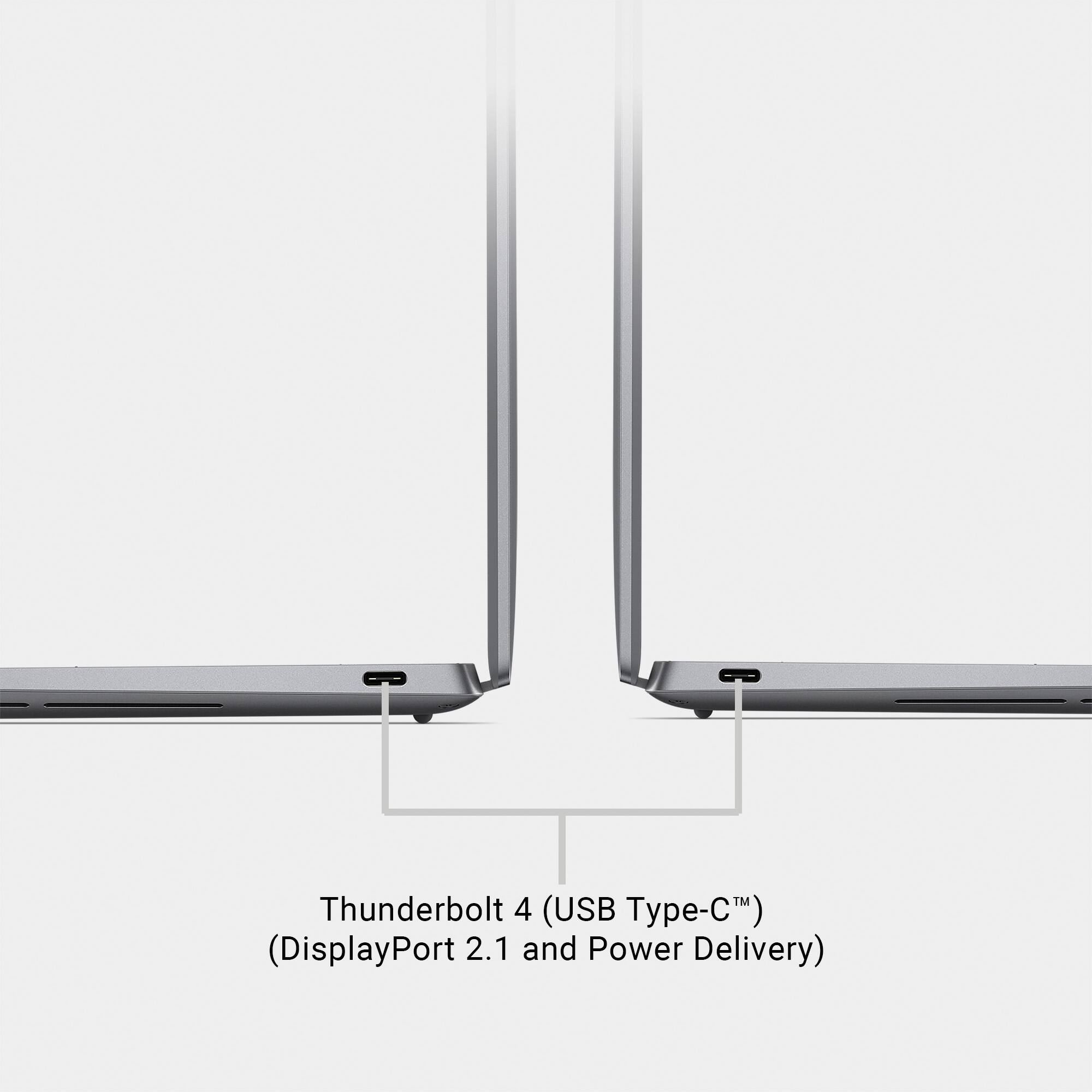
|Posted .This reviewer received promo considerations or sweepstakes entry for writing a review.I needed a small but capable laptop for my travels where the compact size and minimal weight is a plus. Based on my experience so far my new XPS 13 with the new AI chip Ultra 7 155H fits the role well. I am new to XPS, so I did not know what to expect exactly but assumed that a top line from Dell should be a safe choice. Power button. In the process of learning my new XPS design I had to make a couple of adjustments. At first, I was unable to locate the power on and off button. On my prior laptops it was always a distinct and well labeled button, either above the keyboard or on the side. Here you have to really look for it as it is hidden in the keyboard. Look right to the top keys row right off the backspace key. Here it is. Totally unmarked, just a small, narrow key. The same power key also serves as the fingerprint login key. Keyboard. The keyboard and the area below do not show too much of fingerprints, the surface looks mostly clean even after several hours of use. Key are slightly concave. The key travel distance feels right. There is not much space between the keys. There is a new dedicated key for the Copilot, reflecting the new Microsoft requirement on new laptops. When pressed it produces the Copilot window on the part of the screen. Keyboard can be illuminated but the lighting stays only for a while and then it goes off on its own after a period of inactivity. Function keys. Another unusual element of the XPS design are the function keys which are not actually part of the keyboard but rather laid out above the keyboard as lighted touch points (when you touch them you feel no feedback at all). They stay illuminated all the time. From some of the key functions you have there the key to illuminate the keyboard, microphone shut off, sound level adjustment, screen projection and so on. But no camera shut off which I have on my other larger laptop. To change the display to the F keys press the FN button. Touchpad. The touchpad is very nice. It is made out of glass without visible borders and incorporated into the body so you cannot see where it starts and where it ends. But it works very well and provides solid feedback. It starts on the left side from the beginning of the space key and ends at the end of the Alt key on the right and vertically it goes from the edge of the body to the keyboard. Feels very soft to touch, kinda velvety. It has a nice comfortable to touch feeling, at least in my book. Speakers. The 4 speakers totaling 8 watts do sound good, though not as good as some other top level laptops. There is a Dell application included, called My Dell, where you can customize the sound’s equalizer manually or select from a good number of EQ presets. Laptop supports Dolby Atmos. Battery life. Battery life seems very decent versus what is being claimed. I was using my XPS doing the usual daily stuff, no high level engaging graphic creation activity and it lasted me for the entire day. I had my screen brightness set to max. Through the My Dell app you can customize the thermal management settings from keeping it cooler to max performance which will impact the actual battery life. Mine was set as Optimized. Keep in mind that my screen is 1,900 by 1,200 non-touch, which has the longest battery life of the three screen types available on this size. The display and graphics. The graphic card (Intel Arc) will allow displaying up to 4k on an external monitor even though the laptop screen only goes to 1,920 by 1,200. You can adjust the refresh rate from 30 Hz up to 120 Hz. The specs say it displays up to 500 nits on maximum brightness and that sounds believable based on my experience in the bright light. The My Dell app offers additional options (like black level, temperature, gamma and more) to control the display experience. Other items. There are only two thunderbolt 4 ports with support for DisplayPort 2.1. They both charge. They also can be used to send the screen image to an external monitor with the proper cable. This laptop supports the new WiFi 7 standard which is good for future proofing. Opening the clamshell can be a challenge at first as there is no dedicated lip to insert your fingers in when trying to open the laptop. You still can do it relatively easy with two hands by touching the top edge and the bottom and pulling up, but having a dedicated lip would be helpful. Bezels seem very thin and add to the feeling of quality and sophistication. The inserted 1080p camera at the top works very well in various environments and supports the Windows Hello login. To log in there is also an option of using the fingerprint on the unmarked power button on the right end of the keyboard. Conclusion. Overall I am very happy so far with my new XPS. It is light, looks quality, feels quality, has the newest chip with AI, offers long battery life and a bright screen when I need it. Definitely recommended for all who look for a small size but very capable laptop with a great quality finish.
I would recommend this to a friend Missing ite
||Posted . Owned for 5 months when reviewed.This reviewer received promo considerations or sweepstakes entry for writing a review.No item was received and was charge for best buy provided no support and still paying for it now what a waste
No, I would not recommend this to a friend- Pros mentioned:Battery life, Screen brightness
Compact multitasker
|Posted .This reviewer received promo considerations or sweepstakes entry for writing a review.This Dell is mostly going to be used to listen to music have office (Microsoft) products running and and watch shows via Netflix and other apps. Can I play steam games on it? Of course! It’s a powerful computer that can handle anything you throw at it but it’s designed in my opinion to not sweat when you are working on multiple projects at once. I took longer before writing my review because I wanted to see if what they say about the battery being the best out of the ultrabooks that are slim like this one was true and YES. BATTERY LIFE IS AWESOME! Besides that I love how portable it is. Some laptops might be… laptops but it’s like carrying a brick everywhere, not this Dell. It feels light, the keyboard feels well made and the screen is nice and bright. It won’t fry your thighs as it handles heat distribution or dissipation very well as well. It is my go to small compact laptop to take when I want to sit and study at a cafe without worrying about needing to plug in. I’m impressed by Dell with this one and recommend it.
I would recommend this to a friend