Customer Ratings & Reviews
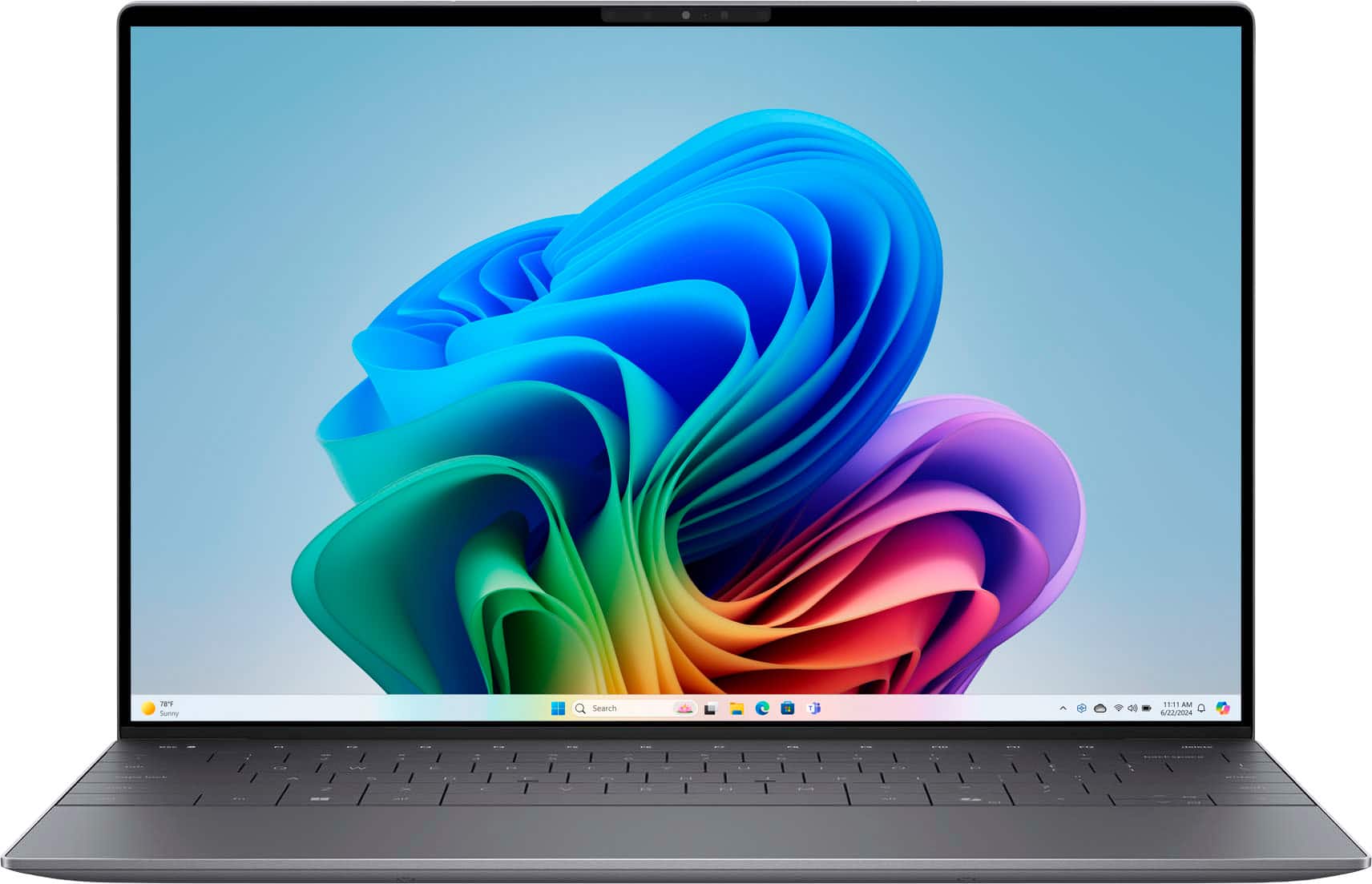
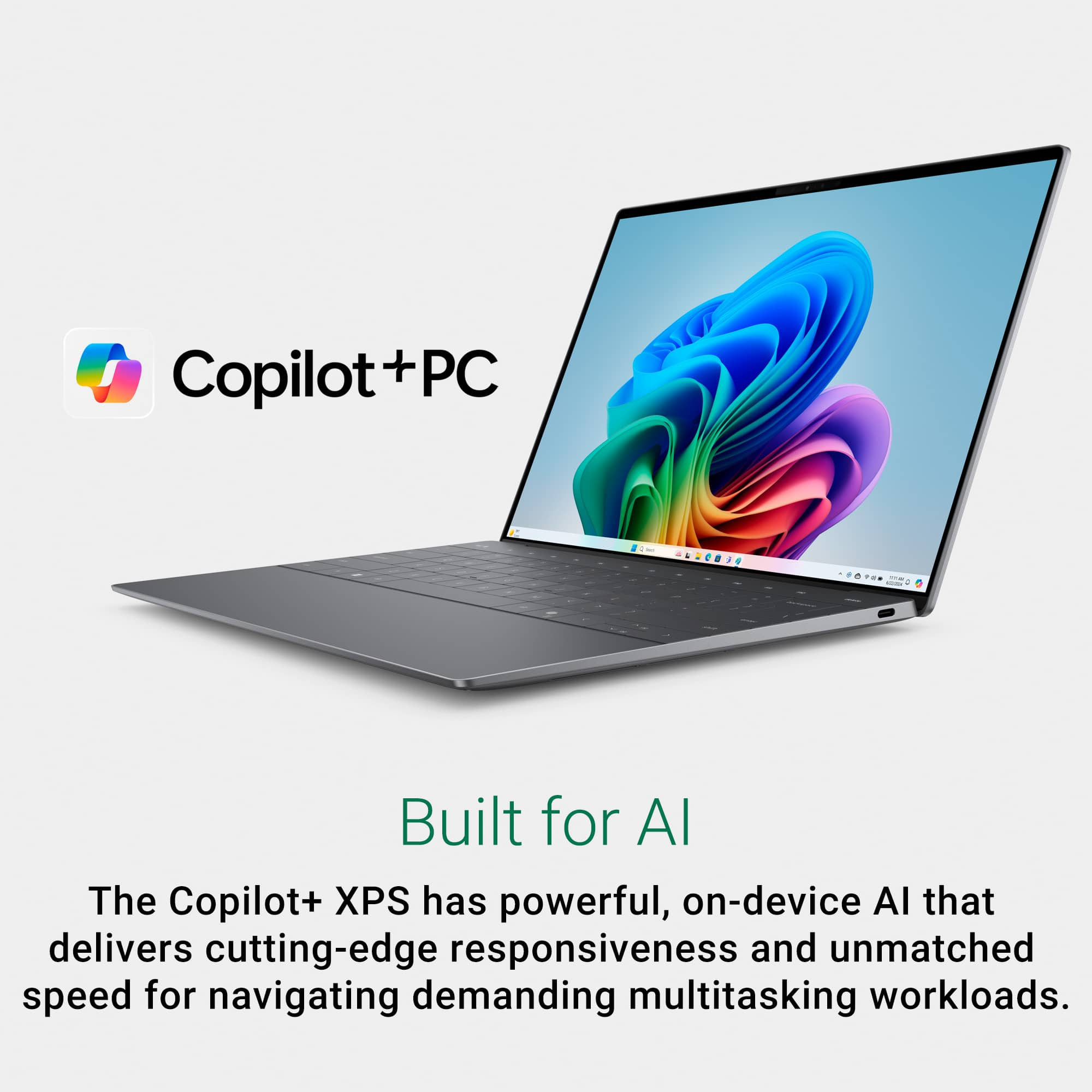
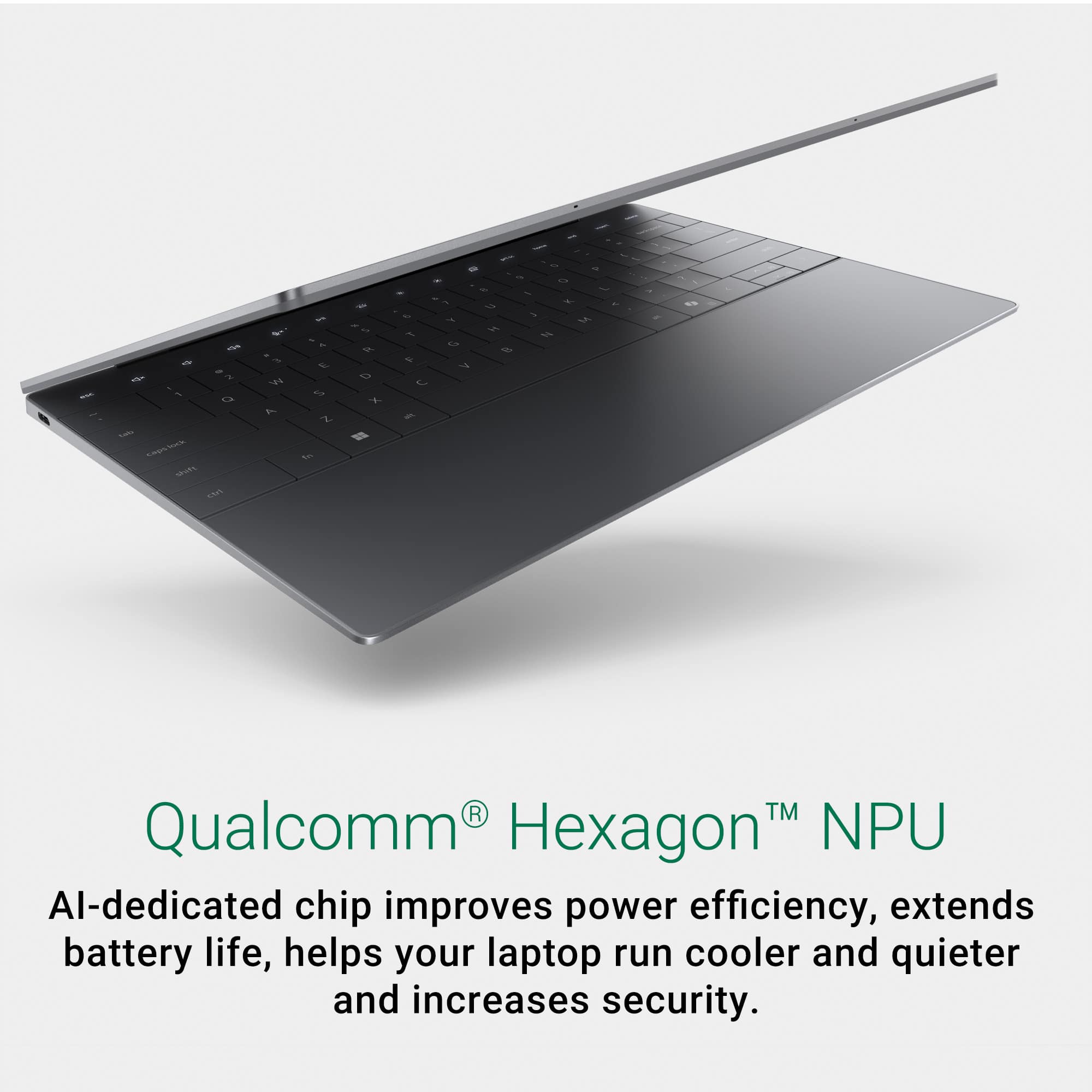
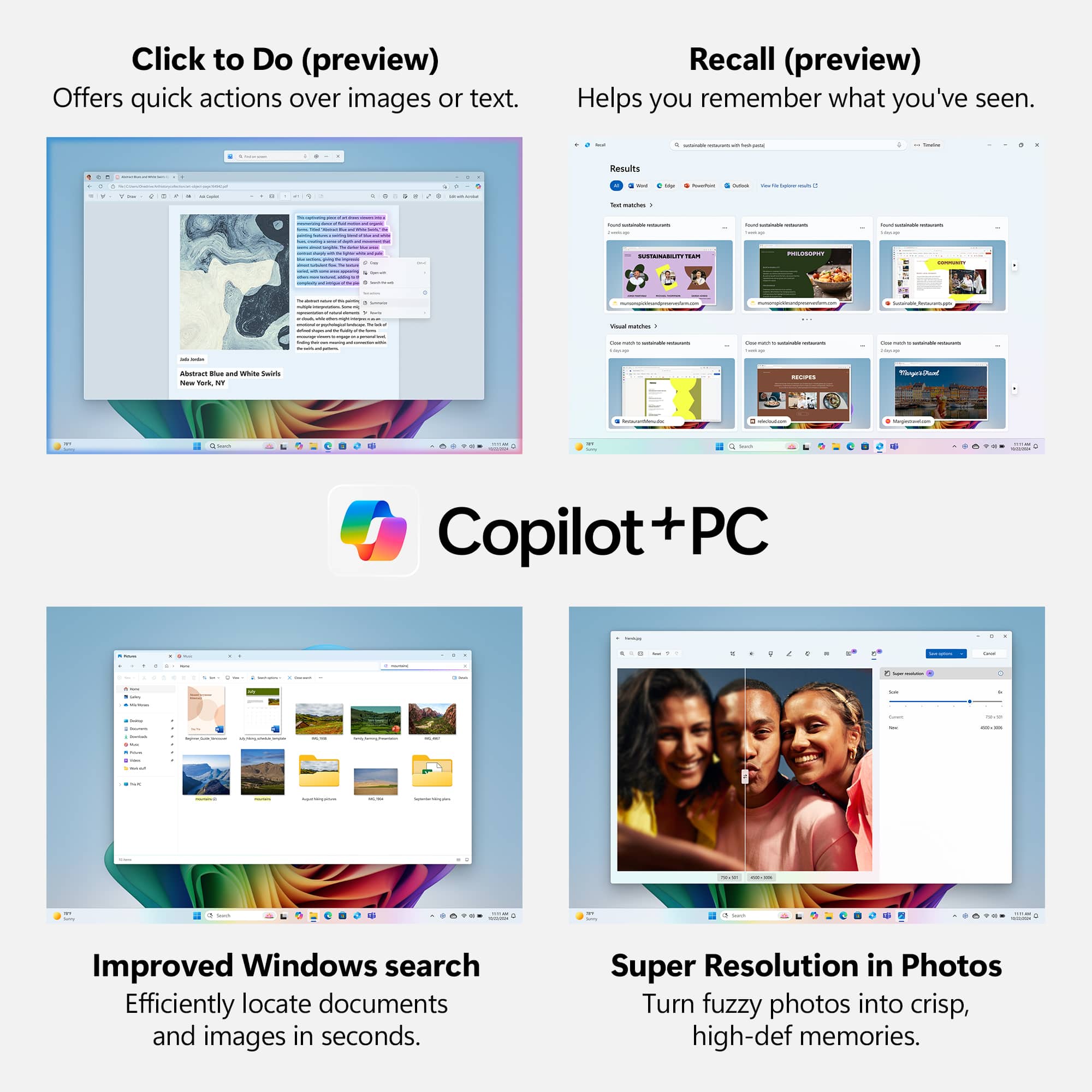
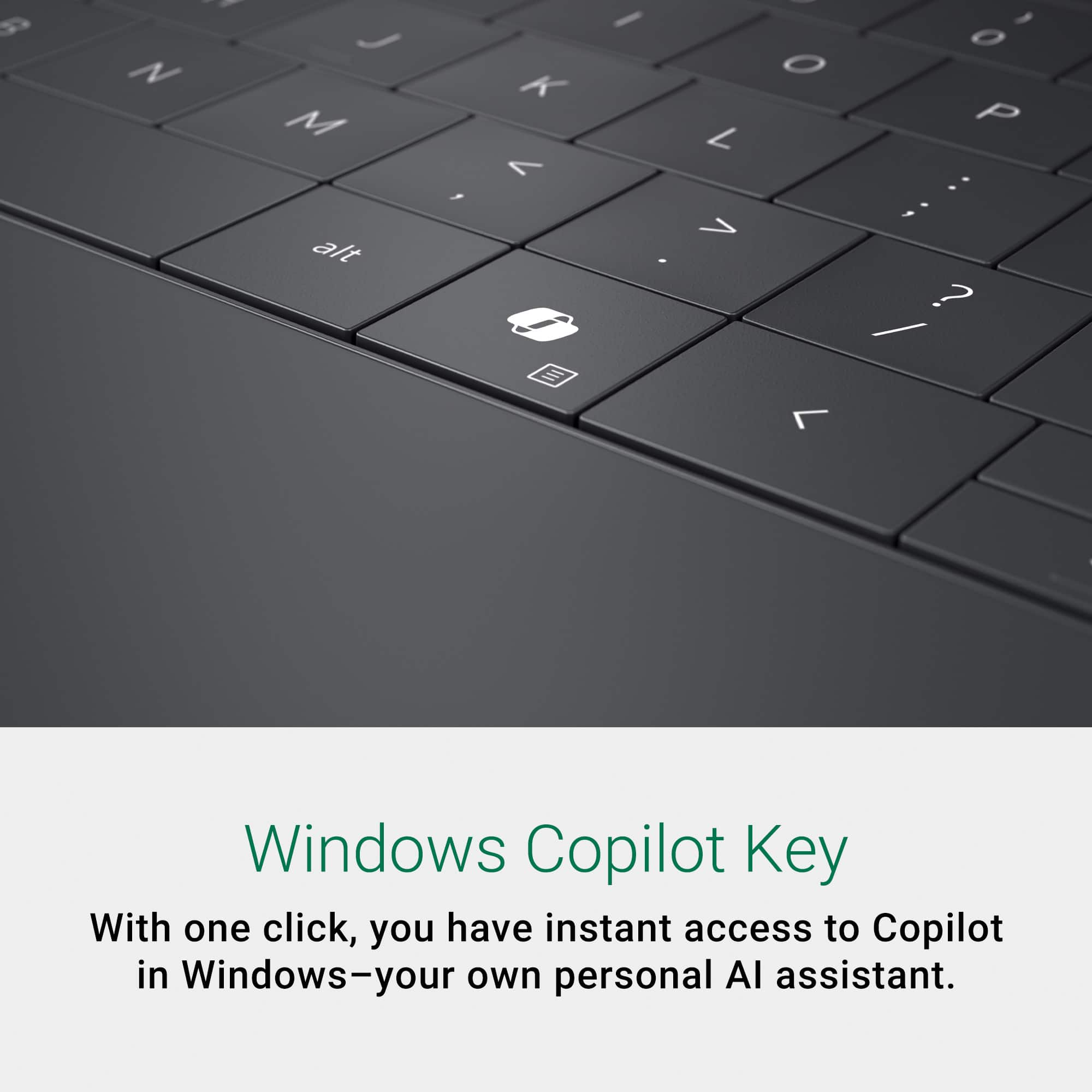

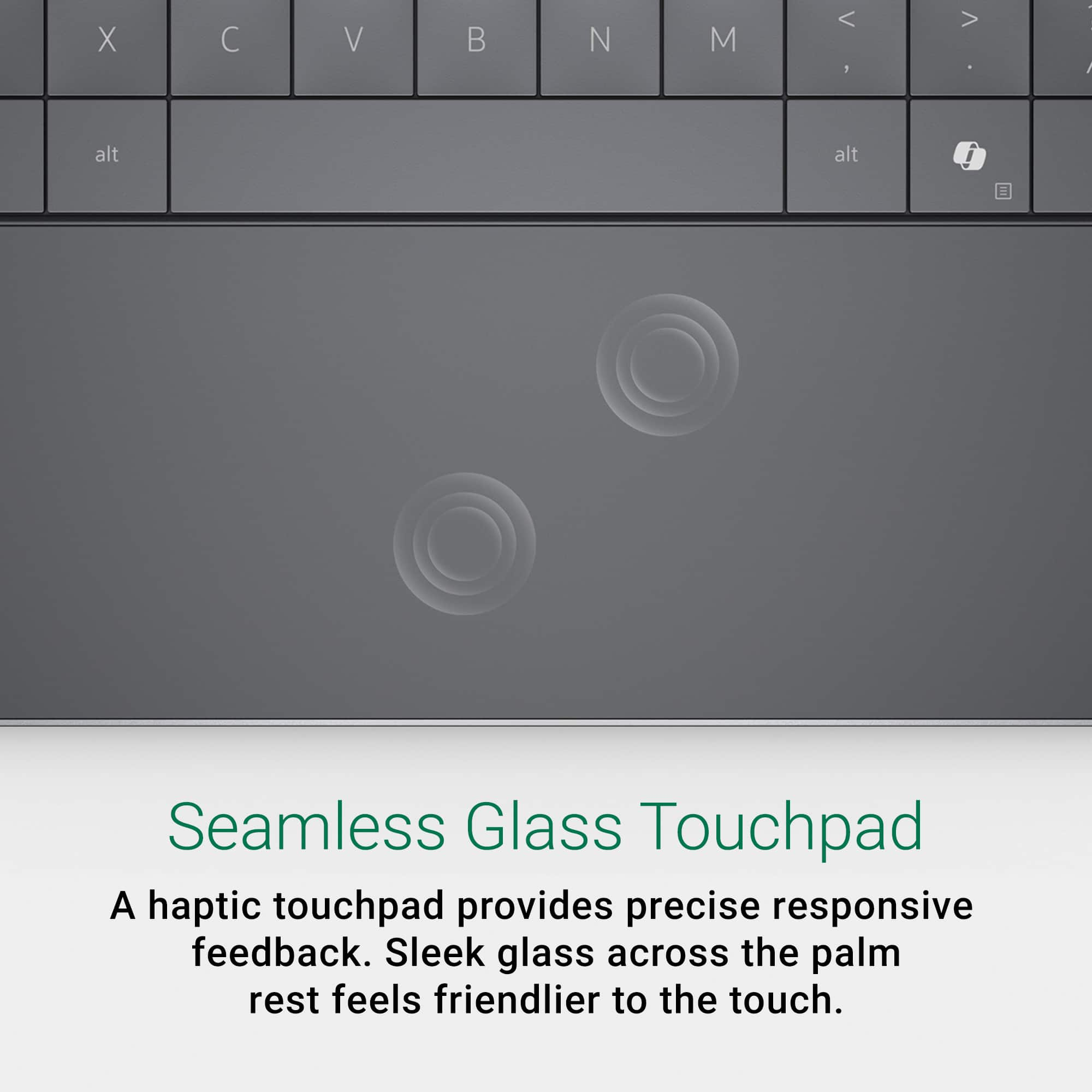
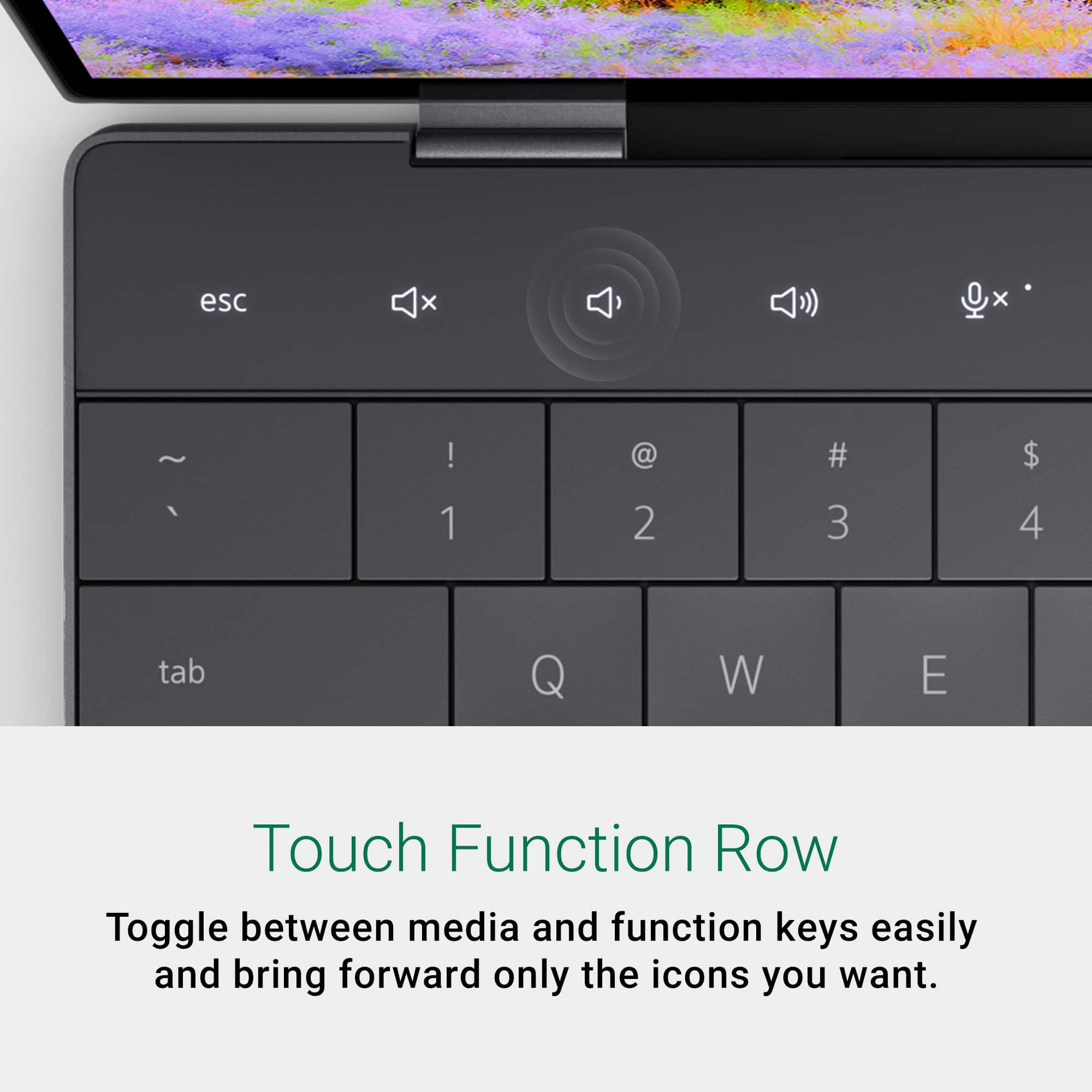
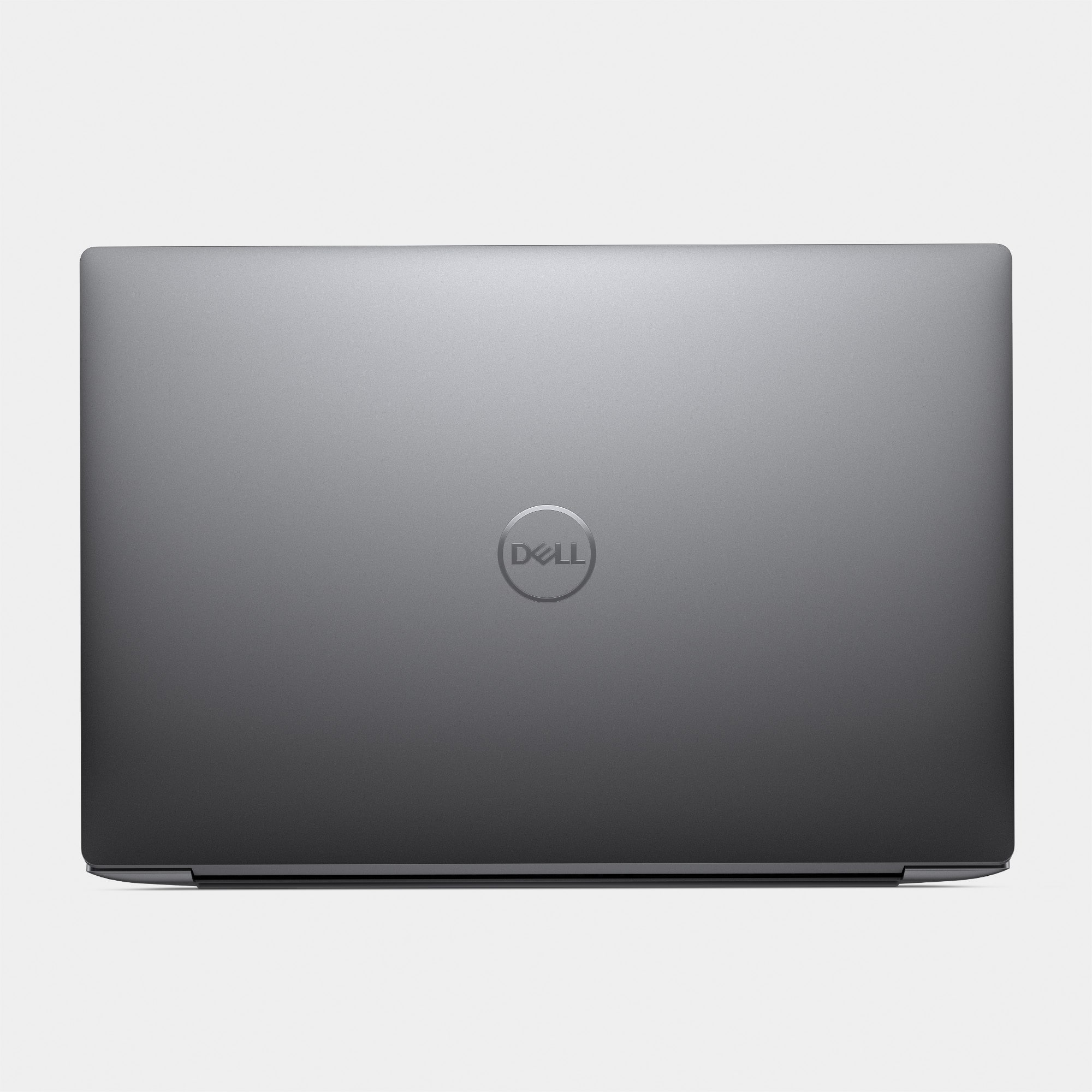
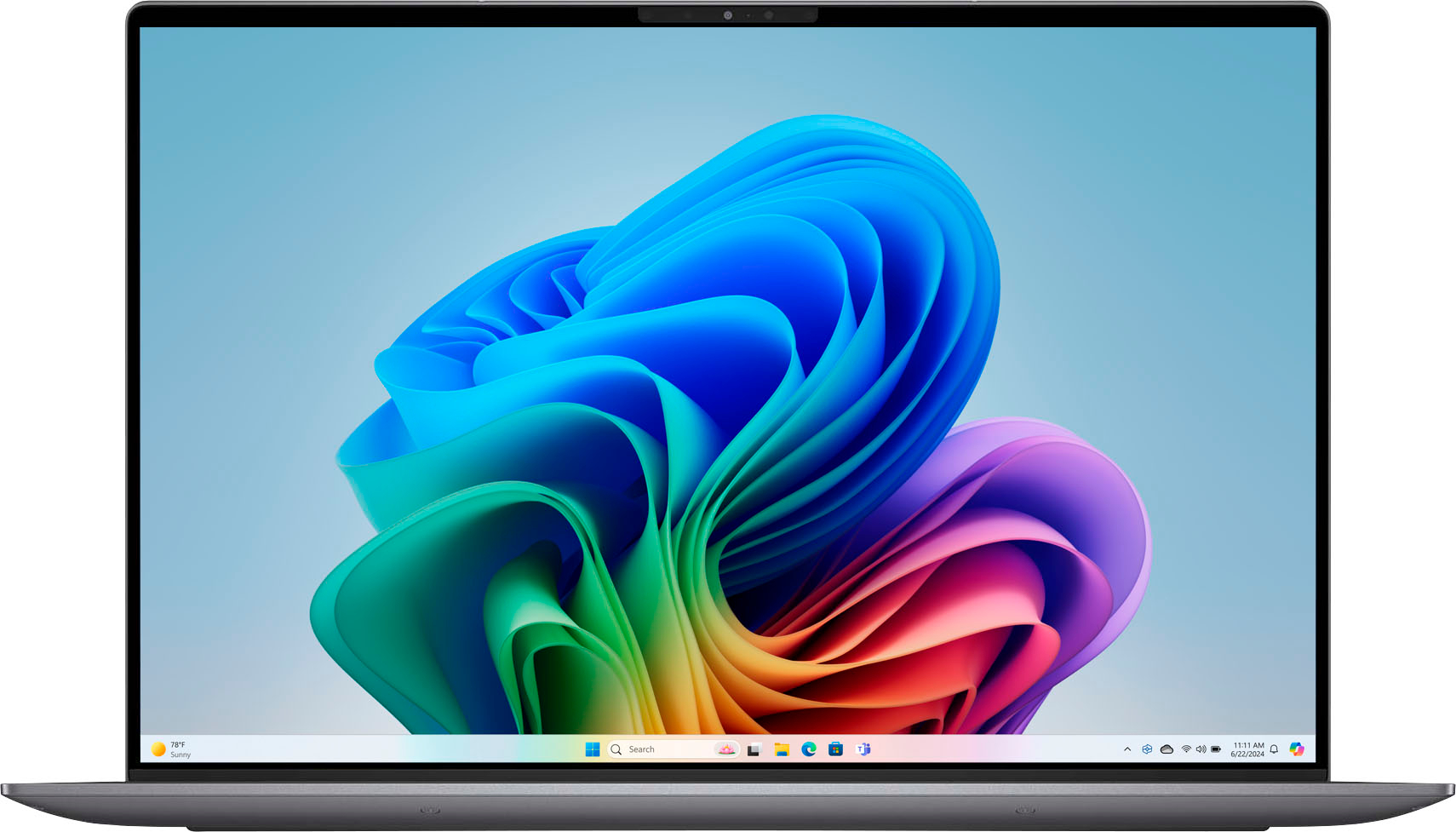
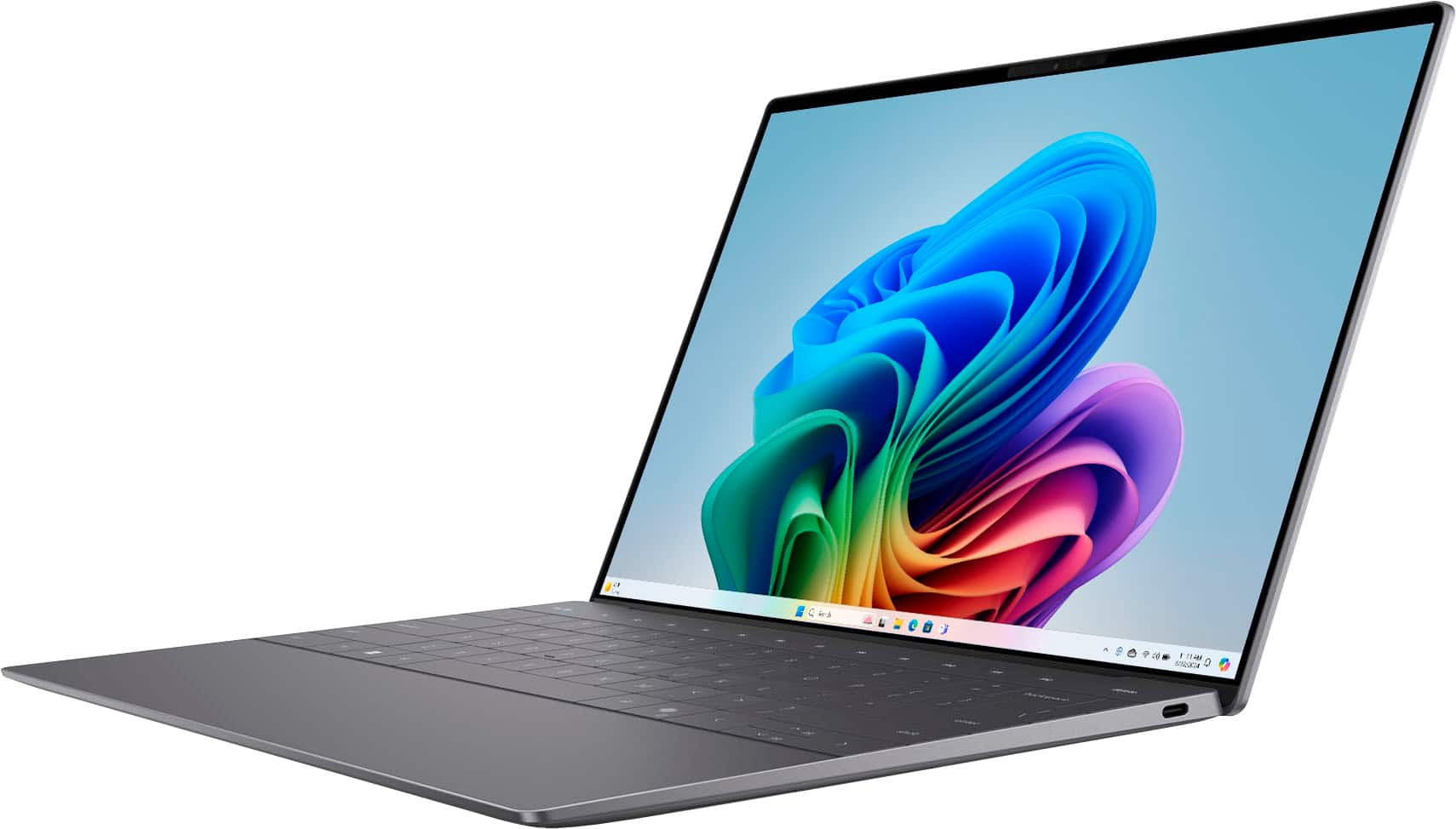
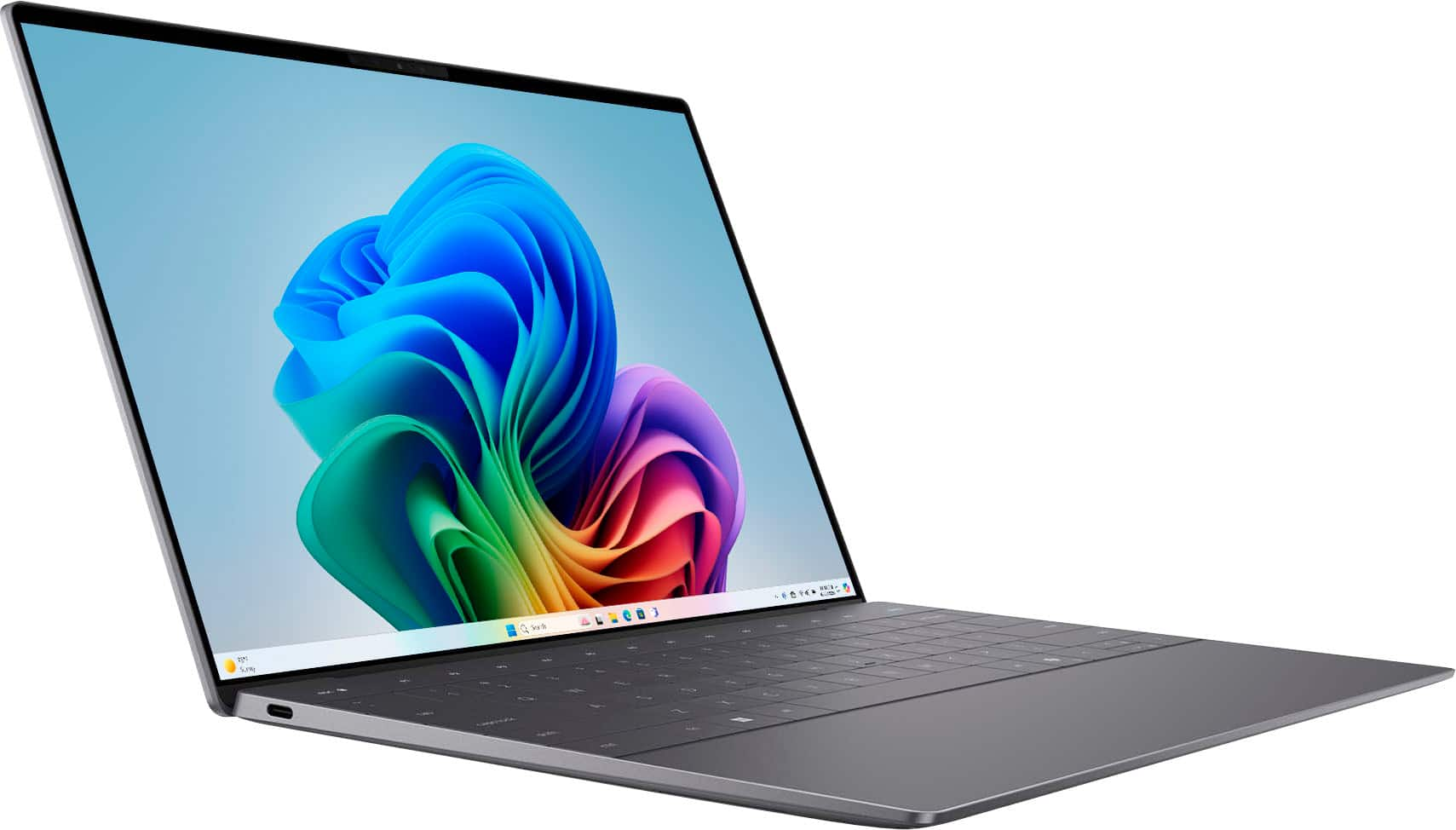


![esc D prts SC home end insert delete - - 1 2 3 4 5 6 7 . 8 9 0 - - + - backspace tab Q W E R T Y U | O P ( [ } ] I / caps lock A S D F G H J K L : - . - enter shift Z X C V N M < - > - ? / shift ctrl fn alt alt ctrl < g Pg >](https://pisces.bbystatic.com/image2/BestBuy_US/images/products/c7025181-c697-4c67-a30b-09b5564ce648.jpg)
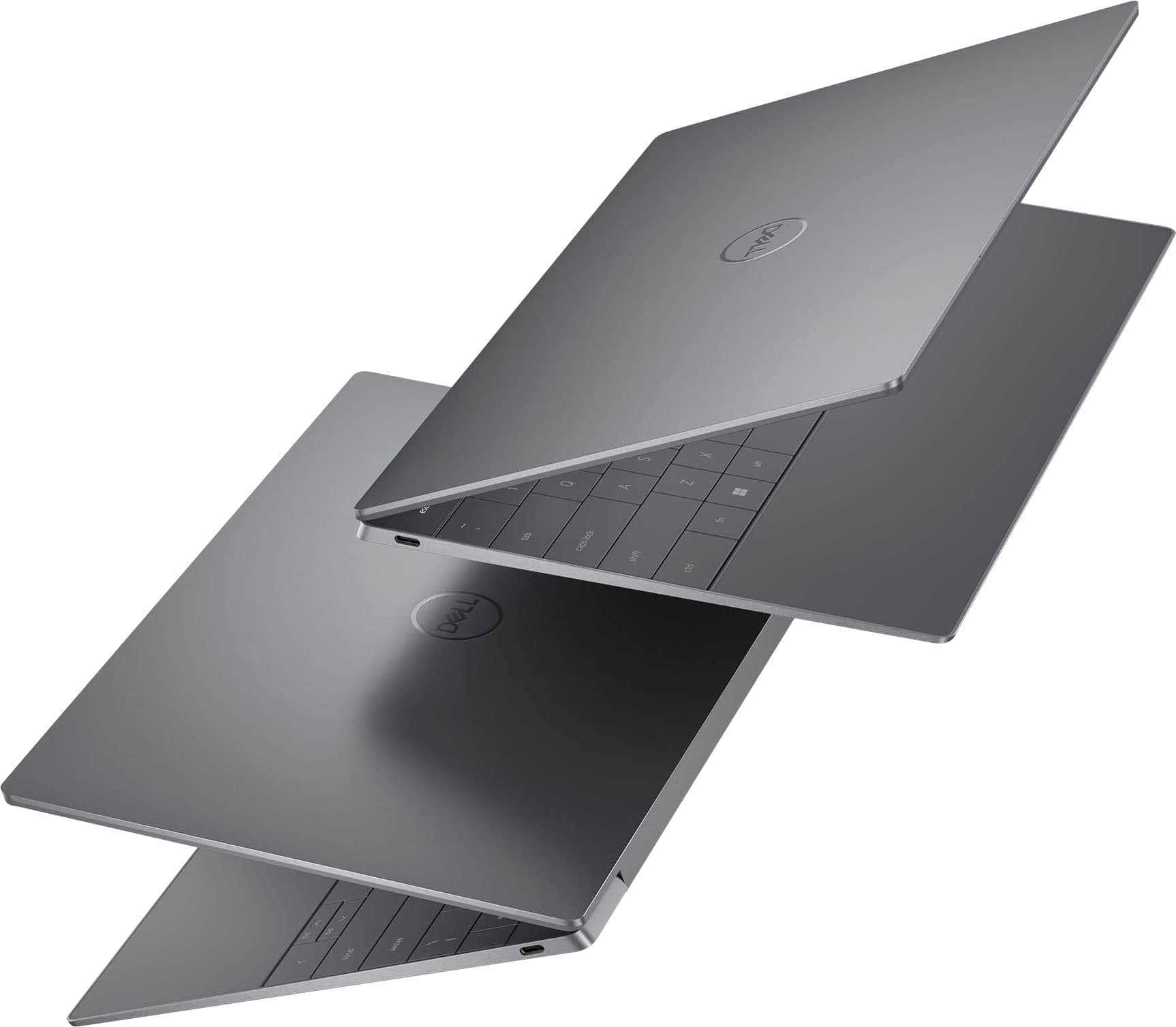
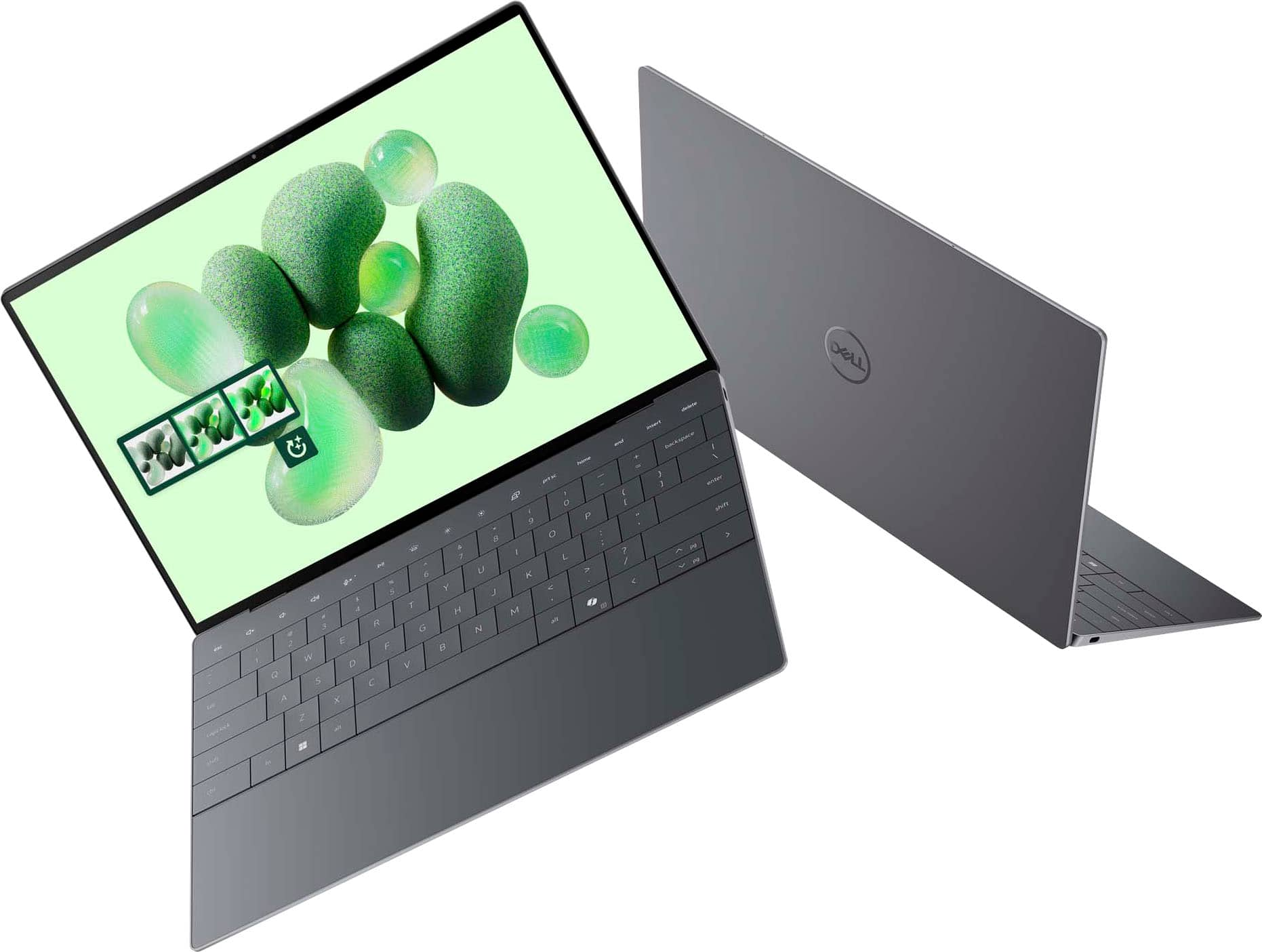
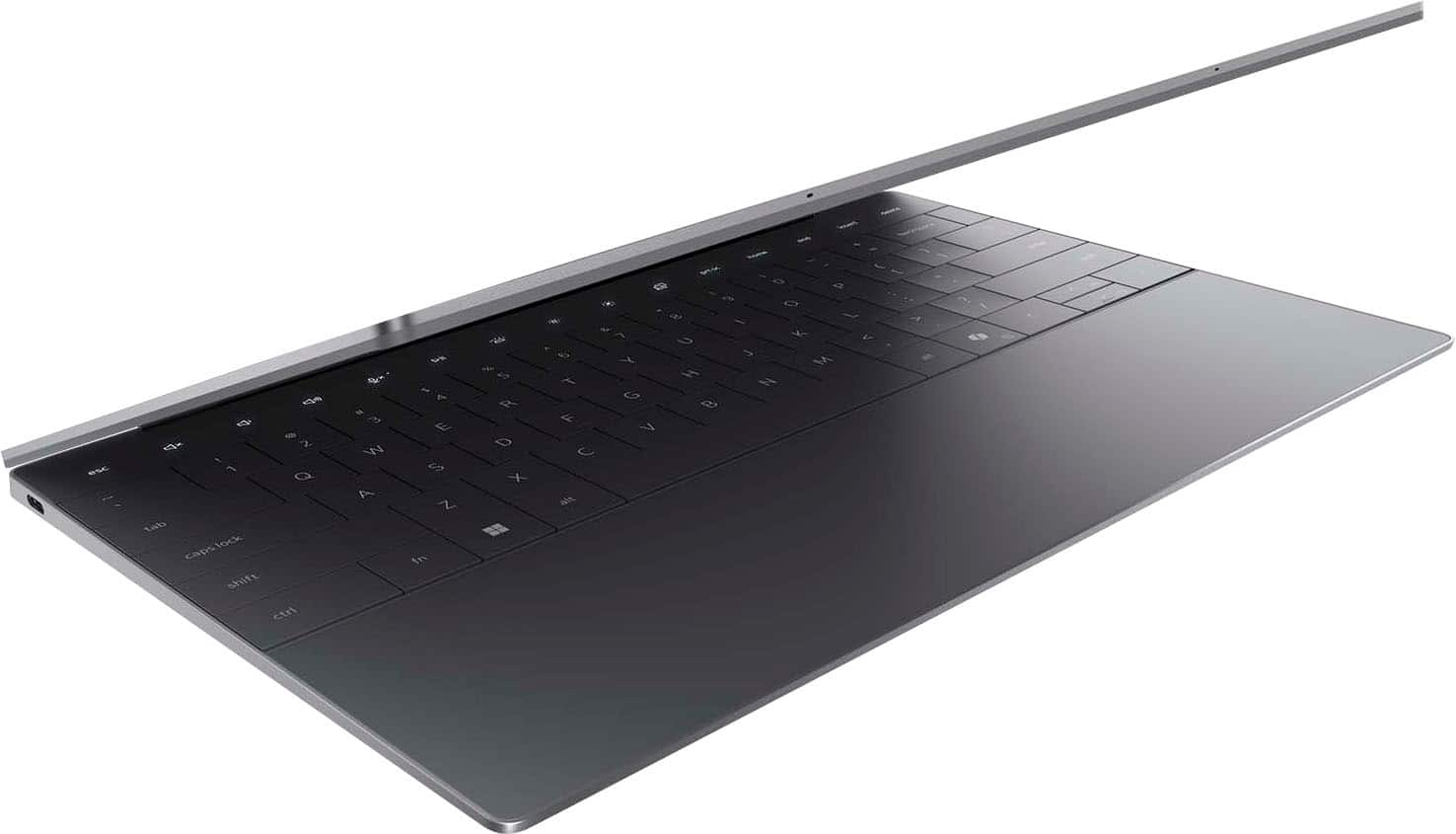
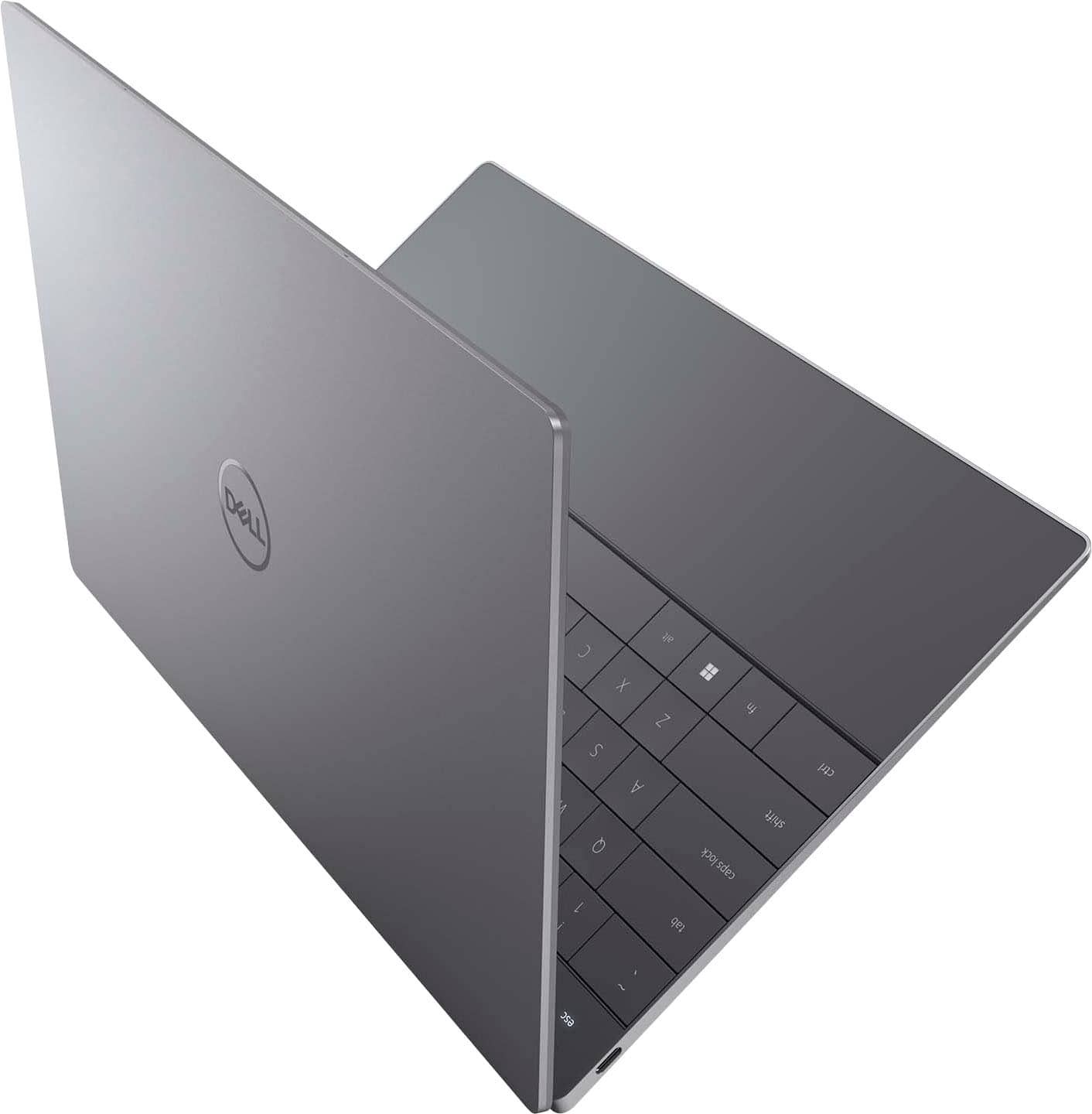











- Model:
- XPS9345-SX12807BLK-PUS
- SKU:
- 12634079
Rating by feature
- Battery Life
Rating 4.5 out of 5 stars
- Speed
Rating 4.6 out of 5 stars
- Display
Rating 4.7 out of 5 stars
Customers are saying
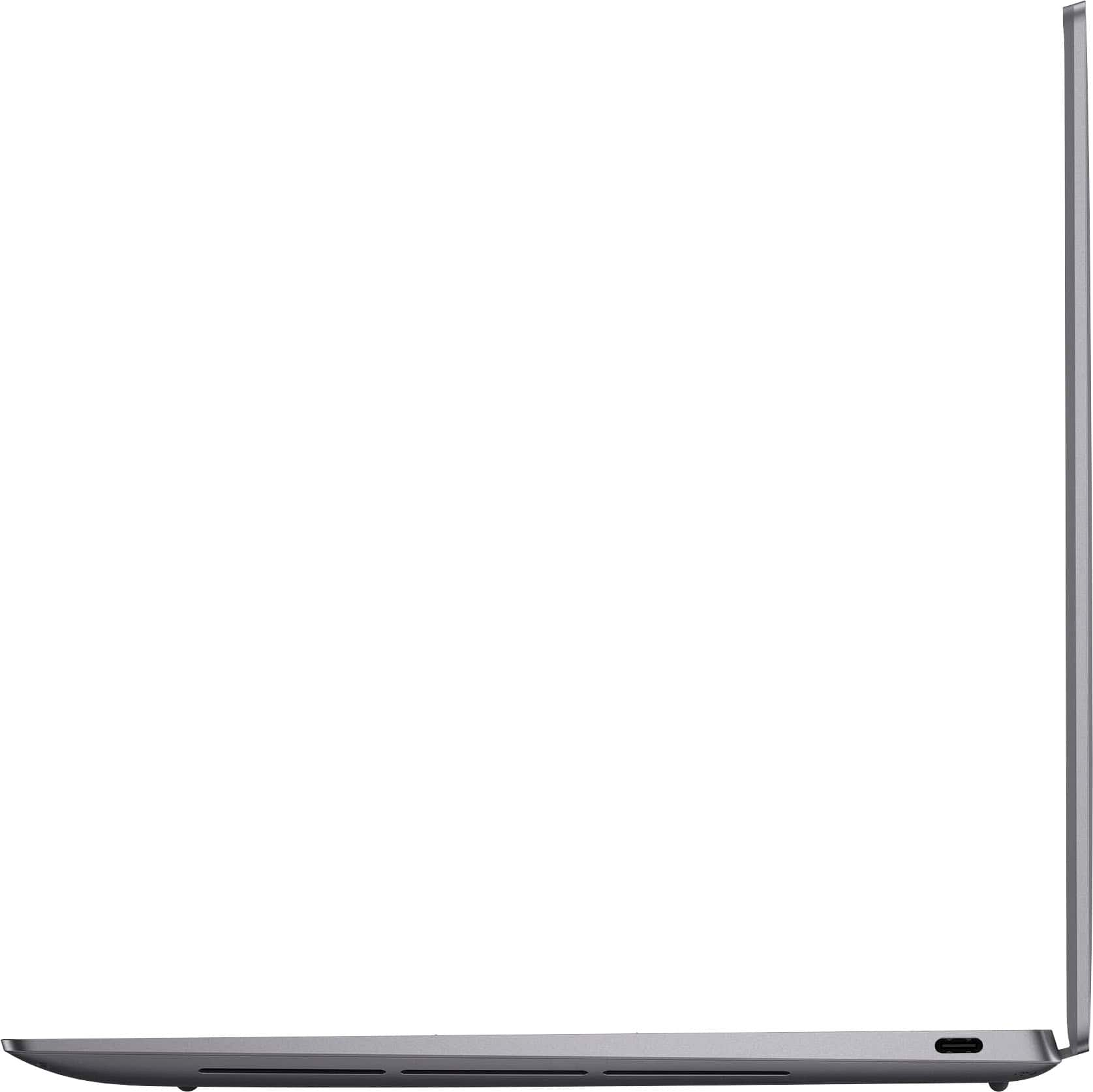
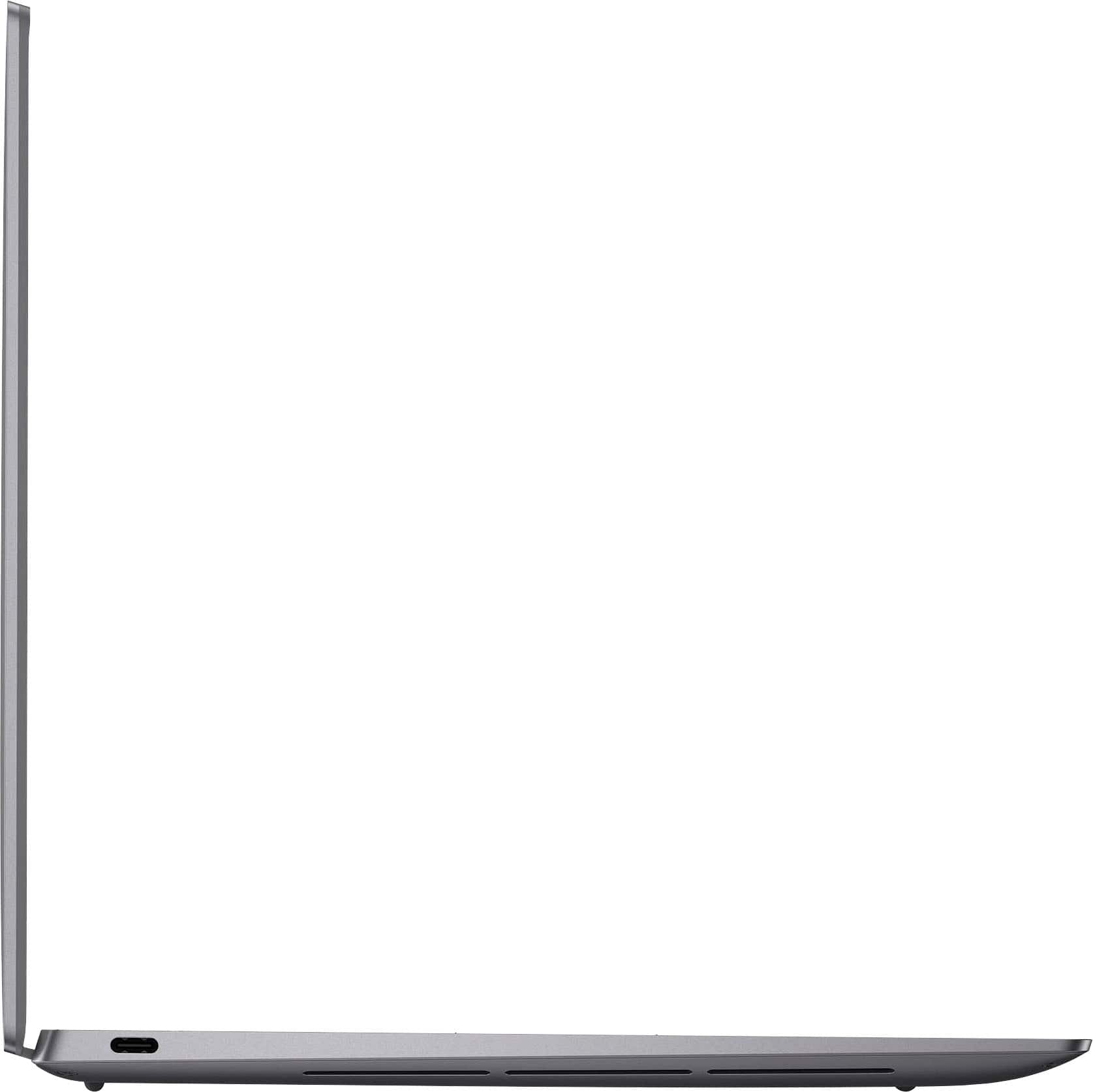
Customers find value in the product's excellent battery life, wonderful OLED display, and very good build quality. They also appreciate its good processor speed and portable, lightweight design. However, some customers note that it is light on USB ports and can run a bit warm. Connectivity is also an area where some users are still adjusting.
This summary was generated by AI based on customer reviews.
Computer
||Posted . Owned for 3 weeks when reviewed.This reviewer received promo considerations or sweepstakes entry for writing a review.Works good much like it does indeed do computer things
I would recommend this to a friendXPS 13
||Posted . Owned for 2 months when reviewed.This reviewer received promo considerations or sweepstakes entry for writing a review.Excellent Laptop. Stylish looks, and great offer from BB.
I would recommend this to a friendLooks great!
||Posted . Owned for 3 weeks when reviewed.This reviewer received promo considerations or sweepstakes entry for writing a review.Great!! It works smoothly and it is high quality!!
I would recommend this to a friendAnother amazing DELL laptop
||Posted . Owned for 1 week when reviewed.This reviewer received promo considerations or sweepstakes entry for writing a review.Absolutely fantastic machine, even better than the previosu XPS (7390).
I would recommend this to a friendUnderperforms
||Posted . Owned for 3 weeks when reviewed.This reviewer received promo considerations or sweepstakes entry for writing a review.Had lots of issues connecting to an external monitor. Screen is great, but a little dim. Slow performance, as well, and loud fan noise. Maybe I got a bad one?
No, I would not recommend this to a friendBrand response from Snapdragon team
Posted .Hi Ryan,
Thank you for reaching out to us. We're sorry to hear you are having issues with your fan speed. Try changing to a more efficient power mode and ensure the device has proper ventilation.
No ai
||Posted . Owned for 1 month when reviewed.This reviewer received promo considerations or sweepstakes entry for writing a review.Didn’t like it and returned it no AI I would not buy this unless it’s all they have
No, I would not recommend this to a friendSnapdragon
||Posted .This reviewer received promo considerations or sweepstakes entry for writing a review.Don't buy, It is not worth, buy macbook m2 light, Only problem with laptop because they made changes and add processor snapdragon, it makes laptop worse, I am returning soon, and You buy it and it lags it cant handle your steam games either it all lags, you be facing issue very often, and it is just garbage, and battery life same as all other laptop, it only can go 7-8 hours if screen on and you do nothing, but if you just using it no playing games even that it goes 3hours that is it, and from the time battery life is dying faster, YOU WERE WARNED
No, I would not recommend this to a friendSix Months of Frustration – Avoid This Brand
||Posted .This reviewer received promo considerations or sweepstakes entry for writing a review.I purchased this very expensive laptop, just six months ago, and it’s been nothing short of a nightmare. After only 45 days, the battery failed. A technician came to replace it but couldn't even get the computer to boot afterward. He assured me someone from support would call to follow up—unsurprisingly, no one ever did. What followed was an exhausting and frustrating ordeal. I had to initiate all contact myself, and I ended up making 10–12 calls, spending over 30 hours dealing with an unhelpful and difficult overseas support team. It took all of that effort just to get the laptop working again. Then, only a few months later, the hard drive failed. I’m still in the middle of trying to resolve that issue. For the price I paid, this has been one of the most unreliable products I’ve ever owned. But more than the product itself, it’s the completely ineffective and painful support process that makes this experience so much worse. Save yourself the stress. I cannot recommend this laptop—or this company—at all.
No, I would not recommend this to a friendWindows on Arm has long way to go
||Posted . Owned for less than 1 week when reviewed.This reviewer received promo considerations or sweepstakes entry for writing a review.Snapdragon elite x has a long way to go to catch up to apple silicon. I barely got 5 hours of battery life on mixed usage. Performance was comparable more to first gen M1 chip even though on paper its similar to m3.
I would recommend this to a friendBrand response from YourDellTeam
Posted .Hello Manthan,
We would like to thank you for taking the time to leave us your review. We are sorry to hear that you are not 100% satisfied with your Dell XPS 13 OLED Touch-Screen Laptop due to the system and battery performance.
Furthermore, we always strive to get better and reviews like yours help us develop products our customers love. Your feedback with regard to the features and possibilities for upgrade will be shared with our quality team for consideration in future improvements.
We'd recommend the following steps to help improve your computer's overall performance and speed:
1. Restart your computer regularly.
2. Run the automated tools provided in the SupportAssist Tool.
3. Run a complete hardware diagnostic test.
4. Scan your computer for malware.
5. Restore your Dell computer using Windows System Restore.
6. Reinstall Microsoft Windows.
You can read the full steps associated with each of these recommendations here: https://dell.to/3n29QjE.
How to Improve the Performance of a Dell Laptop Battery: http://dell.to/2vfXWf4
If you are experiencing any issues or have any concerns or questions, please do not hesitate to get in touch with Dell using the information provided below so that we can help you resolve the issue to your satisfaction.
Chat or call: https://bit.ly/DellSupportTeam
Phone number to Dell: 1-800-624-9896
Best,
Minhaj@Dell
Super disappointing. Looks great works horribly.
||Posted .This reviewer received promo considerations or sweepstakes entry for writing a review.The keyboard is horrible and the touch pad is even worse. I would have returned it if I had known it was this annoying. Looks great and even feels nice but works horribly. Touch screen is pretty useless and creates buggy interactions on most websites. Battery life wasn't impressive. Maybe four hours of low intensity stuff. Wasn't any faster than my four year old Asus laptop it replaced. The display must be pristine or you will get touch screen glitches. The lit keyboard is always off and it tends to go to sleep super fast to save the battery which is really annoying. The absolute worst thing about it is the touch pad. I can only use this laptop with a wireless trackball attached, otherwise I'd throw it out the window if I had to use the trackpad which was designed to look nice so there is no delineation between track pad and no track pad so you can't drag things conventionally. Almost useless.
No, I would not recommend this to a friendBrand response from Snapdragon team
Posted .Hi Matt4C, our Snapdragon X Series processors are built to provide game-changing performance while maintaining incredible efficiency, allowing for all-day battery life. If your battery life isn’t meeting expectations, consider adjusting your power settings and display brightness, as these can significantly impact battery performance. Additionally, restarting your PC and ensuring you have the latest updates installed can also help optimize battery life.
Not what expected
||Posted . Owned for 1 month when reviewed.This reviewer received promo considerations or sweepstakes entry for writing a review.Keyboard too small. I am not at all happy with this laptop. Have encountered several issues right out of box. Support assistant has to be reloaded.
No, I would not recommend this to a friendThis laptop runs hot!
||Posted . Owned for less than 1 week when reviewed.This reviewer received promo considerations or sweepstakes entry for writing a review.I really wanted to rate this laptop lower but Dell’s design team has been on point the last couple of years. That said, after normal use of the laptop post-system updates and setup, i noticed that the laptop runs very hot - just like the previous and current gen Intel processors. I had high hopes for the Snapdragon processor, hopefully future processors will run cooler than this… and hopefully, Dell abandons the touch function row and brings back some physical keys!
No, I would not recommend this to a friendBrand response from YourDellTeam
Posted .Dear Malzeno,
Thank you for taking the time to leave us your review. We sincerely apologize for the heating issue you have encountered with your Dell XPS 13 Copilot+ PC 13.4 OLED Touch-Screen Laptop. This is not the type of feedback we like to hear from our customers, or the type of product Dell intends to deliver.
We have noted the details of your statement, and your feedback will be shared with our quality team for consideration in future improvements. We always strive to get better, and reviews like yours are helping develop products our customers love.
Below I have provided troubleshooting instructions with the full articles that can help resolve this issue.
Here are the steps to help resolve your overheating issue:
1. Use Dell Power Manager to adjust the thermal settings on the box to an option that suits you best. This tool adjusts the fans and processor power to make the system cooler, quieter, or more powerful.
2. Update the BIOS and Chipset driver.
3. Download and install Microsoft Windows updates.
4. Run a hardware diagnostic test.
5. Perform a Windows System Restore.
6. Restore the computer to factory settings.
How to use Dell Power Manager: https://bit.ly/48MAxRY
How to Troubleshoot Overheating, Shutdown, or Thermal Issues on a Dell Computer: https://dell.to/3oAEYsV
If you continue to experience any issues or require further assistance, please take a moment to call or chat to speak with a Dell representative at your earliest convenience using the information provided below so that we can help you to your satisfaction.
Chat or call: https://bit.ly/DellSupportTeam
Phone number to Dell: 1-800-624-9896
Best,
Minhaj@Dell
- Pros mentioned:Battery life, Build qualityCons mentioned:Usb ports

Very premium looking laptop for productivity.
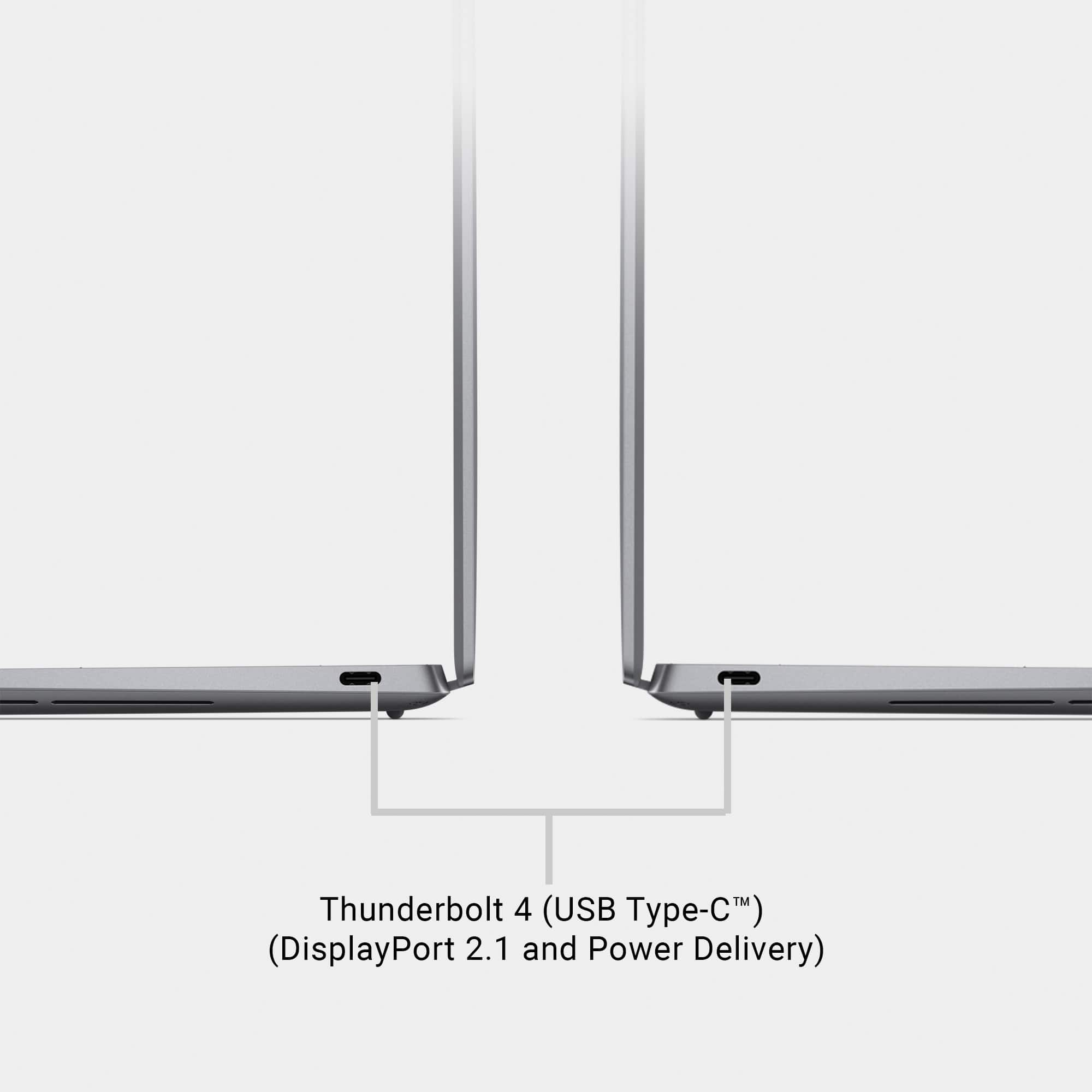
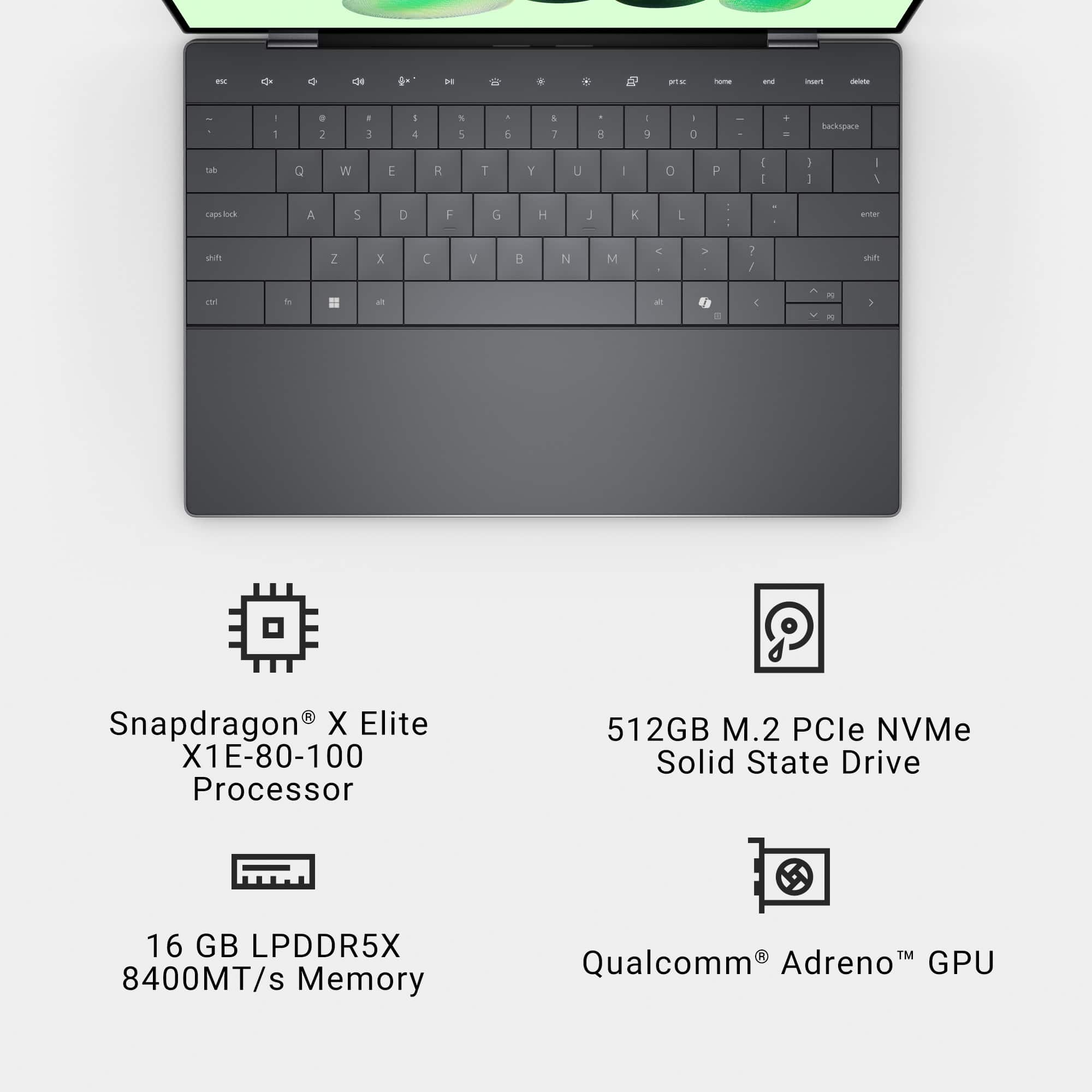
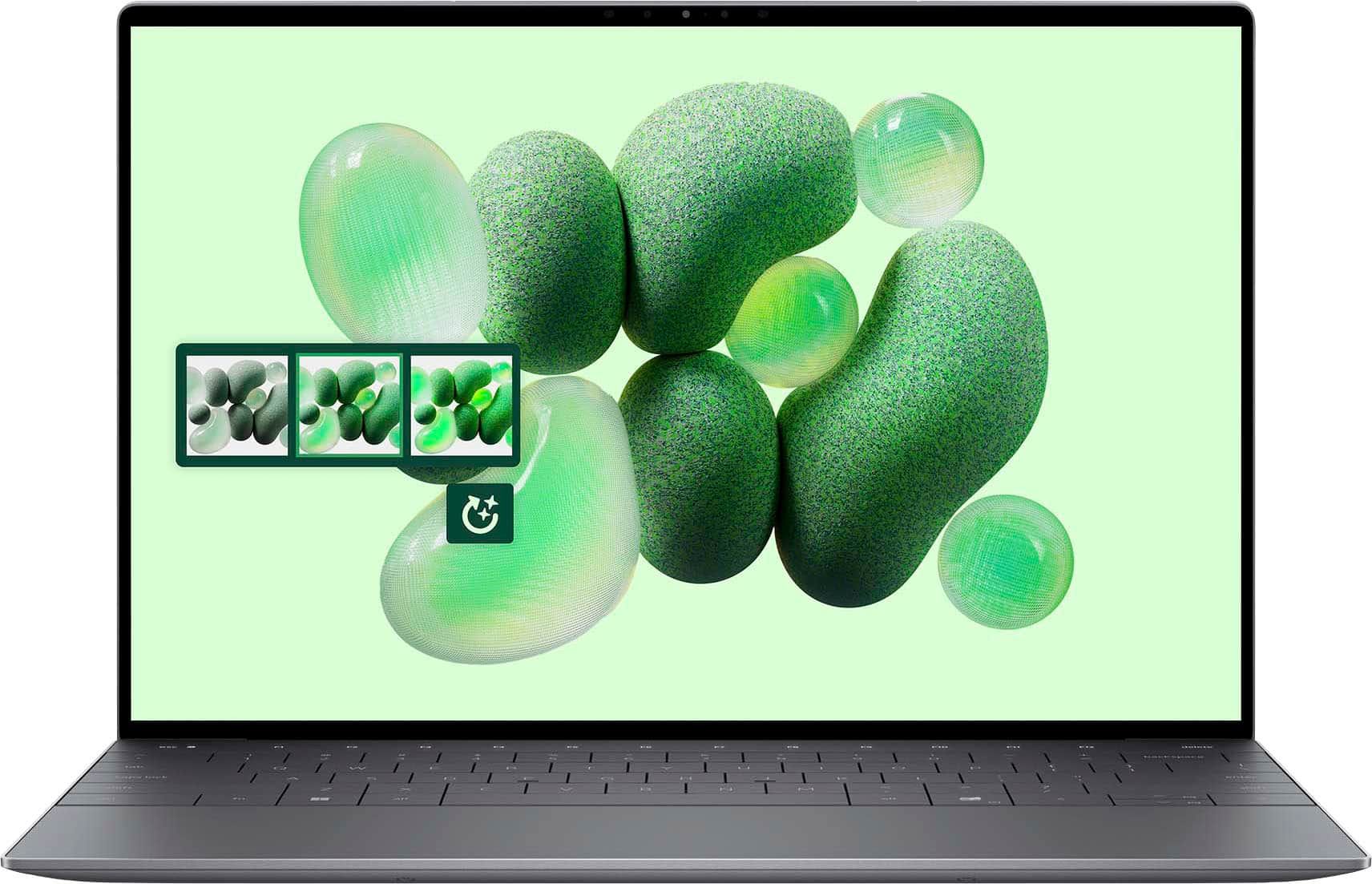
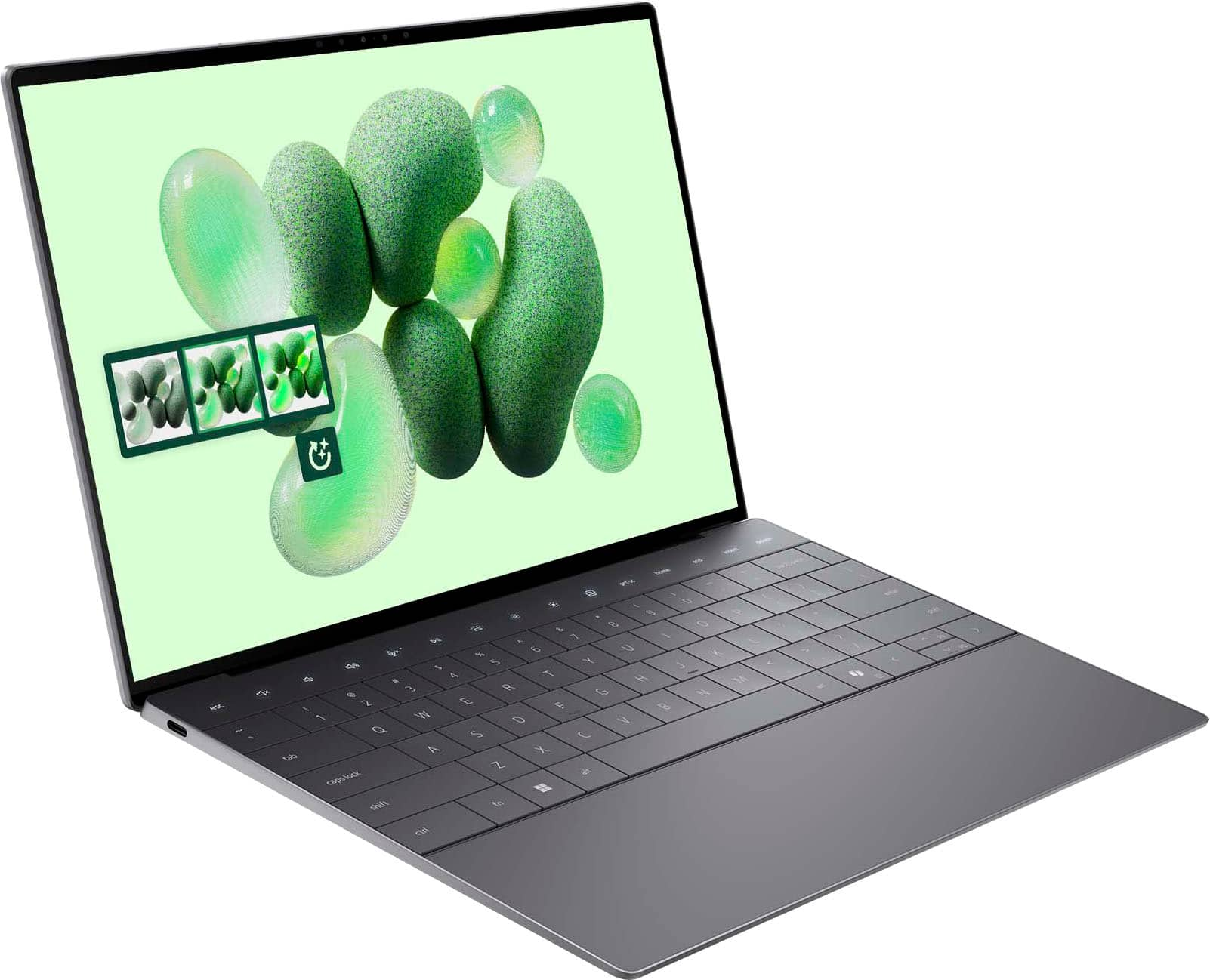
|Posted .This reviewer received promo considerations or sweepstakes entry for writing a review.The XPS 13 with Snapdragon X Elite is a remarkably stylish laptop. Everything about it screams “modern” and “premium.” The seamless trackpad is eye catching and only took a day or two to get used to. The flat, blocky keys are very clean looking and comfortable enough to type on. The buttonless, digital function row is also very clean and modern looking. I don’t typically hit these buttons from muscle memory anyway, so I had no issues glancing down at the keyboard to press them. The laptop body is a well constructed slab of metal. Again, simplicity and modernity are the driving force behind the aesthetic. The screen is extremely vivid, and the colors are nice and saturated. The laptop comes with both facial recognition and a touch sensor. The touch sensor (and power button) are somewhat “hidden.” It’s the slightly recessed, blank rectangle to the right of the “backspace” key. There is no iconography to identify this. I had to Google to figure it out. The port selection on this laptop is pretty paltry with just two USB-C ports on the entire laptop. There is no micro-SD slot for storage expansion, and the laptop comes with a disappointing 480GB drive (475GB usable). I do a lot of graphic design work, and this frankly isn’t enough space. I’m going to be relying heavily on external drives and cloud storage. Battery life was impressive, but it was not as impressive as I was expecting. In my experience, the battery will last your full work day fairly easily (8-10 hours with moderate use). Beyond that though . . . I was under the impression that the Snapdragon processor would allow for multi-day battery life. This wasn’t the case for me. The battery life is sufficient enough that I would have no concerns about getting through a presentation if I forgot my charger at home. The battery life is not sufficient enough that I wouldn’t be concerned if I had to run out of town for an overnight trip and forgot my charger at home. In terms of software, I had no significant issues with compatibility. The biggest issue I had was remembering to select the ARM option when it was available. Legacy, Intel based software seemed to run just fine. I didn’t notice any lag or other issues. Copilot and the other AI functions feel rather gimmicky right now. I had it assist me with a drawing of a blue cat playing with a red ball of yarn in Paint. First, Paint wouldn't be my first choice for making something like this. I'd much rather use Illustrator. Second, it DID successfully create my image, but it took a fair amount of adjusting with the creativity slider to get it to work. It defaulted to the most extreme range of the creativity slider and generated a picture that ignored my scrawled reference drawing completely. The cat was facing the wrong direction, and the red ball of "yarn" was replaced with something that looked like a rubber ball on the opposite side of the screen. Reducing the creativity resulted in it eventually following the general contour of my scrawl to generate a cat facing the correct direction with something that resembled yarn. I can see this feature having some merit if you don't have access to a clipart library, don't have time / skill to draw something properly yourself, and you just need a quick image to use on a newsletter or something. I didn’t even bother trying to install games on this. With the rather paltry storage, there didn’t seem to be much point. This laptop clearly wasn’t designed for gaming. It is an excellent productivity laptop though and handles word processing, web browsing, and photo editing without any issues.
I would recommend this to a friend Horrible camera.
||Posted . Owned for 1 week when reviewed.This reviewer received promo considerations or sweepstakes entry for writing a review.I was very excited for this computer and worked greate for the first few days. Then I had a zoom call and the camera was absolutely horrible. Makes you look like the Ay mi chicle girl. If you have virrtual meetings several times a day, I would not buy!
No, I would not recommend this to a friend- Pros mentioned:Battery life, Oled displayCons mentioned:Usb ports
An excellent laptop with a few quirks
|Posted .This reviewer received promo considerations or sweepstakes entry for writing a review.As an introduction of ARM processors into standard Windows computers, I was interested to give this computer a try and see what it's capable of - Intel and AMD have long dominated the market of CPUs, and I think them having another source of competition could prove beneficial. With that said, I went about using this computer, essentially, the same as I would any computer. I'm no power user - I don't edit videos, create music, have massive spreadsheets (I did try a little gaming on it, but I'll get to that in a bit), so I can't speak to the computer's ability to do that. At the very least, I can tell you how this thing performs with general tasks. In a nutshell, the computer is excellent in many regards. The sleek design conjures images of what we thought the future would look like 20 years ago, and the metal body gives it a weighty, premium feel, similar to something like an Apple Macbook. The OLED screen is downright gorgeous - crisp, clear, colorful, and bright. The performance, for simpler tasks, anyways, is impeccable - websites, videos, streams and the like load faster than any other computer I've used, even before the site has been loaded, so it's not because of being stored in the RAM. The battery life is impressive - I have had it for a week, and I'm just now getting to charging it for the first time after using it on and off. The backlit keyboard is helpful for visibility, as well as lending itself to the premium aesthetic the laptop has. The non-visible touch pad with no moving buttons is fantastic. Tracks well, is spacious, the vibrations in response to your presses really do emulate a regular click better than I expected. There's also some helpful features, such as the fingerprint scanner, and a Face ID equivalent type of deal built in, so you can use your face or your fingerprint in order to log in. There's minimal bloatware, from what I could find. A Dell program for keeping a user informed about device health and such, and McAfee are all I could find on it. Uninstalled the McAfee immediately and without issue, didn't bother with the Dell software because it didn't seem to be a cause for concern. I even took it for a spin with gaming. I only tried one game - Dark Souls Remastered, not a particularly demanding title - and it... was a touch disappointing. Granted, this isn't a gaming computer, so I can't knock points for this, but if you're looking to game, I'd implore you to look at a different device. It wasn't able to achieve a smooth 60 frames per second at the display's resolution, but there was no way to reduce the resolution and keep the game full screen. It would shrink the game to that resolution and full screen wouldn't work - further, at 1440p, the parts of the screen where the game didn't reach had the game on them as though it were a new window. In other words, on the left side of the screen, there would be my character's health bar, and on the right side of the screen, the game window repeated and I could see the beginning of my health bar again. There's a few main draws I have with this computer. The first thing is the ports. It's a trend these days to have computers with absolutely no ports on them, and I still hate it. There is nothing but 2 USB type C ports. If you want to use anything else, you will need a dongle or two. It's great that it charges through USB C, don't get me wrong, but it's frustrating. If I want to use flash drive or an SD card or plug in a mouse, I will need a USB C specific one, or I will need a dongle. The second thing is the keyboard. It looks excellent, and as far as laptop keyboards go, it's not offensive, for the most part, but for the price, I expected better. The keys aren't tactile, so typing doesn't feel very responsive. For reference, I bought a $20 bluetooth Logitech keyboard and it feels FAR better than this keyboard does. You can get the job done with this, and that's all. The final thing - although it's nitpicky - is the texture of the keys. This seems like a strange thing to complain about, but it has consistently bothered me and I still haven't gotten used to it. The way they're textured is unpleasant on the fingers. It doesn't hurt, but I notice how it feels to touch them. It's a little rougher than other keyboards, to the point that it scrapes off particles of my nail if my nail ever touches the keys. There's some power saving features that are frustrating to use. If you look away from the screen (it doesn't always detect it accurately), it will turn the screen off. If you walk away, it will turn the screen off. It will turn back on when you return and all, but it's frustrating when I'm working, and I look to the side or up while I'm thinking and it turns off. I disabled the feature because it was getting in the way of working. The sound on the computer is... alright. It's not the highest fidelity speakers you'll ever hear, but you can hear it, and that's all I can really say about it. There's no bass, the sound is distant, for lack of a better term, and even at full volume there's simply no impact to the sound. The final thing I want to touch on is the AI - CoPilot. It's featured prominently in this computer, and in fact, there's a dedicated CoPilot key. I am not fond of AI. I believe it's little more than a fad of having predictive text be powered by plagiarism, and I refuse to engage with it in most circumstances, but for the sake of this review, I gave it a spin. I'll be perfectly blunt: It was better than I expected. In conversations with a few different AI programs before, the conversations were incoherent, it couldn't reference previously established things I told it, it would lie, it wouldn't give proper answers if I asked. CoPilot seems notably more competent - I wrote a small excerpt of a story in two different ways and asked it to tell me which it liked better and why. It gave me logical answers, and even pointed out something I hadn't noticed about it. It was able to reference it well after I'd sent it the excerpt, and in general, I found that it could be considered useful, were I so inclined. Of course, I'm not so inclined. This doesn't change my opinion on AI. That said, it's better than any other AI I've interacted with, and with a dedicated key, I can see how some may be drawn to it. Overall, this is an impressive laptop, and I imagine it will continue to impress for years and years to come. I dinged it a star for the issues I had with it, but make no mistake: This is a powerful device.
I would recommend this to a friend - Pros mentioned:Battery life, Build quality, Processor speed
Awesome travel and daily use laptop
|Posted .This reviewer received promo considerations or sweepstakes entry for writing a review.If you are a power user, this isn’t the laptop for you unless you own multiple laptops. For me, I have run into several issues trying to use it for everything I do. For my wife, it is the absolute perfect device. She uses the web, office, a few pieces of software that aren’t anything special, and that’s about it. It has beginner photo and video editing software built in that is pretty decent and there may be some powerful options in the store that would be compatible, but I wouldn’t try running standard photoshop on here. For work I had to use VMware though the browser, which worked amazingly well (usually I need to use the app for it work well) as the app kept blue screening my laptop. The speakers are amazing, the screen is amazing, and the keyboard is nice to type on, at first it thought the keys were way to close for comfort but I adapted quickly enough and now I find it nice to type on. The top row is interesting, I absolutely love the concept of the lighted row as the keys actually change so I know if I am hitting F5 or play pause. However, there were a few times in games and videos that the esc button just didn’t work, it start working more so I’m not sure if an update fixed that or maybe there was just a ghost in the system. The mouse pad is interesting, I’m still not sure if I love it or hate it. It looks awesome, because it is invisible, there is no way to tell where the edges are except by pushing down and feeling so at first I was really bad about left clicking instead of right clicking but I’m slowly learning where it is even if I can’t see it but I do miss the outlines as I knew exactly where the middle was with lines on the mouse… but I really like the look. The touch screen also helps make up for the mouse being a little more invisible as I end to just reach up and touch the screen on somethings instead of using the mouse, especially if I am using it in bed or when the lights are off. It doesn’t look to have active pen support from the settings and the several different ones I tested on it anyway. I love pens but for the purpose of this laptop I don’t need it, especially as pens lose quite bit of usability when screen can’t flip all the way over. I’ve seen some gaming testing online and it looks like this is capable of that, but trying all that doesn’t interest me and I have a gaming rig and am not really interested in trying to make this work as that, if you are hoping that this can be your only PC and you are a heavy gamer then you might consider online gaming (but I’m not sure any heavy gamer is looking at this as their only device). The Xbox app only shows cloud gaming options which I thought was interesting, not even solitaire was offered as an offline game through the app, solitaire is installed on the computer and I was able to install games through the Microsoft store (it will tell you if it isn’t compatible) it just doesn’t show up in the Xbox app like on non ARM PCs. This handles Xbox cloud gaming with ease. As long as you have an internet connection you are a subscription away from a world of games, some games like Fortnite don’t even require a subscription from what saw. And it works awesome, it has come a long ways from its early days, but on top of that, this machine handles it perfectly. I paired an Xbox controller with the PC and played Horizon 5 for a couple of hours without an issue… on battery. One of the big advertisements of this PC is the copilot integration, it will be interesting to see how this capabilities grows, especially in the offline use, one giant word of caution, do not install copilot from the windows store, it will screw up the copilot that is already on here and I could never get it to work again, even with a computer refresh, the offline version just disappeared forever it seems. So don’t do it, I can still use paint and where it is integrated other places but copilot itself only works online and no longer uses the NPU. Hopefully they fix this in an update someday and I really enjoyed the offline use. Though I don’t currently use copilot for anything important. I have used it to write example code when I’m trying to do something new as even if it isn’t exactly what I need, it can get me 90% of the way there in a few min and it is a lot easier to learn from looking at someone else’s work than trying to create that work yourself. I am excited for the NPU capabilities and offline AI. This turns on faster than any of my other laptops and it’s battery life just goes and goes. I love how small and thin it is, and it can just go in any bag. For me this is the perfect travel laptop, thin and light but loud watching a video if the hotel has locked down the TV from having an HDMI device plugged in (this is missing an HDMI port so don’t forget your dongle). It has a full browser that is fully compatible with any webpage, lastly, and again I don’t have to try and find an outlet immediately. I pictured this being the perfect laptop for my wife (and it is) I just don’t want to give it up as it amazing. It will even charge off of my cell phone charger (but it will warn me that it isn’t getting enough power). It has two usb C ports and that’s it, for me this isn’t a big deal as I have a done of USB C accessories at this point. For others this may be a bigger deal. Pros: Battery Life Screen is bright and clear Fast Thin and light Touch screen Quick start up Full windows experience Supports many traditional apps USB C charging and data port on each side Keyboard has large keys for typing Offline CoPilot Quiet Cons: Some traditional apps may have compatibility issues (VMware Horizon, Anaconda) Only USB C ports Mouse has no defined edges No num pad (not a surprise on a laptop this small) Overall, if you are using your computer to surf the web, play some games, watch videos, type of documents, research,
I would recommend this to a friend May be missing non-essential parts.
||Posted . Owned for less than 1 week when reviewed.This reviewer received promo considerations or sweepstakes entry for writing a review.Legally speaking, Best Buy is probably alright with their usage of the scapegoat term "non-essential parts..." but when picking up this open box Dell XPS, not only did it not have a charger, the store didn't even sell any replacement power supplies, and was entirely out of 65 watt chargers. I bought it when they dropped the price to 699.99 so I would wait a little while before trying to purchase this overpriced hunk of junk.
No, I would not recommend this to a friendNot serving the purpose for which I bought it
||Posted .This reviewer received promo considerations or sweepstakes entry for writing a review.Nice design but freezes intermittently. Unable to install SQL server on it due to drive issues. Not serving the purpose for which I bought it. Wished i could return it but it’s been 5 months since I bought it and I don’t know if best buy will take it. Still new with no scratches though
No, I would not recommend this to a friend- Pros mentioned:Battery life, Oled displayCons mentioned:Usb ports
Research Windows ARM Before You Buy; Only 2 Ports
|Posted .This reviewer received promo considerations or sweepstakes entry for writing a review.The most notable thing about this latest Dell XPS entry is the use of a Qualcomm processor (CPU), the Snapdragon X Elite. This chip uses different architecture than Intel or AMD processors (ARM vs X86), and this laptop is categorized as a Windows Arm laptop. Chip reviews that I read cautioned that some apps may not work with this chip. While all of the Microsoft Windows apps work just fine on this laptop, my external SSD does not work. While it shows in windows explorer as drive D, the laptop cannot access it, I just get the spinning circle. My external SDD works just fine on my Win 10 & 11 computers with Intel x86 processors. I downloaded some common non-Windows apps to check for compatibility. Chrome, Zoom, and Discord all downloaded, installed and worked without issue. Chrome automatically downloaded the Windows ARM version; Zoom gave the option for Win x86 or Win ARM, so you have to choose ARM. Discord did not indicate x86 or ARM but it worked just the same. Besides the above, the Snapdragon processor works just fine multitasking with the Windows apps. I ran multiple apps simultaneously including Exell, Photos, Notepad, while also playing music videos on the Edge browser and everything functioned smoothly. This processor is also supposed to give increased battery life, and while I didn't time my usage, I only used about 30% of the battery life after several hours of very heavy usage. This seems decent to me, but I usually don't pay much attention to battery usage because I'm a home user and I run plugged in. The OLED 3K (2880 x 1800) touchscreen display is fantastic - the color is sharp and brilliant. Also, the Qualcomm Aqstic Audio with Dolby Atmos is outstanding. The surround effect is excellent, the highs are crystal clear, there's no distortion at high volumes and the bass is very good for a laptop. The Copilot app is an AI assistant that integrates with Microsoft 365, can automate tasks, can generate create content and is also good for general search. I found it better than using the usual default search engines. I'm sure content creators will find it very useful. I was glad to see the Dell Support Assist app was still included. It's very useful if you run into system issues. Two things I do not like- there are only 2 ports, USB C Type, on this laptop. That's it, no USB A port, and not even an audio jack, and one of those 2 USB C ports also has to be used for charging, there's no separate charging port. The other thing is the keyboard backlighting has to be turned on every time the laptop is turned on and it turns off after a few seconds being idle. There's nothing in Settings to change it. It could be that there's a setting in the BIOS to change it but I didn't pursue it. Overall although there are a few things I don't like and there could be compatibility issues with some apps, I think this could be an excellent laptop for the average user or student. Anyone considering it though should be sure that any non-Windows apps or devices they intend to use with it will work with Windows ARM and that they don't need more than 2 USB ports, one of which also serves as the charging port.
I would recommend this to a friend xps 13 oled touch
||Posted . Owned for 1 month when reviewed.This reviewer received promo considerations or sweepstakes entry for writing a review.my family member was really looking faward to useing this laptop for work was a letdown build quality not that good
No, I would not recommend this to a friend