Customer Ratings & Reviews



- Model:
- XPS9310-7412WHT-PUS/7439WHT-PU
- SKU:
- 6443794
Rating by feature
- Battery Life
Rating 4.3 out of 5 stars
- Speed
Rating 4.7 out of 5 stars
- Display
Rating 4.9 out of 5 stars
Customers are saying
Customers often highlight the exceptional typing experience provided by the keyboard and the impressive performance of the XPS 13.4" OLED Touch-Screen Laptop. The compact design and stylish appearance are also highly praised. However, some users express concerns about the limited battery life and the grainy quality of the webcam.
This summary was generated by AI based on customer reviews.
- Pros mentioned:CompactCons mentioned:Battery life, Webcam

Compact and Powerful
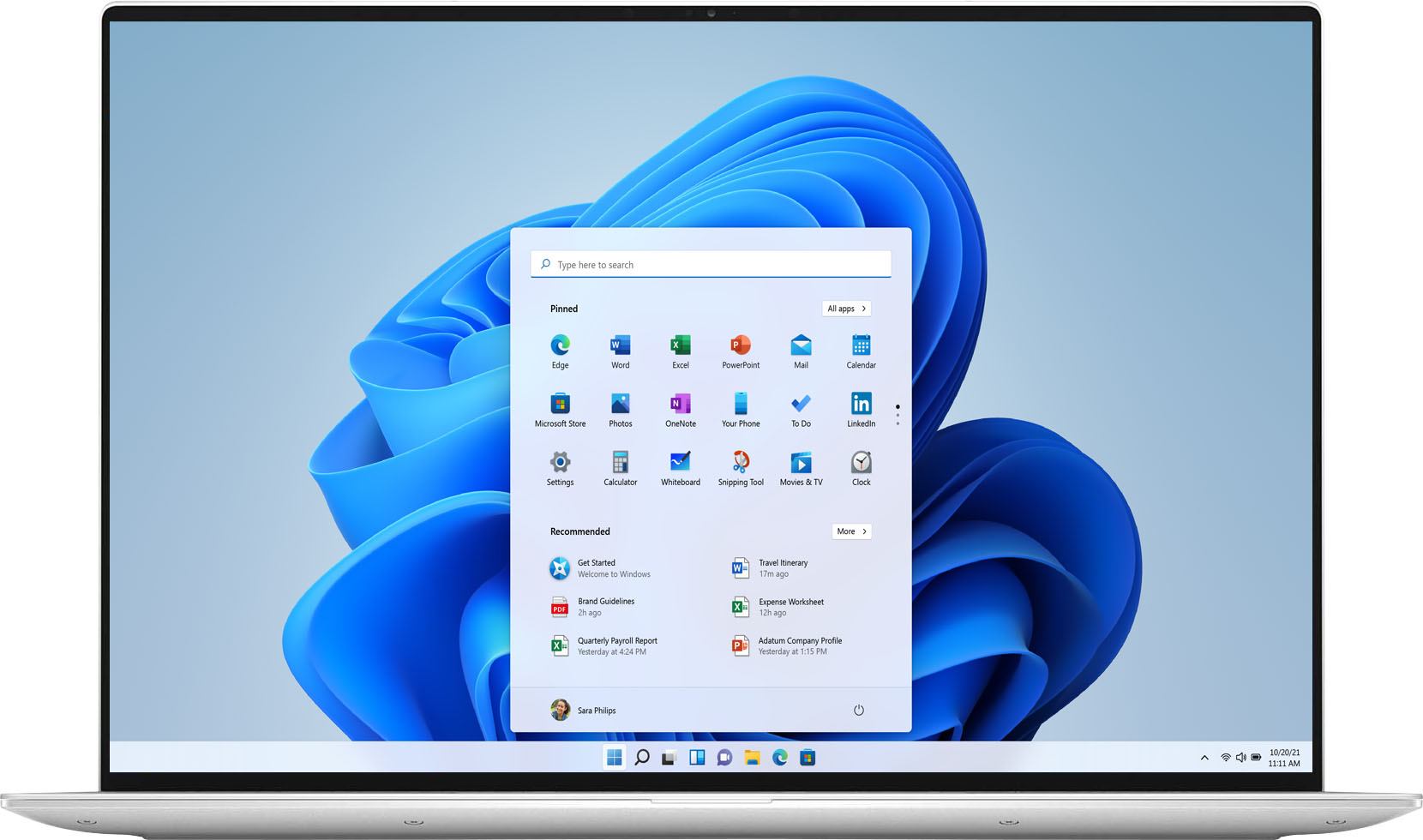
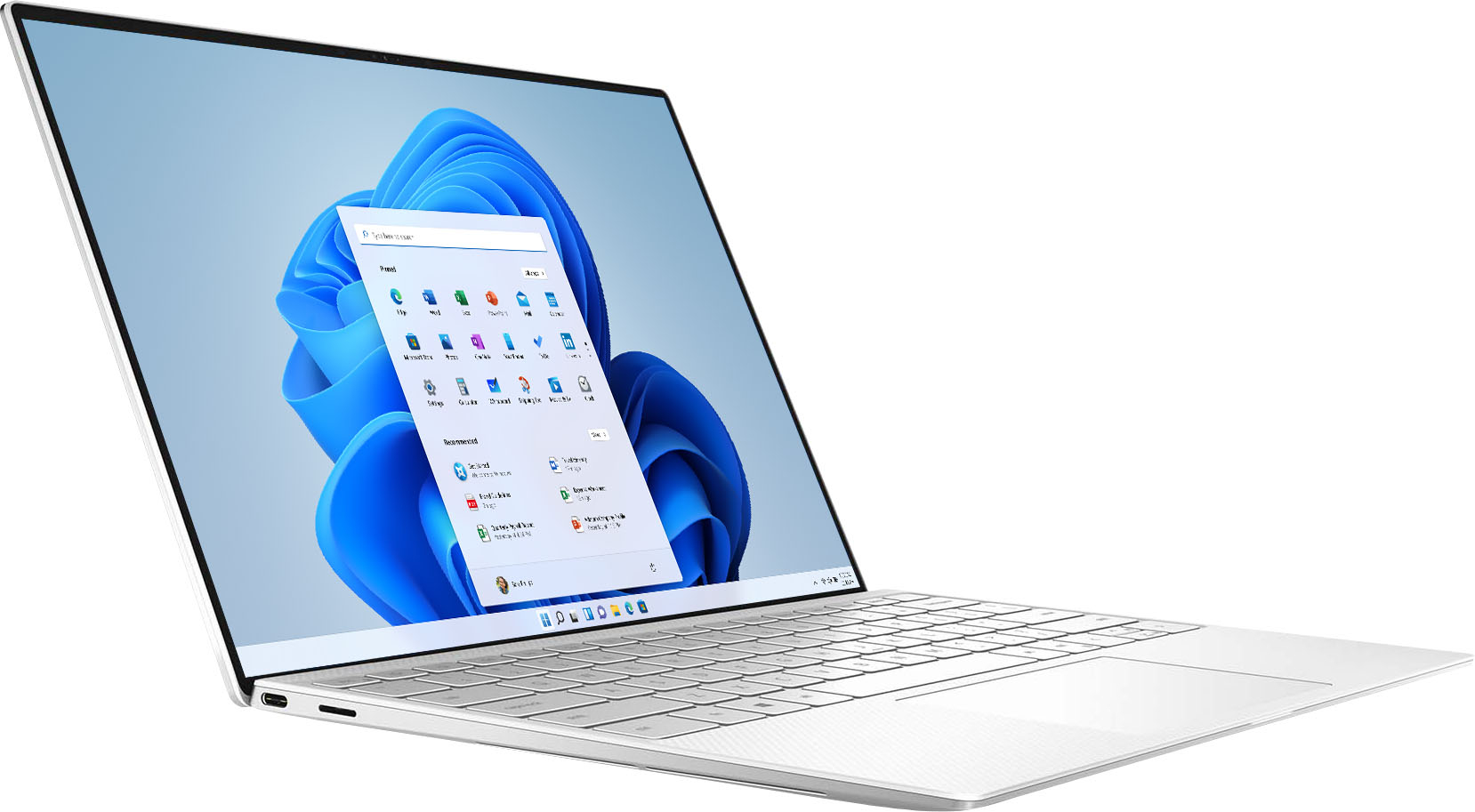
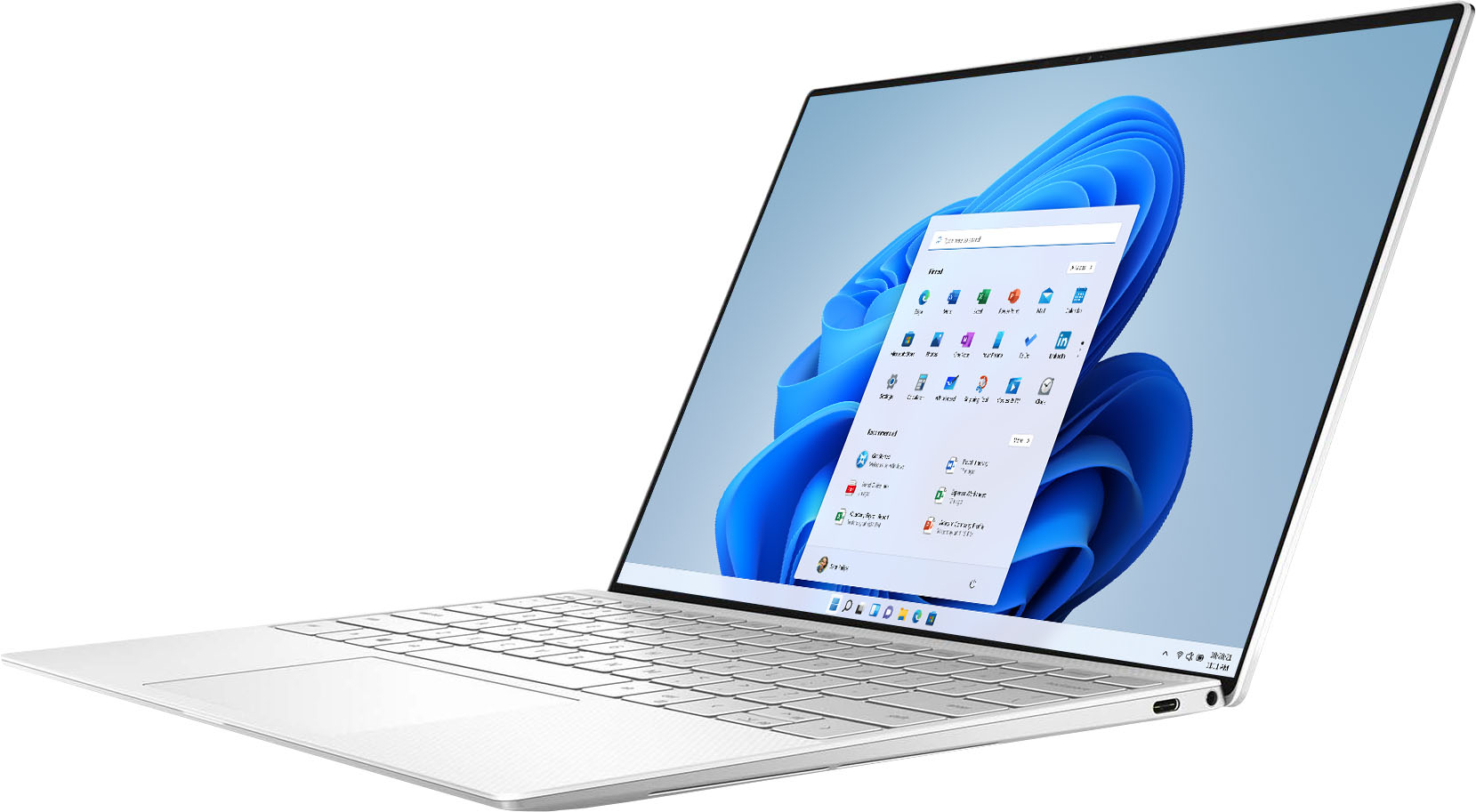
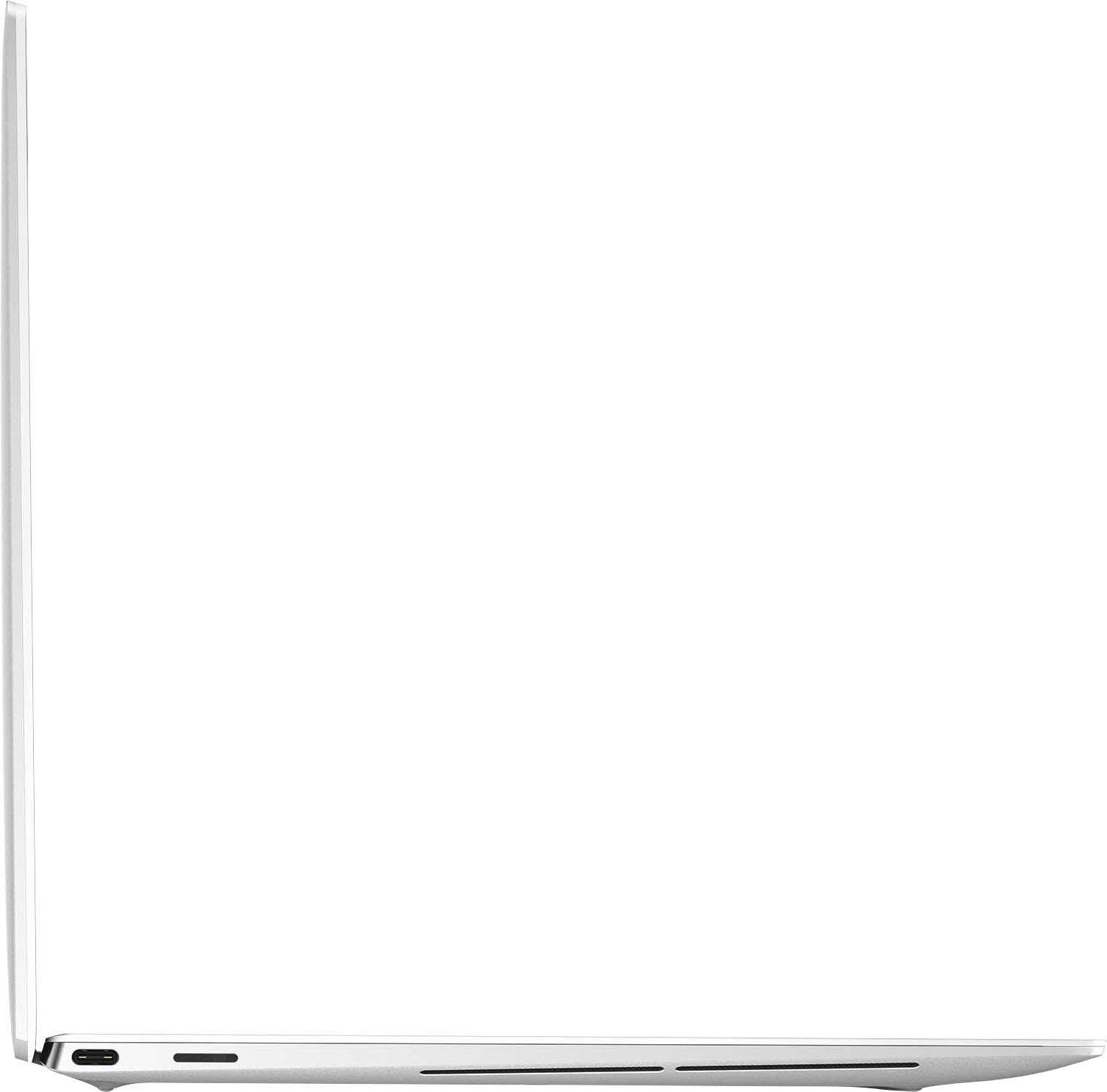
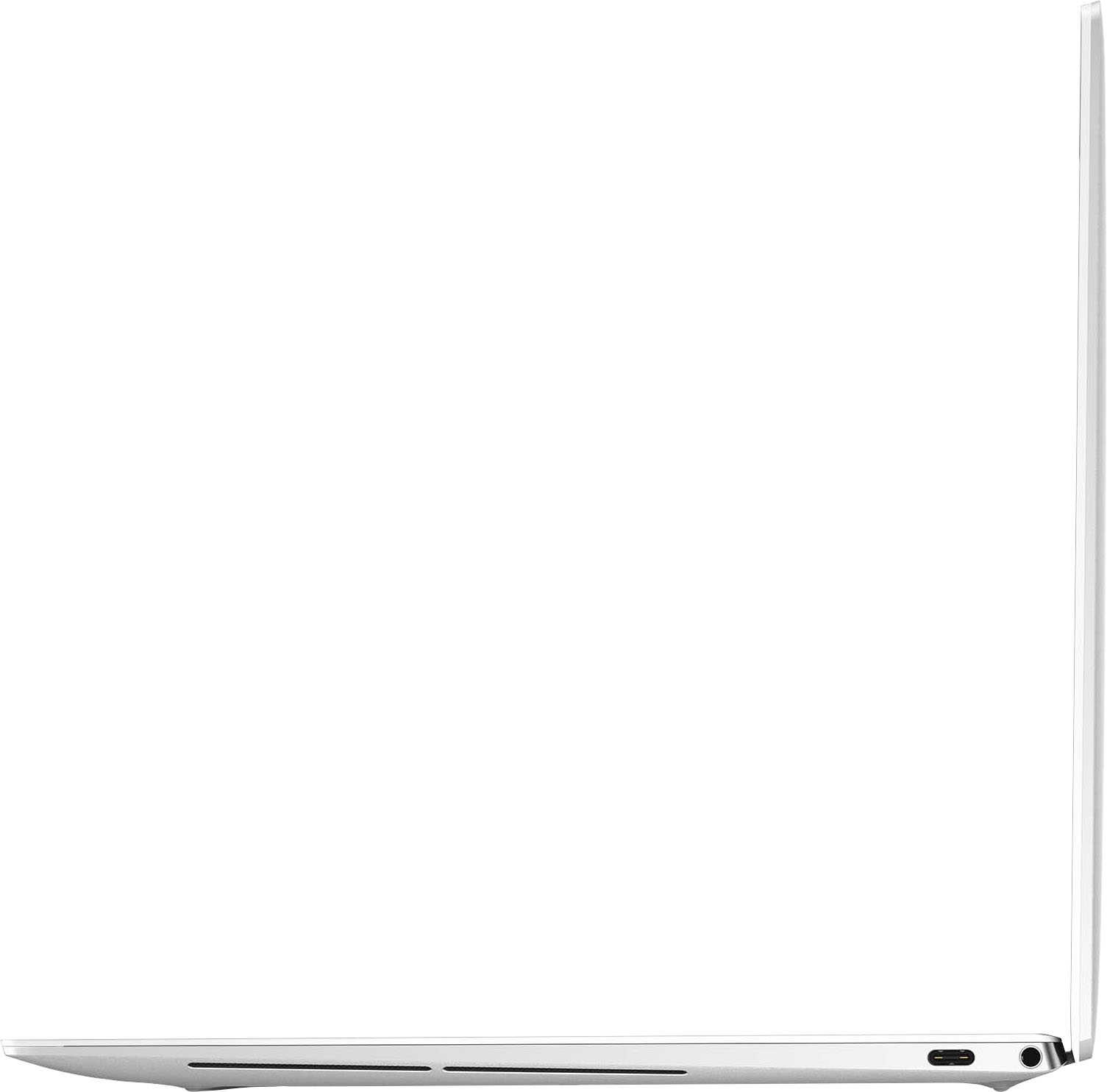
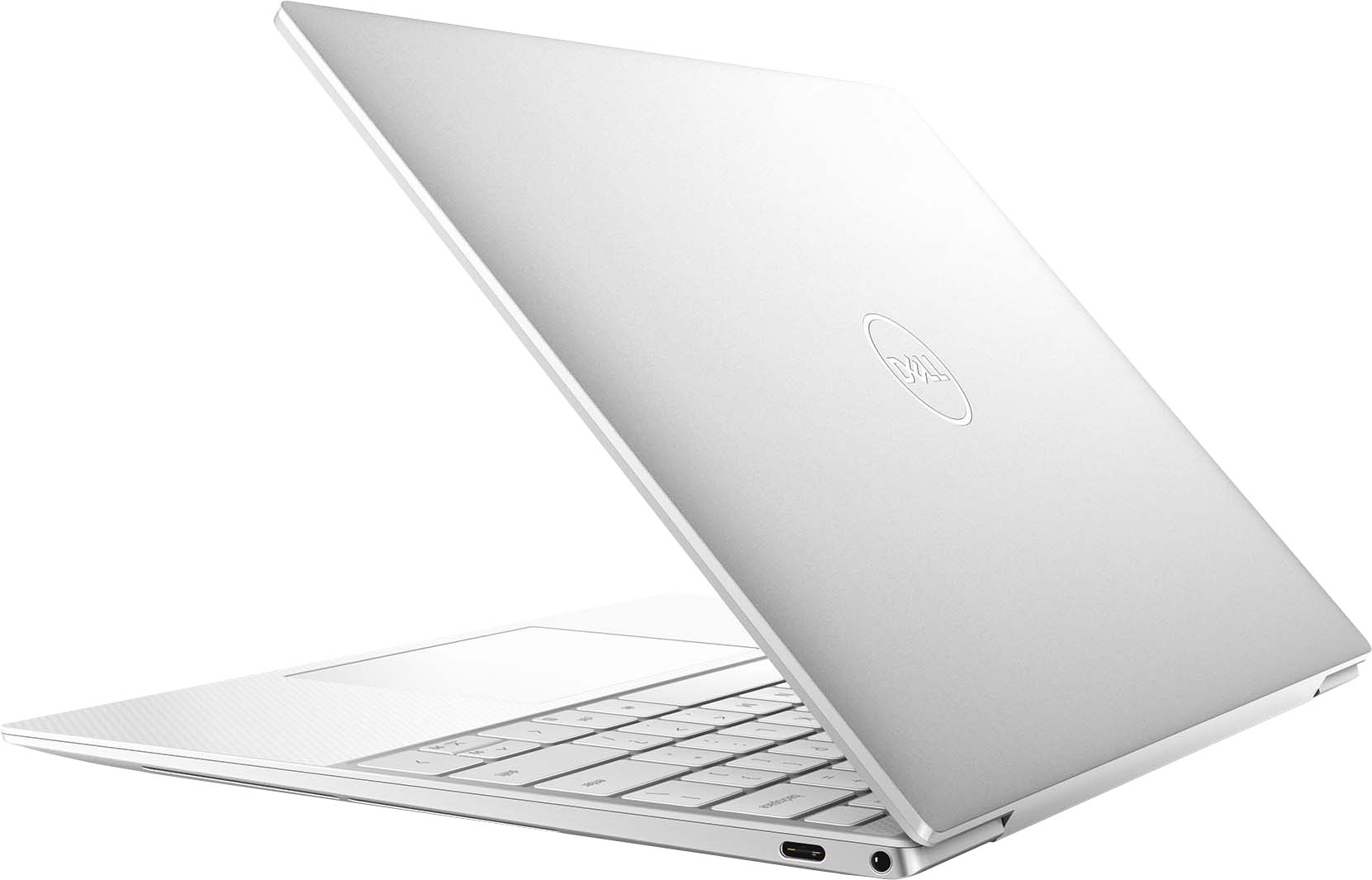
|Posted .This reviewer received promo considerations or sweepstakes entry for writing a review.The Dell XPS 13" UHD+ laptop with touch screen is a nice compact and sleek laptop that provides a lot of power in such a lightweight package. On top of the laptop being so thin, they've maximized nearly every part of the screen space. This laptop is also extremely lightweight so it's great for a frequent traveler. Upon unboxing, it comes in a simple white box with magnetic closures. The box includes the laptop, a USB-C charging cord with two attachments, one directly to the wall and another with a longer cord that can be interchanged. Be aware this laptop has no standard USB ports, it has a USB-C port on either side, an AUX jack, and micro memory card slot. However, the box does include one adapter that is USB-C to standard USB. The setup of the laptop is super quick and easy to complete. You do need a Microsoft account to set up your account. You can also use Microsoft's voice assistant Cortana during setup if you're one that enjoys using the assistant. The screen is the Ultra HD 4K display so it's absolutely stunning. This laptop also features a touch screen which is great if you do a lot of projects on your computer. Keep in mind this is not a 2-in-1 so the screen does not fully flip around. They did lack in the area of the webcam on this computer. At first glance, you can hardly even find the webcam because it's so small. However, if you're only using this for minimal activities, it shouldn't be too much of a problem. I found the battery life on this to be about average. It does charge up quickly, but think that the screen quality and display leads to a quicker loss of battery. The keyboard on this laptop is very similar to my MacBook in arrangement and ease of typing. I love that it has the fingerprint reader for quicker capabilities such as logging in. For a smaller laptop, I love the speed of it. There is also a decent amount of storage for someone using this as a casual laptop. I am a college student so this works perfectly as a reliable but lightweight laptop. It's perfect for doing homework assignments as well as handling a large amount of tabs to be open during research assignments. Pros: -Lightweight -Thin and compact -Beautiful 4k display -Touchscreen capability -Fingerprint reader -Fast -Good amount of storage Cons: -Mediocre webcam -Minimal ports, would need an adapter -Average battery life Overall, I'm really happy with the power, speed, and capabilities of this laptop. For me, one of the biggest factors if having something that is lightweight, yet durable. It charges quickly and with less bulk than some other options. The best feature is the beautiful screen, both in size and extremely good visual quality.
I would recommend this to a friend Great laptop
||Posted . Owned for 2 weeks when reviewed.This reviewer received promo considerations or sweepstakes entry for writing a review.Super fast, easy to use. Touchpad is super sensitive, but that is the only con I have found so far. Great computer
I would recommend this to a friend- Cons mentioned:Battery life
Great laptop!
||Posted . Owned for less than 1 week when reviewed.This reviewer received promo considerations or sweepstakes entry for writing a review.Wonderful unit. Battery life could be better. Other than that I love it.
I would recommend this to a friend Great Open Box purchase
||Posted . Owned for 1 week when reviewed.This reviewer received promo considerations or sweepstakes entry for writing a review.Open Box - Excellent purchase. It's working well with no technical issues yet. Beautiful UHD screen, fast processing, and feels sturdy. The one big flaw is the white keyboard backlit keyboard isn't great during the day, because there is no contrast, which makes it hard to see, so I turned it off. Other than that, I have no complaints.
I would recommend this to a friendPremium business laptop
||Posted . Owned for 1 week when reviewed.This reviewer received promo considerations or sweepstakes entry for writing a review.It is a business orientated laptop, it's compatible and fast. Not for gaming but if you want a laptop that will last long and work efficiently without loosing any performance and have a premium feel this is the one.
I would recommend this to a friendGreat laptop, minor issues
||Posted . Owned for less than 1 week when reviewed.This reviewer received promo considerations or sweepstakes entry for writing a review.Fast, good resolution. Only issue is the speakers: the one on the left either does not work or always has lower volume than the one on the right. Audio works fine with headphones connected though. Great computer overall, especially for college.
I would recommend this to a friendGood product. Excellent service
||Posted . Owned for 1 week when reviewed.This reviewer received promo considerations or sweepstakes entry for writing a review.Great product. Buying experience was made easy by the sales person. The config that I liked was only available at another store. I paid for it on the spot drive to other store and picked it up. Simple!
I would recommend this to a friend- Pros mentioned:Keyboard, PerformanceCons mentioned:Ports
A fast, light, advanced and versatile workhorse
|Posted .This reviewer received promo considerations or sweepstakes entry for writing a review.To begin with, my point of reference for doing this evaluation is coming from someone that generally uses Apple products. Not that one is better than the other, they both have their strengths and weaknesses. When I look at a computer, I don’t look for work. I have a crappy work computer and I cannot use outside computers for my job. So I look at the computer as more of a home computer. Something used for mild to medium home oriented work, and for my kids to use for school. With that in mind, I know hat I want in a computer. I want a decent sized screen, the fastest processor I can afford (to include the most RAM) and the most memory I can get (prefer SSD over HHD). Anyone can do a review and quote the stats listed on the manufacturer’s website or here on Best Buy. So I am going to go over the ones that are relevant to me. To begin with, as you can see in the photos the outside casing for the computer is aluminum. Great for small drops, which unfortunately happened to me out of the box. It was onto carpet, so it was not too harsh, but I feel it offers more protection when compared to its plastic counter parts. I doubt much more though. Inside where the keyboard it, the 9310 is plastic. They keyboard is backlit, and the keys are comfortable and responsive. For security on the 9310, you have two options. There is the option to use facial recognition or the other biometric option of using your fingerprint. I tried both, and both work well. With the fingerprint, it works flawlessly. If you look at the top right corner of your keyboard you will see a blank key/button. That is the one you use for your fingerprint security option. As for the facial recognition, once you set it up it will utilize the camera at the top middle edge of your screen. When it is working, you will see a cartoon eye searching for your face, and red lights flashing on either side of the camera. Sometimes you have to adjust your proximity to the camera to get it to see your face properly. Also, if will not see you properly if you are wearing a mask. The screen on the 9310 is one of the best parts of the computer. It has an edge to edge screen, with very little margin on the sides. The resolution is UHD, which is 4K if I am not mistaken. And of course the best part of it…..the thing has a touch screen! Why the heck does the Macbook not have one? This is simply amazing. The 9310 has 16GB of RAM, and 512GB of SSD memory. Coupled with a Intel Evo i7 processor this thing hums. I don’t know the speed in comparison to the competition, but I know it is faster than I am used to. Things load instantly, and there is no lag. Cortana is the MSN version of Apple’s popular Siri digital assistant. This allows you to use your voice to engage different things on your computer. Such as launch an app or open something. I personally don’t like using a digital assistant as much as some do, so I don’t use this feature. However, it is an option if it something you enjoy. Windows 10 is the operating system for this laptop. One of the reasons I abandoned Microsoft products on general was the changes that were made to windows after windows 7. That is when they started to use the less attractive and less intuitive format that was on their computers and tablets. At that point they lost me to Apple. But with Windows 10, they went back to a similar format they had last in Windows 7. Anyway, the operating system is back to what I would call normal, and I like is much better. One thing you need to consider when buying this computer is the fact that it only has two USB-C connections. It also has a slot for a SD card. But there is no regular USB drive and there is no DVD drive on the computer. Truly, if you are looking for a DVD drive on a laptop anymore, your options are extremely limited because nobody uses them anymore. Fortunately for those needing a regular USB connection, the 9310 comes with a USB-C to USB adapter for free. No need to go buy one. Another thing I noticed on other reviews, was that people did not like the speakers on the 9310. Personally? I am not seeking Bose surround sound here, it’s a computer and if I want to listen to music I will use a Bluetooth speaker. For games I would use headphones. So for me the speakers are good enough for what I need them for. Not to the audiophile standard for sure, but closer to middle of the road. To me, these are the things I look at when getting a computer. I am no programmer, but I am not a basic user either. However, I feel this computer will be a workhorse for anyone from beginner to expert. I highly recommend this laptop to anyone that wants a slim, light, fast and versatile computer for personal or professional use.
I would recommend this to a friend - Pros mentioned:Keyboard, PerformanceCons mentioned:Webcam
Elegant High Performance
|Posted .This reviewer received promo considerations or sweepstakes entry for writing a review.The Dell XPS series has always been known for putting high quality computing into a compact and good looking package. This model is definitely no exception. I have been continually impressed with the combination of its incredibly small size, extremely fast performance, great battery life, and top of the line screen. The screen on this unit is where it shines the most in my opinion. It has the smallest bezels I have ever seen in a device that isn't a smartphone, extremely sharp detail with the 4K resolution, and the quality of the backlighting and color are excellent. To top all of that off it's a touchscreen so you have that option as well. I personally don't use the touch function very often as I prefer not to have to clean the screen but I definitely appreciate being able to do so on occasion. This laptop is FAST. I have never seen it bog down doing anything I have thrown at it. Initial setup is a great time to determine how things will go down the line as that I when I download tons of new programs and updates all at once and it barely noticed. I have done some light gaming on it and between the 11th gen i7 and SSD it did so very well considering it is not a gaming PC. For that reason, I feel that 16GB of ram is plenty for most people, as without a discrete GPU you won't be doing any AAA gaming on it. For lighter games or games at lower resolutions and settings it does just fine. Better than any other integrated graphics I have used before. Ultimately, general use and operation is always fast and smooth without a hitch in sight. Battery life is excellent. I have spent tons of time on it daily since I got it and with a healthy mix of installing software, watching videos, surfing the web, etc. it lasts around 5 hours on a full charge. I have been keeping it on "better performance" mode as well for reference. I am certain the life would improve a great deal with a change to a different battery mode but for my needs it has not been an issue to leave it that way and have it run better. Because of the smallest bezels I have seen, the overall size of the machine is impressive. Still packing 13" display in something the size of a typical 11". I love how portable and light weight it is as a result. The only gripes I have with this computer are the webcam could be better, and for its target audience I feel it should have Windows 10 Pro installed rather than Home. I understand why on the camera because of the aforementioned bezels in the screen limiting what they can put in there but 720P on a laptop in this price range is definitely a downer. It is Windows Hello certified however, and that feature works very well with very little lag. It typically recognizes my face quickly unless the lighting is poor. For those moments the fingerprint scanner is an equally fast and accurate way to sign in. Overall I am extremely happy with this laptop, Dell really did a great job with how it looks, feels, and operates. It's fast, beautiful, and packs a punch. I see no reason I wouldn't be able to use it continually for many years to come.
I would recommend this to a friend Dell XPS OLED is great!
||Posted .This reviewer received promo considerations or sweepstakes entry for writing a review.Just got this laptop and love it already. The OLED screen really adds that little extra to having an already great laptop.
I would recommend this to a friend- Pros mentioned:Keyboard
Great when it works.....
||Posted . Owned for 1 week when reviewed.This reviewer received promo considerations or sweepstakes entry for writing a review.It's a shame this computer didn't work. It's a great size, light and super sleek. It also works really well when it works - super fast, great screen. But huge problem - it freezes. The first day it happened twice, I let it go. Then over the next week it happened another 5 times. One time, I couldn't even get the computer to turn on. You can't even CTRL + ALT + DEL, you have to reboot the whole system.
No, I would not recommend this to a friendBrand response from YourDellTeam
Posted .Hello CT123,
We are sorry to hear you are experiencing difficulties with your laptop and apologize for the inconvenience. To resolve most common issues, we suggest running the suite of tools found within the 'SupportAssist' application that came pre-installed with your laptop. It will not only perform diagnostics to determine what may be causing errors but also install the latest updates and drivers. This will ensure you have the best experience to date.
Here is the link to the full article to assist with your performance issue: https://dell.to/32wo0Ss.
Best regards,
Wendy C.
For further assistance, you can contact Dell directly with the information below Chat or Call:
https://bit.ly/DellSupportTeam.
Phone number to Dell: 1-800-264-9896.
Amazing!
||Posted . Owned for 4 months when reviewed.This reviewer received promo considerations or sweepstakes entry for writing a review.This laptop is powerhouse in a small form factor. Beautiful 4k screen. It is the perfect size for people that require on-the-go performance
I would recommend this to a friend- Pros mentioned:CompactCons mentioned:Battery life, Windows 10
Stylish, powerful, light, amazing screen
|Posted .This reviewer received promo considerations or sweepstakes entry for writing a review.The Dell XPS 9310 laptop packs a lot of power and style into a small frame. Aimed at the productivity user this laptop will not disappoint (except for perhaps battery life but even that is acceptable). First, the best thing about the Dell XPS 9310 is the amazing screen. With an aspect ratio of 16:10 the screen is a little taller than most laptop screens which gains more real estate for documents etc. The resolution is actually better than 4K and the end user will need to tweak the scale settings to suit their need. The "recommended" scale is 300% in Windows but I preferred slightly less at 250%. Anything less and menus etc are way too small to read. Another way the screen stands out is just how bright it is. Comparing to the other newish 13" laptops in the house, the Dell XPS screen is about 40% brighter than any other laptop I've used. Sitting in a bright room, having the screen at 60% brightness was comfortable. With other laptops the brightness always has to be at 100% and even then it can sometimes be a challenge to see properly. Finally, the screen extends almost to the edge of the case. This means the overall dimensions of the laptop are very small and thin. It's impressive to see in person just how small and compact this laptop is and yet the screen feels larger than other 13" screens. Processing power is great. I had no problems running anything, including video and image editing software. Video rendering was better than expected for a laptop. I've had no problems so far with Wifi connection or Bluetooth connection. Dell includes a USB-C to USB3-A adapter and a thoughtful charger that is compact. The charger "brick" can be plugged directly into the wall or with an included extension cord. However, the charger is only 45w. It would have been nice to have a 60w charger for faster charging. Battery life is just OK. With the screen at 60% brightness I streamed video for 5 hours before the battery reached a critical 6% level and went to sleep. I think this battery life is acceptable given the 4K+ screen and how bright the screen is, but at this price I would have expected longer battery life in the 8 hour range. At this price I would expect Windows 10 Professional instead of Home. At this price I would expect a 2-in-1 design. Only two USB-C ports, one of which is taken by the charger.
I would recommend this to a friend Excellent choice!
||Posted . Owned for 1 month when reviewed.This reviewer received promo considerations or sweepstakes entry for writing a review.I was faced with a new operating system (Windows 10) but with the help of the Geek squad I was able to start working with the system.
I would recommend this to a friendGreat Laptop!
||Posted .This reviewer received promo considerations or sweepstakes entry for writing a review.Great laptop .. very light weight and powerful. Great for people on the move!
I would recommend this to a friendBrand response from Intel team
Posted .Hello Fattachi. Thank you for your great review on this Dell - XPS 13" touch-screen laptop. For us, it is very important the fact you can move freely and stay productive wherever you are. Continue to enjoy the remarkable responsiveness, battery life and fast connectivity our Intel® Evo™ Platform and the latest 11th Generation Intel® Core™ i7 Processors can offer you.
Thank you for choosing Intel!
Best Laptop I've ever owned
||Posted . Owned for 1 month when reviewed.This reviewer received promo considerations or sweepstakes entry for writing a review.Amazing laptop that comes really handy and useful for uni!
I would recommend this to a friendGreat
||Posted . Owned for 2 weeks when reviewed.This reviewer received promo considerations or sweepstakes entry for writing a review.It was awesome everyone loves it best tech like always
I would recommend this to a friendGreat product
||Posted .This reviewer received promo considerations or sweepstakes entry for writing a review.Excelent product, great performance and design , great reviews. Ok
I would recommend this to a friendBeware of the white keyboard
||Posted . Owned for 2 months when reviewed.This reviewer received promo considerations or sweepstakes entry for writing a review.Great at so many things but not if you cant see the keys on the keyboard which is a real problem with the beautiful frost white
No, I would not recommend this to a friendBrand response from YourDellTeam
Posted .Hello Tony,
Thank you for your input and review. We are so glad to hear that you're happy for various aspects of your XPS. We apologize for the issues you have come across with your keyboard's backlit and would love to help right away. We suggest disabling the backlit keyboard when you are in lit areas. Below I have provided the steps to disable the backlighting and the full article link.
Backlit keyboard options in BIOS
1. Click the + sign next to System Configuration.
2. Click Keyboard Illumination.
3.* Disabled or Off - The keyboard illumination is off.
*Dim - The keyboard illumination is at half brightness.
*Bright - The keyboard illumination is at full brightness.
4. Click Apply, and then Exit.
How to turn off or on and troubleshoot backlit keyboard: https://dell.to/3tHbZ8X. If you come across any questions, issues, or concerns, please visit the Support Page of your XPS.
Sincerely,
Wendy C.
https://bit.ly/DellSupportTeam.
Phone number to Dell: 1-800-264-9896.
Amazing Laptop, bad luck.
||Posted . Owned for 3 weeks when reviewed.This reviewer received promo considerations or sweepstakes entry for writing a review.I bought this laptop on an amazing open-box deal and was disappointed to see the trackpad was broken. I spent a long time reinstalling drivers and trying fixes listed online but to no avail, there must've been a QC error with this laptop's trackpad. Just be aware when buying open-box. Despite that, the screen was awesome and it was a pleasure to use (with a mouse)
I would recommend this to a friend