Customer Ratings & Reviews
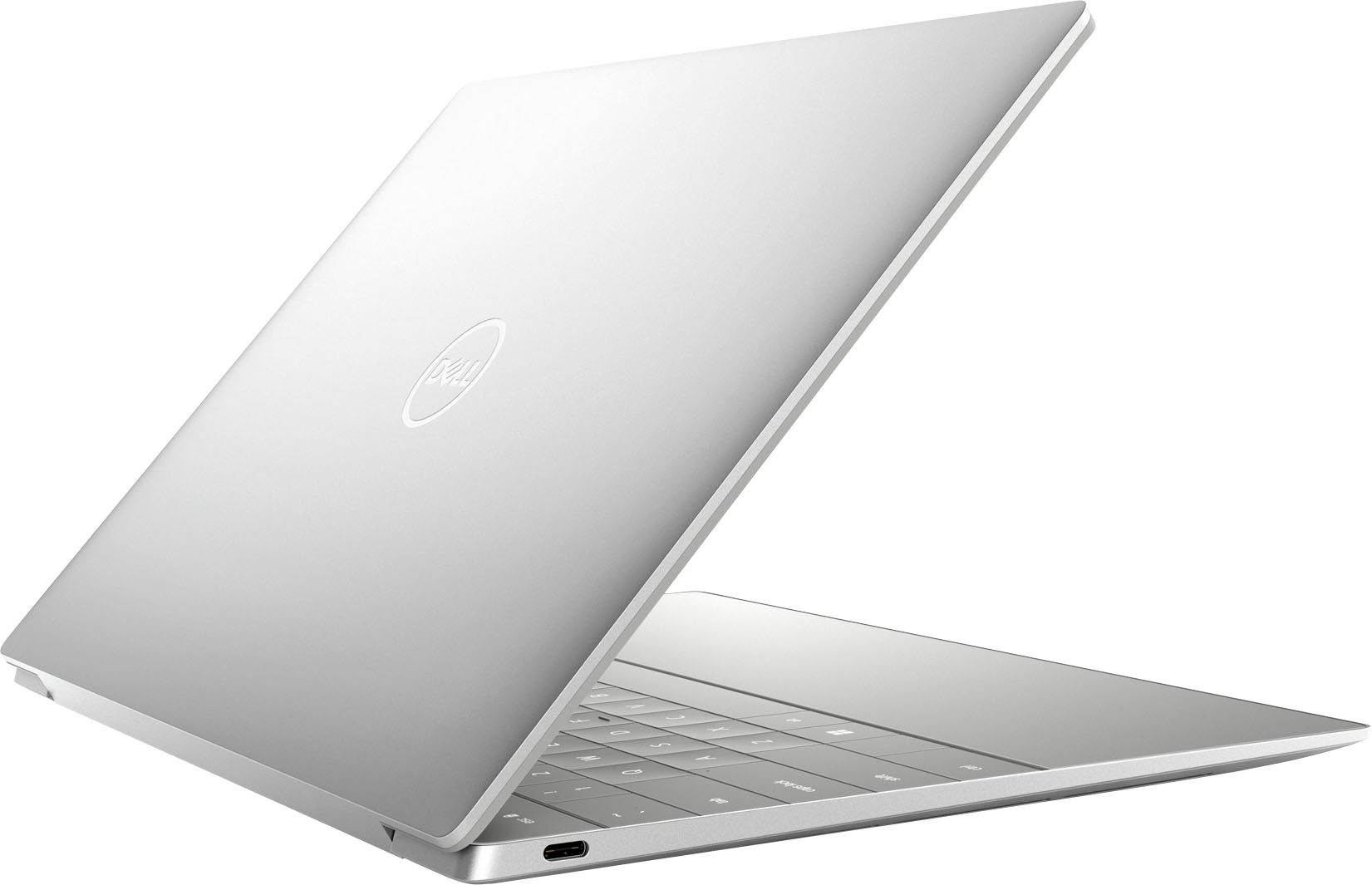
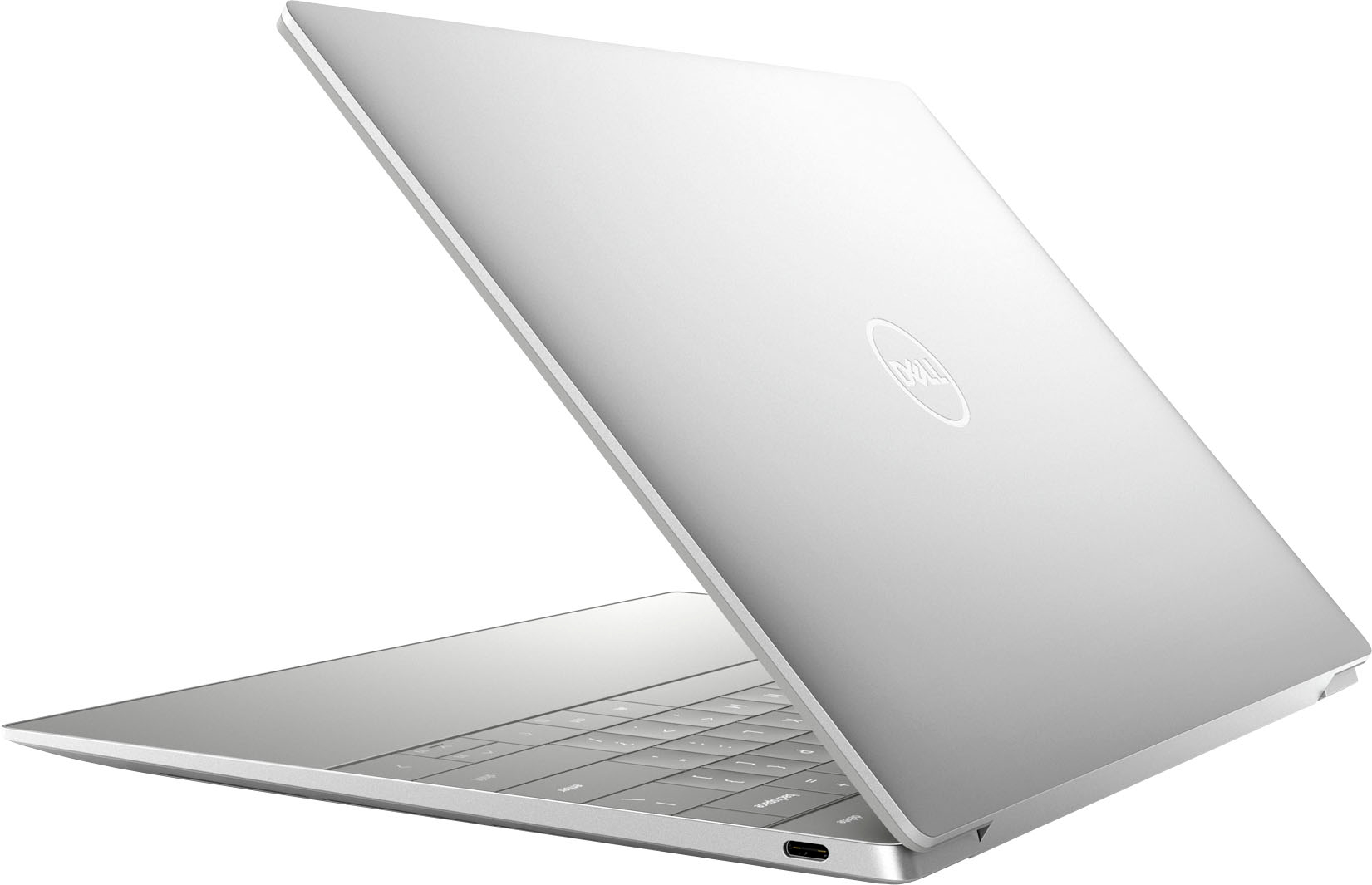

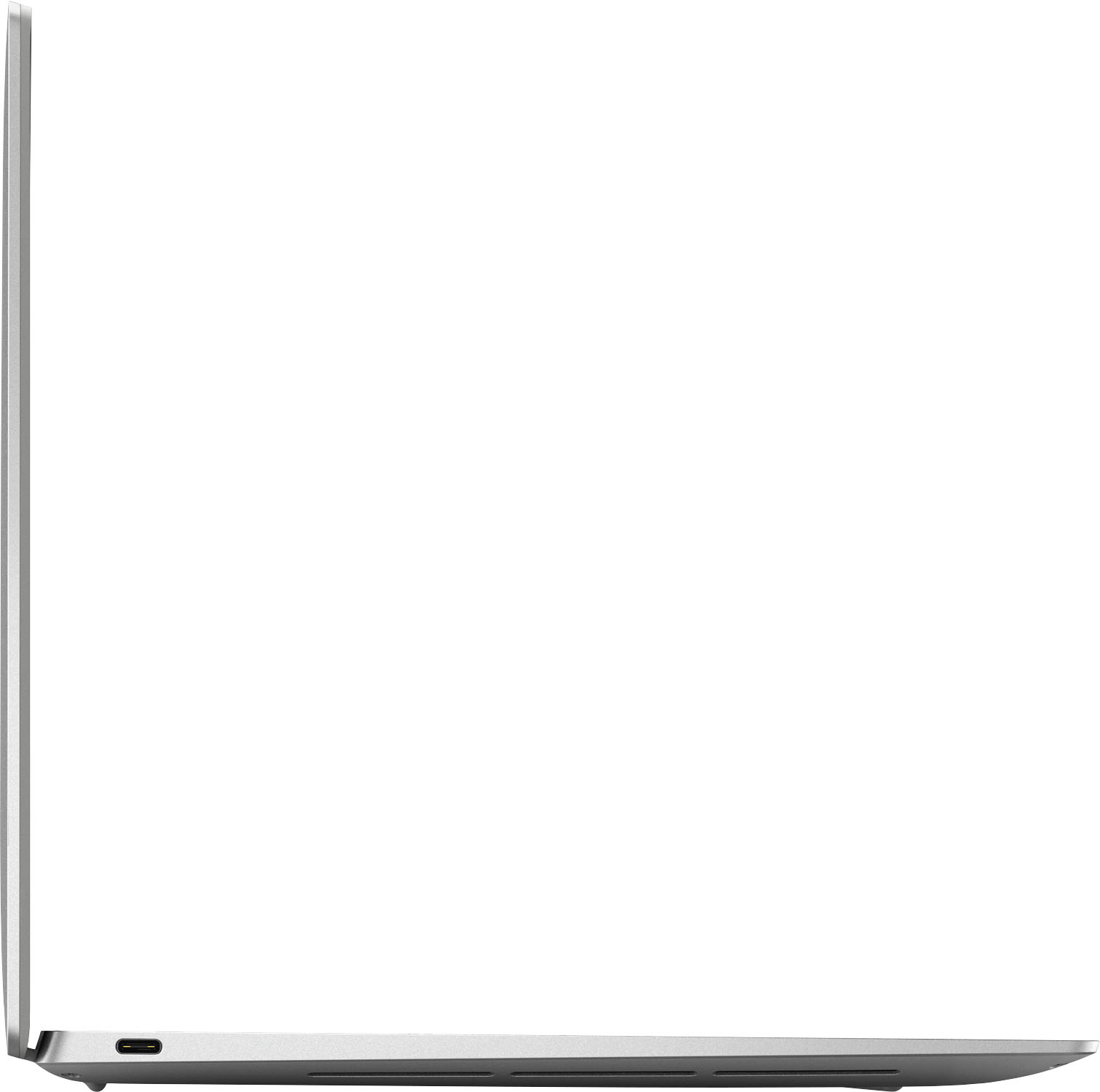
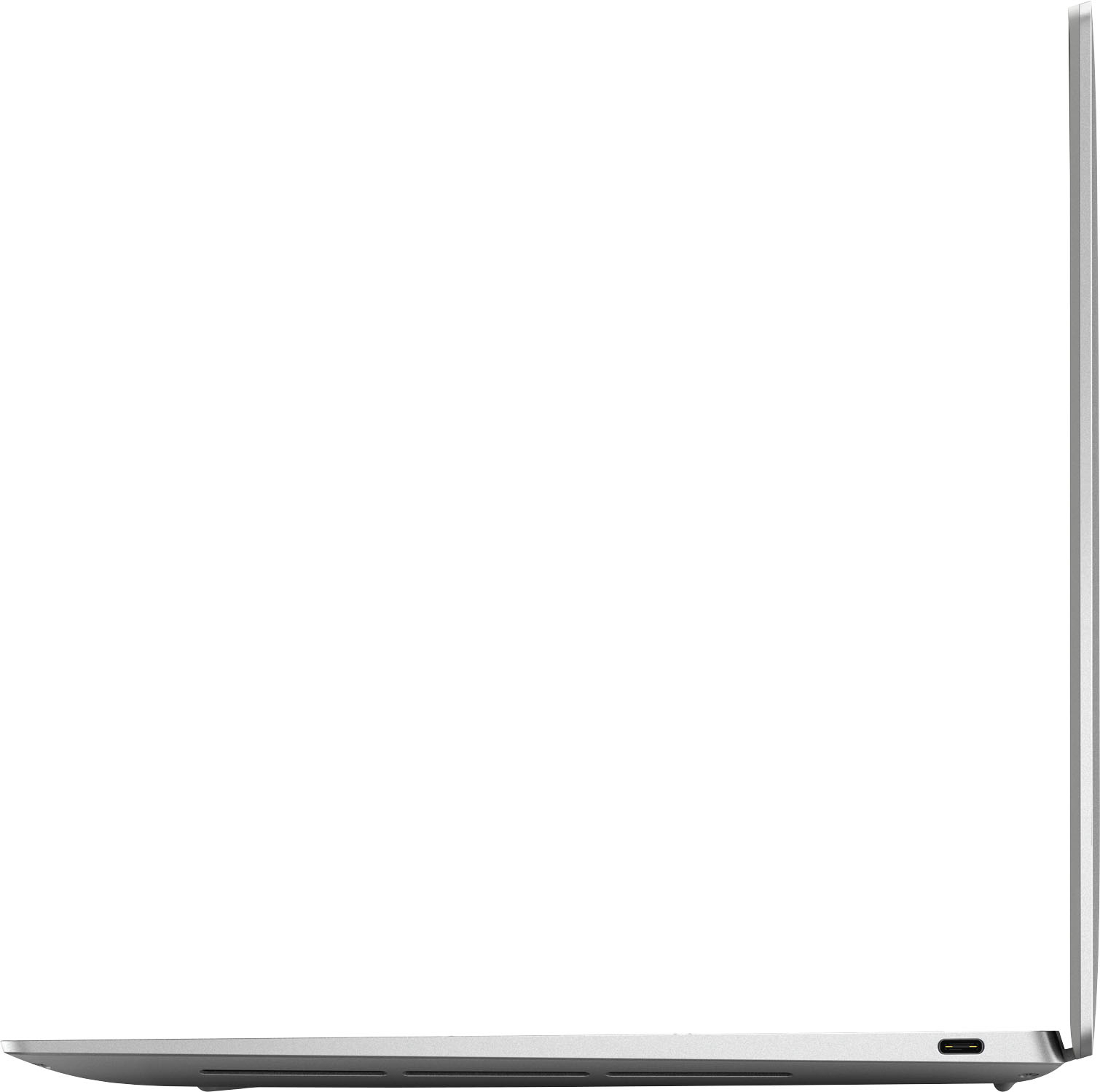


- Model:
- XPS9320-7585SLV-PUS
- SKU:
- 6520770
Rating by feature
- Battery Life
Rating 4.1 out of 5 stars
- Speed
Rating 4.6 out of 5 stars
- Display
Rating 4.7 out of 5 stars
Customers are saying
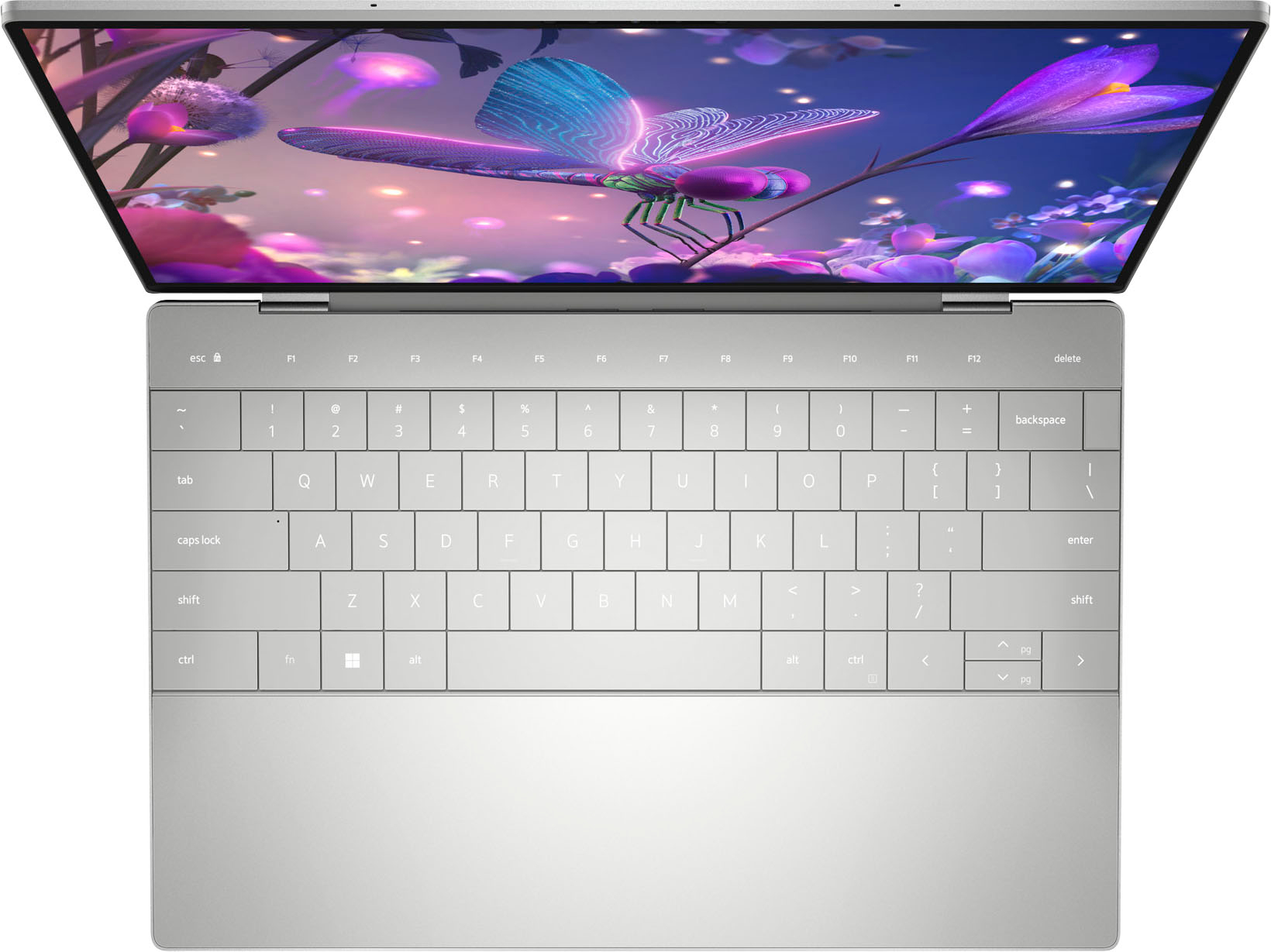
Customers love the XPS 13 Plus's keyboard quality, lightweight design, and portability. Many appreciate its small size and beautiful aesthetics, but some users point to battery life and heat as potential drawbacks. A few also mentioned concerns about the limited port selection.
This summary was generated by AI based on customer reviews.
- Pros mentioned:Weight
Nice
Posted .This reviewer received promo considerations or sweepstakes entry for writing a review.I love it i didnt like it …. Thsts it wants light it
I would recommend this to a friend - Cons mentioned:Heat
A laptop with a lot of problems
Posted .This reviewer received promo considerations or sweepstakes entry for writing a review.I have owned this laptop since last year (July 2022), and I have run into major problems ever since the day that I got it. As of right now, my capacitive touch function row is NOT turn on at all. I have to turn it off and on till it lights up. I have sent it in to a repair shop and they couldn't find a solution. When I click a certain keyboard, it makes a beeping noise which I could not figure out how to get rid of the noise. Good luck with getting in contact of the dell warranty. The customer service is trash as you are being sent into different departments for hours. I do not think it is worth it in getting a warranty. During the whole year, it gets heat up so badly and you can also hear the fans loudly. I do get BSOD so many times as I have lost count of it. I have sent it to Geek Squad many times and they couldn't figure out the solution of the problem. To have these many problems in a year is absurd and i wouldn't recommend at all.
No, I would not recommend this to a friendBrand response from YourDellTeam
Posted .Hi AshleyRamos,
We want to thank you for taking the time to leave a review of your XPS 13. We are sorry to hear that you are encountering overheating issues with your device. Feedback like yours helps us improve our future products and services. Below I have provided troubleshooting instructions with the full article that can help resolve this issue.
Here are the steps to help resolve your overheating issue:
1. Inspect and clean the air vents and fans.
2. Restart the computer.
3. Update the BIOS and Chipset driver.
4. Download and install Microsoft Windows updates.
5. Run a hardware diagnostic test.
6. Use Dell Power Manager to manage thermal performance.
7. Improve efficiency to reduce heat.
8. Perform a Windows System Restore.
9. Restore the computer to factory settings.
How to Troubleshoot Overheating, Shutdown, or Thermal Issue on a Dell Computer: https://dell.to/3oAEYsV
If you continue to experience issues, please reach out to Dell Support directly by using the information provided below.
Should you need further assistance, you can contact Dell directly with the information below.
Chat or call: https://bit.ly/DellSupportTeam
Phone number to Dell: 1-800-624-9896
Best,
Summer@Dell
- Pros mentioned:Portability
Would be great if...
Posted .This reviewer received promo considerations or sweepstakes entry for writing a review.This is the very first laptop I've ever purchased and I'm extremally dissatisfied. I recently enrolled in college and I needed a computer that had great performance and was portable and I must admit that this laptop delivers that spectacularly. It is an amazing device when it works. I have had numerous bug and hiccups since owning the device for only 4 months. Within a week of owning, the touchpad completely stopped working. I had to use an external mouse to fiddle around with the drivers and somehow got it to work. Off and on the display will glitch and show white noise while using multiple windows, the only way to fix is to physicality close the lid of the laptop and sign in again. The worst issue of them all is the lack of audio. Audio will not work using the built-in speakers internally and only consistently works using either Bluetooth or headphones. I already contacted Dell support and after about an hour of a representative messing with the audio drivers with no success a repair order was sent out. "Great" I thought because I would finally be able to at least be able to join a video call now without an issue but upon further investigation, there is an unknown ship date for the parts needed for the repair. I spent close to 2k for this laptop, I understand all devices have their limitations but at minimum I expect them to work as designed, or at least have some sort of availability to a fix. With all this in mind, I wouldn't recommend purchasing this laptop which is a shame. It's an overall a amazing device, only when all the problems don't exist.
No, I would not recommend this to a friendBrand response from YourDellTeam
Posted .Dear Brandon,
We would like to thank you for taking the time to provide us with your feedback. We are sorry to hear about all the issues you have experienced with your XPS 13 Plus 9320 because of its nonfunctional touchpad, and problems with its audio and screen. This is certainly not the experience that we like to hear from our customers. We appreciate your feedback and will use it to help improve our current and future products. We hope that the Dell Support that you already contacted will make things better for you and ensure the quality Dell always intends to deliver.
For your reference, I have included troubleshooting links to troubleshoot audio and screen issues:
How to Troubleshoot Audio Issues or Sound Playback Issues: https://dell.to/3u4pzmX
How to Troubleshoot Display Issues: https://dell.to/2O1UnnF
For any future touchpad, screen, or audio issues, please make sure you have downloaded the latest system update. Please refer to the Drivers and Downloads page below:
Drivers and Downloads Page (XPS 13 Plus 9320): https://dell.to/3MbhGW2
If you come across any questions or have concerns about this product, please don’t hesitate to contact Dell Support Team at the information provided below.
Best,
Katarina@Dell
Should you need further assistance, you can contact Dell directly with the information below.
Chat or call: https://bit.ly/DellSupportTeam
Phone number to Dell: 1-800-624-9896
Blue screen, Dell flubbed repair, XPS doesn't work
Posted .This reviewer received promo considerations or sweepstakes entry for writing a review.DON'T BUY DELL. Horrible quality control, then terrible repair service/support. I sent my 2 month old XPS in for bluescreen repair (BestBuy wouldn't exchange); Dell received it October 19 and logged it in with the wrong service tag, so it was lost in Houston for a week before I figured it out. They created a new service request associated with the correct tag, but for some reason could not repair the laptop. Now - over 2 weeks later - they plan to send it back to me UNREPAIRED so I can put it in a box and send it back to them to repair. Insane. It would be cheaper and easier for all if they either repaired it or simply sent me a new, working machine. I've called and chatted with them every day trying to resolve this... their response is simply robo-email with link to chat totally unrelated to my service case or tag. Horrible - never again.
No, I would not recommend this to a friendBrand response from YourDellTeam
Posted .Hey There Lahontan,
We want to thank you for taking the time to leave a review of your XPS 13 laptop. We are sorry to hear that you are experiencing an issue with the blue screen of death and that you did not have a good experience with our Customer Support Team. That is not the type of feedback we like to hear from our customers as we strive to give excellent customer service. We have noted the details of your statement and will use them to improve current and future issues. In the meantime, I have provided troubleshooting steps to help you resolve the blue screen if the issue is to arise again.
1. At the desktop, click the Search the web and Windows box and type "problem reports".
2. Select View all problem reports to view a list of errors that have occurred on your computer and possible solutions for them, such as updating drivers, flashing your system BIOS, or checking for updates to the software.
3. Under the Source column, look for Windows and under Summary, look for Shut down unexpectedly.
4. Right-click the line item and select Check for a solution.
We'd also suggest checking to make sure that your software and drivers are up to date on Dell's Product Page -
You can read the full article here - http://dell.to/2u98Cct.
Best Regards,
Summer@Dell
Should you need further assistance, you can contact Dell directly with the information below.
Chat or call: https://bit.ly/DellSupportTeam
Phone number to Dell: 1-800-624-9896
Horrible keyboard
Posted .This reviewer received promo considerations or sweepstakes entry for writing a review.I really hated the keyboard. I felt like I had to work extra hard to click. My wrist ended up suffering because of it. I had to return it.
No, I would not recommend this to a friendBrand response from YourDellTeam
Posted .Dear HelloKitty,
We value your feedback and want to thank you for taking the time to leave a review of your Dell XPS 13 touch screen laptop. We are sorry to hear that you were not satisfied with your keyboard and made the decision to return it. That is not the type of feedback we like to hear from our customers, or the type of product Dell intends to deliver. We have noted the details of your statement and will use them to improve current and future products.
Should you need further assistance, you can contact Dell directly with the information below.
Chat or call: https://bit.ly/DellSupportTeam
Phone number to Dell: 1-800-624-9896
Best,
Summer@Dell