Customer Ratings & Reviews



- Model:
- XPS9320-7585SLV-PUS
- SKU:
- 6520770
Rating by feature
- Battery Life
Rating 4.1 out of 5 stars
- Speed
Rating 4.6 out of 5 stars
- Display
Rating 4.7 out of 5 stars
Customers are saying
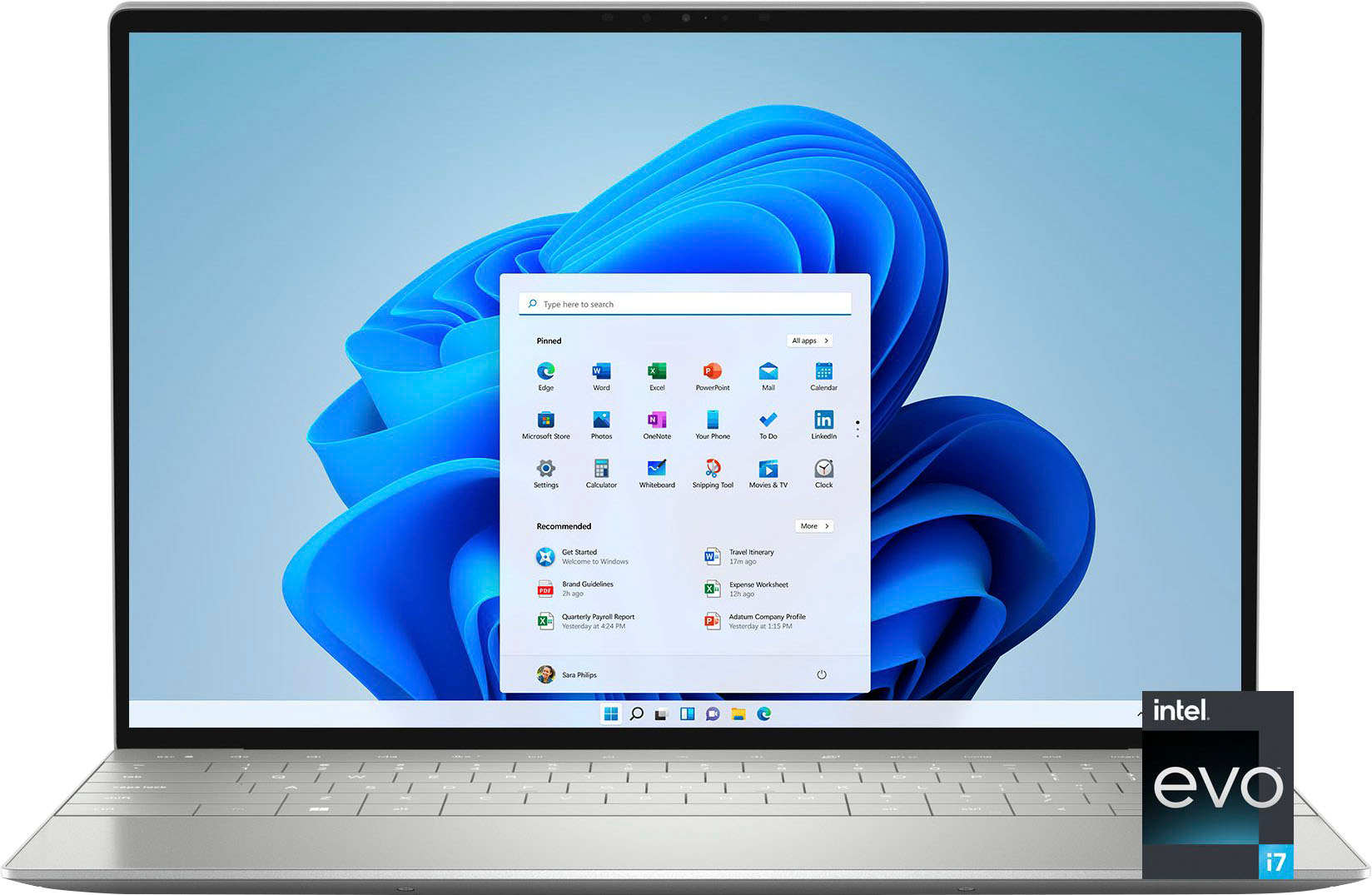
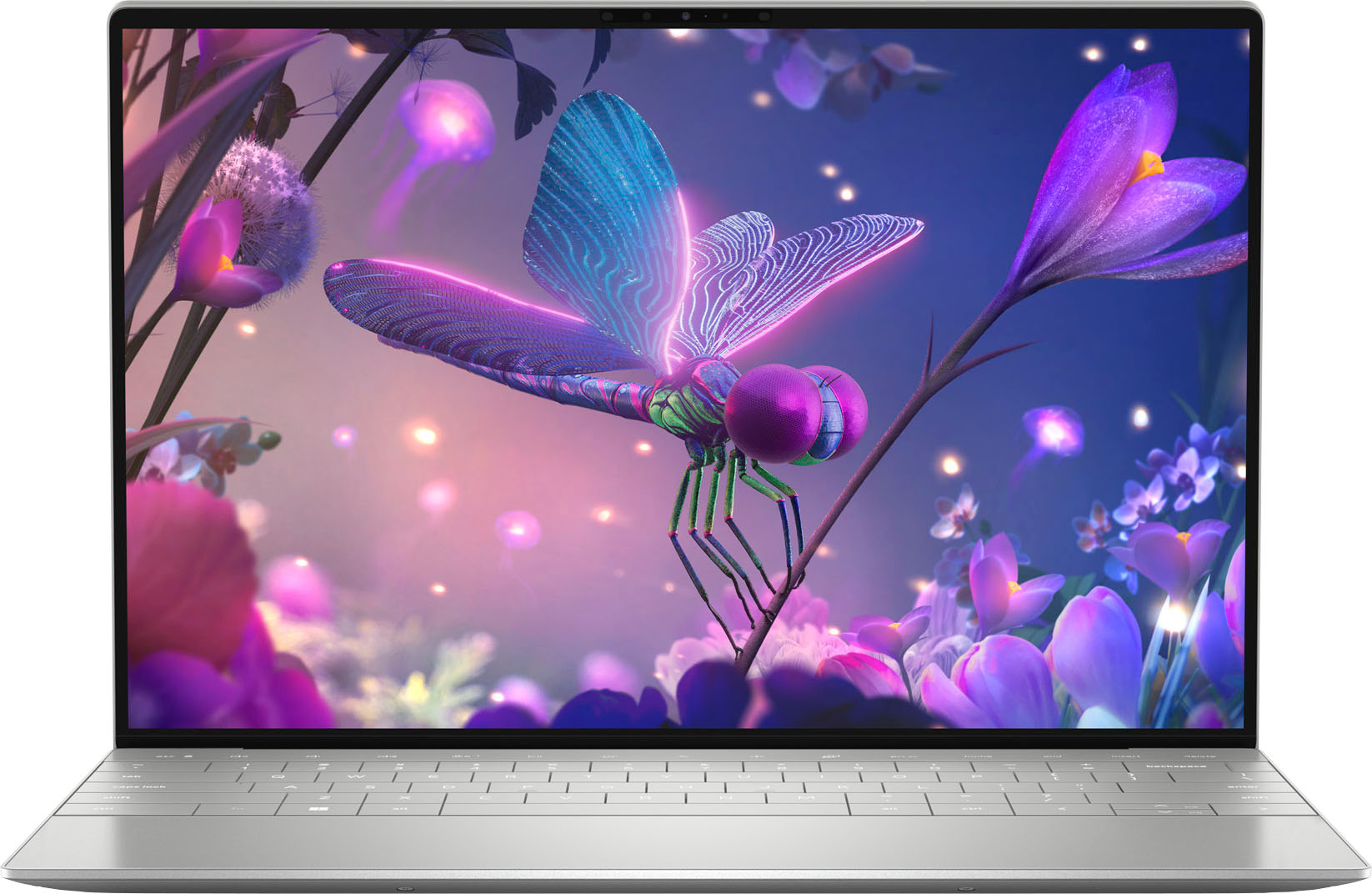
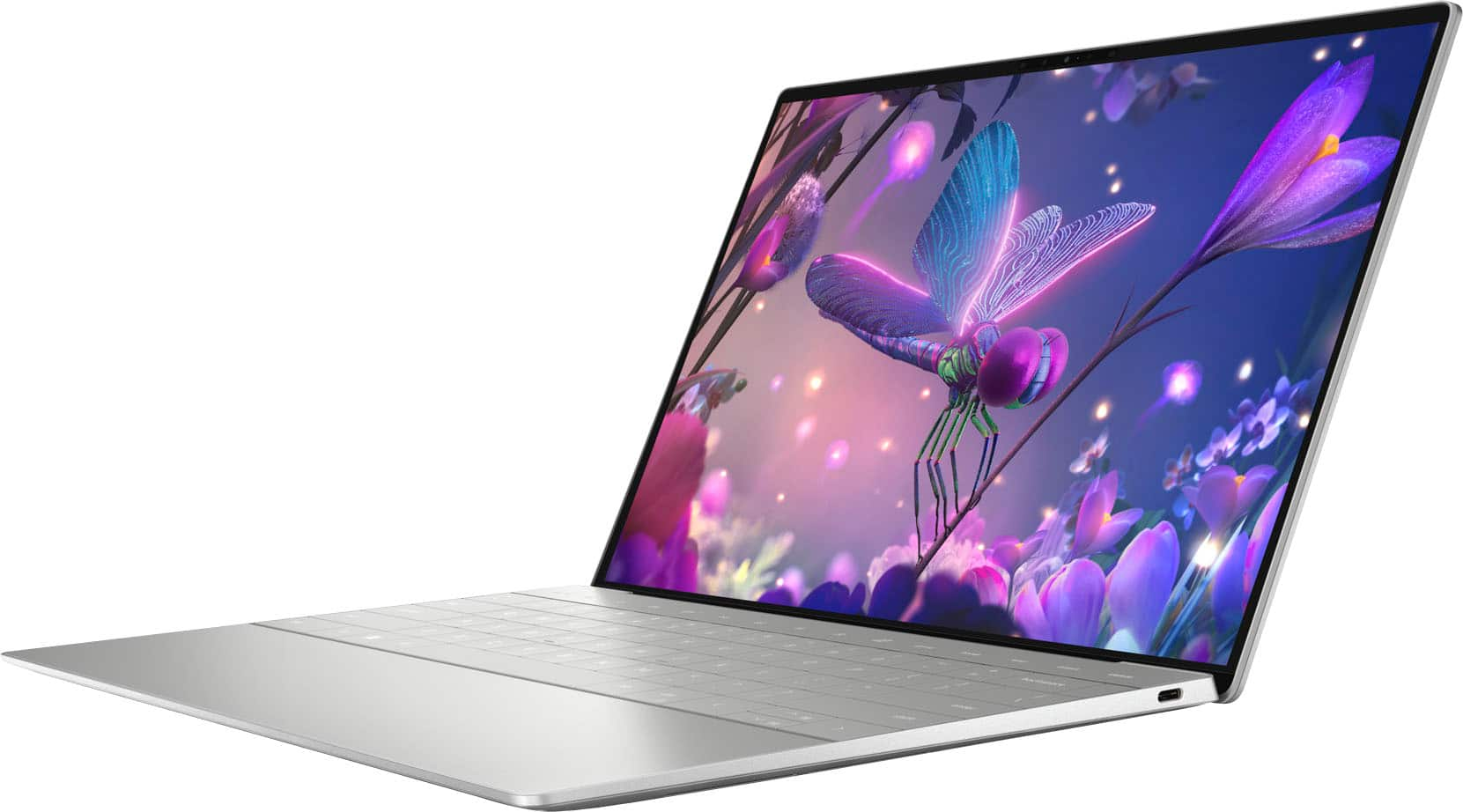
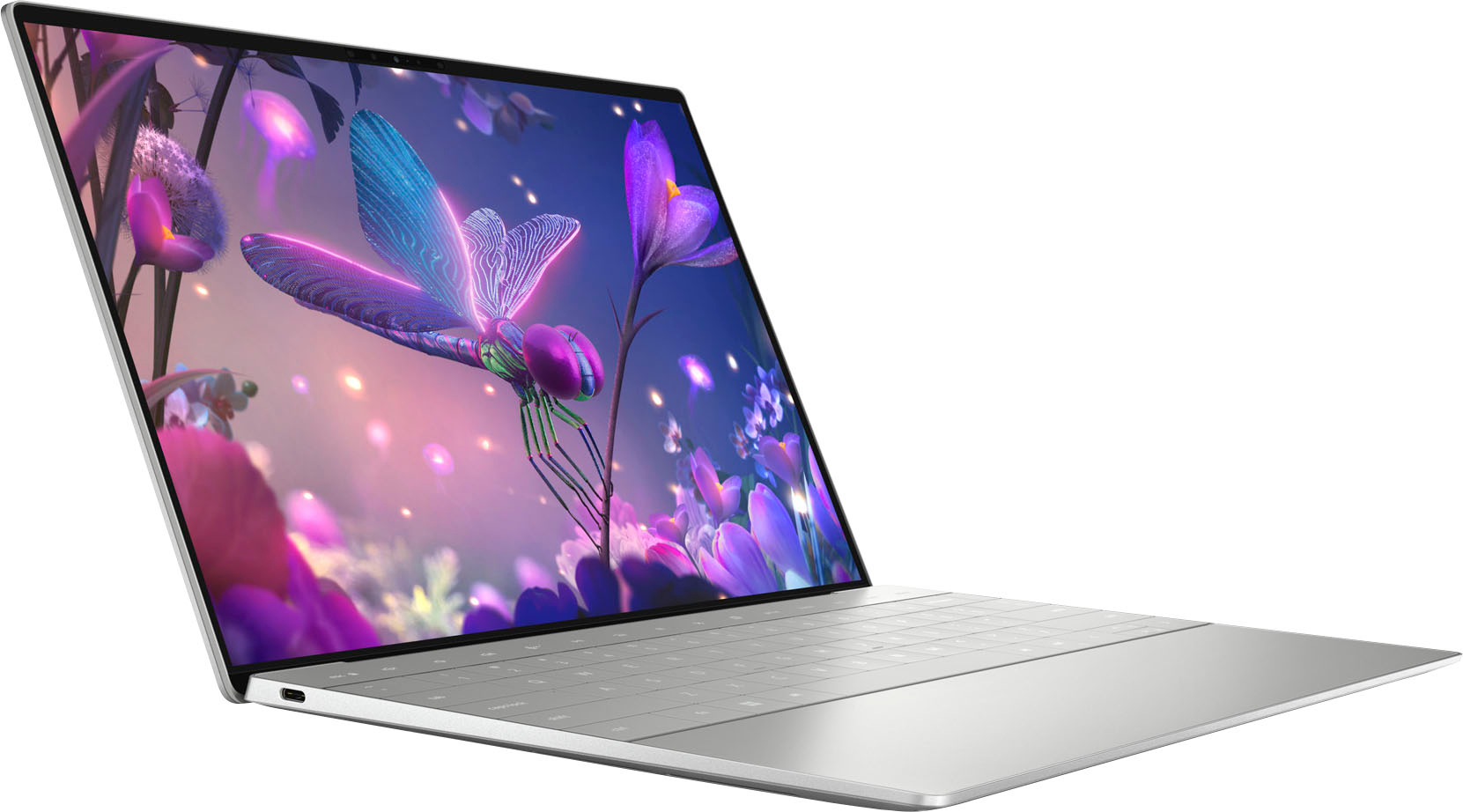
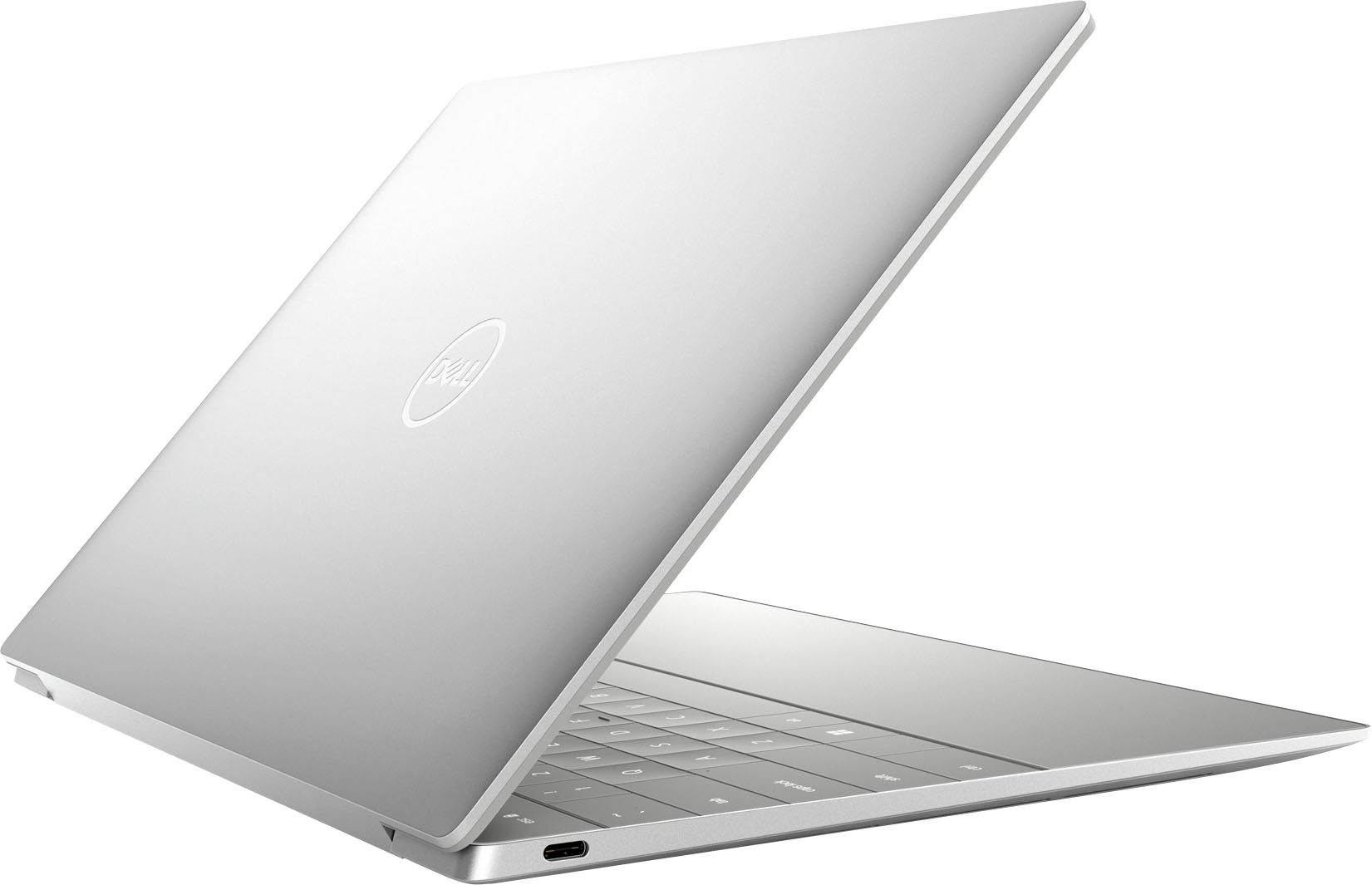
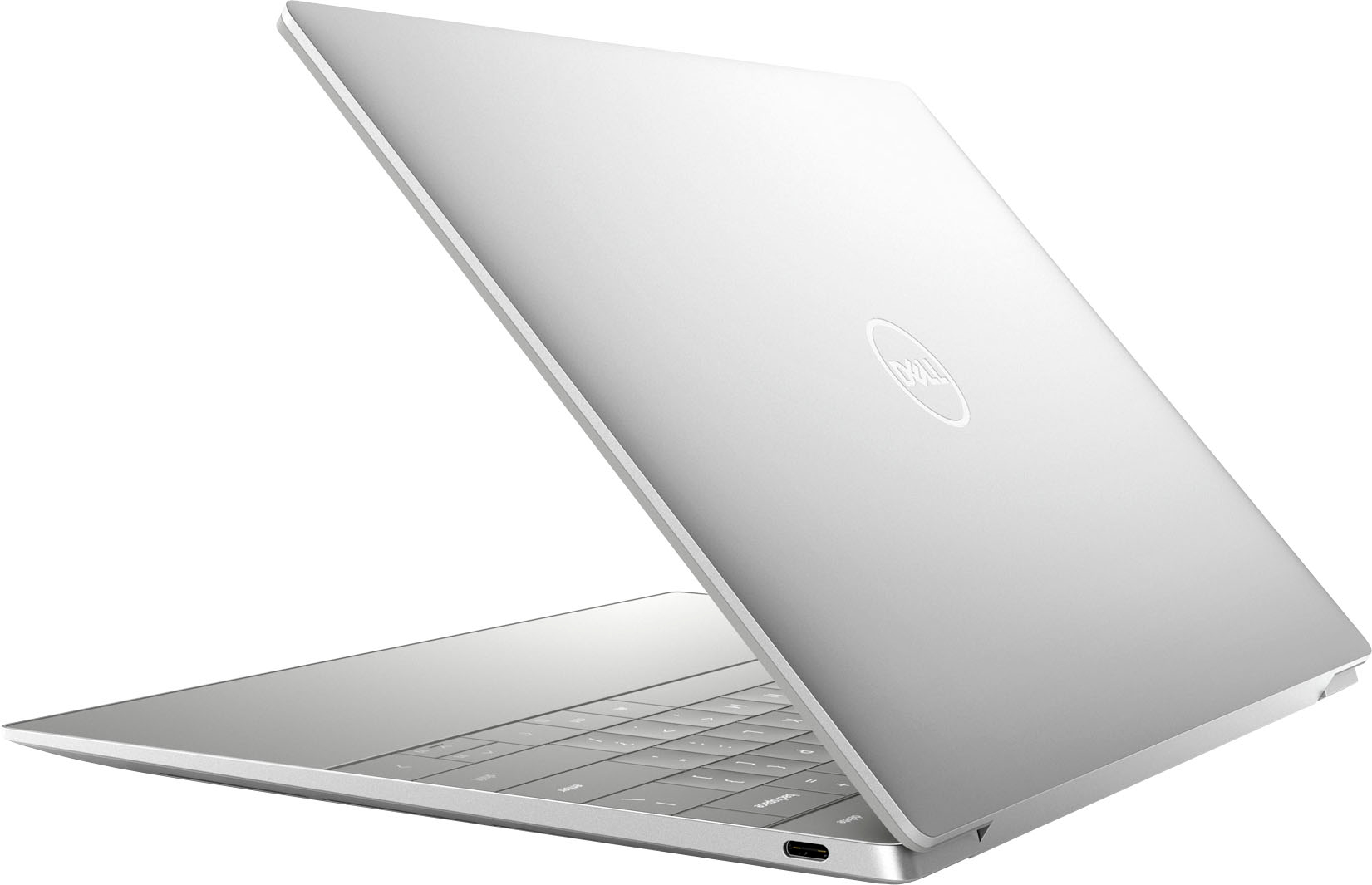
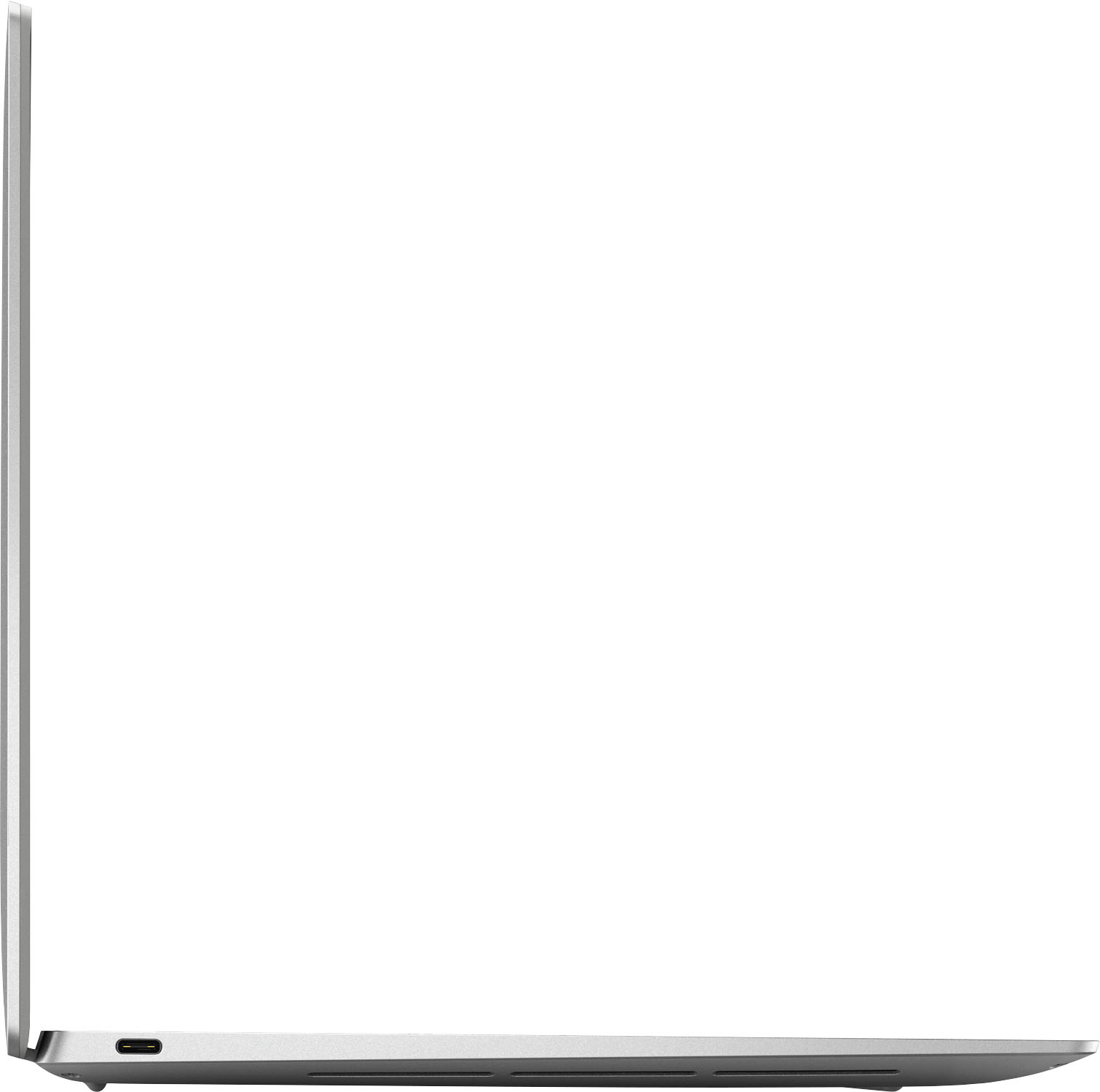
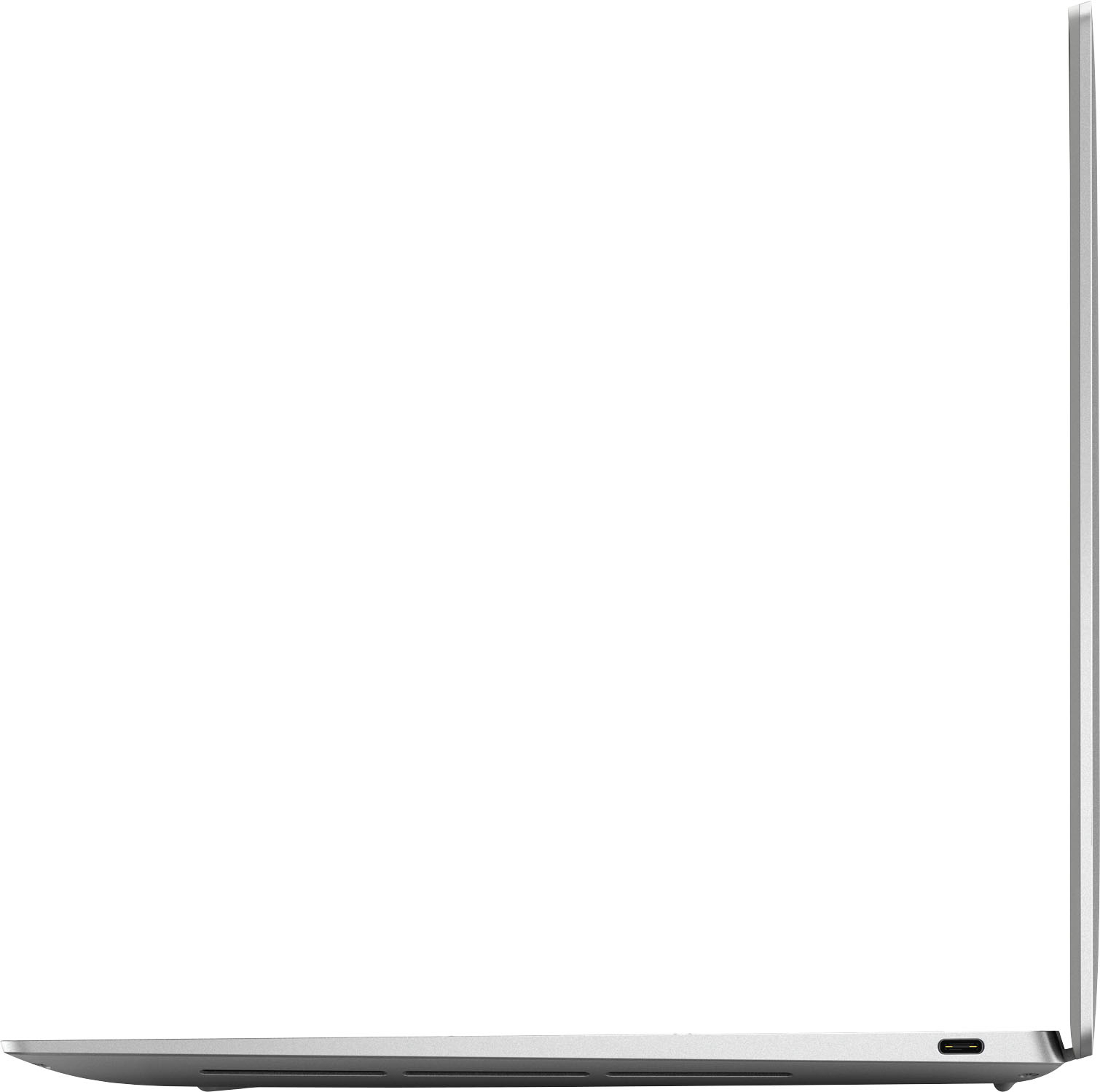
Customers love the XPS 13 Plus's keyboard quality, lightweight design, and portability. Many appreciate its small size and beautiful aesthetics, but some users point to battery life and heat as potential drawbacks. A few also mentioned concerns about the limited port selection.
This summary was generated by AI based on customer reviews.
- Pros mentioned:Design
Sexiest & Powerful Little XPS
||Posted . Owned for 1 week when reviewed.This reviewer received promo considerations or sweepstakes entry for writing a review.Packed with powerful hardware for excellent performance and the most unique design. Love the way its made.
I would recommend this to a friend - Pros mentioned:Keyboard quality
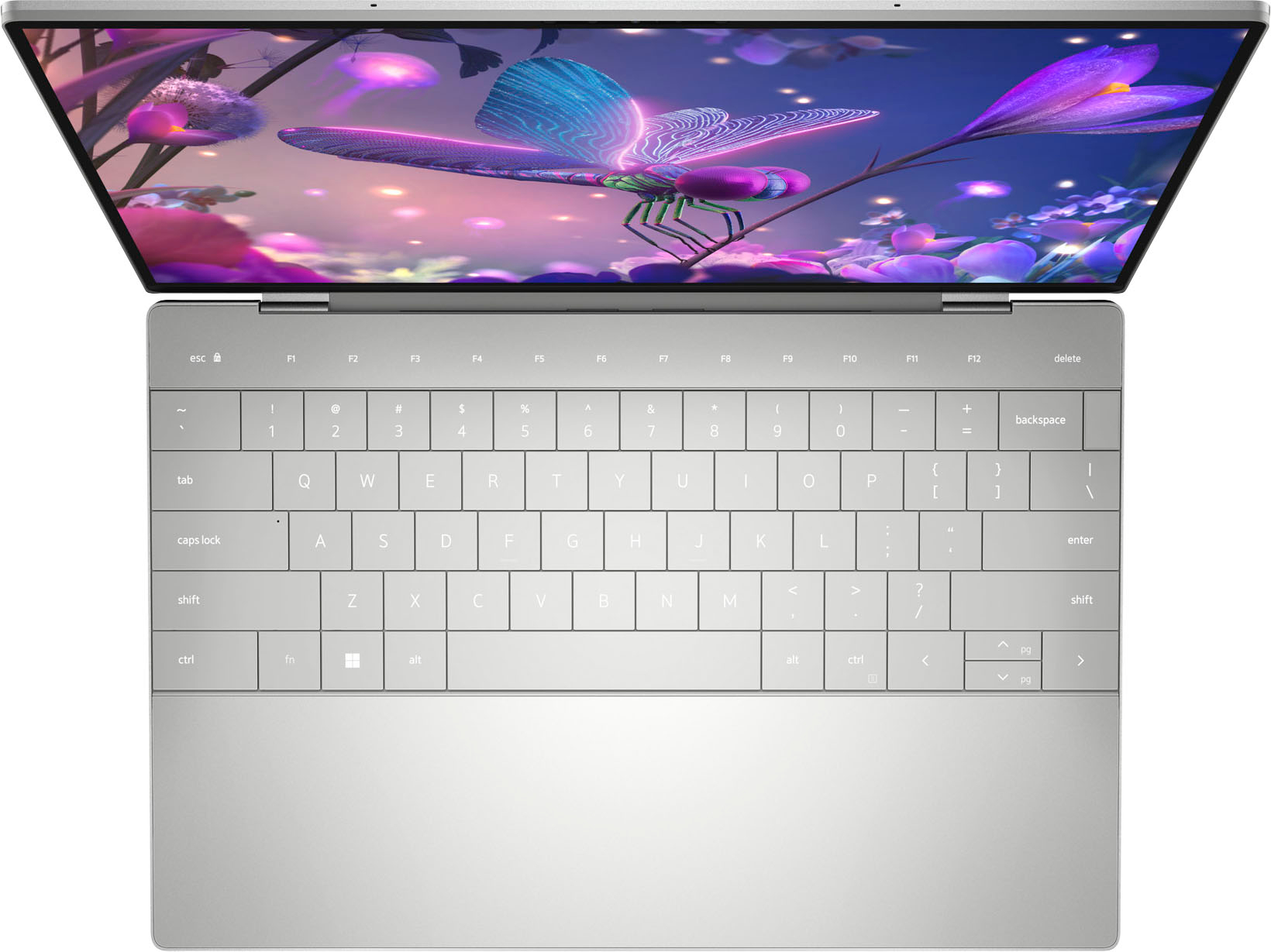
Nkce keyboard
||Posted . Owned for 1 week when reviewed.This reviewer received promo considerations or sweepstakes entry for writing a review.The keyboard is awesome it looks amazing it is definitely a decent laptop for what it is
I would recommend this to a friend - Pros mentioned:Portability
Dell XPS
||Posted . Owned for 3 weeks when reviewed.This reviewer received promo considerations or sweepstakes entry for writing a review.Great laptop for an amazing price. Very smooth and easy to use with premium feel.
I would recommend this to a friend - Pros mentioned:Processor speed
Great Laptop
||Posted . Owned for 3 weeks when reviewed.This reviewer received promo considerations or sweepstakes entry for writing a review.Outstanding performance for the price, the speed and functionality is also good.
I would recommend this to a friend Beautiful and futuristic
||Posted . Owned for 3 weeks when reviewed.This reviewer received promo considerations or sweepstakes entry for writing a review.Very beautiful and futuristic. Unfortunately, it is let down by the keyboard backlighting, which is dim and uneven across the keys
No, I would not recommend this to a friendBrand response from YourDellTeam
Posted .Hey There SimonIE,
Thank you for taking the time to leave a review of your Dell XPS 13 plus 9320. We are sorry to hear that you are not completely satisfied with your keyboard backlighting. That is not the type of feedback we like to hear from our customers, or the type of product Dell intends to deliver. We have noted the details of your statement and will use them to improve current and future products.
We recommend that you contact Dell directly with the information below if you need further assistance.
Chat or call: https://bit.ly/DellSupportTeam
Phone number to Dell: 1-800-624-9896.
Best,
Summer@Dell
Fatal flaw
||Posted . Owned for 3 weeks when reviewed.This reviewer received promo considerations or sweepstakes entry for writing a review.This is unusable due to not having a headphone jack. I had to return it.
No, I would not recommend this to a friendBrand response from YourDellTeam
Posted .Dear Vivian,
We value your feedback and want to thank you for taking the time to leave a review of your Dell XPS 13 plus. We are sorry to hear that you made the decision to return your device since it did not have an audio port. That is not the type of feedback we like to hear from our customers, or the type of product Dell intends to deliver. We have noted the details of your statement and will use them to improve current and future products. If you need further assistance I have provided the toll-free number and chat link below to reach a member of our support team.
If you continue to experience issues, please reach out to Dell Support directly by using the information provided below.
Chat or call: https://bit.ly/DellSupportTeam
Phone number to Dell: 1-800-624-9896
Best,
Summer@Dell
Don’t buy!!!
||Posted .This reviewer received promo considerations or sweepstakes entry for writing a review.Died after 1.5 years and won’t start up. Apparently there is an issue with this computer per geek squad
No, I would not recommend this to a friendGreat laptop-so so battery
||Posted . Owned for 2 weeks when reviewed.This reviewer received promo considerations or sweepstakes entry for writing a review.It's a great laptop although the battery doesn't last more than 5-6 hours just doing MS Office tasks
I would recommend this to a friendMcCarty's review of the Dell XPS 13
||Posted . Owned for 1 week when reviewed.This reviewer received promo considerations or sweepstakes entry for writing a review.I would like to say that the dell xps 13 has treated me well so far, it's display, battery life, and other functions prove to be efficient for what I need. I enjoy the sound too.
I would recommend this to a friendDevice is made dysfunctional
||Posted . Owned for 5 months when reviewed.This reviewer received promo considerations or sweepstakes entry for writing a review.I have had issues since buying it. I had Dell come to fix the trackpad, and it still doesn't work. This has given me issues for the full time I have had it
No, I would not recommend this to a friendBrand response from YourDellTeam
Posted .Greetings Reed,
Thank you for taking the time to leave a review of your Dell XPS 13 plus. We are sorry to hear that you were experiencing an issue with your trackpad. That is not the type of feedback we like to hear from our customers, or the type of product Dell intends to deliver. We are happy to hear that your issue has been resolved. If you come across any further questions or concerns we recommend using the toll-free number or chat link provided below.
If you continue to experience issues, please reach out to Dell Support directly by using the information provided below.
Chat or call: https://bit.ly/DellSupportTeam
Phone number to Dell: 1-800-624-9896
Best,
Summer@Dell
very Good laptop
||Posted . Owned for 2 weeks when reviewed.This reviewer received promo considerations or sweepstakes entry for writing a review.Very good size laptop , but you need to purchase a USB C docking station
I would recommend this to a friendPower cord is no longer esential at best buy
||Posted . Owned for 1 week when reviewed.This reviewer received promo considerations or sweepstakes entry for writing a review.No power cable inside. I understand when you buy open box satisfactory. They say all esential parts inside. I just got laptop without power cord.
No, I would not recommend this to a friendcomputer for college
||Posted . Owned for 3 weeks when reviewed.This reviewer received promo considerations or sweepstakes entry for writing a review.Bought if for my daughter for college. She loves it. Exactly what she needs
I would recommend this to a friendWeb cam defect(poor quality)
||Posted . Owned for less than 1 week when reviewed.This reviewer received promo considerations or sweepstakes entry for writing a review.Web cam didn’t work. So, I returned it. Dell customer service via online and call were horrible.
No, I would not recommend this to a friendBrand response from YourDellTeam
Posted .Hey Scott,
Thank you for taking the time to leave us a review of your Dell XPS 13 touch screen laptop. We are sorry to hear that your webcam was not functioning, and you made the decision to return your device. That is not the type of feedback we like to hear from our customers, or the type of product Dell intends to deliver. We have noted the details of your statement and will use them to improve current and future products.
Should you need further assistance; we recommend that you contact Dell directly with the information below.
Chat or call: https://bit.ly/DellSupportTeam
Phone number to Dell: 1-800-624-9896.
Sincerely,
Summer@Dell

Terrible
|Posted . Owned for 1 week when reviewed.This reviewer received promo considerations or sweepstakes entry for writing a review.[Employee of bestbuy] Terrible slow overheats apple better ong apple way better
No, I would not recommend this to a friendBrand response from YourDellTeam
Posted .Hello There Gabe,
We appreciate you taking the time to leave us your review. We are sorry to hear that you are encountering overheating issues with your XPS 13 plus. Feedback like yours helps us improve our future products and services. Below I have provided troubleshooting instructions with the full article that can help resolve this issue.
Here are the steps to help resolve your overheating issue:
1. Inspect and clean the air vents and fans.
2. Restart the computer.
3. Update the BIOS and Chipset driver.
4. Download and install Microsoft Windows updates.
5. Run a hardware diagnostic test.
6. Use Dell Power Manager to manage thermal performance.
7. Improve efficiency to reduce heat.
8. Perform a Windows System Restore.
9. Restore the computer to factory settings.
How to Troubleshoot Overheating, Shutdown, or Thermal Issue on a Dell Computer: https://dell.to/3oAEYsV
If you continue to experience issues, please reach out to Dell Support directly by using the information provided below.
If you continue to experience touchpad issues, please reach out to Dell Support directly by using the information provided below.
We recommend that you contact Dell directly with the information below if you need further assistance.
Chat or call: https://bit.ly/DellSupportTeam
Phone number to Dell: 1-800-624-9896
Best,
Summer@Dell
Big problem
||Posted . Owned for 1 week when reviewed.This reviewer received promo considerations or sweepstakes entry for writing a review.Bought as open-box. Top function key row didnt function, so had to return.
No, I would not recommend this to a friend- Cons mentioned:Heat
Fast, powerful, but has issues
||Posted . Owned for 1 week when reviewed.This reviewer received promo considerations or sweepstakes entry for writing a review.Laptop was really fast and powerful. However, the wifi consistently was disconnecting and it gets really warm. I returned it after a week
No, I would not recommend this to a friendBrand response from YourDellTeam
Posted .Hello Cubs90,
We appreciate you taking the time to leave us your review. We are sorry to hear that you were not too happy with your Dell XPS 9320 computer because the WIFI connection was not reliable and it was overheating. This is certainly not what we like to hear from our loyal customers. We will share your review with our quality team so improvements can be made now and in the future.
For your future reference, I have included steps with the full articles to resolve the issues you experienced:
To help with overheating, we would recommend making sure the BIOS is up to date on your PC. I have provided a link to the Drivers and Downloads page so you can check for and do any applicable updates. I have also included a link to the full article if more information is needed.
Dell has released an Intel Power Management Utility to help with the overheating that you may be experiencing on your computer. For this package to take effect, the system power plan must be set to Balanced under the Additional Power Settings. Also, the Power Mode option that is displayed when you click the battery icon, should be set to Better Performance. This package only takes effect on AC power and not on battery power. The Intel Power Management Utility can be found here - http://dell.to/3tStRgX.
Drivers and Downloads page: https://dell.to/3MbhGW2
How to Troubleshoot Overheating, Shutdown, or Thermal Issues on Dell Computer: https://dell.to/3S1dP01
Steps to resolve WIFI connection issues:
1. Download and install the latest Wireless Card driver. (https://dell.to/2th3Tpe) After updating the driver, re-establish the connection with the Wireless Access Point and check the wireless performance.
2. If the issue persists, proceed to step 3.
3. Power-cycle the local network. Shut down the Dell system, the Wireless Access Point/Router, and the Modem. Wait a minimum of 60 seconds before powering up the components in the following order:
4. Power ON the Modem and wait for it to boot fully.
5. Power ON the Wireless Access Point/Router and wait for it to boot fully.
6. Power ON the Dell system.
7. Open Network and Sharing Center
8. In the left-side navigation pane, click on Change Adapter Settings
9. Right-click on the wireless connection icon and select Properties followed by the Configure button
10. Under Wireless Options, select the Wireless N mode
11. For Windows 8 or later systems click the Advanced tab and look for 802.11n Mode on the right you will be given the option to Enable or Disable. If the mode is not visible you may need to update your drivers and firmware.
12. From the drop-down menu, choose Disable followed by Ok
13. This should restore the wireless download and upload speed. Internet speed can be tested at http://speedtest.net
Full article link: https://dell.to/2RefLVN
Even if this particular product was not the right fit for you we hope that you will consider Dell in the future when you make your next system purchase. If you come across any questions or have concerns about Dell products, please don’t hesitate to contact Dell Support Team at the information provided below.
Best,
Katarina@Dell
Should you need further assistance, you can contact Dell directly with the information below.
Chat or call: https://bit.ly/DellSupportTeam
Phone number to Dell: 1-800-624-9896
- Pros mentioned:Keyboard quality
Good laptop
Posted .This reviewer received promo considerations or sweepstakes entry for writing a review.Amazing looking laptop amazing keyboard and good performance. However the battery life is fine and the thermals arent that good.
I would recommend this to a friend Nice little laptop
Posted .This reviewer received promo considerations or sweepstakes entry for writing a review.Nice laptop. Have ordered Openbox Excellent, came in original box however was missing the adapters. There was a problem with the touchpad, the click dalays and was unable to double click most of times. Had to return. May be I got a bad unit.
I would recommend this to a friend- Pros mentioned:Keyboard qualityCons mentioned:Battery life
BEST 13 INCH LAPTOP ON THE MARKET
Posted .This reviewer received promo considerations or sweepstakes entry for writing a review.Excellent build and good performance! people tend to nit pick at this or that but overall this is a beautiful laptop! people aren't reasonable or realistic! i was going to get the OLED panel but decided to get the FHD panel to save on battery. cant tell the difference anyways!
I would recommend this to a friend