Customer Ratings & Reviews







- Model:
- XPS9320-7523BLK-PUS
- SKU:
- 6518256
Rating by feature
- Battery Life
Rating 3.5 out of 5 stars
- Speed
Rating 4.6 out of 5 stars
- Display
Rating 4.8 out of 5 stars
Customers are saying
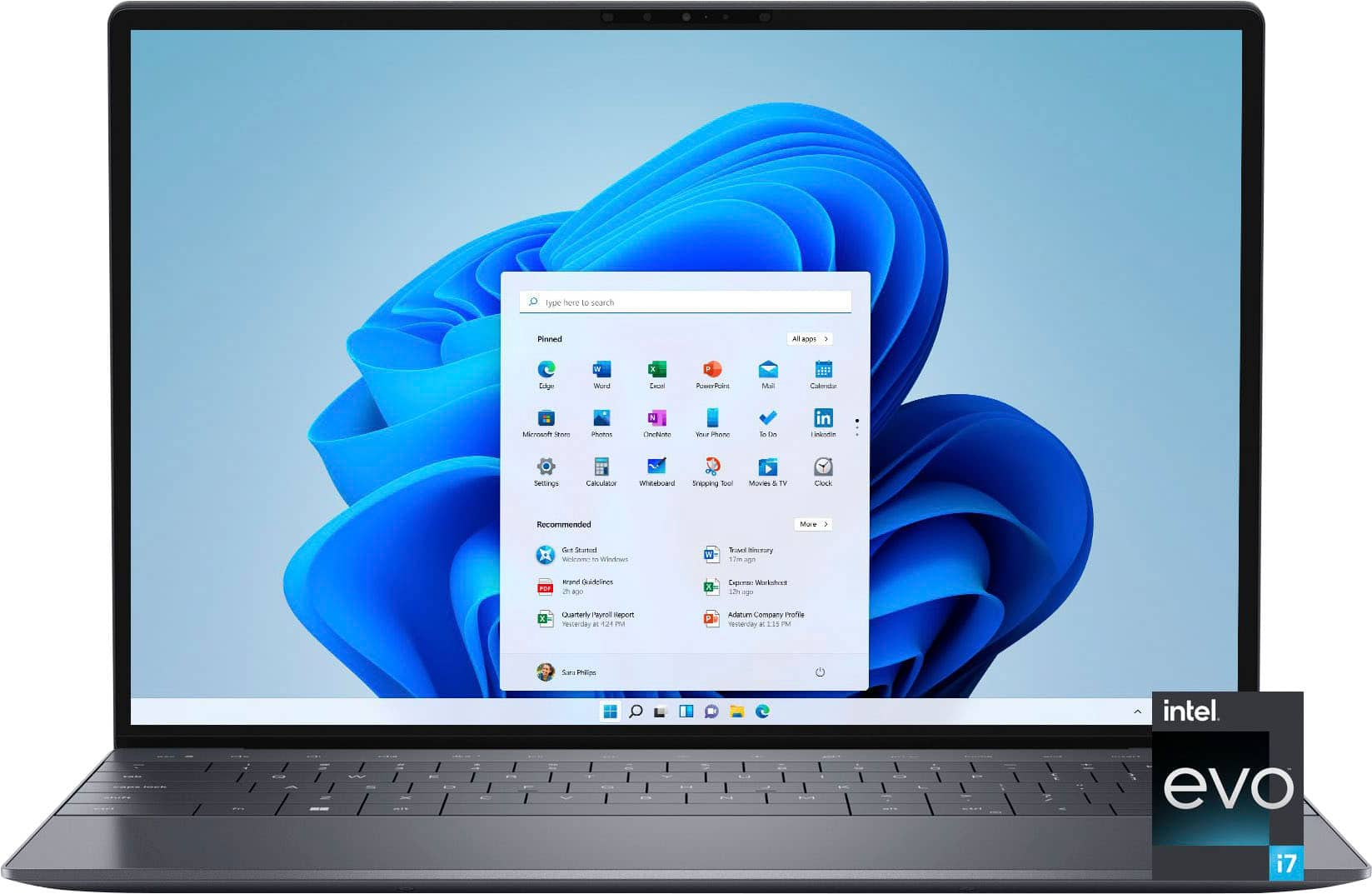
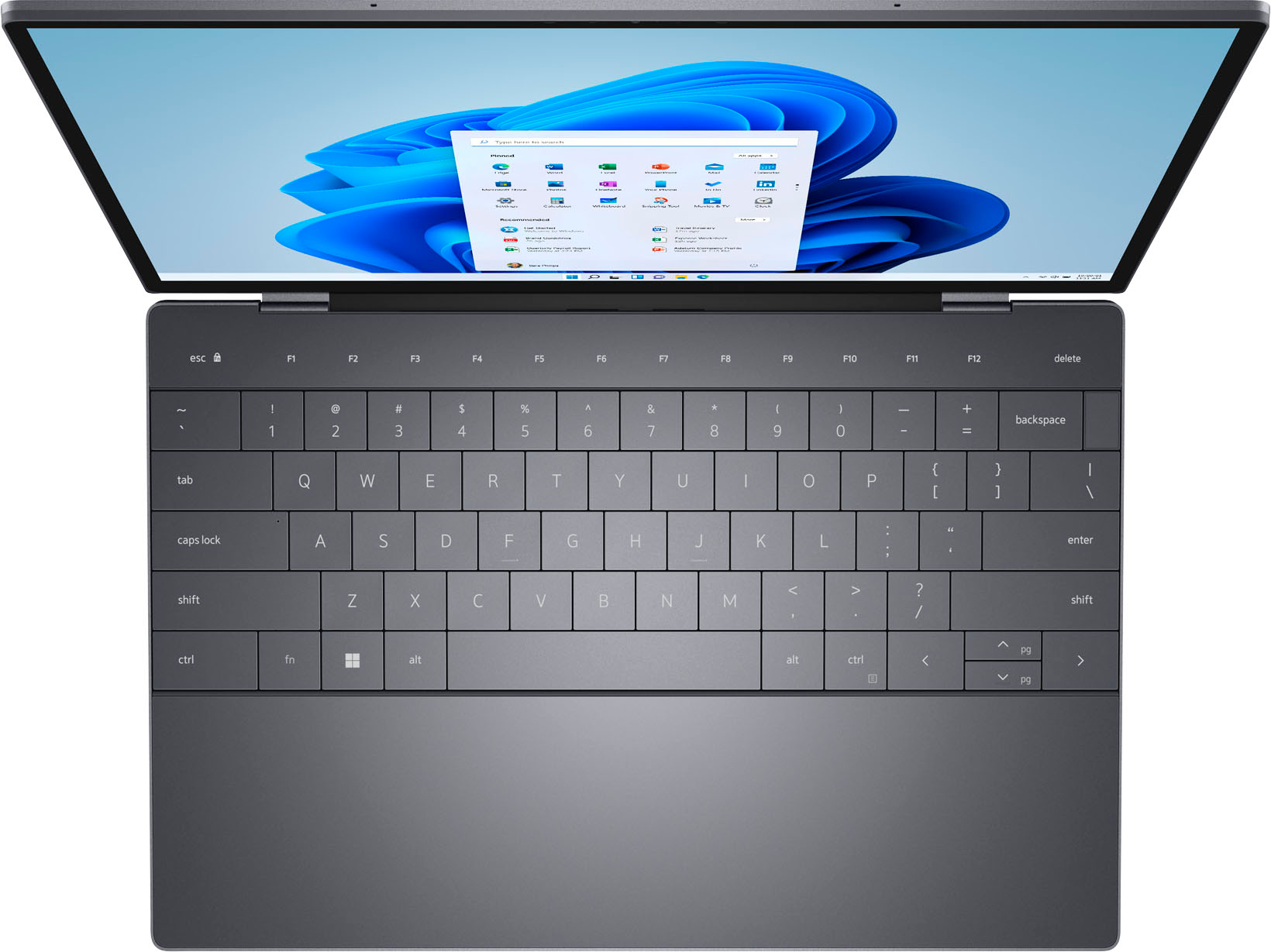
Customers value the XPS 13 Plus's stunning OLED display, high-quality keyboard and trackpad, and sleek design. Many appreciate its powerful performance thanks to ample RAM and fast storage, along with its portability and lightweight nature. However, a significant drawback reported by customers is the less-than-stellar battery life. Concerns were also raised regarding the device's tendency to overheat during use.
This summary was generated by AI based on customer reviews.
- Cons mentioned:Heat
Paperweight
Posted .This reviewer received promo considerations or sweepstakes entry for writing a review.Very unreliable computer. Pretty much a 50/50 if it’s going to work one day or not. Always something wrong with ranging from overheating, not turning on, mouse pad not responding, or updates not being installed correctly. I had to factory reset it after a couple weeks of use. This computer is definitely not worth the price.
No, I would not recommend this to a friendBrand response from YourDellTeam
Posted .Hi DrinkYourWater,
We appreciate you taking the time to leave us your review. We are sorry to hear about the issues you are experiencing with your Dell XPS 9320 computer because it is overheating, not turning on, the touchpad is not responding, and updates are not installing correctly. This is certainly not the experience that we like to hear from our customers. We appreciate your feedback and will use it to help improve our current and future products.
To help with these issues, we would recommend making sure the BIOS is up to date on your PC. I have provided a link to the Drivers and Downloads page so you can check for and do any applicable updates. These driver updates will include the new Dell Touchpad Firmware Update Utility which should help with touchpad issues.
Drivers and Downloads page: https://dell.to/3MbhGW2
Dell has released an Intel Power Management Utility to help with the overheating that you may be experiencing on your computer. For this package to take effect, the system power plan must be set to Balanced under the Additional Power Settings. Also, the Power Mode option that is displayed when you click the battery icon, should be set to Better Performance. This package only takes effect on AC power and not on battery power. The Intel Power Management Utility can be found here - http://dell.to/3tStRgX.
How to Troubleshoot Overheating, Shutdown, or Thermal Issues on Dell Computer: https://dell.to/3S1dP01
Below I have also provided a link to help resolve powering issue. On that page, you can choose between, no power, no post, no boot, or no video. Once you choose which issue you are having you can find the options to help troubleshoot and resolve that problem.
Resolve boot-up issues: https://dell.to/3sdfce6
If the issues with your XPS laptop are still not resolved after utilizing the troubleshooting options above, please contact the Dell Support Team at 1-800-624-9896 for further guidance.
Best,
Katarina@Dell
Should you need further assistance, you can contact Dell directly with the information below.
Chat or call: https://bit.ly/DellSupportTeam
Phone number to Dell: 1-800-624-9896