Customer Ratings & Reviews
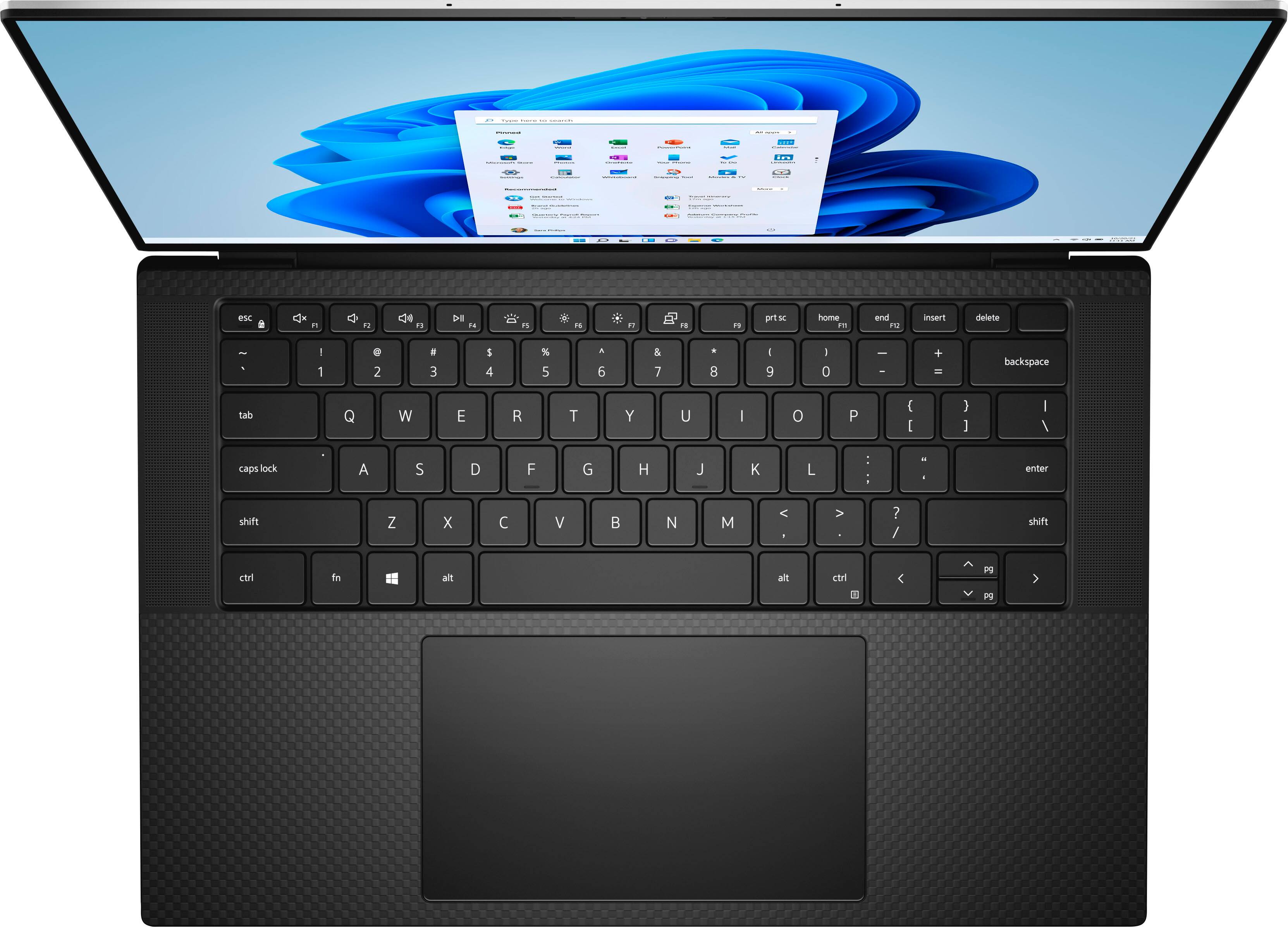





- Model:
- XPS9520-7171SLV-PUS
- SKU:
- 6504384
Rating by feature
- Battery Life
Rating 4.4 out of 5 stars
- Speed
Rating 4.7 out of 5 stars
- Display
Rating 4.6 out of 5 stars
Customers are saying
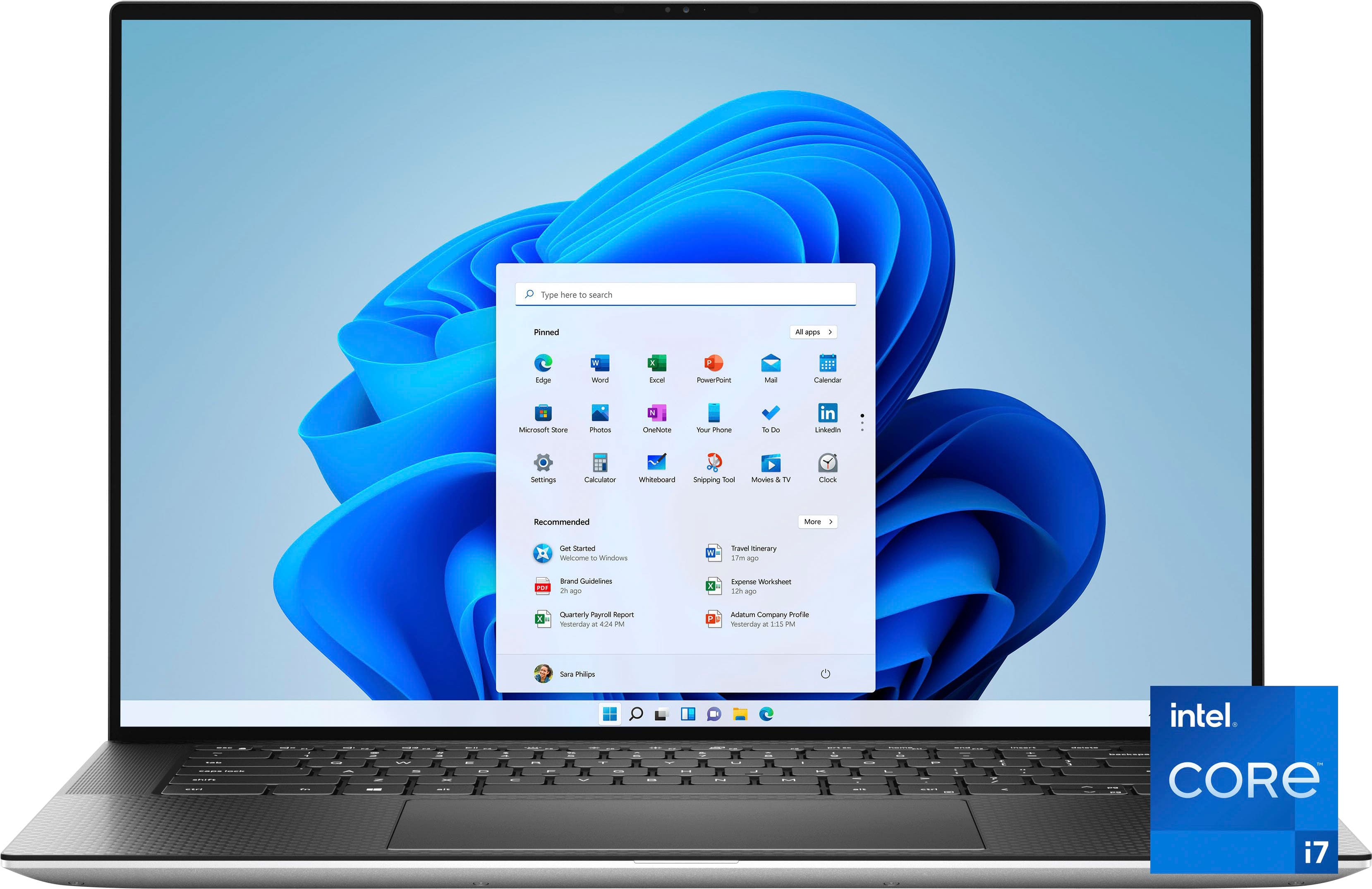
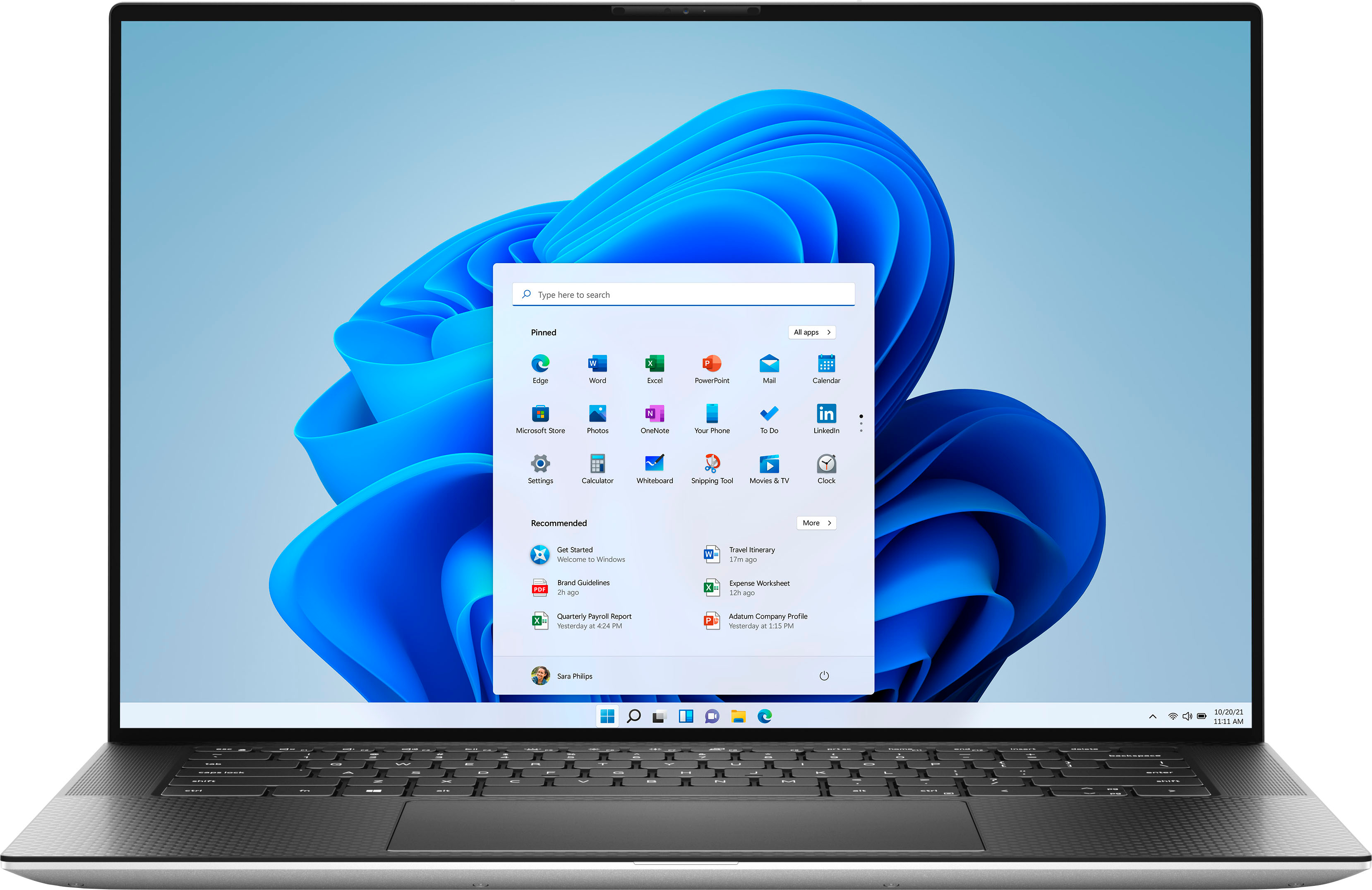
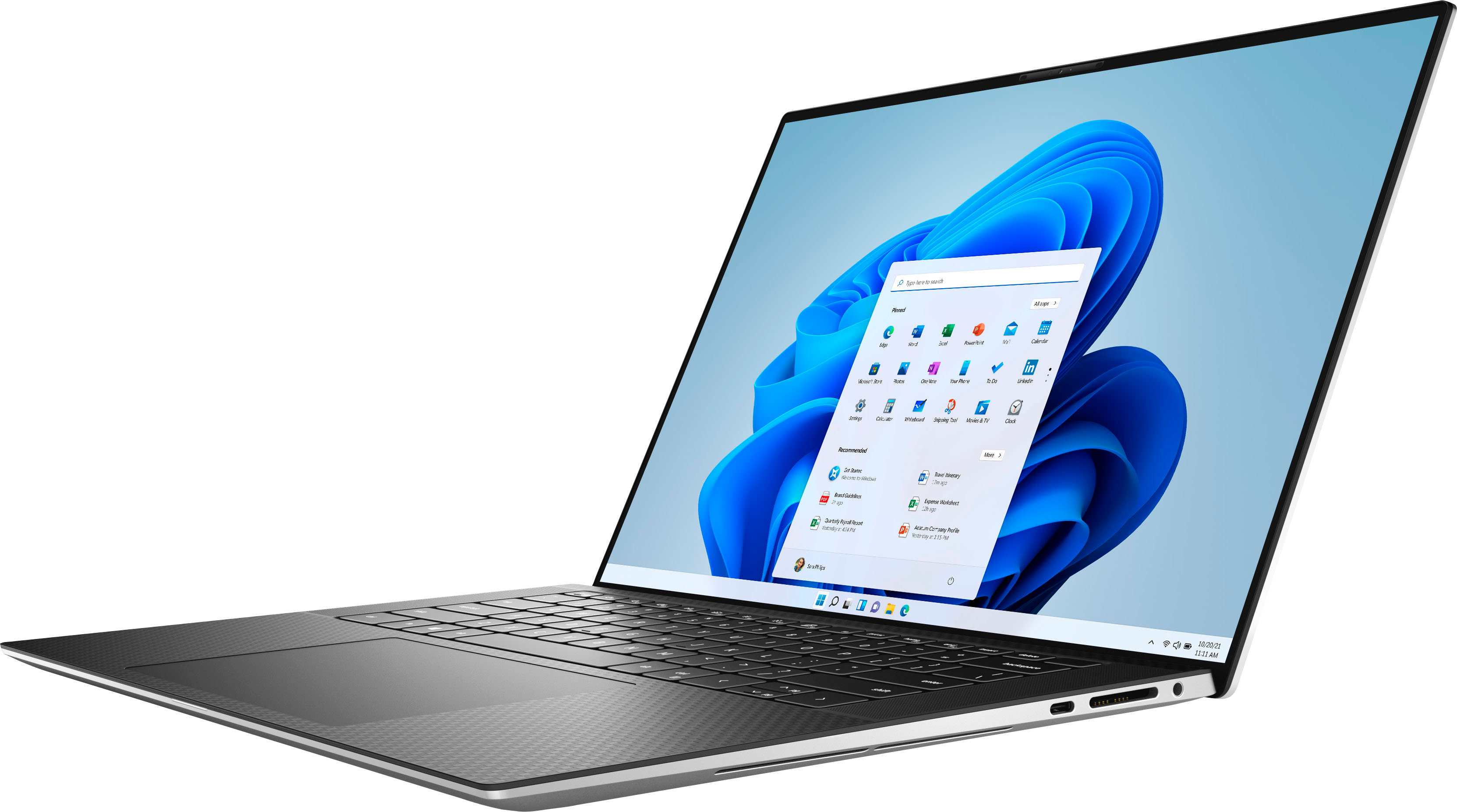
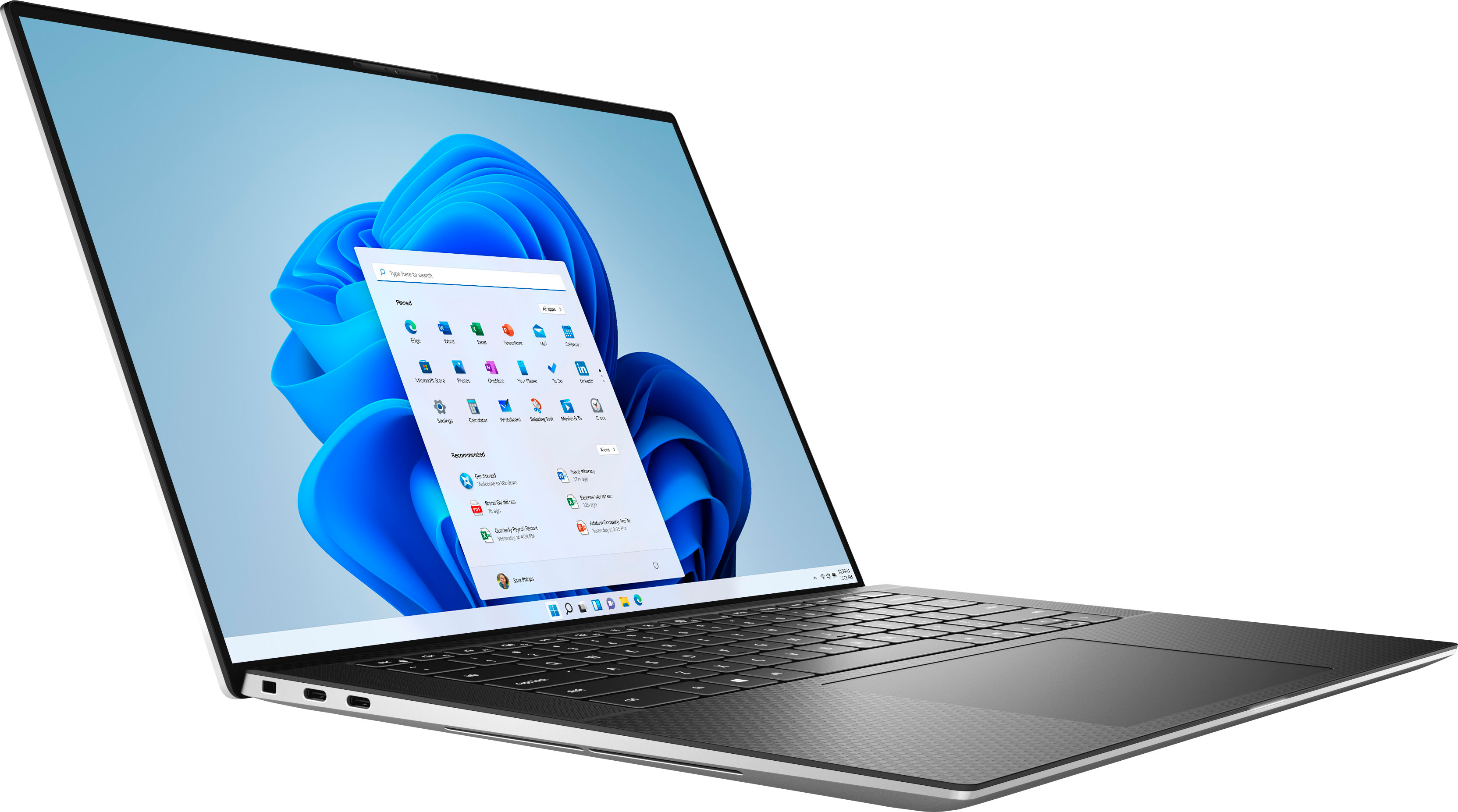
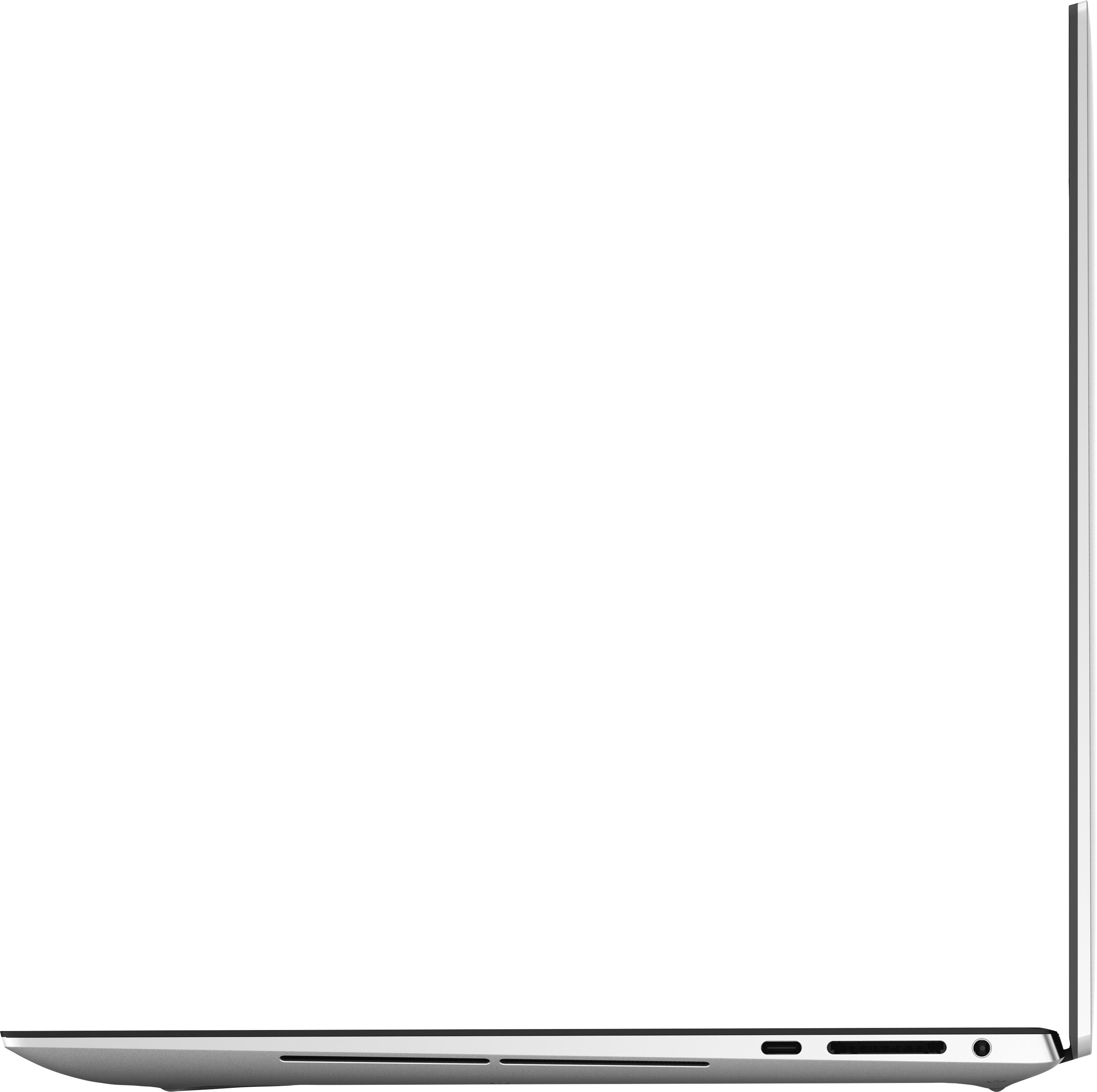
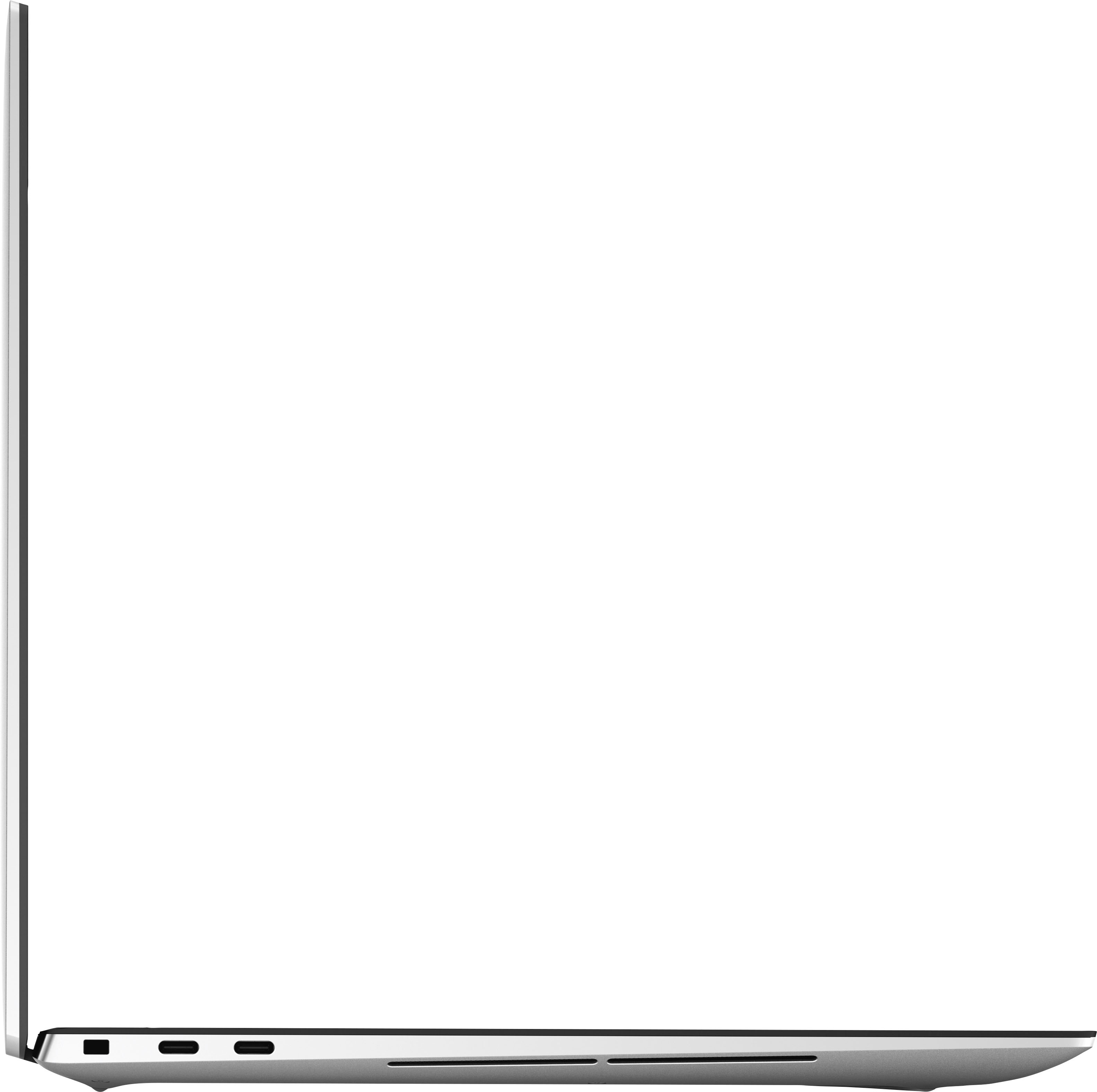
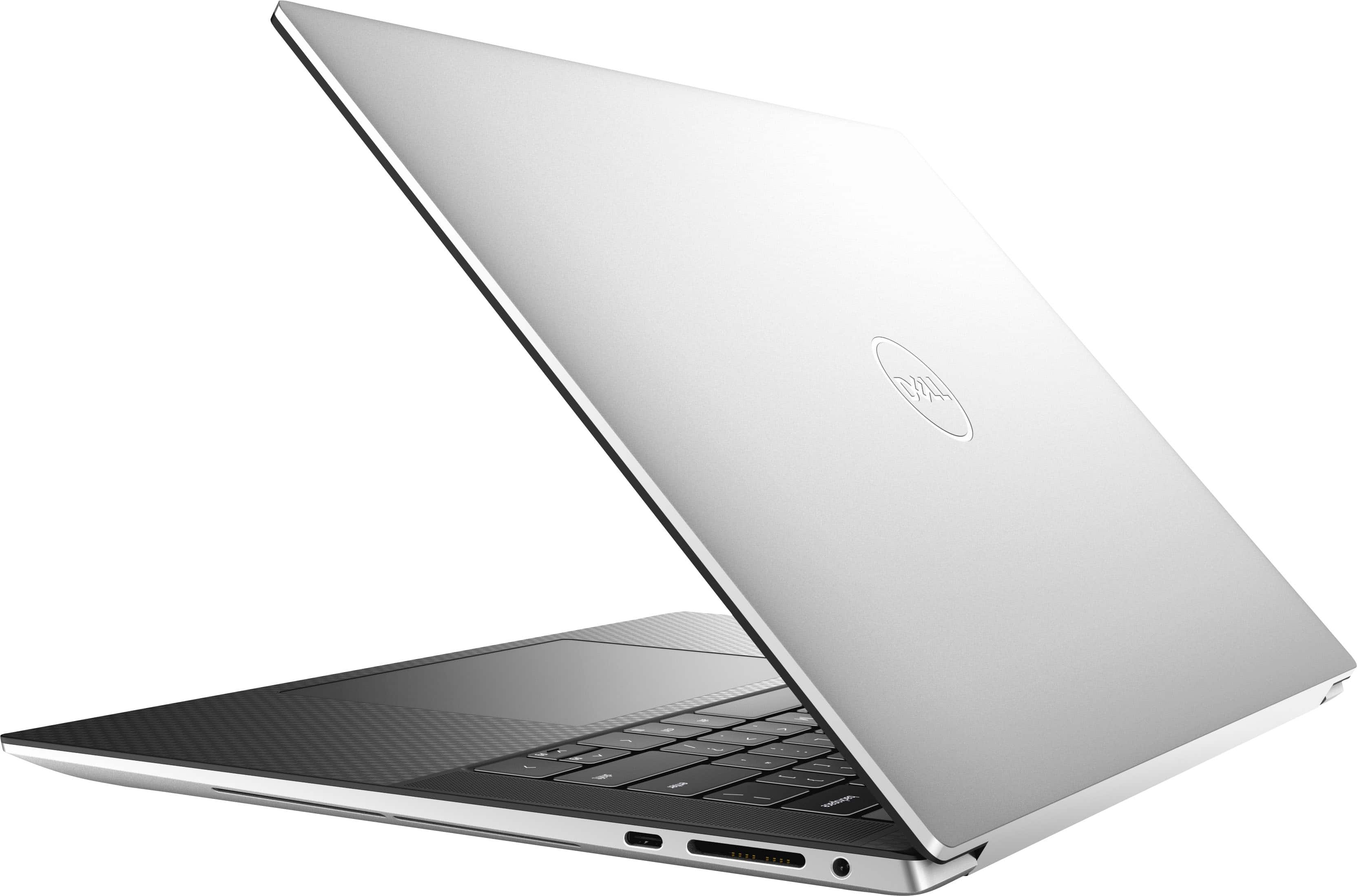
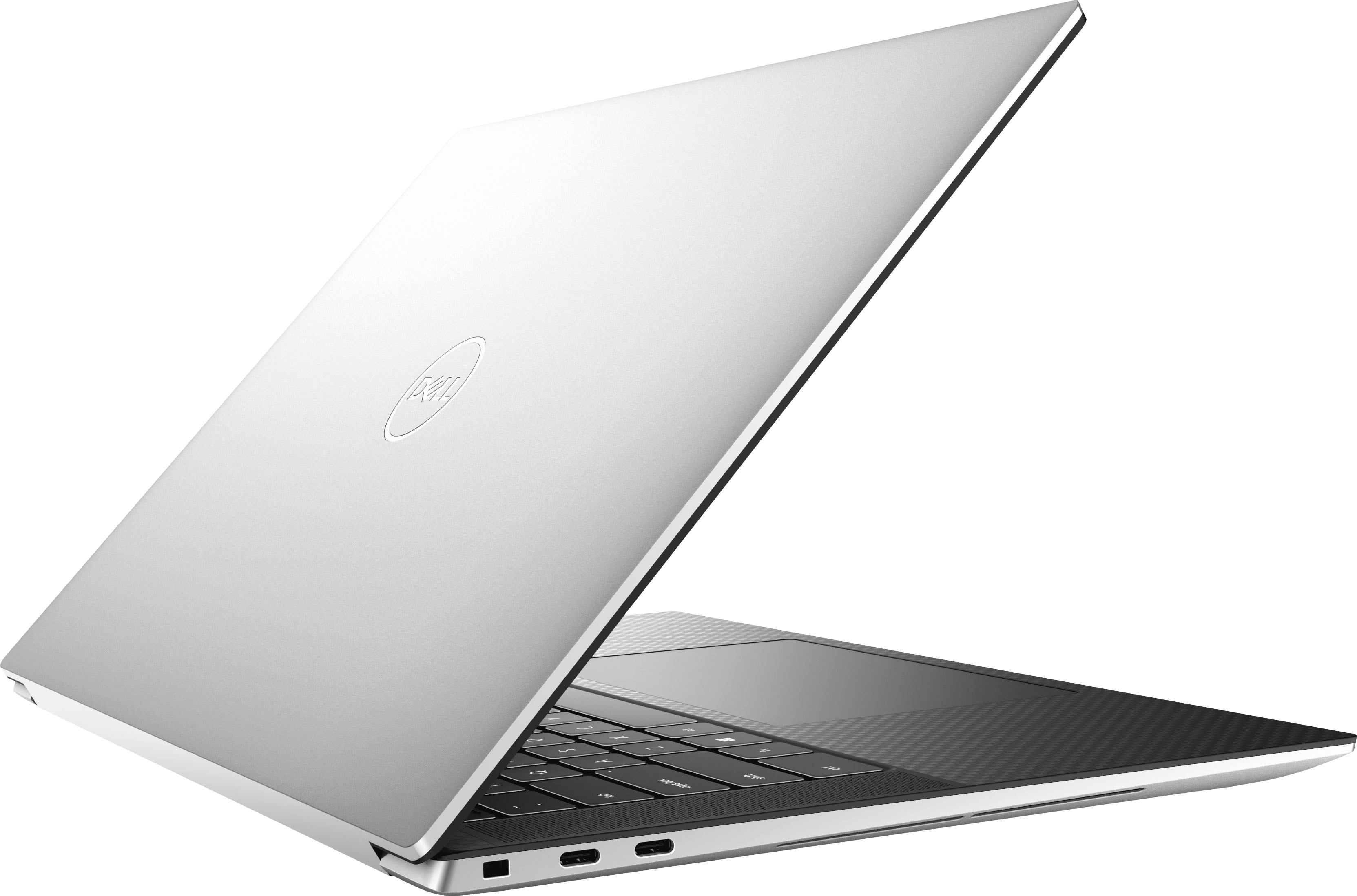
Customers enjoy the XPS 15's impressive build quality, performance, and battery life, frequently praising its bright screen and powerful graphics card. Many appreciate its lightweight design and ample RAM. However, some users express concerns about the limited number of USB ports and occasional overheating.
This summary was generated by AI based on customer reviews.
Highly recommend
||Posted . Owned for 1 week when reviewed.This reviewer received promo considerations or sweepstakes entry for writing a review.Very nice PC for video editing and every day tasks. Beautiful screen resolution.
I would recommend this to a friendSleek
||Posted . Owned for 2 weeks when reviewed.This reviewer received promo considerations or sweepstakes entry for writing a review.I had an idea of what I was buying but it surpassed my expectations
I would recommend this to a friendGreat product!
||Posted .This reviewer received promo considerations or sweepstakes entry for writing a review.Great product, easy to use, sleek look! Very excited to have this for work
I would recommend this to a friendLisa
||Posted . Owned for 1 week when reviewed.This reviewer received promo considerations or sweepstakes entry for writing a review.Love it. Many more features than I anticipated. Happy I purchased it.
I would recommend this to a friendGreat for editing
||Posted . Owned for 2 weeks when reviewed.This reviewer received promo considerations or sweepstakes entry for writing a review.Liking computer a lot . Very fast at downloading & editing videos
I would recommend this to a friendGreat Buy
||Posted . Owned for 1 week when reviewed.This reviewer received promo considerations or sweepstakes entry for writing a review.Bought this laptop for my daughter for college and she loves it.
I would recommend this to a friendWould highly recommend the experience was pleasant
||Posted . Owned for 1 week when reviewed.This reviewer received promo considerations or sweepstakes entry for writing a review.Great service to determine needs and happy with what I purchased
I would recommend this to a friendDell quality computer
||Posted . Owned for less than 1 week when reviewed.This reviewer received promo considerations or sweepstakes entry for writing a review.Great Video! Perfect for watching movies in 4k - very nice.
I would recommend this to a friendOpen Box XPS-15
||Posted . Owned for 1 month when reviewed.This reviewer received promo considerations or sweepstakes entry for writing a review.Great open box item...flawless condition, $400 off
I would recommend this to a friendLaptop
||Posted . Owned for 3 weeks when reviewed.This reviewer received promo considerations or sweepstakes entry for writing a review.Great laptop for the money. Recommend it for business
I would recommend this to a friendDell XPS
||Posted . Owned for 1 week when reviewed.This reviewer received promo considerations or sweepstakes entry for writing a review.The Dell XPS is an amazing Laptop in every sense of the word
I would recommend this to a friendNice
||Posted . Owned for 4 months when reviewed.This reviewer received promo considerations or sweepstakes entry for writing a review.Very nice laptop. Will last for years. Impressive.
I would recommend this to a friendThe Dell XPS 15
||Posted .This reviewer received promo considerations or sweepstakes entry for writing a review.The product was great! I loved it and use it everyday.
I would recommend this to a friendGood Laptop, Poor Battery Life
||Posted . Owned for 1 week when reviewed.This reviewer received promo considerations or sweepstakes entry for writing a review.This laptop is a workhorse with a suboptimal battery life.
I would recommend this to a friendGreat xps
||Posted . Owned for 1 month when reviewed.This reviewer received promo considerations or sweepstakes entry for writing a review.Excellent laptop, great overall for work and home use.
I would recommend this to a friendAwesome
||Posted .This reviewer received promo considerations or sweepstakes entry for writing a review.Awesome computer so powerful and thin great price.
I would recommend this to a friendDell laptop review
||Posted .This reviewer received promo considerations or sweepstakes entry for writing a review.Durable, reliable and exactly what I was looking for.
I would recommend this to a friendLaptop
||Posted . Owned for 3 weeks when reviewed.This reviewer received promo considerations or sweepstakes entry for writing a review.Perfect Laptop for work and gaming. Very reliable.
I would recommend this to a friendNot worth the money
||Posted . Owned for 6 months when reviewed.This reviewer received promo considerations or sweepstakes entry for writing a review.It’s been 6 months, and my speakers no longer work, and my laptop keeps overheating and turning off.
No, I would not recommend this to a friendBrand response from YourDellTeam
Posted .Dear EmilyC,
Thank you for taking the time to leave a review of your Dell XPS 9520. We are sorry to hear that your audio is not functioning and that your device is overheating. That is not the type of feedback we like to hear from our customers. We have noted the details of your statement and will use them to improve current and future products. Below I have provided troubleshooting steps to assist in resolving the issue with your audio and also a link for your overheating issue.
Here are the steps to help resolve your audio issue:
1. Check the audio ports for damage, and clean the ports.
2. Restart your Dell computer.
3. Check the connection. (external speakers, headphones, or earphones)
4. Check volume settings and set the default playback device.
5. Run the Microsoft Sound Troubleshooter.
6. Reinstall or update the chipset, audio, and BIOS drivers.
7. Run a hardware diagnostic test.
8. Download and install Microsoft Windows updates.
9. Perform Windows System Restore.
10. Restore the computer to factory default settings.
You can read the full article on solving audio issues here: https://dell.to/3sDPguh
How to Troubleshoot Overheating, Shutdown, or Thermal Issue on a Dell Computer: https://dell.to/3oAEYsV
Should you need further assistance; we recommend that you contact Dell directly with the information below.
Chat or call: https://bit.ly/DellSupportTeam
Phone number to Dell: 1-800-624-9896.
Regards,
Summer@Dell
Dell is overpriced at MSRP.
||Posted . Owned for 1 week when reviewed.This reviewer received promo considerations or sweepstakes entry for writing a review.Sweet when on sale. The display wasn't as bright as I would like but at the sale price you can't go wrong. Plus, Dell has the best support on the planet.
I would recommend this to a friendBrand response from YourDellTeam
Posted .Dear CompMan,
We want to thank you for taking the time to leave us your review and valued feedback. We appreciate your kind words about the reliability of Dell Support but we are sorry to hear that you are not 100% satisfied with your Dell XPS 9520 because its display is not as bright as you would like it to be.
To help with this screen issue, we recommend making sure, that all drivers are current and up to date. I have provided a link to the Drivers and Downloads Page for your Inspiron laptop where you can check for any applicable updates.
Drivers and Downloads Page: https://dell.to/3S3uyQK
We also recommend following these troubleshooting tips:
1. Run the automated tools in SupportAssist to ensure that the drivers and BIOS are up to date and your computer is optimized
2. Verify display or video issue on an external monitor
3. Check for physical damage on the LCD screen
4. Run hardware diagnostics on the LCD screen
5. Verify the display or video issue in Windows Safe Mode
6. Download and install Microsoft Windows Updates
7. Change the video or display settings, and adjust the brightness
8. Touch screen troubleshooting
9. Run a Video Stress Test using Dell SupportAssist
10. Perform a Windows System Restore
11. Restore the computer to factory defaults
The whole article on this subject can be found here:
How to Troubleshoot Display or Video Issues on a Dell Laptop: https://dell.to/3pE7wm4
If the issue with your XPS computer is still not resolved after utilizing the troubleshooting options above, please contact the Dell Support Team at 1-800-624-9896 for further guidance.
Best,
Katarina@Dell
Should you need further assistance, you can contact Dell directly with the information below.
Chat or call: https://bit.ly/DellSupportTeam
Phone number to Dell: 1-800-624-9896