Customer Ratings & Reviews





- Model:
- XPS9520-7171SLV-PUS
- SKU:
- 6504384
Rating by feature
- Battery Life
Rating 4.4 out of 5 stars
- Speed
Rating 4.7 out of 5 stars
- Display
Rating 4.6 out of 5 stars
Customers are saying
Customers enjoy the XPS 15's impressive build quality, performance, and battery life, frequently praising its bright screen and powerful graphics card. Many appreciate its lightweight design and ample RAM. However, some users express concerns about the limited number of USB ports and occasional overheating.
This summary was generated by AI based on customer reviews.
Overpriced
||Posted . Owned for 1 week when reviewed.This reviewer received promo considerations or sweepstakes entry for writing a review.Over priced Dell computer just an over hyped computer computer only seemed to get 4 hours till needing to be charged again
No, I would not recommend this to a friendBrand response from YourDellTeam
Posted .Hey Kdans123,
Thank you for taking the time to leave a review of your Dell XPS 15. We are sorry to hear that you are experiencing an issue with the runtime of your battery. That is not the type of feedback we like to hear from our customers, or the type of product Dell intends to deliver. Below I have provided troubleshooting steps to help with the performance of your battery.
Here are the steps to help improve the battery performance of your laptop:
1. On the notification area of the taskbar, right-click the Battery icon.
2. On the options list, click Power Options.
3. Select a power plan on the battery meter, such as Power Saver or Balanced. Windows 10 has a built-in 'Battery Saver' mode that can be activated to extend your system's battery life. The Battery Saver mode will monitor and limit background activity and other features such as push notifications. You do have the option to enable or disable this mode within settings or within advanced Battery Saver settings, you can customize the mode to best suit your needs.
a) Click on the Action Center icon in the taskbar and select the tile for Battery Saver.
b) If running Cortana, type Battery Saver into the search box and select from the results.
Within the Battery Saver settings page, you will be able to turn on and off the feature and customize the feature to best meet your needs.
c) Turn the Battery Saver On or Off.
d) Additional settings are available via the Battery use and Battery saver settings links.
e) Battery use shows further info on apps and their power usage.
f) Battery Saver Settings screen allows you to customize further the Battery Saver feature.
How to Improve the Performance of a Dell Laptop Battery: http://dell.to/2vfXWf4
Should you need further assistance; we recommend that you contact Dell directly with the information below.
Chat or call: https://bit.ly/DellSupportTeam
Phone number to Dell: 1-800-624-9896.
Best,
Summer@Dell
Open not a good deal finally
||Posted . Owned for 2 weeks when reviewed.This reviewer received promo considerations or sweepstakes entry for writing a review.Very slow Open box laptop!!! No chance with open box laptop apparently at best buy.
No, I would not recommend this to a friend- Pros mentioned:Build quality, Performance

Beautiful screen, great performance, solid build.
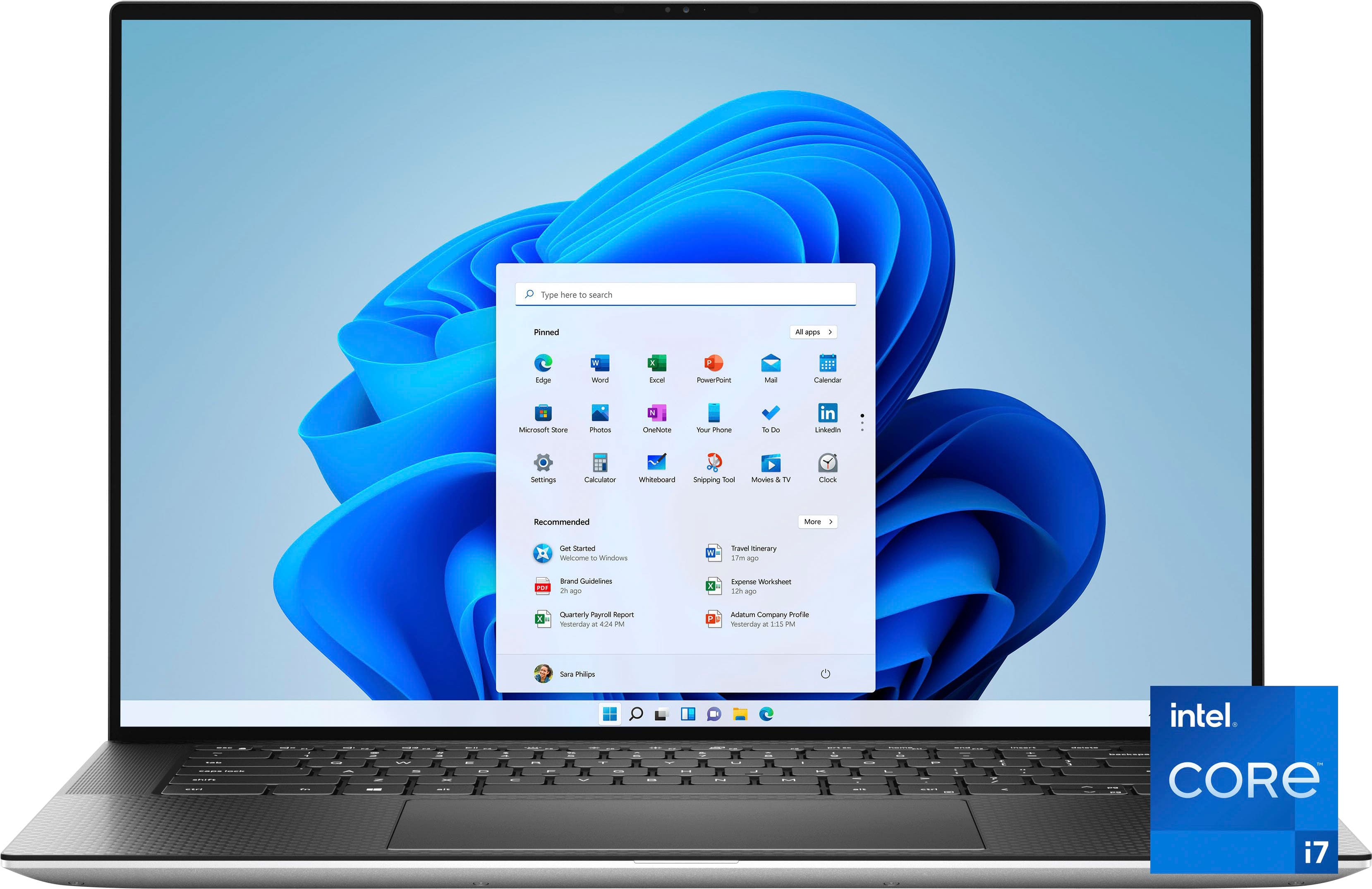
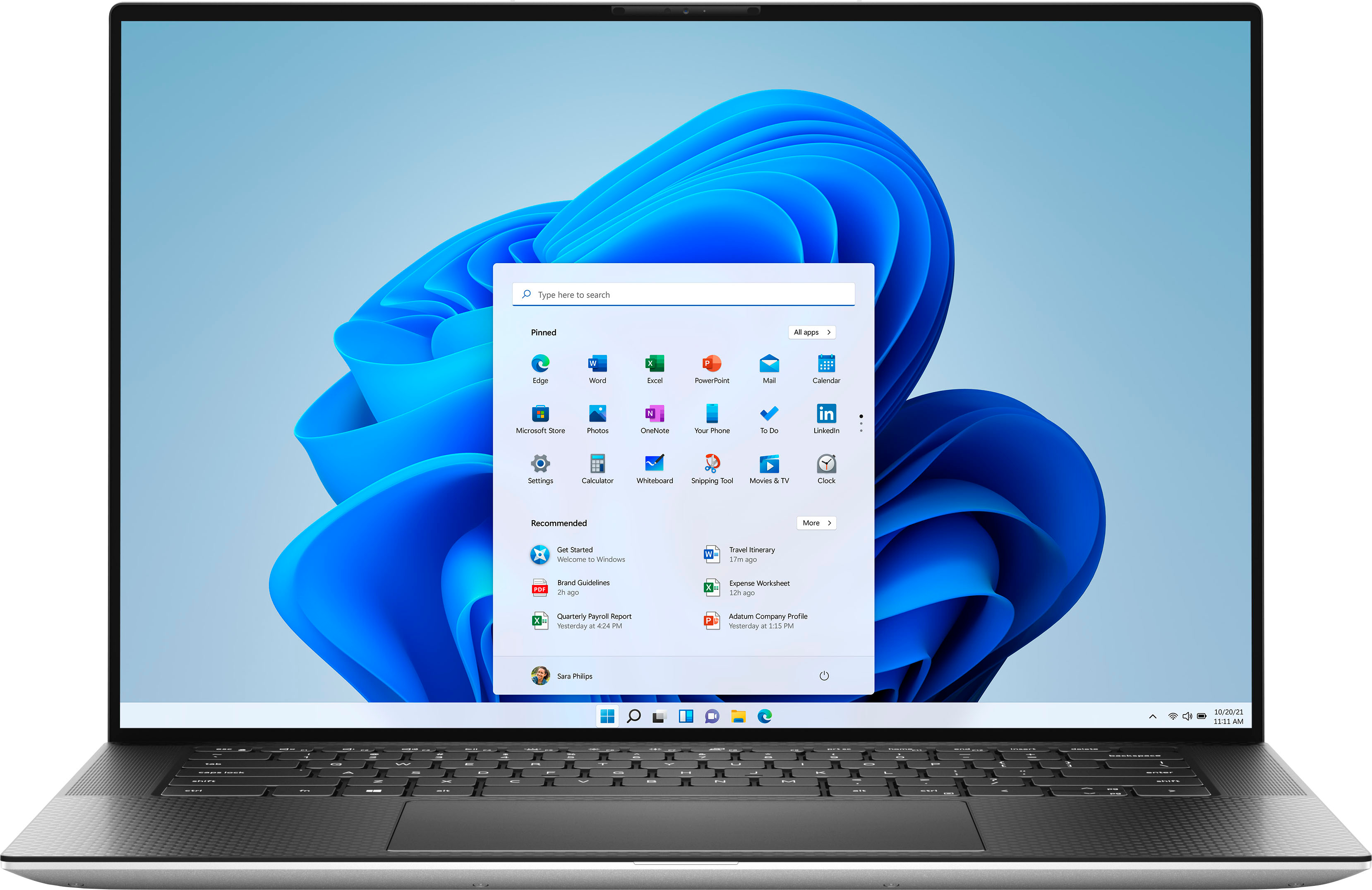
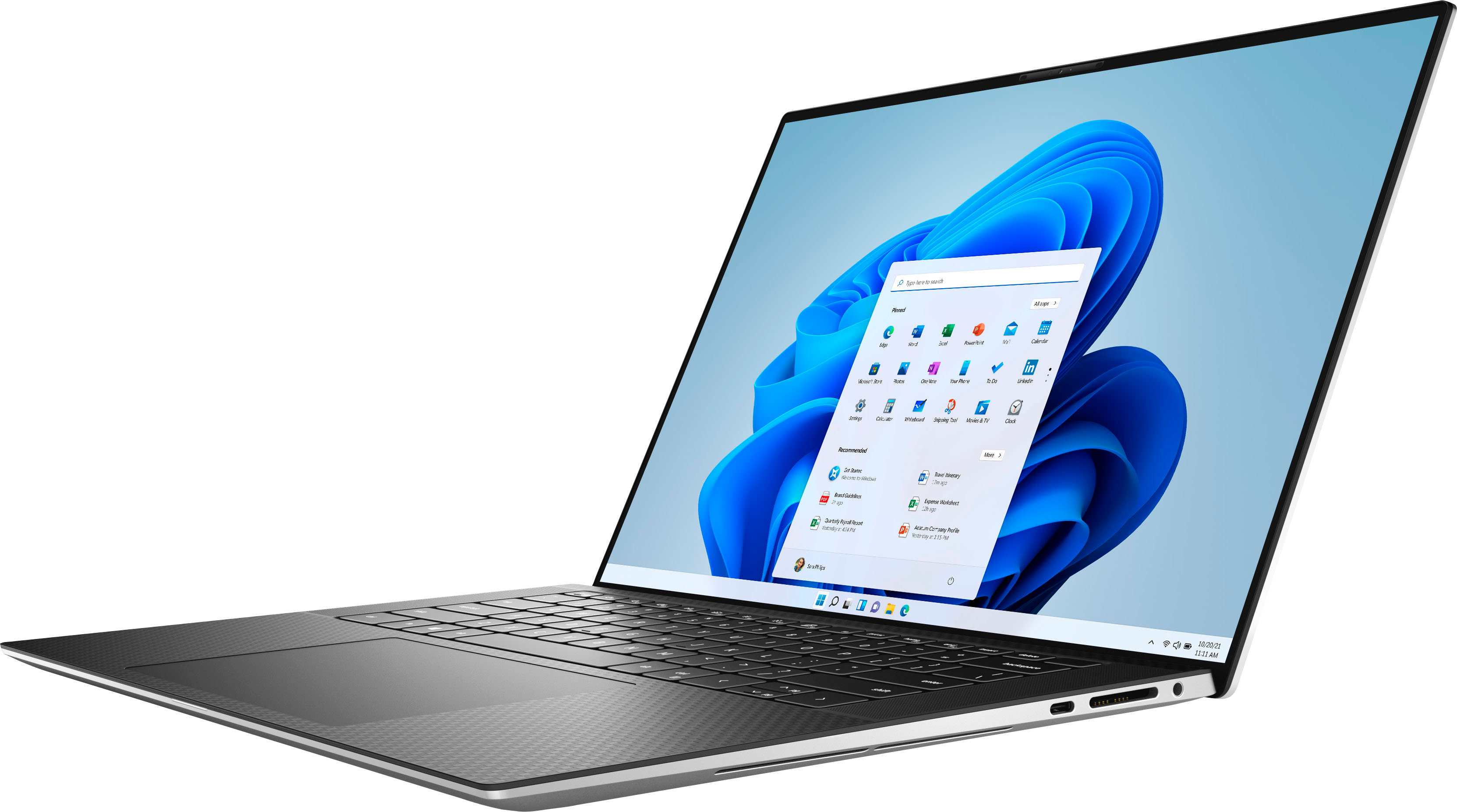
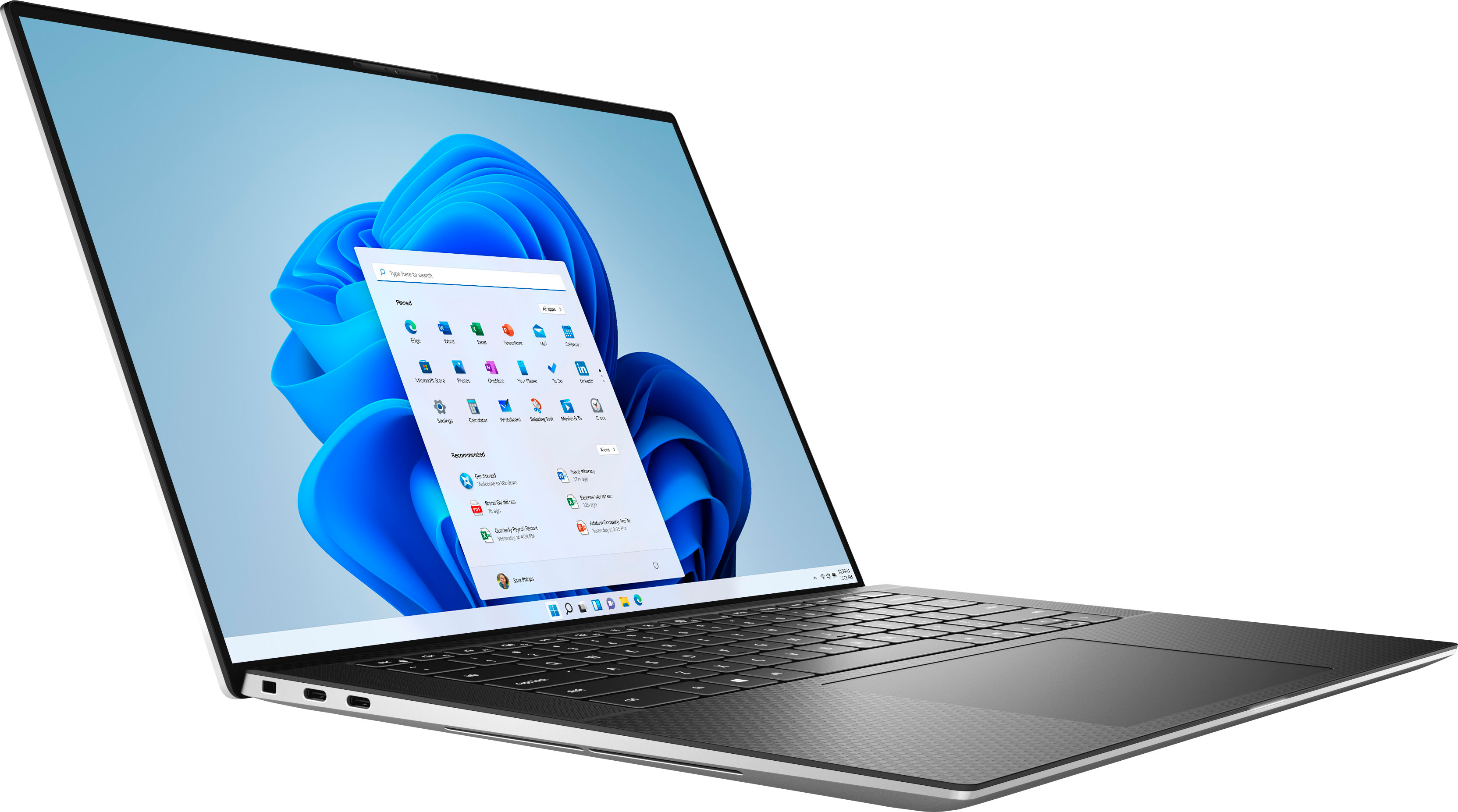
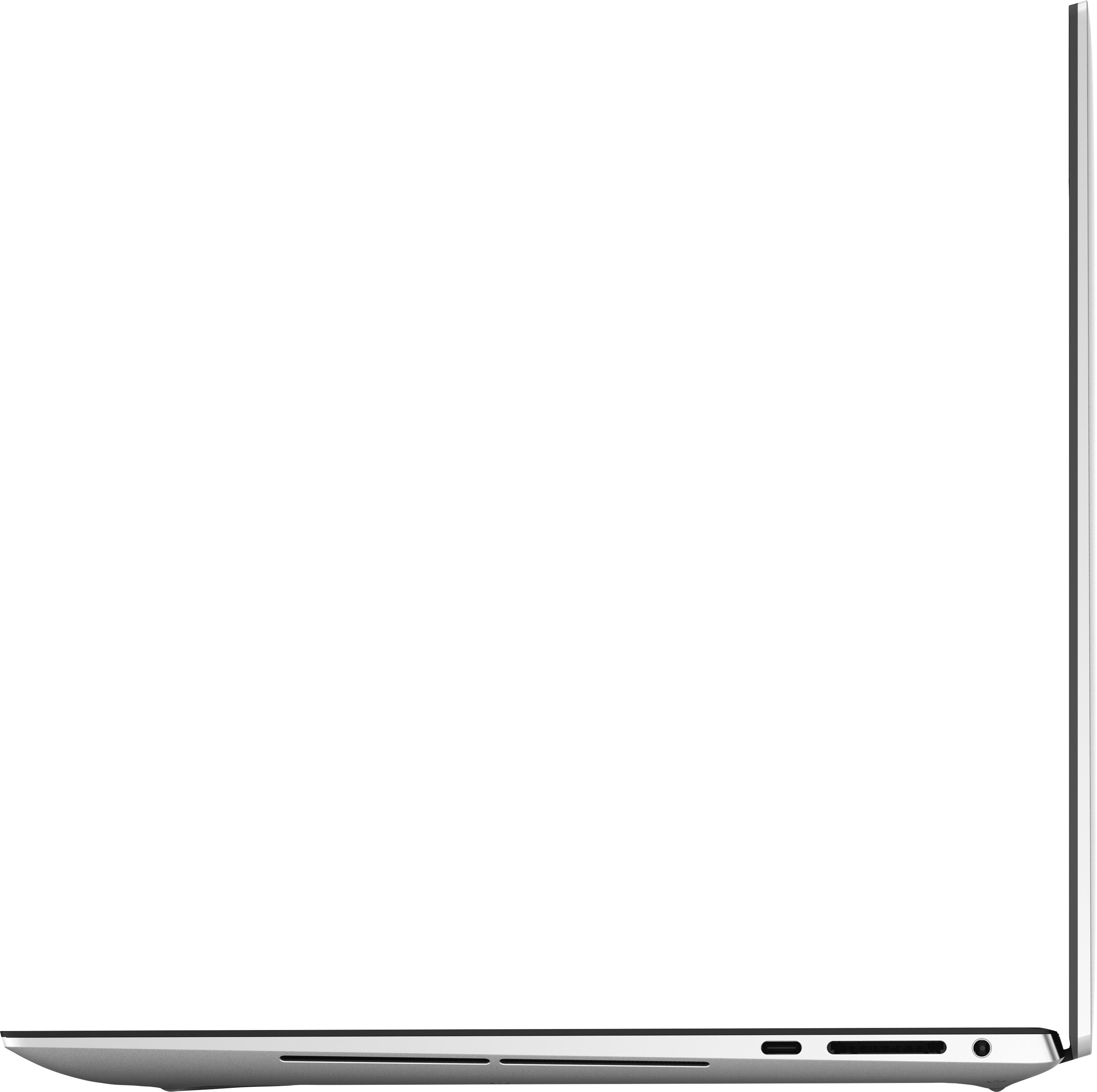
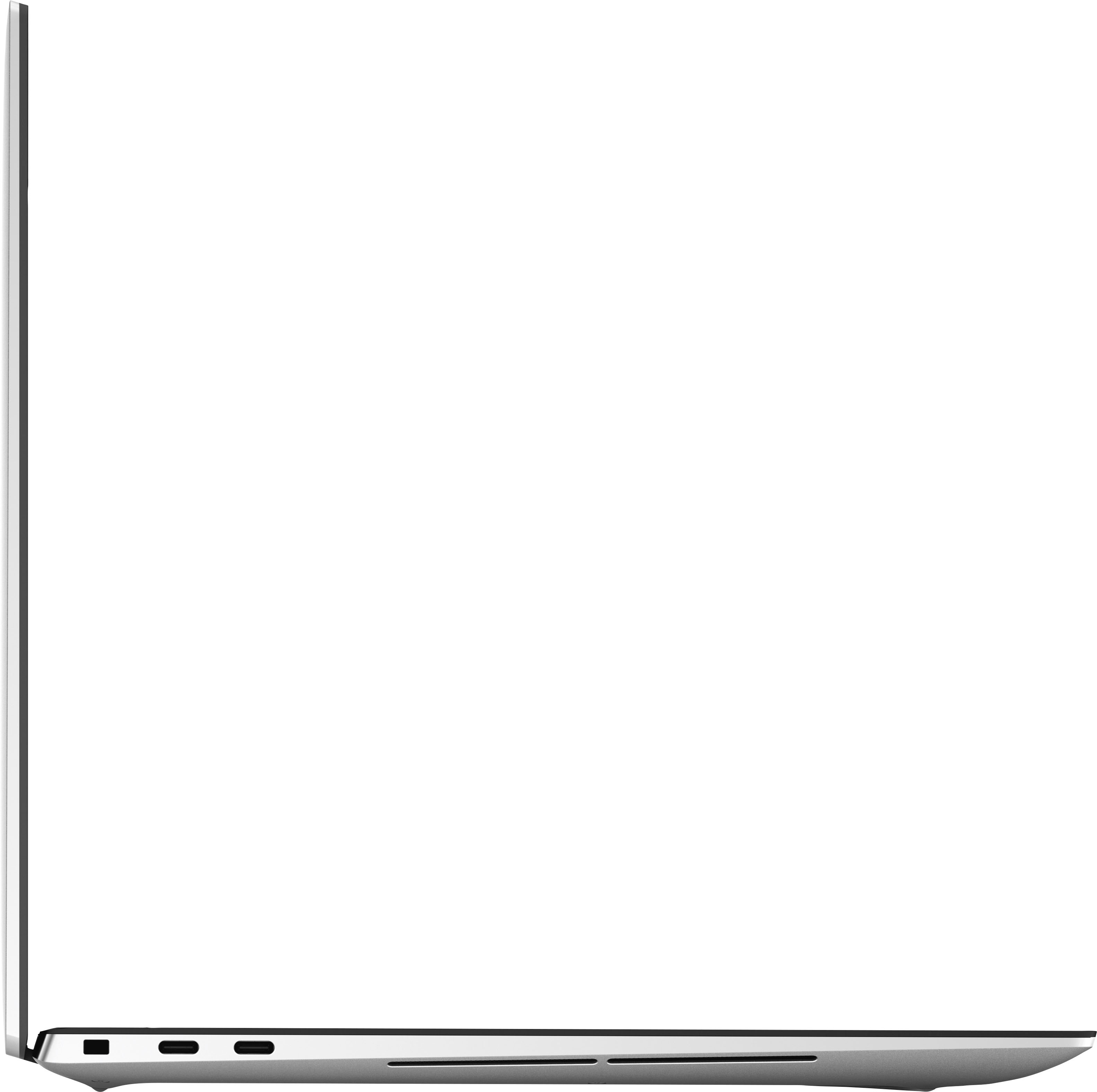
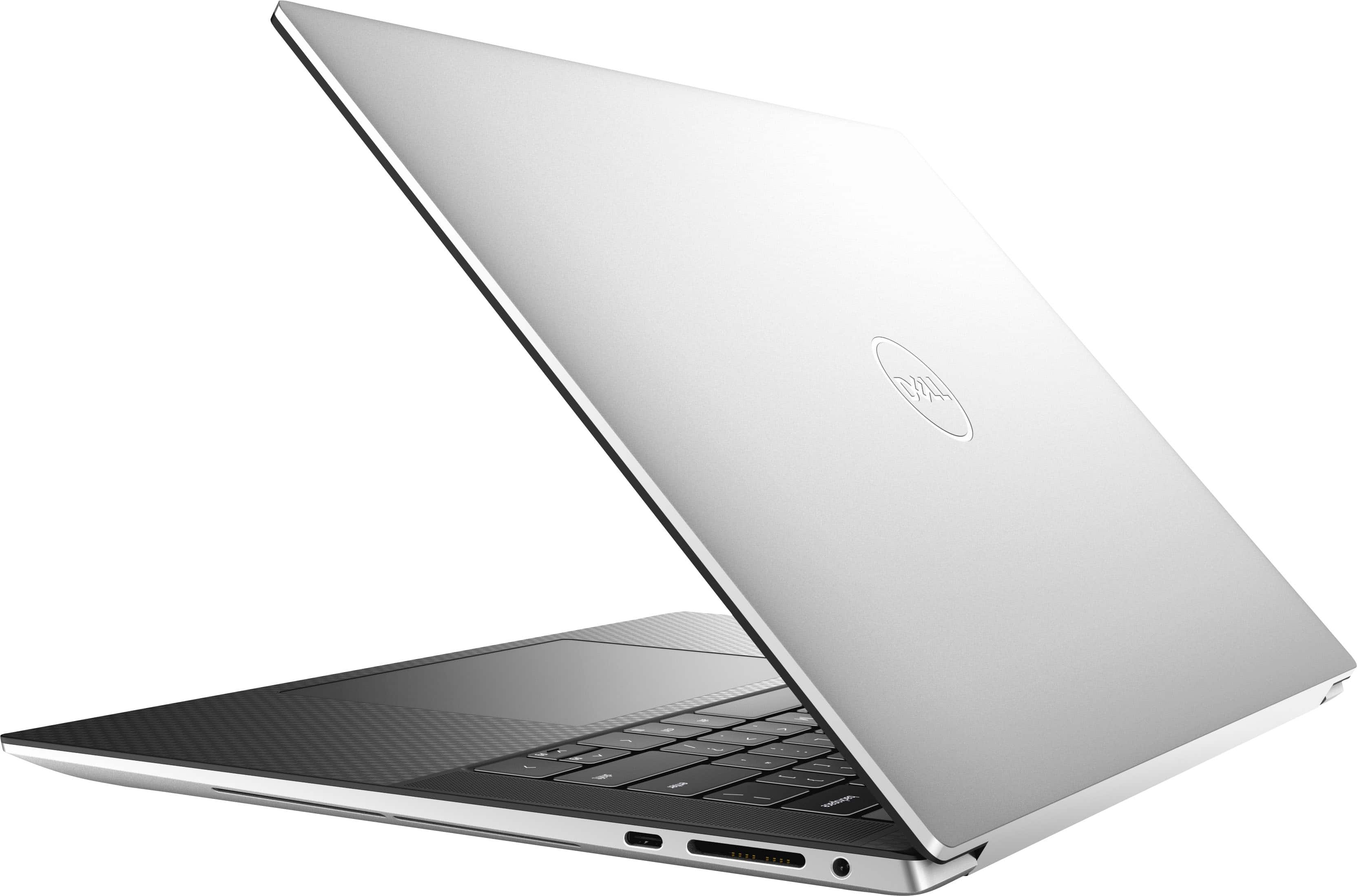
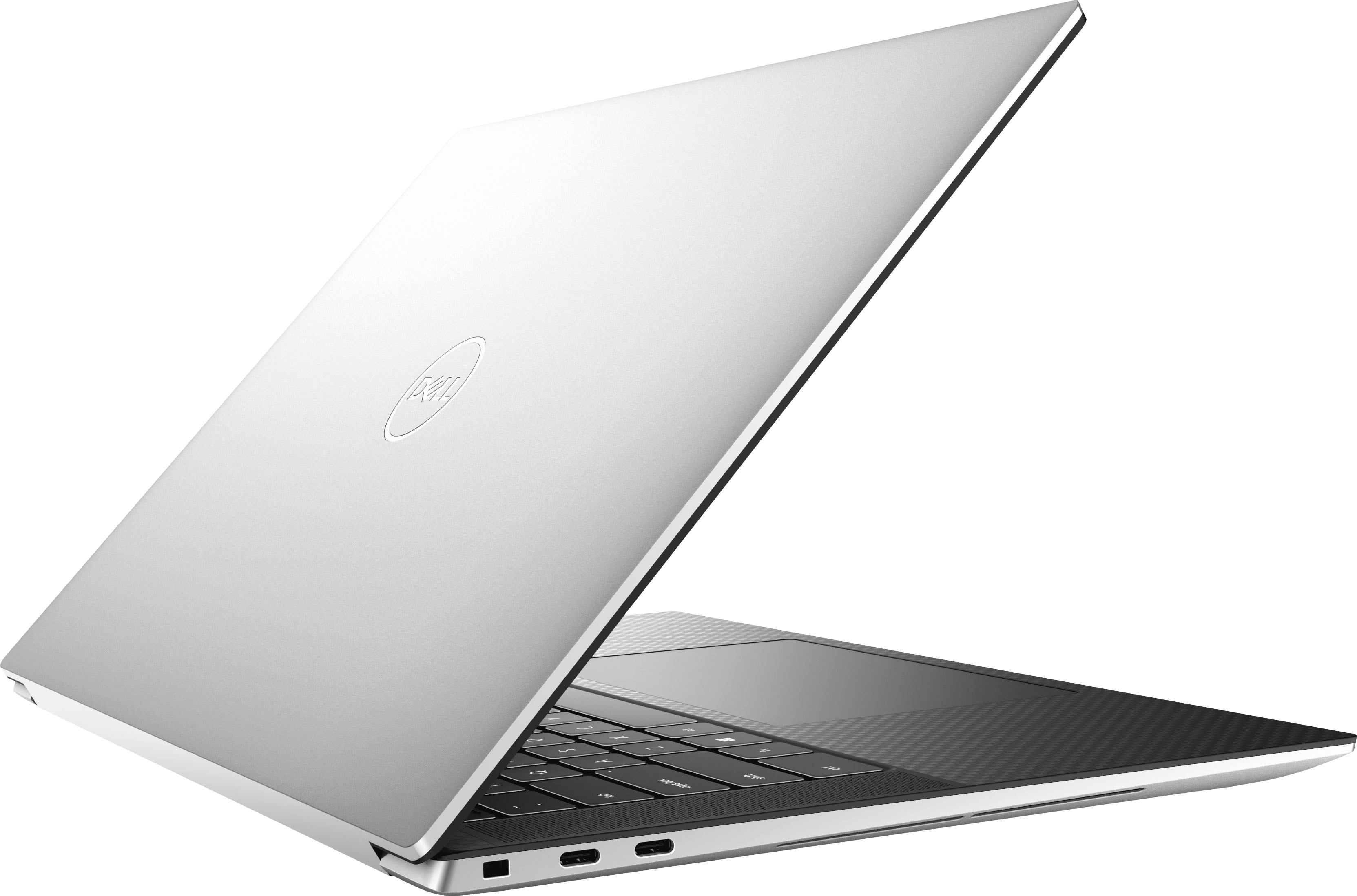
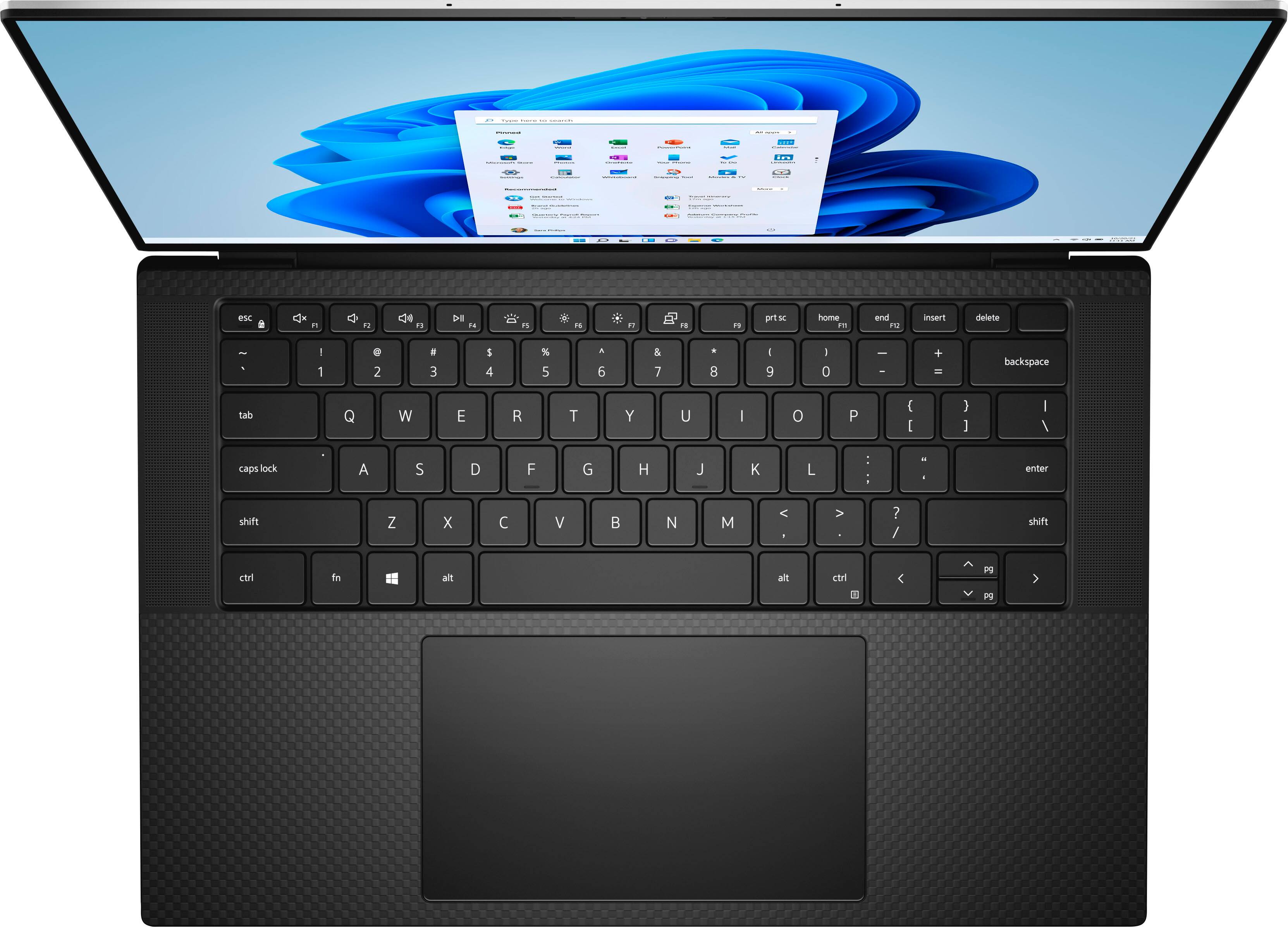
|Posted .This reviewer received promo considerations or sweepstakes entry for writing a review.Simply gorgeous with a solid build, appearance [this is the carbon fiber deck model] and performance. That, in a nutshell, sums up the 3 main areas that impressed me the most about the XPS 15 laptop from BestBuy. Nice keyboard with a big touchpad area. The keys don't feel mushy. This is obviously no desktop keyboard, it does fine however. A 10-key pad would be great but there is just no room. The display is stunning in clarity and brightness. I work daily with computers with varying time spent looking at a display and this display does not tire my eyes after a long day. No camera shutter but given the thin bezel it's not a surprise. Sound was fine but that's not a major buying point at least in my calculation. Every task I threw at the laptop was handled easily. Large spreadsheets that bog down my work desktop were nothing to the XPS. Seriously. That was the clincher for me. This thing cooks! As an aside, already having a Dell Docking Station [D6000], I was curious if it would work with the XPS 15 laptop to provide a wider choice of ports and video connections over the 3 USB-C ports in the laptop. I can gladly say that, with the exception of the dock power supply not being as powerful as the default laptop PS, the D6000 fills those gaps easily. In addition there is a GB Ethernet port in the doc that works just fine, all while using 1 USB-C port. High recommended for enhanced expandability. BB sells the D6000 docking stations. Highly recommended to expand ports available [the only shortcoming of the laptop IMHO - the laptop comes equipped w 3 USB-C ports and a dongle w 1 each USB A/HDMI ports]. Desktop replacement? Easily. Short on ports but easy to fix, if needed, with a dock. If you're in the market for a great performing laptop with a beautiful display, look this one over before you make a final decision.
I would recommend this to a friend Complicated
||Posted . Owned for 3 weeks when reviewed.This reviewer received promo considerations or sweepstakes entry for writing a review.Trying to set up auto pay with my bank. Cant do it.
I would recommend this to a friendCRASHES
||Posted . Owned for 2 months when reviewed.This reviewer received promo considerations or sweepstakes entry for writing a review.The computer is brand new and has crashed 3 times.
No, I would not recommend this to a friendBrand response from YourDellTeam
Posted .Greetings DeniseT,
We appreciate you taking the time to leave us your review. We sincerely apologize for the crashing issues that you are experiencing with your Dell G15 laptop. It's important for us to hear about inconsistencies in our products for consideration of future development. Below I have provided troubleshooting instructions with the full article that can help resolve this issue.
Here are the steps to help resolve your crashing issue:
1. At the desktop, click the Search the web and Windows box and type "problem reports".
2. Select View all problem reports viewing a list of errors that have occurred on your computer and possible solutions for them, such as updating drivers, flashing your system BIOS, or checking for updates to the software.
3. Under the Source column, look for Windows and under Summary, look for Shut down unexpectedly.
4. Right-click the line item and select Check for a solution.
We'd also suggest checking to make sure that your software and drivers are up to date on Dell's Product Page here: https://dell.to/3khR75H
You can read the full article on solving PC crashing issues here: http://dell.to/2u98CctShould you need further assistance; we recommend that you contact Dell directly with the information below.
Chat or call: https://bit.ly/DellSupportTeam
Phone number to Dell: 1-800-624-9896.
Regards,
Summer@Dell
Not Worth It
||Posted . Owned for 2 months when reviewed.This reviewer received promo considerations or sweepstakes entry for writing a review.I spent over $1,500 on this laptop and so disappointed. The guy made it seem it was going to be fast and it goes the same speed as my Dell Latitude i5 that is about 4 years old. The screen makes my eyes hurt. I have to wear blue light glasses now even with the night mode on. The battery does not last long.
No, I would not recommend this to a friendBrand response from YourDellTeam
Posted .Dear CM369,
We value your feedback and want to thank you for taking the time to leave a review of your XPS 9520. We are sorry to hear that you are experiencing an issue with the performance of your device and the battery life. That is not the type of feedback we like to hear from our customers. We have noted the details of your statement and will use them to improve current and future products. Below I have provided troubleshooting steps to help with the performance of your device and a link to help resolve the issue with your battery.
Here are the steps to help you with slow performance issues:
1. Run the automated tools in SupportAssist to ensure that the drivers are up to date and your computer is optimized.
2. Restart the computer
3. Run a hardware diagnostic test
4. Scan your computer for malware
5. Restore the computer using Windows System Restore
6. Restore the computer to factory default settings
You can read the article that can help you with slow performance issues here: https://dell.to/3yqre8r
How to Improve the Performance of a Dell Laptop Battery: http://dell.to/2vfXWf4
Should you need further assistance; we recommend that you contact Dell directly with the information below.
Chat or call: https://bit.ly/DellSupportTeam
Phone number to Dell: 1-800-624-9896.
Sincerely,
Summer@Dell
- Pros mentioned:Battery life
Top tier Windows Laptop
|Posted .This reviewer received promo considerations or sweepstakes entry for writing a review.The Dell XPS is essentially the Apple Macbook Pro of the windows world. Quality construction with an aluminum chassis for great rigidity and durability as you travel around with this unit in your bag. Looks and feels premium as you use it, has a nice bead blasted finish on the exterior and carbon fiber looking accents on the interior. Good size to maintain productivity on the road or hooked up to external monitors at home. I have been daily driving a slightly older XPS 15 with similar specs for the past year or so, biggest difference being my older unit has the OLED 1440p 60hz touch screen. I like that screen a lot the majority of the time however, it has a glossy finish so in bright environments it becomes very difficult to use. This screen is 1080P 60hz non touch with a matte finish so much better about screen glare in certain environments. On a 15" screen you really dont need 4K resolution in my opinion so the 1080p screen is ultimately the most sensible option. The higher resolution will just limit battery life, so unless you really want touch screen this is a good area to save some money. Performance and battery life is great with these specs, easily handled any task I threw at it. Even with the added RTX 3050 TI GPU this certainly isnt a "gaming" laptop but can handle some light casual gaming when you need a mental break from the TPS reports your doing. For video consumption and common productivity software this thing has a full day battery lasting me 8-10hrs as long as the screen isnt cranked up too bright. Only complaint about the specs on this model is the SSD is a little small, but if you use cloud storage or log in remotely for work it wont likely be a problem. I have not explored how easy it is to do a DIY upgrade yet. The main complaint I have is all the Dell bloatware that is on anything you buy from them these days. Between MacAfee to the Dell customer service software to the Dell update assistant it goes on and on for useless accessory software. I recommend doing a fresh start with the windows install once you get it to quickly eliminate all the unnecessary bloatware before you start configuring everything the way you want it. For a top tier Windows laptop experience the Dell XPS laptops are a safe bet. I recommend XPS 15 to friends, family, and clients I just wish Dell would quit with all the extra software.
I would recommend this to a friend XPS15 review
||Posted . Owned for 1 month when reviewed.This reviewer received promo considerations or sweepstakes entry for writing a review.Worked then It started crashing and stopped working at the end
I would recommend this to a friendBrand response from YourDellTeam
Posted .Hi ArielA,
We value your feedback and want to thank you for taking the time to leave a review of your Dell XPS 15. We are sorry that you are experiencing an issue with your device crashing. We have noted the details of your statement and we will use them to improve current and future products.
Here are the steps to help resolve your crashing issue:
1. At the desktop, click the Search the web and Windows box and type "problem reports".
2. Select View all problem reports viewing a list of errors that have occurred on your computer and possible solutions for them, such as updating drivers, flashing your system BIOS, or checking for updates to the software.
3. Under the Source column, look for Windows and under Summary, look for Shut down unexpectedly.
4. Right-click the line item and select Check for a solution.
We'd also suggest checking to make sure that your software and drivers are up to date on Dell's Product Page here: https://dell.to/3khR75H
Should you need further assistance; we recommend that you contact Dell directly with the information below.
Chat or call: https://bit.ly/DellSupportTeam
Phone number to Dell: 1-800-624-9896.
Regards,
Summer@Dell
Absolutely waste of money
||Posted . Owned for less than 1 week when reviewed.This reviewer received promo considerations or sweepstakes entry for writing a review.Highly disappointed with the performance. I went by the name and online reviews. It screwed up my work days. I even exchanged to see if the new one work fine but it didn’t . Too many updates and very poor UI. Total waste of money
No, I would not recommend this to a friendBrand response from YourDellTeam
Posted .Dear Shiva,
Thank you for taking the time to leave us your review. We are sorry to hear that you are experiencing slow performance issues with your XPS 15 laptop. It's important for us to hear about inconsistencies in our products for consideration of future development. Below I have provided steps with the full article that can help you with slow performance issues with your laptop.
Here are the steps to help you with slow performance issues:
1. Run the automated tools in SupportAssist to ensure that the drivers are up to date and your computer is optimized.
2. Restart the computer
3. Run a hardware diagnostic test
4. Scan your computer for malware
5. Restore the computer using Windows System Restore
6. Restore the computer to factory default settings
You can read the article that can help you with slow performance issues here: https://dell.to/3yqre8r
If you continue to experience issues, please reach out to Dell Support directly by using the information provided below.
Best Regards,
Summer@Dell
Should you need further assistance; you can contact Dell directly with the information below.
Chat or call: https://bit.ly/DellSupportTeam
Phone number to Dell: 1-800-624-9896
- Pros mentioned:Graphics card
Solid laptop
|Posted .This reviewer received promo considerations or sweepstakes entry for writing a review.In short this is a very solid laptop which would do much more than what an average Joe or Jane would require. The outside shell is colored like alumnium. It's hard to shay if it's actual metal or plastic. Nevertheless, it feels solid. The inside is black so a nice contrast. It has a keyboard sans the numeric keys usually found on full size keyboards. What stood out for me was the matte screen. It's very graceful when turned off. When you turn it on, you would realize that there is hardly any light bleed on the screen which is very calming as well. The colors are vibrant and with a screen resolution of 1920x1200, I was pleased. Of course, its powered by i7 so it would run a bit hot when running demanding jobs including games. Speaking of games, the inbuilt nVIDIA 3050 graphics handled the games without a hitch. I played Injustice: gods among us and Commandos: Behind enemy lines. The fan was very silent all along and I never noticed it running. It comes pre-installed with Win 11 Home which would receive a bunch of updates when you first connect it to the internet. All in all a great solid machine if you can get past the price tag.
I would recommend this to a friend - Pros mentioned:Processor speed
SUPER LAPTOP - VERY LIGHTWEIGHT!
|Posted .This reviewer received promo considerations or sweepstakes entry for writing a review.First off ... the packaging on this little laptop was over the top! I have never seen such a deluxe, hard-sided BOX as this one. Inside "everything had a place, and each item was securely in its place! Very impressive.... Over the years, with each new computer I've received and have had to setup, it has continually become more and more easy and effortless to go through setup. The Dell Laptop was no exception and intuitively so much more was done for me. I really hate "finger pads" vs a mouse (...sorry, just me....) so I'm always a bit disappointed when I have to supply my own wireless mouse. Luckily, I always have a couple on hand, In operation, this Dell Laptop was easy to use .... from loading or downloading new apps to using preinstalled apps and configuring them for how I use them. This system has lightning speed ... what a pleasure to use. I'm continuing to kick the tires, but I think it is going to replace the newer Acer I'm using for travel. While the Acer has a full keyboard with separate numeric pad (.... which I really do need because I'm always "crunching numbers" ....) the size and weight of this Dell may win the day over the Acer.
I would recommend this to a friend - Pros mentioned:Battery life
Workflow vs Gaming?
|Posted .This reviewer received promo considerations or sweepstakes entry for writing a review.The new Dell XPS 15.6 9520 is a good laptop, depending on what you are going to be using it for. This laptop works great for business, video editing, photography, and school/college. It has a great look to it, smooth finish, and decent battery life. Pros: - FHD+ 15.6 display is great - Very fast boot time - Backlit keyboard - Smooth trackpad - 3 USB-C inputs with multimedia card reader is a plus - Light gaming can be performed - Great battery life in my usage Cons: - CPU throttles - Not meant for newer games - Windows Home 11, hoped for Professional Final Thoughts: Overall, this is a great laptop for everything, except gaming. You can run some of the new games on medium detail, but I would not go past 1080p. Also, the lack of a traditional HDMI port is unfortunate. I don't like having to use an adapter. Besides that, this laptop is great. I ran some games from 2010s and they all ran flawlessly. There was some clipping, and the CPU did throttle though. Using it for work has been a great experience. Microsoft Office runs great, and Adobe Photoshop ran great as well. I can recommend the new Dell XPS 15 9520 to anyone that needs a business laptop.
I would recommend this to a friend Dell EXS 15 15.6
||Posted .This reviewer received promo considerations or sweepstakes entry for writing a review.Awful. Stopped working after 20 days. Would not ever turn on.
No, I would not recommend this to a friendBrand response from YourDellTeam
Posted .Hello DellEXS15,
Thank you for taking the time to leave us your review. We're sorry to hear that you experienced issues with your Dell XPS Laptop. This is certainly not the experience we like to hear from our customers. We would like to help resolve this issue after obtaining a little more information. Please take a moment to call or chat with a Dell Support Representative at your earliest convenience so that they can help you with your concerns: https://bit.ly/DellSupportTeam.
Best,
Danielle@Dell
- Pros mentioned:Build quality
Fantastic workstation laptop
Posted .This reviewer received promo considerations or sweepstakes entry for writing a review.The dell xps 15 has worked great for all of my needs and then some. I really enjoy the premium build quality and hardware. The dell bloatware is very annoying but I can oberlook that.
I would recommend this to a friend Best investment so far
Posted .This reviewer received promo considerations or sweepstakes entry for writing a review.Best purchase ever. One of the finest laptops you can get on windows side. Carbon fiber is a nice touch. One recommendation, don't buy this config in i9 (15 inch) rather for i9 buy this in 17 inch config.
I would recommend this to a friend- Pros mentioned:Build quality
Nice built
Posted .This reviewer received promo considerations or sweepstakes entry for writing a review.I like it the quality of the component. Also screen looks quite crystal clear.
I would recommend this to a friend Excellent Laptop
Posted .This reviewer received promo considerations or sweepstakes entry for writing a review.Excellent laptop. The various performance modes included really fit for any use that I could need. The quiet mode is good for day-to-day use, and the performance mode is good for anything that is slightly more demanding
I would recommend this to a friendLove my new laptop
Posted .This reviewer received promo considerations or sweepstakes entry for writing a review.Best laptop for the price it's compact and easy to use
I would recommend this to a friendnice
Posted .This reviewer received promo considerations or sweepstakes entry for writing a review.Fantastic Laptop for professional work, Love itttttt
I would recommend this to a friend