Customer Ratings & Reviews





- Model:
- XPS9520-7171SLV-PUS
- SKU:
- 6504384
Rating by feature
- Battery Life
Rating 4.4 out of 5 stars
- Speed
Rating 4.7 out of 5 stars
- Display
Rating 4.6 out of 5 stars
Customers are saying
Customers enjoy the XPS 15's impressive build quality, performance, and battery life, frequently praising its bright screen and powerful graphics card. Many appreciate its lightweight design and ample RAM. However, some users express concerns about the limited number of USB ports and occasional overheating.
This summary was generated by AI based on customer reviews.
Laptop
||Posted . Owned for 2 weeks when reviewed.This reviewer received promo considerations or sweepstakes entry for writing a review.My laptop crashes a lot. I purchased an open box excellent.
No, I would not recommend this to a friend- Pros mentioned:Processor speed
XPS line for devs
||Posted . Owned for 1 week when reviewed.This reviewer received promo considerations or sweepstakes entry for writing a review.Great for dev work. Power enough for devtools and AWS.
I would recommend this to a friend Absolutely the best laptop I have ever owned.
||Posted . Owned for 1 month when reviewed.This reviewer received promo considerations or sweepstakes entry for writing a review.I wanted a quality laptop to see me through grad school, so paid a little more to get a good product. It was worth the investment. This device has been more than adequate. One of the best features is the display. Excellent quality.
I would recommend this to a friend- Pros mentioned:Processor speed
older is better
||Posted . Owned for 1 week when reviewed.This reviewer received promo considerations or sweepstakes entry for writing a review.Previous model was touch screen, this is not. The new software is not user friendly. The computer quality otherwise is high and fast. Some conveniences have disappeared!
No, I would not recommend this to a friendBrand response from YourDellTeam
Posted .Hello Valued Customer,
We would like to thank you for taking the time to provide us with your feedback. We are glad you like some of the features of your new Dell XPS 9520 but we are sorry to hear that you are not 100% satisfied with it because of the software and the screen. This is certainly not what we like to hear from our loyal customers. We will share your comments with our quality team so improvements can be made now and in the future.
For your reference, I have included two links to articles that have the specs and system requirements for Windows 11 and some Windows tips and tricks.
Windows 11 Specs and System Requirements: https://bit.ly/3nyMmF3
Windows 11 Tips and Tricks: https://bit.ly/3CQXeUa
If you come across any questions or have concerns about Dell products, please don’t hesitate to contact Dell Support Team at the information provided below.
Best,
Katarina@Dell
Should you need further assistance, you can contact Dell directly with the information below.
Chat or call: https://bit.ly/DellSupportTeam
Phone number to Dell: 1-800-624-9896
Highly Recommend
||Posted . Owned for 1 month when reviewed.This reviewer received promo considerations or sweepstakes entry for writing a review.I am very impressed with this laptop. Dell has come a long way since the last one I used. The screen clarity is amazing and has worked great for remote work and for study. I am very glad I made this choice.
I would recommend this to a friend- Pros mentioned:Build quality, Processor speedCons mentioned:Usb ports

Excellent screen, Great performance, Sleek package
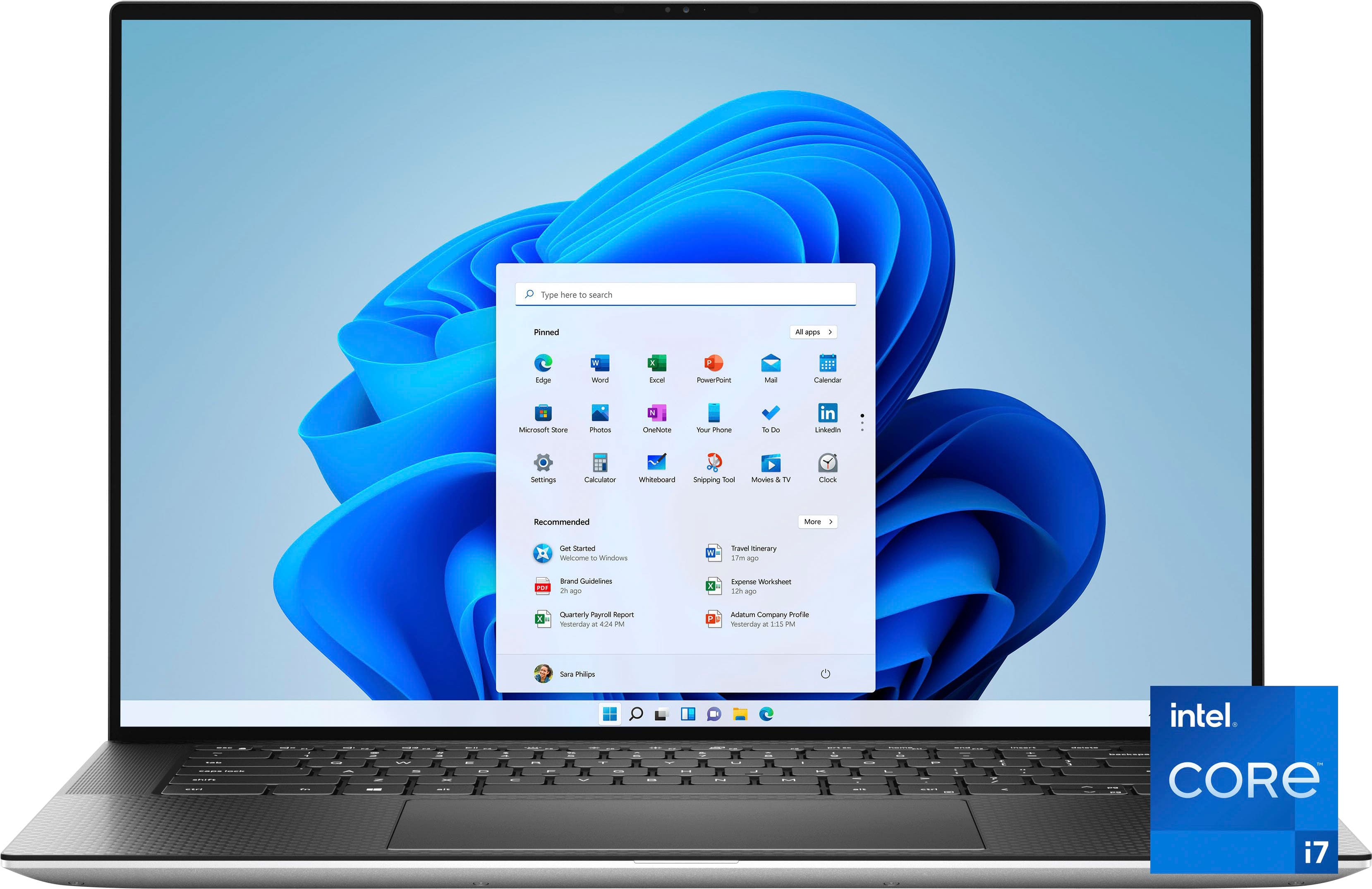
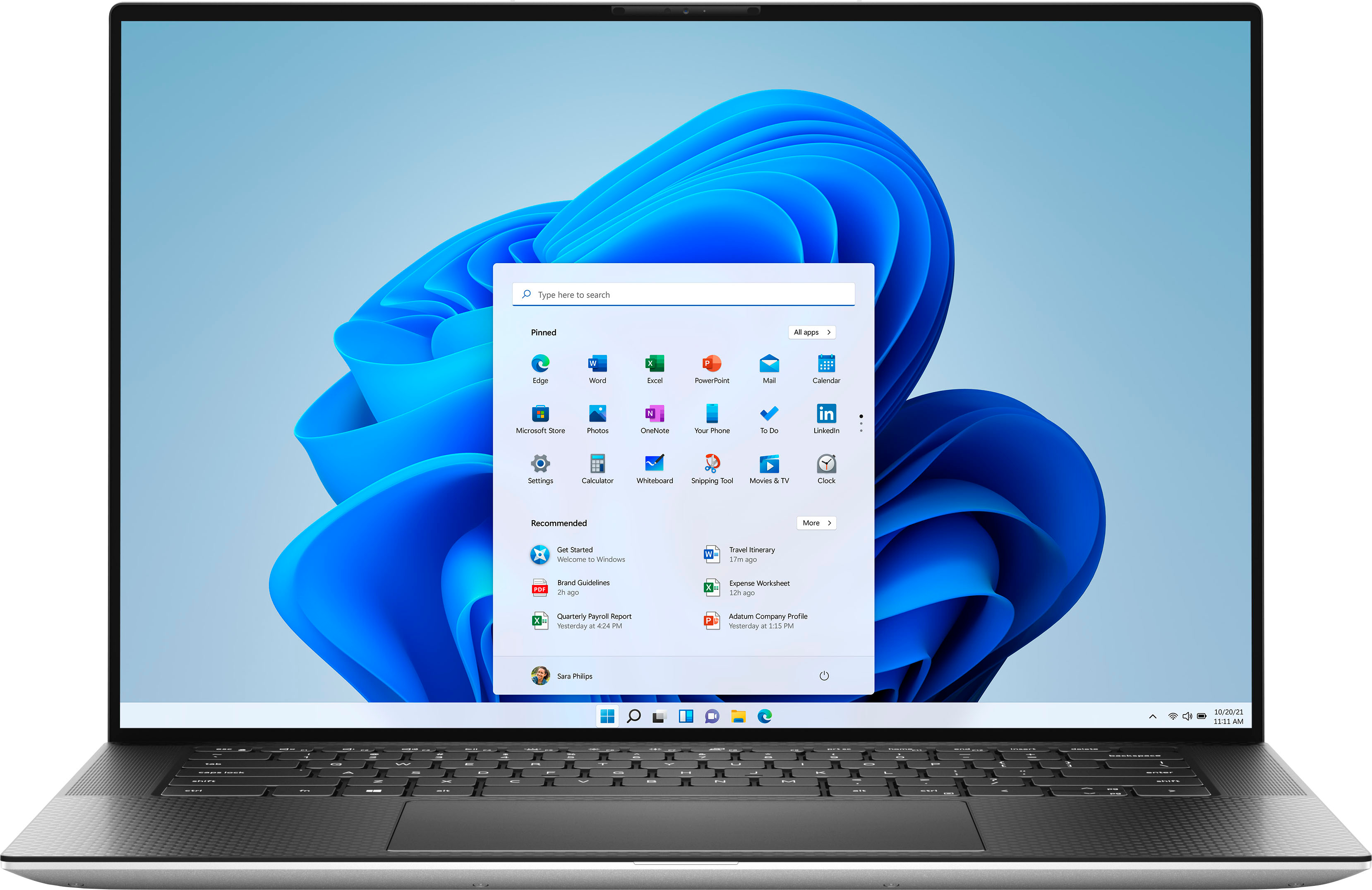
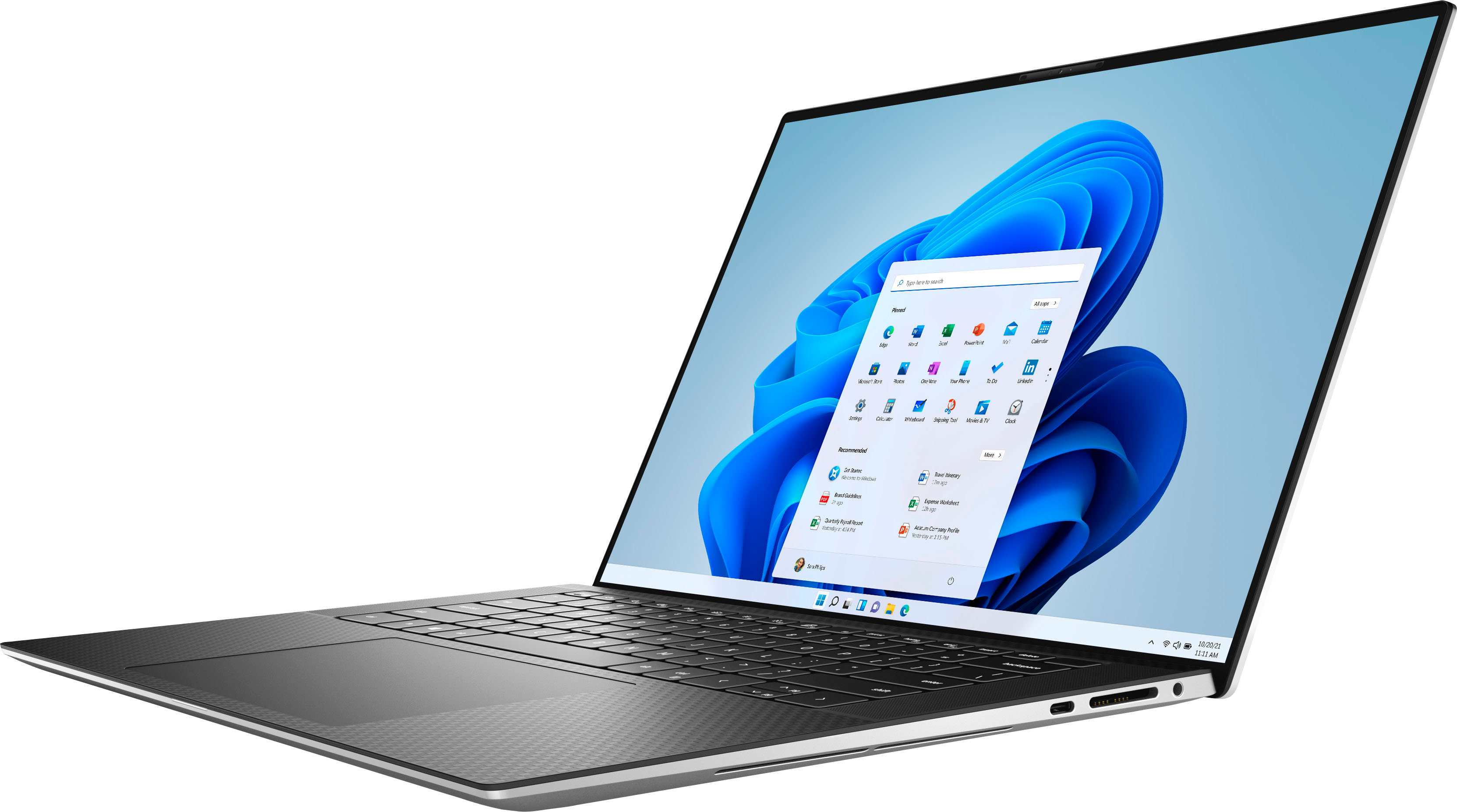
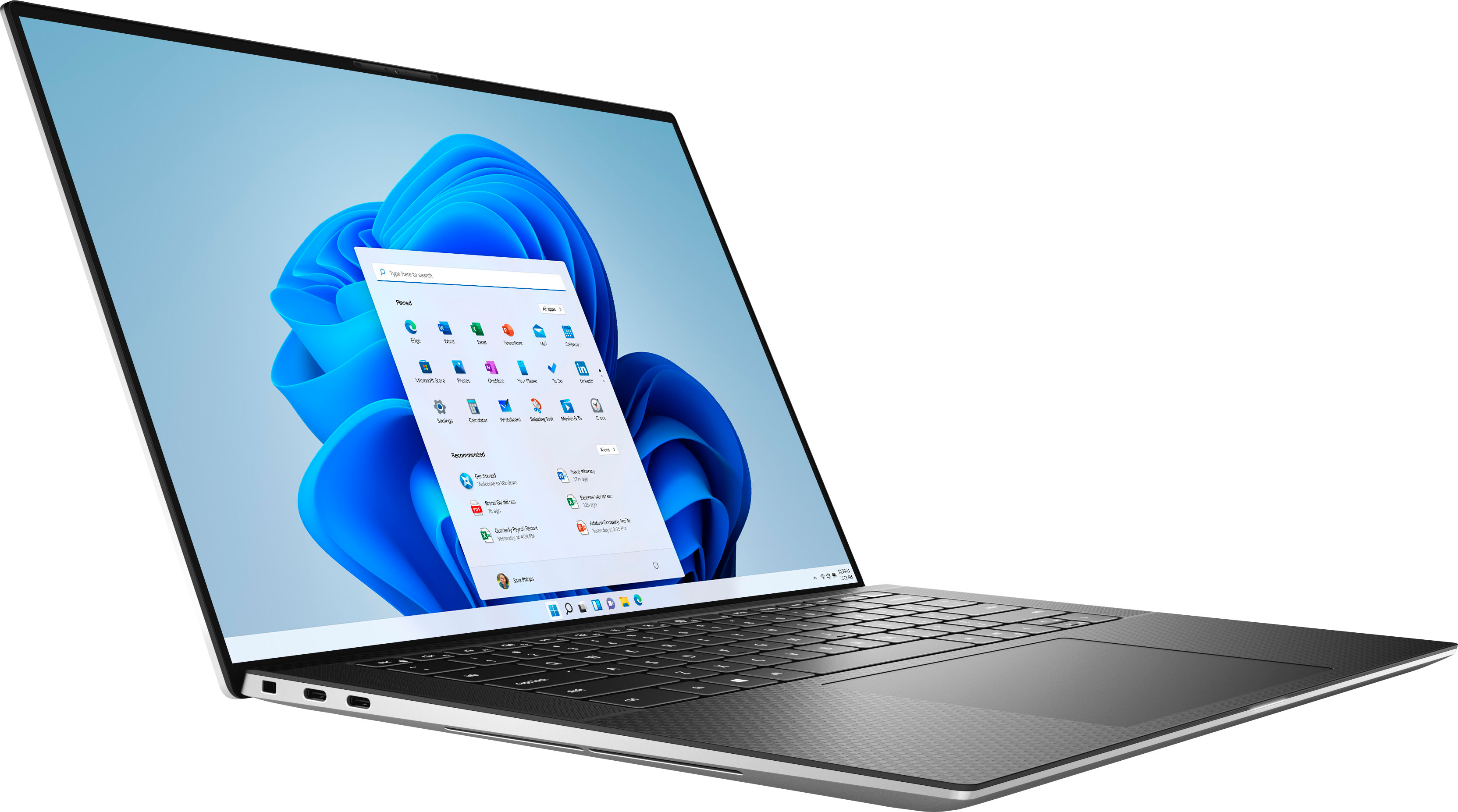
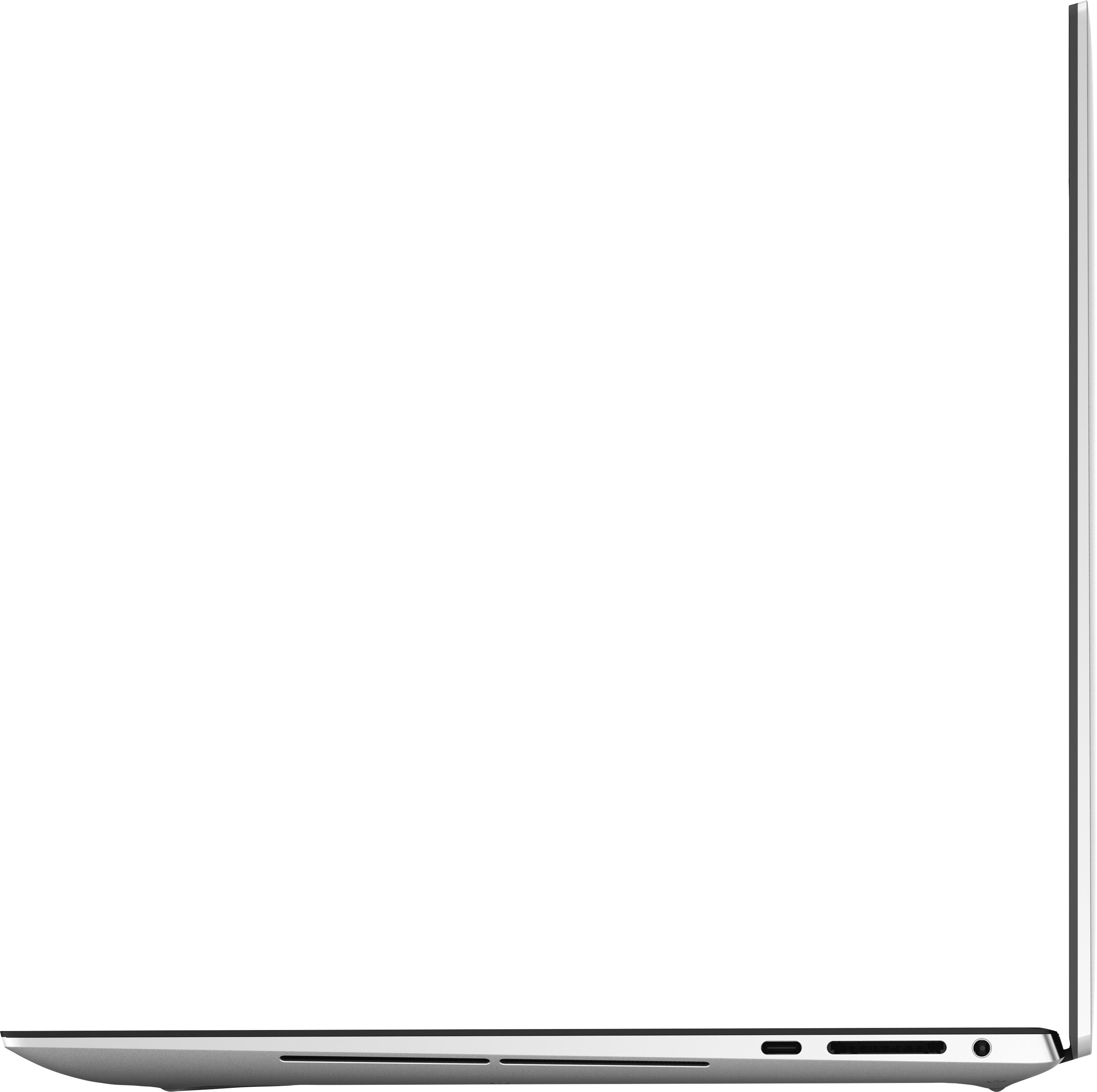
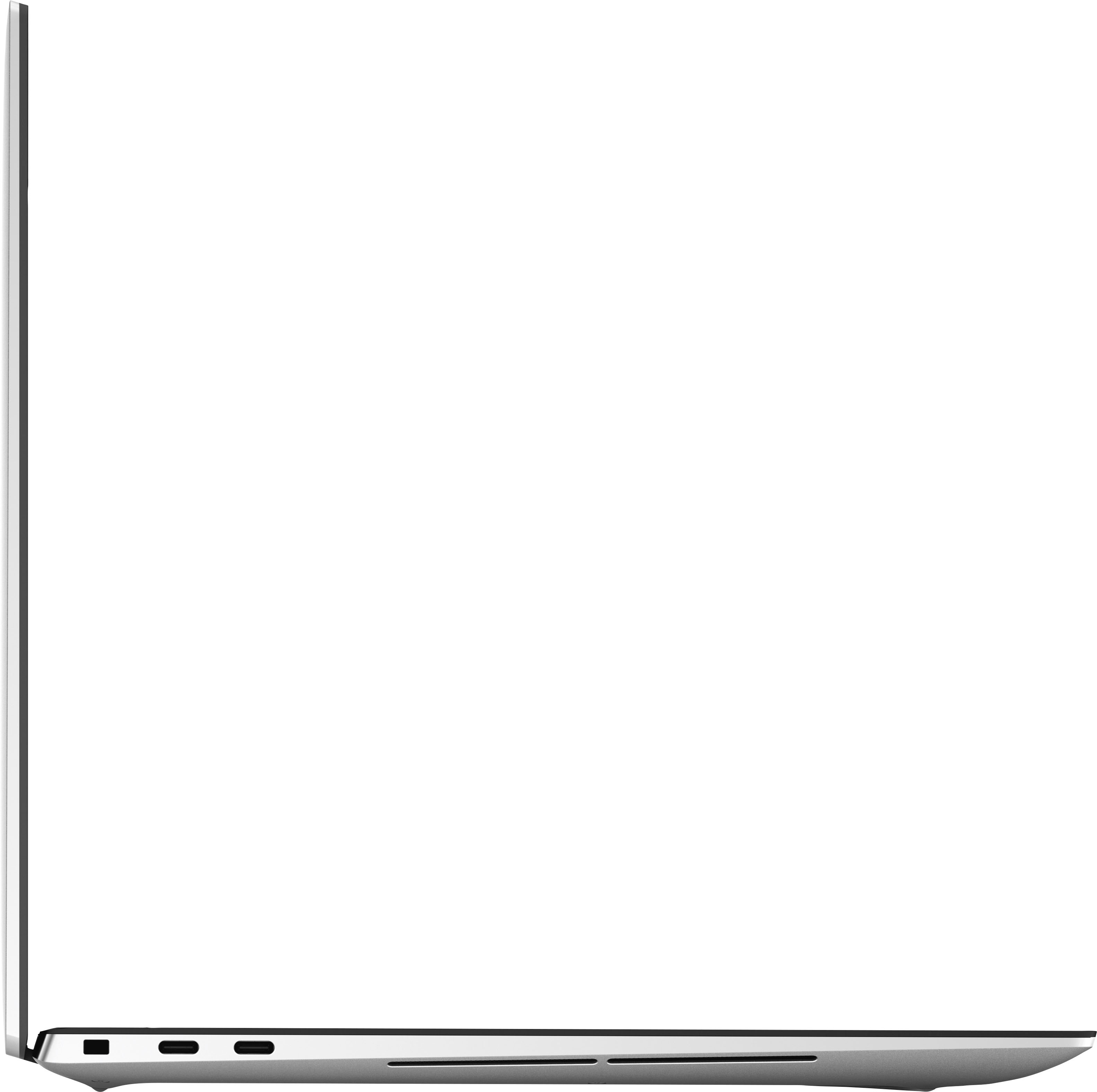
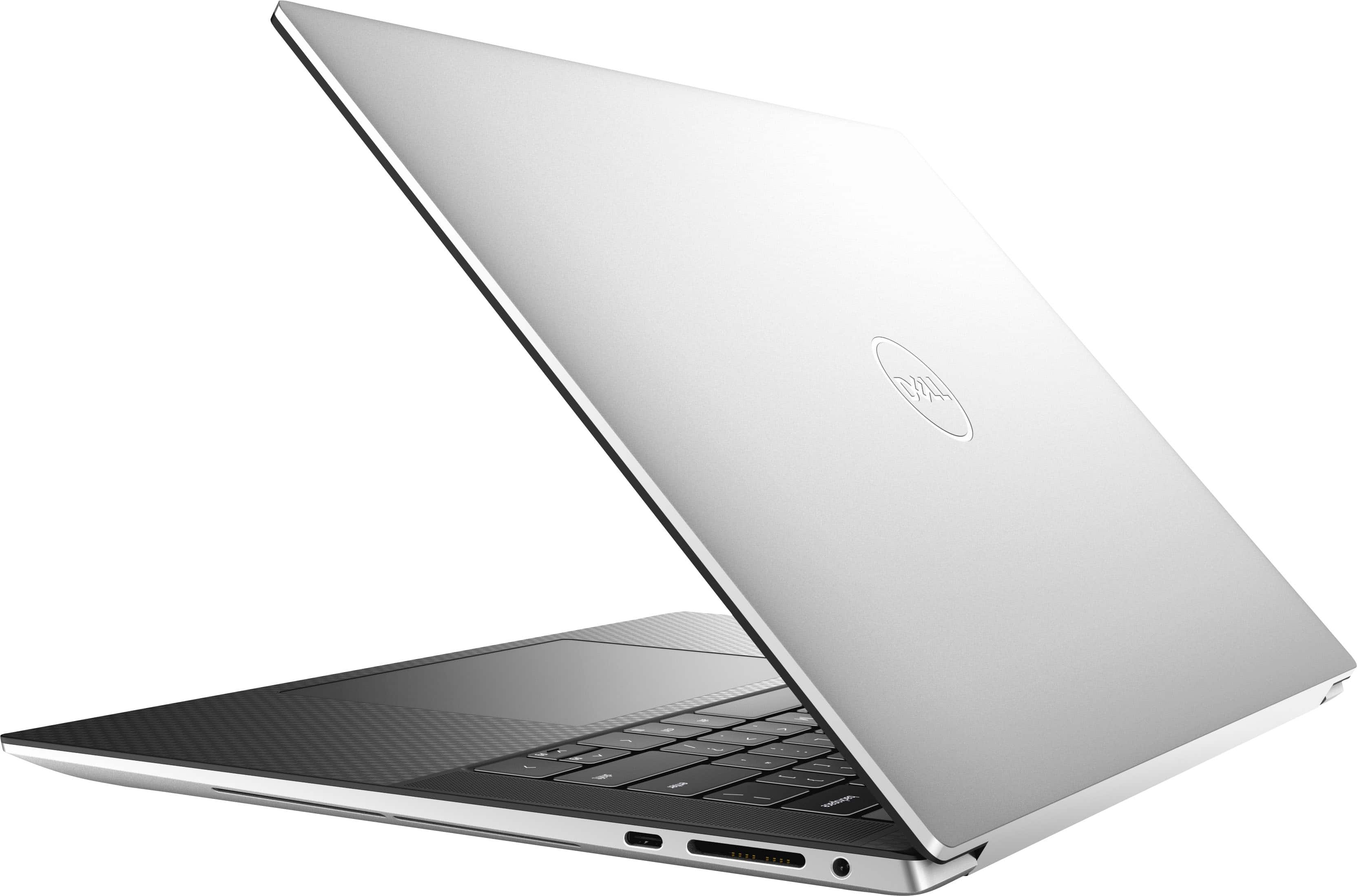
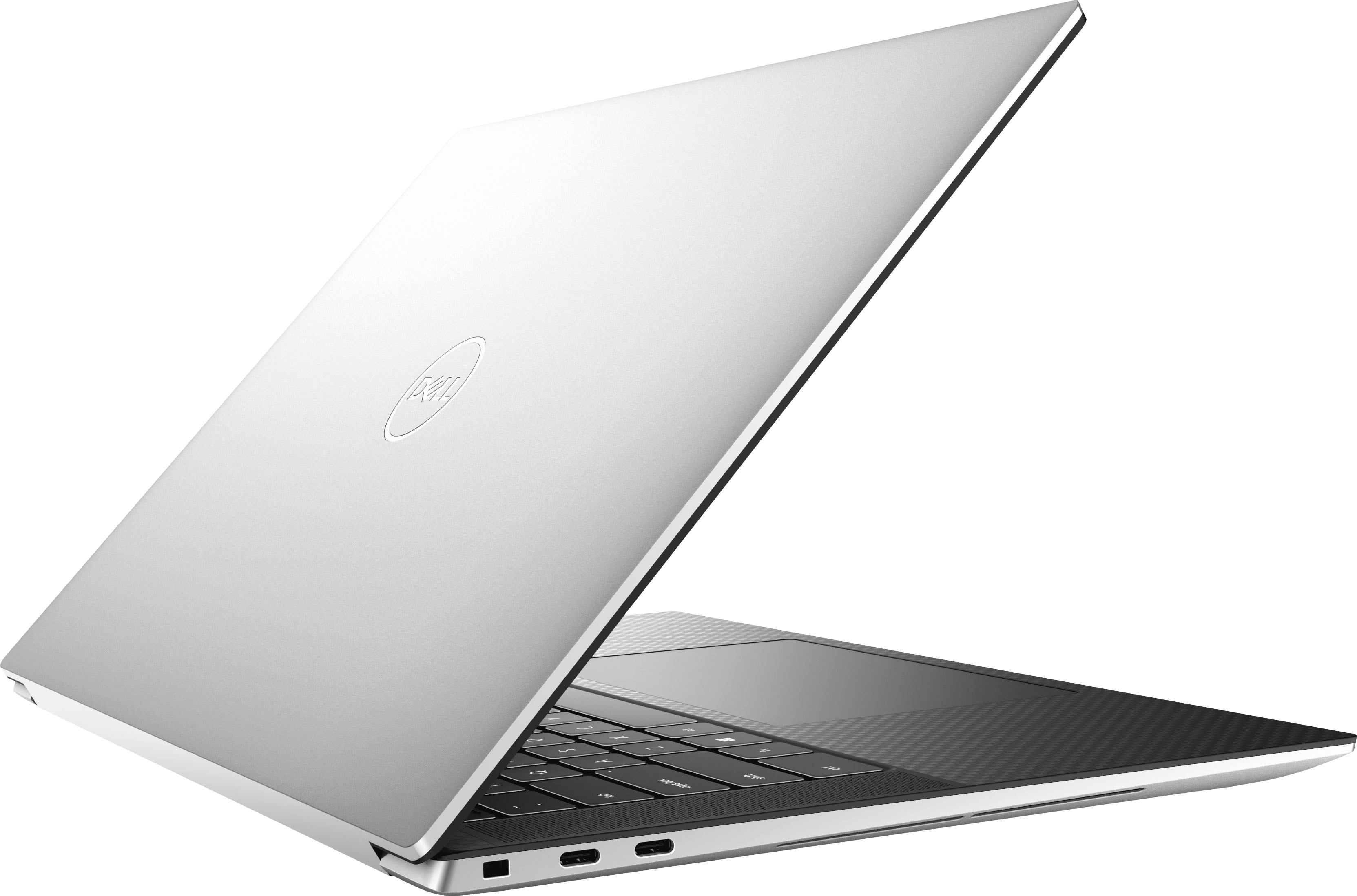
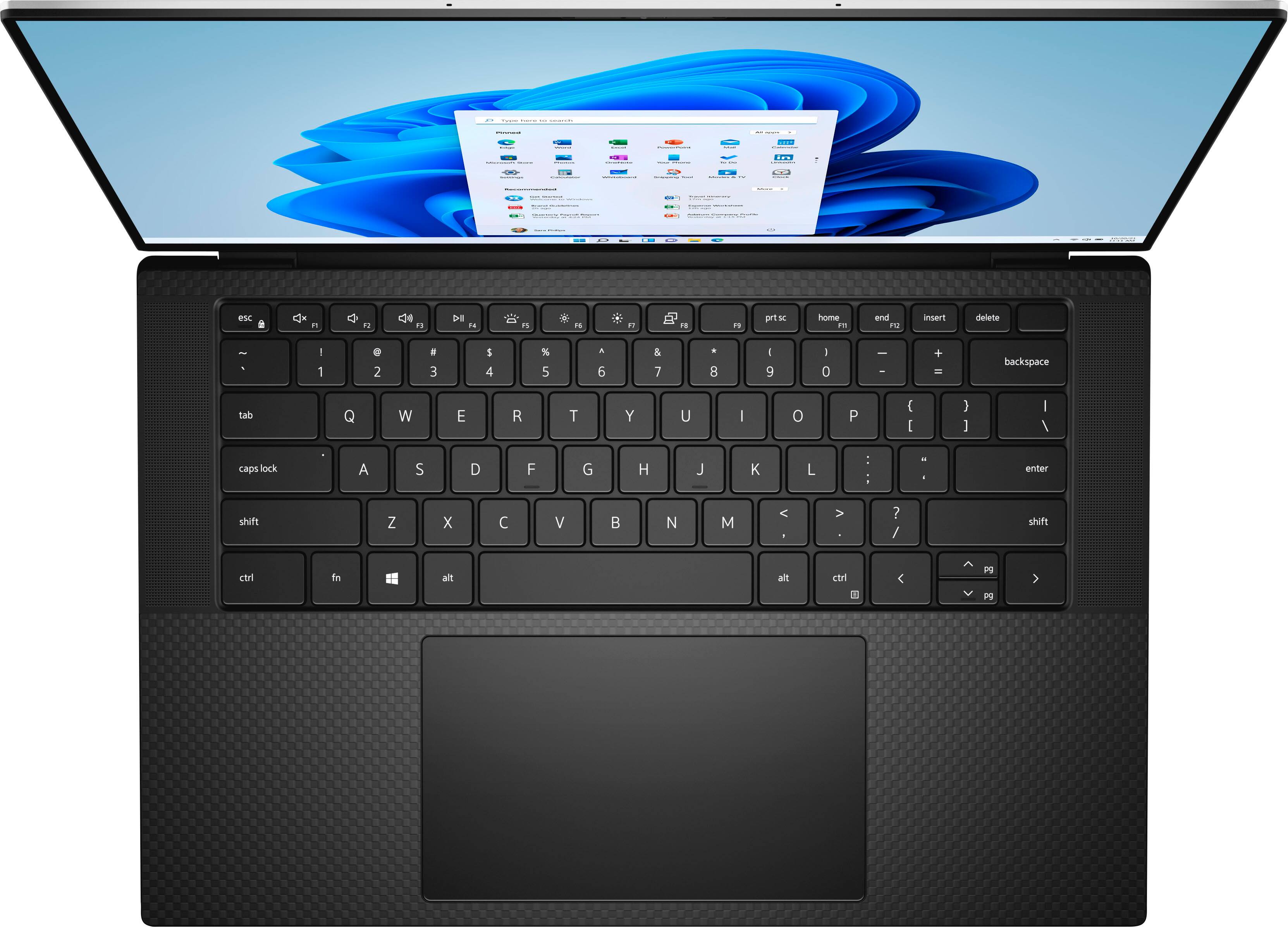
|Posted .This reviewer received promo considerations or sweepstakes entry for writing a review.The Dell XPS 15 9520 is a very thin, compact laptop. When closed, the case tapers to the outer edges making it seem thinner than it really is. The top and bottom are made from aluminum and gives the laptop a solid feel. The front of the laptop closes so perfectly that it makes it hard to open. The bottom edge of the case is slanted outward instead of in so your fingers have a hard time grabbing the bottom edge when opening the laptop. You will likely need 2 hands and a finger nail to separate the 2 halves. The keyboard area has a woven carbon fiber look to it. The keyboard is back lit with 2 levels of brightness. Key travel is short but I had no issues typing on it. The fingerprint reader is built into the power button, which is the upper right key on the keyboard. The fingerprint reader works very well. Pressing the power button from various angles will still unlock the laptop while bringing it out of sleep. The touchpad is large for this size of laptop but it makes it easy to use. Multi-touch gestures are easier to do on a touchpad this size. At first I thought the size of the touchpad and its proximity to the keyboard would cause problems while typing. This hasn’t been a problem because the touchpad can tell the difference between a palm or side of your hand but will only respond to fingers. The screen is impressive! Dells Edge to edge technology is stunning. The color and brightness are excellent. Screen resolution is very good: WUXGA, 1920 X 1200. There is an IR sensor for facial recognition that works very well as well as the finger print reader on the power button. Either or none can be used for security. The sound is also very impressive for a laptop. The sound has some base for a laptop, but has excellent crisp midranges and highs. There is a noticeable “spatial” or “surround sound” effect to the speakers. I noticed sounds coming from outside the area of the speakers themselves when listening to Pandora Radio. The speakers will play decently loud without distortion. This laptop does support Wi-Fi 6 protocol, so download speeds are very good if your router supports this. There is a lot of performance packed into such a thin laptop. An Intel 12th gen i7 12700H and a NVIDIA RTX 3050 Ti. This I7 12700H is a 14 core (8 efficient cores, and 6 performance cores) making it a 20 thread processor with possible speeds up to 3.5 GHz. The laptop performs well in benchmarks. Cinebench R23 Multi Core score of 11663, single core score 1514 and 3dMark Type Spy score of 4773. Even when the fan is running at 100% it's still not as loud as other laptops I’ve used. Using Task Manager I saw single core performance up to 3.5 GHz, but multi-core performance only reached 2.35 GHz. Unfortunately the main air intake for the laptop is on the bottom. So sitting flat on a desk the laptop is starved for air. The CPU could not turbo up to its full potential. However, raising the laptop off the desk by just a ½ an inch dropped the temperatures by 10 degrees. Using a stand or a wedge rear support would potentially give the processor an edge for those intensive applications that need to fully utilize the included processor. For external ports you have 3 USB C ports, 2 Thunderbolt 4 ports on the left and one USB 3.2 Gen 2 on the right. The right side also has the SD card slot and headphone jack. It comes with a USB C dongle for HDMI and a USB type A port. This is a downside of the thinness likely prohibiting these connections being built in. Any of the USB C ports can be used to power the laptop and the supplied power cord even has a handy indicator light to show it’s powered. Bottom line, it's a great laptop with a lot of features, excellent screen and sound. But if you want to get all the performance out of the hardware, the thermal design of the laptop holds the hardware back. For most users this will not be an issue as the processor itself is very capable at lower speeds. Overall I would recommend this machine. It is pricey but its build, features, and performance come through making it overall a very capable machine with excellent video. I would rate this machine at 4.5 out of 5.
I would recommend this to a friend - Pros mentioned:Battery life, Build quality
5 Stars: Great Windows Laptop
|Posted .This reviewer received promo considerations or sweepstakes entry for writing a review.Laptop Specifications: Dell XPS 15 (9520) CPU: 12700H GPU: RTX 3050 Ti RAM: 16gig Screen: 1920x1200, anti-glare Storage: 512gig SSD Build Quality: The build quality is excellent with premium materials and feel. There is very little deck flex when pushing hard on the keyboard area. The hinge is top notch and stays at the angle I place it. There are no compromises on build quality. Keyboard: The keyboard is nice to type on with key presses registered at any location on the key (middle, side, corners). The key caps are spaced well and do not feel cramped. The keyboard layout is good with a proper sized space bar and dedicated arrow keys. A dedicated number pad is not included, but that is my preference. Adding one would cramp the keyboard layout. The keys are backlit (white) with a consistent amount of light across all keys. The power button doubles as a fingerprint sensor. The sensor is quick and works well. Trackpad: The trackpad is large and responsive. This is easily the best trackpad I’ve used on a laptop. Finger tracking is spot on. I’ve had zero issues with cursor drift while clicking down on the trackpad. I’ve used some really poor trackpads where the cursor jumps around while trying to click, making precise actions nearly impossible. That is definitely not an issue here. Screen: The 15 inch screen is bright with excellent off axis viewing angles. The anti-glare coating on this 1920x1200 version works well and still allows for good color reproduction. I tested outdoor use on a sunny summer day with no issues seeing content. Though this is not the OLED version of the screen the black levels are still very good. The bezels around the screen are thin. The built in webcam is integrated into the top center bezel. Performance: This model includes the i7-12700H with 6 performance cores and 8 efficiency cores. The dedicated GPU is the RTX 3050 Ti with 4Gb of VRAM. Performance is as expected with this combination: very good. Though this laptop is not directed at gamers, it was able to play all the games I threw at it. The only potential limiting factor is the 4Gb of VRAM. If a game or piece of software requires more than 4Gb of VRAM then that could be an issue. That being said, I was able to play many modern games including Doom Eternal. I just had to lower the overall quality settings within the game to hit below 4Gb of VRAM. But once set, the game was playable and hitting 60fps (vsync on). The laptop was warm after a long gaming session, but not burning hot. Editing a 1080p video in Adobe Premiere Pro was smooth. I didn't try it with 4K video so I'm not sure how it would handle that. Battery life: This model has the 86 Wh battery and the 1920x1200 screen. The lower resolution screen has the advantage of less battery draw. Battery life is good, but of course depends on your usage. I’m seeing anywhere from 8hrs to 11hrs of battery life on typical use (browsing, watching videos, listening to music, working in documents and playing a few games). In a benchmark where I played a 1080p video continuously with screen brightness at 50%, battery life was over 11hrs. Webcam: The integrated 720p webcam is passable if lighting conditions are good. When lighting is not great, the image quality suffers. This is one area that needs improvement in future revisions. Connectivity: There are 3 USB Type-C ports and an SD-card slot. I do prefer the Type-C style port over Type A, but I still have some devices that use USB Type A. It would have been nice to have 1 dedicated Type A port. But included in the box is a dongle to convert from Type-C to Type A. The same dongle also exposes an HDMI 2.0 port. WiFi has been seamless with good range and no dropped connections. Overall: Easily the best Windows laptop I’ve used. If the less than stellar webcam and somewhat limited 4Gb of VRAM don’t apply to you, then it’s easy to recommend this well-built machine.
I would recommend this to a friend Decent laptop
||Posted . Owned for 3 weeks when reviewed.This reviewer received promo considerations or sweepstakes entry for writing a review.It's a great laptop but the touchpad is a bit difficult. Have to use a mouse, so that's quite disappointing. And the Windows 11 takes some getting used to
I would recommend this to a friendgood below 1500
||Posted . Owned for 1 week when reviewed.This reviewer received promo considerations or sweepstakes entry for writing a review.I bought it in excellent condition for 1500 (with taxes). I love it but wish it was touch screen, but that was so much more expensive :(
I would recommend this to a friend- Cons mentioned:Heat
Too slow for the price.
||Posted . Owned for 3 weeks when reviewed.This reviewer received promo considerations or sweepstakes entry for writing a review.Gets too hot too often. Definitely not happy with this purchase.
No, I would not recommend this to a friendBrand response from YourDellTeam
Posted .Hello Ramy,
We appreciate you taking the time to leave us your review. We are sorry to hear you are experiencing overheating issues with your Dell XPS 15 laptop. Feedback like yours helps us improve our current and future products. Below I have provided troubleshooting instructions with the full article that can help resolve this issue.
Here's the steps to help resolve your overheating issue:
1. Update the BIOS and Chipset driver.
2. Use Dell Power Manager to manage thermal performance.
3. Download and install Microsoft Windows updates.
4. Run a hardware diagnostic test.
5. Perform a Windows System Restore.
6. Restore the computer to factory settings.
How to Troubleshoot Overheating, Shutdown, or Thermal Issue on a Dell Computer: https://dell.to/3oAEYsV
We recommend that you contact Dell directly with the information below if you need further assistance.
Chat or call: https://bit.ly/DellSupportTeam
Phone number to Dell: 1-800-624-9896.
Best,
Summer@Dell
Exactly what I needed
||Posted . Owned for 3 weeks when reviewed.This reviewer received promo considerations or sweepstakes entry for writing a review.So far this has been a great purchase! Needed something that was powerful enough to handle what I needed in this is exactly that.
I would recommend this to a friendThings don't work
||Posted . Owned for 1 month when reviewed.This reviewer received promo considerations or sweepstakes entry for writing a review.Not happy! The computer was delivered without the speakers and microphone working.
No, I would not recommend this to a friendBrand response from YourDellTeam
Posted .Dear DavidS,
We appreciate you taking the time to leave us your review. We apologize for the audio issues you have come across with your Dell XPS 9520 computer. This is certainly not the experience that we like to hear from our customers. We appreciate your feedback and will use it to help improve our current and future products.
We recommend making sure drivers for your XPS computer are updated. I have provided a link to the drivers and downloads page where you can check for any applicable updates.
Drivers and Downloads Page: https://dell.to/3S3uyQK
Below I have provided the steps to run the Microsoft Sound Troubleshooter which should help with audio issues. I have also included the full article link that has more options if they are needed.
How to run the Windows Sound Troubleshooter
1. Click Start, and then select Settings (gear icon).
2. Click Update & Security and select Troubleshoot.
3. Click Playing Audio and then click Run the troubleshooter.
4. Follow the on-screen instructions to complete the troubleshooting process.
How to Troubleshoot Audio Issues or Sound Playback Issues: https://dell.to/3u4pzmX
If the issue with your computer is still not resolved after utilizing the troubleshooting options above, please contact the Dell Support Team at 1-800-624-9896 for further guidance.
Best,
Katarina@Dell
Should you need further assistance, you can contact Dell directly with the information below.
Chat or call: https://bit.ly/DellSupportTeam
Phone number to Dell: 1-800-624-9896
Dell XPS 15.6" 12th Gen
||Posted .This reviewer received promo considerations or sweepstakes entry for writing a review.Amazing laptop, just wish it had the OLED screen. The laptop itself is really good and I'd recommend outright.
I would recommend this to a friendXPS15
||Posted . Owned for less than 1 week when reviewed.This reviewer received promo considerations or sweepstakes entry for writing a review.So far so good. I had to return to Geek Squad to help download additional purchased software.
I would recommend this to a friend- Pros mentioned:Battery life, Build quality, Processor speed
Powerful and beautiful design = great Dell!
|Posted .This reviewer received promo considerations or sweepstakes entry for writing a review.I've been in the habit of replacing the laptop computer that manages my business every year for the last few years. With the speed at which technology progresses these days, I feel like every time I open a new computer up I'll see marked performance increases across the board. The Dell XPS 15 definitely did not disappoint when it comes to performance and design. Starting with the design, I'd say that the 15" edge to edge display is crisp, with vivid colors and even backlighting that makes working for hours less difficult on the eyes. The touchpad is absolutely huge and does an excellent job ignoring the heels of my hand dragging across it while typing. All in all I'd say this form factor is excellent if you're going to spend as much time using the screen as you would docked to a larger monitor; otherwise one of the smaller XPS models might be a better solution for you. I couldn't find anywhere at all that Dell skimped on the quality of materials or overall build, which lines up with the quality you should expect of anything with the XPS brand on it. From a performance standpoint I've been very impressed so far with both processing power and battery life. I work back and forth across multiple applications all day, and I especially like the latest Windows functionality that allows you to set up multiple virtual desktops and swap between them as needed. Be prepared for a large number of software updates right out of the box, but once they are done you'll find a solid performing computer that will be able to handle all of your productivity and entertainment needs.
I would recommend this to a friend So far so good!
||Posted . Owned for 1 week when reviewed.This reviewer received promo considerations or sweepstakes entry for writing a review.Great for playing games and for working- would definitely recommend for at this price point!
I would recommend this to a friendIt’s good
||Posted . Owned for 1 week when reviewed.This reviewer received promo considerations or sweepstakes entry for writing a review.It’s good! The display has vibrant colors, but the battery life could be better
I would recommend this to a friendDell-XPS 15.6"
||Posted .This reviewer received promo considerations or sweepstakes entry for writing a review.This is excellent laptop that you can trust with speed and robustness. buy it
I would recommend this to a friendN/a
||Posted . Owned for 1 month when reviewed.This reviewer received promo considerations or sweepstakes entry for writing a review.Great laptop would and best buy helped me with any questions I had
I would recommend this to a friendGood Luck
||Posted . Owned for 1 month when reviewed.This reviewer received promo considerations or sweepstakes entry for writing a review.Thank you for everything, ,,Best Buy,, Happy New Year for you All.
I would recommend this to a friend