Customer Ratings & Reviews











- Model:
- XPS9530-7701SLV-PUS
- SKU:
- 6540610
Rating by feature
- Battery Life
Rating 4.5 out of 5 stars
- Speed
Rating 4.7 out of 5 stars
- Display
Rating 4.6 out of 5 stars
Customers are saying
Customers are satisfied with the fast performance, sharp display, long battery life, and high build quality of the XPS 15. They appreciate the powerful performance, upgradability, and responsive nature of the laptop. However, some customers have concerns about the overheating issue and the low-resolution webcam.
This summary was generated by AI based on customer reviews.
- Cons mentioned:Overheating
Good for remote work, iffy for other things.
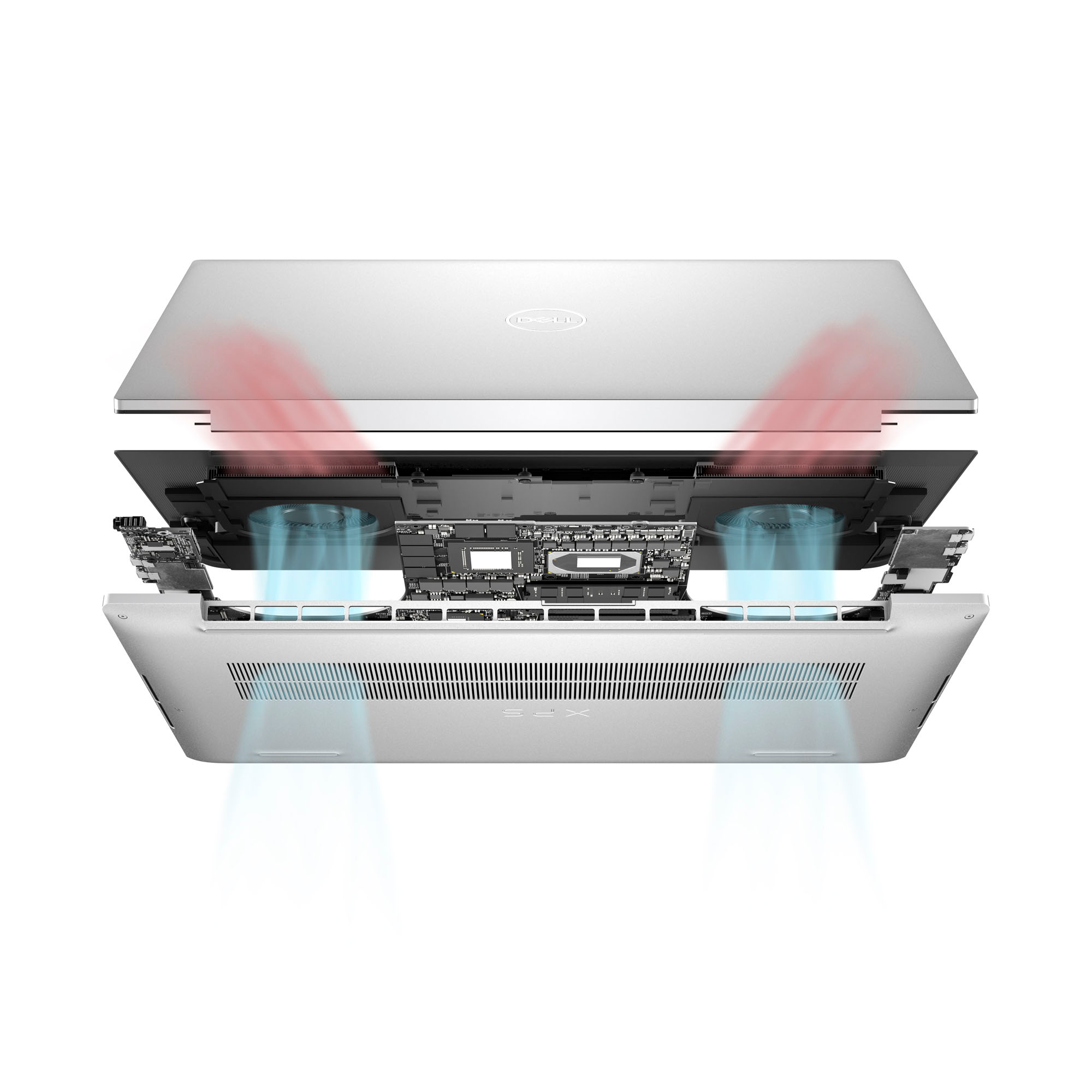
||Posted . Owned for 1 week when reviewed.This reviewer received promo considerations or sweepstakes entry for writing a review.Had a recent change to a hybrid work from home schedule, and decided to purchase this for remote work. It handles basic office functions smoothly, the processor, RAM and SSD built out is more than sufficient for a basic office workflow. What is not good is the heat build up and thermal throttling; this laptop gets hot fast, and the internal fans do little to keep it from hitting temps where the thermal throttling occurs with the GPU and processor. This occurs if you’re using any graphic intense program. Would not recommend if you’re a graphic designer or even for light gaming. Also, the display monitor quality on this laptop is so so, not as good as a MacBook Pro for sure. Otherwise, a somewhat pricer laptop good for basic remote work.
No, I would not recommend this to a friendBrand response from YourDellTeam
Posted .Hey GamingMonster220,
We appreciate you taking the time to leave us your review. We are sorry to hear that you are encountering overheating issues with your Dell XPS 15 laptop. Feedback like yours helps us improve our future products and services. Below I have provided troubleshooting instructions with the full article that can help resolve this issue.
Here are the steps to help resolve your overheating issue:
1. Inspect and clean the air vents and fans.
2. Restart the computer.
3. Update the BIOS and Chipset driver.
4. Download and install Microsoft Windows updates.
5. Run a hardware diagnostic test.
6. Use Dell Power Manager to manage thermal performance.
7. Improve efficiency to reduce heat.
8. Perform a Windows System Restore.
9. Restore the computer to factory settings.
How to Troubleshoot Overheating, Shutdown, or Thermal Issue on a Dell Computer: https://dell.to/3oAEYsV
If you continue to experience issues, please reach out to Dell Support directly by using the information provided below.
Chat or call: https://bit.ly/DellSupportTeam
Phone number to Dell: 1-800-624-9896
Best,
Summer@Dell
- Cons mentioned:Overheating
Amazing <33
||Posted . Owned for 1 month when reviewed.This reviewer received promo considerations or sweepstakes entry for writing a review.It’s an amazing laptop that I use all the time now but sometimes it get hot and the fan makes noticeable noise but if that doesn’t bother you and you have the money it’s very worth it.
I would recommend this to a friend - Cons mentioned:Overheating
Reliable Standard
||Posted . Owned for 2 months when reviewed.This reviewer received promo considerations or sweepstakes entry for writing a review.Computer works well. Light weight and nice backlit keys. Lost 2 stars due to 2x extreme heat on charging with provided wire. Concerned battery life will be minimized because of this.
I would recommend this to a friendBrand response from YourDellTeam
Posted .Hey MelyndaR,
We appreciate you taking the time to leave us your review. We are sorry to hear that you are encountering overheating issues with your XPS 15 laptop. Feedback like yours helps us improve our future products and services. Below I have provided troubleshooting instructions with the full article that can help resolve this issue.
Here are the steps to help resolve your overheating issue:
1. Inspect and clean the air vents and fans.
2. Restart the computer.
3. Update the BIOS and Chipset driver.
4. Download and install Microsoft Windows updates.
5. Run a hardware diagnostic test.
6. Use Dell Power Manager to manage thermal performance.
7. Improve efficiency to reduce heat.
8. Perform a Windows System Restore.
9. Restore the computer to factory settings.
How to Troubleshoot Overheating, Shutdown, or Thermal Issue on a Dell Computer: https://dell.to/3oAEYsV
If you continue to experience issues, please reach out to Dell Support directly by using the information provided below.
Chat or call: https://bit.ly/DellSupportTeam
Phone number to Dell: 1-800-624-9896
Best,
Summer@Dell
- Cons mentioned:Overheating
Overheats.
||Posted . Owned for 2 weeks when reviewed.This reviewer received promo considerations or sweepstakes entry for writing a review.For the price i would get something a little better, you do feel the heat after about 30 minutes of use had to return it.
No, I would not recommend this to a friendBrand response from YourDellTeam
Posted .Hello NoNever,
Thank you for taking the time to leave a review of your Dell XPS 15 laptop. We are sorry to hear that you were experiencing an issue with your device overheating and made the decision to return it. That is not the type of feedback we like to hear from our customers, or the type of product Dell intends to deliver. We have noted the details of your statement and will use them to improve current and future products.
If you need further assistance, please reach out to Dell Support directly by using the information provided below.
Chat or call: https://bit.ly/DellSupportTeam
Phone number to Dell: 1-800-624-9896
Best,
Summer@Dell
- Pros mentioned:Battery lifeCons mentioned:Overheating

The Dell XPS 9530 is a Sound, Multitasking Machine
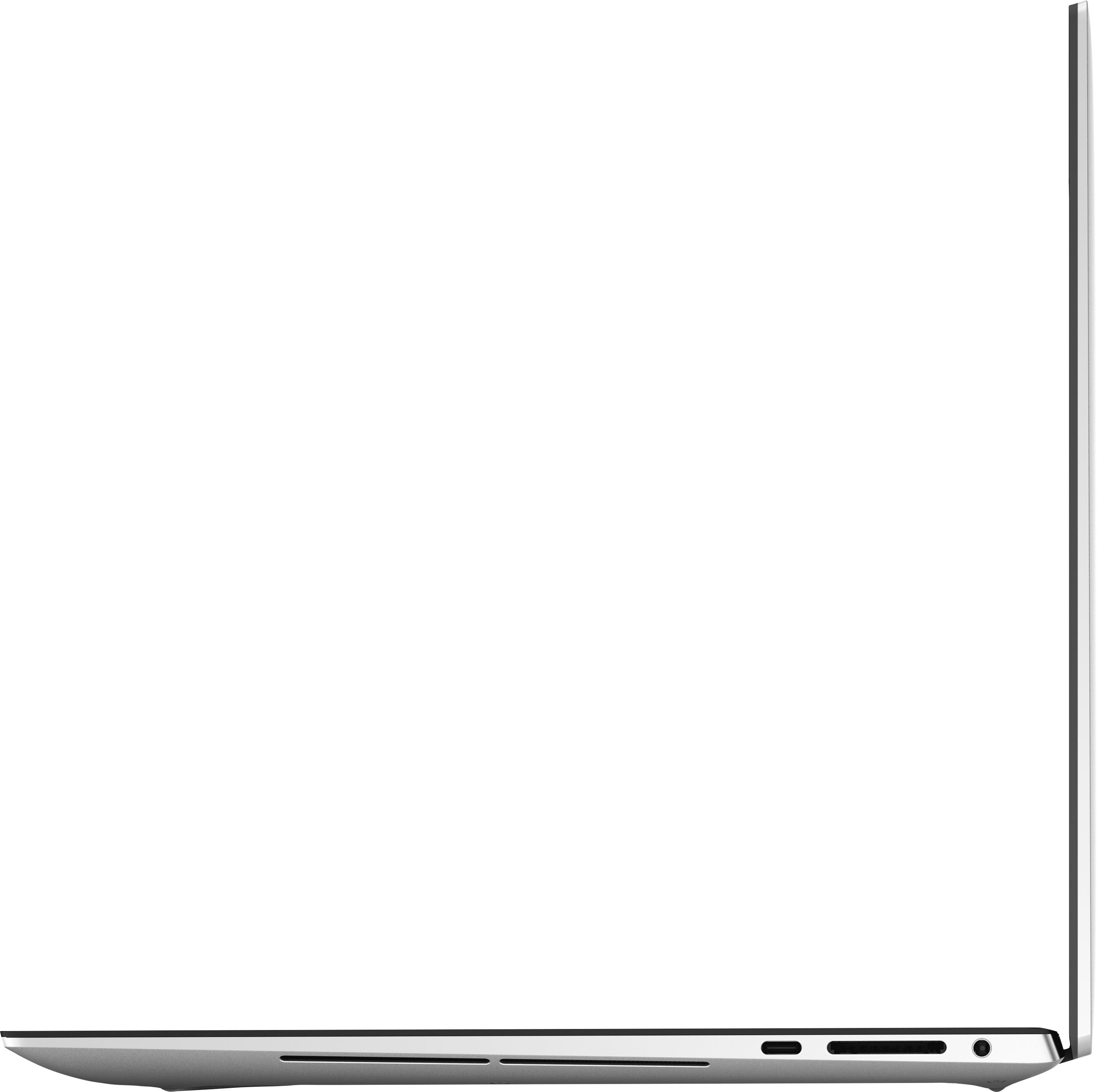
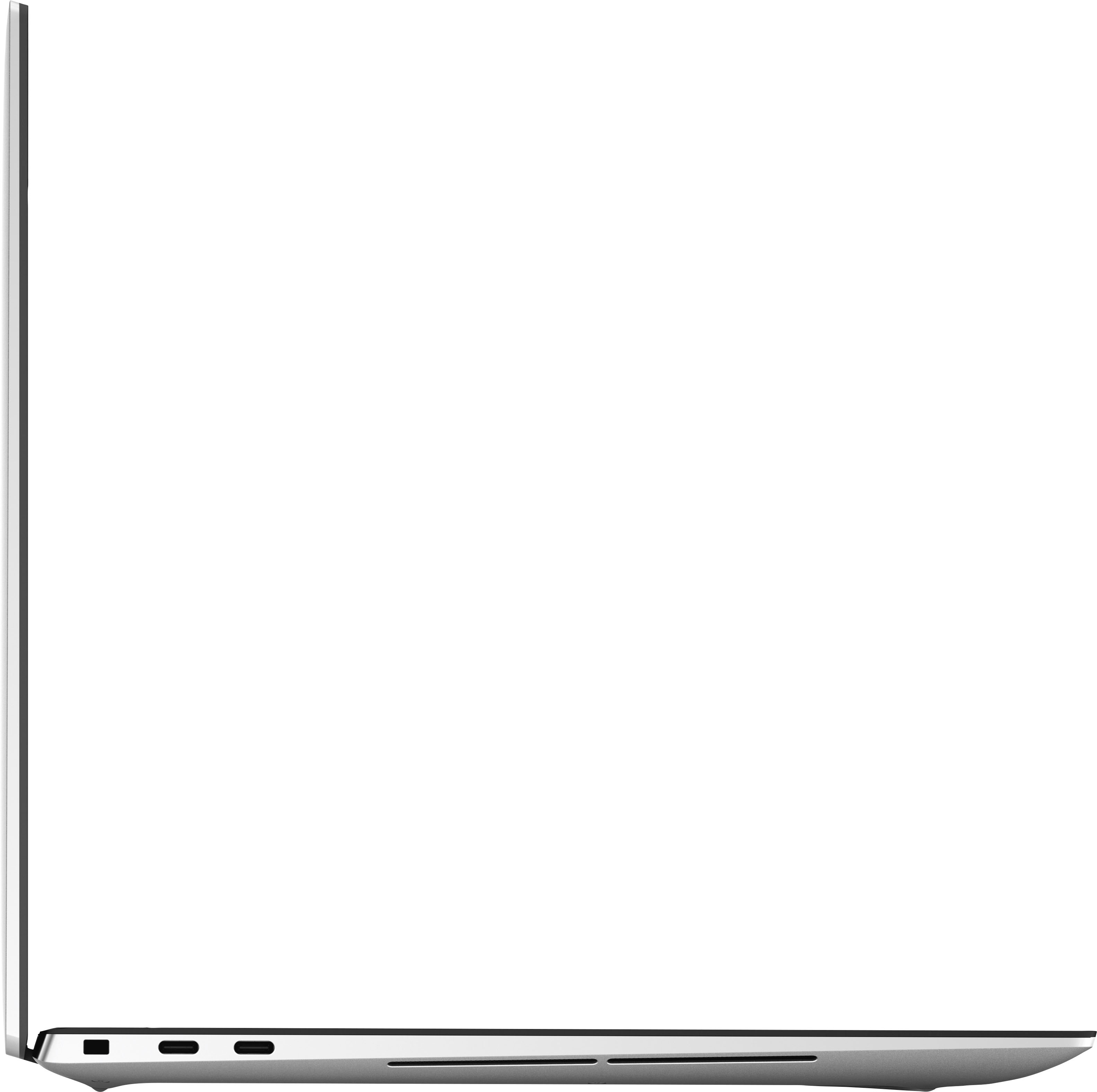
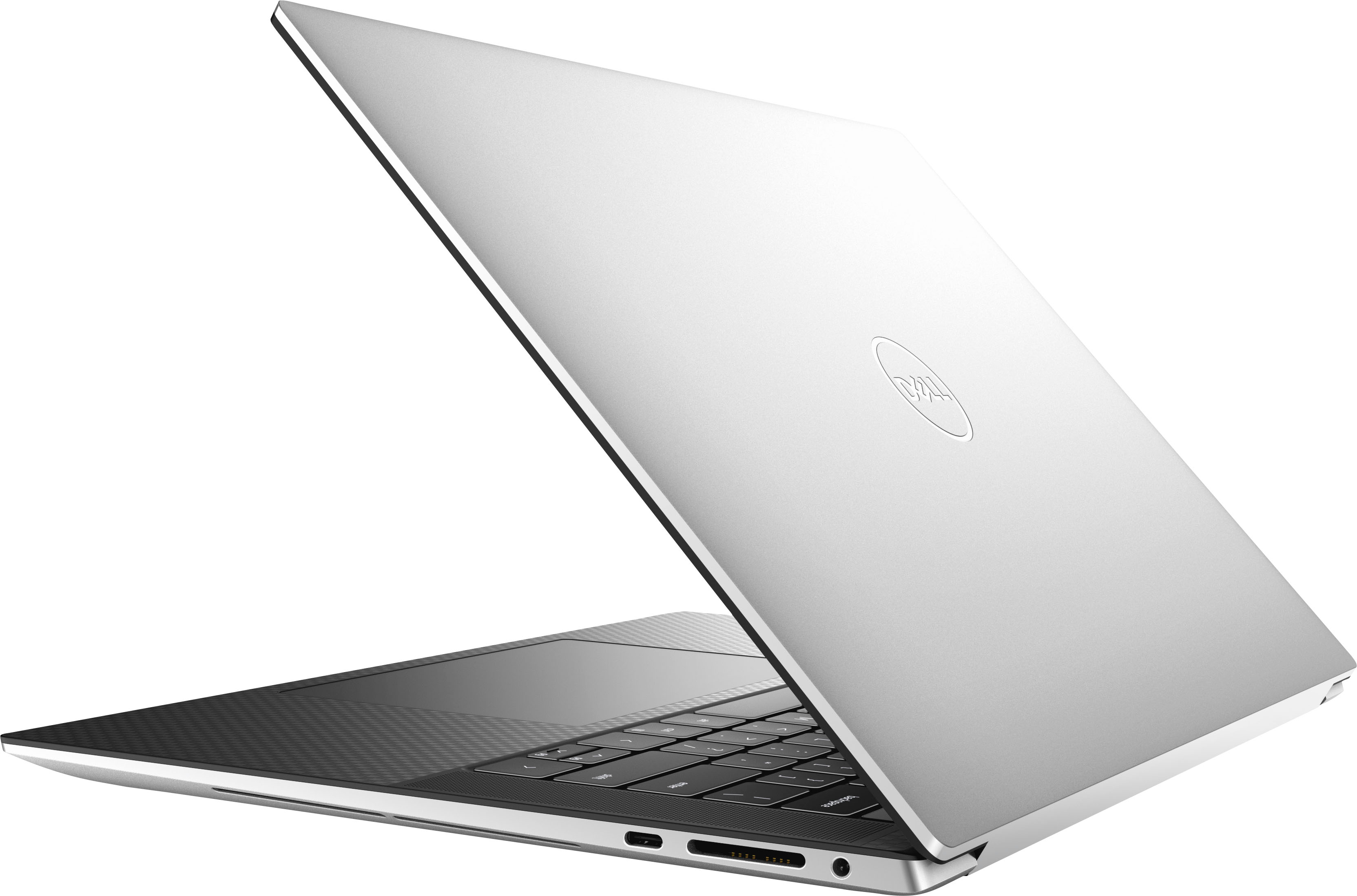
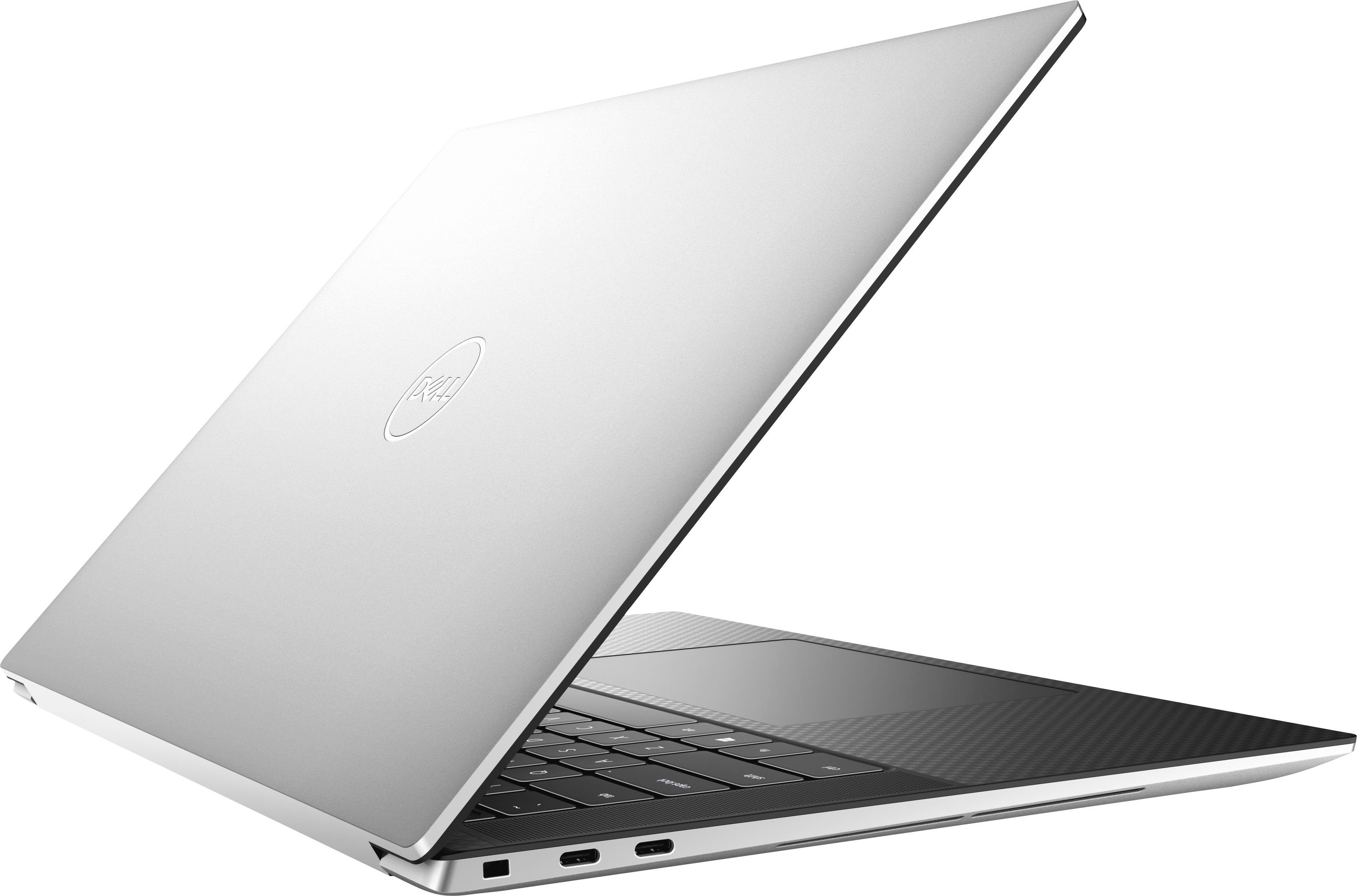
|Posted .This reviewer received promo considerations or sweepstakes entry for writing a review.The Dell XPS 9530 offers a large screen, plenty of storage with a 1TB hard drive, and Excellent Graphics featuring the GeForce RTX 4050. However, some things make this laptop not as great as it can be. PROS: - Premium Chassis/Build - Fast Processor - Storage Capacity - Graphics - Battery Life - Sound CONS: - Overheats - Sleep mode is finicky - Lack of Touch-Screen and Camera - USB The Dell XPS 9530 features a premium aluminum build. The laptop is not too heavy, but not heavy enough that you cannot hold it in your lap to take notes or watch videos. The keyboard is comfortable to use, along with the D-pad; clicking and moving the cursor is comfortable and easy to use. Additionally, the chassis is easy to open, and surprisingly, I was happy to see that upon opening it up that you can expand the memory from 16 GB of memory to 32 GB of memory. Speaking of memory, the Dell XPS 9530 includes 16 GB of memory, along with a 13th generation Core i7 Evo Processor for multitasking without the lag. I specficially tested out the performance by running Spotify, along with Photoshop (editing photos I downloaded from my Microsoft OneDrive account). Additionally, I had multiple tabs opened in Firefox. I did not experience any lag while I switched back and forth between programs, browser tabs, and music. Also, the 1TB of included storage is plenty, especially if your photos, videos, and files are backed up in the cloud via Google or Microsoft. However, If you edit photos/videos or plays PC games, you will be happy with the storage capacity. More so, I installed various games (including Skyrim) to test the graphics and processing speeds. I tested the game Skyrim with the GeForce RXT 4050 graphics card, and I have mixed feelings. First, the graphics card is capable of performing with PC games. I felt the visuals were stunning, but I experienced a keyboard that heated up and the PC fans turning on (a bit noisy) about twenty minutes into my gaming session. However, when I watched YouTube videos and streamed Netflix, I did not experience the keyboard heating up or the PC fans trying to cool down the laptop. Again, I was not disappointed because this is a decent 40-watt capable graphics card, but there are better out there. Next, the battery life was exceptional with the XPS 9530. On a full charge, I used the laptop for eleven hours before I received a notification to plug-in the laptop. I did turn the brightness down on the XPS 9530 to sixty percent, and I still had exceptional performance from the battery and display. The display is bright and vivid with beautiful colors, including deep blacks and rich tones. Lastly, the integrated speakers were loud; bass and treble levels can be adjusted for a richer unique sound. Music sounded incredible through the speakers, whereas dialogue in the movies I streamed was clear and concise. However, there are some cons that I need to address. One of those is the overheating I experienced when playing PC games. Oddly, the keyboard was warm to the touch (not hot), and I experienced the cooling fans reacting and trying to cool down the XPS 9530. Additionally, I felt the performance suffered as well, as I experienced a bit of lag from the game I played. Again, if you multitask (at minimum), you may not experience any issues. Gaming, on the other hand, the XPS 9530 (over time) did not perform. Now, when I was listening to music through Spotify, I shut the laptop and walked away from it. When I walked up to use the XPS 9530 again, I could still hear music playing, and the screen was still active (or on). In my previous experience, shutting the laptop activates "sleep mode." I attempted to do the same thing again, and the music stopped playing/the monitor turned off. I am not sure if Dell will address this later on with an update, but it is a strange occurrence. Although not entirely a deal-breaker, I expect a laptop of this magnitude to include a touch-screen. Unfortunately, the XPS 9530 does not have a touch-screen functionality. Additionally, the web cam on the front is only 720p. I was a bit surprised because when I went in to change the settings, that was the maxium setting I could adjust. Again, I expect a laptop with these capabilities to include a better camera and touch-screen functionality. Lastly, the XPS 9530 includes an SD card slot and three USB-C (two thunder ports) for charging and plugging in external devices. However, a USB-A port is not integrated in the laptop; Dell did include an adapter with an HDMI and USB-A port. I would have rather have seen both integrated into the chassis and design. The Dell XPS 9530 is an excellent laptop with incredible storage capacities, excellent sound and graphics, a solid processor with quick response and enough memory to help with multitasking. The concerns with the laptop are the overheating issues I experienced and the odd sleep mode function when I close the lid on the laptop. I would have liked to see a better webcam and a touch screen included in the future of this laptop line. Overall, the XPS 9530 is an excellent laptop for work functionality, listening to music, streaming, and minimal gaming.
I would recommend this to a friend - Pros mentioned:FastCons mentioned:Overheating
Great PC
Posted .This reviewer received promo considerations or sweepstakes entry for writing a review.Seems well built. Only used a few time but seems fast and responsive. Only concern is while using it with the power adapter attached, the bottom side got screaming hot, which is a concern. On battery power, it gets warm but not like when it is plugged in. Will have to keep an eye on it!
I would recommend this to a friend