Customer Ratings & Reviews
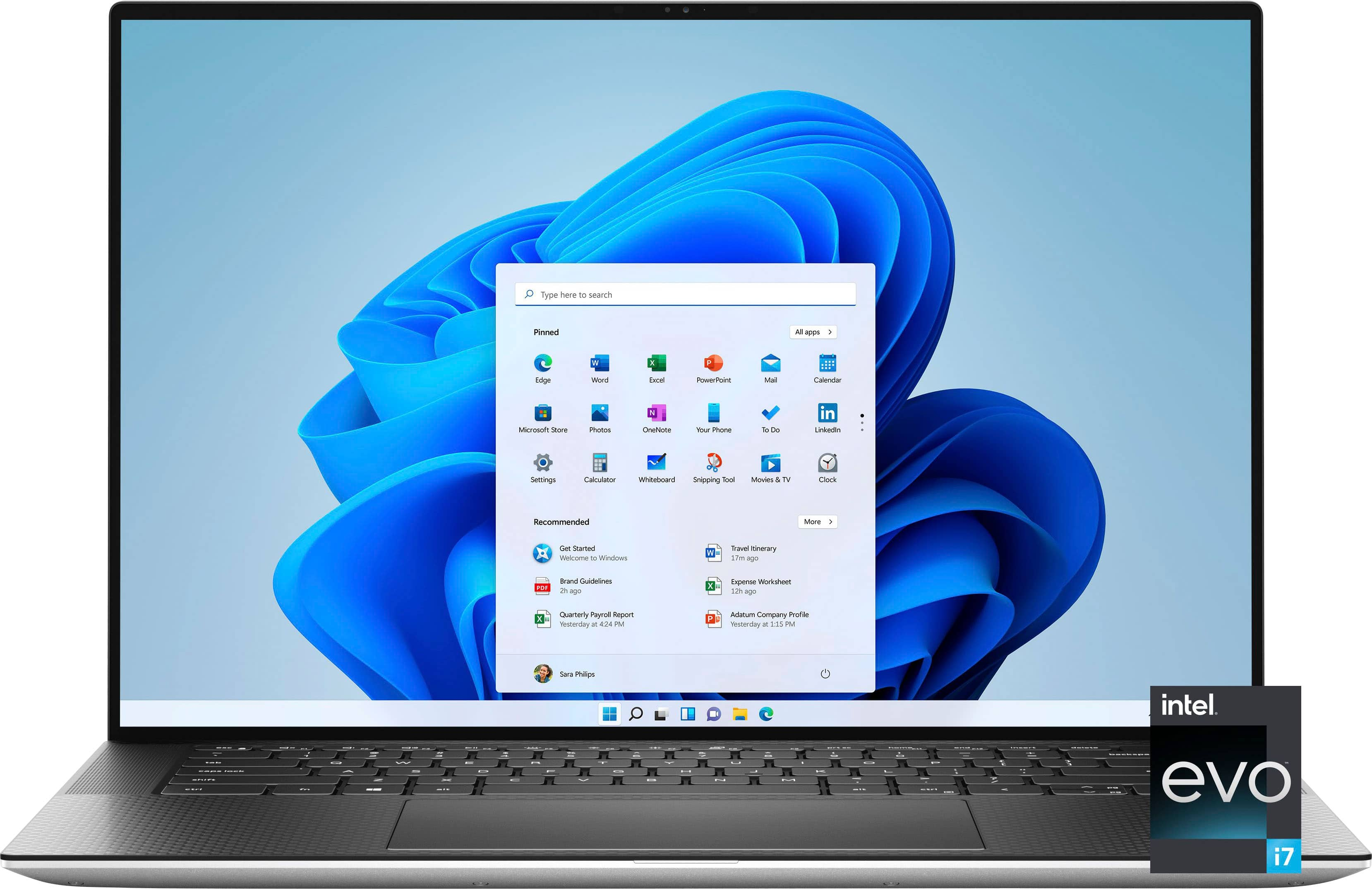
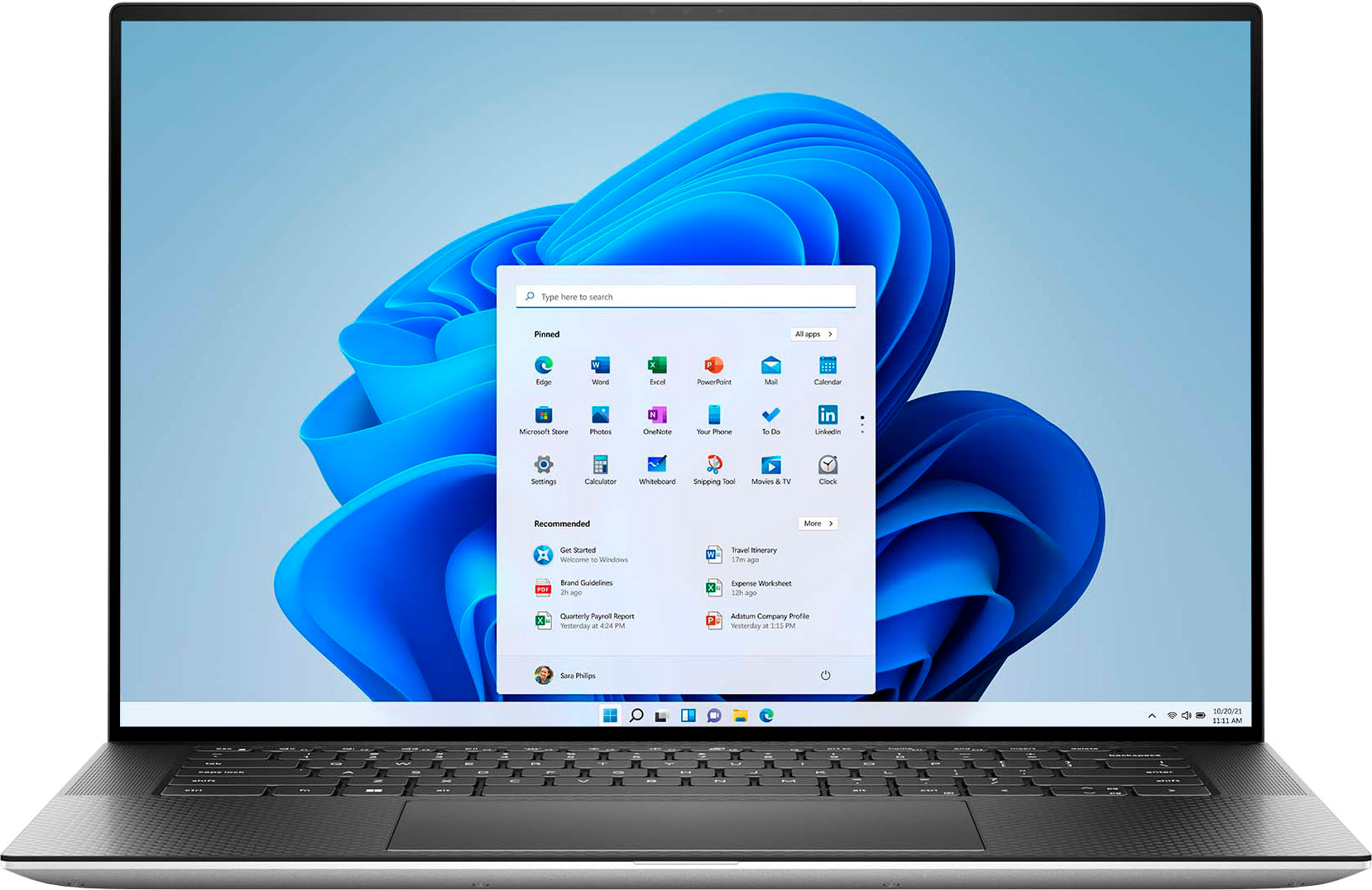
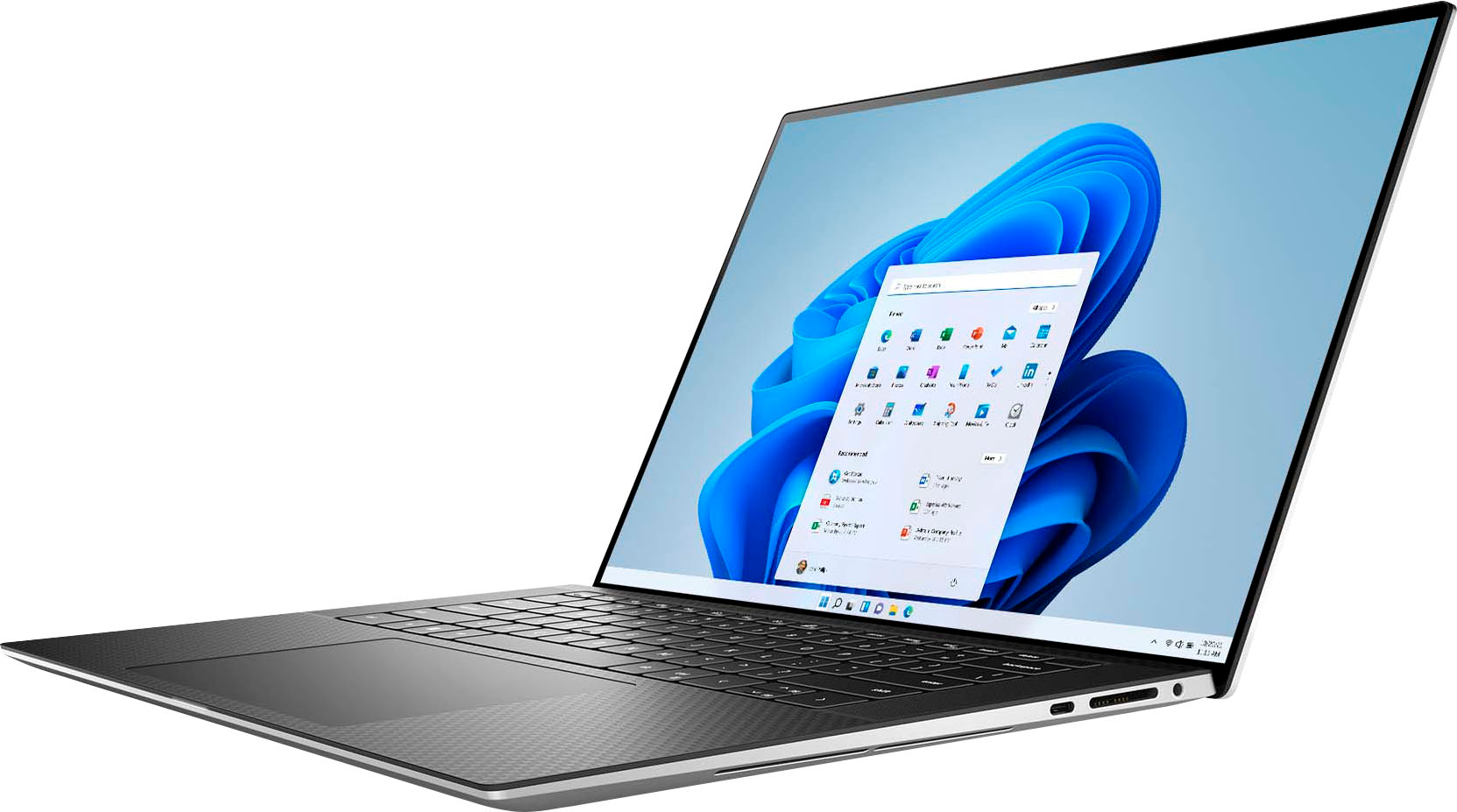
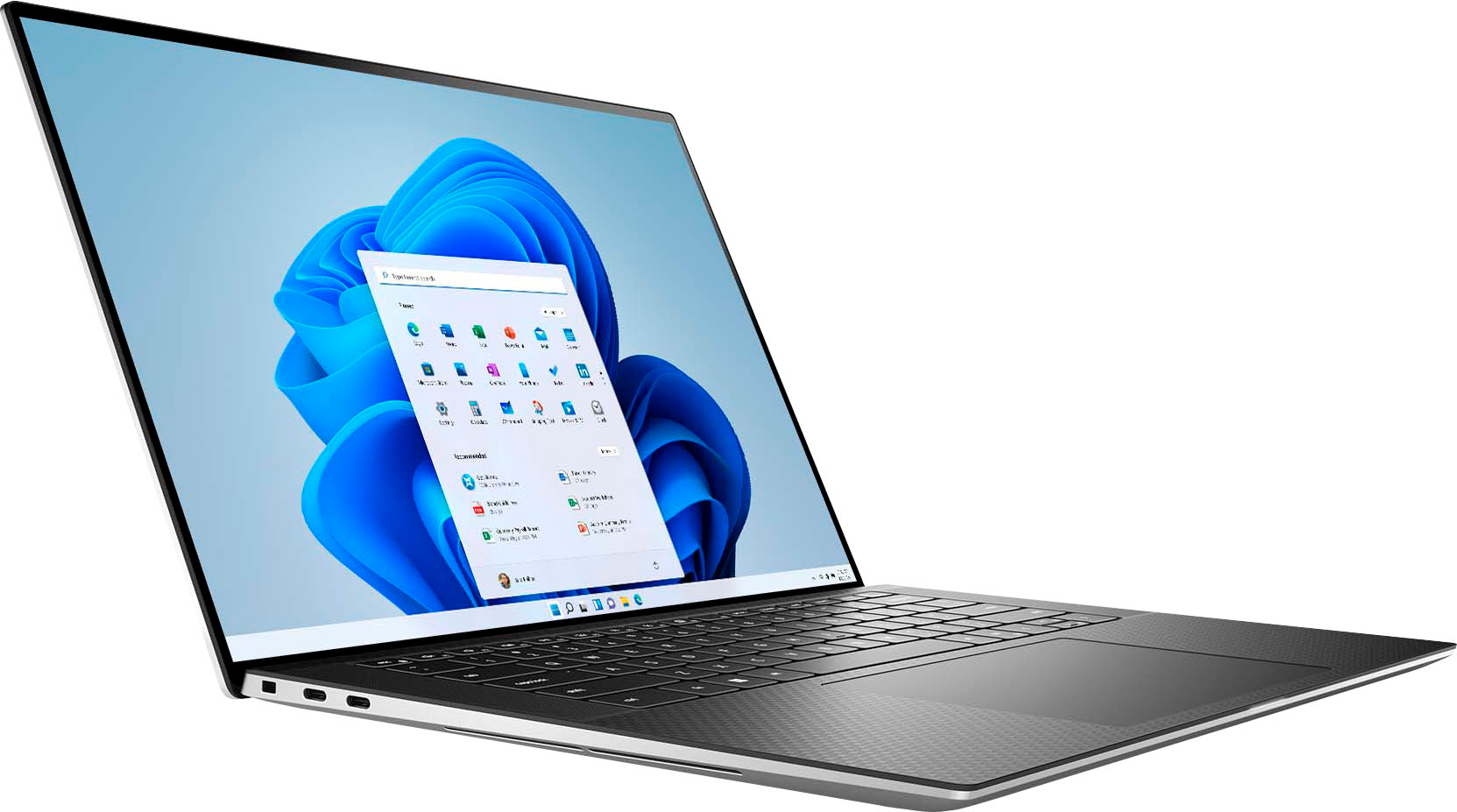











- Model:
- XPS9530-7701SLV-PUS
- SKU:
- 6540610
Rating by feature
- Battery Life
Rating 4.5 out of 5 stars
- Speed
Rating 4.7 out of 5 stars
- Display
Rating 4.6 out of 5 stars
Customers are saying
Customers are satisfied with the fast performance, sharp display, long battery life, and high build quality of the XPS 15. They appreciate the powerful performance, upgradability, and responsive nature of the laptop. However, some customers have concerns about the overheating issue and the low-resolution webcam.
This summary was generated by AI based on customer reviews.
- Pros mentioned:Battery life, Build quality, PerformanceCons mentioned:Webcam

Premium, Excellent All-Arounder Laptop
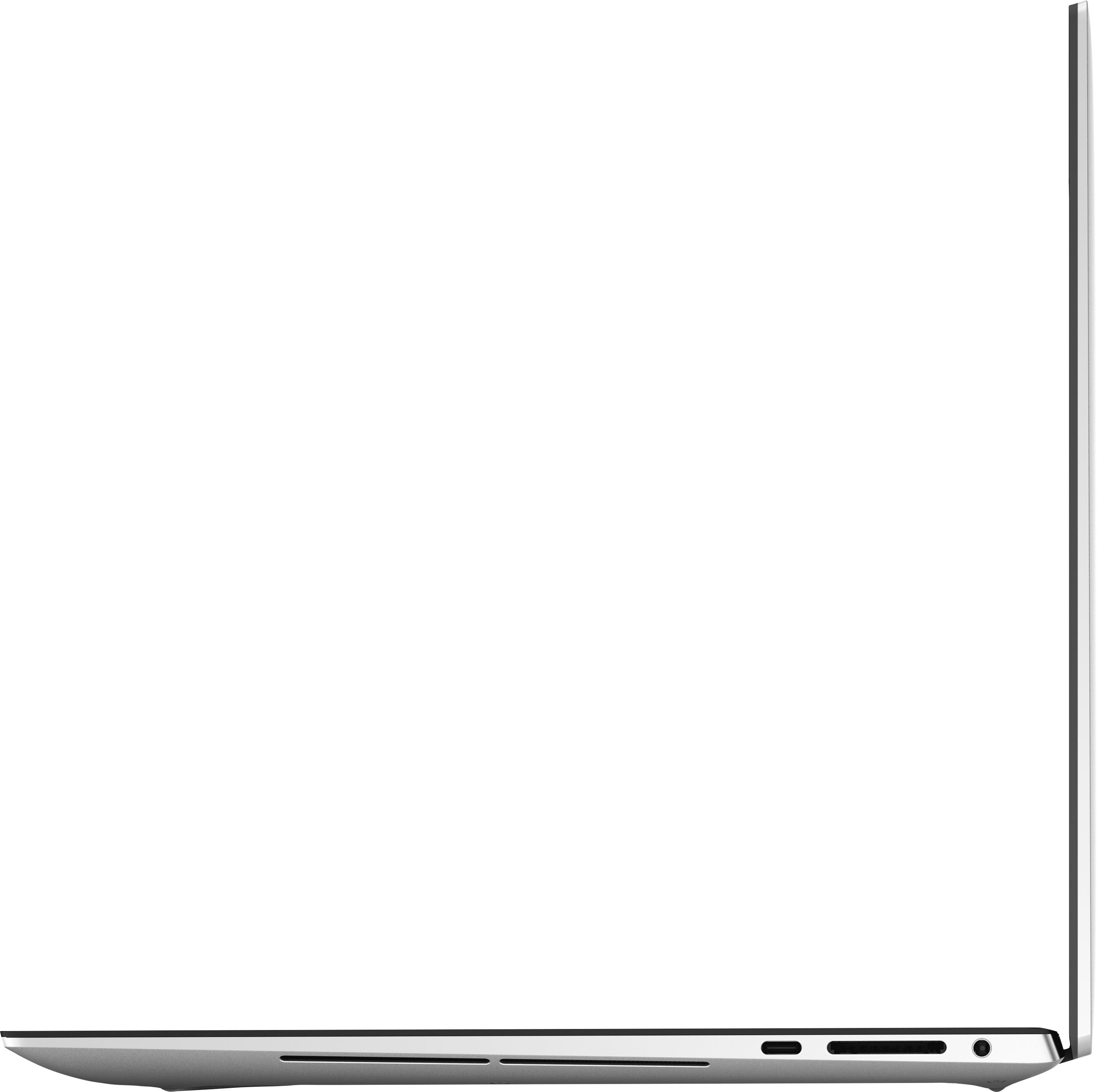
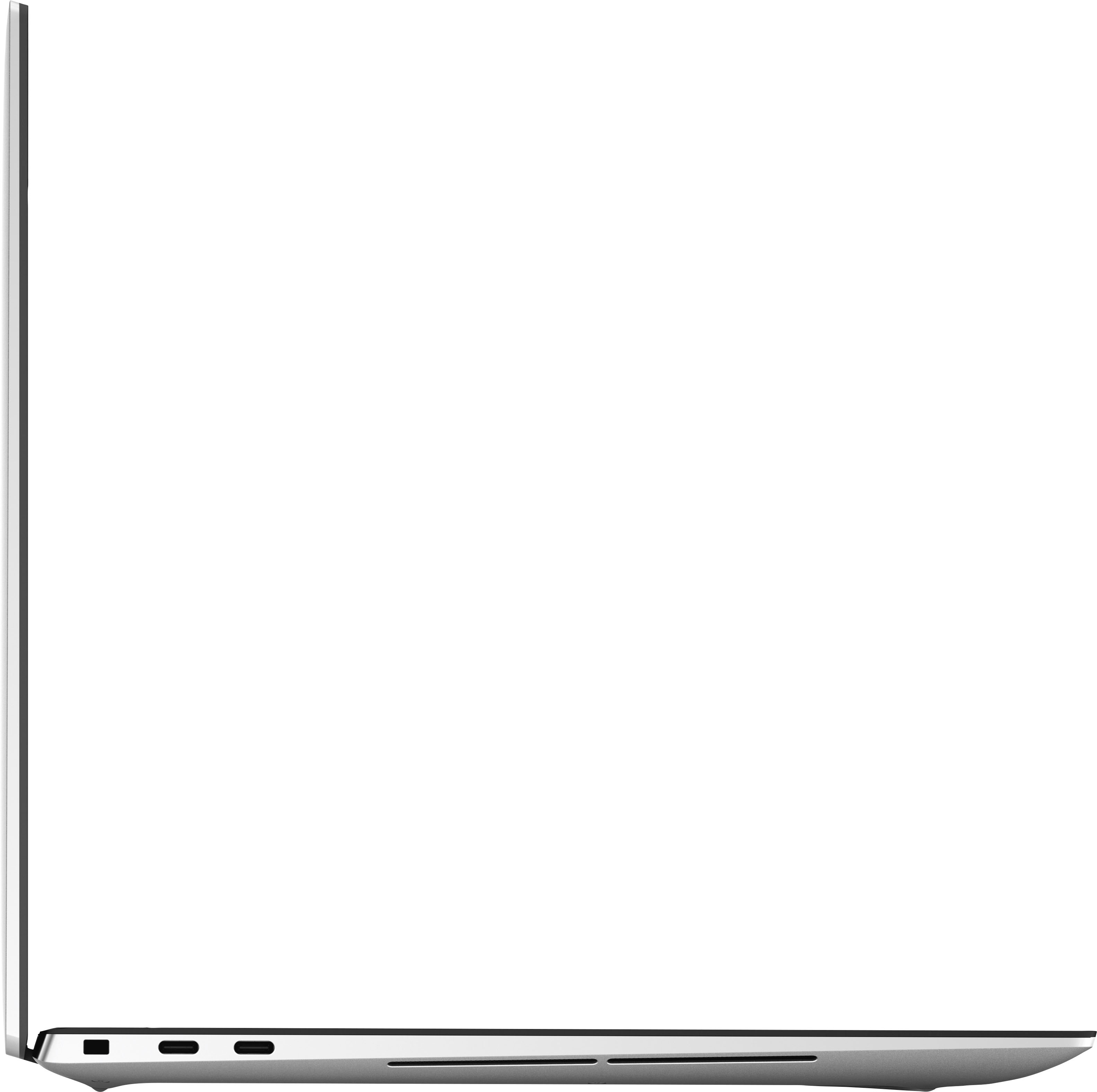
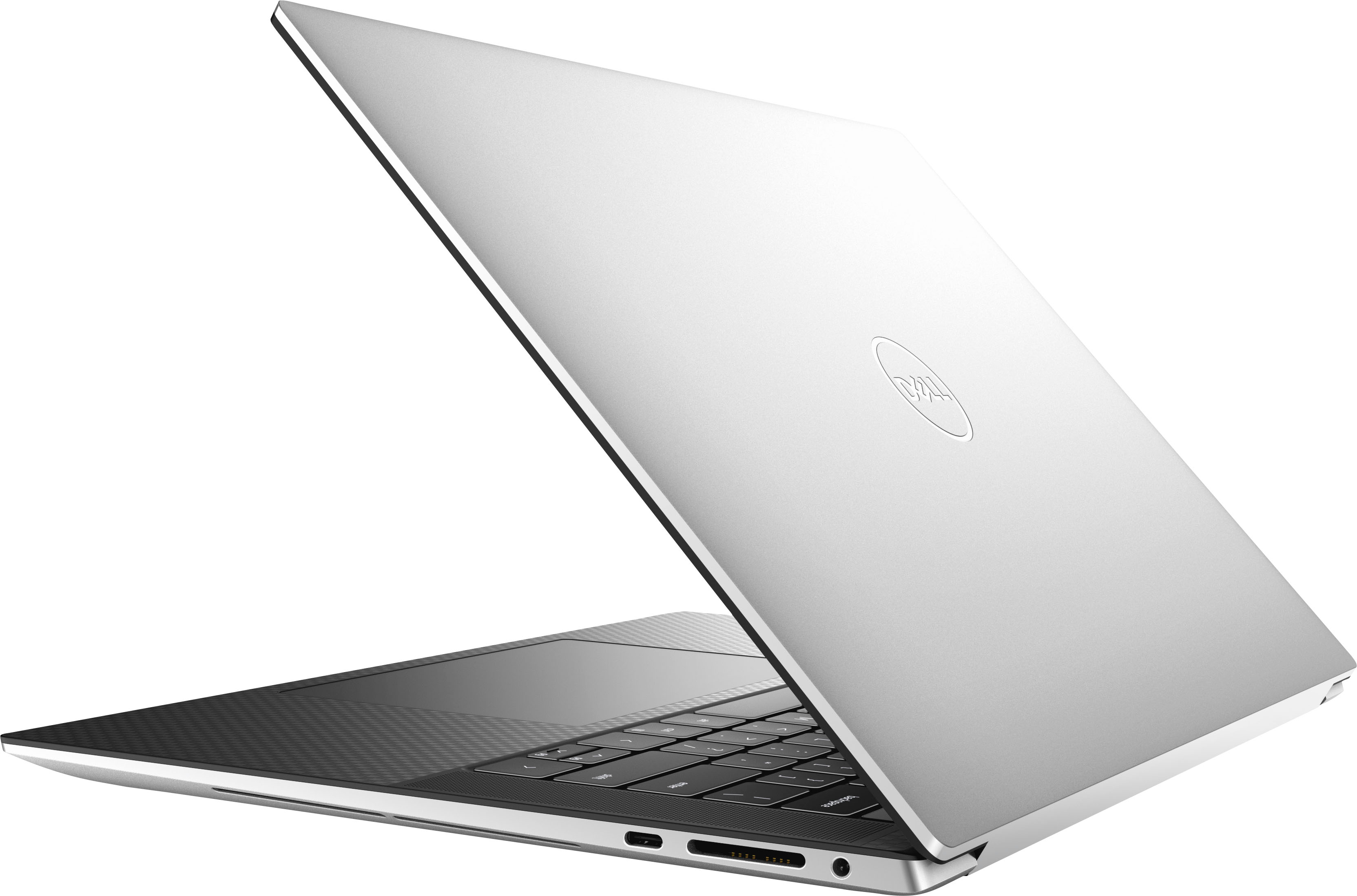
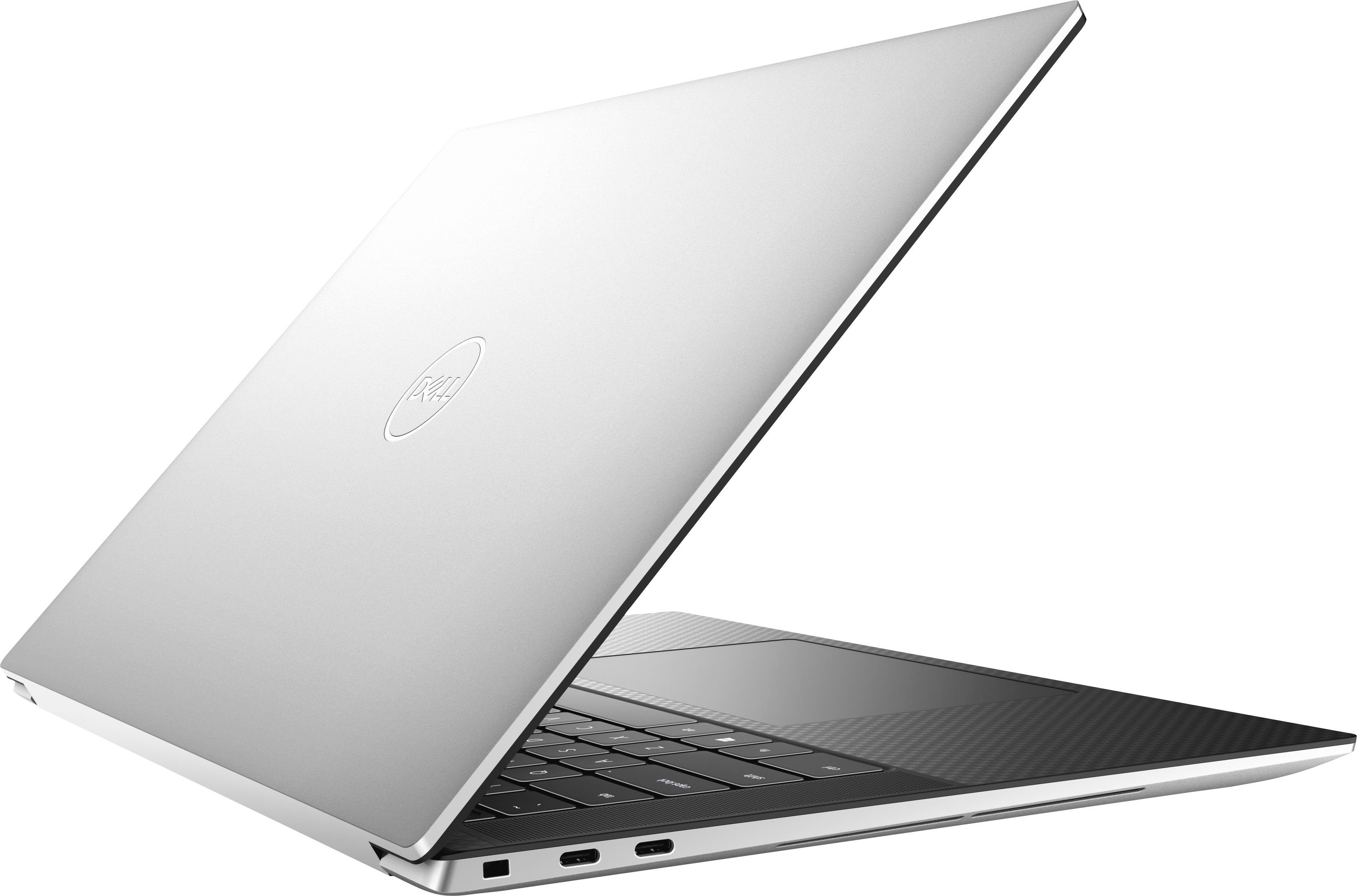
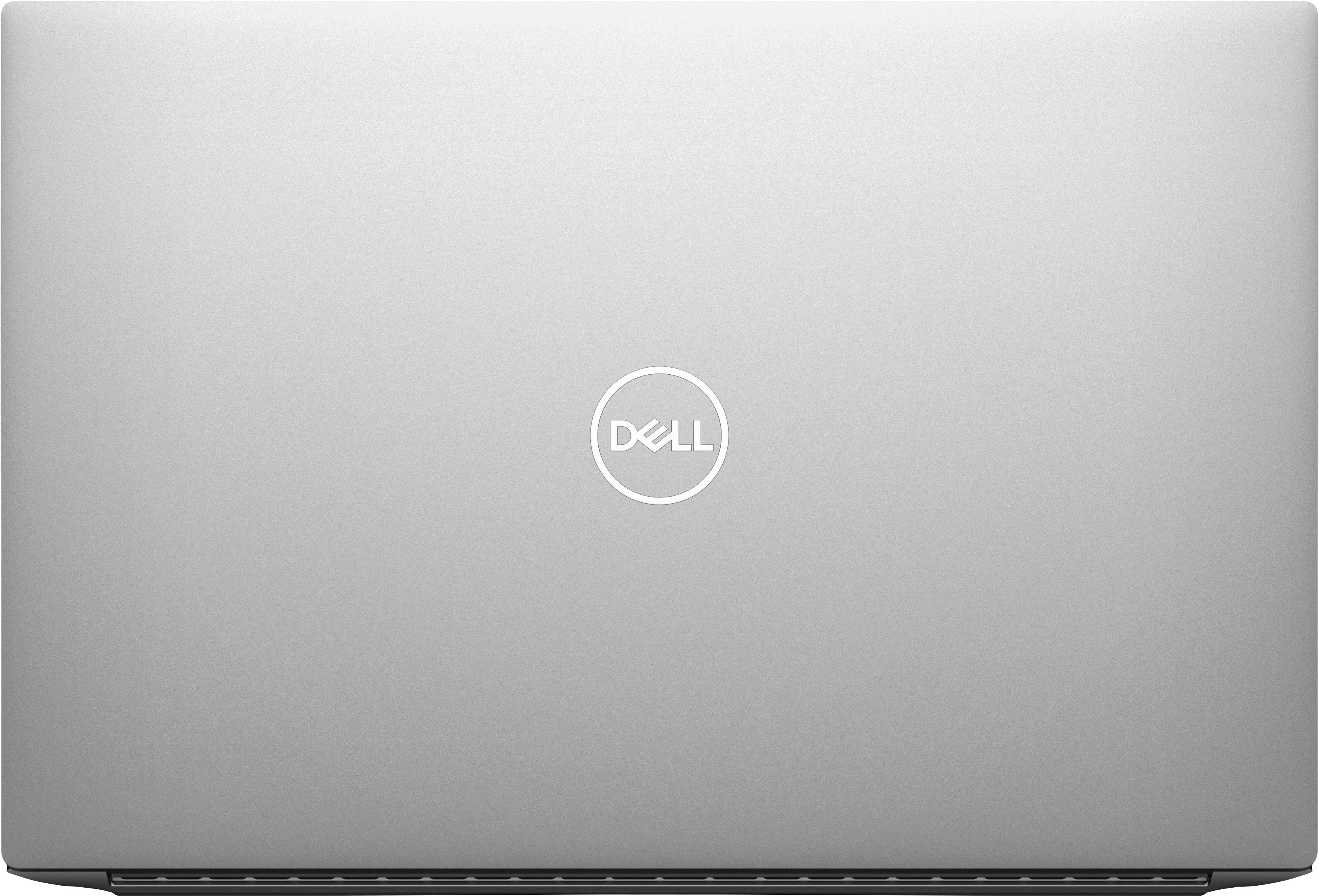
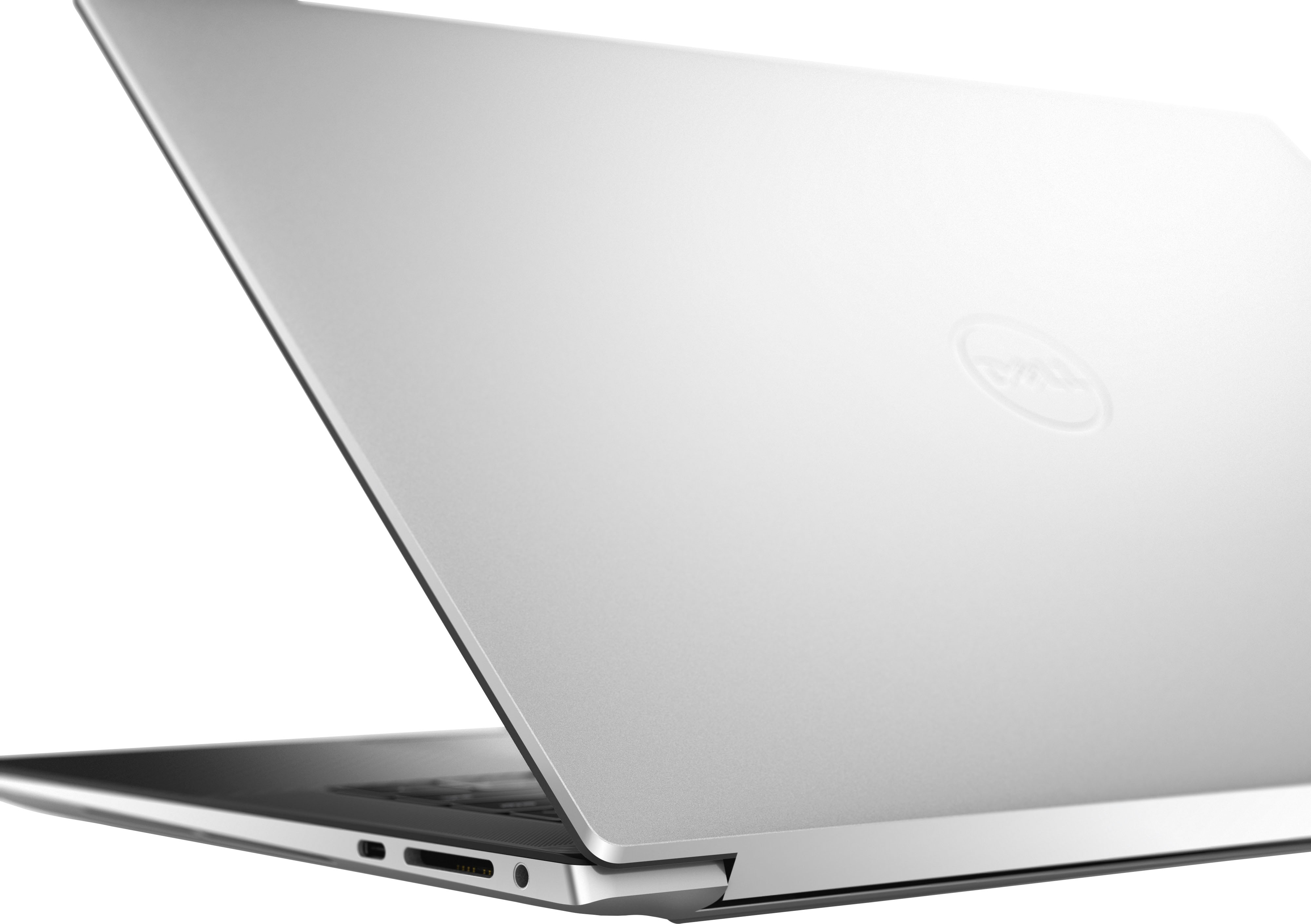
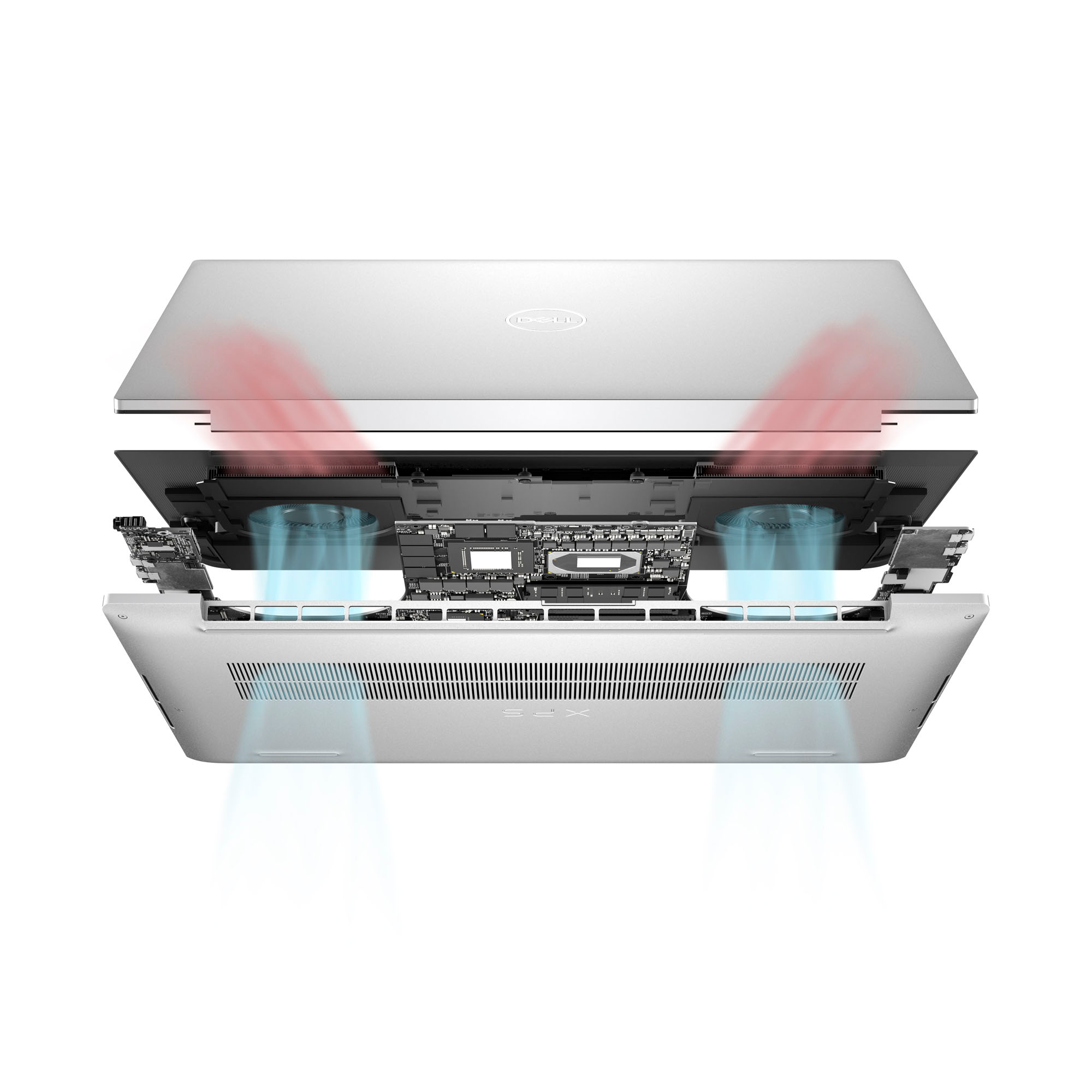
|Posted .This reviewer received promo considerations or sweepstakes entry for writing a review._____ *Pros: -Peppy performance from the latest Intel CPU, Intel chipset, and Nvidia GPU. -Fast NVME storage speeds. -High-quality IPS display with very minimal light bleed and edge-to-edge form factor. -Spacious and comfortable keyboard. -Large touchpad with great responsiveness and accuracy. -Comes with three Thunderbolt ports. -The four-speaker array sounds great. -Two M.2 2280 slots for hard drive upgrades and/or additions. -Two upgradeable RAM slots. -HDMI and USB-A dongle included. -Very good battery life with fast-charge option. _____ *Neutral: -No native HDMI or USB-A ports (have to use dongle). -At this price point, I expected at least a RTX 4060 GPU. -The display only supports up to 60Hz refresh rate. _____ *Cons: -Webcam is only 720P. -Have to pair my Bluetooth mouse daily. ** First Impressions. Build Quality and Design. ** As expected from a Dell laptop bearing the XPS moniker, my first impression of the 2023 XPS 15 was great. Even the box the laptop arrived in was good and memorable – the texture is smooth and dense-feeling, and the way the lid and internal dividers lift and fold away foreshadowed a well-built laptop with a great fit and finish. Once in-hand, the XPS 15’s looks and build materials did not disappoint. Although simple and kind of plain looking at first glance, a closer inspection revealed how premium it was – the metal lid with smooth chamfered edges that opens with just one hand, the carbon-fiber wrap around the keyboard deck that is smooth and easy to wipe clean, the perfectly-spaced keyboard keys with great travel, quick uptake, and low noise, the large glass Microsoft Precision touchpad with excellent tracking and responsiveness for easy gesture navigation, and the full-sounding audio speakers with a little bit of bass to make music playback more pleasant and immersive. The 15.6” display from Sharp is the best IPS laptop screen I’ve ever seen, and the edge-to-edge design on all four sides really maximizes your screen real estate. All of this could’ve been rendered inconsequential if the panel bled a lot but mine didn’t – it has the lowest amount of IPS glow I’ve ever seen and was almost undetectable to my naked eyes. The panel can get very bright as well, a good thing because I like to spend a lot of time on the front porch where there is abundant sunlight. With that said, it would’ve been nicer if Dell had put in a higher refresh rate panel for more comfort on the eyes when scrolling and reading on websites. My phone supports up to 120Hz refresh rate and the difference really is noticeable and a nice quality of life upgrade. On the topic of minor gripes, if I had executive control over the design of the XPS 15, I would’ve added at least one HDMI or mini-Displayport and at least one USB-A port. Dell does include a dongle with a full-size HDMI port and one USB-A port but, you know, dongle life is kind of inconvenient. I also don’t like that the webcam is only 720p for blurrier conference calls and video chats. My final gripe is with Dell’s choice of putting in the Nvidia RTX 4050 instead of the RTX 4060. At this price point, the RTX 4060 would’ve been a better fit and I think it would’ve attracted more people to the XPS 15 over the competition. I’ve owned 17 laptops during the past 20 years ranging from $600 budget laptops to $3,000 gaming ones, and the 2023 Dell XPS ranks at the top when it comes to build quality and comfort. I love the big bright screen, spacious keyboard layout, premium touchpad, good speakers, and the long battery life. ** Performance ** As expected from a laptop equip with Intel’s latest 13th-gen mobile processor and chipset, a Western Digital SN810 NVME drive, 16GB of SK Hynix DDR5-4800 memory, and the Nvidia RTX 4050 6GB GPU, the XPS 15 runs very fast and well. In other words, the performance keeps up with the premium looks of the machine. My usual productivity and work setup is having Google Chrome and Microsoft Edge open with ~30 tabs between them, music streaming in the background, and some remote-access and chat apps open in the background. I also do photo and video editing of my GoPro and drone footages, and the XPS 15 handled all of that just fine with no micro-stutters, jitters, or lagginess. Performance can be further improved if you’re willing and able to take off the bottom panel (eight T5 screws) – there are two user-accessible memory slots and two NVME drive slots. I’m currently fine with the 2x 8GB RAM setup but I’ve already added a second drive – a 2TB WD Black NVME. At this price level, a laptop should have excellent performance with great stability, and the XPS 15 definitely delivers. ** How is Windows 11 these days? ** The XPS 15 is my fourth PC that came preloaded with Windows 11, and I still prefer Windows 10 over it. I know I have to get used to Windows 11 with Windows 10 being sunset, but to make the transition easier and less jarring, I installed an app called ExplorerPatcher (author: Valinet) that restores the Windows 10 Start Menu and context menus among other things. I highly recommend it if Windows 11’s new Start Menu and navigation options irk you. I’m not exaggerating when I say that it has improved my quality of life greatly. To my pleasant surprise, the Dell XPS 15 wasn’t preloaded with lots of third-party apps, the usual suspects being Facebook/Meta Messenger, Instagram, Disney+, TikTok, Netflix, Candy Crush, etc. The only app I removed was McAfee security. There were, however, many Dell utilities preloaded, such as Dell Digital Delivery, Dell Digital Delivery Services, Dell Optimizer Service, Dell Pair, Dell SupportAssist, Dell Update, and MyDell. A few of them are important to keep, such as SupportAssist for handling warranty claims with Dell, and Dell Update for BIOS and driver updates. To sum it up, Windows 11 is okay but it still needs to improve the user UI and navigation experience in my opinion. I’m totally fine with its other aspects such as responsiveness, stability, and performance. ** Battery life and connectivity ** With its 86 Wh battery from manufacturer BYD, the XPS 15 is a stamina champ. I’m so used to 15”-16” laptops having so-so battery life, I was blown away by how long I could use the device. My BIOS settings (press F2 at bootup) for the battery charging mode is set to “Adaptive” and Thermal Management is on “Optimized.” The Windows 11 power option is set to its default “Balanced” mode, and with all my apps running in the background and the display brightness at 70%, I’m easily getting repeatable 6-7 hours of screen time. I LOVE it. Wi-Fi performance from the Intel Wi-Fi 6E AX211 adapter has been fast and stable. I’m experiencing issues, however, with Bluetooth connectivity with my Logitech MX Anywhere 3 mouse. After waking up the XPS 15 from hibernation, my mouse loses connection after a while and I have to remove the mouse from Settings and go through the pairing process again. This has been really getting on my nerves because I have to set up the mouse at least once daily. All of my other laptops work nicely with my MX Anywhere 3 mouse except for one other laptop which is the 2022 Dell XPS Plus 13. ** Is the Dell XPS 15 worth the coin? ** Mostly. On one hand, you’re getting your money’s worth from a laptop with excellent build materials and impeccable fit and finish, as well as fantastic performance from Intel’s best offering from 2023. The XPS 15 is fast, the display is bright and crisp with very minimal light bleed, and the ergonomics from the excellent keyboard and large touchpad are top of the class. On the other hand, it’s not really a good value due to some corners that Dell cut, mainly with the not-cool 720p webcam and the Nvidia RTX 4050 discrete GPU. If Dell had included a 1080P webcam and at least a RTX 4060 GPU at this price point, then I would’ve rated this 5 Stars. If you’re not a laptop gamer, which I’m not, then I would give the XPS 15 4.5 Stars. If you are a gamer, then I would say it’s only 4 Stars. With that said, I’m still very happy with my XPS 15, and it’s my favorite laptop and my go-to daily driver.
I would recommend this to a friend - Cons mentioned:Webcam
An ALMOST perfect laptop!
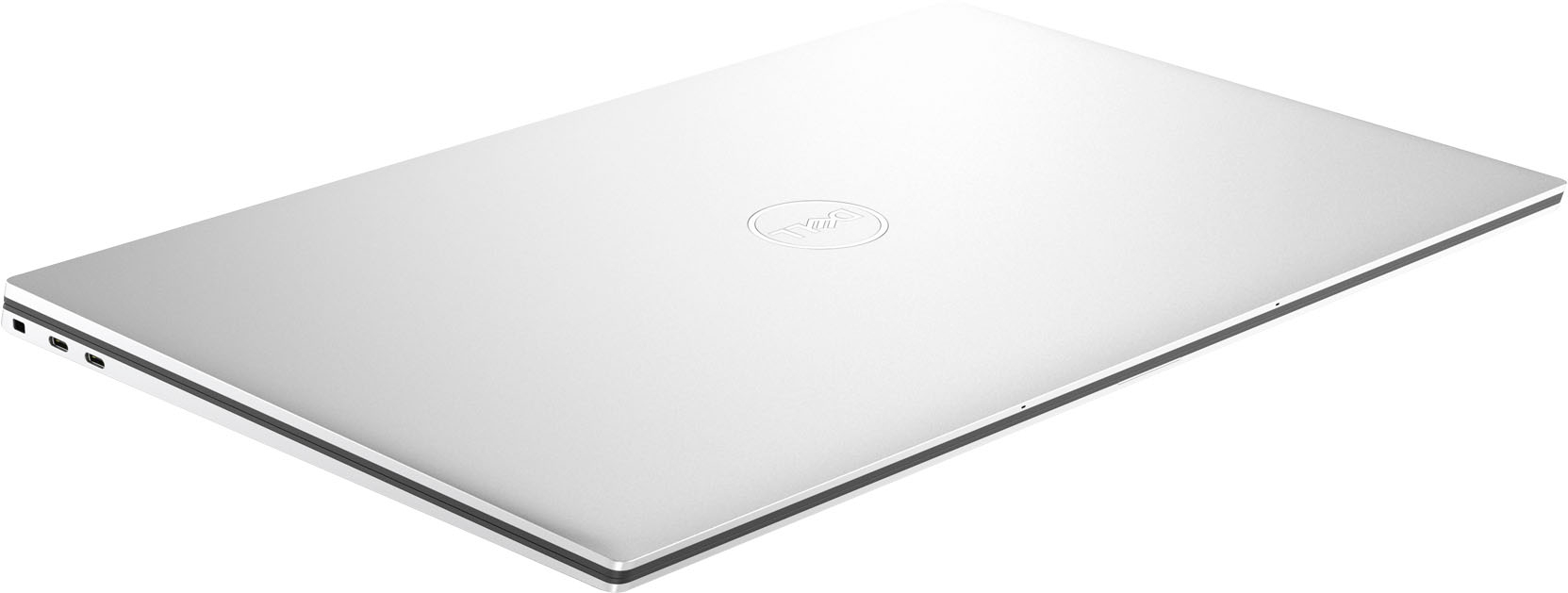
|Posted .This reviewer received promo considerations or sweepstakes entry for writing a review.A lot of us rely on our laptops daily, and some people need more than the basics. The Dell XPS 15 (XPS9530 series) is several steps above, and gives you some room for more advanced tasks. Like most people, I do normal things like email and web browsing, but sometimes I will edit short videos, do motion screen shots of things I want to save, and more that can slow down lower-end laptops. You need something like this XPS 15 for these, and with only one exception, it does it. Specs out of the way, it has the latest i7 Intel processor (13th generation), 16 gigs of DDR5 RAM, a 1 terabyte SSD fast storage drive, and a NVIDIA GeForce RTX 4050 video card with a dedicated 6 gigs of RAM for video – this helps quite a bit with video editing/rendering over systems that have built-in (integrated) graphics. The 15.6” screen has a resolution of 1920 x 1200 pixels, and while I would have liked to see a 2k or 4k screen at this price point, it’s still very bright, colorful, and has lots of detail. Air cooling vents are on the bottom, and two really nice speakers are on each side of the keyboard (which is void of having a dedicated numeric keypad, though). There are two USB-C “thunderbolt” ports on one side, and one USB-C port on the other; due to how thin the body is, there are no traditional USB-A ports or even a HDMI port on this machine, but, Dell does include a dongle you can plug in that gives you one of each port if you need it. Not idea, but given the thinness, all they could do I guess. You get a year of McAfee Antivirus with it should you want it. Make sure you take the time to run all Windows and firmware updates when you set the XPS 15 up initially – there are several to be installed. Once that was out of the way, I’ve so far used it for large multi-megapixel photo files, as well as rendering short videos using an old Microsoft rendering program that I use to tax systems because it’s pretty resource heavy. While the XPS’s fan definitely kicked on when rendering video, it wasn’t obnoxiously loud, and not long after done quieted down again. Photo and video editing looks good on the screen. Playing video back at high resolutions didn’t skip or blip at all and also looked good on the screen. The XPS hasn’t overheated or gotten noisy so far regardless of what I’ve done on it. Battery life is going to depend on what you’re doing with the machine and I haven’t used it enough for a specific hour rating. But I would say that while I’ve seen better, I’ve seen worse. A few hours is what you’ll get with mixed use, but if you’re going to go out all day with this laptop, I would suggest taking the charger with you. Now, for the Elephant in the room – the web cam. Ohhhhhh and it’s a BAD web cam, too. It’s only 720p in resolution and in a slightly dim but not “dark” room, I literally look like a sloppy watercolor painting when using it. If the pandemic taught us anything, it’s that laptop makers need to up their game and include higher-res and higher quality web cams on their machines, and at this prince point, it’s completely inexcusable to have such a bad one on this machine. So points off for that. If you video conference, you will need to invest in an external web cam for this model. Overall I do like this XPS 15 model. Good screen, and enough power with the processor, RAM, and good video card. The screen is good enough, keyboard has a decent feel when typing, the trackpad the right amount of glide and clicking, etc. I enjoy using it, and if not for (I have to say it again)… the HORRIBLE web cam, this would have been a 5 star rating, but I have to knock it down for that cam – sorry. Get an external one, and you’ll be fine with this machine. Still recommended.
I would recommend this to a friend - Pros mentioned:Battery life, Build quality, DisplayCons mentioned:Webcam
Powerful Beast
||Posted . Owned for less than 1 week when reviewed.This reviewer received promo considerations or sweepstakes entry for writing a review._____ *Pros: -Peppy performance from the latest Intel CPU, Intel chipset, and Nvidia GPU. -Fast NVME storage speeds. -High-quality IPS display with very minimal light bleed and edge-to-edge form factor. -Spacious and comfortable keyboard. -Large touchpad with great responsiveness and accuracy. -Comes with three Thunderbolt ports. -The four-speaker array sounds great. -Two M.2 2280 slots for hard drive upgrades and/or additions. -Two upgradeable RAM slots. -HDMI and USB-A dongle included. -Very good battery life with fast-charge option. _____ *Neutral: -No native HDMI or USB-A ports (have to use dongle). -At this price point, I expected at least a RTX 4060 GPU. -The display only supports up to 60Hz refresh rate. _____ *Cons: -Webcam is only 720P. -Have to pair my Bluetooth mouse daily. ** First Impressions. Build Quality and Design. ** As expected from a Dell laptop bearing the XPS moniker, my first impression of the 2023 XPS 15 was great. Even the box the laptop arrived in was good and memorable – the texture is smooth and dense-feeling, and the way the lid and internal dividers lift and fold away foreshadowed a well-built laptop with a great fit and finish. Once in-hand, the XPS 15’s looks and build materials did not disappoint. Although simple and kind of plain looking at first glance, a closer inspection revealed how premium it was – the metal lid with smooth chamfered edges that opens with just one hand, the carbon-fiber wrap around the keyboard deck that is smooth and easy to wipe clean, the perfectly-spaced keyboard keys with great travel, quick uptake, and low noise, the large glass Microsoft Precision touchpad with excellent tracking and responsiveness for easy gesture navigation, and the full-sounding audio speakers with a little bit of bass to make music playback more pleasant and immersive. The 15.6” display from Sharp is the best IPS laptop screen I’ve ever seen, and the edge-to-edge design on all four sides really maximizes your screen real estate. All of this could’ve been rendered inconsequential if the panel bled a lot but mine didn’t – it has the lowest amount of IPS glow I’ve ever seen and was almost undetectable to my naked eyes. The panel can get very bright as well, a good thing because I like to spend a lot of time on the front porch where there is abundant sunlight. With that said, it would’ve been nicer if Dell had put in a higher refresh rate panel for more comfort on the eyes when scrolling and reading on websites. My phone supports up to 120Hz refresh rate and the difference really is noticeable and a nice quality of life upgrade. On the topic of minor gripes, if I had executive control over the design of the XPS 15, I would’ve added at least one HDMI or mini-Displayport and at least one USB-A port. Dell does include a dongle with a full-size HDMI port and one USB-A port but, you know, dongle life is kind of inconvenient. I also don’t like that the webcam is only 720p for blurrier conference calls and video chats. My final gripe is with Dell’s choice of putting in the Nvidia RTX 4050 instead of the RTX 4060. At this price point, the RTX 4060 would’ve been a better fit and I think it would’ve attracted more people to the XPS 15 over the competition. I’ve owned 17 laptops during the past 20 years ranging from $600 budget laptops to $3,000 gaming ones, and the 2023 Dell XPS ranks at the top when it comes to build quality and comfort. I love the big bright screen, spacious keyboard layout, premium touchpad, good speakers, and the long battery life. ** Performance ** As expected from a laptop equip with Intel’s latest 13th-gen mobile processor and chipset, a Western Digital SN810 NVME drive, 16GB of SK Hynix DDR5-4800 memory, and the Nvidia RTX 4050 6GB GPU, the XPS 15 runs very fast and well. In other words, the performance keeps up with the premium looks of the machine. My usual productivity and work setup is having Google Chrome and Microsoft Edge open with ~30 tabs between them, music streaming in the background, and some remote-access and chat apps open in the background. I also do photo and video editing of my GoPro and drone footages, and the XPS 15 handled all of that just fine with no micro-stutters, jitters, or lagginess. Performance can be further improved if you’re willing and able to take off the bottom panel (eight T5 screws) – there are two user-accessible memory slots and two NVME drive slots. I’m currently fine with the 2x 8GB RAM setup but I’ve already added a second drive – a 2TB WD Black NVME. At this price level, a laptop should have excellent performance with great stability, and the XPS 15 definitely delivers. ** How is Windows 11 these days? ** The XPS 15 is my fourth PC that came preloaded with Windows 11, and I still prefer Windows 10 over it. I know I have to get used to Windows 11 with Windows 10 being sunset, but to make the transition easier and less jarring, I installed an app called ExplorerPatcher (author: Valinet) that restores the Windows 10 Start Menu and context menus among other things. I highly recommend it if Windows 11’s new Start Menu and navigation options irk you. I’m not exaggerating when I say that it has improved my quality of life greatly. To my pleasant surprise, the Dell XPS 15 wasn’t preloaded with lots of third-party apps, the usual suspects being Facebook/Meta Messenger, Instagram, Disney+, TikTok, Netflix, Candy Crush, etc. The only app I removed was McAfee security. There were, however, many Dell utilities preloaded, such as Dell Digital Delivery, Dell Digital Delivery Services, Dell Optimizer Service, Dell Pair, Dell SupportAssist, Dell Update, and MyDell. A few of them are important to keep, such as SupportAssist for handling warranty claims with Dell, and Dell Update for BIOS and driver updates. To sum it up, Windows 11 is okay but it still needs to improve the user UI and navigation experience in my opinion. I’m totally fine with its other aspects such as responsiveness, stability, and performance. ** Battery life and connectivity ** With its 86 Wh battery from manufacturer BYD, the XPS 15 is a stamina champ. I’m so used to 15”-16” laptops having so-so battery life, I was blown away by how long I could use the device. My BIOS settings (press F2 at bootup) for the battery charging mode is set to “Adaptive” and Thermal Management is on “Optimized.” The Windows 11 power option is set to its default “Balanced” mode, and with all my apps running in the background and the display brightness at 70%, I’m easily getting repeatable 6-7 hours of screen time. I LOVE it. Wi-Fi performance from the Intel Wi-Fi 6E AX211 adapter has been fast and stable. I’m experiencing issues, however, with Bluetooth connectivity with my Logitech MX Anywhere 3 mouse. After waking up the XPS 15 from hibernation, my mouse loses connection after a while and I have to remove the mouse from Settings and go through the pairing process again. This has been really getting on my nerves because I have to set up the mouse at least once daily. All of my other laptops work nicely with my MX Anywhere 3 mouse except for one other laptop which is the 2022 Dell XPS Plus 13. ** Is the Dell XPS 15 worth the coin? ** Mostly. On one hand, you’re getting your money’s worth from a laptop with excellent build materials and impeccable fit and finish, as well as fantastic performance from Intel’s best offering from 2023. The XPS 15 is fast, the display is bright and crisp with very minimal light bleed, and the ergonomics from the excellent keyboard and large touchpad are top of the class. On the other hand, it’s not really a good value due to some corners that Dell cut, mainly with the not-cool 720p webcam and the Nvidia RTX 4050 discrete GPU. If Dell had included a 1080P webcam and at least a RTX 4060 GPU at this price point, then I would’ve rated this 5 Stars. If you’re not a laptop gamer, which I’m not, then I would give the XPS 15 4.5 Stars. If you are a gamer, then I would say it’s only 4 Stars. With that said, I’m still very happy with my XPS 15, and it’s my favorite laptop and my go-to daily driver.
I would recommend this to a friend - Pros mentioned:Display, PerformanceCons mentioned:Webcam
This laptop nails the work / life balance
|Posted .This reviewer received promo considerations or sweepstakes entry for writing a review.Before going any further, I want to make a statement that I've never once said about a laptop. The Dell XPS 15 has great internal speakers, and hands down beats any other laptop speaker I've encountered. The Dell XPS 15 is a fantastic all around laptop build in a quality housing. Starting with the specs, this Dell comes with Windows 11 and boasts a full high definition 15.6" display, 13th gen Intel i7, GeForce RTX 4050 GPU, 16 GB RAM, and 1 TB SSD. This means that the laptop is well equipped to do it all, stream movies, power through graphics rendering, make light work of your heaviest macro file, and wrap it all up with some decent gaming performance. In the box is the laptop, power cord, USB-C to USB A / HDMI 2.0 adaptor, and paperwork. The laptop weighs 4 lbs, and feels sturdy yet lightweight on its aluminum chassis. The casing has sleek lines, scratch resistant diamond cut sidewalls, inlayed logos, one hand opening, and a carbon fiber look palm rest. The speakers run the length of the keyboard on both sides, and the precision touchpad is a generous 3.5" wide by 6" long. The perimeter contains a media card reader, headphone jack, and 3 USB-C ports (note you lose one when charging). To offset Dell has included a dongle to give you a HDMI and USB-A port. This is minor for me, as I typically work off a docking hub, but may be a point to consider if you run heavy peripherals on the go. The screen is a 15.6", 1920 x 1200 (16:10 aspect ratio) resolution, 60 Hz refresh rate LED. The display is an InfinityEdge design, this means the sides are only 1/8" wide, so the screen gets almost the full real estate of the casing. I use my sunroom as a home office, and with 500-nit brightness and anti-reflective screen, I can use this laptop, even with full sun behind me (see photo for example). Performance wise, the SSD delivers super fast start up and load times in comparison to many stock laptops. Software wise, I ran normal Office suite exercises, opened multiple browser tabs, streamed videos, took a video conference and the laptop didn't hang, didn't stutter, processed tasks quickly, and overall powered through everything I threw at it that I do in a normal day at the office. I also ran 3DMark Fire Strike Ultra benchmarking (typically used to check gaming builds) and the results were decent. This laptop will power most games without stutter, but you'll experience some heat and fan noise as you start to push the capabilities of the GeForce RTX 4050 GPU. Overall, this is my favorite all purpose laptop to date, it works well, plays well, is light weight, and has a fantastic screen and speakers. Minor nitpicks are that I'd prefer more ports built in to improve portability, I'd like a crisper internal webcam, and I wish the GPU was a bit stronger. That being said, for an off the shelf build that I can do a lot of everything with, I don't think that's worth taking off a star. I think this is a rockstar laptop to take to college, those that need one machine for both work and gaming, and for anyone who is forced to use laptop speakers (because they are that impressive).
I would recommend this to a friend - Cons mentioned:Webcam
It's Just Okay, but not great.
||Posted .This reviewer received promo considerations or sweepstakes entry for writing a review.I bought this today and I'm basically doing nothing on this Dell XPS 15 but I can still hear the fans. The only thing that I had opened was Brave for my internet browser and just opened up the settings for the laptop itself and I could hear the fans. My ears can be pretty sensitive at times, I'm going to end up returning this and I will be switching it for the 15 inch MacBook air instead. Mainly because it's fanless. Also the Keyboard Backlight doesn't get that bright. Though the laptop screen itself does get very bright. Lastly, I wish this was at least a 2k panel and I have no idea why Dell is using a crappy 720p webcam on this laptop. Makes no sense at the end of 2023. I do like the build quality though, but that's about it.
No, I would not recommend this to a friendBrand response from YourDellTeam
Posted .Hello There Her0,
Thank you for taking the time to leave us your review. We apologize for the fan noise issues that you are experiencing with your Dell XPS 15 Laptop. It's important for us to hear about discrepancies in our products for consideration of future development. Below I have provided troubleshooting instructions with the full article that can help resolve this issue.
Here are the steps to help resolve your fan noise issue:
1. Check and clean air vents.
2. Provide proper ventilation.
3. Run a hardware diagnostic test.
4. Update the BIOS and device drivers.
5. Download and install Microsoft Windows Updates.
6. Run optimize my computer using Dell Support Assist.
7. Limit startup programs.
8. Scan your computer for malware.
How to Troubleshoot Fan Issues: https://dell.to/33NYLLE
If you continue to experience issues, please reach out to Dell Support directly by using the information provided below.
If you need further assistance, we recommend using the toll-free number or chat link below at your convenience to reach a member of our Dell Support Team.
Chat or call: https://bit.ly/DellSupportTeam
Phone number to Dell: 1-800-624-9896
Best,
Summer@Dell