Customer Ratings & Reviews
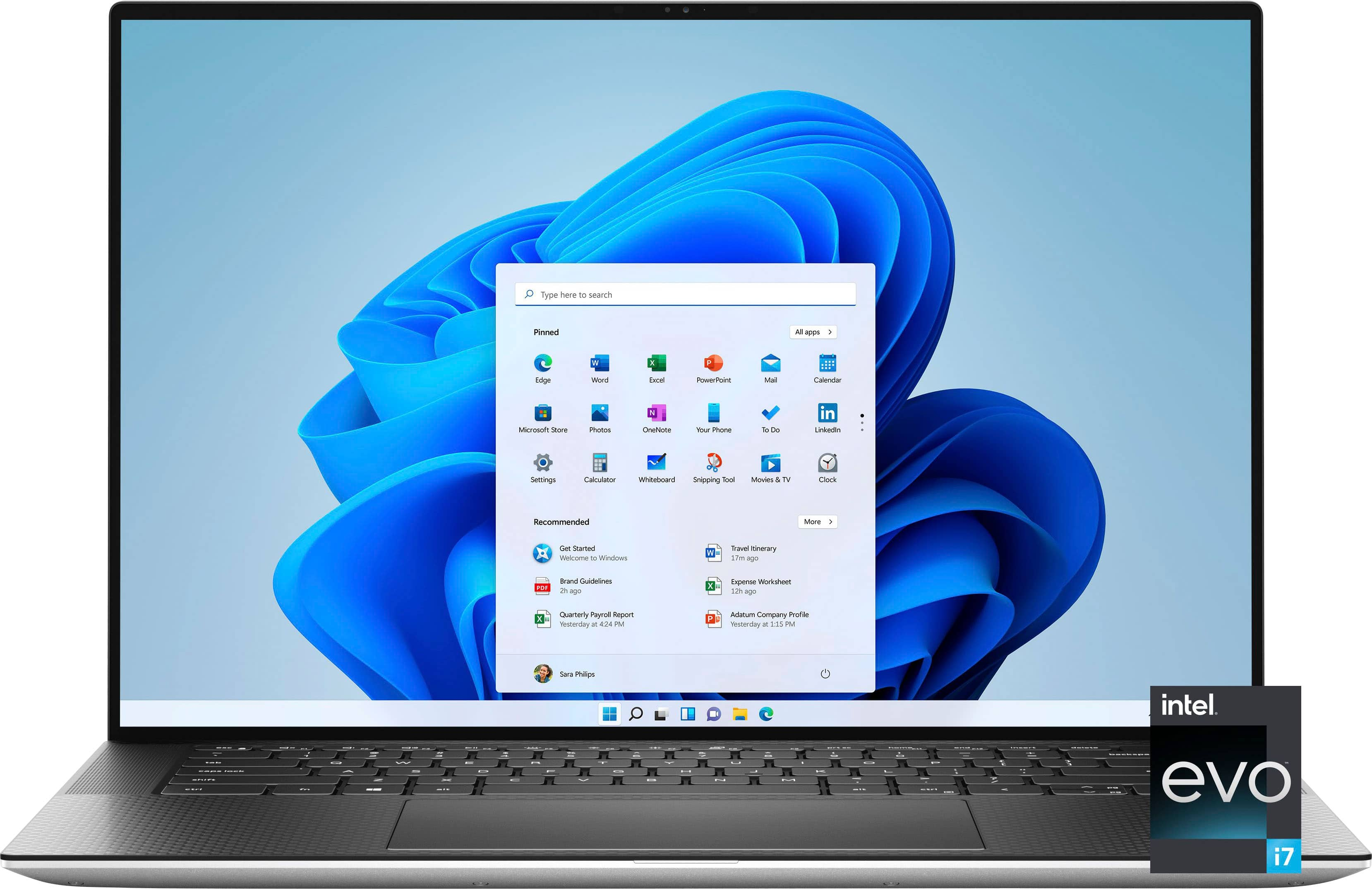
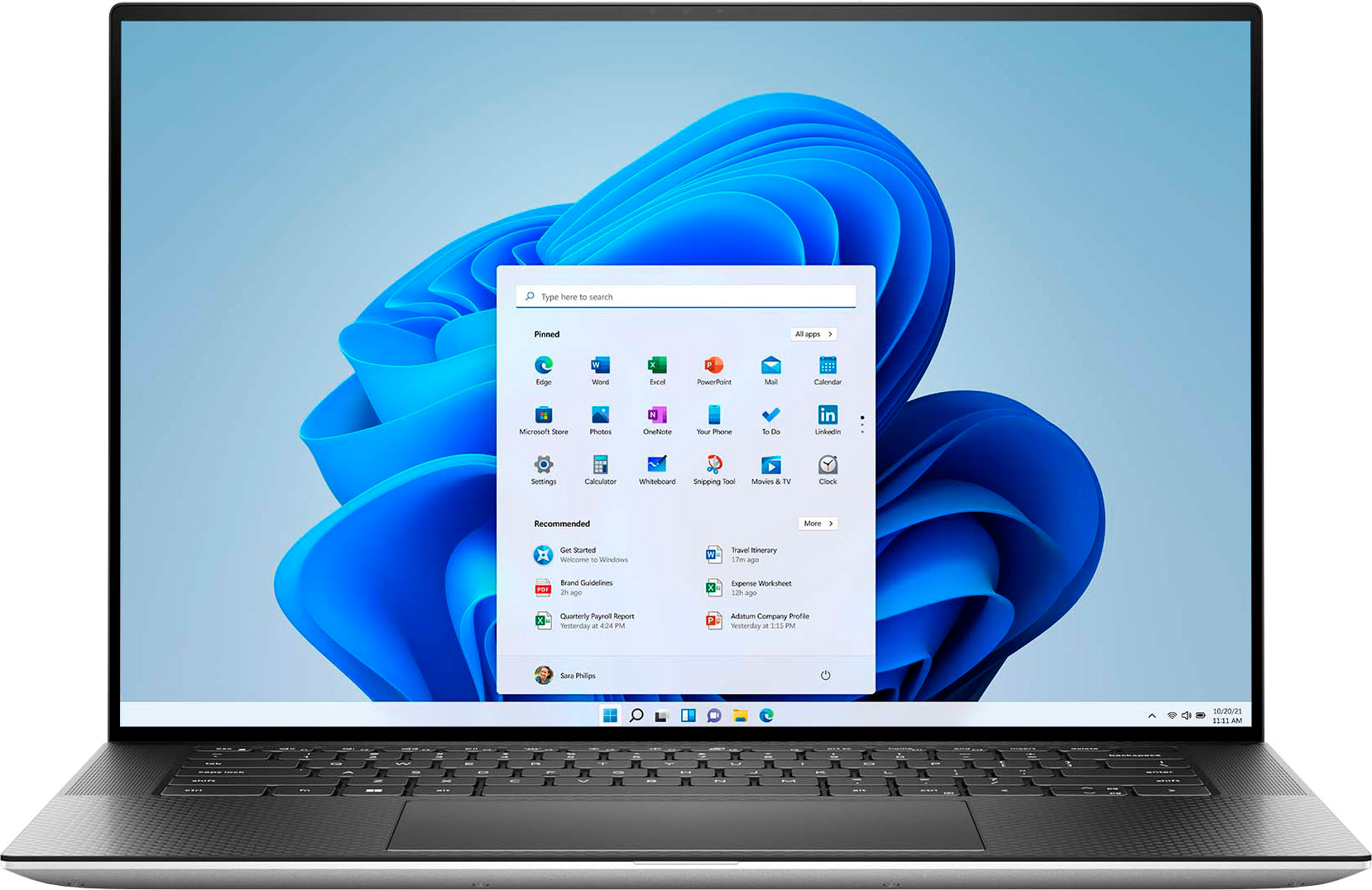
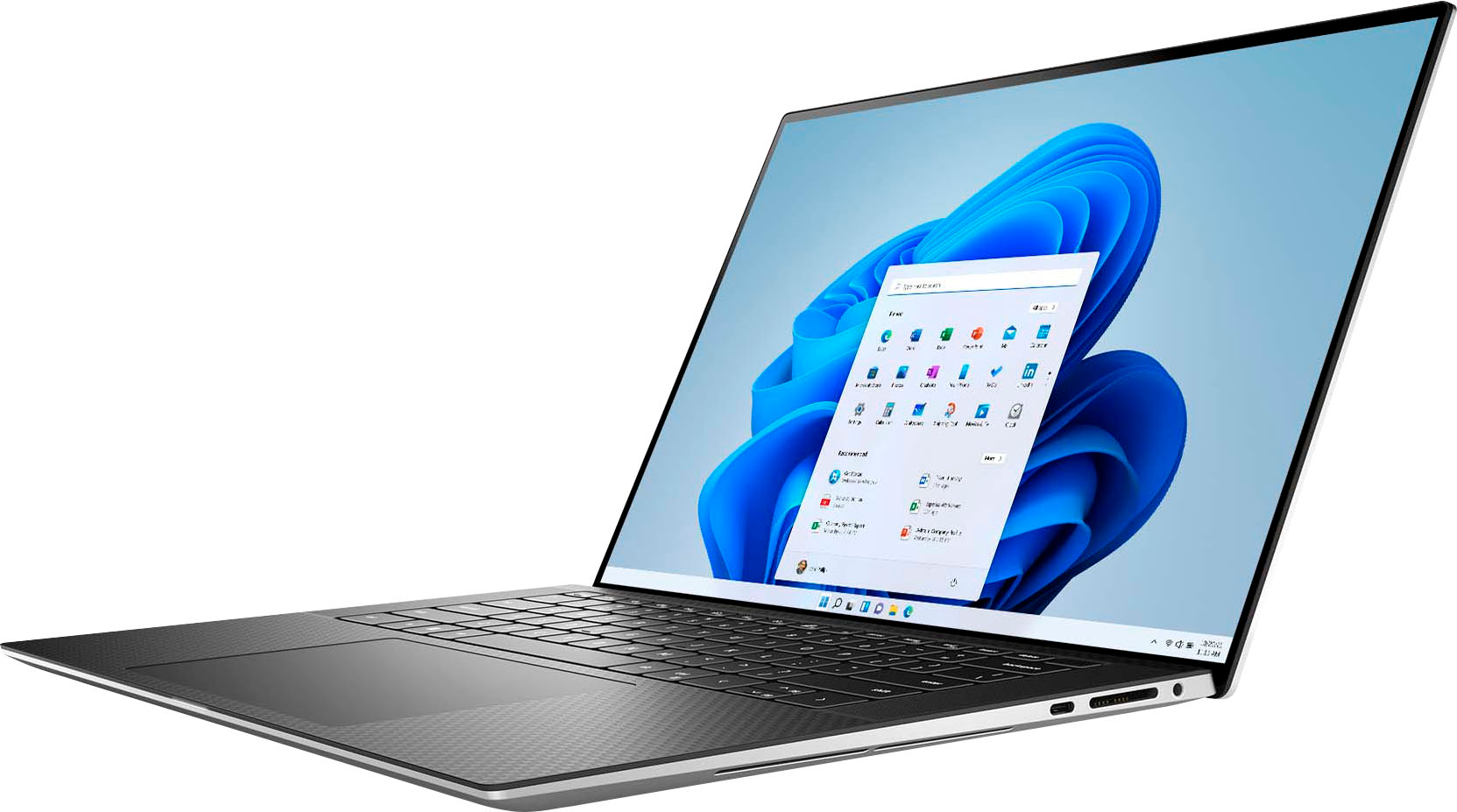
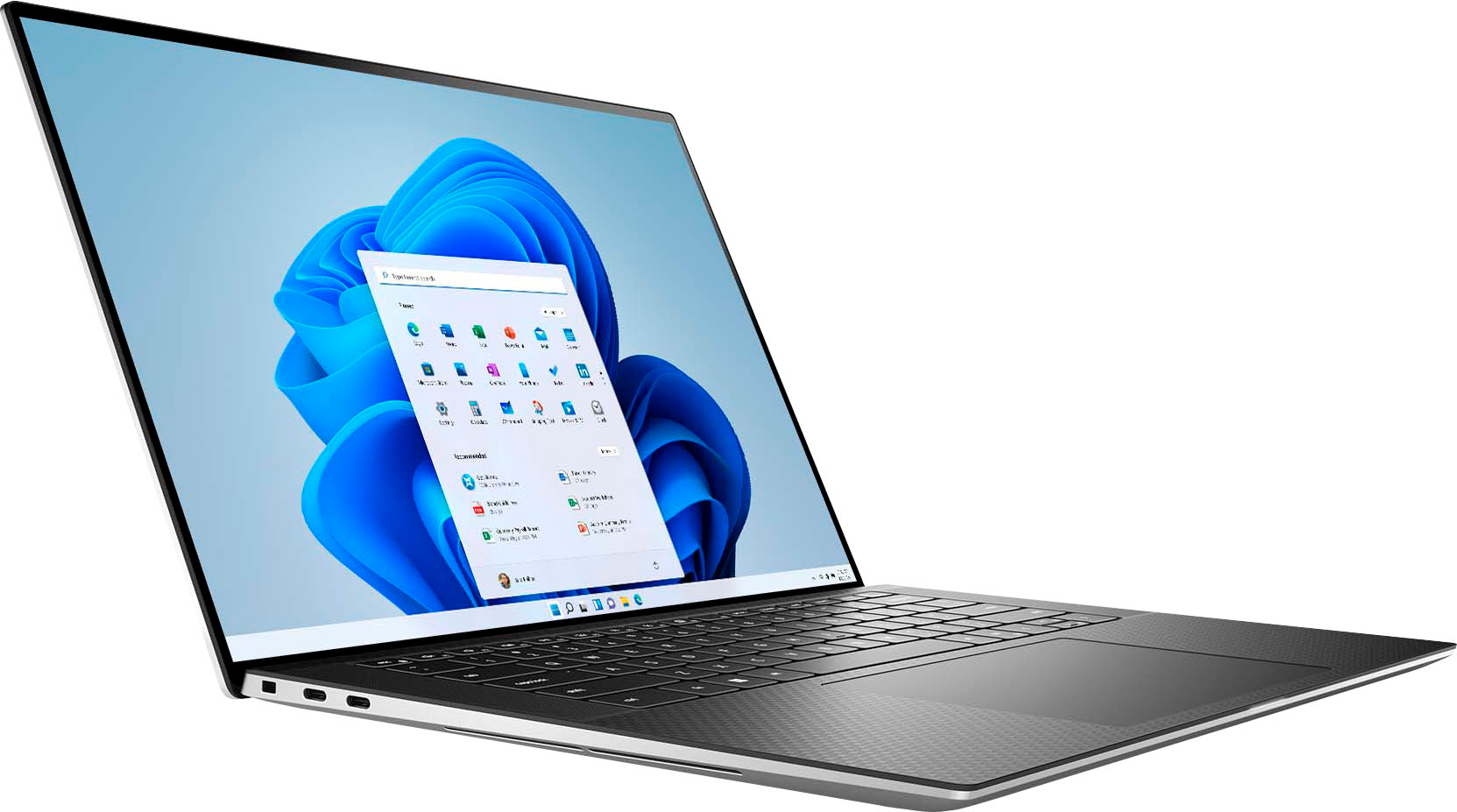











- Model:
- XPS9530-7701SLV-PUS
- SKU:
- 6540610
Rating by feature
- Battery Life
Rating 4.5 out of 5 stars
- Speed
Rating 4.7 out of 5 stars
- Display
Rating 4.6 out of 5 stars
Customers are saying
Customers are satisfied with the fast performance, sharp display, long battery life, and high build quality of the XPS 15. They appreciate the powerful performance, upgradability, and responsive nature of the laptop. However, some customers have concerns about the overheating issue and the low-resolution webcam.
This summary was generated by AI based on customer reviews.
Laptop freezes up
||Posted . Owned for 1 month when reviewed.This reviewer received promo considerations or sweepstakes entry for writing a review.The reason I'm giving it 1 star is because the laptop started freezing up shortly after I bought it. Specifically, after booting up and logging into Windows, it freezes after anywhere from 2 to 15 minutes or so. I tried multiple potential fixes I found online, including disabling C states in the BIOS, downloading the latest NVIVIA graphic card and BIOS drivers, and even reinstalling Windows, but nothing works. I’m sending it back to Dell for repair so hopefully they’ll be able to fix it. I’ve had many Dell systems through the years and this is the first one that has malfunctioned from the start. I will update my review after I get it back from Dell, but so far it's very disappointing.
No, I would not recommend this to a friendBrand response from YourDellTeam
Posted .Hey EnricC,
Thank you for taking the time to leave a review and for your feedback. We are sorry to hear that you are experiencing freezing issues with your Dell XPS 15 laptop. It's important for us to hear about inconsistencies in our products for consideration of future development. Below I have provided troubleshooting instructions with the full article that can help resolve this issue.
Here are the steps to help resolve your freezing issue:
1. Search for Windows Error Codes.
2. Run a Computer Diagnostic.
3. Run Routine System Maintenance.
4. Update Drivers and BIOS.
5. Check Air Vents.
6. Check Safe Mode Symptoms.
7. Update Windows.
8. Uninstall, Reinstall and Update Software.
9. Look for Multiple Anti-Virus Programs.
10. Check for Malware.
11. Use System Restore.
12. Factory Install or Reinstall Microsoft Windows.
You can read the full article on solving freezing issues here: https://dell.to/33Y2KFn
I have also added a video link for additional troubleshooting: https://bit.ly/3qzpXZg
If you still experience any issues after you have finished troubleshooting your laptop using the steps above, please reach out to us at: https://bit.ly/DellSupportTeam
We look forward to making this right for you!
Chat or call: https://bit.ly/DellSupportTeam
Phone number to Dell: 1-800-624-9896
Best,
Summer@Dell
Not for me
||Posted . Owned for 9 months when reviewed.This reviewer received promo considerations or sweepstakes entry for writing a review.I personally hated this laptop lots of update out of the box, ran really slow. I could barely lode up google. I had gotten it in Store and returned it within 2 hours
No, I would not recommend this to a friendScreen Flickering
||Posted . Owned for 3 months when reviewed.This reviewer received promo considerations or sweepstakes entry for writing a review.Within two weeks the screen started flickering and after more research it looks like this is known issue with not only this laptop but a lot of Dell XPS laptops. I would look to other brands or models.
No, I would not recommend this to a friendBrand response from YourDellTeam
Posted .Dear Matt,
We value your feedback and want to thank you for taking the time to leave a review of your Dell XPS 15 FHD+ Laptop. We sincerely apologize for the screen flickering issue you have encountered with your laptop. This is not the type of feedback we like to hear from our customers, or the type of product Dell intends to deliver. Feedback like yours helps us improve our current and future products.
To help you with the screen flickering that you are experiencing, I have provided troubleshooting steps with the full article that can resolve the issue.
1. Verify display or video issues on an external monitor.
2. Check for physical damage on the LCD screen.
3. Run hardware diagnostics on the LCD screen.
4. Verify the display or video issue in Windows Safe Mode.
5. Update the video card (GPU) driver, monitor driver, chipset driver, and BIOS.
6. Download and install Microsoft Windows Updates.
7. Change the video or display settings, and adjust the brightness.
8. Touch screen troubleshooting.
9. Run a Video Stress Test using Dell SupportAssist.
10. Perform a Windows System Restore.
11. Restore the computer to factory defaults.
How to Troubleshoot Display or Video Issues: https://dell.to/2Sx1VkZ
If you are still experiencing issues or have any questions, We would love the opportunity to help you but will need a little more information. Please take a moment to call or chat to speak with a Dell representative at your earliest convenience using the information provided below so that we can help you resolve the issue to your satisfaction.
Chat or call: https://bit.ly/DellSupportTeam
Phone number to Dell, 1-800-624-9896
We look forward to making this right for you!
Best,
Minhaj@Dell
Dell failed me big time.
||Posted . Owned for less than 1 week when reviewed.This reviewer received promo considerations or sweepstakes entry for writing a review.Was so excited to get this. but in the 3 days I had it it forced me to reinstall the os 3 times. spent days re installing the software. Dell did a good job on design but beware of the poor software they install. No more dell for me again. I think I'll be getting a chromebook...at least its reliable
No, I would not recommend this to a friendBrand response from YourDellTeam
Posted .Hey There norton712,
Thank you for taking the time to leave a review of your Dell XPS 15 laptop. We are sorry to hear that you are not completely satisfied with your device and had trouble with installing your operating software. That is not the type of feedback we like to hear from our customers, or the type of product Dell intends to deliver. If you need further assistance, we would love to assist you. Below I have provided the toll-free number and chat link for our Dell Support team for your convenience. In the meantime, we have noted the details of your statement and will use them to improve current and future products.
If you need further assistance, we recommend using the toll-free number or chat link below at your convenience to reach a member of our Dell Support Team.
Chat or call: https://bit.ly/DellSupportTeam
Phone number to Dell: 1-800-624-9896
Best,
Summer@Dell
Disappointed
||Posted . Owned for 1 month when reviewed.This reviewer received promo considerations or sweepstakes entry for writing a review.I have been unablle to use this computer so far, not a reflection on the cocmputer, but that I cannot get the mouse to work, and I specified when I ordered this machine that it had to have a mouse. I cannot do touch-screen.
No, I would not recommend this to a friendBrand response from YourDellTeam
Posted .Hello KarenM,
Thank you for taking the time to leave us your review. We are sorry to hear that you are having touchpad sensitivity issues in regards to your Dell XPS 15 Laptop. This is certainly not the experience that we like to hear from our customers. We will share your concern with our quality team so that improvements can be made to our current and future products and services. Below I have provided troubleshooting instructions with the full article that may be able to resolve the issue.
Here are the steps to help resolve your touchpad issue:
1. Ensure the touchpad and your finger do not have any dirt, grease, liquids, or food on them (the touchpad has to make good contact with your finger to work correctly).
2. Ensure that the touchpad is turned on.
3. Save any data, close any open programs and restart the computer by using a wired USB mouse (if available) or Bluetooth mouse if it is already installed, if not, press hold the power button for at least 15 seconds to turn the computer off.
4. Unplug everything except the power cable.
5. Turn the computer back on and retest the touchpad.
6. When the cursor does work correctly, attach one device at a time, and test the cursor movement to see which one may have caused the issue.
7. Ensure that the BIOS and Chipset drivers are updated to the latest version.
Touchpad Usage and Troubleshooting Guide: https://dell.to/3zwM1rp
If you continue to experience touchpad issues, please reach out to Dell Support directly by using the information provided below.
If you need further assistance, please reach out to us at: https://bit.ly/DellSupportTeam.
Chat or call: https://bit.ly/DellSupportTeam
Phone number to Dell: 1-800-624-9896
Best,
Summer@Dell
- Pros mentioned:Battery lifeCons mentioned:Overheating

The Dell XPS 9530 is a Sound, Multitasking Machine
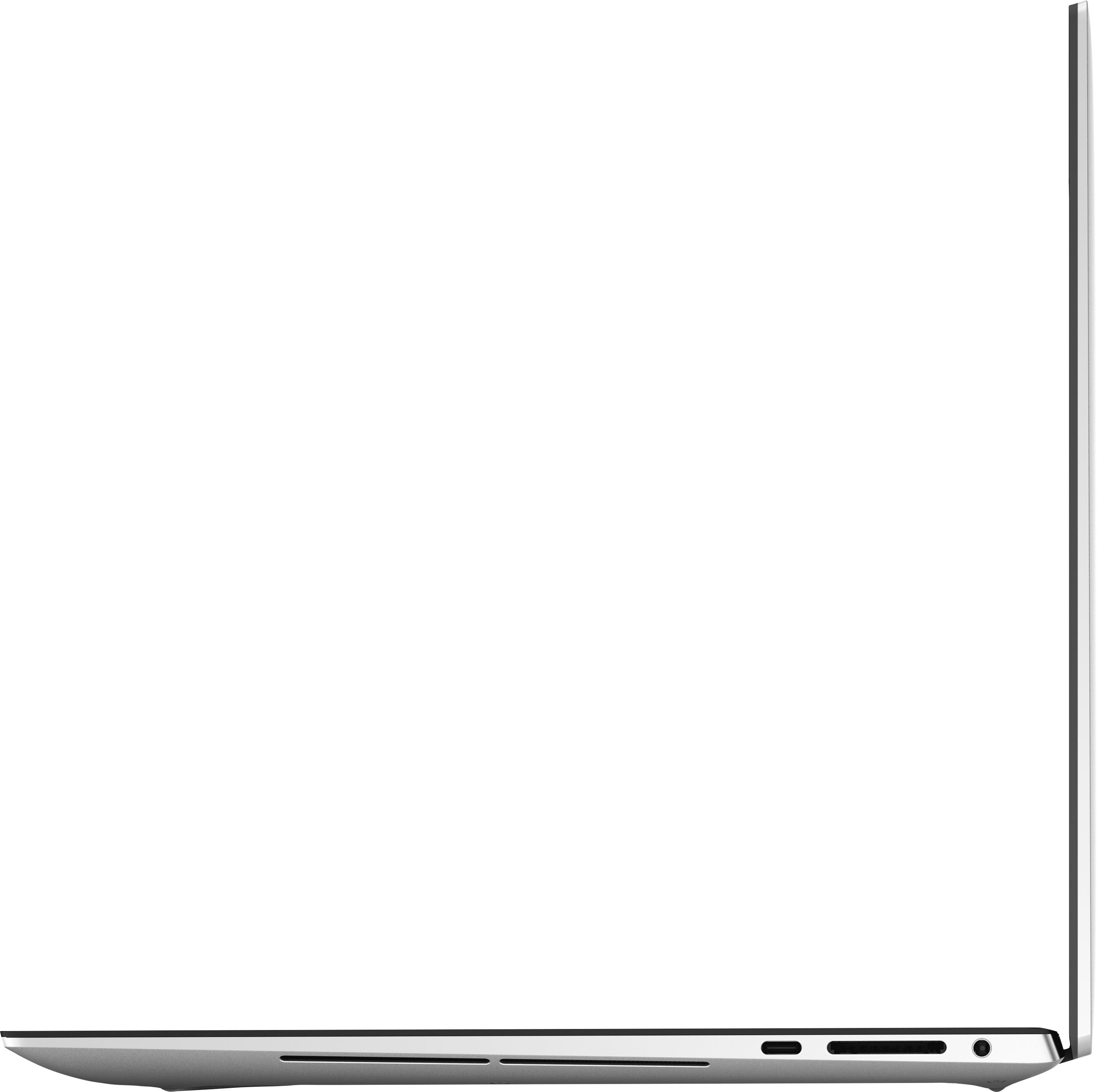
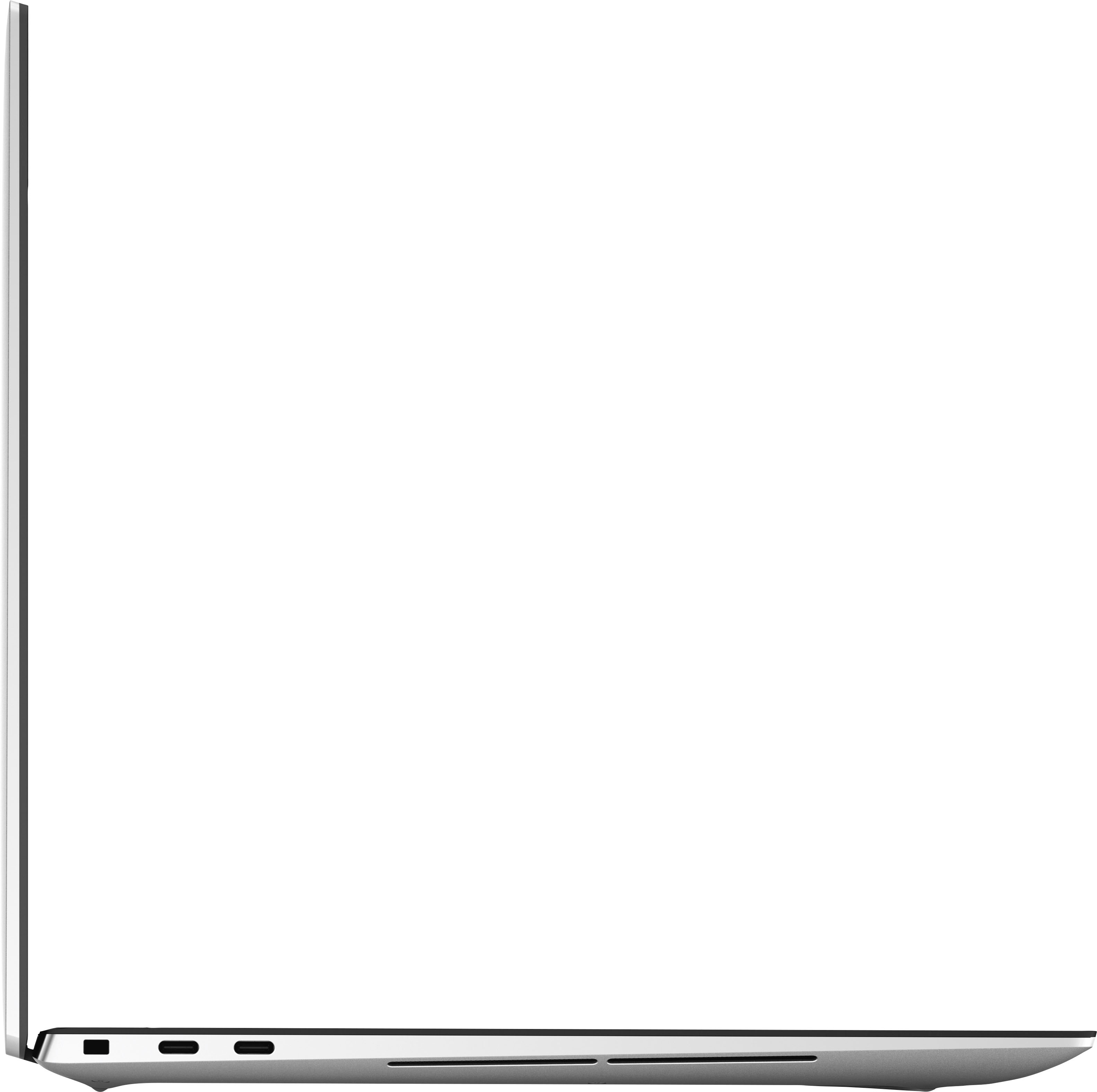
|Posted .This reviewer received promo considerations or sweepstakes entry for writing a review.The Dell XPS 9530 offers a large screen, plenty of storage with a 1TB hard drive, and Excellent Graphics featuring the GeForce RTX 4050. However, some things make this laptop not as great as it can be. PROS: - Premium Chassis/Build - Fast Processor - Storage Capacity - Graphics - Battery Life - Sound CONS: - Overheats - Sleep mode is finicky - Lack of Touch-Screen and Camera - USB The Dell XPS 9530 features a premium aluminum build. The laptop is not too heavy, but not heavy enough that you cannot hold it in your lap to take notes or watch videos. The keyboard is comfortable to use, along with the D-pad; clicking and moving the cursor is comfortable and easy to use. Additionally, the chassis is easy to open, and surprisingly, I was happy to see that upon opening it up that you can expand the memory from 16 GB of memory to 32 GB of memory. Speaking of memory, the Dell XPS 9530 includes 16 GB of memory, along with a 13th generation Core i7 Evo Processor for multitasking without the lag. I specficially tested out the performance by running Spotify, along with Photoshop (editing photos I downloaded from my Microsoft OneDrive account). Additionally, I had multiple tabs opened in Firefox. I did not experience any lag while I switched back and forth between programs, browser tabs, and music. Also, the 1TB of included storage is plenty, especially if your photos, videos, and files are backed up in the cloud via Google or Microsoft. However, If you edit photos/videos or plays PC games, you will be happy with the storage capacity. More so, I installed various games (including Skyrim) to test the graphics and processing speeds. I tested the game Skyrim with the GeForce RXT 4050 graphics card, and I have mixed feelings. First, the graphics card is capable of performing with PC games. I felt the visuals were stunning, but I experienced a keyboard that heated up and the PC fans turning on (a bit noisy) about twenty minutes into my gaming session. However, when I watched YouTube videos and streamed Netflix, I did not experience the keyboard heating up or the PC fans trying to cool down the laptop. Again, I was not disappointed because this is a decent 40-watt capable graphics card, but there are better out there. Next, the battery life was exceptional with the XPS 9530. On a full charge, I used the laptop for eleven hours before I received a notification to plug-in the laptop. I did turn the brightness down on the XPS 9530 to sixty percent, and I still had exceptional performance from the battery and display. The display is bright and vivid with beautiful colors, including deep blacks and rich tones. Lastly, the integrated speakers were loud; bass and treble levels can be adjusted for a richer unique sound. Music sounded incredible through the speakers, whereas dialogue in the movies I streamed was clear and concise. However, there are some cons that I need to address. One of those is the overheating I experienced when playing PC games. Oddly, the keyboard was warm to the touch (not hot), and I experienced the cooling fans reacting and trying to cool down the XPS 9530. Additionally, I felt the performance suffered as well, as I experienced a bit of lag from the game I played. Again, if you multitask (at minimum), you may not experience any issues. Gaming, on the other hand, the XPS 9530 (over time) did not perform. Now, when I was listening to music through Spotify, I shut the laptop and walked away from it. When I walked up to use the XPS 9530 again, I could still hear music playing, and the screen was still active (or on). In my previous experience, shutting the laptop activates "sleep mode." I attempted to do the same thing again, and the music stopped playing/the monitor turned off. I am not sure if Dell will address this later on with an update, but it is a strange occurrence. Although not entirely a deal-breaker, I expect a laptop of this magnitude to include a touch-screen. Unfortunately, the XPS 9530 does not have a touch-screen functionality. Additionally, the web cam on the front is only 720p. I was a bit surprised because when I went in to change the settings, that was the maxium setting I could adjust. Again, I expect a laptop with these capabilities to include a better camera and touch-screen functionality. Lastly, the XPS 9530 includes an SD card slot and three USB-C (two thunder ports) for charging and plugging in external devices. However, a USB-A port is not integrated in the laptop; Dell did include an adapter with an HDMI and USB-A port. I would have rather have seen both integrated into the chassis and design. The Dell XPS 9530 is an excellent laptop with incredible storage capacities, excellent sound and graphics, a solid processor with quick response and enough memory to help with multitasking. The concerns with the laptop are the overheating issues I experienced and the odd sleep mode function when I close the lid on the laptop. I would have liked to see a better webcam and a touch screen included in the future of this laptop line. Overall, the XPS 9530 is an excellent laptop for work functionality, listening to music, streaming, and minimal gaming.
I would recommend this to a friend Worst laptop ever owned. Doest last a month
||Posted . Owned for 1 month when reviewed.This reviewer received promo considerations or sweepstakes entry for writing a review.Awful, terrible, horrible computer. Its only just over a month and the screen whites out and fades in and out of color. This is the worst lsptop and largest waste of money.
No, I would not recommend this to a friendBrand response from YourDellTeam
Posted .Hello VincentS,
We appreciate you taking the time to leave us your review. We are sorry you are experiencing display issues with your XPS 15 Laptop. It's important for us to hear about discrepancies in our products for consideration of future development. To help you with the display that you are experiencing, I have provided troubleshooting steps with the full article that can resolve the issue.
Here's the steps to help resolve your issue:
1. Verify display or video issues on an external monitor.
2. Check for physical damage on the LCD screen.
3. Run hardware diagnostics on the LCD screen.
4. Verify the display or video issue in Windows Safe Mode.
5. Update the video card (GPU) driver, monitor driver, chipset driver, and BIOS.
6. Download and install Microsoft Windows Updates.
7. Change the video or display settings, and adjust the brightness.
8. Touch screen troubleshooting.
9. Run a Video Stress Test using Dell SupportAssist.
10. Perform a Windows System Restore.
11. Restore the computer to factory defaults.
You can read the full article on solving display issues here: https://dell.to/2Sx1VkZ
If you need further assistance, we recommend using the toll-free number or chat link below to reach a member of our Dell Support Team.
Chat or call: https://bit.ly/DellSupportTeam
Phone number to Dell: 1-800-624-9896
Best,
Summer@Dell
- Pros mentioned:Battery life, DisplayCons mentioned:Ports
Poor Tradeoffs Between Gamer and Design Foci
|Posted .This reviewer received promo considerations or sweepstakes entry for writing a review.The Dell XPS 15 with a RTX 4050. When is a gaming laptop not a gaming laptop? When it's an XPS. This 15.6" laptop weighs in just over 4lbs with a blistering Core i7, 16 gigs of RAM, the aforementioned RTX 4050 with 6GB of it's own RAM, and a 1TB SSD. The specs scream gaming laptop but the looks. . . the same gray as many other Dell laptops you'd see round a business conference table. Is this meant to be a workhorse or a playhorse? Well, let's get some things out of the way, the display is gorgeous. 1080p, beautiful, and bright. And despite it's size and weight, pretty generous battery life. Going through a normal day of work for me, this lasted 6 hours on the battery. Yes, this is lower than the rating, but to be fair, my workloads can be pretty CPU and GPU intensive. It's best to look at this relatively speaking. My normal work laptop of similar size and weight with an RTX 3070, it barely squeezes out 4 hours. And the fourth hour usually requires me to change it to a battery optimized power mode and turn down screen brightness. On the Dell, I just ran normally until it died. So kudos to Dell for something where I can likely squeeze out a full day actually untethered to a power cable without needing to compromise or what inevitably happens, retreat to my office to either grab the power adapter or remote desktop from my desktop computer to finish out the day. The Core i7 did it's job. Seemed par for the course. I didn't notice any difference from my other i7 machines. 16GB of RAM is pretty much standard fare, gamer or not, so again preforming as expected / keeping up with the joneses. Given the short timeframe, I didn't actually do much with the SSD besides installing a couple games and EDA software then bring up my work environment over git. It seemed snappy and benchmarking showed it was plenty fast - no weird read or write speed abnormalities or places where it seemed bottlenecked. Graphics performance is where this starts to disappoint a bit (beyond the looks). Again, this is relative, but the RTX 4050 seems hampered in the Dell chassis. Looking it up, it's limited to 40W TDP. Technically, this should be able to match or outclass the 3070 in my other laptop but sadly the Dell was not up to the task. To be fair, as a work machine, it felt equivalent. The 4050 was certainly up to the task for my design software and handled rendering 3D views and moving objects around with ease. I never saw any hiccups when routing a project or moving around across different project windows. Jump into a game, and you start to notice about a 20% difference in sustained framerate. Unfortunately, this seems to be the tradeoff for the great battery life. Usability wise, the laptop was mostly good. But there were a couple strange omissions which I'll get to in a moment. Yes, my lap did get a bit warm at times but what was nice is that my wrist did not have some moments where the palm rest was almost too hot to the touch. The screen feels well balanced, no worries of the laptop tipping over away from you when seated on your lap at the edge of a chair. The speakers were decent. Good, so I'm happy listening to game audio over them or watching YouTube videos. You can still tell a decent pair of earbuds are better, but happy on the sound front. So, the strange omissions. So, for something that seemed to straddle the work/play realm, apparently, a fingerprint reader is not standard. You can build these into the power button so I'm not sure why it needs to be a separate option on the XPS 15. Second, there's an appalling lack of ports. So, it looks like you have three USB-C ports (two are thunderbolt 4 so yay) but plug in the power adapter and that's down to two. And yes, you can output 4k+ video out thunderbolt but not having at least HDMI built in or USB-A is annoying. The USB-C nirvana isn't fully here yet and while I'm pleased with it as a work laptop on the go, looking at the way I use things in the office, I'd need to multiply USB-C hubs and a docking station just to get the same functionality I have currently with one docking station and my current laptop itself. So, while there are several things this XPS 15 gets well, I'm not seeing a good fit for it. It disappoints a bit as a gaming laptop. And while it gives with one hand as a work laptop it takes away with the other. While it's tradeoffs give it a thinner profile and longer battery life, given it weighs the same as another 15.6" laptop with a bit smaller battery and more power hungry components, I don't think you really notice the slimness of the XPS 15. So where that's normally an advantage, here it seems like an unnecessary optimization that perhaps robs the XPS 15 of being something better.
No, I would not recommend this to a friendBrand response from YourDellTeam
Posted .Hello There zboot,
We value your feedback and want to thank you for taking the time to leave a review of your Dell XPS 15. We are sorry to hear that your device does not meet all your gaming performance expectations. That is not the type of feedback we like to hear from our customers, or the type of product Dell intends to deliver. We have noted the details of your statement and will escalate them to our quality team for improvements on current and future products.
We recommend that you contact Dell directly with the information below if you need further assistance.
Chat or call: https://bit.ly/DellSupportTeam
Phone number to Dell: 1-800-624-9896
Best,
Summer@Dell
- Pros mentioned:Display, Performance
Has a few quirks, but really an awesome laptop
|Posted .This reviewer received promo considerations or sweepstakes entry for writing a review.TLDR Review: Excellent laptop for those needing top-notch performance in a high-quality and long-lasting build. Has a few quirks though that buyers must be aware of. The Dell XPS laptop line is Dell’s top-of-the-line laptop line usually geared toward professionals or those that are demanding with their computers. There are a ton of professional reviews posted by review sites that you can view, so I’m going to base my review off how the laptop works for me personally. First off, I want to commend Dell on their packaging of the laptop. Opening the laptop had a feeling similar (at least in my mind) to opening a fancy briefcase full of money. Dell really made the packaging feel like you were opening something special. And, it’s all recyclable. Kudos, Dell. Other things I like: Keyboard—keys are very clicky, though a bit loud. Everything is well-placed and spaced. Many reviews criticize the arrow keys, but I’m not sure I see a problem with them. Trackpad is huge and the palm detection during typing is spot-on. Tracking is probably as good as Windows PCs get, but Apple pads are still a bit better. At least it has a very satisfying ‘click’. Upward firing speakers. These get really loud and never sound muffled as compared to most other downward-firing laptop speakers. Sound quality is top-notch for a laptop, but audiophiles will still want to use a headset. Screen—The 1080p, matte screen is super nice. Yes, it’s not as high res as other expensive laptops, and no, there’s no touchscreen. But for me, neither of those are as important as accurate colors…and this screen is among the best out there for color accuracy. If you watch a lot of movies on your laptop, maybe splurge for a higher resolution screen. Performance—The 13th Gen. Intel processor line inside the XPS 15 is awesome. Everything moves at a brisk pace and stays cool enough that I rarely, if ever, hear the fan. You can see the benchmarks on other review sites, but in everyday computing (including some Android app development) you’ll be hard pressed to find a better performing laptop. Upgradability—If you remove the bottom of the laptop, you’ll find an empty 2nd m2 slot for another hard drive, and replaceable RAM. Both are a rarity in laptops these days. The (very few) things I dislike: Wifi chip is soldered on and not replaceable. Thankfully, it’s up to date as of now. Corners of the case can be rather sharp, especially when typing and your forearms rest on the palm rest area. Some trackpad lag when using gestures like zooming in and out. May be a Windows thing, rather than a laptop thing. Dell used a full-sized SD card slot instead of microSD. Who uses full-sized memory cards nowadays? Things to know about before purchasing (aka: quirks): No USB-A ports. I understand that USB-C is the future, and 2 Thunderbolt ports are great…but c’mon, give me just one USB-A port. Thankfully, Dell includes an adapter with HDMI and USB-A, but not as convenient as built-in ports. Power button could easily be pressed instead of Delete key. GPU not very strong. Look, this isn’t a gaming computer. Yes, it’ll handle some games okay on lower settings, but don’t expect great performance on all the newest games. Period. Not only is the Nvidia RTX 4050 not a very strong GPU to begin with, but Dell has locked the GPU to only 40 watts of input power which further hinders performance. This is likely due to thermal issues. Basically, the laptop has discrete graphics, but don’t expect much out of them. They’re enough to make picture and video editing a bit faster, but definitely not a substitute for a desktop-class GPU for gaming. I ordered this laptop to potentially replace an Asus Zenbook Pro Flip 15 with 12th Gen Intel i7 processor that I’ve enjoyed, but never feel in love with. After a week, I can confirm that this Dell is indeed the faster and more powerful computer. The Asus does have an amazing OLED touchscreen though. But, I’ve never used that screen to watch high resolution content or used it as a touchscreen tablet. After realizing that I didn’t need those fancy amenities, choosing the Dell XPS 15 was simple.
I would recommend this to a friend Do not buy it
||Posted . Owned for 1 month when reviewed.This reviewer received promo considerations or sweepstakes entry for writing a review.If I can give negative points to this, I would. The screen started flickering fright from second day.
No, I would not recommend this to a friendBrand response from YourDellTeam
Posted .Hey SalmaS,
We appreciate you taking the time to leave us your review. We are sorry you are experiencing display issues with your XPS 15 Laptop. It's important for us to hear about discrepancies in our products for consideration of future development. To help you with the display that you are experiencing, I have provided troubleshooting steps with the full article that can resolve the issue.
Here's the steps to help resolve your issue:
1. Verify display or video issues on an external monitor.
2. Check for physical damage on the LCD screen.
3. Run hardware diagnostics on the LCD screen.
4. Verify the display or video issue in Windows Safe Mode.
5. Update the video card (GPU) driver, monitor driver, chipset driver, and BIOS.
6. Download and install Microsoft Windows Updates.
7. Change the video or display settings, and adjust the brightness.
8. Touch screen troubleshooting.
9. Run a Video Stress Test using Dell SupportAssist.
10. Perform a Windows System Restore.
11. Restore the computer to factory defaults.
You can read the full article on solving display issues here: https://dell.to/2Sx1VkZ
If you need further assistance, please reach out to us at: https://bit.ly/DellSupportTeam.
Chat or call: https://bit.ly/DellSupportTeam
Phone number to Dell: 1-800-624-9896
Best,
Summer@Dell
- Pros mentioned:Display
Premium build and feel, great laptop
|Posted .This reviewer received promo considerations or sweepstakes entry for writing a review.There is a lot to like about the XPS 15. The slim form, the amazing keyboard, the responsive and large trackpad, gorgeous screen, and snappy processor (for normal everyday use) really make this a great laptop. The XPS 15 has a solid, luxury feel to it. Just holding it in the hands gives you the thought that this is a premium built laptop. The thin bezels around the screen help even more with the form factor, and the side mounted speakers sound amazing. In use, I had few issues with the XPS 15. I do a lot of typing, browsing, and utilize several memory intensive programs during the course of the day. The XPS never bogged down in normal everyday use. It stayed relatively cool, only heating up and kicking the fan on when gaming or using some memory intensive programs. Gaming performance was hit and miss. Games not requiring a lot of memory played just fine, although the fan was howling the whole time. But when I tried to play Warhammer, I got enough latency that it actually affected my gameplay. Don't buy this unit if you are looking for anything more than casual gaming. Dell doesn't market this as a gaming laptop, and you shouldn't expect it to be. Battery life is okay. I was able to get about 4 hours on battery, with what I feel was average usage. For example, I had a couple of programs open, was typing into a word processor, using an online doc service to download and upload large files, and had the screen at medium brightness. That got me around 3 hours and 45 minutes before the alert came on telling me to plug in the charger. I'm not a fan of only USB C ports, but the USB C adapter that came in the box and gave you an HDMI port and a standard USB port was a nice touch. Overall, I am very pleased with the XPS 15.
I would recommend this to a friend - Pros mentioned:FastCons mentioned:Overheating
Great PC
Posted .This reviewer received promo considerations or sweepstakes entry for writing a review.Seems well built. Only used a few time but seems fast and responsive. Only concern is while using it with the power adapter attached, the bottom side got screaming hot, which is a concern. On battery power, it gets warm but not like when it is plugged in. Will have to keep an eye on it!
I would recommend this to a friend - Pros mentioned:Battery life, Build quality
Nice future proof laptop
Posted .This reviewer received promo considerations or sweepstakes entry for writing a review.Great laptop. Amazing build quality and screen, even if it's not the OLED. Pretty good battery for the power you get, the face and finger scanner are fast and log you in quickly. I got the open box version "excellent condition", it came a little dirty which wasn't too big of a deal but it'd be nice if best buy at least whiped it down lol. Also don't bother with the i9, it's basically the same as the i7 version, plus the i7 runs cooler anyway. The 4050 is more than enough for the work I do (PSD, Unity in which the i7 is crazy fast in) plus some casual gaming. RAM and SSD are upgradable, great for future proofing. Overall good buy, try to get it on sale though, and I recommend open box if available.
I would recommend this to a friend Dell XPS 15 9350 RTX 4050 with Silent Power!
|Posted .This reviewer received promo considerations or sweepstakes entry for writing a review.The Dell XPS 15 9350 for 2023 comes loaded with all the goodies we all have come to love about the Dell XPS line up of laptops. The sleek CNC Aluminum build is the showcase of this design. The build quality is felt from the first time you unbox the laptop. Open the shipping box you are greeted with the XPS 15 package in a sleek black box with a magnetic flap that holds it altogether. Very classy indeed Dell! The XPS 15 9350 comes with a 130W USB-C Charger that is not only slim and easy to carry, it also comes with a long cable to connect to the laptop. Thank you, Dell! Inside the box you get the usual Dell Warranty information and Dell has been kind enough to include a USB-C Port Adapter that includes an HDMI and USB-A Port. Again, Dell could have omitted this and made the consumer pay for the adapter, they chose to include it. Much appreciation for that! The XPS 15 9350 for 2023 is out fitted with the latest Intel 13th Gen i7-13000H CPU with 14 cores and 20 logical processors for raw power to chew through the toughness Video Editing Sessions. Alongside the 13th Gen CPU, the graphics are driven by the new Nvidia RTX 4050 GPU with 6 GB of GDDR6 memory rated at 192 GBPS to fuel all your gaming needs. The GPY is also rated at 50Watts TGP which is better than last year's RTX 3050TI at 45 Watts which proved to be very anemic in performance. Yes, this is not the top-of-the-line GPU however it's more than up to the task to play the latest games on medium to high settings and stay cool at it. The display is a show stealer. The crisp vibrant display is rated at 500 nits, and let me tell you, it's very bright! The color reproduction is gorgeous and very accurate. The colors pop of the screen and for photo editing, these rocks! The XPS 15 9350 has a good amount of upgrade paths. You can upgrade the memory to a max of 64GB of DDR5 4800Mhz Ram and up to 8TB of NV Me SSD storage between the two available M2 NVME Slots. The included 1TB NV Me SSD drive is the Western Digital SN810 Gen 4 drive rated at 5900 / 4800 MBPS read / write so not too shabby. Now let's talk audio :-) The XPS 15 9350 laptop for 2023 is outfitted with 4 speaker system that comprises of two tweeters rated at 2 watts a piece and two woofers rated at 3 watts a piece. This equals a very round and spacious sound system. It comes very close to MacBook audio quality, not quite there but close. I will take that any day for a Windows laptop any day! Overall, very pleased with the new Dell XPS 15 9350 laptop for 2023 is a great laptop for creators and gamers a like. If you want a sleek power full laptop that you can fully upgrade to your liking with decent gaming chops, look no further than the Dell XPS 15 9350 Laptop...
I would recommend this to a friend- Pros mentioned:Battery life
Stunningly beautiful, highly productive!
|Posted .This reviewer received promo considerations or sweepstakes entry for writing a review.I have been a fan of the XPS series for some time now, but I haven't used one in a while as my work provides me with a laptop, so I didn't realize what I was missing or how much had changed. First off, this laptop is gorgeous. While it is an expensive laptop, it definitely looks the part. I was using it at a coffee shop yesterday and had several people ask me what this gorgeous piece of technology I had was. On top of that, the screen has one of the tiniest bezels I have ever seen. I cannot believe it can fit a webcam in there. Anyway, in a darkened room, the bezel totally disappears and it just looks like an Infinity screen. Speaking of the screen, colors and sharpness just look amazing. The one thing that many may find frustrating is the lack of a full size USB port or HDMI port. That said, with the XPS series, Dell has always provided an adapter, and that hasn't changed. It comes with a dongle that fits into a USB-C port and gives you a full size USB port and a full size HDMI port. Now, my favorite element of this laptop is the battery life. It has blown me away. My work computer gets, at best, 3 to 5 hours of consistent use. I was able to hit more than 12 hours with the XPS, and I am so happy. Additionally, it charges incredibly fast. In the time it took me to make coffee, shower, and get dressed, I went from 50 to 100%. If you are looking for a budget system, this is definitely not for you, but otherwise, this is a fantastic laptop that will last for a very long time technology-wise, it is beautiful, yet rugged, and should stand up to fairly rough use. I can't recommend this laptop enough.
I would recommend this to a friend - Pros mentioned:Build quality
Simply the best
|Posted .This reviewer received promo considerations or sweepstakes entry for writing a review.It just doesn't get better than the Dell XPS line. The build quality is amazing. The machined aluminum case is gorgeous and the carbon fiber palm rest gives it a high tech look and provides a good contrast between it and the aluminum case. The joints are absolutely perfect. Measuring only .73 inches, the XPS 15 is very thin, but it doesn't feel flimsy in any way. Quite the opposite. It weighs just over 4 lbs. for the non-touch screen version, so it isn't the lightest full-sized laptop available, but I would take an extra pound for durability any day. Besides, if an extra pound it too heavy for you, maybe it's time to hit the gym! The WUXGA (1920x1200) screen is retina searing at 500 nits. Colors are bright and contrast is excellent. Fonts appear sharp and clear. No complaints about the screen. 4k would be nice, but I'm not convinced it is necessary on a 15" screen. The GeForce RTX 3050 is great for light gaming, giving more 60 fps or higher on most of the games I've played on it. For some of the more hardware intensive games, some settings messaging might be needed, but 60 fps should still be doable. With 16GB of RAM and a Core i7, Windows 11 runs quite happily. The only complaint I have is that Dell went a little cheap on the camera. A 1080p camera would have been a big improvement over the 720p camera. With the excellent build quality and top-shelf components (minus the camera, of course), this is a laptop that lives up the its price tag. With the XPS 15 you truly get what you pay for, and it's worth every penny.
I would recommend this to a friend Top of the line computing capacity
|Posted .This reviewer received promo considerations or sweepstakes entry for writing a review.The Dell - XPS 15 15.6" FHD+ Laptop - Intel Core i7 - Intel Evo Design - 16GB Memory - NVIDIA GeForce RTX 4050 - 1TB SSD - Platinum Silver is a powerful computing device. Even though it is extremely thin, it is not lightweight; it is very heavy packed with great technology. Its processor produces super fast data processing and immediate reaction to commands. It is a great computer for basic data, video, music, social media and other computing actions. Set up is easy as continually pressing enter. I was up and running within fifteen minutes. Microsoft instead of Google is the main browser used by the Dell - XPS 15 15.6" FHD+ Laptop - Intel Core i7 - Intel Evo Design - 16GB Memory - NVIDIA GeForce RTX 4050 - 1TB SSD - Platinum Silver. I can install apps from the Microsoft store and gain access to the Microsoft Office Suite for data processing. . The camera works excellently with in depth clarity and pixilation and the volume is perfect for a laptop. The Dell - XPS 15 15.6" FHD+ Laptop - Intel Core i7 - Intel Evo Design - 16GB Memory - NVIDIA GeForce RTX 4050 - 1TB SSD - Platinum Silver can handle small tasks for home use, but can also compute the necessary data for operating a business as well. With the Dell - XPS 15 15.6" FHD+ Laptop - Intel Core i7 - Intel Evo Design - 16GB Memory - NVIDIA GeForce RTX 4050 - 1TB SSD - Platinum Silver, there is no need to look any further for computing resources.
I would recommend this to a friendCompact yet powerful 15" laptop
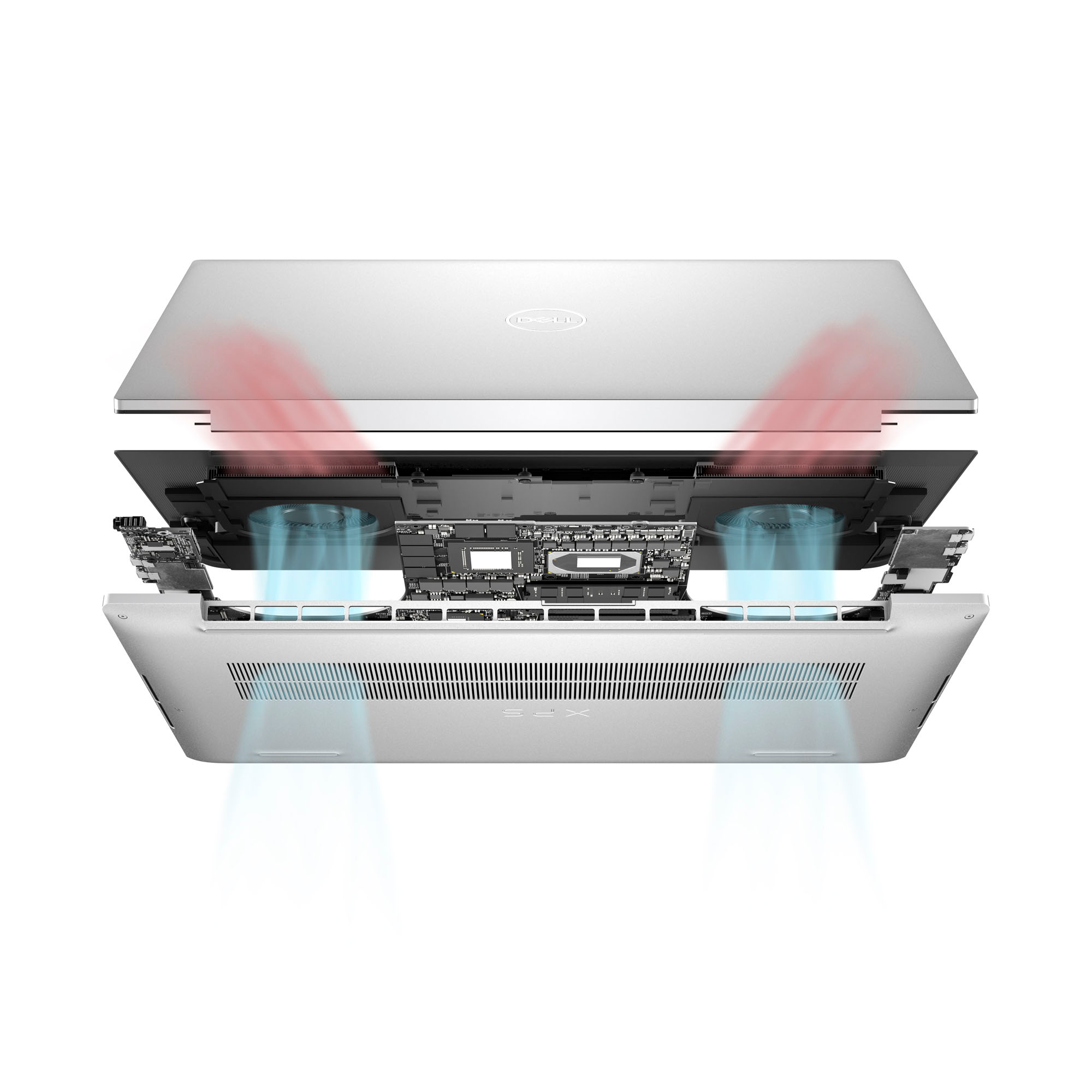
|Posted .This reviewer received promo considerations or sweepstakes entry for writing a review.This XPS 15 laptop caught my attention initially for its specs, which have been bumped this year to a 13th-gen Intel CPU and Nvidia 40 series GPU. However, the first thing that stood out to me when using this laptop was how compact it felt for a 15-inch class laptop. This is probably due to Dell having really minimized the screen bezels, which cuts down on wasted space around the display. Besides the compact size, it feels mechanically very solid, and it also has a soft touch surface on the palm rest surface that is more comfortable than the pure aluminum shells other models use. (The palm rest has a carbon fiber texture, but I'm not certain whether it is decorative or what creates the soft texture.) But back to those internal specs. The CPU performance on this laptop feels good, with smooth multitasking given the wealth of cores (a mix of performance and efficiency cores). It also has a good discrete GPU that gives it some extra oomph for light gaming. The GPU is from Nvidia's newest 40 series but is still on the low side of midrange. Nonetheless, I am pleased so far with the performance, since it handles a few games well that my Steam Deck struggles slightly with. The cooling system seems able to cope with this CPU and GPU combination pretty well. Fan speed is managed nicely - although the cooling fan is almost always running, it's most often at a low speed and inaudible to me. (It definitely does get louder under load.) Lastly, I'm pleased that the memory and SSD are reasonably easy to upgrade since it should give this system a longer lifespan. The screen is bright and has a decent resolution and 16:10 aspect ratio. It's noticeably less sharp at this size than a 4K-class panel would have been. I'm not exactly bothered by it, but a 4K-class panel would take the display from good to great. The keyboard is similarly decent, but not outstanding. It has the centered layout (without a number pad) that I personally prefer, but alas counters it by not featuring a true inverted-T layout for the arrow keys. It feels solid to type on (no flexing) but doesn't quite match other laptop keyboards that I've used. The keyboard has a fingerprint reader in the power button, and Windows Hello is also supported by the camera. I do like having the extra biometric options for unlocking the system. (The camera is a bit lackluster in terms of image quality - unsurprising for one small enough to fit into this laptop's tiny bezel, I guess.) Dell has streamlined the port selection to 3 USB type C ports, two of which support Thunderbolt. I like this standardization, but it'll be a consideration for people that really hate dongles. Dell does include a small adapter with one USB type A port and one HDMI in the box, which is a nice touch. It would have been nice to see all the ports on the computer support Thunderbolt (the one on the right side is USB 3.2 only), but at least they all support charging from USB Power Delivery. I like that, since I can use the most convenient port relative to how I'm sitting or where the power supply is plugged in. That said, the warnings about a "slow" charger being plugged in are really annoying, and inaccurate. It seems anything but the official charger that came in the box is deemed "slow." However, with a USB power tester, I saw identical wattages being consumed by the laptop from a "slow" charger as from Dell charger (which did not produce a "slow" warning). Thus, I can only conclude that the warning is not based on the actual power supplied, but some detection of manufacturer or model. The laptop also did not draw any additional power from a new USB-C power adapter that supports USB PD 3.1 EDR (Extended Power Range) up to 140W, so it must not implement that standard yet. I like this laptop a lot. I think it has good power and will meet my needs for quite some time. The component choices are solid, if not exceptional - but that keeps the price tag down too. I wouldn't hesitate it to recommend to anyone else looking for a performance midrange laptop.
I would recommend this to a friendStyle and Performance in One Laptop
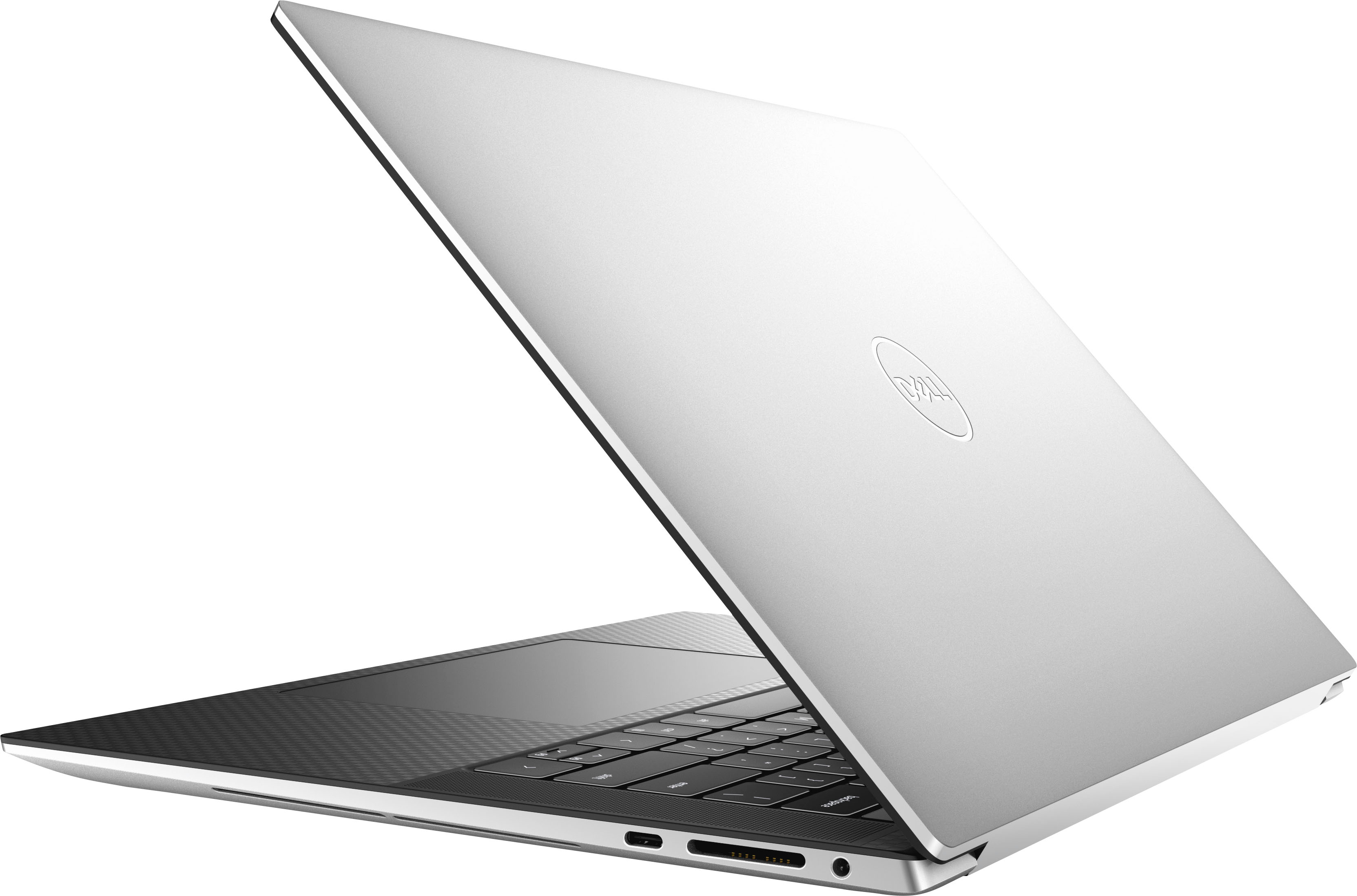
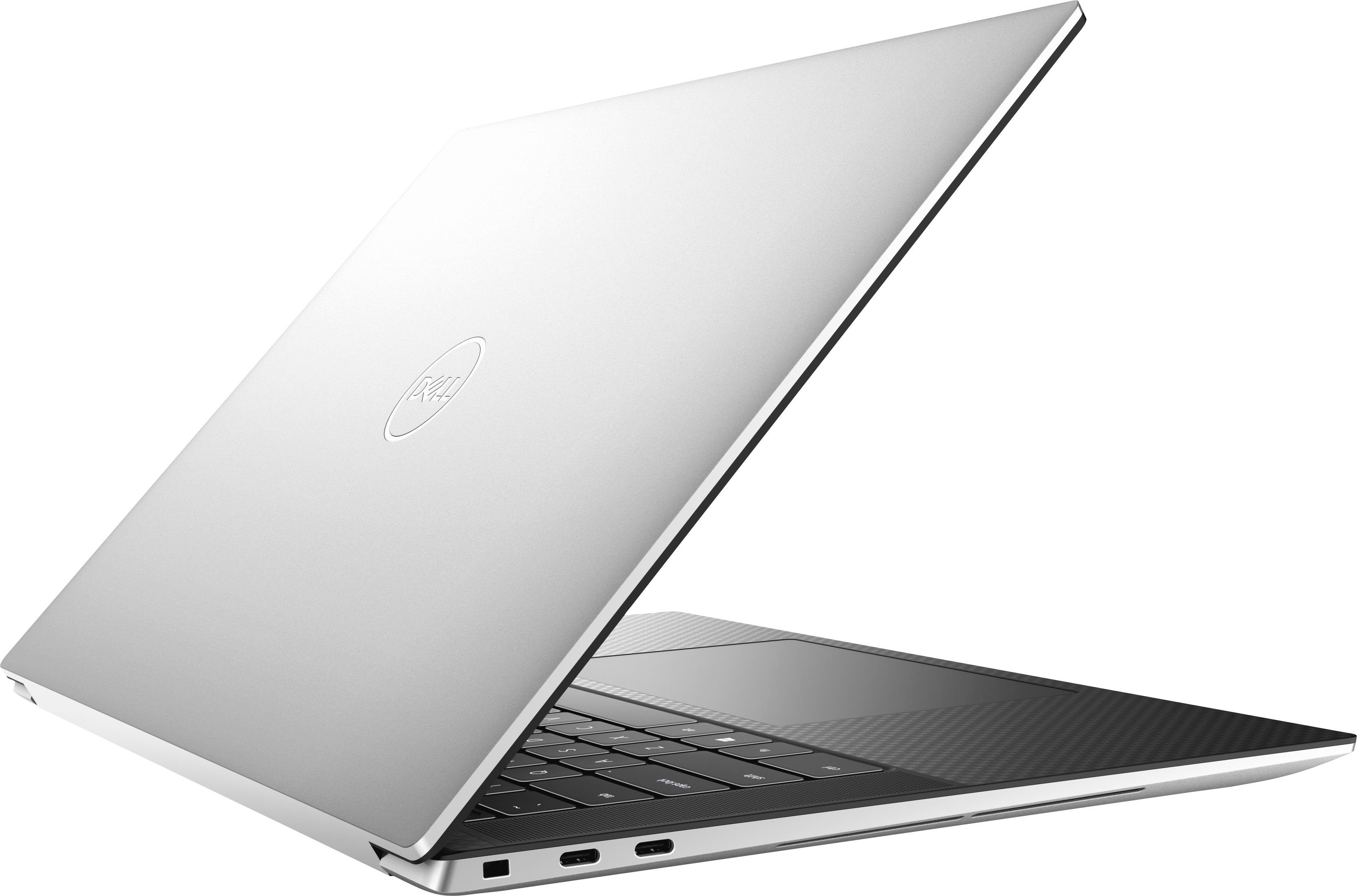
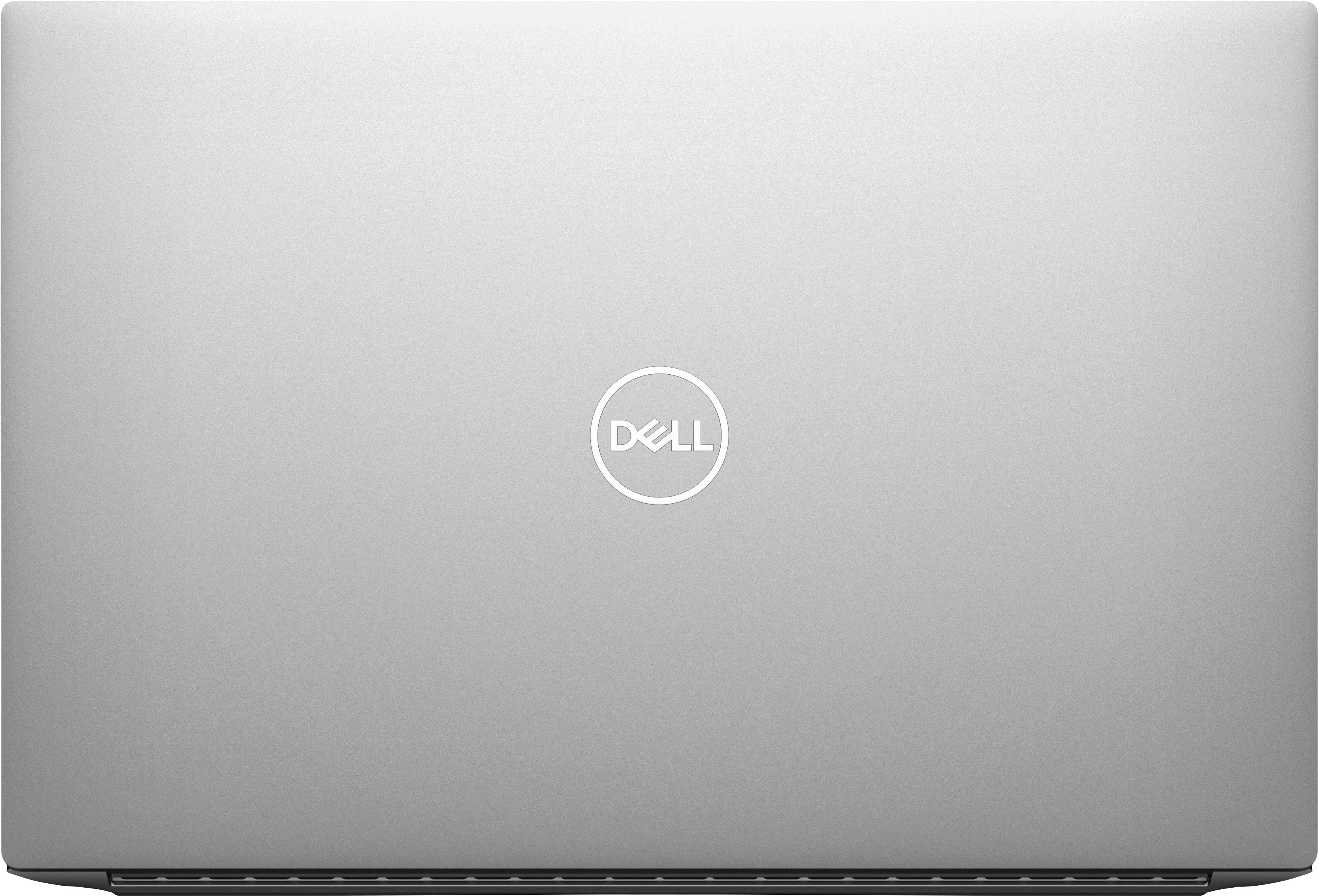
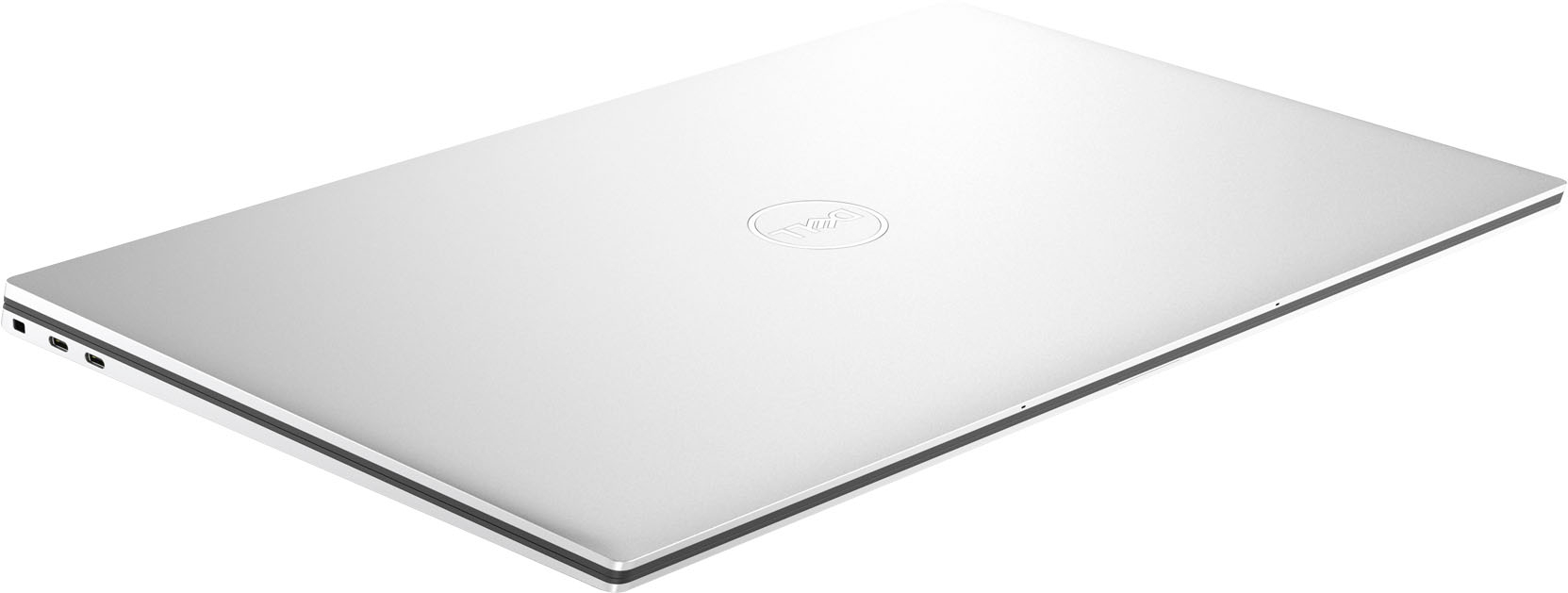
|Posted .This reviewer received promo considerations or sweepstakes entry for writing a review.Let me start by saying this Dell XPS 15 laptop is absolutely stunning in appearance, with an elegant slim design from every angle. It has very clean and simplistic lines, featuring a matte gray metal cover and brushed steel on all the surrounding edges. It’s more than just good looks though, as the finish seems resistant to fingerprints. The design does make it a bit of a challenge to open as there are no indentations to assist with opening the laptop, requiring a fingertip grip to pry it open. The laptop continues its stunning appearance inside with a carbon fiber look cover, a generously sized touchpad, and backlit keyboard. Dell managed to fit a pair of stereo speakers on the outer edges of the keyboard that complements the clean design, flush with the laptop cover to better enhance the sound. Rounding out the design experience, the WUXGA 1920 x 1200 screen takes up the entire top lid of the laptop with a bright contrasty 15.6” LED display and outlined with a thin black InfinityEdge border. One display feature I appreciate, especially in a dim-lit room, is the built-in Eyesafe display technology that reduces harmful blue light. The screen itself is anti-reflective as well, making it easy to share the wide display view with others. Be aware that this laptop does lack a touch screen, so you might want to explore other Dell models if that’s a necessary feature. I tend to use either the touchpad or a wireless mouse, so this wasn’t an issue for me. Simply put, the Dell XPS 15 offers high-end desktop performance in a sleek laptop, thanks to its fast state-of-the-art Intel processor and dedicated NVIDIA graphics card, complete with 6GB of GDDR6 video RAM. It also features 16GB of fast DDR5 RAM (easily expandable to 64GB) and a lightning fast 1TB SSD drive. All these specifications add up to performance in a laptop that can satisfy the most demanding of users. This means it can handle resource-demanding creative applications like video editing and photo editing, and also fully capable of decent fast gaming and never miss a beat. The XPS 15 comes preloaded with the Microsoft Windows 11 operating system and setup is a breeze. True to any new computer you buy, I did find that I needed about an hour to download and install all of the Windows updates from Microsoft and firmware updates from Dell once connected through its fast WiFi connection to the internet. This can be a tedious task that requires several reboots and patience is warranted. Charging the laptop through one of its many USB-C ports is quick and easy and battery life seems excellent. It should also be noted that only USB-C ports and one SD card reader are standard with this laptop, but fortunately Dell includes an adapter to add a single USB-A and HDMI port through one its three USB-C ports. From the moment you unpack the Dell XPS 15 from its elegant box, you will experience the satisfaction of having a laptop that not only delivers ultimate laptop performance, yet still manages to impress on style.
I would recommend this to a friendTraditional look with upgraded internals
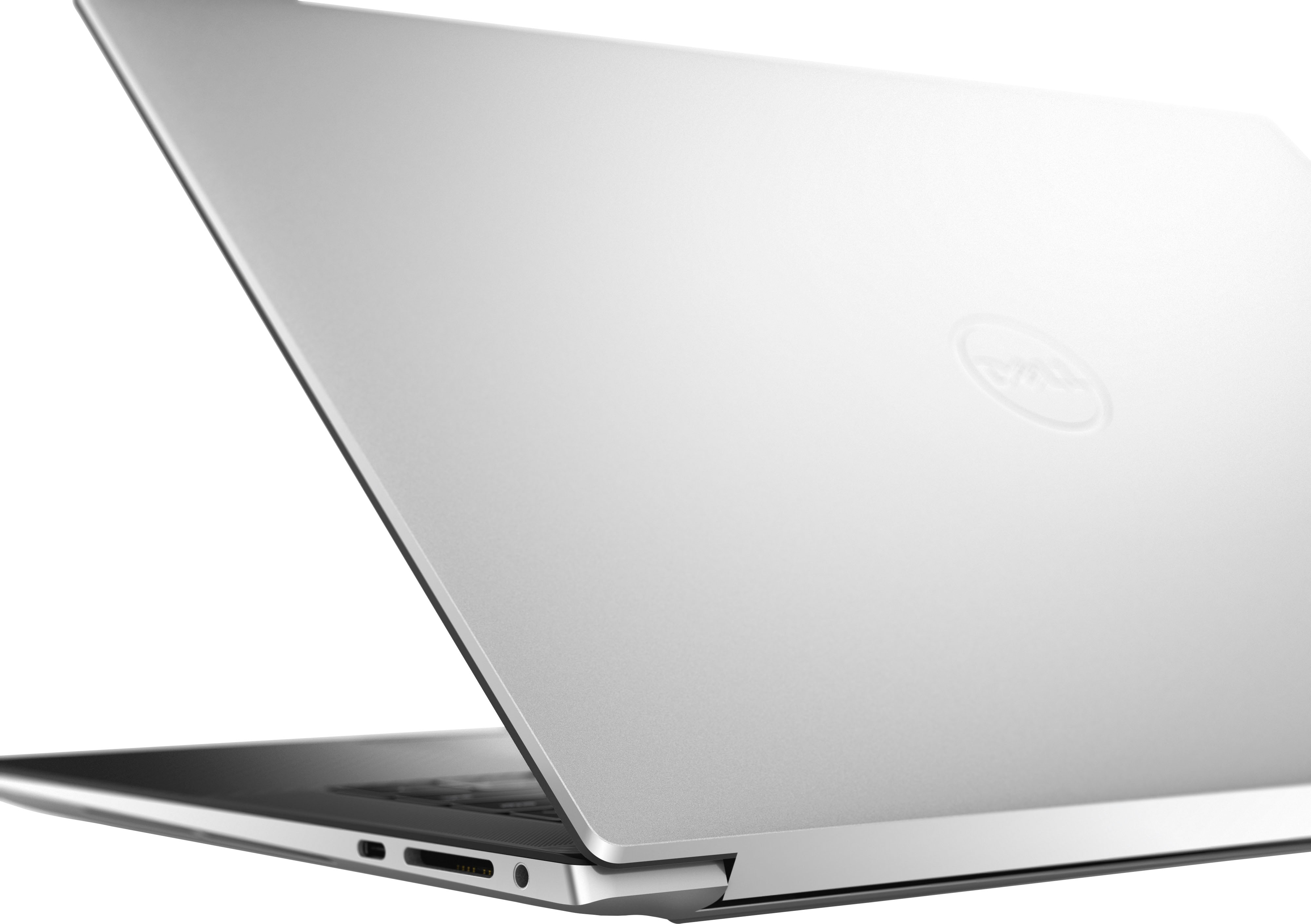
|Posted .This reviewer received promo considerations or sweepstakes entry for writing a review.Its hard to mistake the Dell XPS lineup. For the past couple of years, at least, the look of the outside has remained largely unchanged. The Dell XPS units have a sleek, metalic look to their outside covers and inside they use a nice carbon fiber panel that houses the keyboard. The particular model I am reviewing is the Dell XPS 9530 model which is a 15.6 inch non-touchscreen model. This model has the Intel I7-13700H processor and runs on 16 Gig of Ram. My unit has 1Terabite of storage, which in this day and age, is probably worth every penny with the ever increasing files sizes and productivity software available. This unit has the Nvidia 4050 dedicated GPU that most people seem to consider a mid-level GPU about on par with the Nvidia 3060 but seems to be much more energy efficient. I am not a hard core gamer, but I do like to play random games from time to time. The 4050 GPU, to me, is a very good graphics processor. I have been able to play about every game I have tried on high to very high settings. This processor also makes video editing and photoshop a very pleasant experience. Much faster than my one year old xps without a dedicated GPU. The intel Iris gpu is fine and energy efficient, but very lacking compared to the 4050 in this unit. The keys are set a little farther back on the bottom of the unit which leaves a large frontal area to rest your wrist. The mouse pad is also huge compared to my other laptops. In some ways, I like this layout, but in other ways, it takes a bit to get used to. The keys are good, not anything special, but they are easy to type on. The screen is bright and vivid. Again, this is not the touch screen model and I hear those screens are really nice. This machine is fast, quiet and handles my tasks with ease. I really have enjoyed this laptop and even though it is not a gaming laptop, it does well at that too. If I had my wish though, I would have liked Dell to include the HDMI port on the computer itself. They do send an adapter that has a USB A and a HDMI input that plugs into one of the available USB C. The available ports are: Ports 1 USB 3.2 Gen 2 Type-C™ port with DisplayPort™ 2 Thunderbolt™ 4 (USB Type-C™ 3.2 Gen 2) ports 1 headset (headphone and microphone combo) port (1) USB-C to USB-A v3.0 & HDMI v2.0 adapter (included in the box) Slots 1 SD-card slot 1 Wedge-shaped lock slot I like it and I think you will too if you are in the market for a powerful, efficient and versital laptop.