Customer Ratings & Reviews











- Model:
- XPS9530-7701SLV-PUS
- SKU:
- 6540610
Rating by feature
- Battery Life
Rating 4.5 out of 5 stars
- Speed
Rating 4.7 out of 5 stars
- Display
Rating 4.6 out of 5 stars
Customers are saying
Customers are satisfied with the fast performance, sharp display, long battery life, and high build quality of the XPS 15. They appreciate the powerful performance, upgradability, and responsive nature of the laptop. However, some customers have concerns about the overheating issue and the low-resolution webcam.
This summary was generated by AI based on customer reviews.
Very bad XPS 15 in 2023, Dell should be ashamed
||Posted . Owned for 6 months when reviewed.This reviewer received promo considerations or sweepstakes entry for writing a review.I am extremely disappointed by Dell. First of all, the trackpad is horrible. They made it too big or too sensitive...I have no idea what they did but your cursor will suddenly reposition itself when you type because you somehow touched the trackpad while moving your hand across the keyboard. Never had this problem on a MacBook but the Dell one is very annoying. And yes, I have disabled tap-to-click. The 2nd thing is that battery life is again, terrible, when using Windows. Good luck squeezing 8 hours out of it. Not a chance my friend. On Linux I have pretty good mileage but guess what, Dell changed the speakers, again, so none of the Linux distros know how to work with the crap they put in. So you get bad sound on every Linux distro. Probably why this is XPS is not Ubuntu Certified anymore. So you have to choose: battery life, good performance but really crappy sound with Linux distro or Windows...and Vaya con Dios. The installed Windows that comes with it has some shady stuff installed by Dell, you will get a blue screen of death when using WSL2 on Windows. I actually did the reinstall a few times with the Dell provided Windows ISO and every time it was the same thing. So goodbye WSL2. You will need to install a generic Windows 11 image and then set up your computer from scratch (drivers & software) if you want WSL2 to work. Last, but not least, the performance of this is quite crappy under Windows. They should be ashamed for doing this to the XPS name. I believe it is the drivers. I get video stutters on Youtube, fans won't stop blowing even when doing simple text editing. Overall, really bad version.
No, I would not recommend this to a friendBrand response from YourDellTeam
Posted .Hello DejanG,
Thank you for taking the time to leave us your review. We are sorry to hear that you are having touchpad sensitivity, battery performance issues, blue screen of death issues, and performance in regard to your Dell XPS 15 Laptop certainly not the experience that we like to hear from our customers. We will share your concern with our quality team so that improvements can be made to our current and future products and services. Below I have provided troubleshooting instructions with the full article that may be able to resolve your touchpad issue and troubleshooting link so to help with the battery performance, blue screen of death and performance issues.
Here are the steps to help resolve your touchpad issue:
1. Ensure the touchpad and your finger do not have any dirt, grease, liquids, or food on them (the touchpad has to make good contact with your finger to work correctly).
2. Ensure that the touchpad is turned on.
3. Save any data, close any open programs and restart the computer by using a wired USB mouse (if available) or Bluetooth mouse if it is already installed, if not, press hold the power button for at least 15 seconds to turn the computer off.
4. Unplug everything except the power cable.
5. Turn the computer back on and retest the touchpad.
6. When the cursor does work correctly, attach one device at a time, and test the cursor movement to see which one may have caused the issue.
7. Ensure that the BIOS and Chipset drivers are updated to the latest version.
Touchpad Usage and Troubleshooting Guide: https://dell.to/3zwM1rp
How to Improve the Performance of a Dell Laptop Battery: http://dell.to/2vfXWf4
You can read the full article on solving PC blue screen issues here: http://dell.to/2u98Cct
You can read the article that can help you with slow performance issues here: https://dell.to/3yqre8r
If you continue to experience touchpad issues, please reach out to Dell Support directly by using the information provided below.
Chat or call: https://bit.ly/DellSupportTeam
Phone number to Dell: 1-800-624-9896
Best,
Summer@Dell
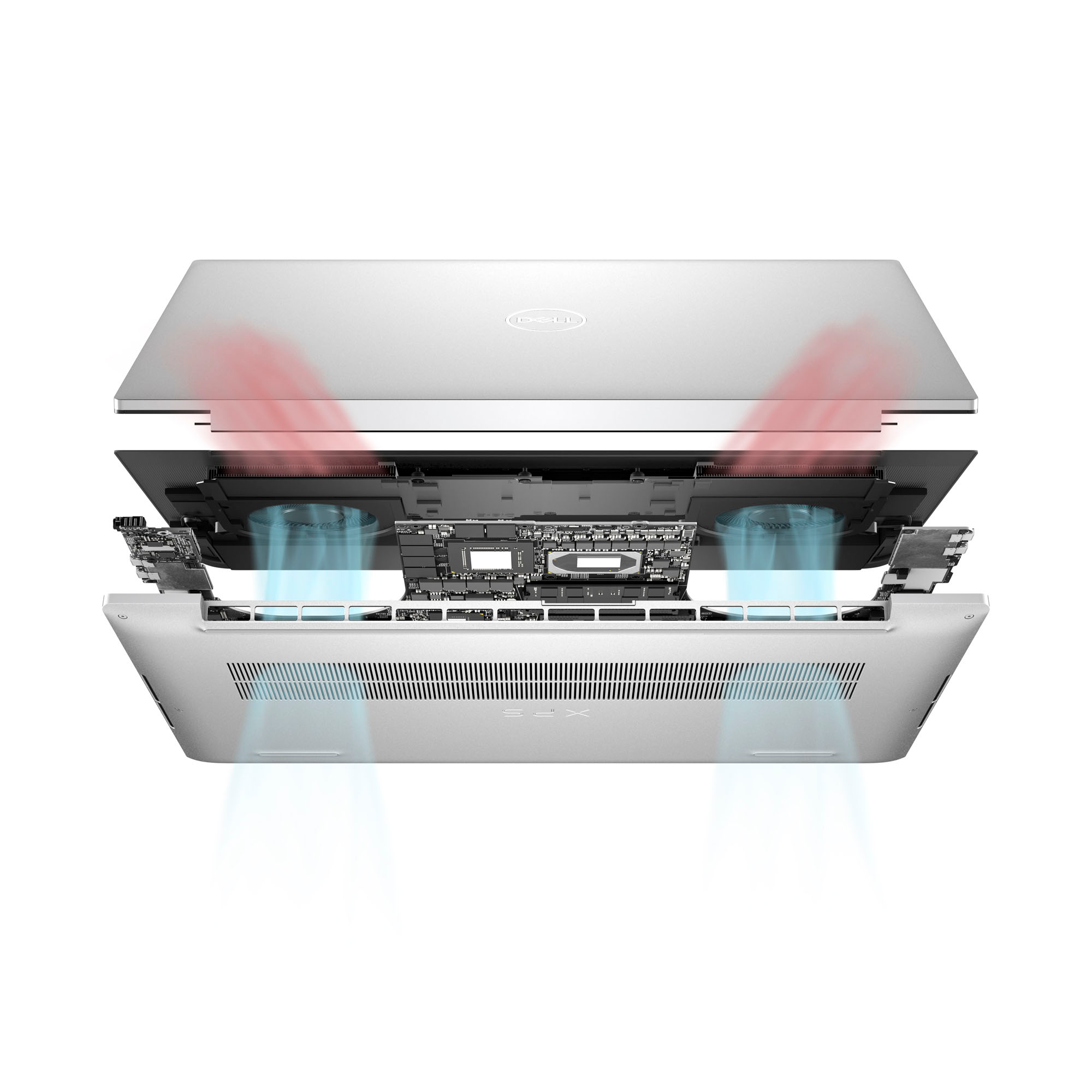
- Cons mentioned:Overheating
Overheats.
||Posted . Owned for 2 weeks when reviewed.This reviewer received promo considerations or sweepstakes entry for writing a review.For the price i would get something a little better, you do feel the heat after about 30 minutes of use had to return it.
No, I would not recommend this to a friendBrand response from YourDellTeam
Posted .Hello NoNever,
Thank you for taking the time to leave a review of your Dell XPS 15 laptop. We are sorry to hear that you were experiencing an issue with your device overheating and made the decision to return it. That is not the type of feedback we like to hear from our customers, or the type of product Dell intends to deliver. We have noted the details of your statement and will use them to improve current and future products.
If you need further assistance, please reach out to Dell Support directly by using the information provided below.
Chat or call: https://bit.ly/DellSupportTeam
Phone number to Dell: 1-800-624-9896
Best,
Summer@Dell
Design body flaw in keyboard
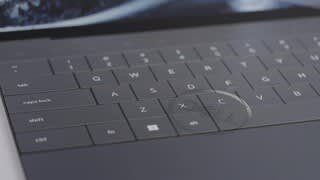
||Posted . Owned for 2 weeks when reviewed.This reviewer received promo considerations or sweepstakes entry for writing a review.XPS models are amazing design and perfection to everything. But, this one dell take it too much perfect which makes you will have wrist pain whenever you type on this keyboard. there is no reason to put sharp edge for the keyboard for looks. Functionality is more important than the looks, need to change design of the body.
No, I would not recommend this to a friendBrand response from YourDellTeam
Posted .Greetings HlwanP,
We value your feedback and want to thank you for taking the time to leave a review of your Dell XPS 15 laptop. We are sorry to hear that you are not completely satisfied with your keyboard design. That is not the type of feedback we like to hear from our customers, or the type of product Dell intends to deliver. We have noted the details of your statement and will use them to improve current and future products.
If you continue to experience issues, please reach out to Dell Support directly by using the toll-free number or chat link provided below.
Chat or call: https://bit.ly/DellSupportTeam
Phone number to Dell: 1-800-624-9896
Best,
Summer@Dell
Not for me
||Posted . Owned for 9 months when reviewed.This reviewer received promo considerations or sweepstakes entry for writing a review.I personally hated this laptop lots of update out of the box, ran really slow. I could barely lode up google. I had gotten it in Store and returned it within 2 hours
No, I would not recommend this to a friendFlickering screen
Posted .This reviewer received promo considerations or sweepstakes entry for writing a review.My XPS 15 9530 is less than 2 months old and the screen randomly flickers with use of the touchscreen. It happens every time I use the computer. I’ve wasted no less than 5 hours troubleshooting with Pro Support on 3 calls and uninstalling and reinstalling Windows in addition to troubleshooting on my own. Nothing has fixed the issue. This is my only work computer and today its been out of commission for 2 hours uninstalling/reinstalling Windows.
No, I would not recommend this to a friendBrand response from YourDellTeam
Posted .Dear DMCC,
We value your feedback and want to thank you for taking the time to leave a review of your Dell XPS 15 laptop. We are sorry to hear that you are experiencing an issue with your screen flickering. That is not the type of feedback we like to hear from our customers, or the type of product Dell intends to deliver. We have noted the details of your statement and will use them to improve current and future products. Below I have provided a troubleshooting link to help resolve your issue.
Screen Flickering Troubleshooting Link:
https://www.dell.com/support/contents/en-us/article/product-support/self-support-knowledgebase/fix-common-issues/monitors-and-screens
If you need further assistance, we recommend using the toll-free number or chat link below to reach a member of our Dell Support Team.
Chat or call: https://bit.ly/DellSupportTeam
Phone number to Dell: 1-800-624-9896
Best,
Summer@Dell