Customer Ratings & Reviews











- Model:
- XPS9530-7701SLV-PUS
- SKU:
- 6540610
Rating by feature
- Battery Life
Rating 4.5 out of 5 stars
- Speed
Rating 4.7 out of 5 stars
- Display
Rating 4.6 out of 5 stars
Customers are saying
Customers are satisfied with the fast performance, sharp display, long battery life, and high build quality of the XPS 15. They appreciate the powerful performance, upgradability, and responsive nature of the laptop. However, some customers have concerns about the overheating issue and the low-resolution webcam.
This summary was generated by AI based on customer reviews.
Great, but touchpad is too large
||Posted . Owned for 1 week when reviewed.This reviewer received promo considerations or sweepstakes entry for writing a review.Bear in mind this is only a week of use (this review is for the XPS9530-7701SLV-PUS): TLDR I do recommend this laptop, but there is one major flaw so far --the touchpad is too large. Have not yet had the fan/heating issues mentioned in the other reviews with the load I've been putting on it. I have not yet attempted to connect multiple monitors to it. If you were to do so, I would recommend using a independently powered device should there be a heat bottleneck of some sort. Appears to be fully adequate for what I've been using it (heavy trading markets, browsing, videos, multiple business type software open). Have not tried it for gaming. Windows 11 is poor in my first impression. Microsoft is great at making their OS worse and worse (look & feel) with every generation. Overly simplified dumbed down icons, worse than Win10 (which was worse than Win 7). This could be overcome by swapping out the hard drive until Win10 support is discontinued (perhaps even Linux bootable or internal HD). Feel of the laptop overall is superior (keyboard & touchpad feel is great) Sound is excellent, so far, but I'm no audiophile. Body (outside) seems excellent. Perhaps on par with or better than current MacBooks Keyboard is pretty low profile, seems pleasant to use. The bad: Touchpad is too large, imo, and I'm almost tempted to return it for just this reason. Larger keyboard would have been preferable to this oversized touchpad. I'm on a separate MSI 17" laptop with a touchpad that's only 4.75" diagonal (some 15" laptops have a touchpad larger than this) and have 4.75" is adequate. This Dell XPS 9530 has a touchpad that is 6.875" diagonal. There are some discussions on this advantages/disadvantages online that might be worth a look (if you're keyboard heavy, using shortcuts like I do, this might be deal breaker or a hindrance). Did they do this to make room for what they wanted to accomplish on the internals? I have no gripes with the function & feel of the touchpad, just the size. If you're considering expanding the memory, the manual for this Dell 9530 (i7 13th gen) says the max it can utilize is 4800. Thus, the Crucial website recommendation is incorrect (if the manual is correct).
I would recommend this to a friend- Cons mentioned:Webcam

An ALMOST perfect laptop!
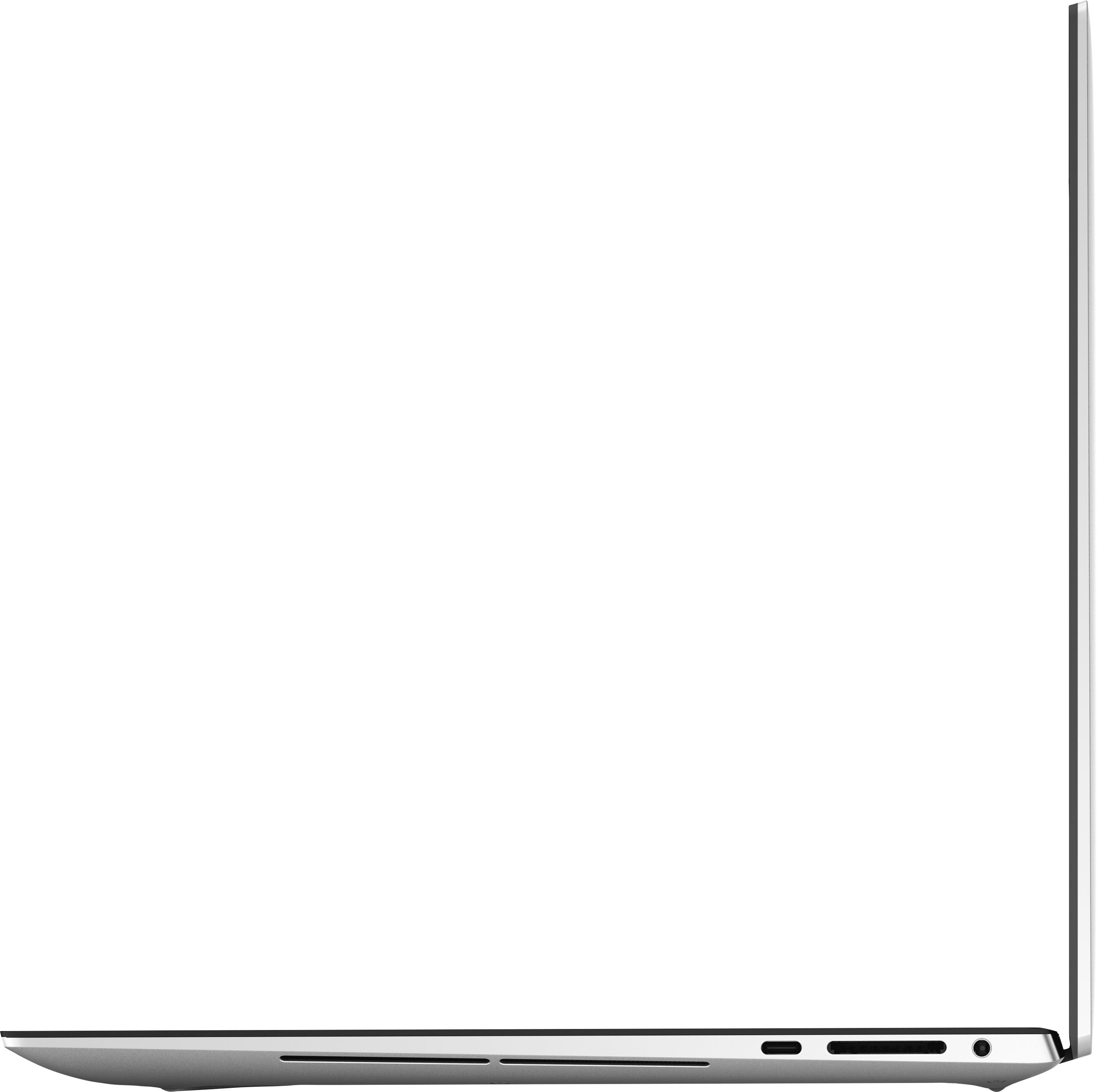
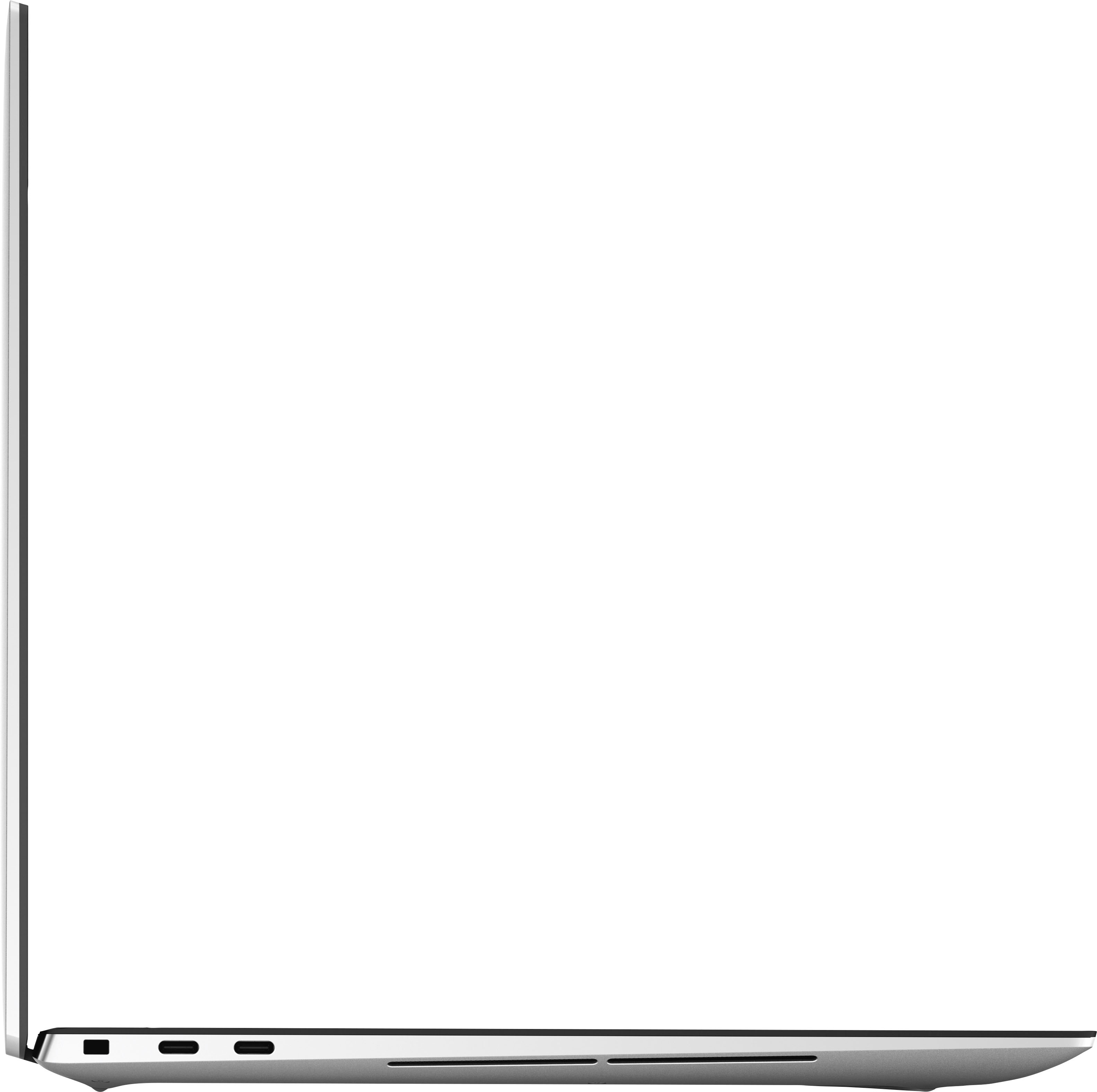
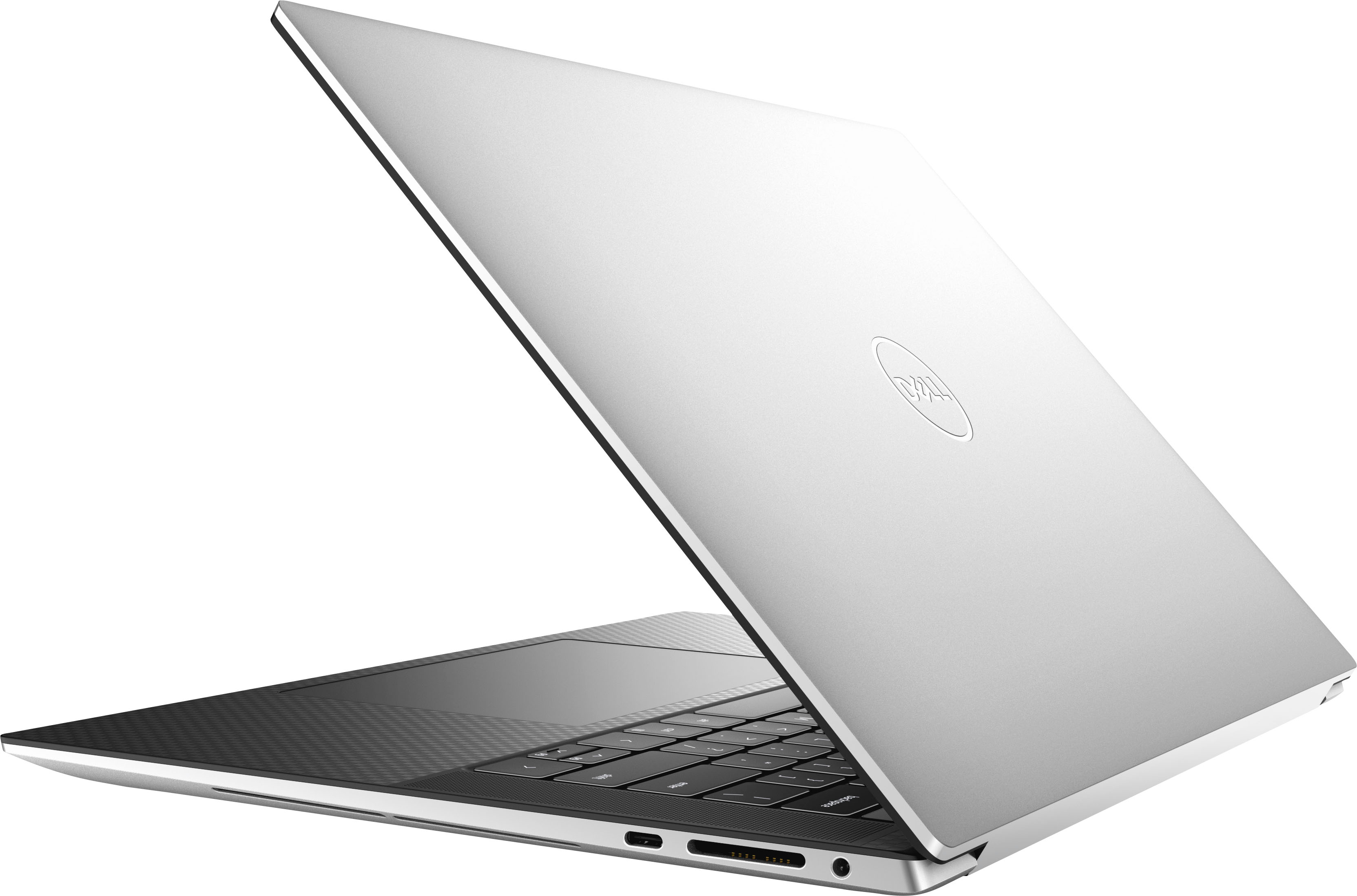
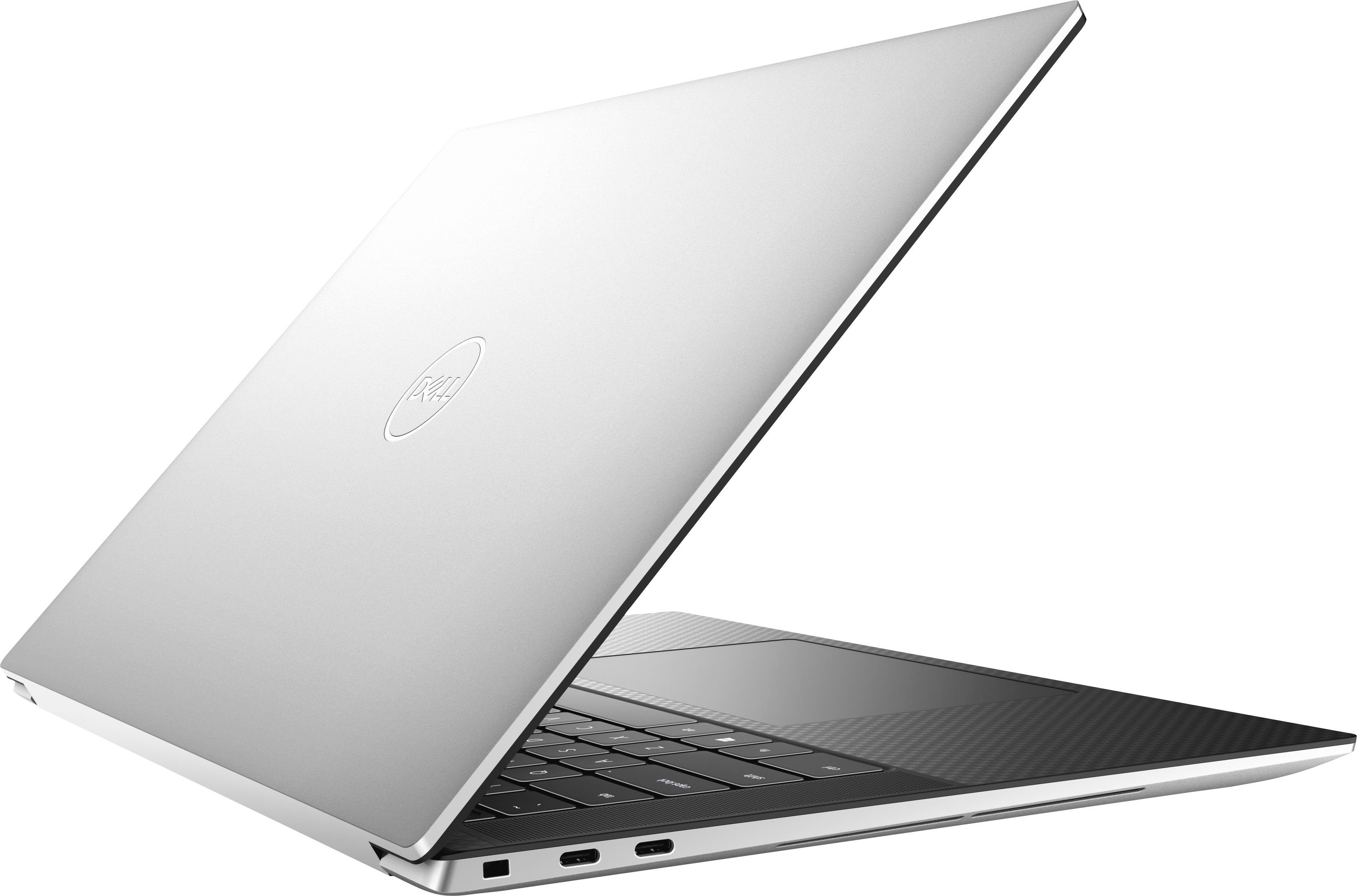
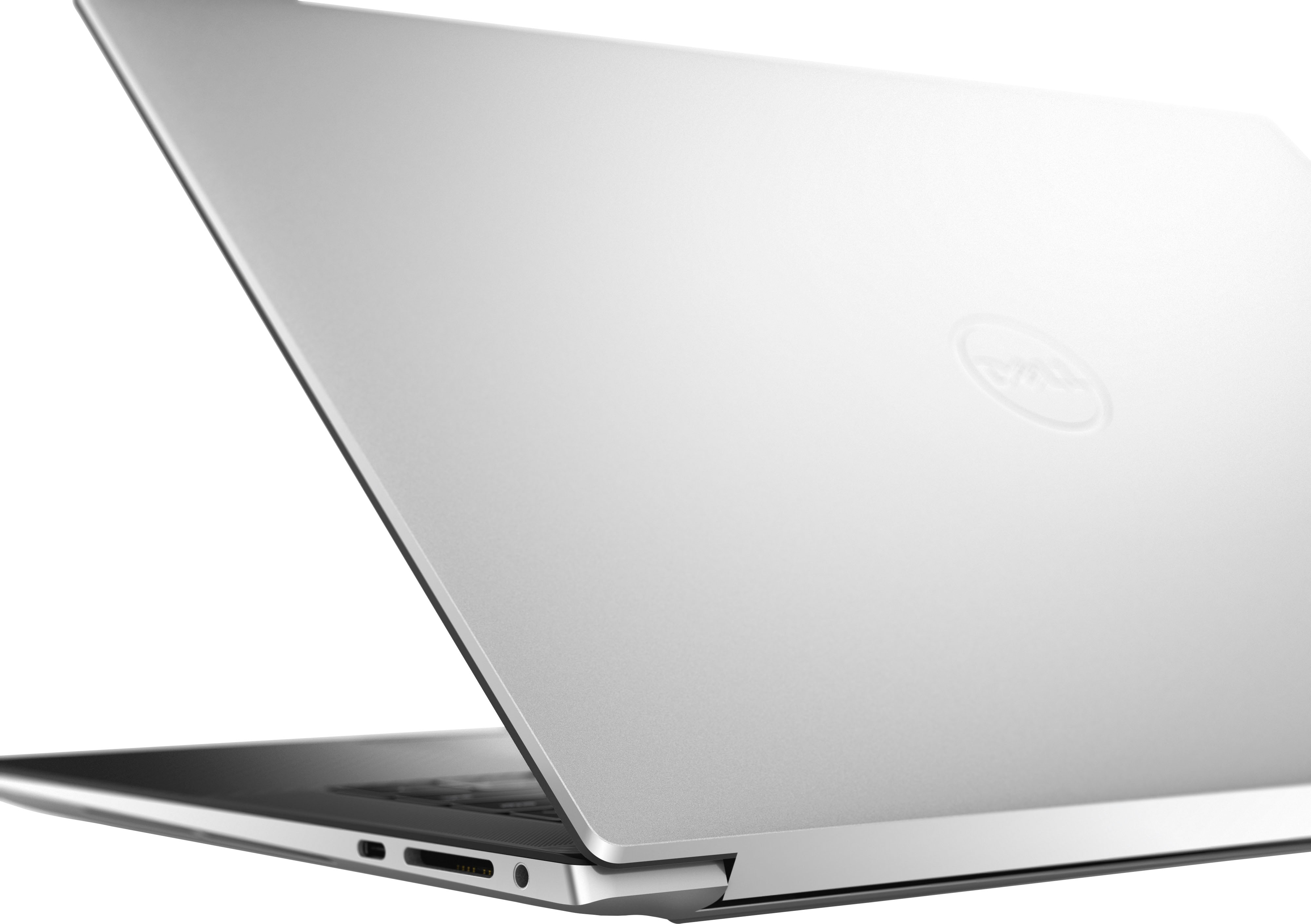
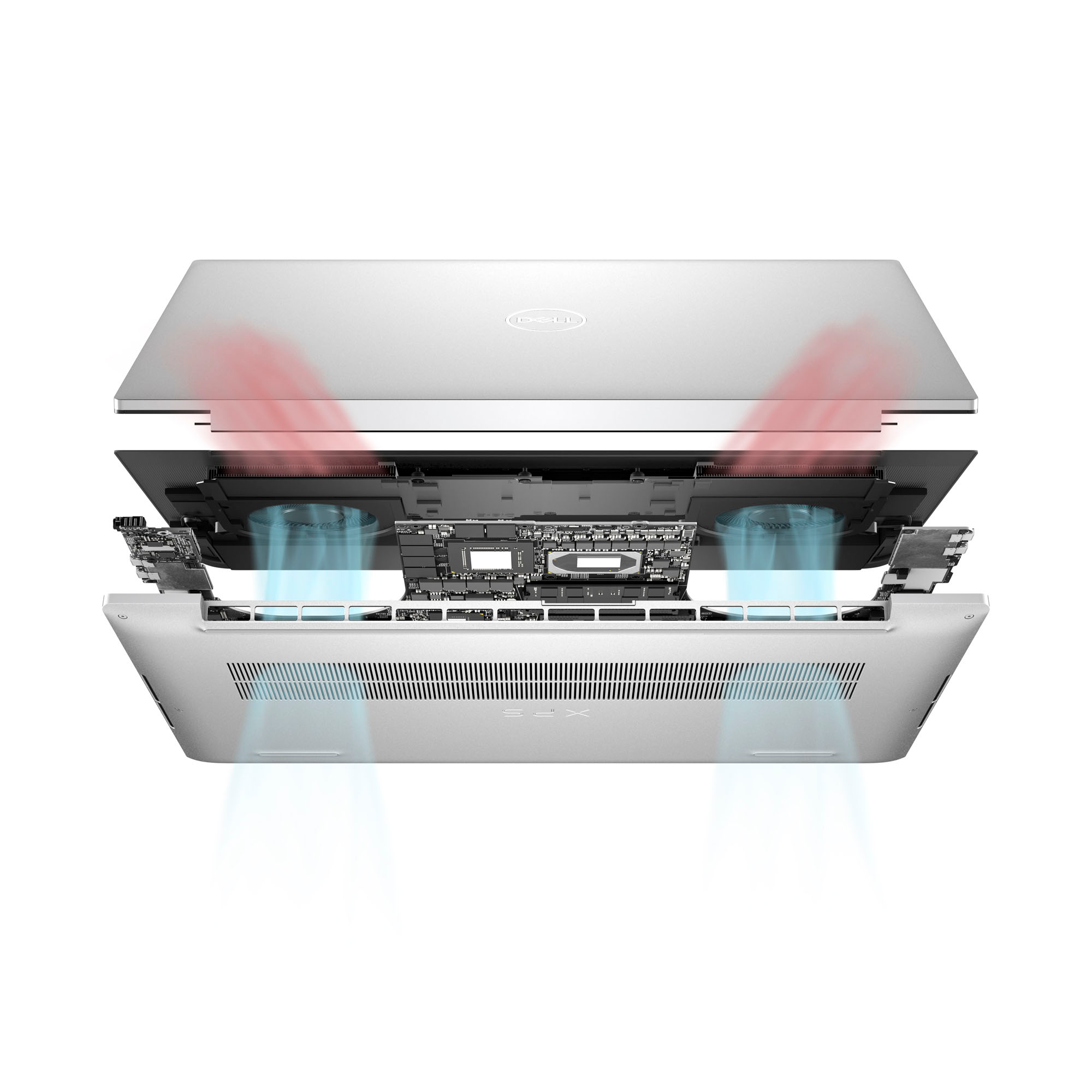
|Posted .This reviewer received promo considerations or sweepstakes entry for writing a review.A lot of us rely on our laptops daily, and some people need more than the basics. The Dell XPS 15 (XPS9530 series) is several steps above, and gives you some room for more advanced tasks. Like most people, I do normal things like email and web browsing, but sometimes I will edit short videos, do motion screen shots of things I want to save, and more that can slow down lower-end laptops. You need something like this XPS 15 for these, and with only one exception, it does it. Specs out of the way, it has the latest i7 Intel processor (13th generation), 16 gigs of DDR5 RAM, a 1 terabyte SSD fast storage drive, and a NVIDIA GeForce RTX 4050 video card with a dedicated 6 gigs of RAM for video – this helps quite a bit with video editing/rendering over systems that have built-in (integrated) graphics. The 15.6” screen has a resolution of 1920 x 1200 pixels, and while I would have liked to see a 2k or 4k screen at this price point, it’s still very bright, colorful, and has lots of detail. Air cooling vents are on the bottom, and two really nice speakers are on each side of the keyboard (which is void of having a dedicated numeric keypad, though). There are two USB-C “thunderbolt” ports on one side, and one USB-C port on the other; due to how thin the body is, there are no traditional USB-A ports or even a HDMI port on this machine, but, Dell does include a dongle you can plug in that gives you one of each port if you need it. Not idea, but given the thinness, all they could do I guess. You get a year of McAfee Antivirus with it should you want it. Make sure you take the time to run all Windows and firmware updates when you set the XPS 15 up initially – there are several to be installed. Once that was out of the way, I’ve so far used it for large multi-megapixel photo files, as well as rendering short videos using an old Microsoft rendering program that I use to tax systems because it’s pretty resource heavy. While the XPS’s fan definitely kicked on when rendering video, it wasn’t obnoxiously loud, and not long after done quieted down again. Photo and video editing looks good on the screen. Playing video back at high resolutions didn’t skip or blip at all and also looked good on the screen. The XPS hasn’t overheated or gotten noisy so far regardless of what I’ve done on it. Battery life is going to depend on what you’re doing with the machine and I haven’t used it enough for a specific hour rating. But I would say that while I’ve seen better, I’ve seen worse. A few hours is what you’ll get with mixed use, but if you’re going to go out all day with this laptop, I would suggest taking the charger with you. Now, for the Elephant in the room – the web cam. Ohhhhhh and it’s a BAD web cam, too. It’s only 720p in resolution and in a slightly dim but not “dark” room, I literally look like a sloppy watercolor painting when using it. If the pandemic taught us anything, it’s that laptop makers need to up their game and include higher-res and higher quality web cams on their machines, and at this prince point, it’s completely inexcusable to have such a bad one on this machine. So points off for that. If you video conference, you will need to invest in an external web cam for this model. Overall I do like this XPS 15 model. Good screen, and enough power with the processor, RAM, and good video card. The screen is good enough, keyboard has a decent feel when typing, the trackpad the right amount of glide and clicking, etc. I enjoy using it, and if not for (I have to say it again)… the HORRIBLE web cam, this would have been a 5 star rating, but I have to knock it down for that cam – sorry. Get an external one, and you’ll be fine with this machine. Still recommended.
I would recommend this to a friend At First Confused But The XPS 15 Is A Solid PC
|Posted .This reviewer received promo considerations or sweepstakes entry for writing a review.When I first received this Dell XPS 15 laptop to review, I was a bit confused as to whom this laptop was gear towards. It has the power and dedicated graphics to be a pretty darn good gaming rig, but then it has just an FHD+ screen, and quite frankly no gaming laptop should ship with anything less than 2K/QHD, especially at this price point. That being said, since it does only have the FHD+ screen and can not be a converted to a tablet nor does it have a touch screen, I didn't see the power as a particular benefit to a creative (photo, video, audio, or animation). All of this was exacerbated early on in my testing by some VERY poor performance and a swamped cooling set-up. I have since changed my mind and consider this XPS 15 to be a solid 'all-arounder' of a laptop. It does nothing exceptionally (except perhaps Office apps), but everything it does, it does pretty darn well. On top of that, I'm impressed with how Dell has now gone all in on allowing consumers to upgrade/repair their own computers and makes access easy and they even put out a repair manual online. That is a nice consumer-friendly approach that a lot more manufacturers need to adopt. The biggest thing that changed my mind was how much the laptop improved with just a few rounds of updates. I always try out a computer pre and post updating just because I want to know what is delivered raw vs. tweaked. The performance of the XPS 15 on games and video encoding was mid at best. Now I like to task computers with the game Star Trek Online, not because it is a AAA title, but because it is so poorly optimized and has such cruddy spaghetti code running behind the scenes, that modern computers and graphics cards actually have a harder time running it. Prior to updates I was getting 17-18 fps regularly throughout the game and it sounded like a jet engine was going in my office with the fans in this thing. After all the updates and some tweaking of settings, to include actually upping the resolution and graphics settings, I was regularly getting 40-45 fps. Still not spectacular but actually pretty good for STO! So that told me that the guts of the XPS 15 are actually pretty darn good as a solid all-around laptop once things are tweaked and updated. The FHD+ screen is also much better than I initially gave it credit for, though I still think that a QHD screen is the bare minimum for this laptop. Here are some other things I like and don't like about the Dell XPS 15: Like: Classic styling: I had a Dell XPS way back in the day when they first started this current design and carbon fiber deck. It was an instant classic then and it is still classic now. Some may actually call this a drawback since they have not really innovated in this area in quite some time, but classic is classic. Keyboard: The Dell XPS keyboard is tied for my second favorite laptop keyboard with Macs. My number one is still the IBM/Lenovo keyboard but this keyboard is right up there with the best. Types well with minimal mistakes and a great feel. Trackpad: Huge and responsive. Love this thing. Normally I would pair a mouse with a laptop just for ease of use but I don't need it with such a great trackpad. SD Card Slot: I appreciate the inclusion of the SD Card slot, though this should be standard on any laptop larger than 13", it is still nice that they actually did it. Don't Like: Filthy Out of the Box: This is the second laptop I've received (the other one was not Dell), that was absolutely filthy with dust and debris INSIDE the plastic sleeve the laptop comes in. I had to use some canned air to clear out all the junk. Absolutely weird. Needs a Dongle: While great that they put the SD Card slot in, I'd rather actually have either an HDMI or USB-A port. Granted, they provide you with a dongle for those two ports, but one or both should just be standard. Final notes: I read another review on here where the reviewer said that the RTX 4050 in this laptop can not drive an external display. They are wrong. I was able to use my own hub to plug the XPS 15 into my 32" BenQ 4K HDMI 2.1 monitor and was able to crank STO up to the max AND it was utilizing the GPU. I was limited to a refresh rate of 60hz but that was because of my own dongle being limited to than and not the card. All-in-all the Dell XPS 15 is a solid laptop and if I could give half stars, I would seriously consider giving it 4.5 stars instead of 4. It is not cheap by any standard but it is built well, performs well, and is easily upgradable. If you need a solid computer that handle pretty much anything you throw at it, you could do far worse than the XPS 15 but not much better without spending much more or giving up something else in the trade.
I would recommend this to a friendNice slim laptop with power for fun and work
|Posted .This reviewer received promo considerations or sweepstakes entry for writing a review.So to start, the presentation is very nice. The company I work for uses the Dell Precisions and the packaging is exactly the same and the packaging they and these XPS systems come in is top notch. There's plenty of consideration taken with the packaging that the box the Laptop comes inside and even the box it ships inside of as well. That out of the way. The laptop itself is very nice. It looks identical to my work laptop and the only difference there is screen and the chassis color. Spec wise it's pretty nice. For the entry price though, I'd expect more. The retail on these is $2000. That's a good chunk of change to drop on a laptop. We've got a 1TB NVME drive of the Gen 4 variety. I tested with CrystalDiskMark and Atto and saw reads as high as nearly 7000MB/s. Writes were around 5500MB/s. We've got good i7-13700H with plenty of cores for chewing up anything needing to utilize them. We've 16GB of DDR5. The low point i find is the GPU. As I mentioned with the price, a 4050, notably only a 6GB variant feels a very poor choice. I've tested and used other laptops with significantly stronger GPU's for a much lower or identical price point. The only game I did get time to test was Diablo IV. With the settings on med/high, at 1080p with DLSS on, I was averaging 60ish FPS locked nearly the entire time. I'd imagine the card is a bit more capable. I wanted to test something like Cyberpunk as it's significantly more demanding but just didn't have the time. The other con here is going to be the Display. It's rated at 500 Nits, lacks HDR surprisingly which is a very odd choice but most importantly, it is only a 60hz panel. I find this to be a very disappointing aspect of the system. High hertz panels are a dime a dozen now it's getting more and more common to see systems with at least 120hz or greater. That would make this machine a real champ. If you've ever experienced gaming or productivity on something higher than 60hz, you'll understand the significance of having the greater refresh rate. Battery life I'll have to take Dell's word. I know with my work laptop it lasts several hours and that has an i9, 32gb RAM and 8GB A2000 GPU. The batteries I imagine are identical given the laptops are the exact same dimensions. I appreciate that dell includes and adapter with these like they include with the Precisions that allow you to connect up a standard USB Type A device and an external display or projector. There is a limitation here and that is the same issue I ran in to with the Precision. For some reason unbeknownst to me, Dell has opted to have external displays controlled by the integrated GPU, thus limiting the output to only 60hz at any resolution if using HDMI. If you have a Dock that supports HDMI 2.1 or has DP it may be possible to get a higher refresh rate. I however was unable to do this on my Precision. To me it's absolutely astonishing that this is something some System Integrators are still doing. If the ports were controlled by the dedicated Graphics Card, permitting they are so equipped, this would be a non-issue. I did test this with my Dell Dock from work over HDMI and it wouldn't even go higher than 60hz regardless the resolution I chose. Time will tell if this ever changes. Overall, it's really great laptop with an excellent form factor, but it's really hampered by the price and the rather limited GPU. The XPS still has that quality feel and build that has been a notable thing with the line for forever. I just don't think that a starting of nearly $2k is something I'd recommend over countless other options.
No, I would not recommend this to a friend- Cons mentioned:3rd party charger
Future proof laptop
||Posted . Owned for 1 week when reviewed.This reviewer received promo considerations or sweepstakes entry for writing a review.Great laptop, it's pretty power efficient and has good battery. I can game, edit photos, and use Unity for my 3D models. RAM, SSD, and WiFi are all upgradable, and FHD screen is pretty nice even if it's not the OLED. One thing I do wish was that the laptop would be allowed to use 3rd party chargers, it sucks that I'm stuck with dells OEM chargers.
I would recommend this to a friend great laptop
||Posted . Owned for 1 month when reviewed.This reviewer received promo considerations or sweepstakes entry for writing a review.it was very good and fast it was great to have upgradable ram and ssd
I would recommend this to a friend- Pros mentioned:Fast
Solid computer
||Posted . Owned for 3 months when reviewed.This reviewer received promo considerations or sweepstakes entry for writing a review.Great laptop but my husband likes the Samsung edge better. This laptop runs well and is fast. However it took hours to set up and several calls from the support desk. Apparently there was a Microsoft issue the day we were trying to get it ready for use
I would recommend this to a friend - Pros mentioned:Battery life
A great laptop!
||Posted . Owned for 1 week when reviewed.This reviewer received promo considerations or sweepstakes entry for writing a review.This laptop is a big upgrade from the Microsoft surface I had been using before. It may be missing the touchscreen/tablet features of that device, but it lasts all day at the office with a bigger more vibrant screen. The touchpad is enormous and it can handle modern games with only occasional slowdowns. I'm very happy with my purchase
I would recommend this to a friend - Cons mentioned:Overheating
Amazing <33
||Posted . Owned for 1 month when reviewed.This reviewer received promo considerations or sweepstakes entry for writing a review.It’s an amazing laptop that I use all the time now but sometimes it get hot and the fan makes noticeable noise but if that doesn’t bother you and you have the money it’s very worth it.
I would recommend this to a friend Great computer with a few comfort issues
||Posted . Owned for 1 week when reviewed.This reviewer received promo considerations or sweepstakes entry for writing a review.The display is beautiful and the speakers are GOOD. The touchpad is a little big and there are no USB ports except for the one in the dongle it comes with. Its got average battery life but charges quickly. It runs adobe software well as expected and can even play some games like Fortnite (lowest setting), Roblox, Overwatch, and Rocket League. Be mindful though because this laptop does have its limits and the fans do get pretty loud but the GPU temp has usally stayed beneath 60 and 70 degrees Celsius for gaming. I can do all the tasks I need to do and a little bit more.
I would recommend this to a friendPerfect for basic games and rendering tasks
||Posted . Owned for 7 months when reviewed.This reviewer received promo considerations or sweepstakes entry for writing a review.Pros: - Great screen - Great sound - Easy to use - Nice model (weight isn't too heavy and it has a good design to it) - Best alternative to Macbook Pro (I used an M1 13 inch Macbook pro and this is the best alternative) Cons: - Not too demanding, maybe you need more RAMS - Not the best graphic card
I would recommend this to a friendGood for the daily user, but has slight issues
||Posted . Owned for 6 months when reviewed.This reviewer received promo considerations or sweepstakes entry for writing a review.Good for everyday use. But takes some time to get up to speed with other tasks for some reason. Used to work on Ae and will shut down if I close the laptop or if it goes to sleep with a heavy program still open. Also, problem connecting to a screen through HDMI via usb C adapter on all ports.
I would recommend this to a friend- Pros mentioned:Fast
Excellent spec.
||Posted . Owned for 1 month when reviewed.This reviewer received promo considerations or sweepstakes entry for writing a review.Excellent laptop. The monitor and speed is very impressive.
I would recommend this to a friend Dell XPS Review
||Posted . Owned for 2 months when reviewed.This reviewer received promo considerations or sweepstakes entry for writing a review.Having owned approximately 10 consumer laptops with significant usage, this is my 2nd Dell XPS and it runs fast. My previous Dell XPS is still running well 3 years later.
I would recommend this to a friendDell - XPS 15
||Posted . Owned for 3 weeks when reviewed.This reviewer received promo considerations or sweepstakes entry for writing a review.A little smaller laptop than what I have used in the past, but I'm sure I'll get used to it! I actually love the size and convenience of portability!
I would recommend this to a friendProductivity Laptop
||Posted . Owned for 11 months when reviewed.This reviewer received promo considerations or sweepstakes entry for writing a review.Solid laptop for productivity, though cooling is subpar and the laptop heats up easily.
I would recommend this to a friendDell XPS review
||Posted . Owned for 3 weeks when reviewed.This reviewer received promo considerations or sweepstakes entry for writing a review.It works very well, ocassionally the screen will flicker black for no clear reason.
I would recommend this to a friendDoes the job
||Posted . Owned for 3 weeks when reviewed.This reviewer received promo considerations or sweepstakes entry for writing a review.Boiught this laptop for my son who started college and he is satisfied so far! Neat computer
I would recommend this to a friendGood for work, not for play
||Posted . Owned for 1 month when reviewed.This reviewer received promo considerations or sweepstakes entry for writing a review.Great computer to do everyday things with, and work. Not great display for streaming.
No, I would not recommend this to a friendIntro laptop
||Posted . Owned for 3 weeks when reviewed.This reviewer received promo considerations or sweepstakes entry for writing a review.Easy to set up, decent options. Needed some cooling.
I would recommend this to a friend