Customer Ratings & Reviews

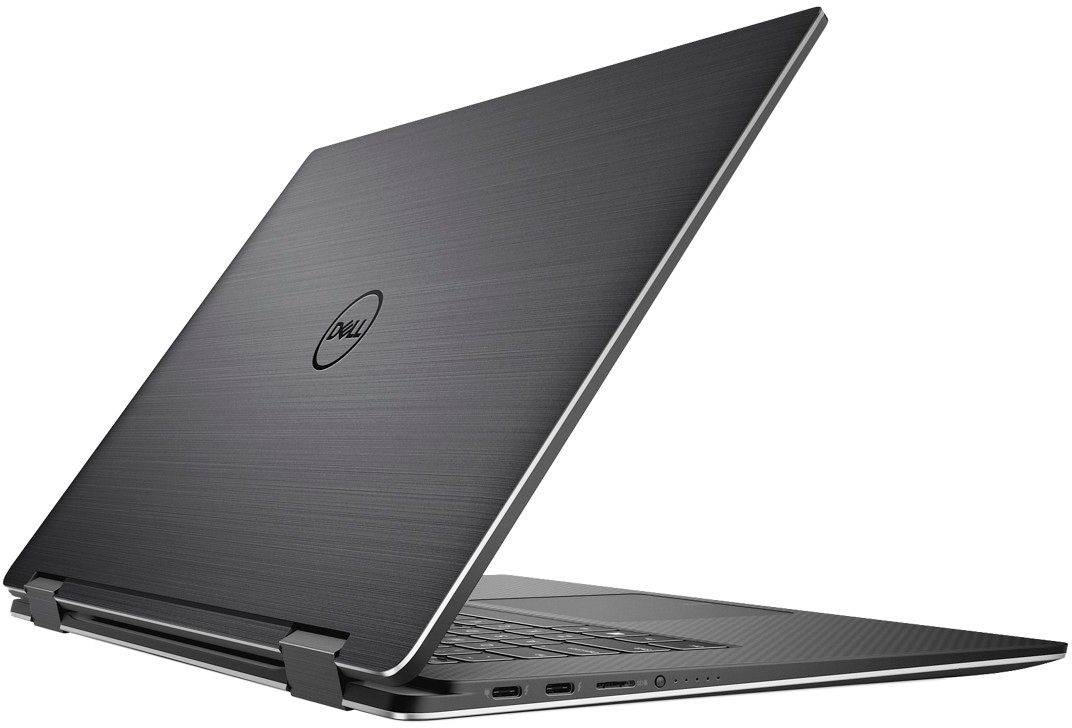
- Model:
- XPS9575-7354BLK-PUS
- SKU:
- 6212603
to a friend
Customers are saying
Customers are enthusiastic about the XPS 2-in-1 laptop's stunning 4K screen, fast performance, and sleek design. They appreciate the convenience of the 2-in-1 form factor. However, some users have concerns about the short battery life, fan noise, limited storage, and high price.
This summary was generated by AI based on customer reviews.
Meh. Already returned it...
Posted .This reviewer received promo considerations or sweepstakes entry for writing a review.I did a lot of 2 in 1 research comparing this Dell, MS SB2, some Lenovos, the new HP Spectre with the 8705g, and maybe an Asus or Acer as well. I had high expectations for this laptop with the PCIe SSD, 8705g, pen support on Win10, and probably most of all for me being a photographer, the claimed 100% Adobe RGB infinity display. When looking on line at reviews, neither this XPS nor the 9560 have registered the fabled 100% Adobe RGB....more like 72% and 88% as tested by notebook checker dot com. 88% on the 9560 is pretty good though..but that's not a 2 in 1, and not quite 100% The speed of the unit was lackluster also considering the PCIe drive and 16GB RAM. Would have been a great mobile workstation for my photo gigs but instead, I'll keep looking. Disappointing.
No, I would not recommend this to a friend- Cons mentioned:Battery life
Battery Issues
Posted .This reviewer received promo considerations or sweepstakes entry for writing a review.Out the box, this unit would only last 6 hours tops on battery. Down the line, the battery would no longer receive a charge. It's a new laptop with new parts, but it's not performing as 1.
No, I would not recommend this to a friendBrand response from YourDellTeam
Posted .Bvenus,
Thanks for your review. We'd recommend the following tips to help with your system's battery life: Change the Power Plan:
1. On the notification area of the taskbar, right-click the Battery icon.
2. On the options list, click Power Options.
3. Select a power plan on the battery meter, such as Power Saver or Balanced. Windows 10 has a built in 'Battery Saver' mode that can be activated to extend your system's battery life. The Battery Saver mode will monitor and limit background activity and other features such as push notifications. You do have the option to enable or disable this mode within settings or within advanced Battery Saver settings, you can customize the mode to best suit your needs.
a) Click on the Action Center icon in the taskbar and select the tile for Battery Saver.
b) If running Cortana then type Battery Saver into the search box and select from the results.
Within the Battery Saver settings page, you will be able to turn on and off the feature and customize the feature to best meet your needs.
c) Turn Battery Saver On or Off.
d) Additional settings available via the Battery use and Battery saver settings links.
e) Battery use shows further info on apps and their power usage.
f) Battery Saver Settings screen allows you to customize further Battery Saver feature.
You can read the full article here - http://dell.to/2vfXWf4.
We hope that you will be able to get more life out of your battery charge going forward.
Best,
Bryan
1-800-624-9896