Customer Ratings & Reviews


![esc D prts SC home end insert delete - - 1 2 3 4 5 6 7 . 8 9 0 - - + - backspace tab Q W E R T Y U | O P ( [ } ] I / caps lock A S D F G H J K L : - . - enter shift Z X C V N M < - > - ? / shift ctrl fn alt alt ctrl < g Pg >](https://pisces.bbystatic.com/image2/BestBuy_US/images/products/c7025181-c697-4c67-a30b-09b5564ce648.jpg)










- Model:
- XPS9345-SX12807BLK-PUS
- SKU:
- 6584127
Rating by feature
- Battery Life
Rating 4.5 out of 5 stars
- Speed
Rating 4.6 out of 5 stars
- Display
Rating 4.7 out of 5 stars
Customers are saying
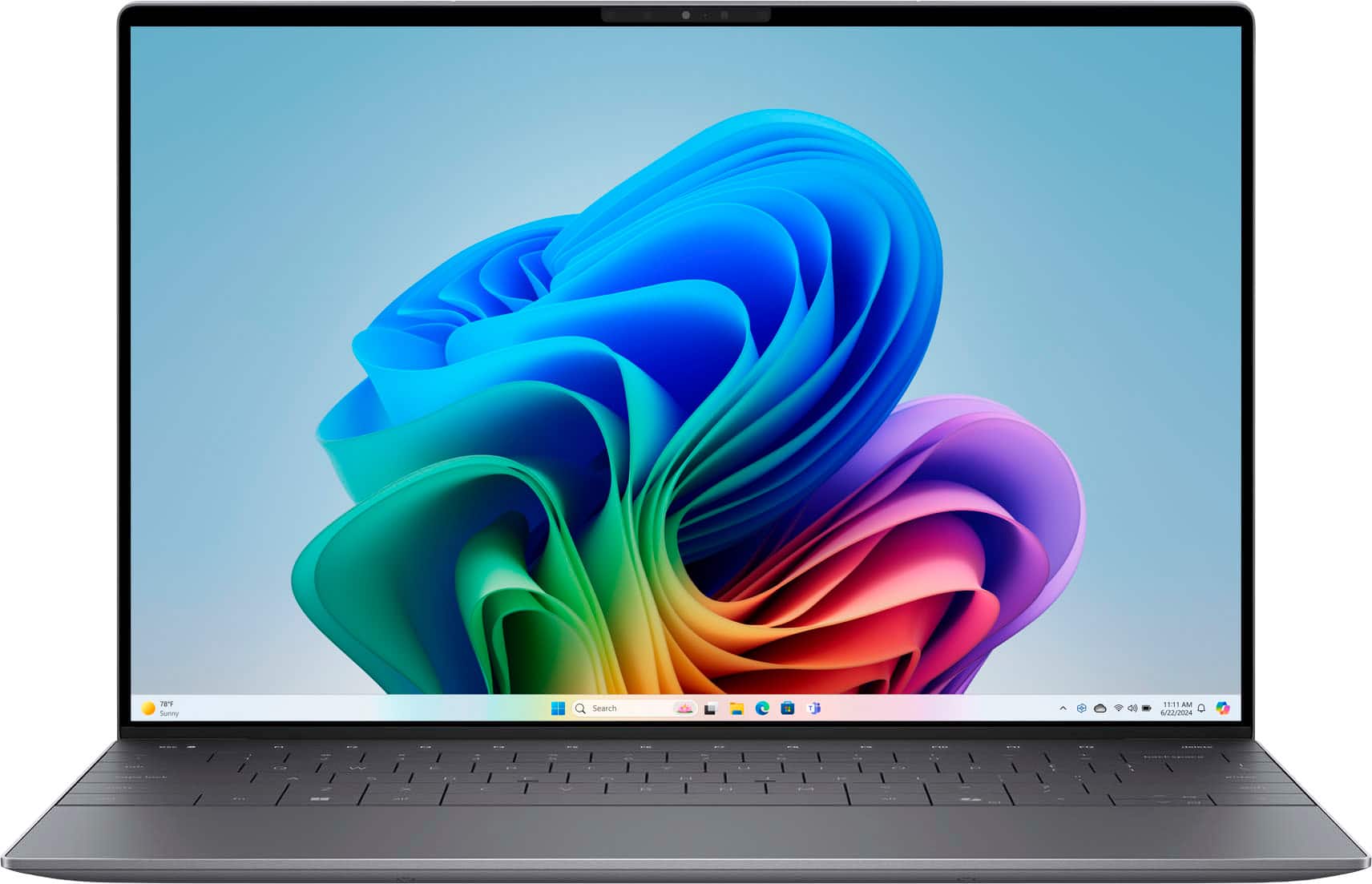
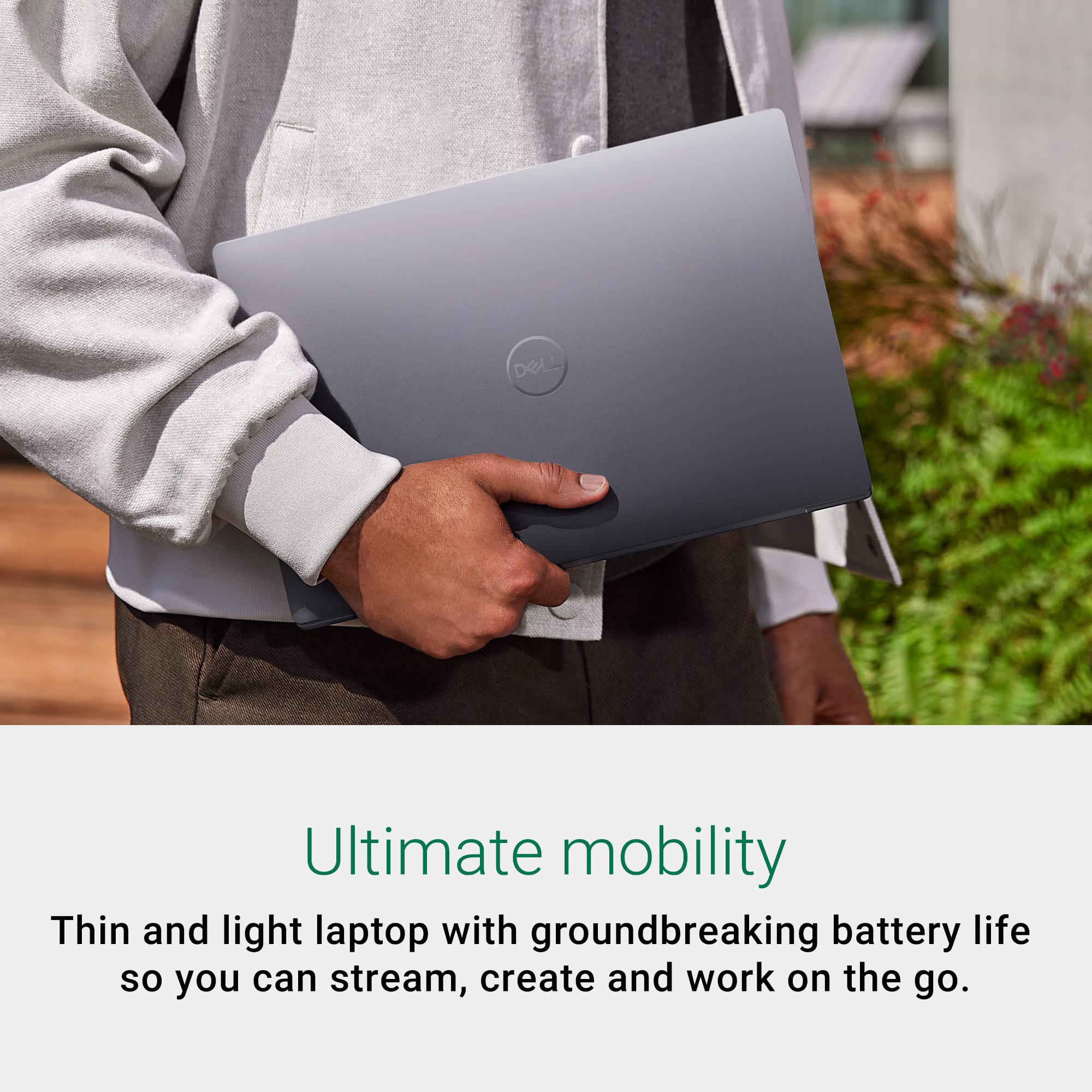
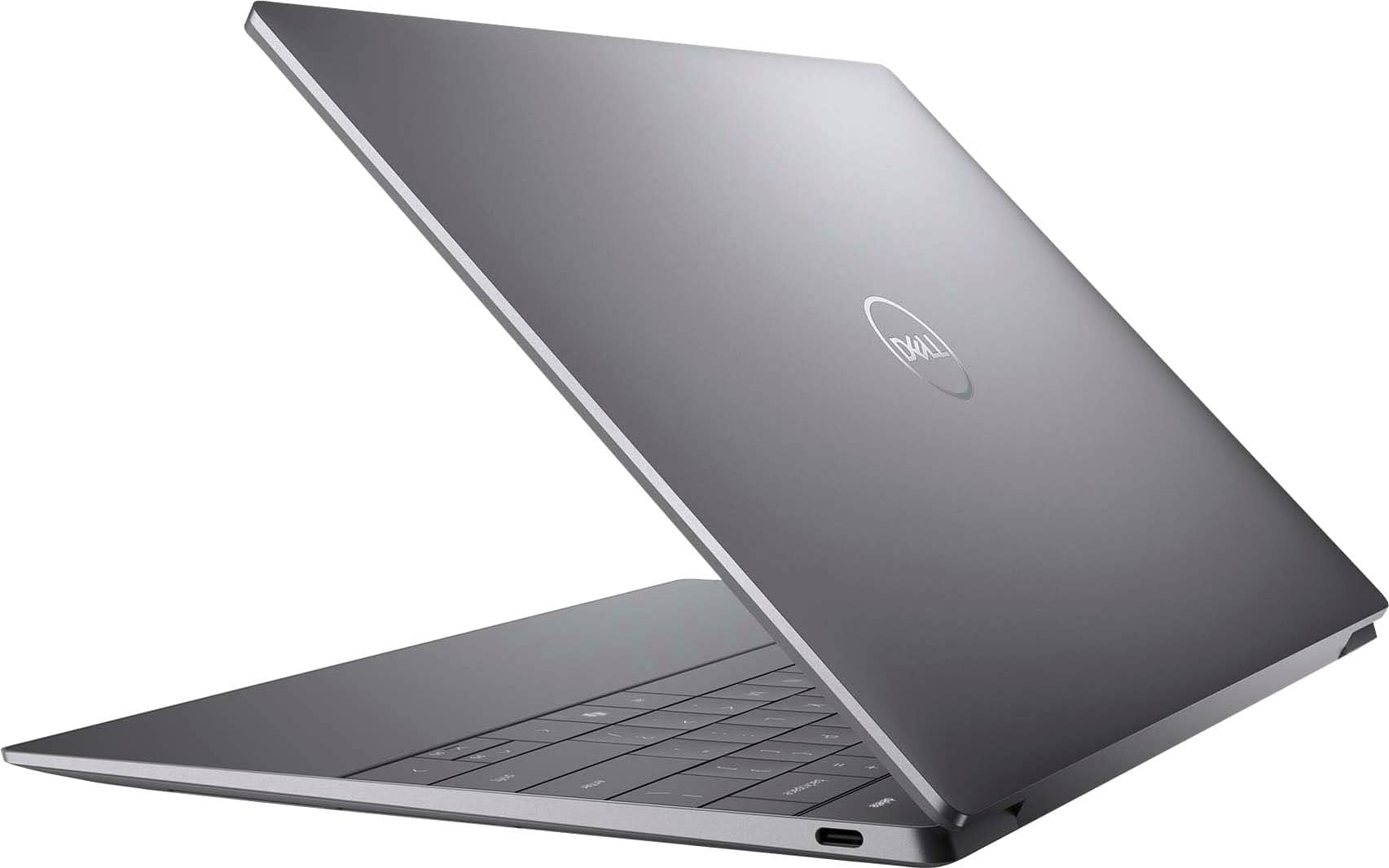
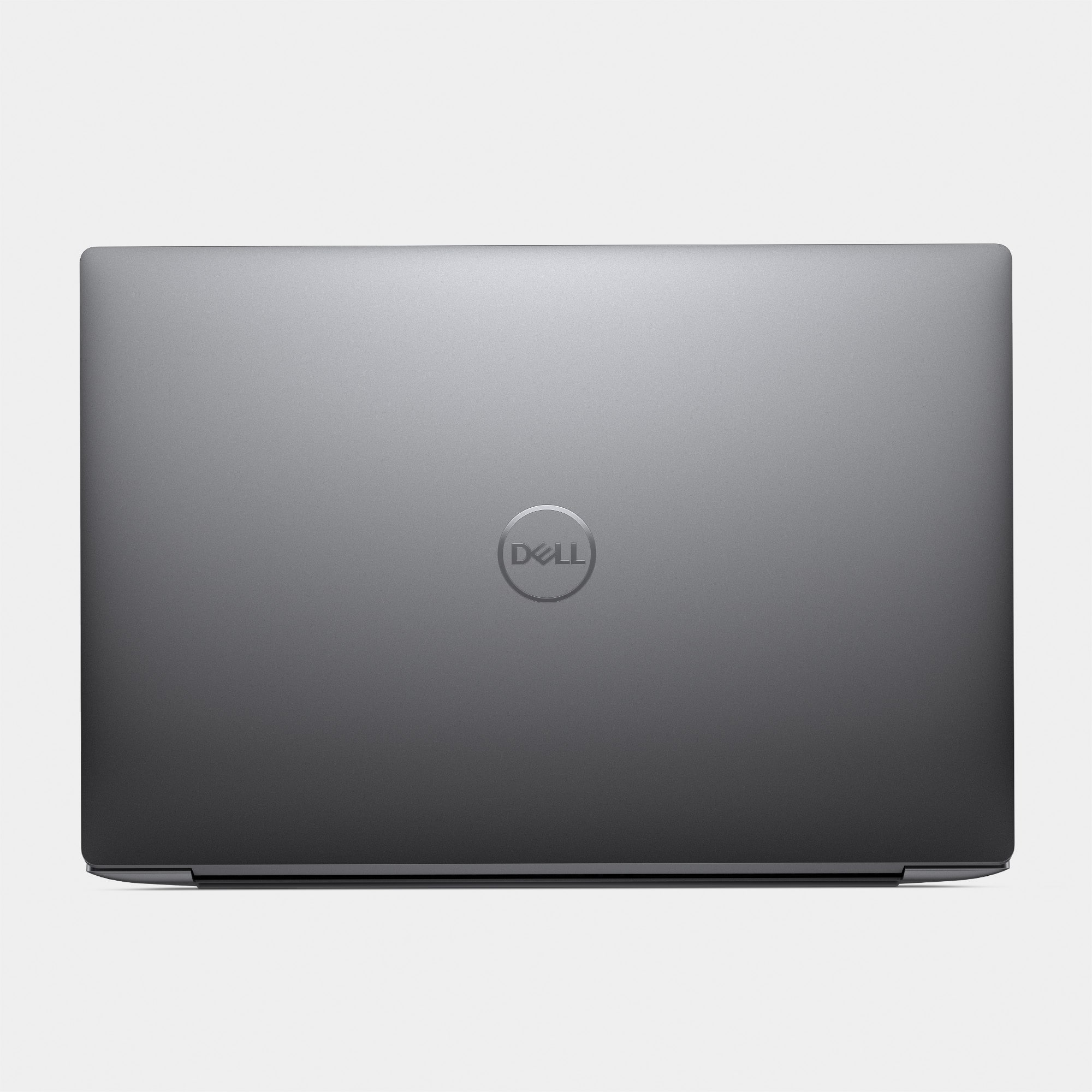
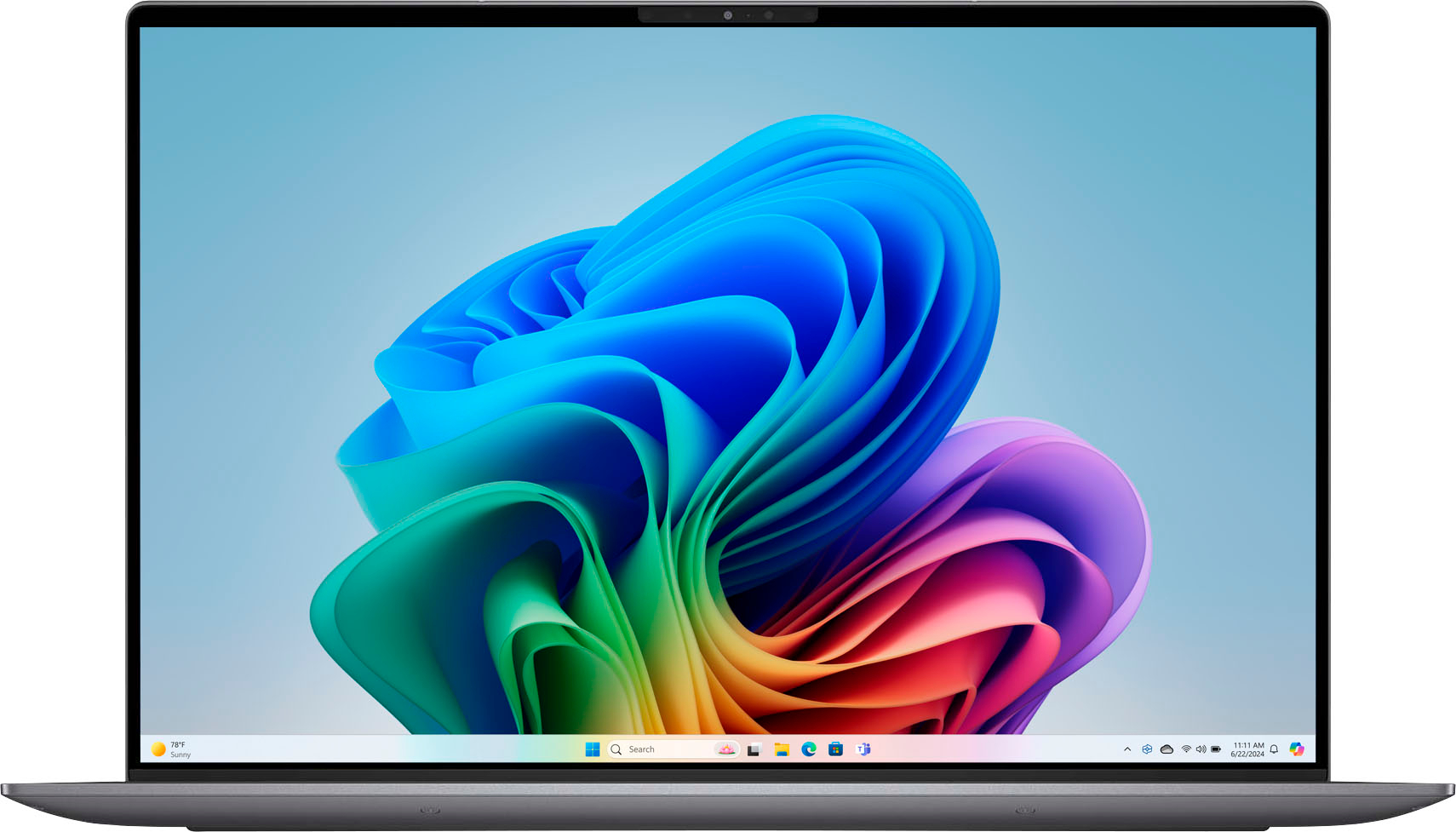
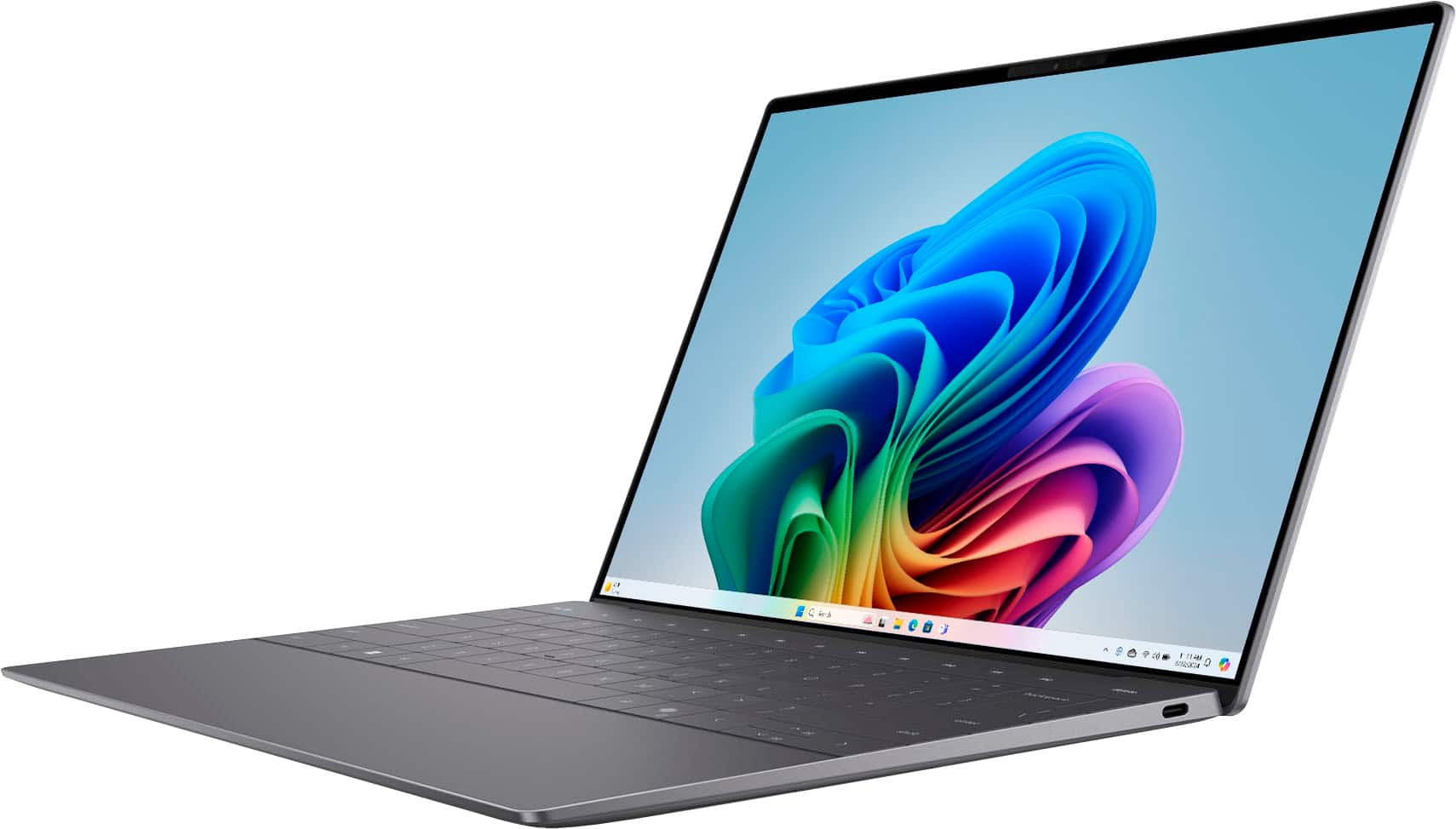
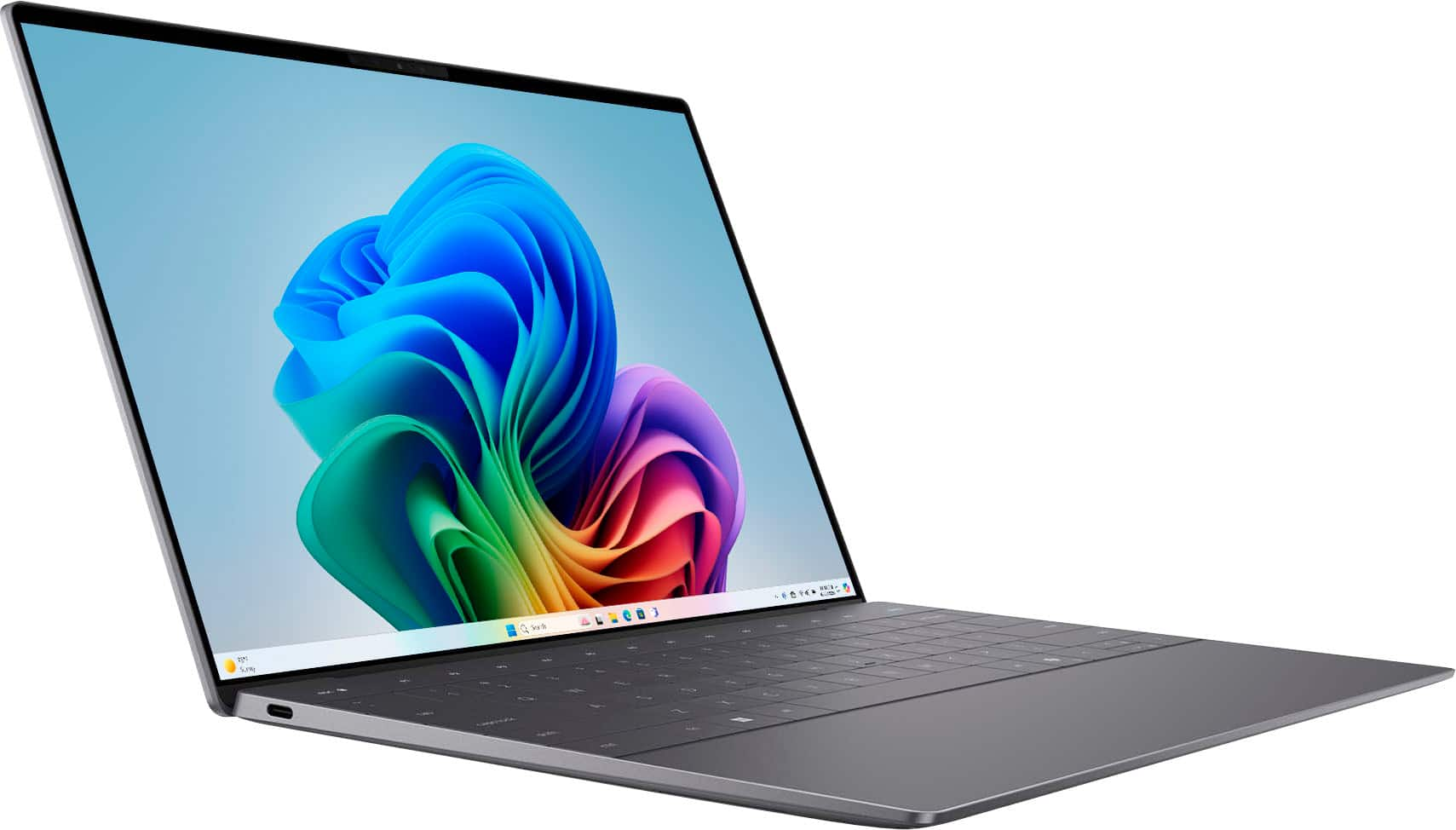
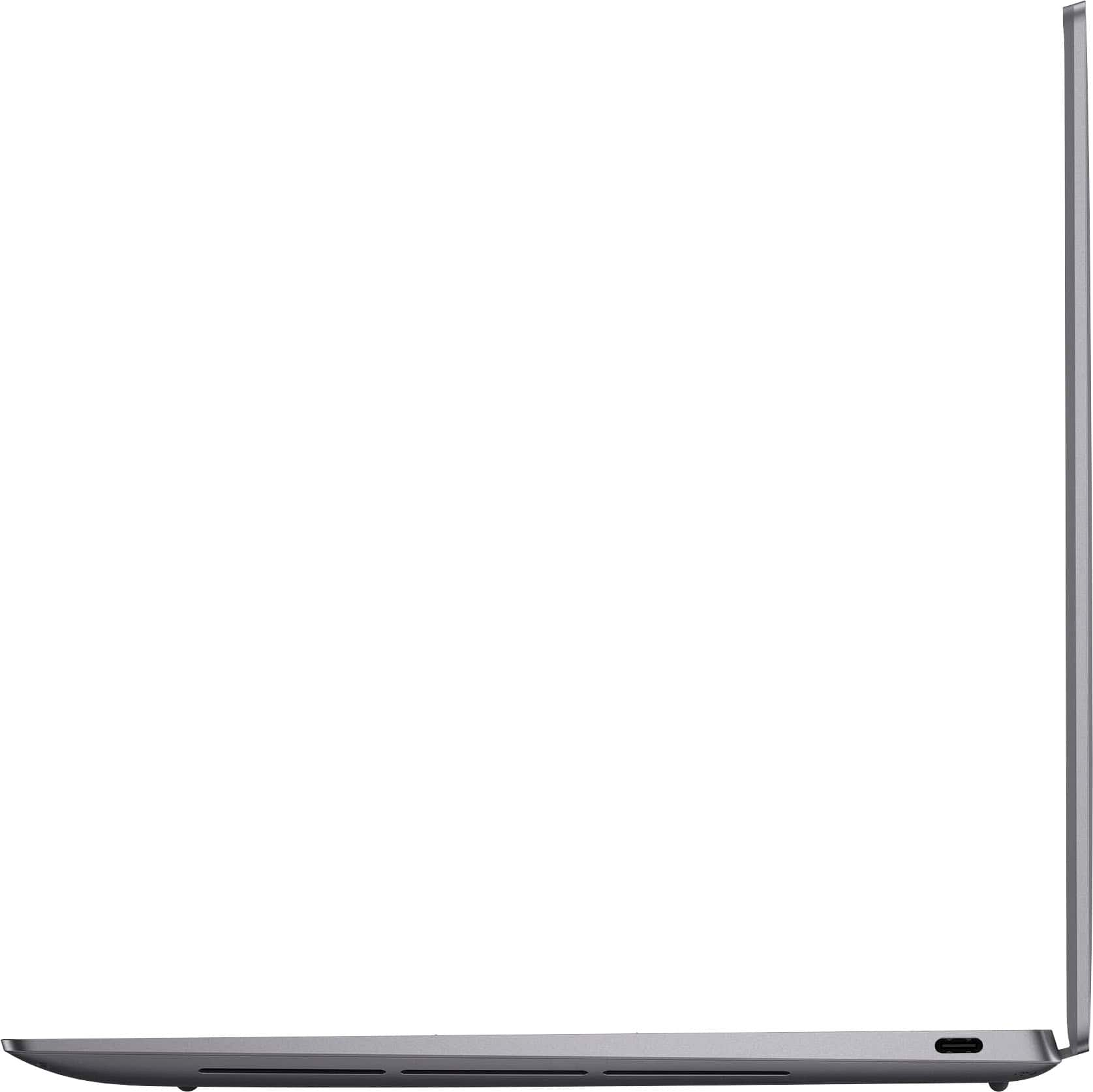
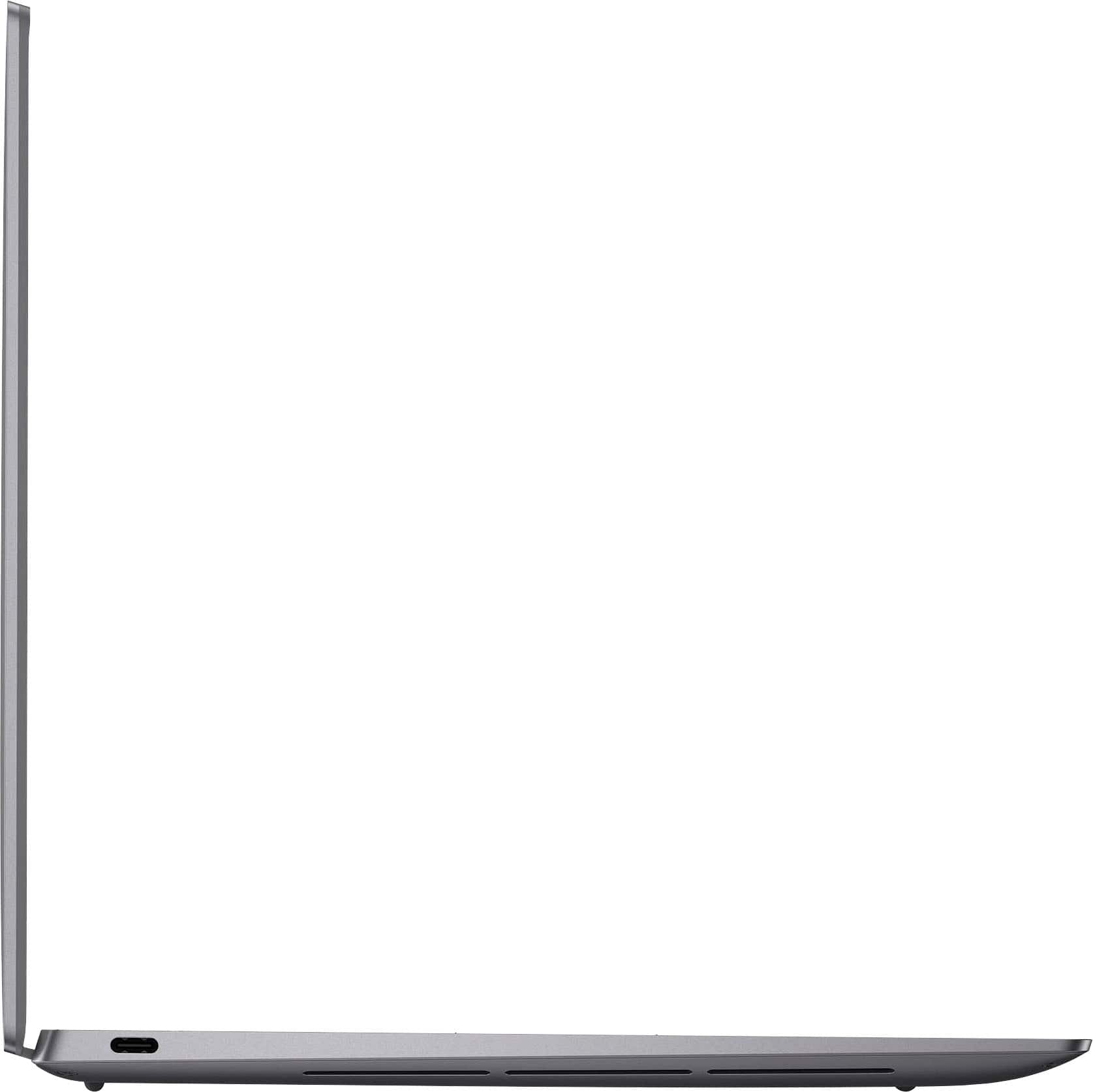
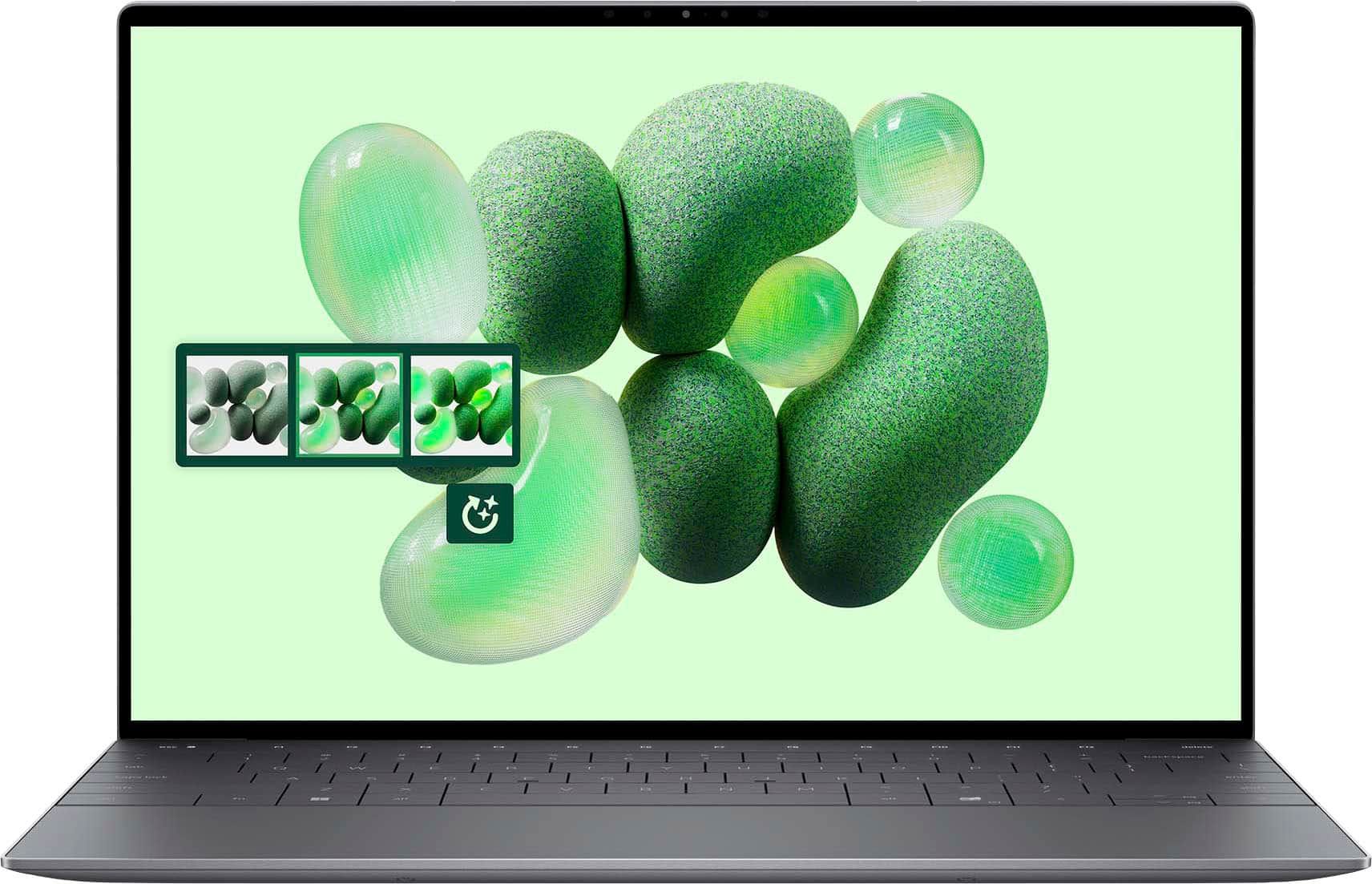
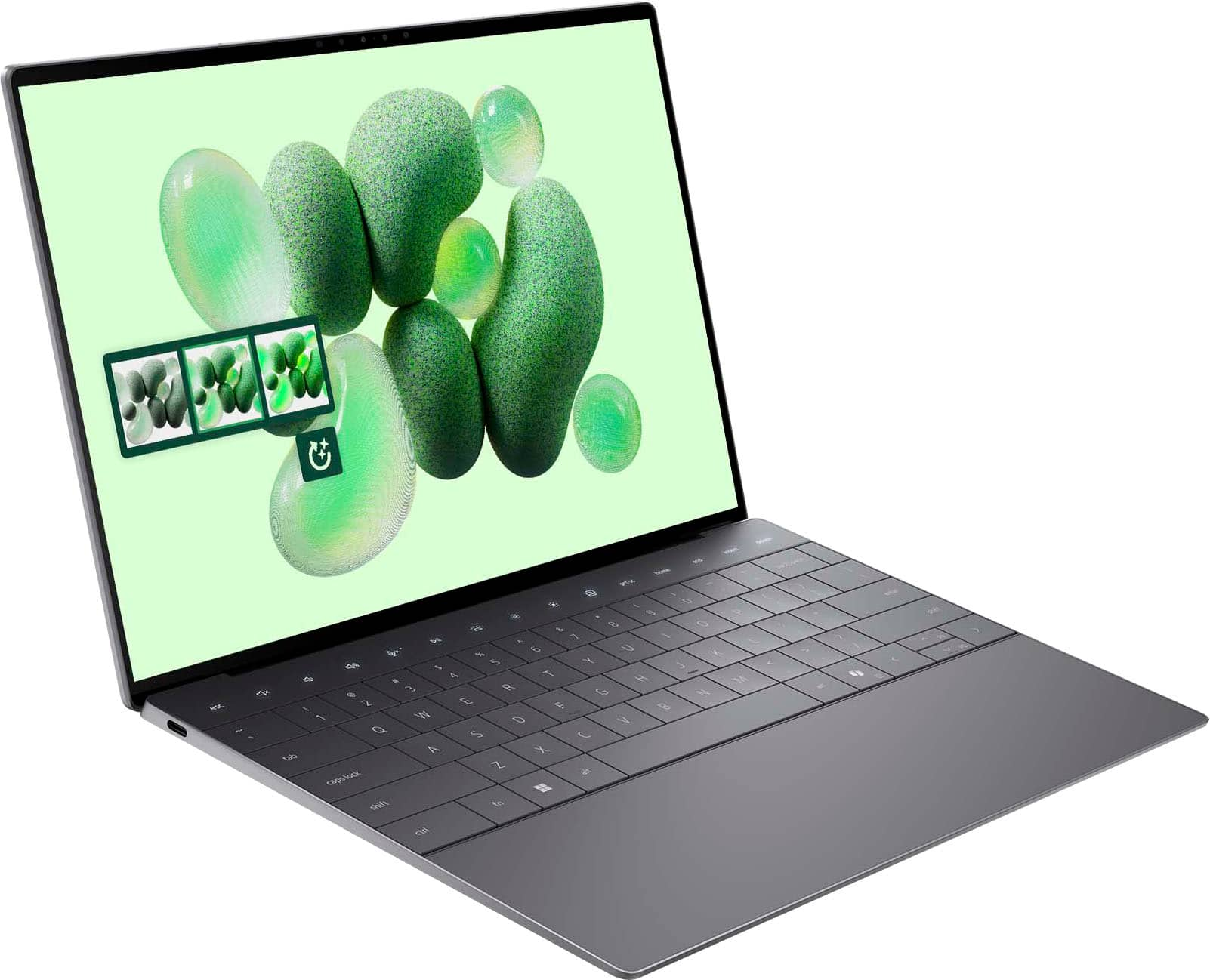
Customers consistently note the XPS 13.4" OLED laptop's impressive battery life and wonderful OLED display, making it great for photography and streaming. The build quality and processor speed also receive positive feedback, along with its thin and lightweight design, enhancing portability. However, some customers have expressed concerns about the limited number of USB ports and the system's tendency to run warm. A few customers are still getting used to the connectivity.
This summary was generated by AI based on customer reviews.
Great computer
||Posted . Owned for 3 months when reviewed.This reviewer received promo considerations or sweepstakes entry for writing a review.Great Spec, not too expensive price. Unique design. I love it
I would recommend this to a friendlight weight laptop
||Posted . Owned for 6 months when reviewed.This reviewer received promo considerations or sweepstakes entry for writing a review.great form factor, easy to use, camera isn't great
I would recommend this to a friendDele
||Posted . Owned for 1 week when reviewed.This reviewer received promo considerations or sweepstakes entry for writing a review.Best Delle so far and I love it and wold recommend
I would recommend this to a friendBen
||Posted . Owned for 1 week when reviewed.This reviewer received promo considerations or sweepstakes entry for writing a review.Nice product and was delivered when promised. I would recommend Dell products found at Best Buy.
I would recommend this to a friendSix Months of Frustration – Avoid This Brand
||Posted .This reviewer received promo considerations or sweepstakes entry for writing a review.I purchased this very expensive laptop, just six months ago, and it’s been nothing short of a nightmare. After only 45 days, the battery failed. A technician came to replace it but couldn't even get the computer to boot afterward. He assured me someone from support would call to follow up—unsurprisingly, no one ever did. What followed was an exhausting and frustrating ordeal. I had to initiate all contact myself, and I ended up making 10–12 calls, spending over 30 hours dealing with an unhelpful and difficult overseas support team. It took all of that effort just to get the laptop working again. Then, only a few months later, the hard drive failed. I’m still in the middle of trying to resolve that issue. For the price I paid, this has been one of the most unreliable products I’ve ever owned. But more than the product itself, it’s the completely ineffective and painful support process that makes this experience so much worse. Save yourself the stress. I cannot recommend this laptop—or this company—at all.
No, I would not recommend this to a friendReview
||Posted . Owned for 3 weeks when reviewed.This reviewer received promo considerations or sweepstakes entry for writing a review.Good laptop does what it needs to do, I like the touchscreen feature
I would recommend this to a friendBest laptop ever
||Posted . Owned for 3 weeks when reviewed.This reviewer received promo considerations or sweepstakes entry for writing a review.Loved it, excellent combination of configuration for media
I would recommend this to a friendExellent Product
||Posted . Owned for 1 week when reviewed.This reviewer received promo considerations or sweepstakes entry for writing a review.Love the performance, love the design Wr also had an exellent customer service.
I would recommend this to a friendBest
||Posted . Owned for 3 weeks when reviewed.This reviewer received promo considerations or sweepstakes entry for writing a review.Working in good condition with all premium features.
I would recommend this to a friendComputer
||Posted . Owned for 3 weeks when reviewed.This reviewer received promo considerations or sweepstakes entry for writing a review.Works good much like it does indeed do computer things
I would recommend this to a friendLooks great!
||Posted . Owned for 3 weeks when reviewed.This reviewer received promo considerations or sweepstakes entry for writing a review.Great!! It works smoothly and it is high quality!!
I would recommend this to a friendXPS 13
||Posted . Owned for 2 months when reviewed.This reviewer received promo considerations or sweepstakes entry for writing a review.Excellent Laptop. Stylish looks, and great offer from BB.
I would recommend this to a friendUnderperforms
||Posted . Owned for 3 weeks when reviewed.This reviewer received promo considerations or sweepstakes entry for writing a review.Had lots of issues connecting to an external monitor. Screen is great, but a little dim. Slow performance, as well, and loud fan noise. Maybe I got a bad one?
No, I would not recommend this to a friendBrand response from Snapdragon team
Posted .Hi Ryan,
Thank you for reaching out to us. We're sorry to hear you are having issues with your fan speed. Try changing to a more efficient power mode and ensure the device has proper ventilation.
Another amazing DELL laptop
||Posted . Owned for 1 week when reviewed.This reviewer received promo considerations or sweepstakes entry for writing a review.Absolutely fantastic machine, even better than the previosu XPS (7390).
I would recommend this to a friendSuper disappointing. Looks great works horribly.
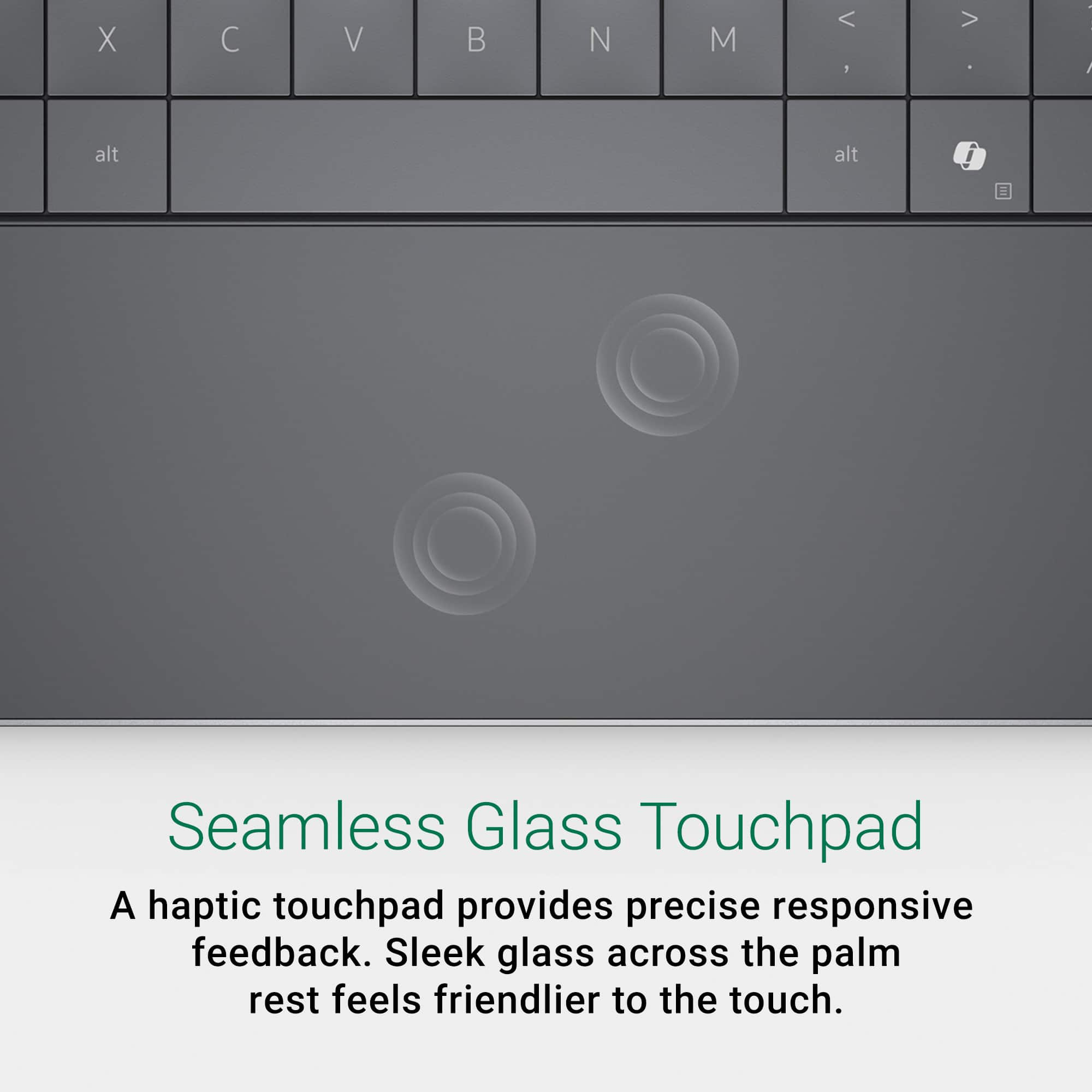
||Posted .This reviewer received promo considerations or sweepstakes entry for writing a review.The keyboard is horrible and the touch pad is even worse. I would have returned it if I had known it was this annoying. Looks great and even feels nice but works horribly. Touch screen is pretty useless and creates buggy interactions on most websites. Battery life wasn't impressive. Maybe four hours of low intensity stuff. Wasn't any faster than my four year old Asus laptop it replaced. The display must be pristine or you will get touch screen glitches. The lit keyboard is always off and it tends to go to sleep super fast to save the battery which is really annoying. The absolute worst thing about it is the touch pad. I can only use this laptop with a wireless trackball attached, otherwise I'd throw it out the window if I had to use the trackpad which was designed to look nice so there is no delineation between track pad and no track pad so you can't drag things conventionally. Almost useless.
No, I would not recommend this to a friendBrand response from Snapdragon team
Posted .Hi Matt4C, our Snapdragon X Series processors are built to provide game-changing performance while maintaining incredible efficiency, allowing for all-day battery life. If your battery life isn’t meeting expectations, consider adjusting your power settings and display brightness, as these can significantly impact battery performance. Additionally, restarting your PC and ensuring you have the latest updates installed can also help optimize battery life.
- Pros mentioned:Battery life, Oled display

Excellent CPU / Outstanding Battery Life
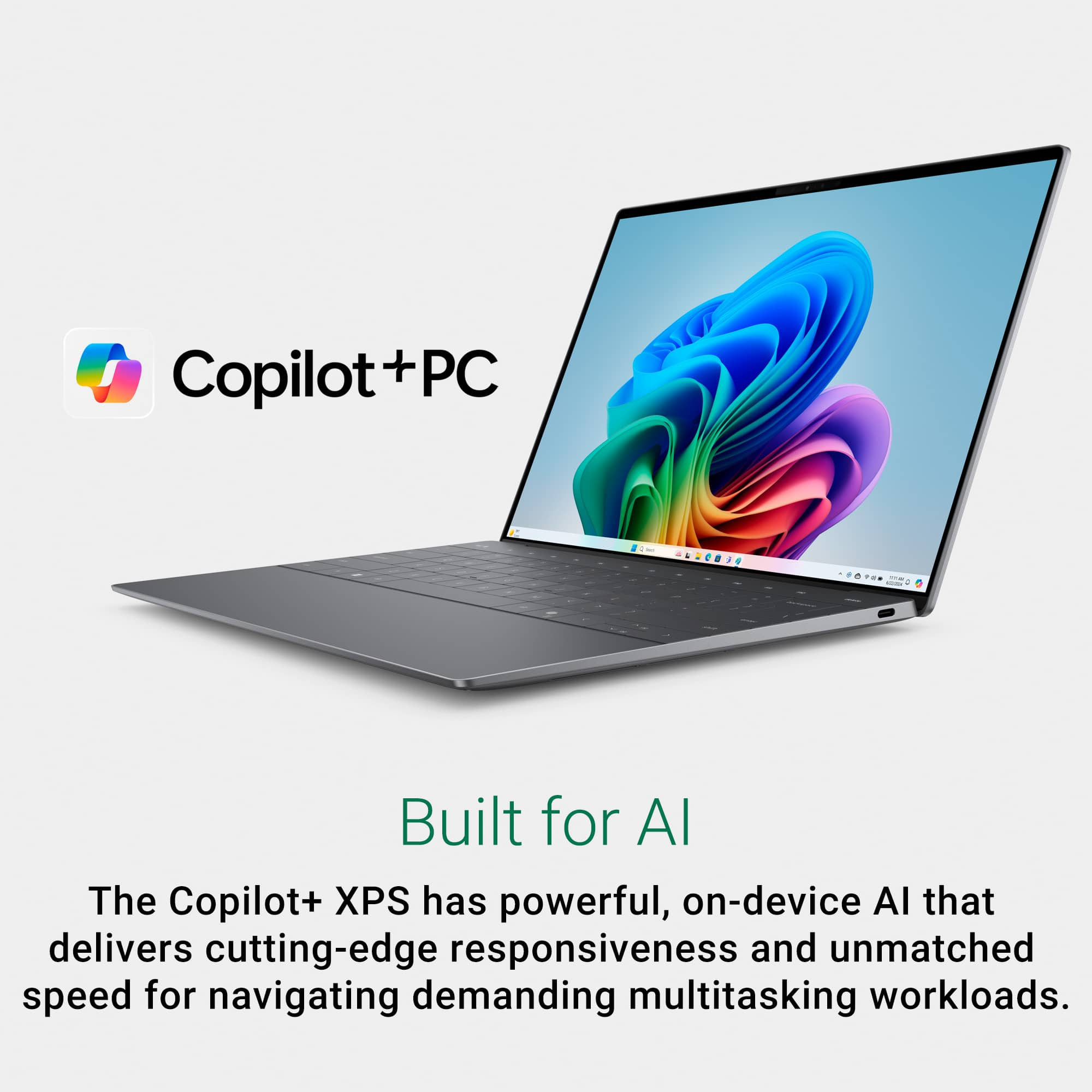
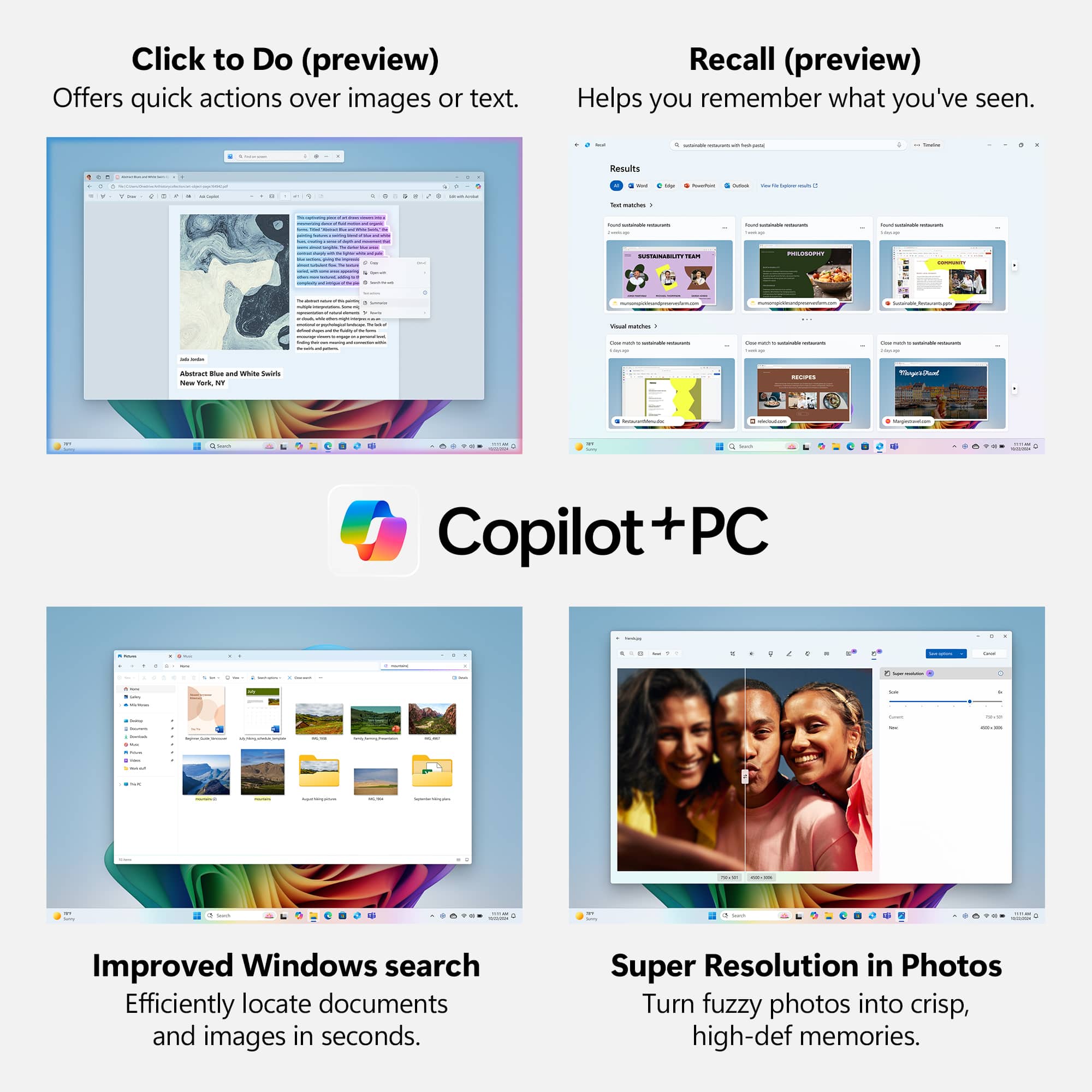
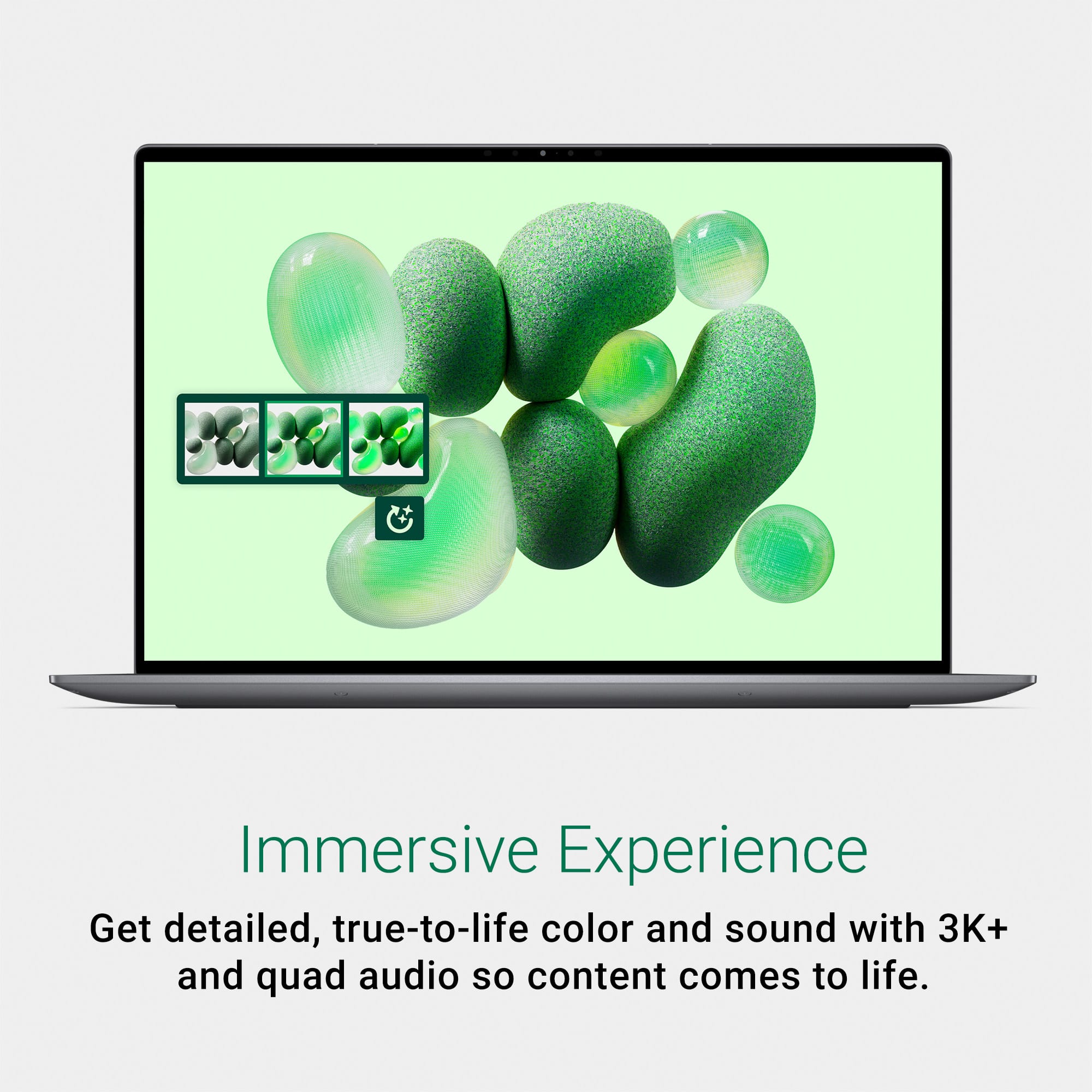
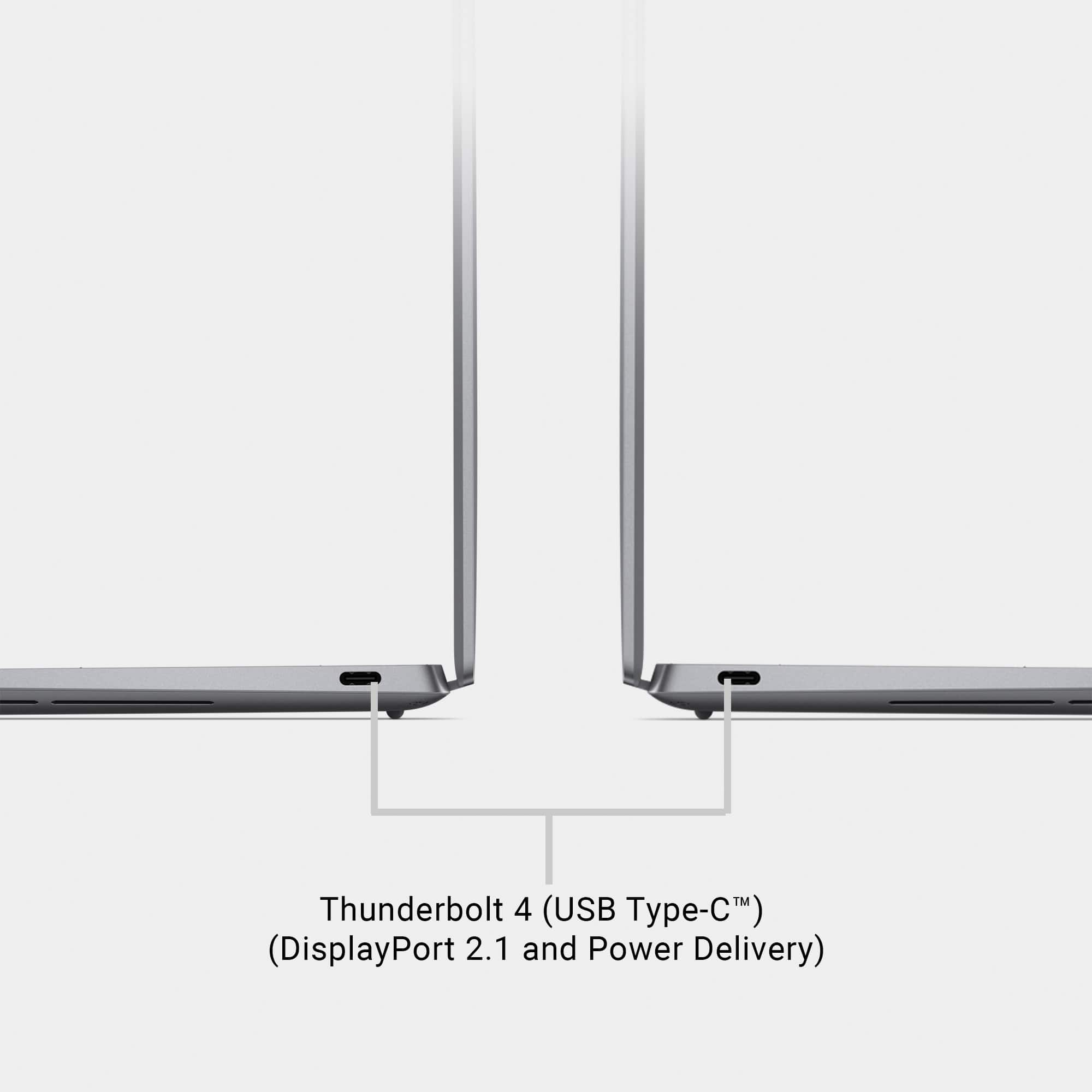
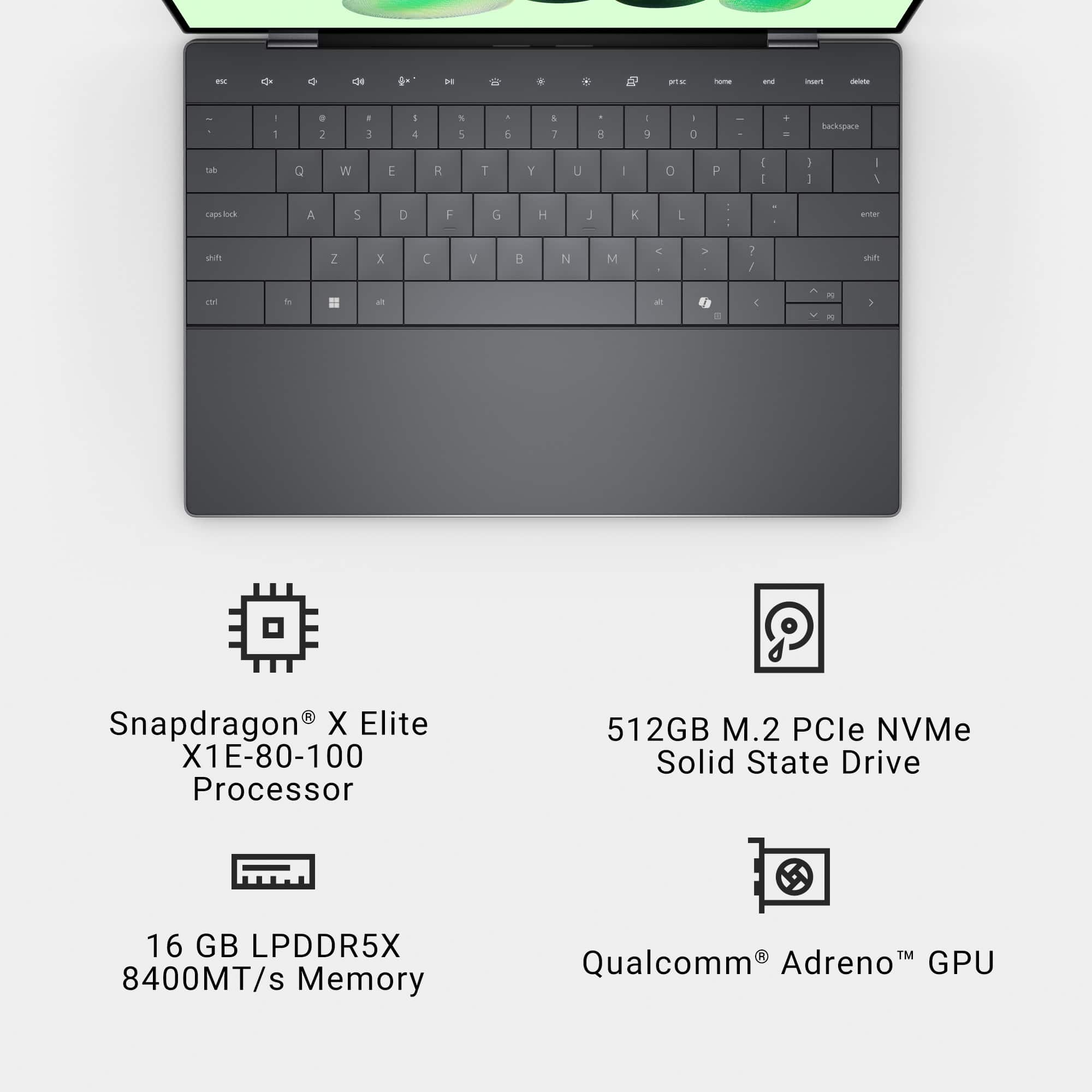
|Posted .This reviewer received promo considerations or sweepstakes entry for writing a review.KEY SPECS Qualcomm Snapdragon Processor 12C / 12T 16GB DDR5 RAM 512GB NVMe Drive OLED 2880 x 1800 Panel with HDR PORTS 2 x USB-C (40GB/s supports DP and PD) INTRODUCTION The Dell XPS CoPilot+ 9345 ushers in a new era of laptops for Dell. This is the first generation of laptops incorporating the Snapdragon X Elite processor with a built-in Neural Processing Unit for AI assistance and an ARM based operating system. Everything is going AI now. That is the buzzword of the year. The Snapdragon X Elite processor in this XPS is unique in that it can perform basic AI tasks “on chip” without the need of a constant internet connection to send and retrieve data from. This “on chip” approach also frees the main CPU from dedicating computing resources for AI related functions. USE This XPS CoPilot+ PC is fundamentally different than the status quo x86 / x64 operating environment we have known for the better part of 3 decades now (I say 3, as I consider Windows 95 the first real user-friendly OS on the x86/x64 environment). It can be confusing deciding between a “normal” computer and an ARM based product. A “normal” computer is what we have all been using for decades. An Intel or AMD chip with Windows x86 operating system. An app store, Windows Update, and easy to find drivers via the manufacturers’ websites or Windows Update. ARM based computers are not like that. The easiest way to describe them are like cellphones on steroids. The ARM based operating system looks like normal Windows for the most part but has a bunch of stuff happening in the background to make Windows work. Some apps, like most Microsoft apps, work natively on the ARM OS. Other apps must work through an emulator to bridge the app to the ARM OS. This should not be a major concern for the most part, as it is mostly transparent in the background with no user issues to speak of. But it can be an issue because some apps just don’t work quite right with the emulators. Honestly, it has been hit or miss. Some Windows apps perform flawlessly on the ARM OS, others don’t. I’ve averaging about a 75% success rate with apps. Most of my common apps work without issue, but there are some I’ve been forced to find alternatives for. Same can be said for driver updates. ARM / Snapdragon based computers don’t get driver updates like you would get off a normal x86 computer. You can’t just go to a vendor’s website or Windows Update to do a driver search and expect to find the latest driver. Most don’t exist. Most are geared natively to Mac and/or Windows and trying to install one of those drivers will not work with these Snapdragon-based ARM computers. Instead, the computer receives a driver update package. Almost identical to your Android phone when a carrier issues an update. This package is unique to the computer and is not something you can pick and choose from. Think of it like when your normal x86 computer gets a bios update. The process looks and feels nearly identical. I find this good and bad. Being a techie, it is bad. A user can’t just go out to the interwebs and get an updated driver for something that doesn’t work. The user must wait for a system update to fix an issue. Sometimes this happens quickly, sometimes it doesn’t. When I first got this laptop, if would not connect to my TP-Link Deco router. I went several days hot-spotting off my phone for internet connectivity. Why? Because I couldn’t go out to the Wi-Fi card manufacturer and get an ARM based driver, they don’t exist. However, after two or three days, Dell released a system update to the laptop, and it cured the issues with the Wi-Fi. Had I had a “normal” computer, I could have fixed it in minutes. DISPLAY The XPS 9345 display is gorgeous. The 3k (2880 x 1800) display is crisp, colorful, and just awesome to look at. Color reproduction appears very accurate, and the blacks are so crisp and inky. The added pixel count of 3k resolution on a small 13” display makes the pixels nearly imperceptible. The small screen is packed with a bunch of detail. It looks amazing. CPU This is what sets the XPS CoPilot+ 9345 apart from its brethren. The Snapdragon X Elite is a 12-core processor with an ARM-based architecture. It is different than traditional Intel and AMD chips. Between 12 cores and the very efficient ARM architecture, the Snapdragon processor is fast. As fast or faster than the latest Intel i7 based laptops it competes against. In fact, I find the Snapdragon processor feels superior to its Intel and AMD based competitors in terms of responsiveness. Even with heavy multi-tasking the Snapdragon hasn’t felt overburdened like my x86 laptops tend to do. The whole ARM based environment feels more efficient under intense workloads. BATTERY LIFE This is one area that I absolute must touch on. The XPS 13 is the longest lasting laptop I have used to date. This is the one area where an ARM based laptops excel. The Snapdragon gives the user the power and performance of a high-end x86 based computer with the efficiency of a tablet. This is the first computer I’ve ever used that gives me all the computing power I need of a full-sized laptop without any performance penalties for battery saving. It is really that amazing. The biggest power draw of most laptop is the display. Even at full resolution and 50% brightness, the laptop returns a good 9 – 10hrs of life, sometimes more. While I have other laptops or 2-in-1’s that can do this too, it is not without a significant performance penalty or viewing penalty. The XPS allows me to run the processor at optimum speed, the screen at excellent brightness levels and still returns all day battery life. Again, this the FIRST laptop I’ve ever used that has returned these results. It is amazing. NEGATIVES Upgradability. I said this in another review, but 2024 is the beginning of the end of upgradeable laptops. This XPS is no exception. Aside from the SSD, the laptop is not upgradeable. ARM. I see the ARM architecture as a like it or hate it affair. It is a decision left up to the end user. There are pros and cons to the OS. While it is very power efficient, it is also not (for the lack of a better word) user-friendly. By that, I mean for those of us that are not afraid to go in tweak drivers and make changes, this is not for the tinkerers. But, for those that don’t want to worry about that stuff and just want a turn it on and forget it experience, this is your machine. FINAL THOUGHTS Users buying a new laptop to experience the greatness that is AI will be disappointed. There just isn’t a ton of features available currently. My biggest use of AI to date has been in CoCreator in Paint. It has helped turn my ideas and renderings into something that looks legitimate and not like a 2nd grader did it. The XPS CoPilot+ is an undeniably great option for those that need all day battery life. I easily got more than a full workday out of it, with power to spare. Most importantly, no matter how hard I have tried to cripple it, the laptop maintained its composure and most importantly, did so nearly silently. I said it before in this review. I have never had a laptop that has provided me with this much performance for this amount of time without some type of penalty attached. The XPS has exceeded my expectations in nearly every important aspect of my testing. The battery life is OUTSTANDING. The screen is gorgeous. The performance from the new Snapdragon processor is VERY impressive. While I’m not completely sold on the ARM architecture, it is growing on me. There still is some work to do. Some of my favorite apps don’t work on the XPS and when I do have issue like I had with my TP-Link router, I can’t just go in and fix it myself. I must wait until Dell fixes it. Unfortunately, that could take some time. However, as of now, the pros are outweighing the cons. I’ll admit that I’m a die hard x86 person, but the ARM OS is growing on me, and I can see the appeal for most people. The processing power of the Snapdragon X and power efficiency of the ARM architecture is unmatched by any x86 computer. RECOMMENDED
I would recommend this to a friend Not what expected
||Posted . Owned for 1 month when reviewed.This reviewer received promo considerations or sweepstakes entry for writing a review.Keyboard too small. I am not at all happy with this laptop. Have encountered several issues right out of box. Support assistant has to be reloaded.
No, I would not recommend this to a friendWindows on Arm has long way to go
||Posted . Owned for less than 1 week when reviewed.This reviewer received promo considerations or sweepstakes entry for writing a review.Snapdragon elite x has a long way to go to catch up to apple silicon. I barely got 5 hours of battery life on mixed usage. Performance was comparable more to first gen M1 chip even though on paper its similar to m3.
I would recommend this to a friendBrand response from YourDellTeam
Posted .Hello Manthan,
We would like to thank you for taking the time to leave us your review. We are sorry to hear that you are not 100% satisfied with your Dell XPS 13 OLED Touch-Screen Laptop due to the system and battery performance.
Furthermore, we always strive to get better and reviews like yours help us develop products our customers love. Your feedback with regard to the features and possibilities for upgrade will be shared with our quality team for consideration in future improvements.
We'd recommend the following steps to help improve your computer's overall performance and speed:
1. Restart your computer regularly.
2. Run the automated tools provided in the SupportAssist Tool.
3. Run a complete hardware diagnostic test.
4. Scan your computer for malware.
5. Restore your Dell computer using Windows System Restore.
6. Reinstall Microsoft Windows.
You can read the full steps associated with each of these recommendations here: https://dell.to/3n29QjE.
How to Improve the Performance of a Dell Laptop Battery: http://dell.to/2vfXWf4
If you are experiencing any issues or have any concerns or questions, please do not hesitate to get in touch with Dell using the information provided below so that we can help you resolve the issue to your satisfaction.
Chat or call: https://bit.ly/DellSupportTeam
Phone number to Dell: 1-800-624-9896
Best,
Minhaj@Dell
This laptop runs hot!
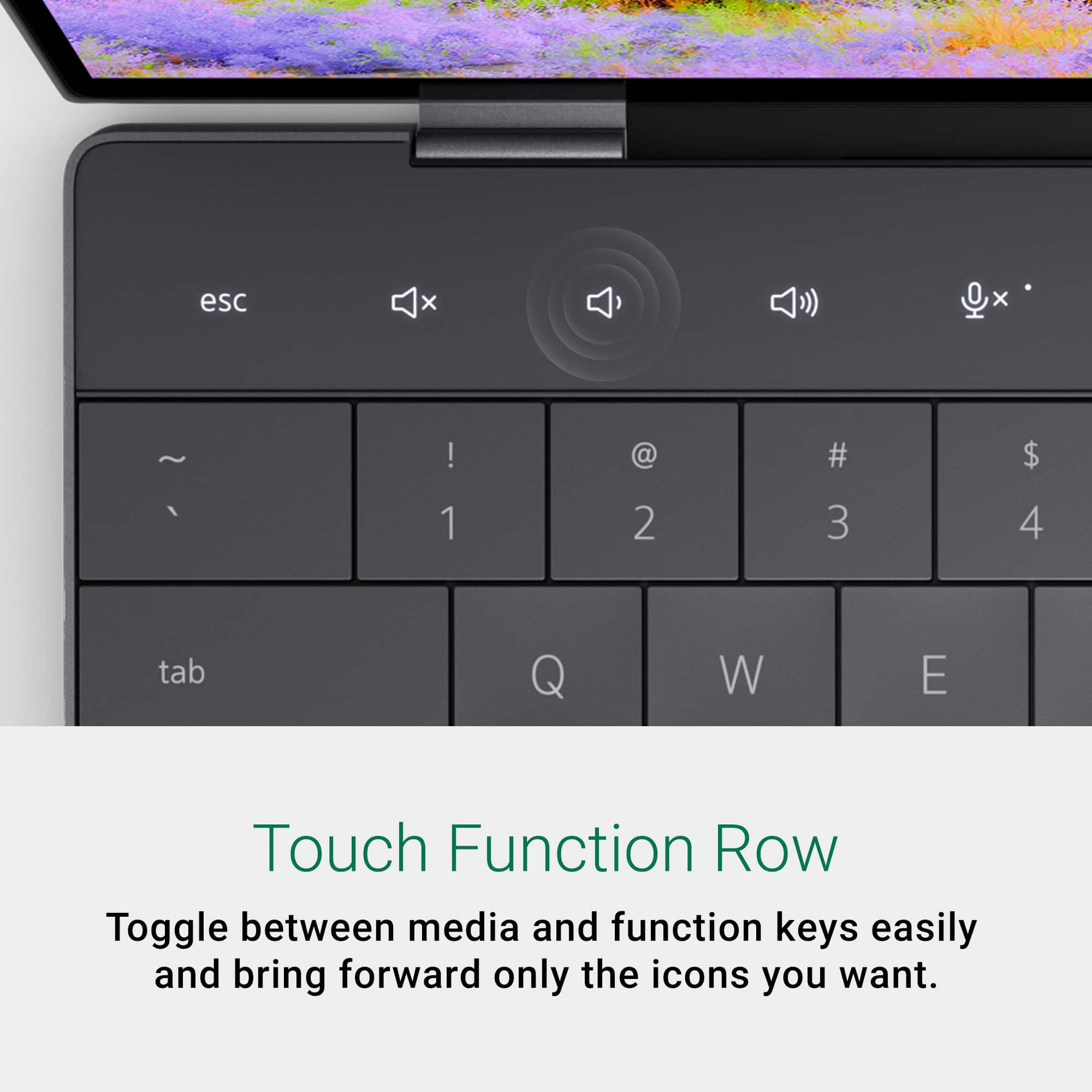
||Posted . Owned for less than 1 week when reviewed.This reviewer received promo considerations or sweepstakes entry for writing a review.I really wanted to rate this laptop lower but Dell’s design team has been on point the last couple of years. That said, after normal use of the laptop post-system updates and setup, i noticed that the laptop runs very hot - just like the previous and current gen Intel processors. I had high hopes for the Snapdragon processor, hopefully future processors will run cooler than this… and hopefully, Dell abandons the touch function row and brings back some physical keys!
No, I would not recommend this to a friendBrand response from YourDellTeam
Posted .Dear Malzeno,
Thank you for taking the time to leave us your review. We sincerely apologize for the heating issue you have encountered with your Dell XPS 13 Copilot+ PC 13.4 OLED Touch-Screen Laptop. This is not the type of feedback we like to hear from our customers, or the type of product Dell intends to deliver.
We have noted the details of your statement, and your feedback will be shared with our quality team for consideration in future improvements. We always strive to get better, and reviews like yours are helping develop products our customers love.
Below I have provided troubleshooting instructions with the full articles that can help resolve this issue.
Here are the steps to help resolve your overheating issue:
1. Use Dell Power Manager to adjust the thermal settings on the box to an option that suits you best. This tool adjusts the fans and processor power to make the system cooler, quieter, or more powerful.
2. Update the BIOS and Chipset driver.
3. Download and install Microsoft Windows updates.
4. Run a hardware diagnostic test.
5. Perform a Windows System Restore.
6. Restore the computer to factory settings.
How to use Dell Power Manager: https://bit.ly/48MAxRY
How to Troubleshoot Overheating, Shutdown, or Thermal Issues on a Dell Computer: https://dell.to/3oAEYsV
If you continue to experience any issues or require further assistance, please take a moment to call or chat to speak with a Dell representative at your earliest convenience using the information provided below so that we can help you to your satisfaction.
Chat or call: https://bit.ly/DellSupportTeam
Phone number to Dell: 1-800-624-9896
Best,
Minhaj@Dell
- Pros mentioned:Battery life, Build qualityCons mentioned:Usb ports
Very premium looking laptop for productivity.
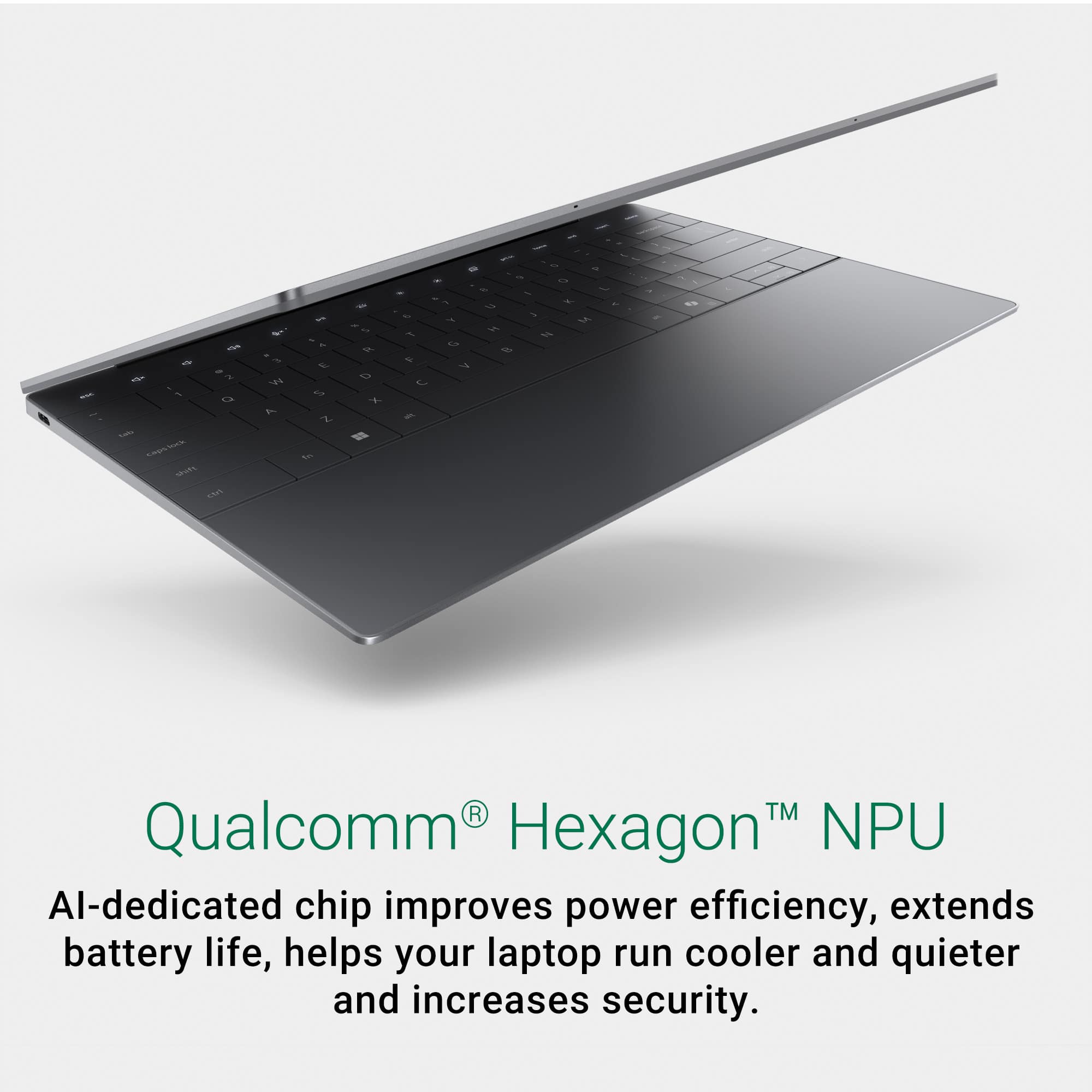
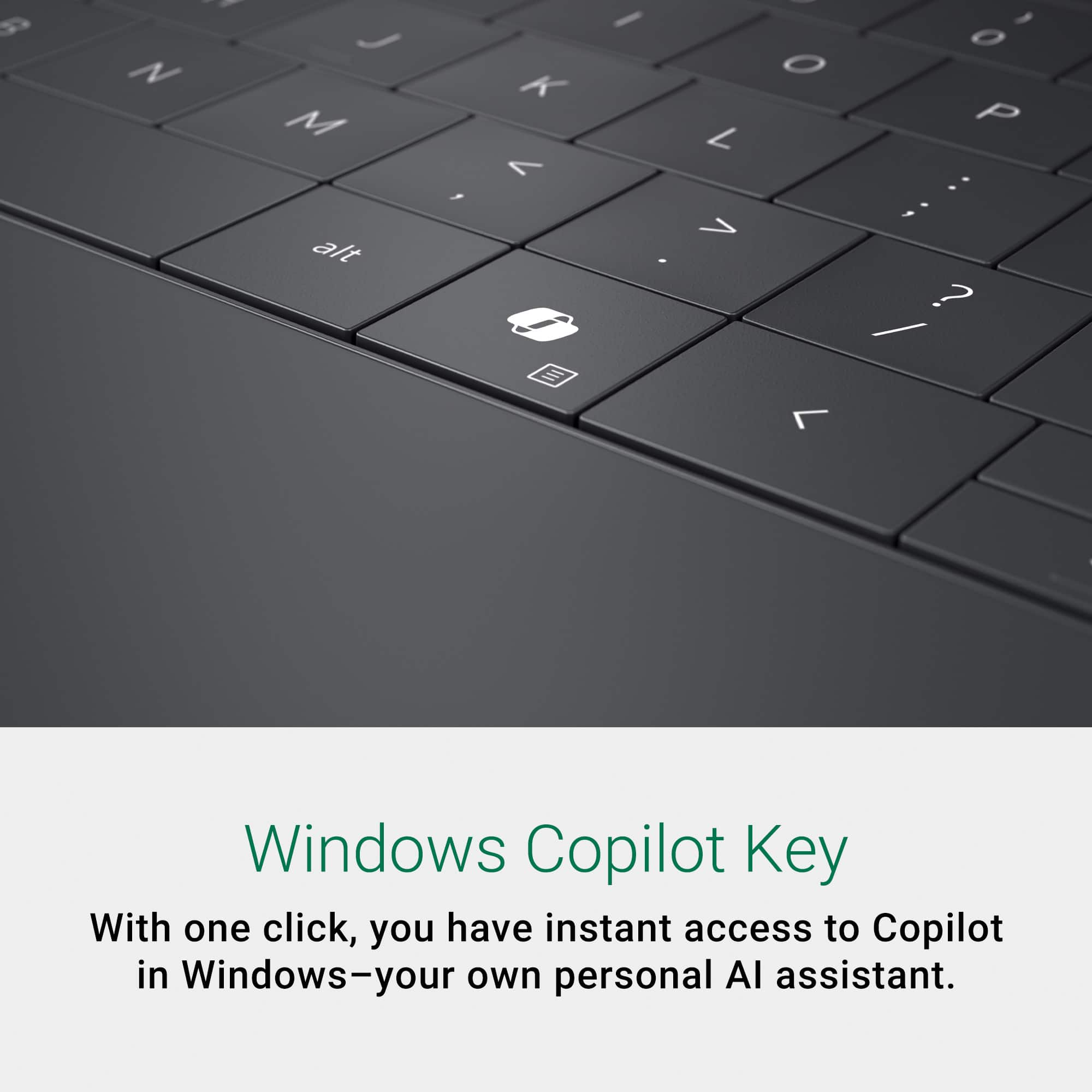
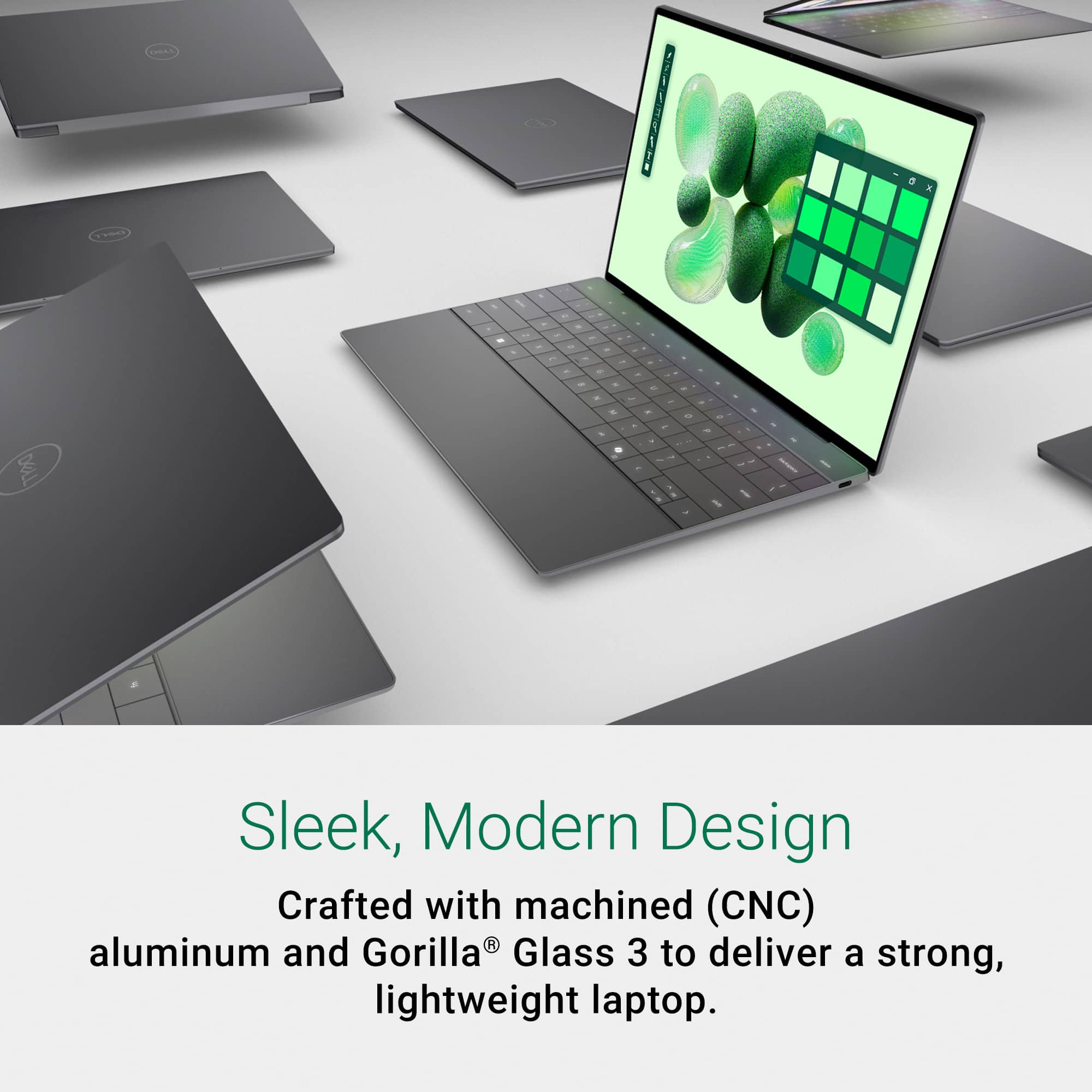
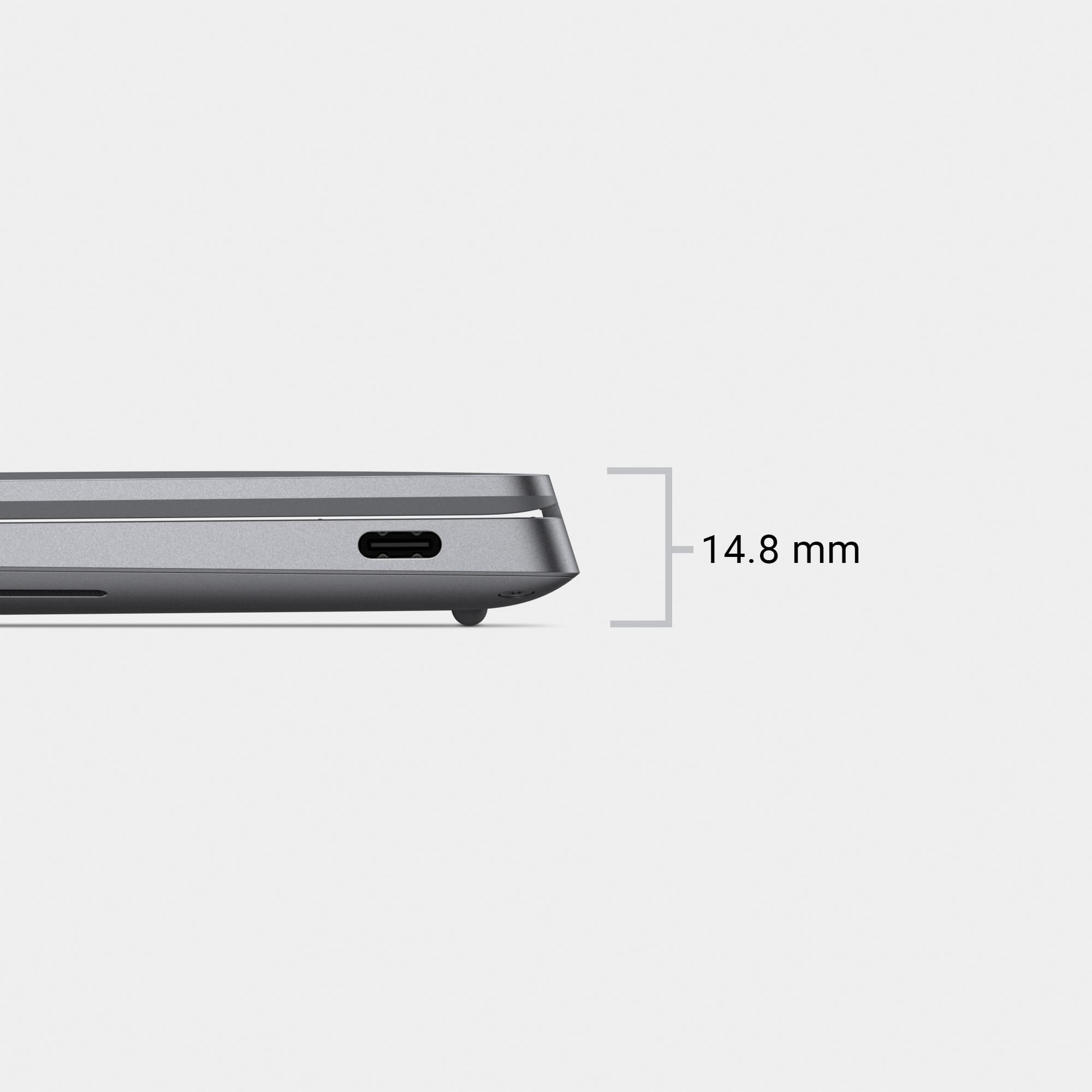
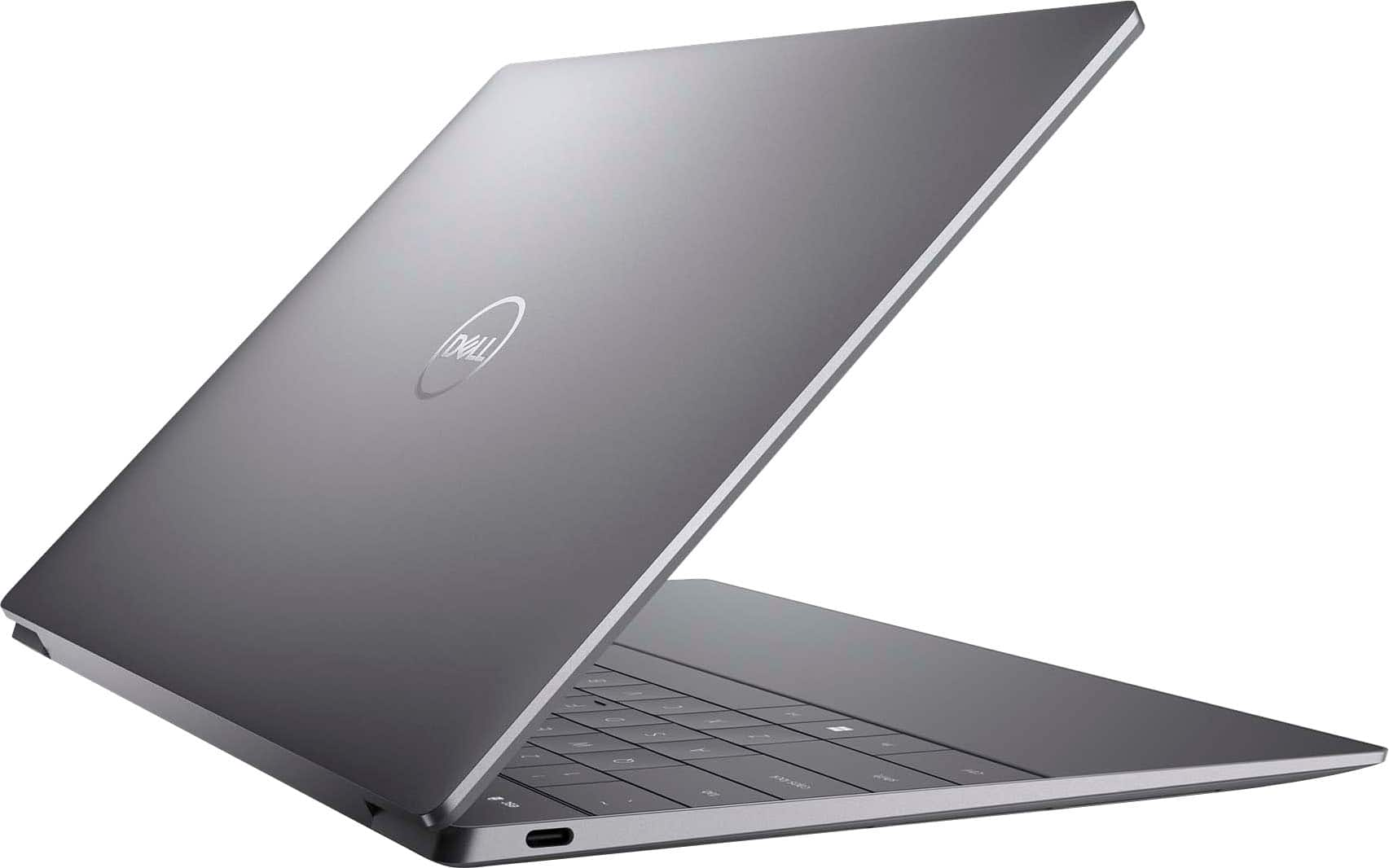
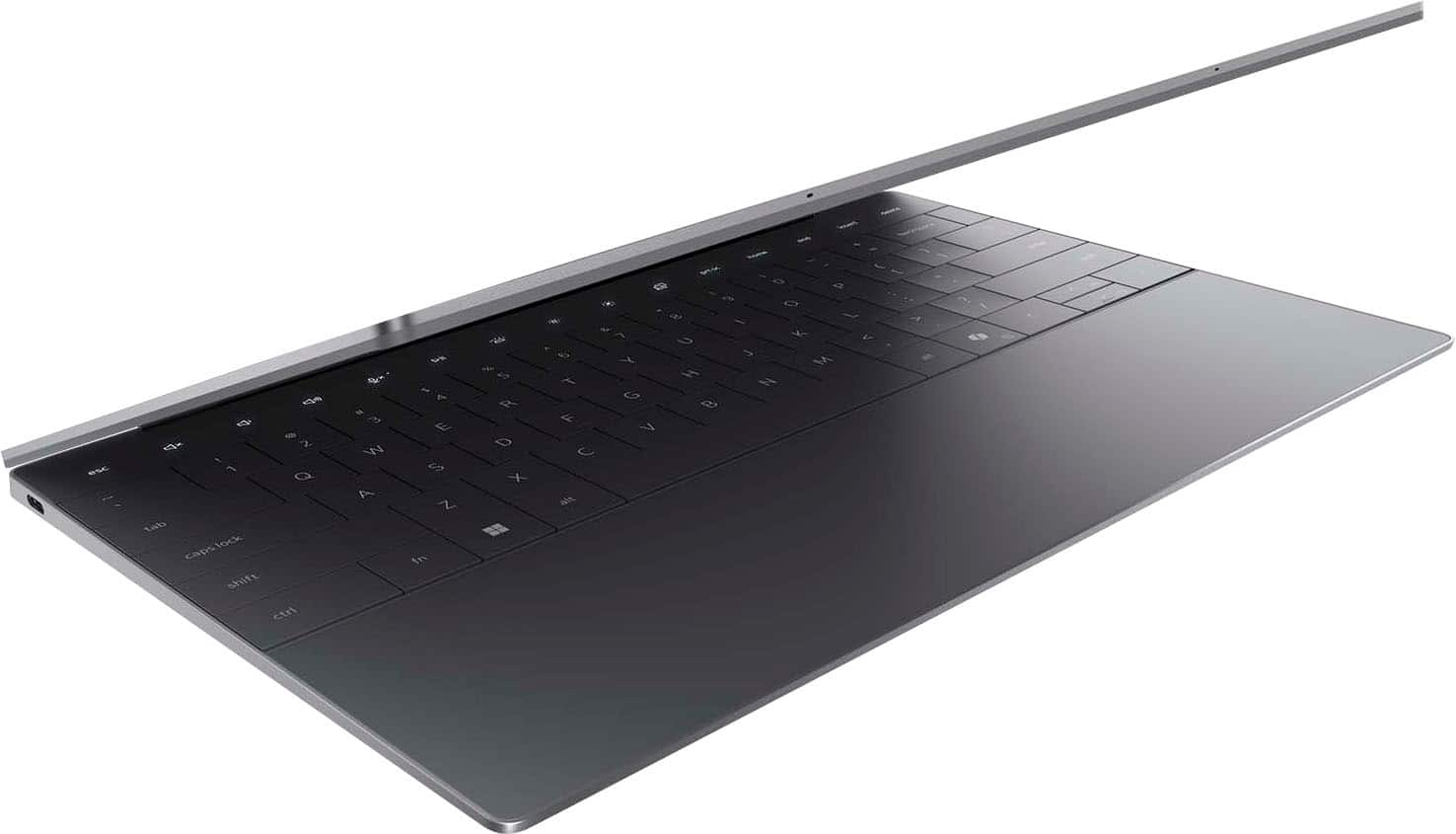
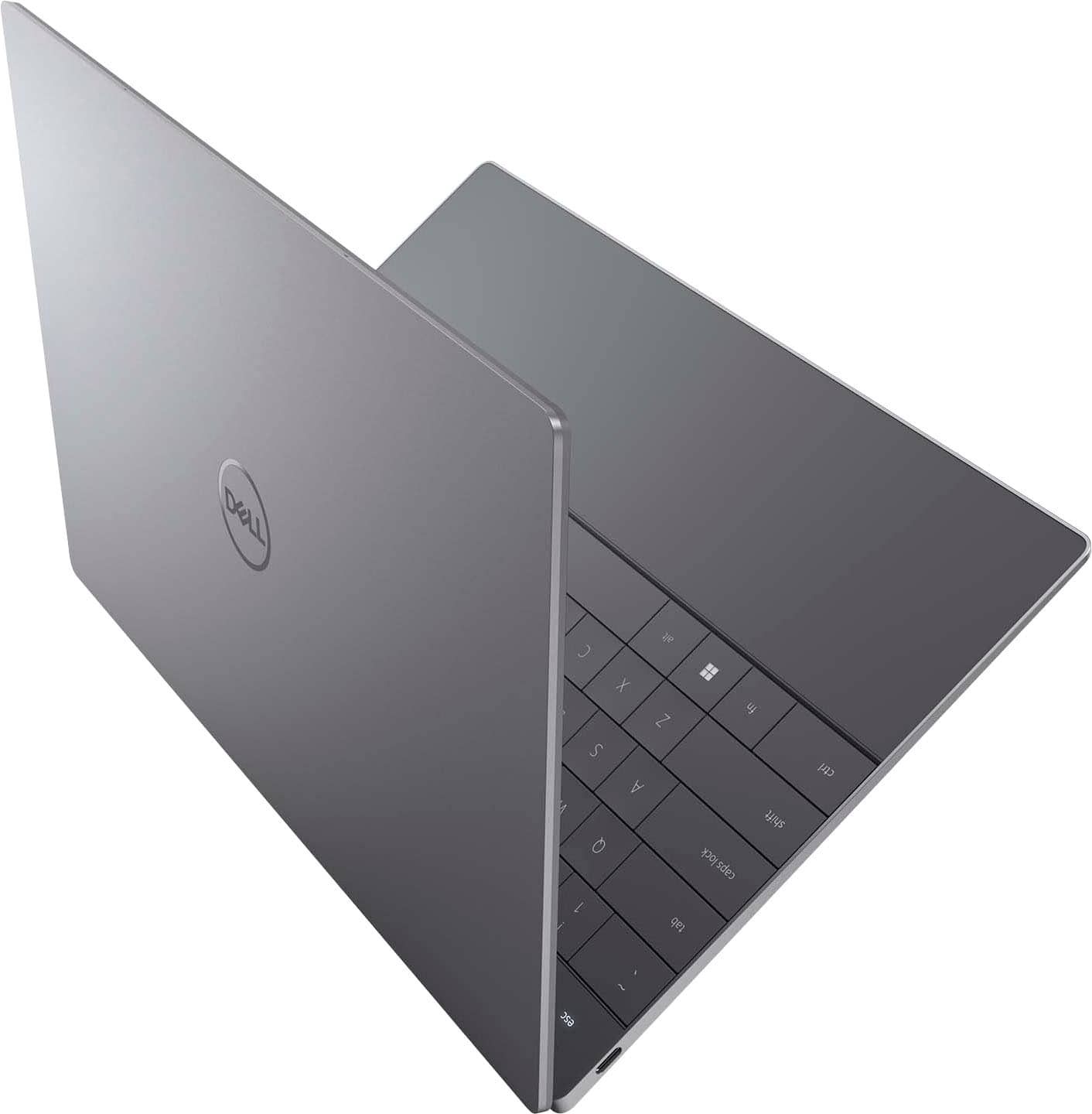
|Posted .This reviewer received promo considerations or sweepstakes entry for writing a review.The XPS 13 with Snapdragon X Elite is a remarkably stylish laptop. Everything about it screams “modern” and “premium.” The seamless trackpad is eye catching and only took a day or two to get used to. The flat, blocky keys are very clean looking and comfortable enough to type on. The buttonless, digital function row is also very clean and modern looking. I don’t typically hit these buttons from muscle memory anyway, so I had no issues glancing down at the keyboard to press them. The laptop body is a well constructed slab of metal. Again, simplicity and modernity are the driving force behind the aesthetic. The screen is extremely vivid, and the colors are nice and saturated. The laptop comes with both facial recognition and a touch sensor. The touch sensor (and power button) are somewhat “hidden.” It’s the slightly recessed, blank rectangle to the right of the “backspace” key. There is no iconography to identify this. I had to Google to figure it out. The port selection on this laptop is pretty paltry with just two USB-C ports on the entire laptop. There is no micro-SD slot for storage expansion, and the laptop comes with a disappointing 480GB drive (475GB usable). I do a lot of graphic design work, and this frankly isn’t enough space. I’m going to be relying heavily on external drives and cloud storage. Battery life was impressive, but it was not as impressive as I was expecting. In my experience, the battery will last your full work day fairly easily (8-10 hours with moderate use). Beyond that though . . . I was under the impression that the Snapdragon processor would allow for multi-day battery life. This wasn’t the case for me. The battery life is sufficient enough that I would have no concerns about getting through a presentation if I forgot my charger at home. The battery life is not sufficient enough that I wouldn’t be concerned if I had to run out of town for an overnight trip and forgot my charger at home. In terms of software, I had no significant issues with compatibility. The biggest issue I had was remembering to select the ARM option when it was available. Legacy, Intel based software seemed to run just fine. I didn’t notice any lag or other issues. Copilot and the other AI functions feel rather gimmicky right now. I had it assist me with a drawing of a blue cat playing with a red ball of yarn in Paint. First, Paint wouldn't be my first choice for making something like this. I'd much rather use Illustrator. Second, it DID successfully create my image, but it took a fair amount of adjusting with the creativity slider to get it to work. It defaulted to the most extreme range of the creativity slider and generated a picture that ignored my scrawled reference drawing completely. The cat was facing the wrong direction, and the red ball of "yarn" was replaced with something that looked like a rubber ball on the opposite side of the screen. Reducing the creativity resulted in it eventually following the general contour of my scrawl to generate a cat facing the correct direction with something that resembled yarn. I can see this feature having some merit if you don't have access to a clipart library, don't have time / skill to draw something properly yourself, and you just need a quick image to use on a newsletter or something. I didn’t even bother trying to install games on this. With the rather paltry storage, there didn’t seem to be much point. This laptop clearly wasn’t designed for gaming. It is an excellent productivity laptop though and handles word processing, web browsing, and photo editing without any issues.
I would recommend this to a friend