Customer Ratings & Reviews



- Model:
- CP.OS.00000108.01
- SKU:
- 6420407
Rating by feature
- Value
Rating 4.5 out of 5 stars
- Quality
Rating 4.7 out of 5 stars
- Ease of Use
Rating 4.4 out of 5 stars
Customers are saying
Customers are delighted by the OM 4's ease of use, excellent video quality, and impressive stability. Many also praise its compact size and the abundance of features, while some users found the phone clamp needed improvement. Positive feedback frequently highlighted the software and tracking capabilities. The price point also received considerable acclaim.
This summary was generated by AI based on customer reviews.
Gimbal
||Posted . Owned for 1 month when reviewed.This reviewer received promo considerations or sweepstakes entry for writing a review.Still learning how to use it but it’s really cool so far.
I would recommend this to a friendOk
||Posted . Owned for 3 weeks when reviewed.This reviewer received promo considerations or sweepstakes entry for writing a review.It's ok. Could use better instruction. Have a good day.
I would recommend this to a friendBest gimbal
||Posted . Owned for less than 1 week when reviewed.This reviewer received promo considerations or sweepstakes entry for writing a review.Awesome gimbal. just tight fit for the iPhone 12 Pro max
I would recommend this to a friendGood gift purchase
||Posted . Owned for 1 month when reviewed.This reviewer received promo considerations or sweepstakes entry for writing a review.Purchased this as a gift, seems to be working as expected.
I would recommend this to a friendHandheld control
||Posted . Owned for less than 1 week when reviewed.This reviewer received promo considerations or sweepstakes entry for writing a review.Nice movement and control for phone while taking pictures
I would recommend this to a friendLiked it
||Posted . Owned for 1 month when reviewed.This reviewer received promo considerations or sweepstakes entry for writing a review.Like how it works and the improvements they made works
I would recommend this to a friendCool gadget
||Posted . Owned for 3 weeks when reviewed.This reviewer received promo considerations or sweepstakes entry for writing a review.I really enjoy it a lot. The only downside is the app
I would recommend this to a friendGood mobile gimbal
||Posted . Owned for 1 week when reviewed.This reviewer received promo considerations or sweepstakes entry for writing a review.Works well, but larger phones require finesse to balance.
I would recommend this to a friendGreat product!!!
||Posted . Owned for 1 week when reviewed.This reviewer received promo considerations or sweepstakes entry for writing a review.I have a newborn and can’t wait to follow her around!
I would recommend this to a friend- Cons mentioned:Clamp
Does not work with iPhone 12 Pro Max
||Posted .This reviewer received promo considerations or sweepstakes entry for writing a review.DJI needs to make a MagSafe attachment accessory for people who have an iPhone 12 Pro Max. All the new iPhones have MagSafe so I surprised there isn't anything for them. The clamp doesn't hold the phone. and the phone case adhesive does not work with the Apple-branded silicon case or plastic case. And I have never seen anyone rock their phone without a case and advising customers to take it off for better fitment is bad business. The clamp on the bare phone WILL leave scratches. Just make a bigger clamp or get up to date and make a MagSafe accessory.
No, I would not recommend this to a friend - Pros mentioned:Battery life, Stability

Great tool for amateur and pro phone photographers
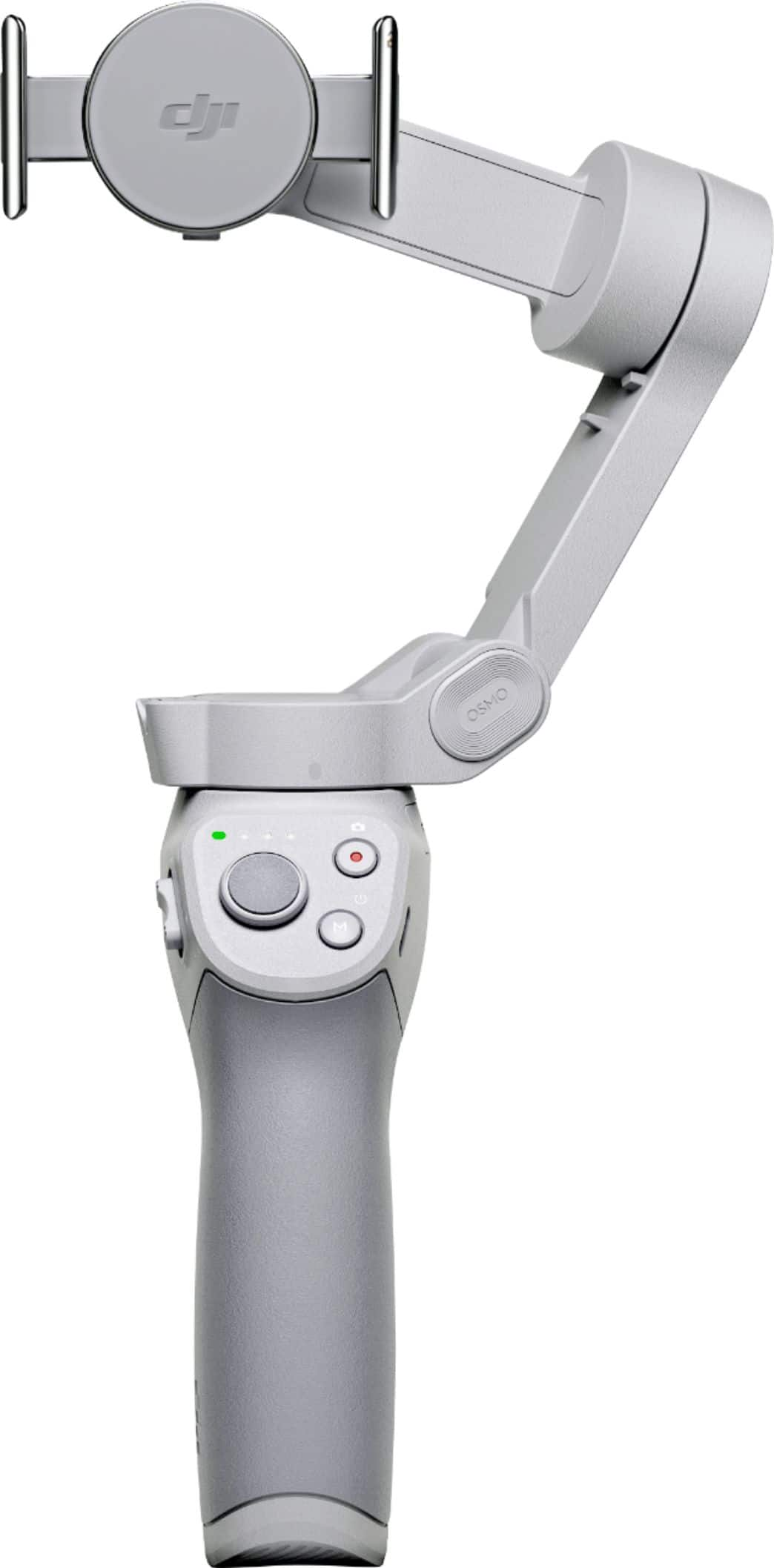
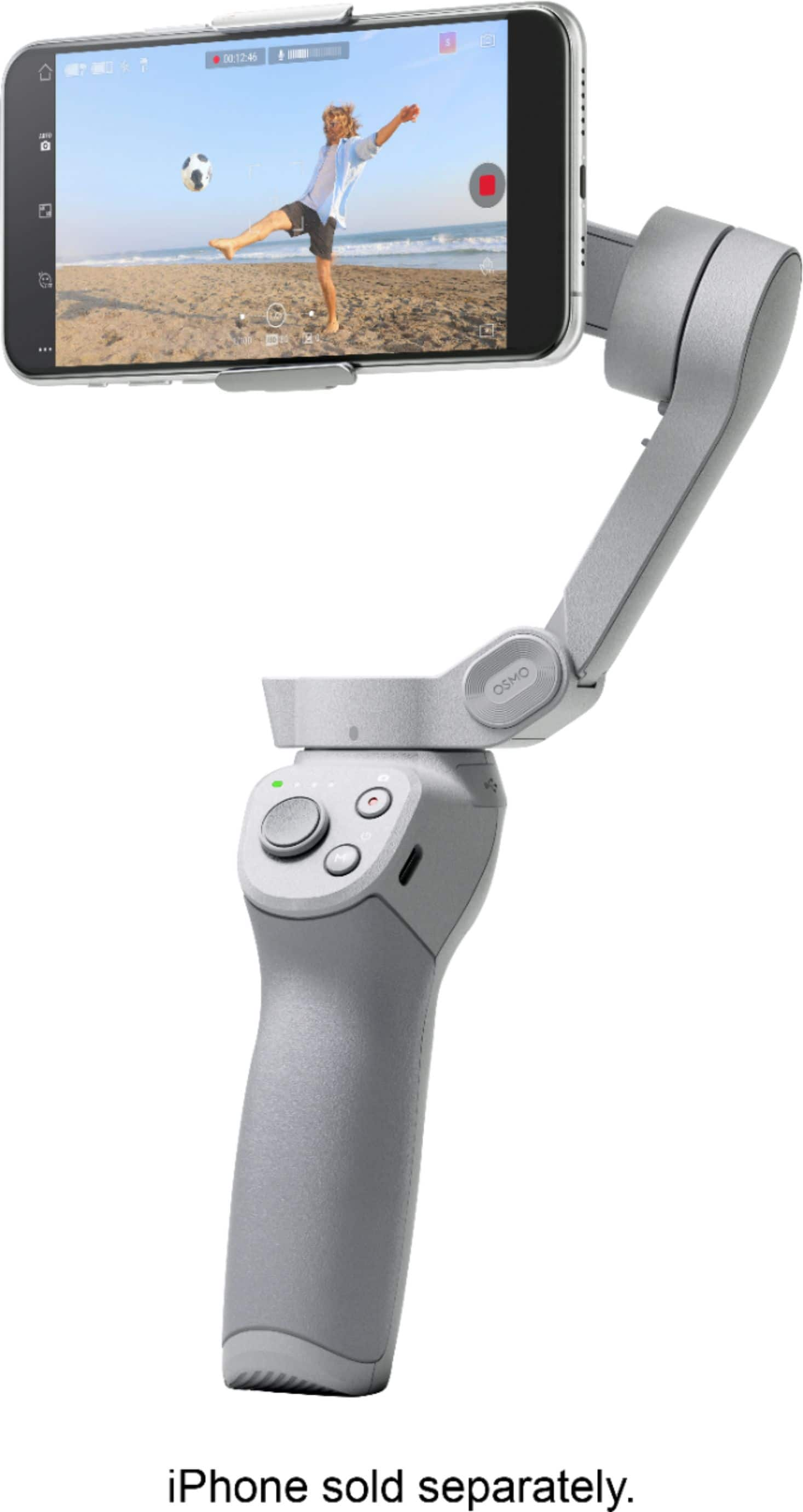
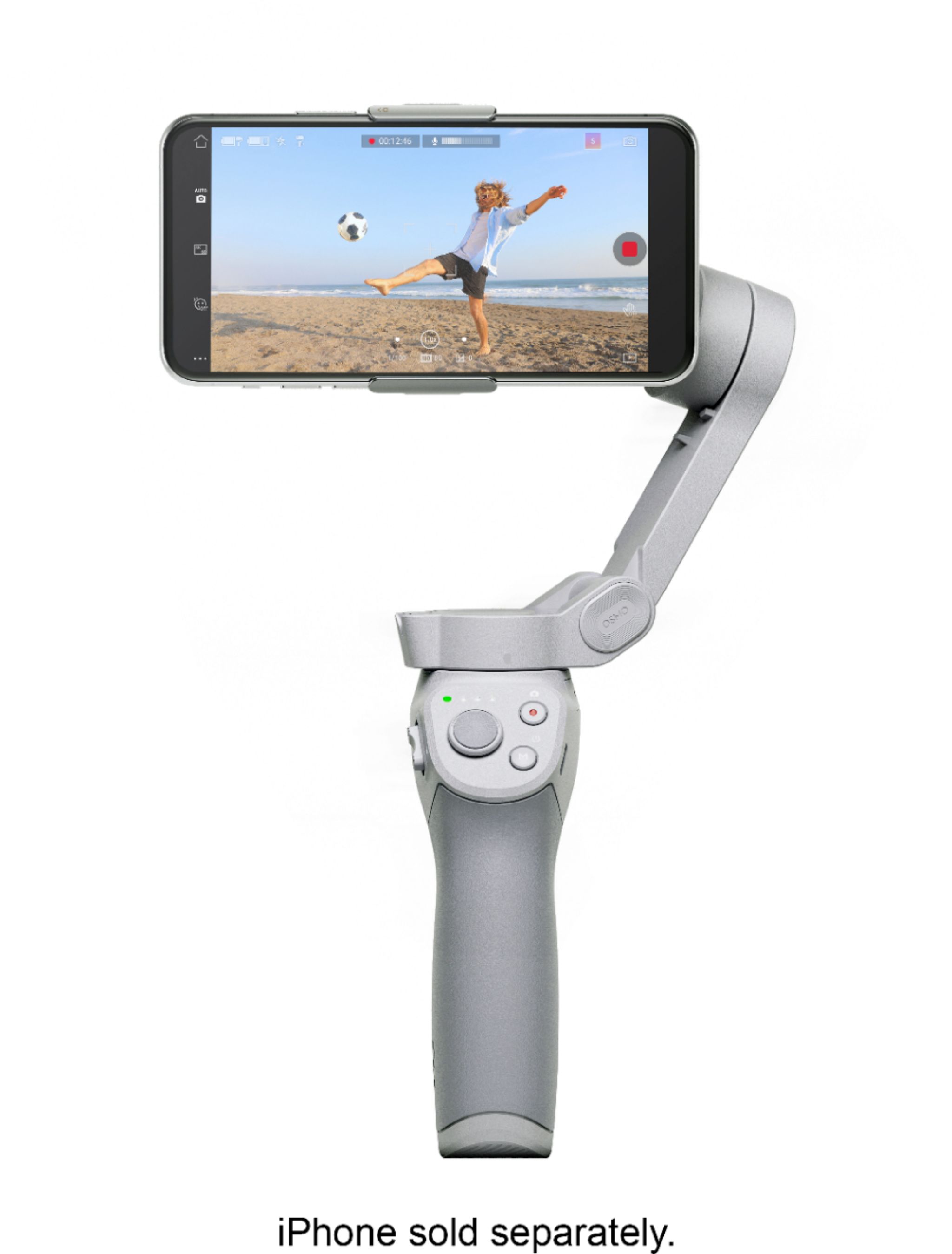
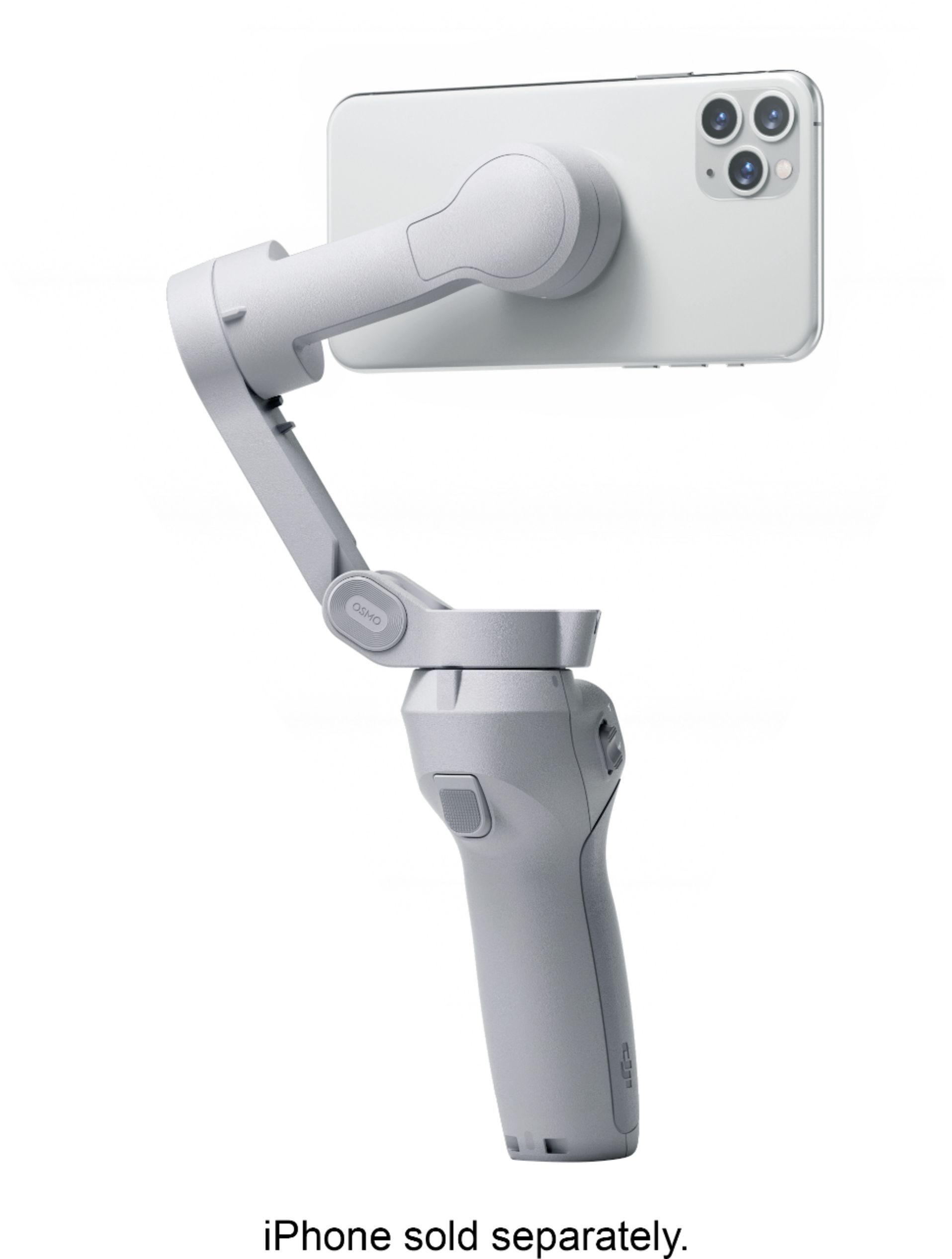
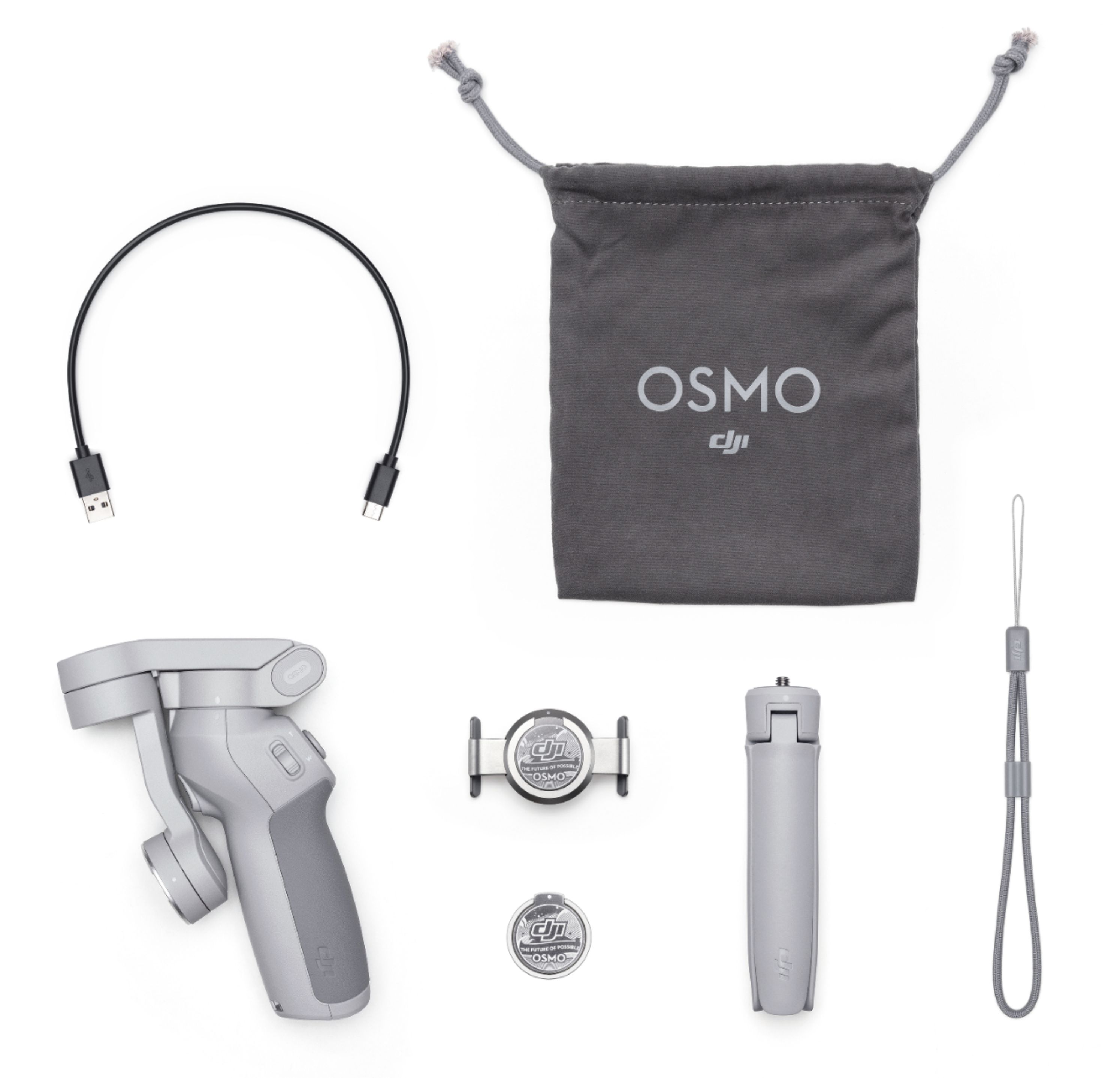
|Posted .This reviewer received promo considerations or sweepstakes entry for writing a review.I always think it’s important to mention how I use electronics so you can get a feel where I’m coming from. I have no formal videography/photography or editing training, it is merely a hobby. One that I wish I had more time for. And since I have two young kids, most of my videos are home videos of my kids, and occasionally when I travel of more adventurous things like boating, hiking, white water rafting. Like most people, my phone, the Google Pixel 4 XL is my primary device for taking pictures. But when the occasion calls, I use my Canon compact mirrorless camera for photos and my GoPros for video. I own the GoPro Karma Grip, so I have some experience with using gimbal cameras, but I’ve never used one for my cell phone. The DJI OM4 is the first gimbal I’ve used for my phone and I will just say that I’m impressed and it takes phone photography/video to new heights. It won’t replace my GoPro (which is more durable and much smaller) but the DJI OM4 is a great tool in the photography arsenal to have. It is now my go to whenever I want to film or take pictures of my kids in the situations where a GoPro isn’t needed (like kayaking, swimming, or attaching it to my bike). I found the DJI OM4 intuitive and easy to use. Sure, my Pixel does the heavy lifting, but the stabilization and software that runs the DJI OM4 just takes things to another level in what your phone can do, in the realm of taking pictures and recording videos. IN THE BOX In the box you will find the gimbal folded up, a ring magnetic mount, a “clamp” mount, a short USB-C cable, a storage bag and small tripod that screws into the bottom of the handle. The storage bag won’t protect the device from being crunched in your traveling bag, but it is still nice to have to hold it and the USB cable in. SETTING UP Before I get to the app, I want to talk about the magnetic mounts. I’ve heard that the biggest complaint for the DJI OM3 was the clamp that holds your phone. People said that it was cumbersome to get your phone in and out. The biggest change to the OM4 was the use of magnetic mounts. So you have two options. One, you can attach the ring magnetic mount to your phone or your phone’s case, or two, you can affix a clamp to your phone, which attaches to the gimbal with a magnet. For me, I prefer the second option. I’ve never used a ring mount (which doubles not only as a magnet to attach to the gimbal, but a ring to hold your phone) and while I’m not against it per se, I just don’t feel them useful for me. That's my personal preference. And since I don’t use my gimbal everyday, I have no issues using the clamp when I’m ready to use the OM4. I can say that I use a minimal case on my Pixel 4 XL and the clamp has plenty of room to spare going over my case. No matter the magnet you go with, I can say with certainty that you need not worry about your phone falling. The magnets are plenty strong. Now, the app. That’s really the magic sauce here. I generally hate having a different app for everything, I can say that the DJI MIMO app is all around great. The download and logging in process was simple (this was my first time setting up a DJI account). So keep in mind this is my first foray into DJI products, but I was blown away by not only how easy the app was to navigate, but also the helpful dialogue boxes along the way. If, for example, you are having difficulties getting the gimbal to point in the right direction, a pop-up box will show up on your screen and offer some good tips. And once the app is installed and open and so long as your gimbal is on, it’s dead simple to pair. The phone tells you it detects the gimbal and pairs flawlessly...every time. THE GIMBAL ITSELF I have to mention the quality of the gimbal and DJI’s attention to detail. I just found the OM4 to be well-built and thoughtfully constructed. It folds down for storage and there’s a little notch in the handle that prevents the top of the gimbal from spinning while in storage (in other words, locking it in place). It’s obviously made of plastic, but it feels solid and it has some heft but not too much as to feel overbearing. It comes with a wrist strap that attaches to the base in case you do lose grip and drop it. The buttons are minimal, but make sense. There’s a power button, that doubles as a switch between photo and video mode (super helpful), a record button, joystick to move the gimbal manually, zoom slider and “trigger” that can be utilized a number of ways with the default being to lock in on a subject. Even if you’ve never used a gimbal before and jumped right into filming, the controls are intuitive and easy to use. I also want to mention the USB port. As you know, using your camera/video features on your phone can be battery draining. Fortunately, DJI thought about this and included a USB port on the side. So using the small USB-C cable included with the OM4, I can plug my phone into the gimbal to charge it. The battery life on the gimbal is rated for 15 hours which is well longer than any photo session I would use it for, so I was always able to keep my phone’s battery topped off when using the gimbal. This feature is a big deal, as you’d hate to be out and about with no means to charge your phone and drain it while filming with the gimbal. REAL WORLD USE AND PERFORMANCE Like I said, I’ve used a gimbal before, but not paired with my phone. I took traditional photos and videos with my kids and it was dead simple. And you would be shocked to see the difference in quality between holding a phone in your hand and using the OM4. Videos are obvious, even the best OIS or software can’t eliminate hand shaking. Videos taken with the gimbal, even holding it in your hand, look super smooth almost like you were a professional and knew what you were doing. But even photos looked better. I can’t explain it, other than my best guess being that the gimbal just eliminates hand shaking. The gimbal defaults holding your phone in portrait mode, but you can physically turn your phone into landscape mode and it adjusts accordingly. I really enjoyed taking panoramas with the OM4. It was almost magical. The phone will tell you that it recommends a tripod (which I used), and when you line up your shot, say of the sunset, you can select how you want the panorama to be oriented. It lets you decide based on the number of pictures. So say you want a super wide panorama, you select 240 degrees. Or say you want a more focused panorama with a traditional wide angle lens, you select the 6 photo option. Then you click on record and the gimbal goes into action taking 6 or 9 shots (moving each time obviously) and then stitching them together. Again, I was amazed with the quality. What was just as fun was making short video clips. There’s a story mode within the app, you select your preset (like leisure, activity, etc.) and you select how long you want each shot to last (usually between 1-3 seconds) and the gimbal will take a quick video clip, usually moving the phone to the side to get an “artistic” shot. After taking 4-6 clips, the app will put together a short 10-15 second clip that’s fun to share. I’m not sure how often I would use this feature, the clips really are just quick snapshots of activity, but it’s cool nonetheless and easy to make and share. The gimbal also has person tracking. It uses AI to track an object or person. You can simply use your finger to drag a box over the person you want to track before or during filming, and the gimbal will follow that person. Obviously, the gimbal’s range of motion is only so much, so it won’t turn 180 degrees, but it does allow you to put the gimbal on a tripod and follow movements of someone allowing you to join the scene and not worry about now being in the frame. You can also edit your videos in the app. I’m not a fan of editing videos on a phone (I’m looking at you GoPro), but it’s easy to do and the app makes trimming videos easy, and it puts the clips together for you with a music overlay. In other words, it’s the simple person’s video editing which is perfect for me and for most people. I can’t emphasize enough that the app helps walk you through the process and explain all of the features of the gimbal. NITPICKY COMPLAINTS AND QUIRKS While no device is perfect, the quirks I found using the OM4 don’t always pertain to the gimbal/app itself, but my phone. One of the issues with the gimbal was the zoom slider. Now, this is a phone, so I’m not zooming much, but even though I adjusted the sensitivity, I found the zoom slider to be too abrupt. Rather than a slow zoom in, it just feels like it goes from 1X to 4X too quickly. As far as the app, I found the tracking feature to be hit and miss. For adults it was fine, but for my 2 year old, it would lose my kid’s face (when he turned around) and just stop tracking. In terms of other quirks, it really depends on your phone. I save all of my photos and videos taken from all my cameras/phones to my personal cloud. If I use a DSLR, I simply plug the SD card into the computer and upload them directly. My phone is a bit trickier. My Pixel 4 XL only has 64 GB of storage and that fills up quickly. I don’t like only relying on Google Photos to upload and save all my footage because it downgrades the quality slightly (I’m talking about the free version of photo backups). I like to upload it to Google Photos so I can show someone, but I like to save the native files to my cloud. So now I have to plug my phone in periodically and manually transfer. For those with devices with MicroSD cards, or paid cloud storage, this is less of a problem, but data management is always something to consider, especially with phones. No means is it a deal breaker, just something to consider. CONCLUSION I found my new phone companion. The OM4 has plenty of features to bring excitement to otherwise boring videos. And it comes in a small and easy to use package.
I would recommend this to a friend Nothing to write home about
||Posted . Owned for 1 week when reviewed.This reviewer received promo considerations or sweepstakes entry for writing a review.For me, it’s a cool accessory but doesn’t add much to my shooting. I feel that the tracking is lacking as it had a hard time staying with the objects I was tracking. Maybe this gimbal will be good for someone else, but I was left dissatisfied.
No, I would not recommend this to a friendHandheld Mobile
||Posted . Owned for 1 month when reviewed.This reviewer received promo considerations or sweepstakes entry for writing a review.Product is great but the design isn’t the best in my opinion. I had the first OSMO MOBILE in black and the design/feel was more natural while using. No wonder this new one is so cheap in price.
No, I would not recommend this to a friend- Pros mentioned:Ease of use, Features, Video quality
My first phone gimbal, and it's a great gadget!
|Posted .This reviewer received promo considerations or sweepstakes entry for writing a review.I have never owned a gimbal before this DJI OM 4 model. So while I have no prior experience that can allow me to compare this model with previous versions, I will say that I am impressed. It is easy to use, does an excellent job keep photos and videos steady, and it's packed full of features. The included tripod allows you to create some crazy effects, like cloning yourself in a panorama, doing a normal panorama, or taking landscapes in a 3x3 grid. The app is intuitive and easy to use after you get used to it. Overall I would highly recommend this for anyone looking to step their photography game up without having to sink a ton of money into a dedicated camera. If you have a modern phone with a solid camera, this gimbal provides impressive results for casual use.
I would recommend this to a friend Big learning curve to use all the features
||Posted . Owned for 2 months when reviewed.This reviewer received promo considerations or sweepstakes entry for writing a review.Very hard to learn how to use.its a nice product but has a huge laten curve.im very big on tech and can use 90 percent of thing without opening a manual. This is that 10 percent I guess.
No, I would not recommend this to a friendGood just not for me.
||Posted . Owned for 1 week when reviewed.This reviewer received promo considerations or sweepstakes entry for writing a review.Good product. However I am an android user much of the functionality is aimed towards IPhone such as slo motion. A bit bulky imo. Still a good and reasonable price.
I would recommend this to a friendMeh
||Posted . Owned for 1 year when reviewed.This reviewer received promo considerations or sweepstakes entry for writing a review.Setting it up was not much fun because of the app. The device itself gets the job done but probably not worth the price tag
No, I would not recommend this to a friendMeh!!!
||Posted . Owned for 2 weeks when reviewed.This reviewer received promo considerations or sweepstakes entry for writing a review.I expected it to be a better product, just did not find it to be worth it for my big phone (iPhone Xs Max). It looses track of objects very easily.... and so many other issues
No, I would not recommend this to a friendGood but could be better
||Posted . Owned for 1 month when reviewed.This reviewer received promo considerations or sweepstakes entry for writing a review.I use an iPhone 12 Pro Max and it does an okay job but feels like it kind of struggles with the weight of my device. Also setup seemed needlessly complicated but once it’s setup it does a great job for the most part. It struggles with a lot of the same issues other electronic gimbals do only this on only holds phones and cost quite a bit more. I suppose the software is supposed to make up the cost but I export to my computer to edit so it’s little help for me.
No, I would not recommend this to a friendNot bad
||Posted . Owned for 8 months when reviewed.This reviewer received promo considerations or sweepstakes entry for writing a review.A little difficult to work with but eventually will figure it out. Helps you stabilize the video but keeping it where you want to focus is confusing
I would recommend this to a friend