Customer Ratings & Reviews



- Model:
- CP.OS.00000167.01
- SKU:
- 6471211
Rating by feature
- Value
Rating 4.4 out of 5 stars
- Quality
Rating 4.6 out of 5 stars
- Ease of Use
Rating 4.3 out of 5 stars
Customers are saying
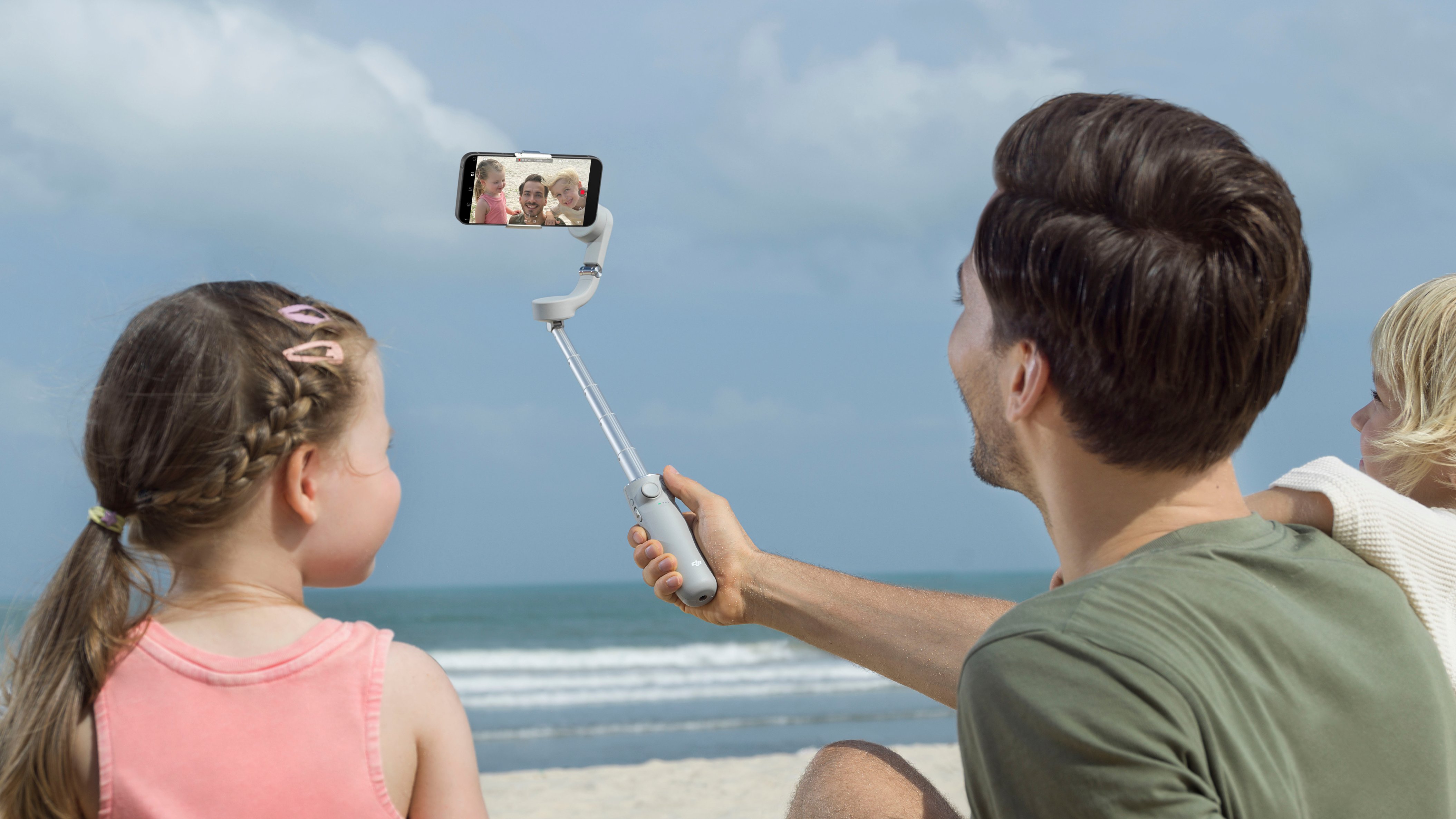
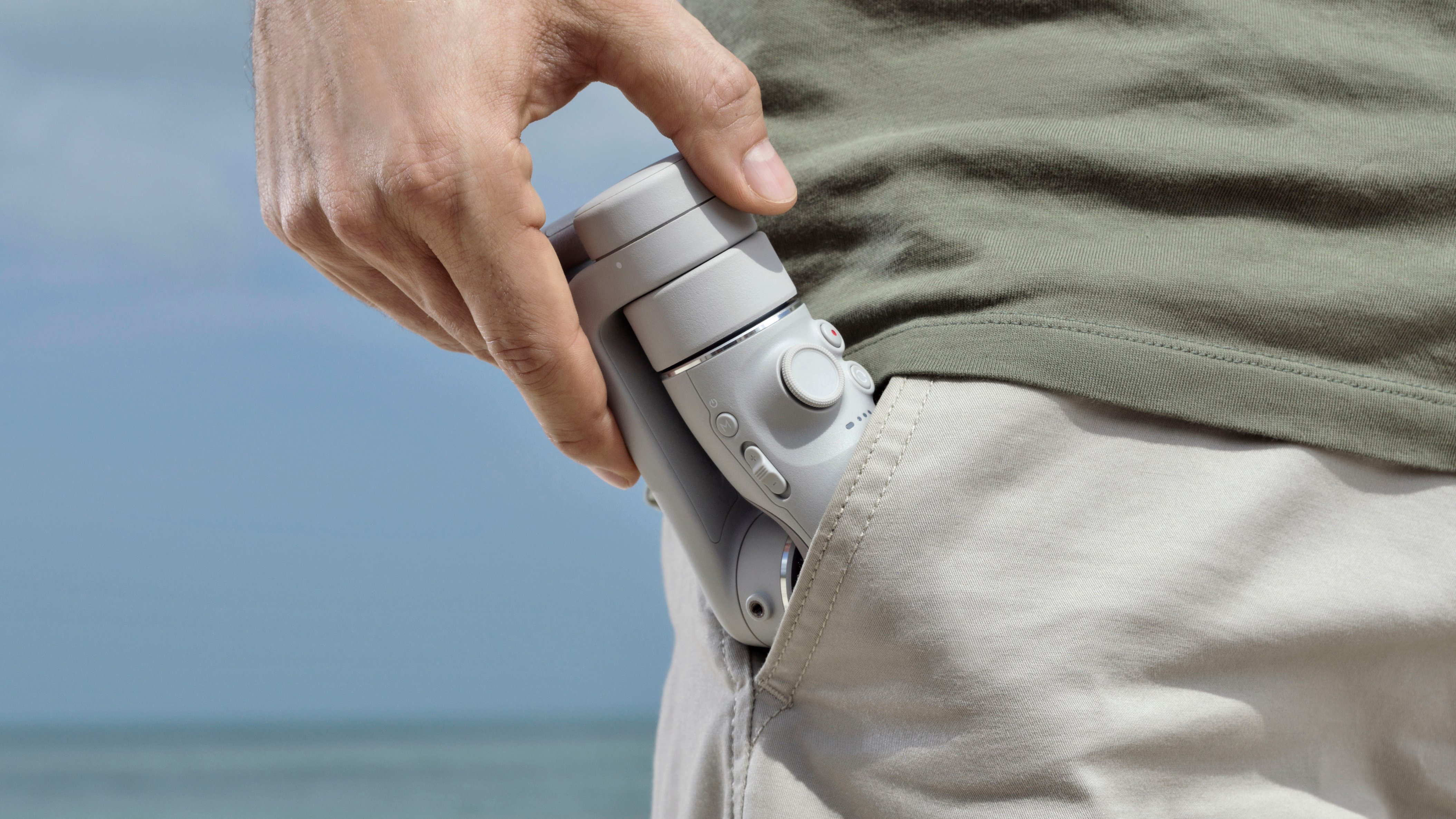
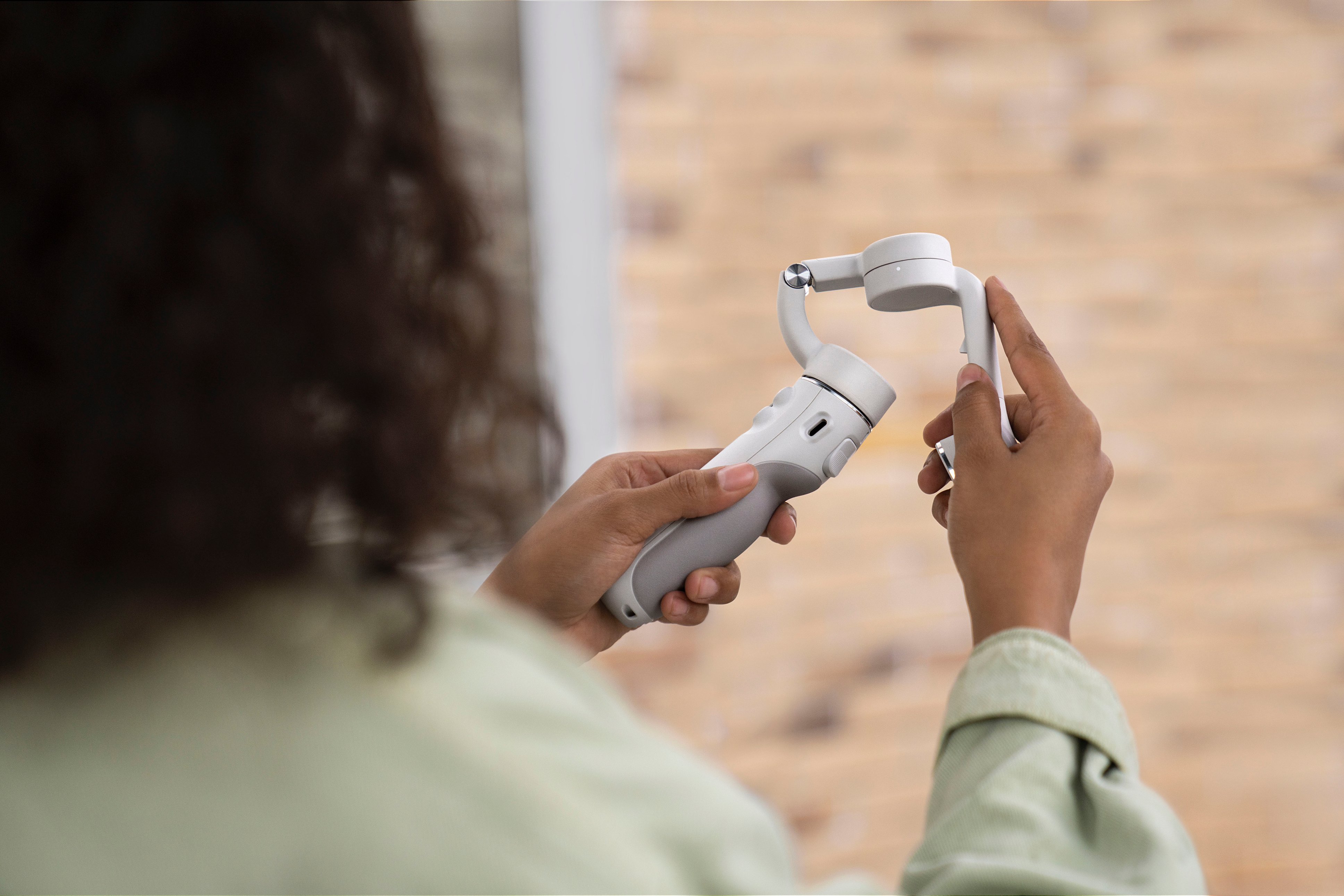
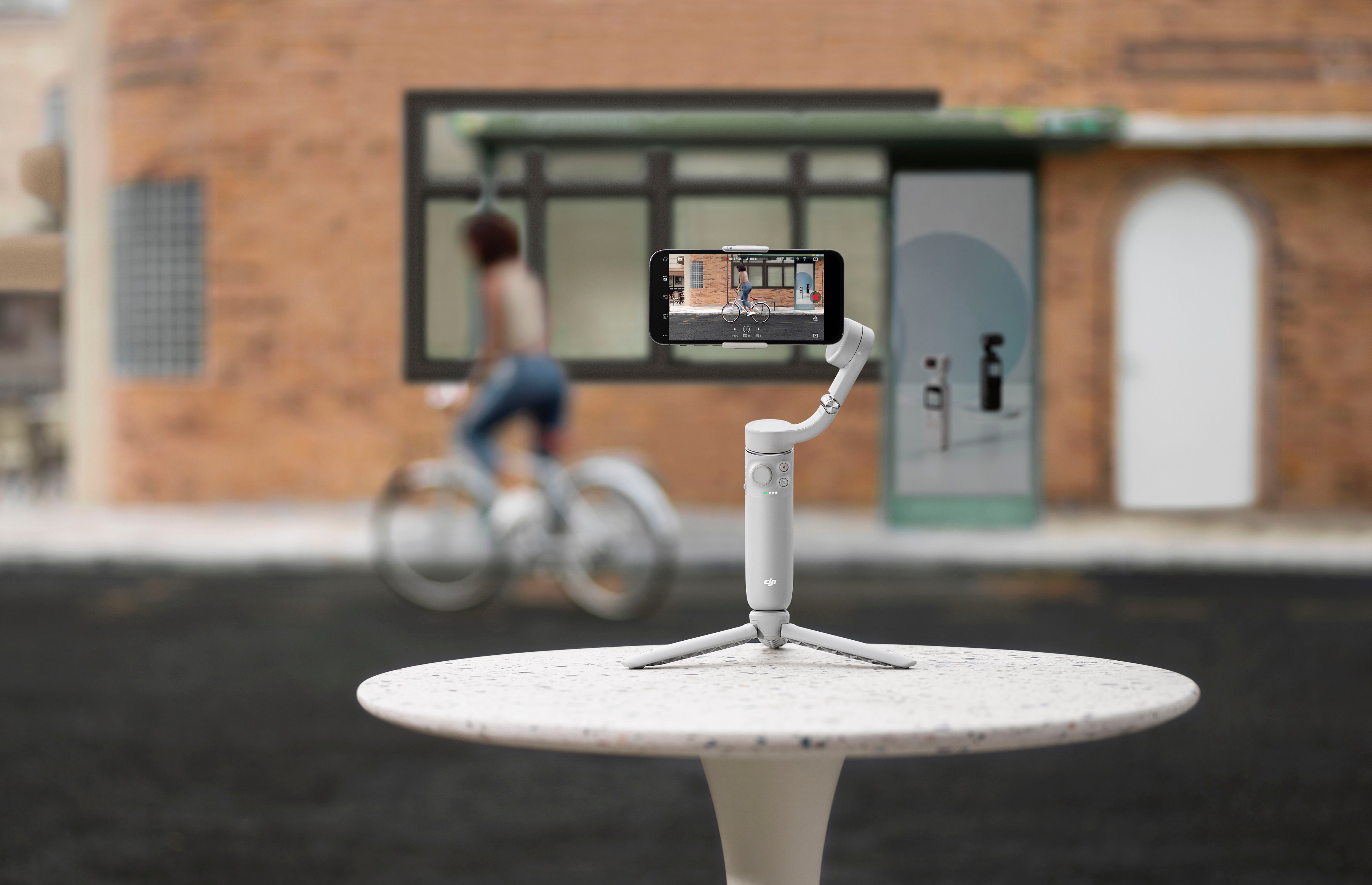
Customers find value in the OM 5 Smartphone 3-Axis Gimbal Stabilizer's ease of use, impressive video quality, and excellent stability. Many appreciate its compact size and lightweight design, along with the convenient selfie stick functionality. While some users noted limitations in rotation and range of motion, the positive feedback on ease of use and video quality outweighs these concerns. The app is also frequently praised for its user-friendliness and helpful features.
This summary was generated by AI based on customer reviews.
Not easy to use, more of a nuisance than not
||Posted . Owned for less than 1 week when reviewed.This reviewer received promo considerations or sweepstakes entry for writing a review.I spent hours trying to get the gimbal calibrated and centered properly. I also tried getting shots with the pre programmed modes. The gimbal is just flat out terrible. The follow feature is horrendous. I tried using follow with my dogs and the gimbal arm would rotate into the view of the camera. Nothing I tried would fix these issues. Ultimately, what you have to do is use the gimbal arm and manipulate how you’re holding the gimbal to get a better shot. This defeats the purpose of the gimbal. Mind you, I have a DJI Ronin which is truly amazing. But you get what you pay for with this gimbal. Don’t even bother buying this. Just use your regular phone camera features. This review was done while using an iPhone 13 pro max
No, I would not recommend this to a friendBrand response from DJI Support
Posted .Dear customer,
We are sorry to hear for any issue you encountered. If you need any assistance, please feel free to contact us. You can contact us at http://www.dji.com/support.
Best Regards,
DJI Support
DJI
||Posted . Owned for 8 months when reviewed.This reviewer received promo considerations or sweepstakes entry for writing a review.They suck they are good until it quits working on u
No, I would not recommend this to a friendDO NOT BUY THIS GIMBAL
||Posted .This reviewer received promo considerations or sweepstakes entry for writing a review.DO NOT BUY THIS DJI GIMBAL! Like many DJI products (THEIR DRONES A BAD TOO) this is a POC. The app that is essential to it's use is unavailable on Google Play and there is a LONG list of widely used phones both from Apple, Samsung and other manufacturers that are incompatible. If you attempt to download the app from DJI's website that doesn't work either. Wasted two hours trying to get this to woirk and then saw that DJI doesn't really answer customer question on their support forum or directly through email. Wish I would ahve seen all the agnry/disappointed comments online before I made the mistake of buying this POC. If I could give this negative stars I would.
No, I would not recommend this to a friendBrand response from DJI Support
Posted .Dear customer,
Sorry for the unpleasant experience caused. The update channels for DJI apps have been adjusted due to Google Play technical adjustments. Please get the latest version of the app through DJI's official website. User experience, functions, and privacy protections of apps installed through DJI's official website are still the same as before, so please feel free to use them.
Besides, may I confirm if you enable or allow "install unknown apps" to be installed on your device under the settings? You could also try to use another browser to download the app and open it on file management to check if the issue still occurs.
Best Regards,
DJI Support
Small device use
||Posted . Owned for 1 month when reviewed.This reviewer received promo considerations or sweepstakes entry for writing a review.Great for smaller devices not pro max . Felt a bit heavy and slow.
I would recommend this to a friendBrand response from DJI Support
Posted .Dear customer,
We are sorry for any inconvenience. We will forward your feedback to the corresponding team. If you encounter any issues while using the device, please feel free to contact us. http://www.dji.com/support
Best Regards,
DJI Support
Gymball
||Posted . Owned for 1 month when reviewed.This reviewer received promo considerations or sweepstakes entry for writing a review.Tends to stop working often. Not as expected but stuck with it now
No, I would not recommend this to a friendBrand response from DJI Support
Posted .Dear customer,
We are sorry for any inconvenience. If you encountered any issue while using the DJI OM 5, you can contact DJI Support for further assistance. Our team will help accordingly. http://www.dji.com/support
Best Regards,
DJI Support
DJI Gimbal
||Posted . Owned for 6 months when reviewed.This reviewer received promo considerations or sweepstakes entry for writing a review.A little difficult to get a centered image sometimes
No, I would not recommend this to a friendBrand response from DJI Support
Posted .Dear customer,
We are sorry for any inconvenience. Could you provide us with a sample photo or video for further confirmation? You can contact our support team through the link below. http://www.dji.com/support
Best Regards,
DJI Support
Don't.
||Posted .This reviewer received promo considerations or sweepstakes entry for writing a review.Don't. Just don't. You'll question your self worth. You'll lose faith in all that is good. Hope will be replaced by disillusionment. It does not do ANY of the stabilizing that a gimbal is by definition supposed to do. The iPhone 12 Pro Max is not held steady by this device. It does not move in the ways expected of a gimbal and the phone loses it's balance no matter where you place the magnetic mount. This is true with or without a case. I calibrated on a flat level surface. I assured that all firmware and software is up to date. No change. Put your $159.99 plus tax to a more worthwhile product. DJI, just make drones please.
No, I would not recommend this to a friendBrand response from DJI Support
Posted .Dear customer,
Sorry for the unpleasant experience caused. You could try to use the following methods to check if the problem persists.
1) Remove the phone case and try again.
*As the mobile phone case may be soft, the clamping position of the mobile phone clamp may shift.
2) If the mobile device is small or thin (such as an iPhone 8, Nova 8, or OPPO Reno 5 Pro) or the mobile phone edge is arced, use the provided riser pad.
3) If a high temperature prompt appears in the app, it indicates that the motor enters self-protection status. After the above three steps have been checked, please restart the gimbal and DJI Mimo, and the issue can be resolved.
4) If the DJI OM magnetic ring holder is being used (provided with DJI OM 4), it is not recommended to use it with DJI OM 5. The compatibility of DJI OM 5 is mainly based on the DJI OM Magnetic Phone Clamp, which is recommended to be used to ensure stabilization effect.
5) Use the magnetic phone clamp correctly. Make sure that the phone clamp is in the middle of the phone. Attach the magnetic phone clamp correctly to the gimbal.
Best Regards,
DJI Support
Not so happy
||Posted .This reviewer received promo considerations or sweepstakes entry for writing a review.It was okay, but not the best in terms of ease of use.
No, I would not recommend this to a friendBrand response from DJI Support
Posted .Dear customer,
Sorry for the unpleasant experience caused. Could you please describe your issue in more detail? We'd like to help you.
You could also contact the support team and provide the photos or videos for further assistance. Our team will help accordingly. http://www.dji.com/support
Best Regards,
DJI Support
iPhone 12 Pro Max
||Posted . Owned for less than 1 week when reviewed.This reviewer received promo considerations or sweepstakes entry for writing a review.Purchased the OM 4 before finding out the OM 5 was coming out. Exchanged it for the 5 and was disappointed how it handled the weight of the 12 Pro Max. Going back to the OM 4 had no issues with the phones weight.
No, I would not recommend this to a friendBrand response from DJI Support
Posted .Dear customer,
Sorry for the unpleasant experience caused. You could try to use the following methods to check if the problem persists.
1) Remove the phone case and try again.
*As the mobile phone case may be soft, the clamping position of the mobile phone clamp may shift.
2) If the mobile device is small or thin (such as an iPhone 8, Nova 8, or OPPO Reno 5 Pro) or the mobile phone edge is arced, use the provided riser pad.
3) If a high temperature prompt appears in the app, it indicates that the motor enters self-protection status. After the above two steps have been checked, please restart the gimbal and DJI Mimo, and the issue can be resolved.
4) If the DJI OM magnetic ring holder is being used (provided with DJI OM 4), it is not recommended to use it with DJI OM 5. The compatibility of DJI OM 5 is mainly based on the DJI OM Magnetic Phone Clamp, which is recommended to be used to ensure stabilization effect.
5) Use the magnetic phone clamp correctly. Make sure that the phone clamp is in the middle of the phone. Attach the magnetic phone clamp correctly to the gimbal.
Best Regards,
DJI Support
Not comfortable
||Posted . Owned for 1 week when reviewed.This reviewer received promo considerations or sweepstakes entry for writing a review.For me I did not feel comfortable using it. Returned it.
No, I would not recommend this to a friendBrand response from DJI Support
Posted .Dear customer,
Sorry for the unpleasant experience caused. Could you please describe your issue in more detail? We'd like to help you. Thanks.
You could also contact the support team and provide the photos or videos for further assistance. Our team will help accordingly. http://www.dji.com/support
Best Regards,
DJI Support
Very Disappointed
||Posted . Owned for 2 months when reviewed.This reviewer received promo considerations or sweepstakes entry for writing a review.I have an older gimble from 10 years ago and thought this new one would do an even better job as they said it had a 4 point motor stabilization system. I filmed a wedding with it and it came out shaky. Very disappointed
No, I would not recommend this to a friendBrand response from DJI Support
Posted .Dear customer,
Thanks for your inquiry. Could you please send us a related video so that we can confirm the problems better? Please don't worry, we will check the details and reply to you asap, you can contact us via this link: http://www.dji.com/support
Should you need any further assistance, please feel free to contact our DJI support at http://www.dji.com/support, We are always here to help.
Best Regards,
DJI Support
- Pros mentioned:Size
Not good
||Posted . Owned for 1 month when reviewed.This reviewer received promo considerations or sweepstakes entry for writing a review.Love DJI products but this thing is terrible. I have another brand and although I like the size and features it’s just didn’t work right. Also it’s very heavy. My pro 13 is better without it. Returned it.
No, I would not recommend this to a friendBrand response from DJI Support
Posted .Dear customer,
Sorry for the inconvenience caused. We recommend that you take off the phone case and try again to check if the problem persists.
Best Regards,
DJI Support
Don't buy if you're Android user
||Posted . Owned for 1 week when reviewed.This reviewer received promo considerations or sweepstakes entry for writing a review.Does not work well with Abdroid phones. I tried this on a few android phones, latest Samsung, older Samsung and pixel. Doesn't pair in the first place. Their tech support don't seem to have any idea of how to resolve this. All they do it apologize. I would say this product is tailored for apple phones only. I don't know why they even say it is compatible with Android phones.
No, I would not recommend this to a friendBrand response from DJI Support
Posted .Dear customer,
Sorry for the unpleasant experience caused. Please download the latest version of DJI Mimo from our official website to check if the problem persists. Besides, please enable or allow "install unknown apps" to be installed on your device under the settings.
Best Regards,
DJI Support
- Pros mentioned:Ease of use, Stability

Create Professional Level Content with DJI Gimbal
|Posted .This reviewer received promo considerations or sweepstakes entry for writing a review.The DJI OM 5 Smartphone 3-Axis Gimbal Stabilizer will help you create amazing context with a powerful handheld device packed with features! I must say, I've always wanted to use a 3-Axis Gimbal as I capture a lot of action video and it is very tedious or nearly impossible to manually stabilize video in real time. Especially when trying to capture at changing angles. Software does a decent job in some cases, however nothing compares to this DJI 3-Axis Gimbal Stabilizer! The DJI OM5 is easy to use with your smartphone. I use the iPhone 12 pro max and it works great with the DJI 3-Axis. It fits securely in holder, and allows me to move freely holding the gimbal as necessary to capture every shot and frame without blur or jitter. I love that I can control basic functions directly from the handle. I can start and stop recording without the need to touch the phone, I can also navigate features. The tracking feature is amazing. It allows your subject to remain in focus as you move the camera ensuring that you never lose focus on the important subject in your recording or pictures. I really cannot say enough great things about the DJI OM 5! The functions are very intuitive, it is built to last with a very durable yet light weight frame, and it makes recording very fun and seamless. I highly recommend the DJI OM 5 Smartphone 3-Axis Gimbal Stabilizer.
I would recommend this to a friend Poor Tech Support
||Posted . Owned for 2 weeks when reviewed.This reviewer received promo considerations or sweepstakes entry for writing a review.The DJI OM 5 is one of the worst products I have tried to work with in several years. DJI tech support if you can talk with someone is horrible and not any better (DJI stop using third party out of country for tech support) Unit has several issues unless you are shooting in the vertical position only. The adapter for the phone is not wide enough to accept an iPhone 12 Pro Max and will not stabilize in the horizontal postion and obstructs the view of the camera. Doesn't deserve a single star...
No, I would not recommend this to a friendBrand response from DJI Support
Posted .Dear customer,
We are sorry for any inconvenience. Please make sure that the phone clamp is in the middle of the phone. Attach the magnetic phone clamp correctly to the gimbal. If it still not works, please provide us with a video for further confirmation. We will forward your feedback about the support to the corresponding team. May I ask through which channel you contacted our support team before? There are online chat, email, and hotline services. You can try to contact us through a different channel and provide the video. We will help you further. Thanks for your understanding and support. http://www.dji.com/support
Best Regards,
DJI Support
Bricked
||Posted . Owned for 1 week when reviewed.This reviewer received promo considerations or sweepstakes entry for writing a review.Not usable. It only tilts up and down 10 degrees or so (the arm seems to keep it from tilting further). The official DJI Mimo app in the Play store doesn't support this model so I had to sideload the app which is a security problem. Then it failed to update the firmware and was bricked (LEDs kept blinking), rendering the gimbal useless. There was no way to fix it.
No, I would not recommend this to a friendBrand response from DJI Support
Posted .Dear customer,
Sorry for the unpleasant experience caused. Please download the latest version of DJI Mimo from our official website to check if the problem persists. Besides, please enable or allow "install unknown apps" to be installed on your device under the settings.
Best Regards,
DJI Support
12 pro max
||Posted .This reviewer received promo considerations or sweepstakes entry for writing a review.It keeps balancing my 12 pro max. It tend to get hot too when it keeps doing it. I really wanted to like it, but it not for bigger phone’s.
No, I would not recommend this to a friendBrand response from DJI Support
Posted .Dear customer,
Sorry for the unpleasant experience caused. You could try to use the following methods to check if the problem persists.
1) Remove the phone case and try again.
*As the mobile phone case may be soft, the clamping position of the mobile phone clamp may shift.
2) If the mobile device is small or thin (such as an iPhone 8, Nova 8, or OPPO Reno 5 Pro) or the mobile phone edge is arced, use the provided riser pad.
3) If a high temperature prompt appears in the app, it indicates that the motor enters self-protection status. After the above two steps have been checked, please restart the gimbal and DJI Mimo, and the issue can be resolved.
4) If the DJI OM magnetic ring holder is being used (provided with DJI OM 4), it is not recommended to use it with DJI OM 5. The compatibility of DJI OM 5 is mainly based on the DJI OM Magnetic Phone Clamp, which is recommended to be used to ensure stabilization effect.
5) Use the magnetic phone clamp correctly. Make sure that the phone clamp is in the middle of the phone. Attach the magnetic phone clamp correctly to the gimbal.
Best Regards,
DJI Support
Waste of money. Can't use unless u grant location
||Posted .This reviewer received promo considerations or sweepstakes entry for writing a review.Garbage product forces yoo to allow location services in orser to use the app... the app which has been rekoved from apple and google play store due to privacy concerns... makes sense considering they will not let us use the devoce without granting access to location. There is zero reason to need this aside from data mining. Will not fit my note 10, and the app does not work with a note 10 pr note 8
No, I would not recommend this to a friendBrand response from DJI Support
Posted .Dear customer,
We are sorry for any inconvenience. For Andriod users, you can visit our website at https://www.dji.com/downloads/djiapp/dji-mimo to download and install the latest apk file to install the app. There is no need to be concerned, as user experience, functions, and privacy protections on apps installed through DJI’s official website are still the same as before, so please feel free to use them. We also would like to remind you that you should only download apps from official channels.
Best Regards,
DJI Support
not smooth
||Posted . Owned for 2 weeks when reviewed.This reviewer received promo considerations or sweepstakes entry for writing a review.It is not an excellent product. It is not smooth to extend or lengthen the product (difficult to extend). I wish it is motorized to extend it.
No, I would not recommend this to a friendBrand response from DJI Support
Posted .Dear customer,
Sorry for the issue you've encountered. We will transfer it to the relevant engineer for consideration. You could also contact our support and tell us the details of the issue, we will do our best to help you out. You can contact us at http://www.dji.com/support
Best Regards,
DJI Support
Be aware of the final return date!
||Posted . Owned for 2 weeks when reviewed.This reviewer received promo considerations or sweepstakes entry for writing a review.MAKE SURE YOU TEST THIS BEFORE THE RETURN DATE EXPIRES! I spent about 2 hours typing to figure out how to download the app to my android. But the app keeps glitching. The footage is also shakey. Overall I don't think the device and it costed too much for these kind of issues. I missed the final return date while I was on vacation.
No, I would not recommend this to a friendBrand response from DJI Support
Posted .Dear customer,
We are sorry for any inconvenience. If you encounter any issues while using the OM 5, please feel free to contact us. http://www.dji.com/support Our team will do best to help.
Best Regards,
DJI Support