Customer Ratings & Reviews


- Model:
- CP.OS.00000167.01
- SKU:
- 6471211
Rating by feature
- Value
Rating 4.4 out of 5 stars
- Quality
Rating 4.6 out of 5 stars
- Ease of Use
Rating 4.3 out of 5 stars
Customers are saying
Customers find value in the OM 5 Smartphone 3-Axis Gimbal Stabilizer's ease of use, impressive video quality, and excellent stability. Many appreciate its compact size and lightweight design, along with the convenient selfie stick functionality. While some users noted limitations in rotation and range of motion, the positive feedback on ease of use and video quality outweighs these concerns. The app is also frequently praised for its user-friendliness and helpful features.
This summary was generated by AI based on customer reviews.
buggy & glitchy
||Posted . Owned for 1 month when reviewed.This reviewer received promo considerations or sweepstakes entry for writing a review.Extremely buggy & the gimbal drops in the middle of the shoot , very unnerving..
No, I would not recommend this to a friendBrand response from DJI Support
Posted .Dear customer,
We are sorry to know about the issue. You can contact our support team through the link below for further assistance. http://www.dji.com/support
Best Regards,
DJI Support
Android users should not consider it
||Posted . Owned for 3 weeks when reviewed.This reviewer received promo considerations or sweepstakes entry for writing a review.Not a product for Android users. Play store does not have the app and Google says it does not meet their security requirements. If you download the app from the DJI store, on my Samsung G21 it says security will not run the app install as it is unsafe. Best Buy returned my money thankfully.
No, I would not recommend this to a friendOM5
||Posted .This reviewer received promo considerations or sweepstakes entry for writing a review.Not happy with the horizon leveling of this product.
No, I would not recommend this to a friendBrand response from DJI Support
Posted .Dear customer,
Sorry for the unpleasant experience caused. You could try to use the following methods to check if the problem persists.
1) Remove the phone case and try again.
*As the mobile phone case may be soft, the clamping position of the mobile phone clamp may shift.
2) If the mobile device is small or thin (such as an iPhone 8, Nova 8, or OPPO Reno 5 Pro) or the mobile phone edge is arced, use the provided riser pad.
3) If a high temperature prompt appears in the app, it indicates that the motor enters self-protection status. After the above two steps have been checked, please restart the gimbal and DJI Mimo, and the issue can be resolved.
4) If the DJI OM magnetic ring holder is being used (provided with DJI OM 4), it is not recommended to use it with DJI OM 5. The compatibility of DJI OM 5 is mainly based on the DJI OM Magnetic Phone Clamp, which is recommended to be used to ensure stabilization effect.
5) Use the magnetic phone clamp correctly. Make sure that the phone clamp is in the middle of the phone. Attach the magnetic phone clamp correctly to the gimbal.
Best Regards,
DJI Support
- Pros mentioned:Ease of use

Awesome upgrade over previous models
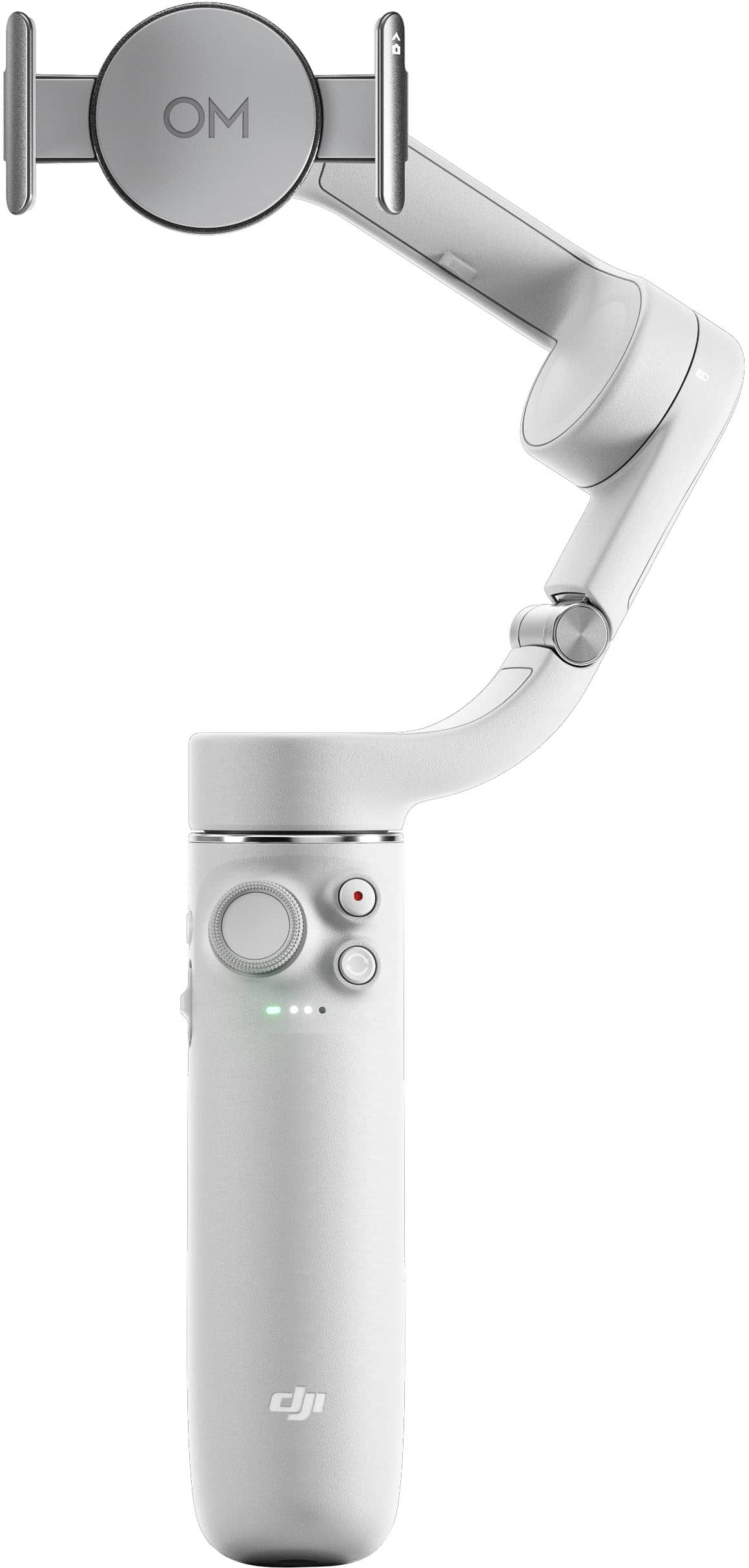
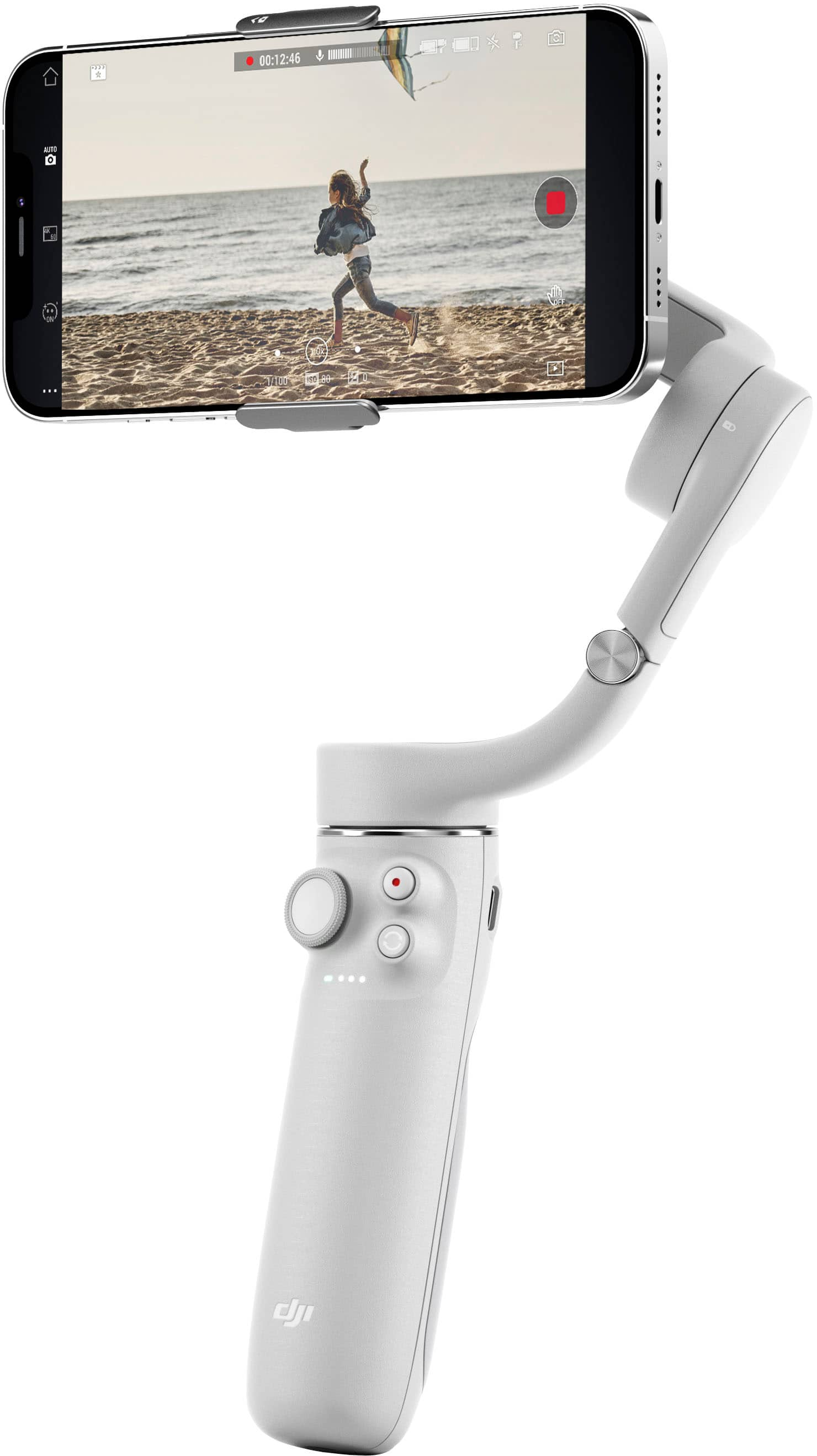
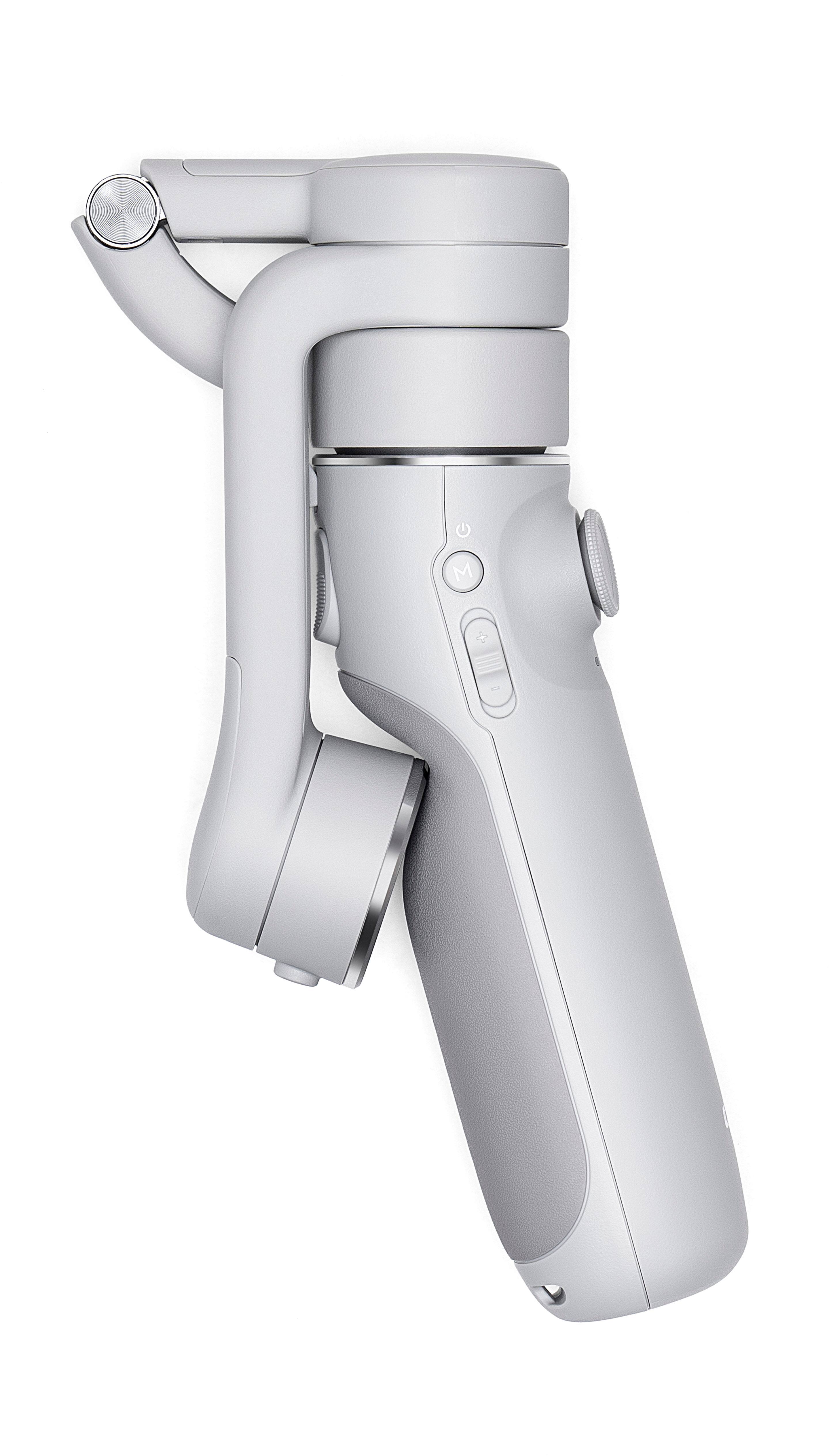
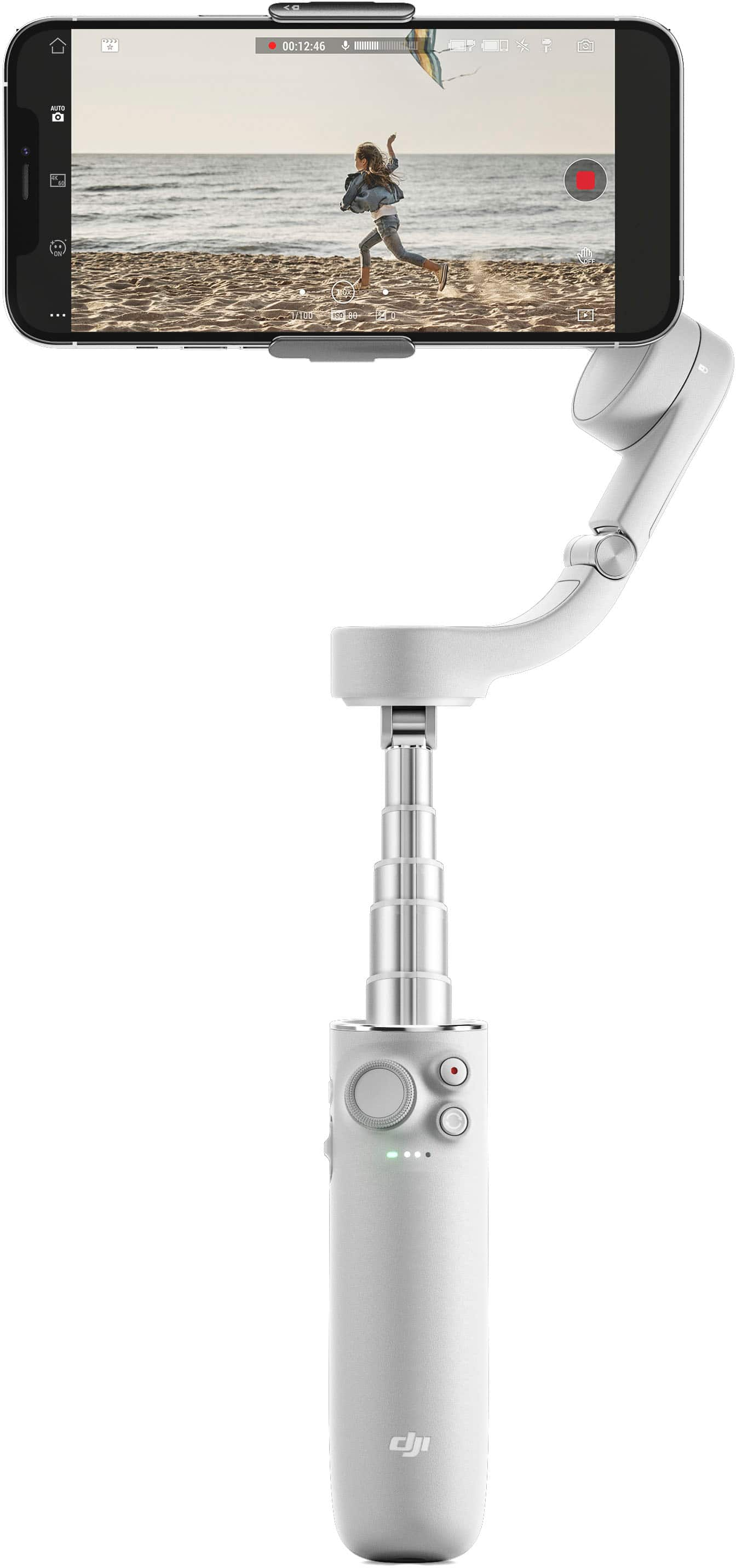
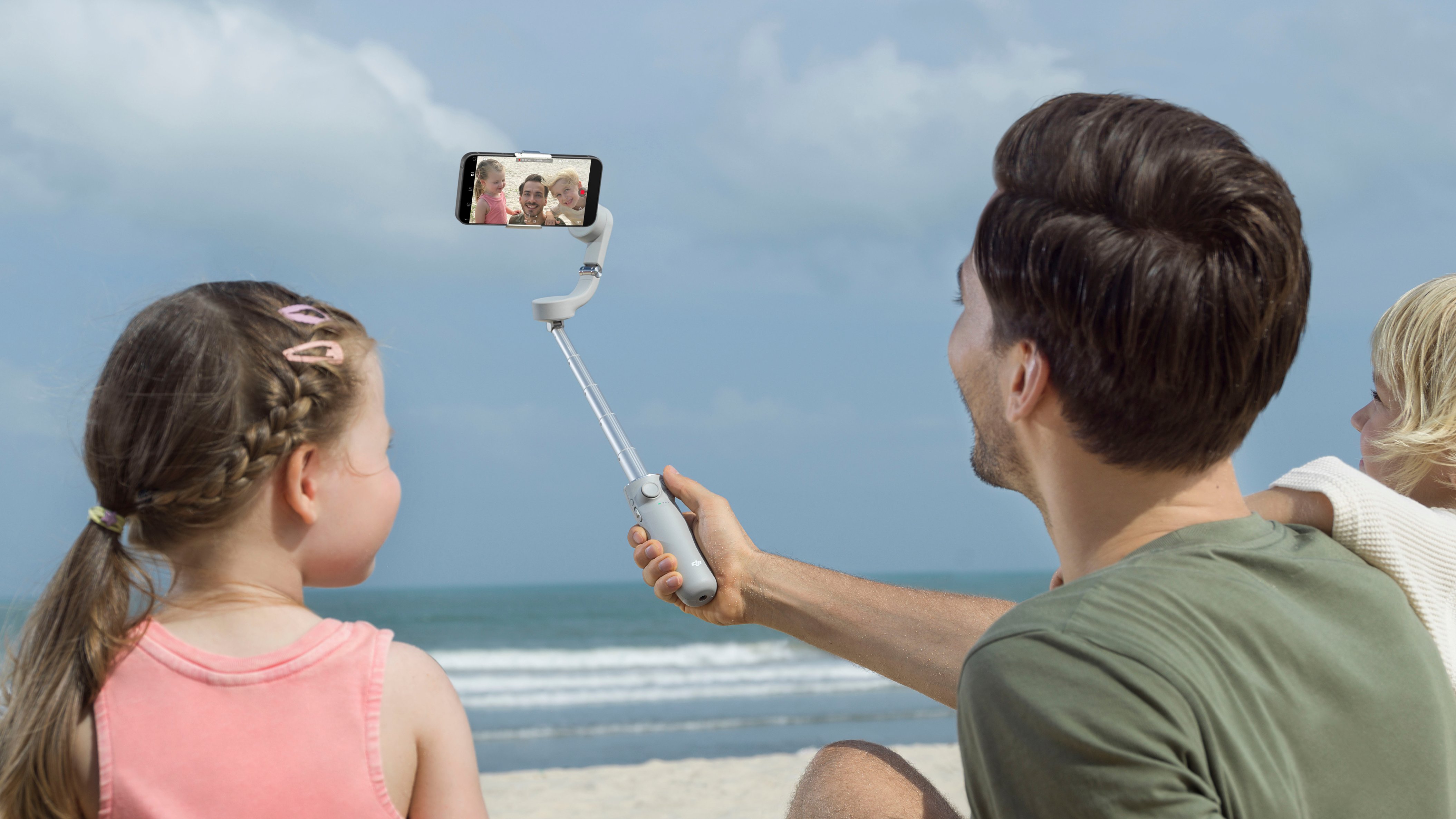
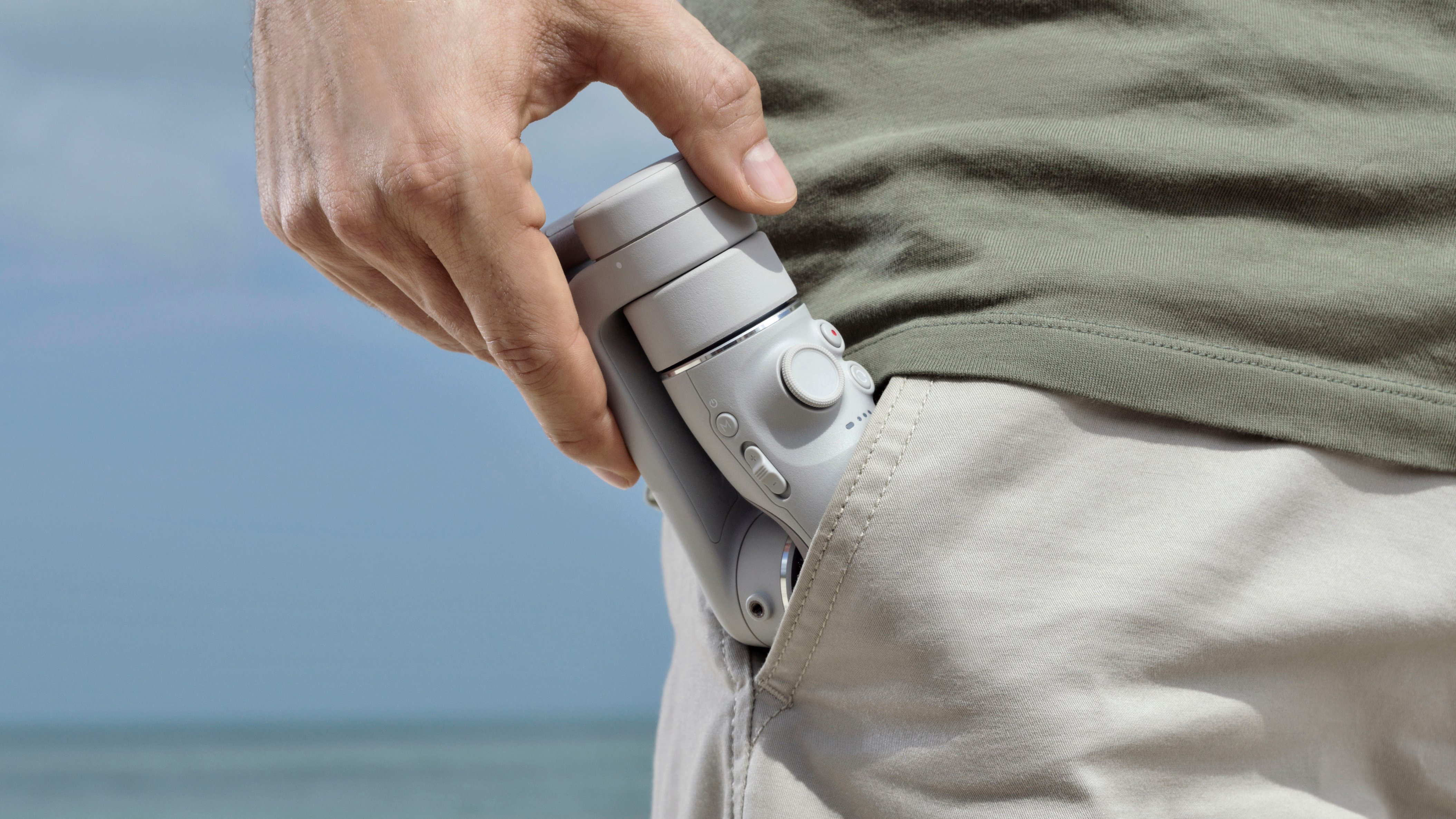
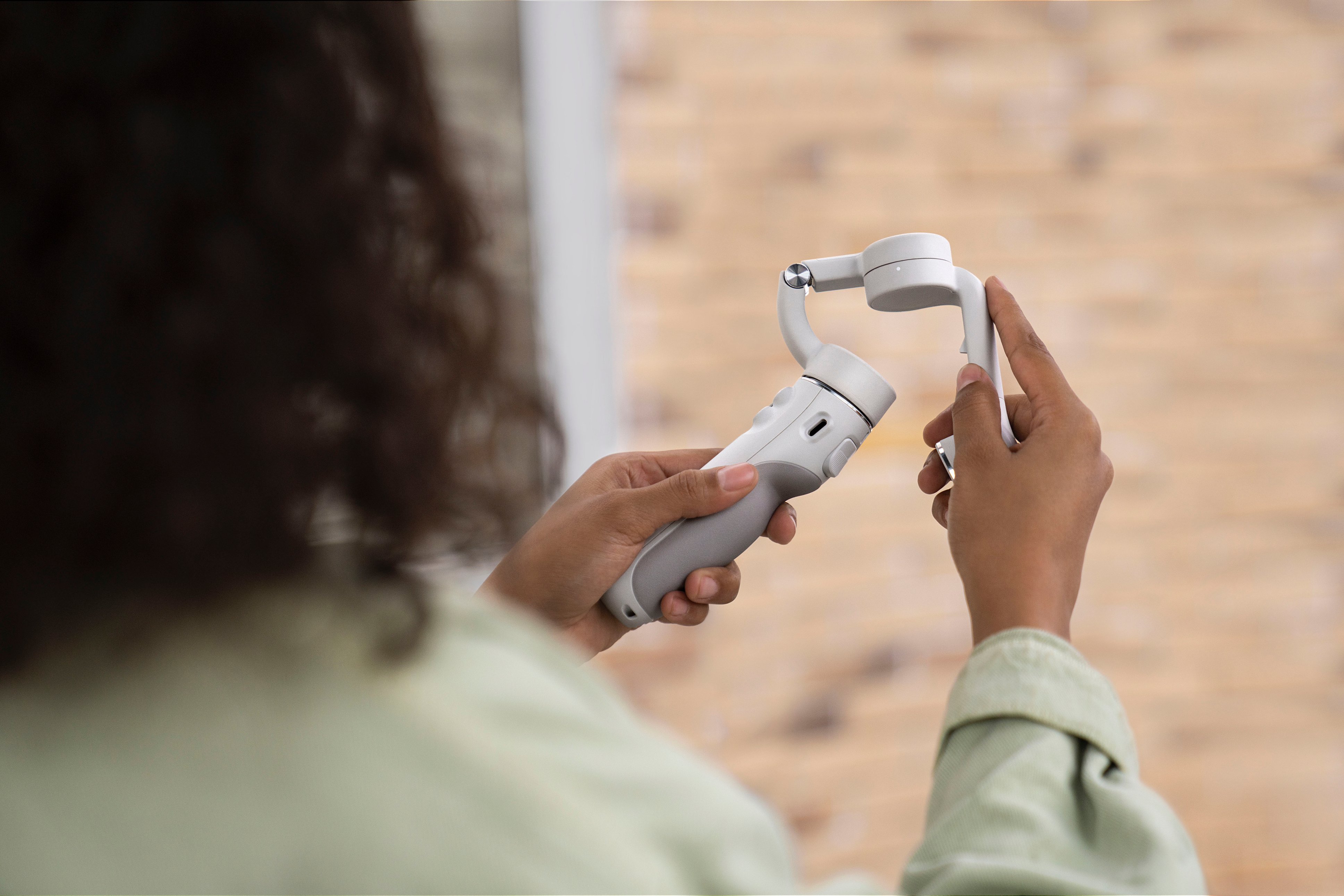
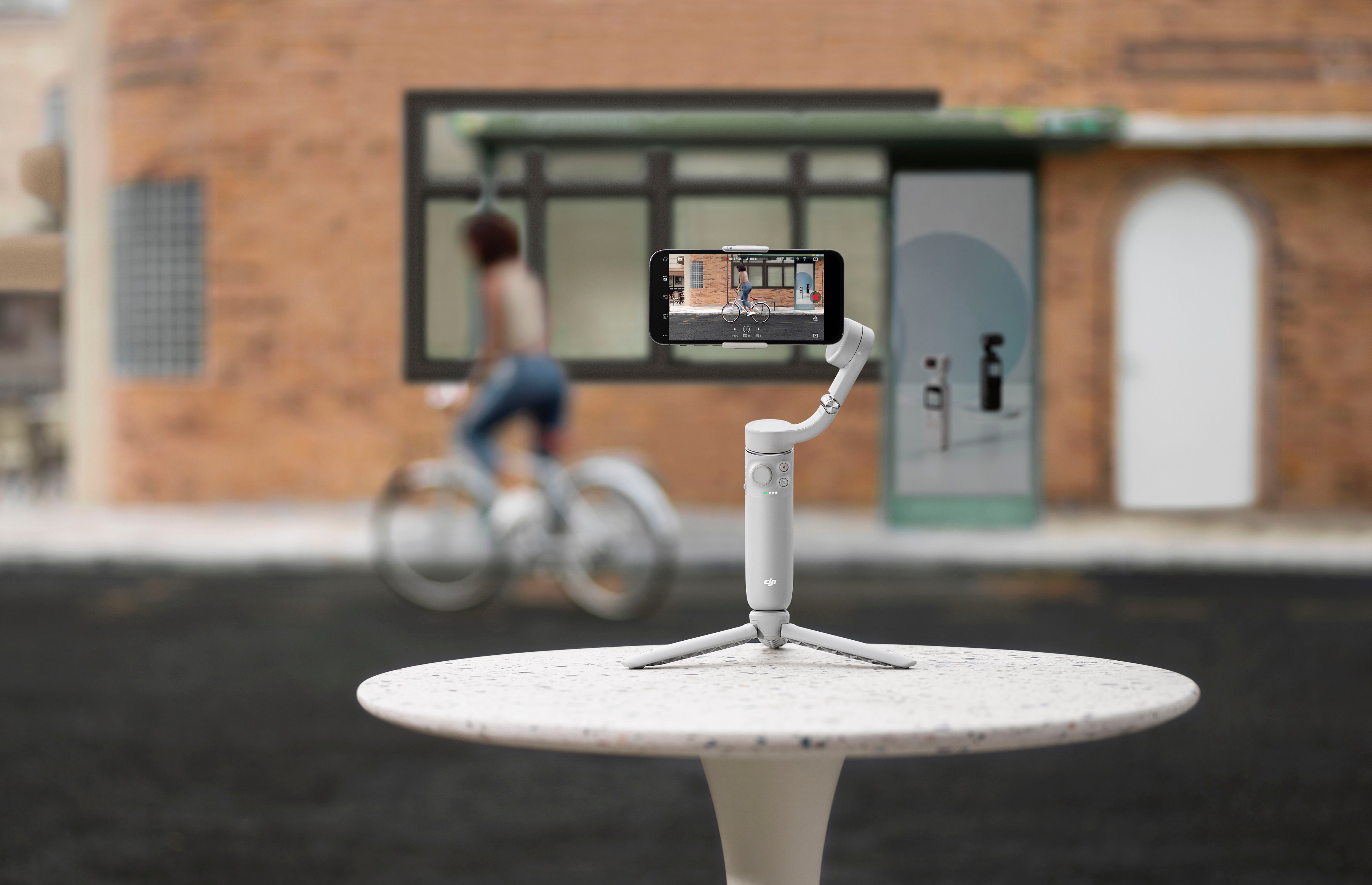
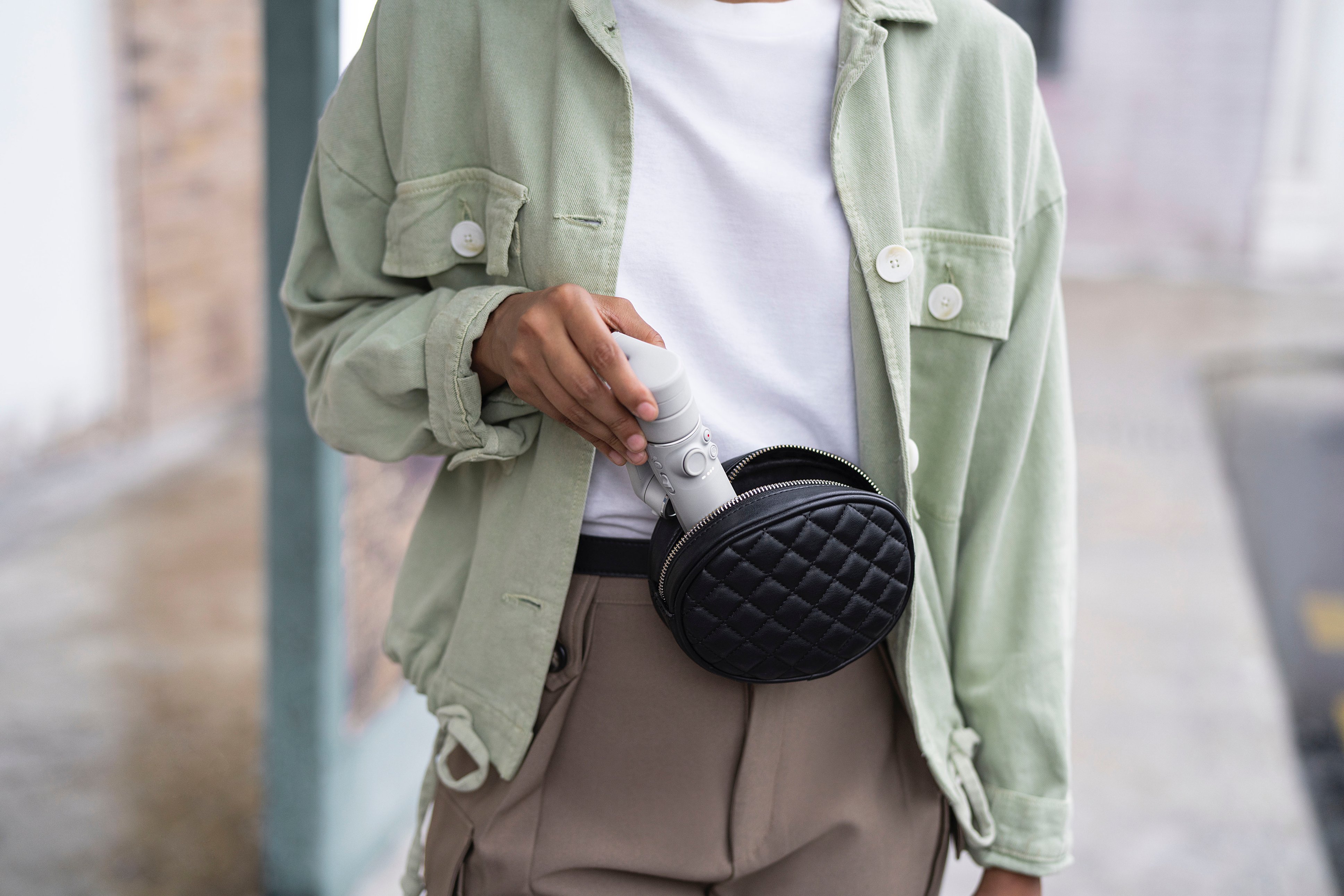
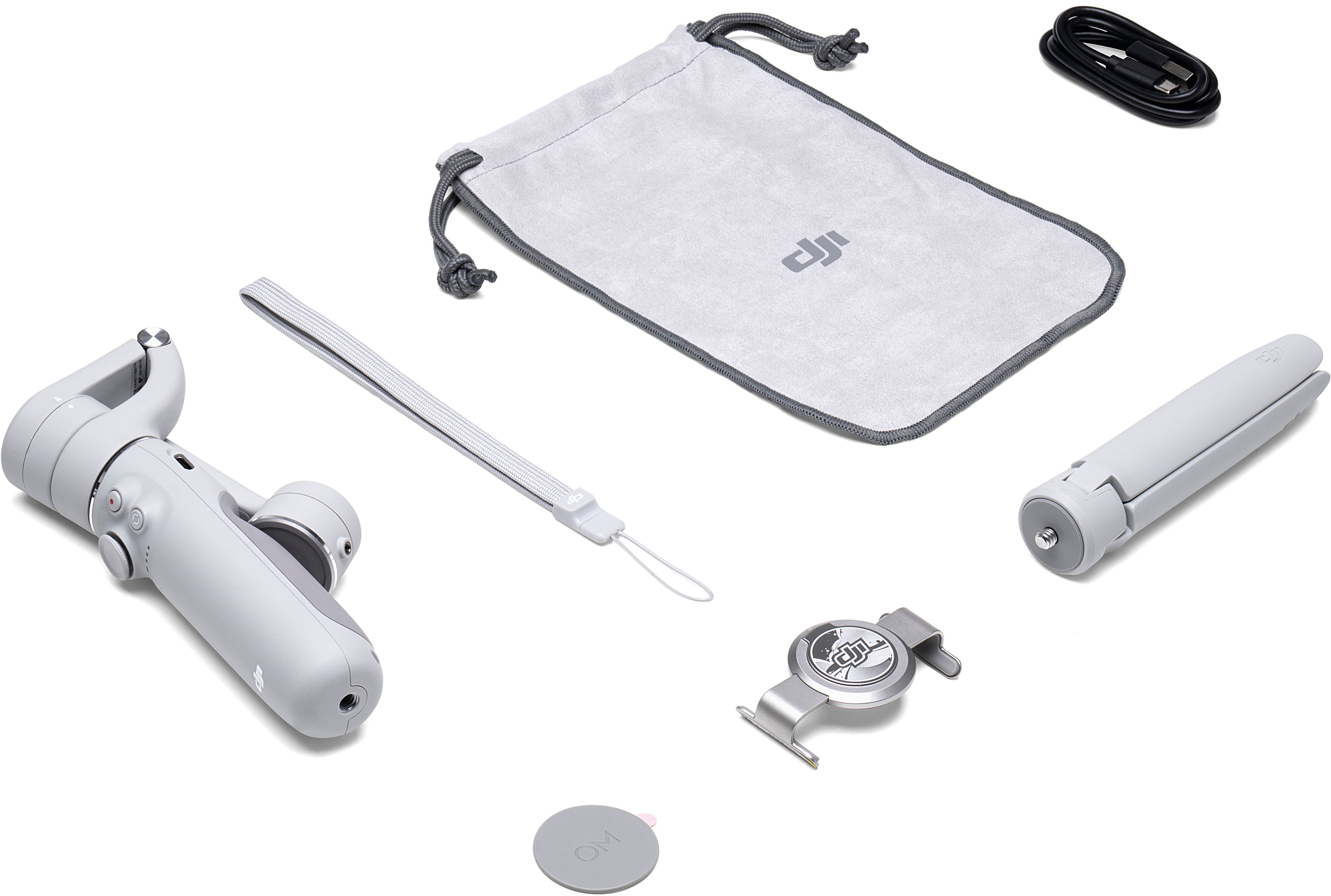
|Posted .This reviewer received promo considerations or sweepstakes entry for writing a review.I would consider DJI to be the top of the line when it comes to consumer gimbals. They have so many different models of gimbals now that they have been able to refine the craft and make some of the best and most affordable professional quality gimbals on the consumer market. Last year I reviewed the OM 4 and was very displeased with it for one main reason and it was the way it connected to your smart phone. This year the OM 5 I believe may have fixed this issue for both gimbals. The issue before was that the cell phone clamp did not work well if you had a larger phone with a case. Although the clamp looks very similar to last year it seems to be changed just enough where I had no issues with it working on my phone. The design of the OM 5 has been slimmed down a lot. I believe this will be a very welcome change especially for people with smaller hands. It also makes it easier to put inside of a smaller bag. Overall it just takes up less space. One of my favorite features is that it now includes an extension and the best part it is all built in and when it is put away you are not even able to tell that it extends. This will be great for getting selfies or other hard to reach pictures/video. One thing that I love about the OM 5 is that everything you need to get started is included in the box. It comes with a mini tripod, the phone mount, and a small carrying case. This is everything you need to take your basic videos to next level cinemograph as a content creator. With advancements in phone cameras you know longer need to run around with an expensive camera rig to get quality content. With the addition of the OM 5 you and your phone you can create high quality stabilized video that can easily be shared to social media. The OM 5 is such an affordable gimbal and it is extremely easy to use with almost any phone. When paired with the DJI Mimo app it has even more smart features such as active track. This is one of my favorites because you can record videos of yourself and get movement as if someone else was operating the camera because it will follow you around. I would highly recommend this to just about anyone who would like to make better videos with their phone. It is a useful tool for a content creator with a ton of experience or someone who is brand new to shooting videos. When it comes to cell phone gimbals there is nothing else quite like it on the market.
I would recommend this to a friend Disappointed
||Posted . Owned for 1 month when reviewed.This reviewer received promo considerations or sweepstakes entry for writing a review.Not the best product DJI has put out there. I wouldn’t recommend this product.
No, I would not recommend this to a friendBrand response from DJI Support
Posted .Dear customer,
We are sorry to hear that this product does not meet your expectation. If you need any assistance, please feel free to contact us. You can contact us at http://www.dji.com/support.
Best Regards,
DJI Support
what
||Posted . Owned for 2 weeks when reviewed.This reviewer received promo considerations or sweepstakes entry for writing a review.this product did not work with my phone sorry also demagnified my phone charger
No, I would not recommend this to a friendBrand response from DJI Support
Posted .Dear customer,
Sorry for the unpleasant experience caused. Could you describe your issue in more detail? We'd like to help you. Thanks.
Best Regards,
DJI Support
Apple only
||Posted . Owned for 4 months when reviewed.This reviewer received promo considerations or sweepstakes entry for writing a review.Video quality on android is limited. You get better quality on Iphones.
No, I would not recommend this to a friendBrand response from DJI Support
Posted .Dear customer,
We are sorry for any inconvenience caused.This issue is limited by the fact that the system of mobile phone does not allow API to third-party app. Thanks for your understanding. If you have any further issue, please feel free to contact DJI support for assistance http://www.dji.com/support.
Best Regards,
DJI Support
not good
||Posted . Owned for 3 weeks when reviewed.This reviewer received promo considerations or sweepstakes entry for writing a review.Using this is very inconvenient as it was not stable
No, I would not recommend this to a friendBrand response from DJI Support
Posted .Dear customer,
We are sorry for any inconvenience. If you encountered any issue while using the DJI OM 5, you can contact DJI Support for further assistance. Our team will help accordingly. http://www.dji.com/support
Best Regards,
DJI Support
Really cool gimbal with selfie stick.
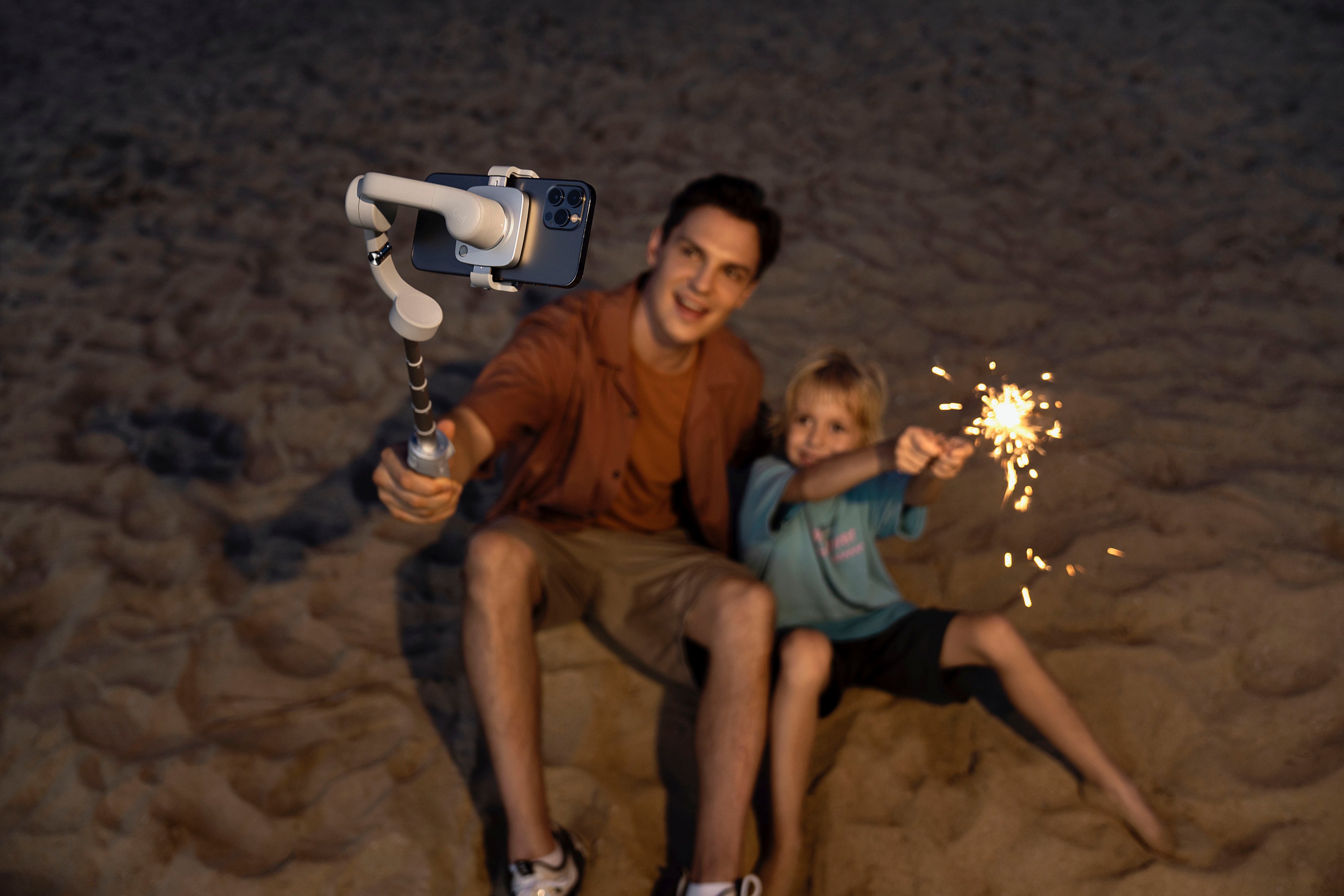
|Posted .This reviewer received promo considerations or sweepstakes entry for writing a review.I'm a very amateur when it comes to photography and videos. I like to follow my kids around with my iphone 12 pro max and document things they do around the house and outside. At their young age, I think it'll be really cool to show them later. This gimbal, with the added in selfie stick is perfect for getting down to their level and get some really cool shots. I own a few other DJI products and I know the quality that comes along with them, this one is no exception. I was a little leery unfolding it the first time and even had to break out the quick start guide, I thought I was going to break it. Turns out it's really well made and easy to use. The buttons and triggers take some getting used to, I'll be honest but after a couple of days of playing around with it I am starting to get the hang of it. There is also an included tripod that screws into the bottom of the gimbal. The added selfie stick adds what looks like to be an additional 9 inches or so to the gimbal. It's also a very light gimbal which makes it easy on your hands/arms when using it for longer periods of time. The app is really cool and has a ton of neat shots you can do that are automated. It also has a lot of built in modifications you can do for your face if you are a vlogger or content creator that used the forward facing camera. It has face tracking software to keep your face centered when using the front facing cam. Pretty interesting. Some of the shots look like professionally done videos. It helps the amateur seem like a professional. Click on shotguides inside the app and it will show you how to shoot the built in cinematic shots. Really cool options in here with a clip of how to get the shot as well as what the shot will look like. The activetrack 4.0 works pretty well while using it. It allows you to select a square on the screen and the gimbal keeps it centered. There are alot of other shot options like pano, story, timelapse. Alot of things that you can use here to make incredible footage. This gimbal is really cool. The price is really good and for everything you get it's 100% worth it.
I would recommend this to a friendBoo!
||Posted . Owned for 1 month when reviewed.This reviewer received promo considerations or sweepstakes entry for writing a review.Wack if you want to film verticle. It tilts all the time. DJI still hasn't got the follow me function right. It all looks good on paper, but is still the wack-a Osmo. I am sending it back.
No, I would not recommend this to a friendBrand response from DJI Support
Posted .Dear customer,
Sorry for your inconvenience. For this issue, you may press and hold the Trigger button to lock the gimbal When OM 5 is powered on, and it will not move following the handle. Please kindly know that the front camera primarily tracks faces that are mainly targeted at shooting a vlog when walking. To ensure the tracking effect, the distance between the front camera and the face is within 2 m. The rear camera is mainly for head and shoulder tracking, and a stable tracking effect is generally guaranteed when the distance is within 5 m. (some differences exist in rare cases, depending on the environmental light and mobile phone performance, such as backlight/dark light).
If you have any questions, please feel free to contact us at any time.
Best Regards,
DJI Support
cheap
||Posted .This reviewer received promo considerations or sweepstakes entry for writing a review.I couldn't use my Samsung s 20 ultra, and it was cheap for $170. couldnt hold up an iphone 12 pro max.
No, I would not recommend this to a friendBrand response from DJI Support
Posted .Dear customer,
We are sorry for any issue you encountered. Please download the latest version of DJI Mimo from our official website to check if the problem persists. Besides, please enable or allow "install unknown apps" to be installed on your device under the settings. You could also contact our support and tell us the details of the issue, we will do our best to help you out. You can contact us at http://www.dji.com/support
Best Regards,
DJI Support
Stay Away
||Posted . Owned for 1 month when reviewed.This reviewer received promo considerations or sweepstakes entry for writing a review.worst product. It just started not working and losing control on 2nd use. Totally didnt understand how this one got that good review....
No, I would not recommend this to a friendBrand response from DJI Support
Posted .Dear customer,
We are sorry for any inconvenience. Could you please check if the Bluetooth is connected? Please contact our support team through the link below and provide us with the details. Our team will you further. http://www.dji.com/support
Best Regards,
DJI Support
Pass if you are a android user.
||Posted . Owned for 3 weeks when reviewed.This reviewer received promo considerations or sweepstakes entry for writing a review.Its dose not work well with android!! The tracking works when it feels like it. I am told that it does not have this problem if you use apple.
No, I would not recommend this to a friendBrand response from DJI Support
Posted .Dear customer,
Sorry for your inconvenience. Please download the latest DJI Mimo App from our website first to ensure users' experience: https://www.dji.com/downloads/djiapp/dji-mimo
For compatibility, you may refer to this link: https://terra-1-g.djicdn.com/851d20f7b9f64838a34cd02351370894/om-5%E6%89%8B%E6%9C%BA%E5%85%BC%E5%AE%B9%E5%88%97%E8%A1%A8/DJI_OM_5_Mobile_Phone_Compatibility_List_en.pdf
Best Regards,
DJI Support
Needs More Improvement.
||Posted . Owned for 2 months when reviewed.This reviewer received promo considerations or sweepstakes entry for writing a review.Not very user-friendly. Especially if you have a big phone then u need to take your cover off.
No, I would not recommend this to a friendBrand response from DJI Support
Posted .Dear customer,
Sorry for the unpleasant experience caused. As the mobile phone case may be soft, the clamping position of the mobile phone clamp may shift, so we recommend you remove the phone case. At the same time, we will transfer your concern to the relevant engineer. Thanks.
Best Regards,
DJI Support
Not recommended
||Posted . Owned for 1 month when reviewed.This reviewer received promo considerations or sweepstakes entry for writing a review.Doesn’t work well with the new iPhone pro max 13, it’s too heavy
No, I would not recommend this to a friendBrand response from DJI Support
Posted .Dear customer,
Sorry for the inconvenience caused. We recommend that you take off the phone case and try again to check if the problem persists. Besides, please update the DJI Mimo app to the latest version.
Best Regards,
DJI Support
- Pros mentioned:Ease of use
Very Cool Media Tool
|Posted .This reviewer received promo considerations or sweepstakes entry for writing a review.I've never used or owned a gimbal stabilizer before but I always thought it was a good product for video recording. When I originally got the DJI gimbal I owned an Apple iphone 8 plus. I thought the camera quality was not good but then I downloaded the DJI app and the camera quality looks way better. The instructions were very simple, tracking just pinch the screen on your iPhone, use the gimbal to move up and down, record, and zoom. The clamps work well. I never felt like my phone was going to fall down. I did not like removing the clamp as I felt like I might scratch the side of my phone if I was not careful. I did like the carrying bag for the gimbal. Easy set up and looks sturdy enough to last a long time. I plan to use this gimbal for future media projects and social media. I highly recommend it!
I would recommend this to a friend Selfie Stick Returned
||Posted . Owned for 1 month when reviewed.This reviewer received promo considerations or sweepstakes entry for writing a review.Item was returned because no one in Geek Squad knew how to handle it. They all need to be trained on this item.
No, I would not recommend this to a friendBrand response from DJI Support
Posted .Dear customer,
Could you please describe your issue in more detail? We'd like to help you.
You could also contact the support team and provide the photos or videos for further assistance. Our team will help accordingly. http://www.dji.com/support
Best Regards,
DJI Support
My review
||Posted . Owned for 3 weeks when reviewed.This reviewer received promo considerations or sweepstakes entry for writing a review.I did not luke the product.. it seems like to controls me rather than i control it…
No, I would not recommend this to a friendBest iPhone gimbal selfie stick
||Posted . Owned for 2 weeks when reviewed.This reviewer received promo considerations or sweepstakes entry for writing a review.The best gimbal selfie stick for my iphone, if you want to improve your video recording try to use this.
I would recommend this to a friendBrand response from DJI Support
Posted .Dear customer,
Thank you very much for your support. However, we found that you gave our product a 1-star review, could you tell me what issue you've encountered? We will do our best to help you
Best Regards,
DJI Support
Frustration while using
||Posted .This reviewer received promo considerations or sweepstakes entry for writing a review.Not use friendly. Manual you can't use it. Half of the functionality don't work. Waste of money.
No, I would not recommend this to a friendBrand response from DJI Support
Posted .Dear customer,
We are sorry for any inconvenience caused.
Please contact the DJI Support team through the link below for further assistance: https://www.dji.com/support/repair Our team will check and offer you some help with your problems, please rest assured.
Best Regards,
DJI Support