Customer Ratings & Reviews
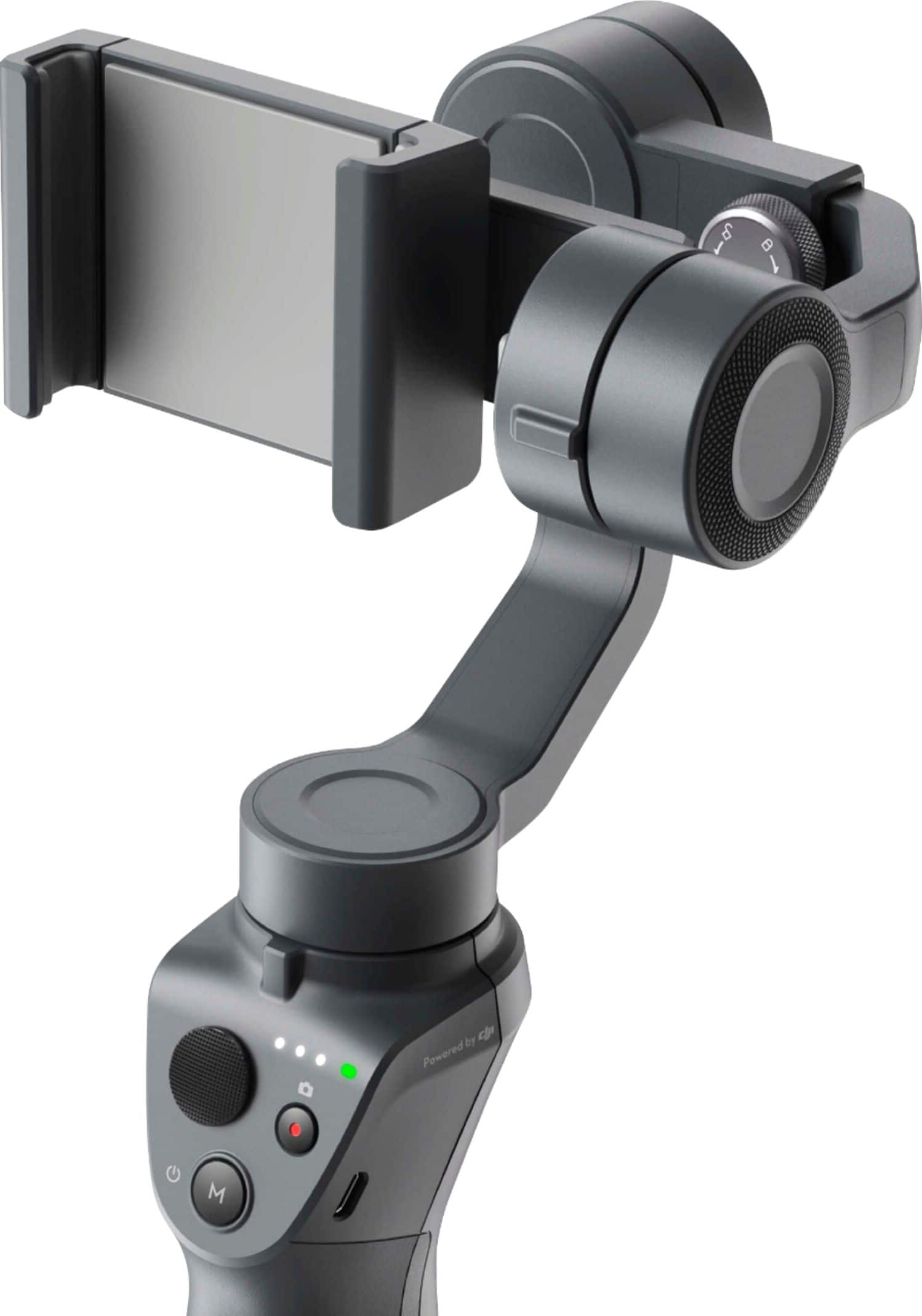
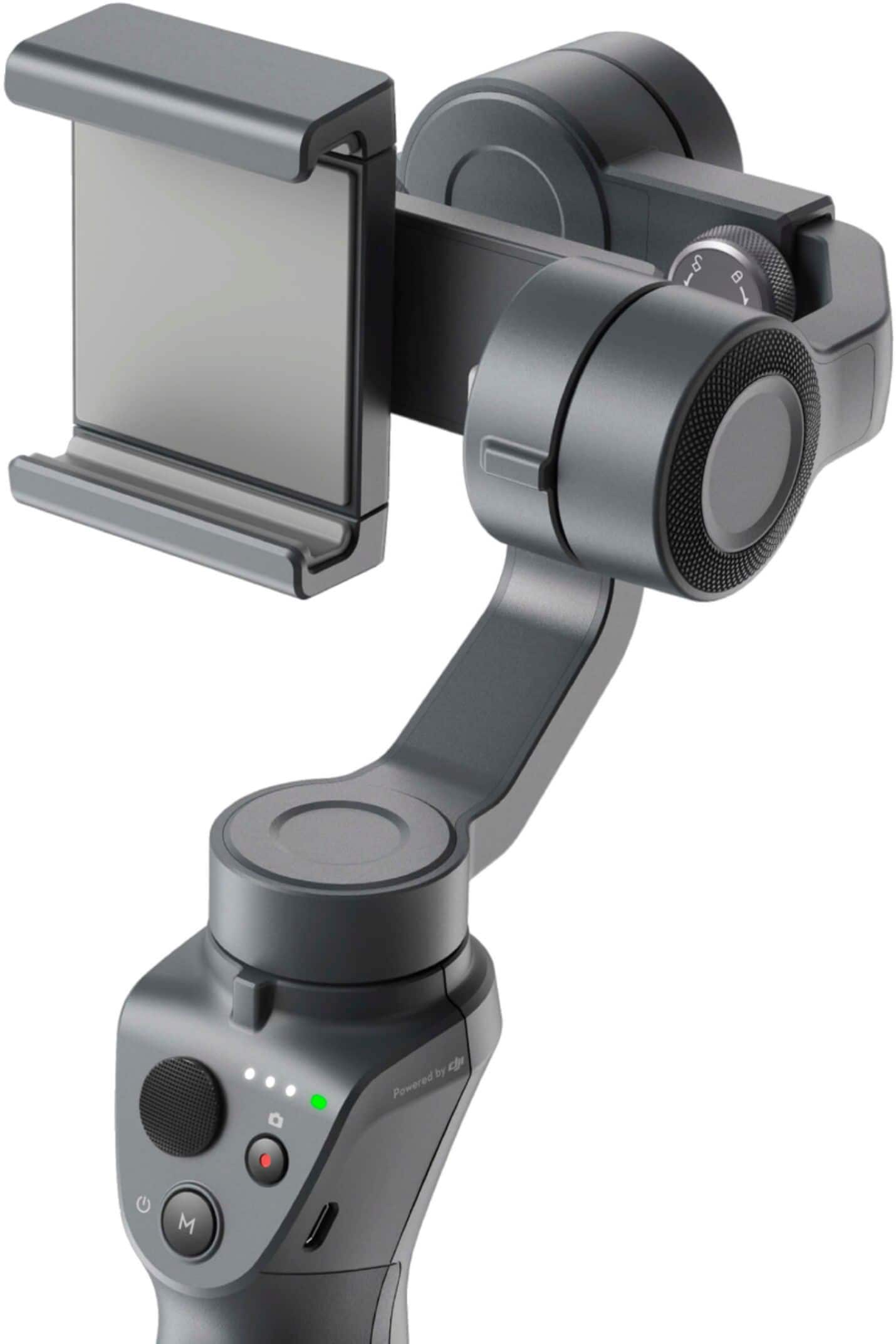
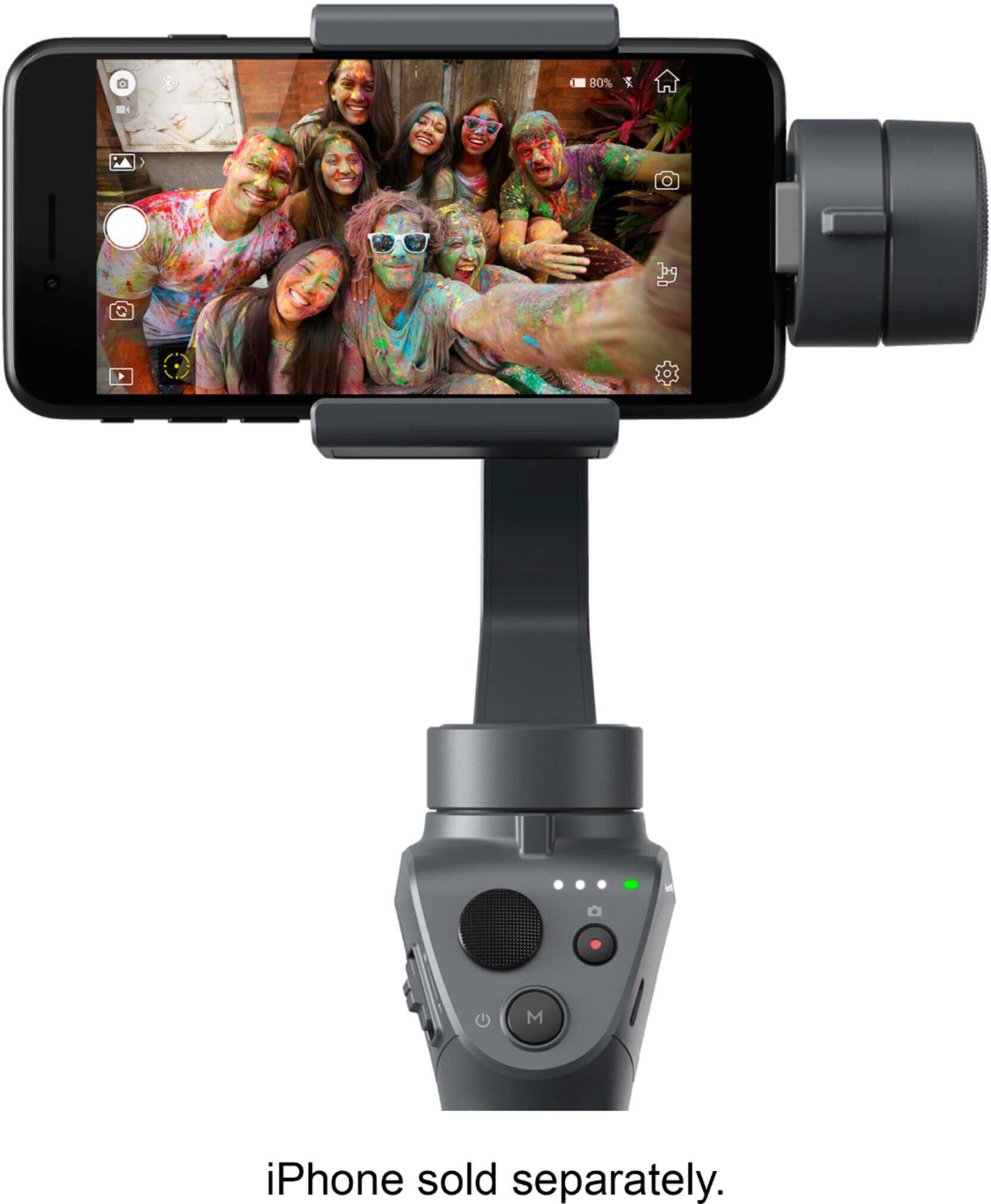
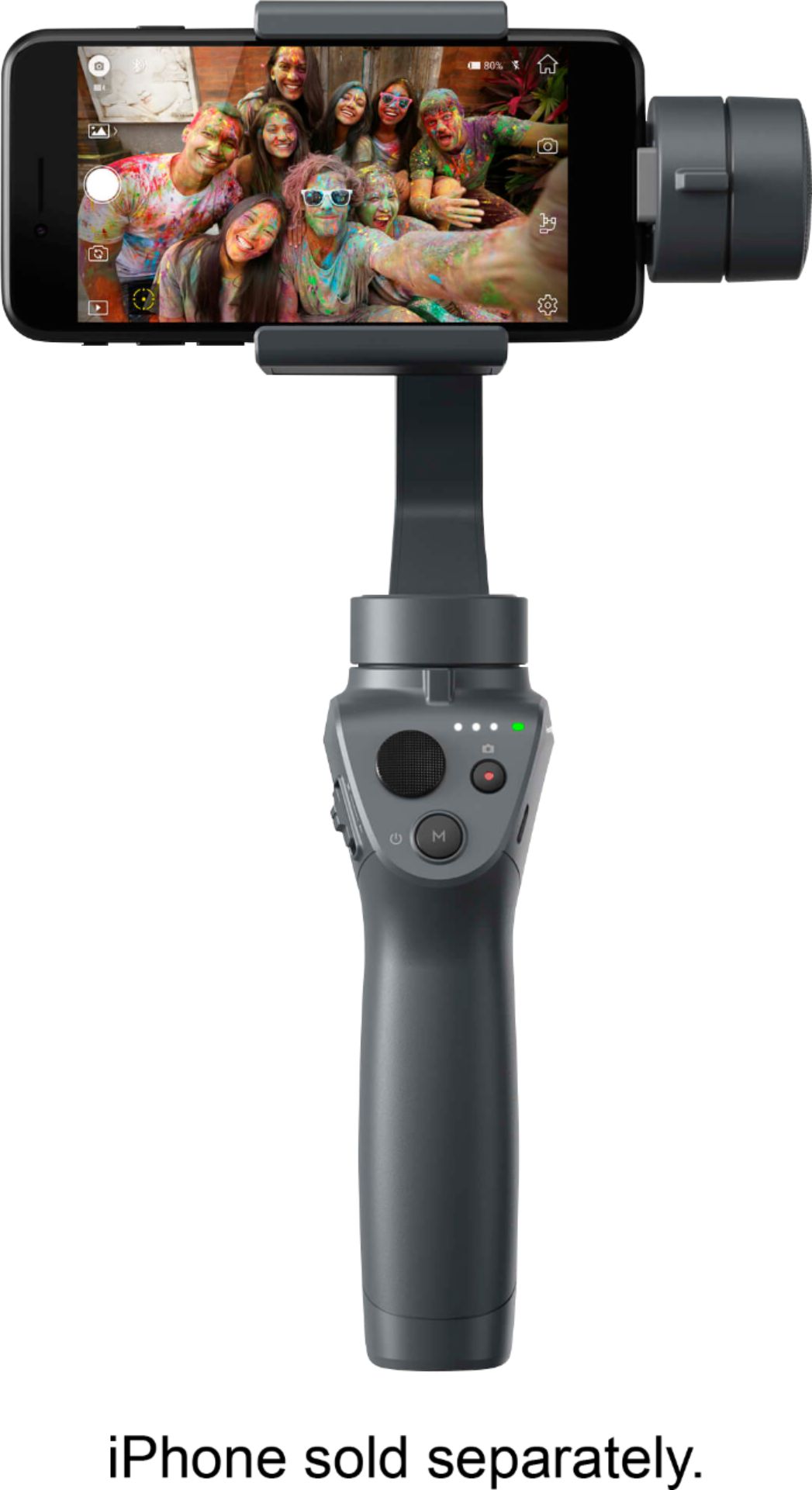
- Model:
- CP.ZM.00000064.01
- SKU:
- 6189301
Rating by feature
- Value
Rating 4.3 out of 5 stars
- Quality
Rating 4.5 out of 5 stars
- Ease of Use
Rating 4.2 out of 5 stars
Customers are saying
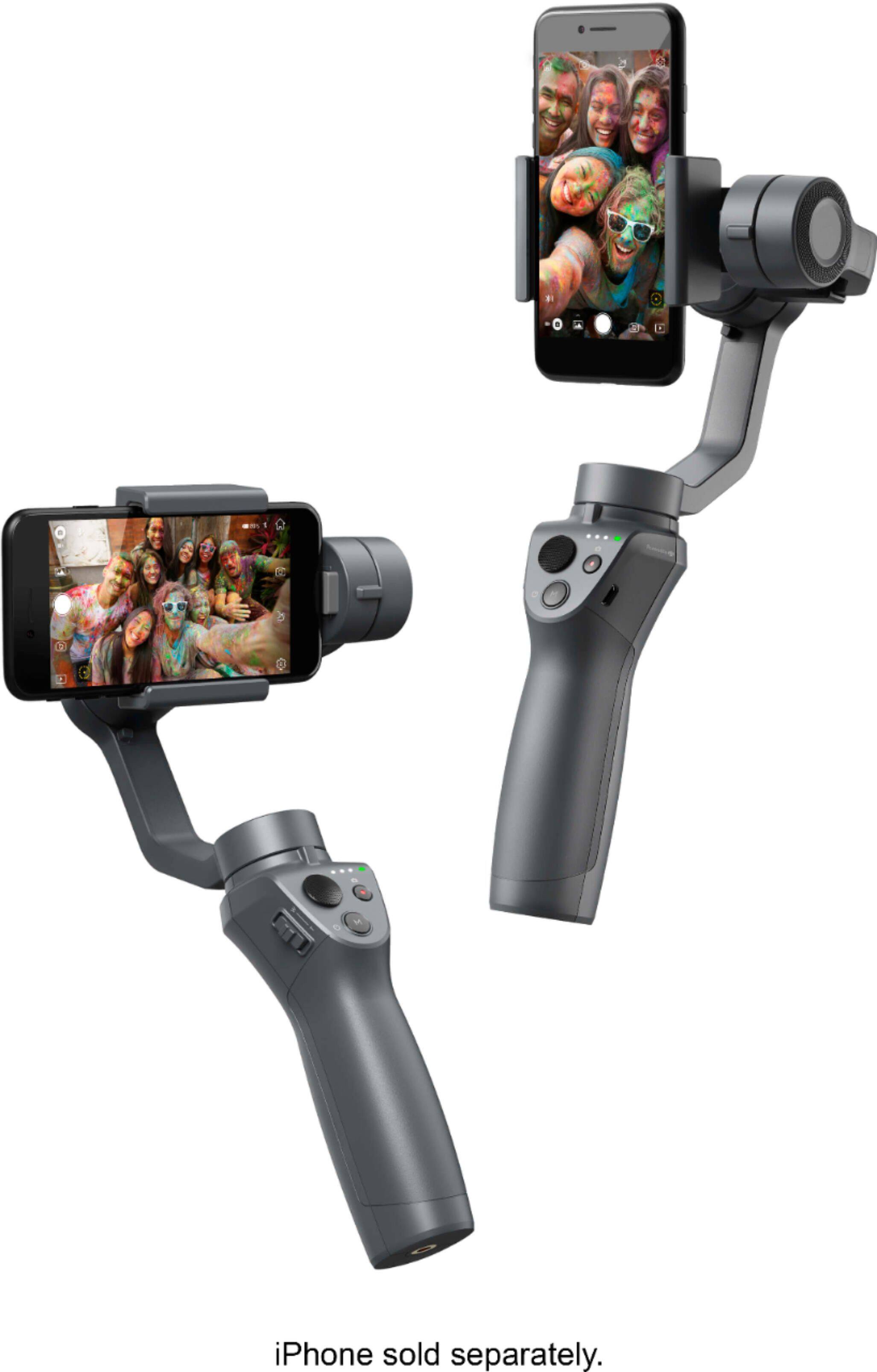
Customers frequently mention the Osmo Mobile 2's ease of use, high-quality video, and impressive stability as significant advantages. Many also appreciate its lightweight design and generally positive price point. However, some users find the size somewhat cumbersome and have noted occasional challenges with the software and instructions. Despite these minor drawbacks, the positive feedback on video quality and ease of use strongly outweighs the negative comments.
This summary was generated by AI based on customer reviews.
- Cons mentioned:Software
Read the Fine Print
Posted .This reviewer received promo considerations or sweepstakes entry for writing a review.To use the software that is required to get the most out of the unit, you have to sign to let them give your personal information to third parties and they have no control on what the third parties do with your information. The unit will NOT work and with larger heavy smart phones such as iPhone 8 Plus. It will have limited functionality without the software on smaller phones.
No, I would not recommend this to a friendBrand response from DJI Support
Posted .Hi Ron. The only software that is necessary to use all the features of the Osmo Mobile 2 is DJI GO, our own proprietary software. We do not share any personal information unless explicitly authorized. When well balanced, the iPhone 8+ has been shown to work well with Osmo Mobile 2. If you have not already, make sure to look up a balancing tutorial to ensure the proper balancing takes care of most of the heavy lifting.

Disappointed
Posted .This reviewer received promo considerations or sweepstakes entry for writing a review.I consider myself tech savvy but trying to set up this device drained me. I was going to order a smove then read all the negative reviews especially about returning the device. While searching reviews I noticed that Best Buy has a one similar. I went to the store because I love Best Buy and usually the products don’t let me down. Fully charged it and then came the headaches. I could never get it to stabilize even after watching the YouTube videos. I was so excited to buy and use the product but it’s just too much hassle and sadly I will be returning it to the store. I’m not comfortable taking out my 1000 phone and using it without the case because larger phones with cases are not stable. I was never able to get it stabilized. Super bummed I was excited about the product.
No, I would not recommend this to a friendBetter practice with before using
Posted .This reviewer received promo considerations or sweepstakes entry for writing a review.Once I set up the gimbal it worked fine. I bought this device to help me make professional 4k video shots while in Paris. Fortunately, I practiced some before I left for the trip, but even after practicing with the device, I found myself spending too much time tinkering with the balance, having to start all over again each time I had to store it and for the iPhone 8 plus, it seemed to not fit and work as well as it probably does with a smaller phone. Ultimately, I put the gimbal away and decided that the shots I was getting with it were not substantially better than what I normally was getting from just using my phone. So I put the device away and enjoyed the rest of my trip. Also it does not support 4K 60 fps. So between 4k 30fps and gimbal and 4k 60 fps just iPhone, I would say, just use your iPhone and hold it steady.
No, I would not recommend this to a friendDOA. Battery was dead out of the box.
Posted .This reviewer received promo considerations or sweepstakes entry for writing a review.Charged over night, now it's fully charged and turns on, but the only parts that works are the Bluetooth (DJI app doesn't connect tho), and the lights. The gimbals don't even make a sound or attempt to do anything. Now both local BB stores are out of stock, so I'll have to wait to return and get a replacement. Typical DJI horrible QC Chineseium junk. Several other people have gotten DOA units too, if you check the reviews on Apple Store.
No, I would not recommend this to a friendBrand response from DJI Support
Posted .Hey Gray, you could try turning on USB debugging if you're using an Android device. If you're using an Apple device and have tried multiple Apple devices make sure to go into bluetooth settings and "forget this device". Also make sure not to "pair" your phone with the Osmo in the future, Android or Apple. You can also try connecting it to your PC via DJI Assistant 2. One more thing, make sure you're using DJI GO and not DJI GO 4. Hope this helps.