Customer Ratings & Reviews


- Model:
- R010111
- SKU:
- 10116427
Rating by feature
- Setup
Rating 4.8 out of 5 stars
- Range
Rating 4.7 out of 5 stars
- Signal Strength
Rating 4.7 out of 5 stars
to a friend
Don’t waste your time and money
||Posted . Owned for 2 weeks when reviewed.This reviewer received promo considerations or sweepstakes entry for writing a review.They always disconnect from The router and take forever to reconnect
No, I would not recommend this to a friendBrand response from Amazon Devices Customer Support
Posted .Hi Sammy. Thank you for your feedback on the eero 6+ system. I’m sorry to hear about your connection issues. If you’ve got another router or a modem/router combo device double NATed to your eeros, this could be the cause of poor connectivity and performance. To get the most out of your eero WiFi system, we recommend having your eero WiFi system replace your current router and having your gateway eero plugged directly into your modem. However, if you'd like to keep using your existing router, you absolutely can. You can put your eeros into bridge mode. In this scenario, you will still get all the benefits of eeros mesh. However, you will allow your upstream router to manage the connection between your network and ISP. To do this, tap on the “Settings” tab in the eero app then tap “Network settings”. Under the “Network services” section you’ll select “DHCP & NAT” then you’ll switch your selection from “Automatic” to “Bridge”. It should also be noted that when using eeros in bridge mode, you will lose many advanced features. If these steps do not help, or if you need additional assistance with these steps, call eero customer service at 877-659-2347. They are available 7 days a week 6:00 am – 8:00 pm PT. Hope this helps and have a great day!

Don’t listen to the BestBuy sales reps
||Posted . Owned for 2 months when reviewed.This reviewer received promo considerations or sweepstakes entry for writing a review.Was talked into buying this from a store representative. This is the worst that my connection has ever been. I have to constantly reconnect my televisions every time I turn one on. I came on the app to see if this was still refundable and it is not. I had better connection renting a combined modem/router from Comcast.
No, I would not recommend this to a friendEero
||Posted . Owned for 1 month when reviewed.This reviewer received promo considerations or sweepstakes entry for writing a review.Needed full house coverage and the eero did the trick. Would highly reccomend thos product.
I would recommend this to a friendBest investment!
||Posted . Owned for 1 month when reviewed.This reviewer received promo considerations or sweepstakes entry for writing a review.Best investment in our household tech in 2022!! Changed how our smart tech operates.
I would recommend this to a friendThe worst
||Posted . Owned for 9 months when reviewed.This reviewer received promo considerations or sweepstakes entry for writing a review.Always doing updates , slow connection, the worst.
No, I would not recommend this to a friendBrand response from Amazon Devices Customer Support
Posted .Hi Antonio. Thank you for providing feedback about your experience with the eero 6+ system. I'm sorry to hear that you've been having issues with the system speeds. Here are some troubleshooting steps that may remedy your issue: 1. The first thing you’ll want to do is figure out whether you’re experiencing slow behavior on multiple devices. If it’s only on one device, simply turn your device’s WiFi off and on again. If that doesn’t work, try rebooting the device. 2. Try power cycling your eeros by unplugging the power cable from the back of your eero, waiting 30 seconds, and plugging it back in. This step can sometimes fix connectivity issues. 3. Unplug the power cable from your modem, wait 30 seconds, then plug it back in. If this information doesn’t resolve your issue, call eero customer service at (877) 659-2347. They’re available Monday-Sunday 6am-8pm PT. I hope this helps. Have a great day!
Not sure
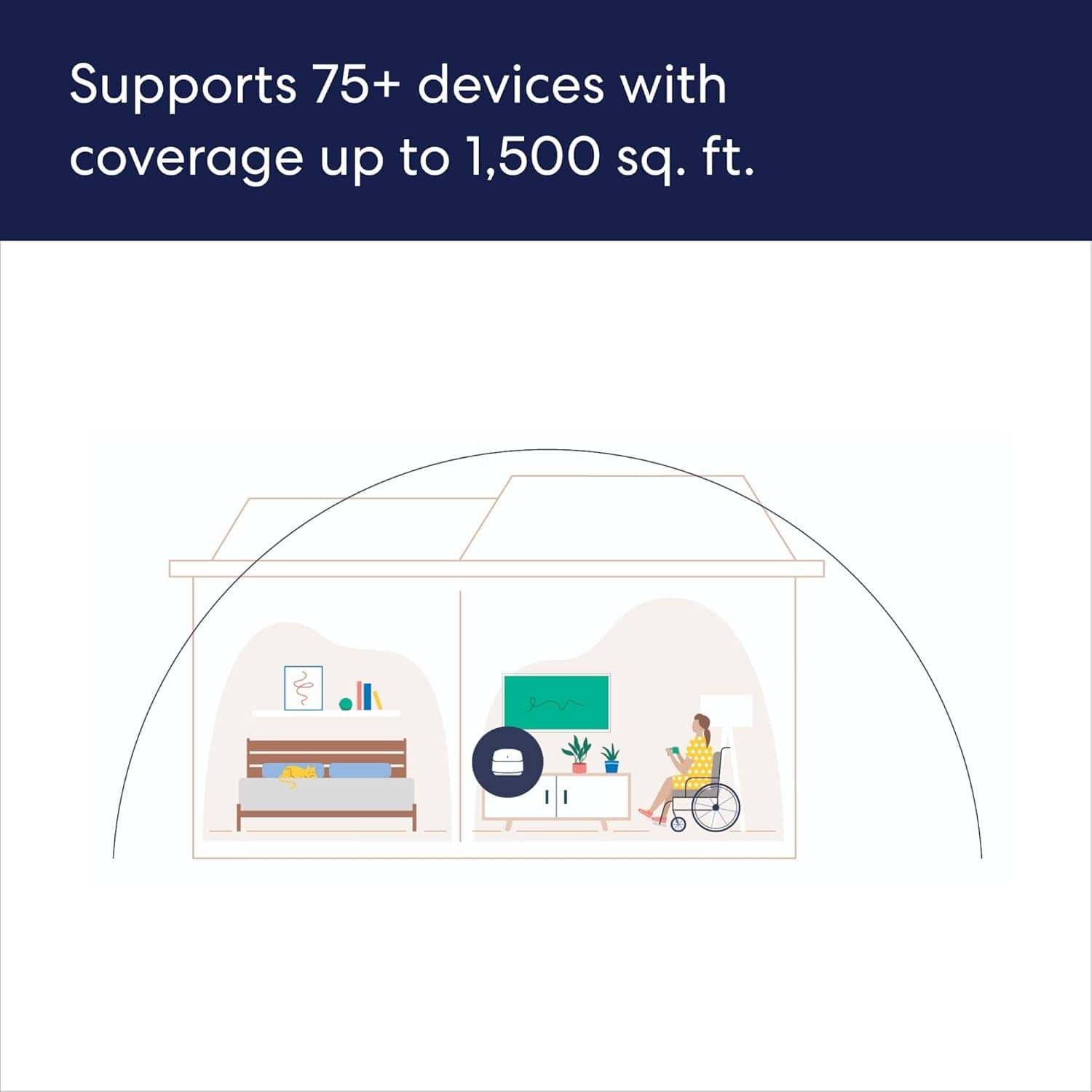
||Posted . Owned for 1 month when reviewed.This reviewer received promo considerations or sweepstakes entry for writing a review.House is 1200 sq ft used for wifi calling. When moving around rooms call would drop. Maybe three pack was too big for the home. Still it was good -
No, I would not recommend this to a friendBrand response from Amazon Devices Customer Support
Posted .Hi Happywithpurchase. Thank you for your feedback on the eero 6+ system. I’m sorry to hear about the connectivity issues you’re experiencing. Strategically placing your eeros is the single most important step you can take to ensure your system provides fast, reliable WiFi to every room in your home. Here are some tips to follow: 1. Place eeros where they can talk to each other. 2. Place eeros on a hard, flat surface. 3. Keep your eeros out in the open. 4. Whenever possible, aim for direct line of sight between eeros. The fewer the walls between your eeros, the better. In most cases, your devices will choose the best eero to connect to but sometimes connected devices may stay connected to eeros further away. It really depends on how that specific device handles roaming and handoff. If you’re seeing weaker connections when there is a closer eero, you can toggle wifi off and back on for the device to connect to a closer eero. It should automatically connect to the best eero. If this information doesn’t resolve your issue, call eero customer service at (877) 659-2347. They’re available Monday-Sunday 6am-8pm PT. I hope this helps. Have a great day!
Mess WI-FI
||Posted .This reviewer received promo considerations or sweepstakes entry for writing a review.This item seems to be great. I appreciate Best Buy's help in installing it.
I would recommend this to a friendDon’t buy
||Posted . Owned for 2 months when reviewed.This reviewer received promo considerations or sweepstakes entry for writing a review.Worst system on the market. Purchased to increase my internet speed and improve connectivity. This system did the complete opposite. Internet speeds are no faster than a much cheaper system, connectivity is worse and constantly drops connection with huge lagging delays.
No, I would not recommend this to a friendToo many updates
||Posted . Owned for 3 weeks when reviewed.This reviewer received promo considerations or sweepstakes entry for writing a review.Too many updates, connection cuts out when updating.
No, I would not recommend this to a friendLevels
||Posted . Owned for 3 weeks when reviewed.This reviewer received promo considerations or sweepstakes entry for writing a review.This is a great buy for those who have a large space with different levels.
I would recommend this to a friendGreat wifi
||Posted .This reviewer received promo considerations or sweepstakes entry for writing a review.Ansered my lack of whole house coverage when i added a security system
I would recommend this to a friendGreat product
||Posted . Owned for 2 weeks when reviewed.This reviewer received promo considerations or sweepstakes entry for writing a review.Best wifi I have ever used. Works perfectly through out the house.
I would recommend this to a friendPerfect Range
||Posted . Owned for 2 weeks when reviewed.This reviewer received promo considerations or sweepstakes entry for writing a review.I get my giga speed thru the while house! Excellent mesh network!
I would recommend this to a friendEERO Mesh
||Posted . Owned for 1 month when reviewed.This reviewer received promo considerations or sweepstakes entry for writing a review.Never could get a good signal throughout the house. Worked for weeks moving pucks around to try and get full coverage. Struggled to get all appliances, devices, etc to connect. Ended up returning and going back to the standard router.
No, I would not recommend this to a friendEero plus
||Posted . Owned for 1 week when reviewed.This reviewer received promo considerations or sweepstakes entry for writing a review.Excellent product! Get about 950 wifi! Upstairs still above 500!
I would recommend this to a friendWorks but painful to configure
||Posted . Owned for 3 weeks when reviewed.This reviewer received promo considerations or sweepstakes entry for writing a review.Good but i Had hard time configuring as MAC address is not mentioned
No, I would not recommend this to a friendVery useful
||Posted . Owned for 2 weeks when reviewed.This reviewer received promo considerations or sweepstakes entry for writing a review.My long term signal problem is gone. Very useful in my 3 floors
I would recommend this to a friendVery good
||Posted . Owned for 2 weeks when reviewed.This reviewer received promo considerations or sweepstakes entry for writing a review.Tripled my WiFi speeds and WiFi is strong across the house,
I would recommend this to a friendGreat WiFi boosting system.
||Posted . Owned for 1 month when reviewed.This reviewer received promo considerations or sweepstakes entry for writing a review.This system is good for boosting the Wi Fi in the house.
I would recommend this to a friendSmall size.
||Posted . Owned for 3 weeks when reviewed.This reviewer received promo considerations or sweepstakes entry for writing a review.Great connection speed small and compact. Would recommend
I would recommend this to a friend