Customer Ratings & Reviews

- Model:
- R010111
- SKU:
- 10736214
Rating by feature
- Setup
Rating 4.8 out of 5 stars
- Range
Rating 4.7 out of 5 stars
- Signal Strength
Rating 4.7 out of 5 stars
to a friend
Poor information
||Posted . Owned for 1 month when reviewed.This reviewer received promo considerations or sweepstakes entry for writing a review.Did not work took day off to be installed advised by your tech then equipment did not perform returned
No, I would not recommend this to a friendHuge packet loss
||Posted . Owned for 1 week when reviewed.This reviewer received promo considerations or sweepstakes entry for writing a review.Experiencing badly packet lost issue when connecting 3 of them. Make online gaming unplayable. Totally trash.
No, I would not recommend this to a friendStill waiting!
||Posted . Owned for 3 weeks when reviewed.This reviewer received promo considerations or sweepstakes entry for writing a review.Poor only because I have yet to have established Wi-Fi connection even after Geek squad and comcast visits!7
No, I would not recommend this to a friendI would avoid
||Posted .This reviewer received promo considerations or sweepstakes entry for writing a review.they collect all data traffic and you have to pay a subscription to get all the security features
No, I would not recommend this to a friend
Working well now
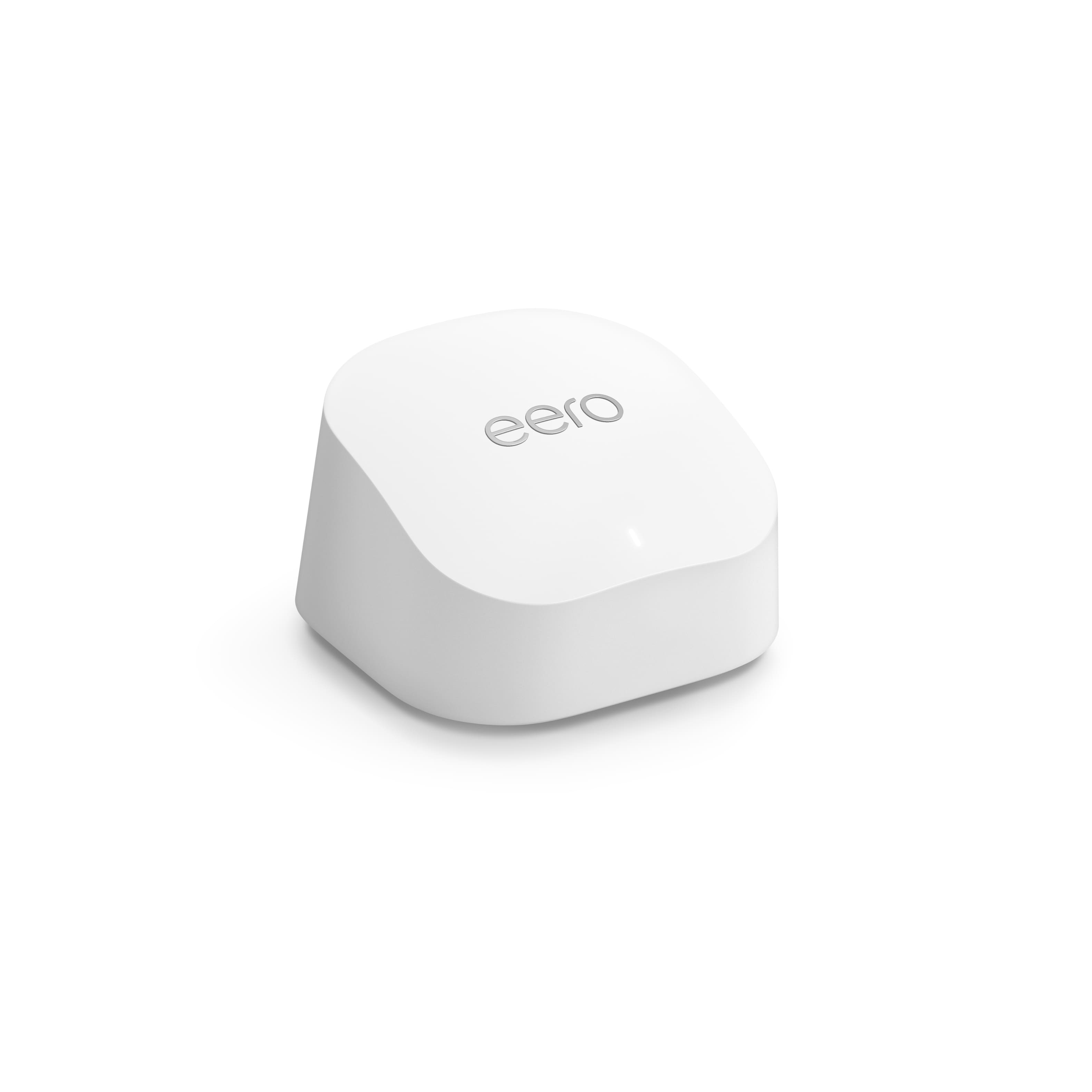
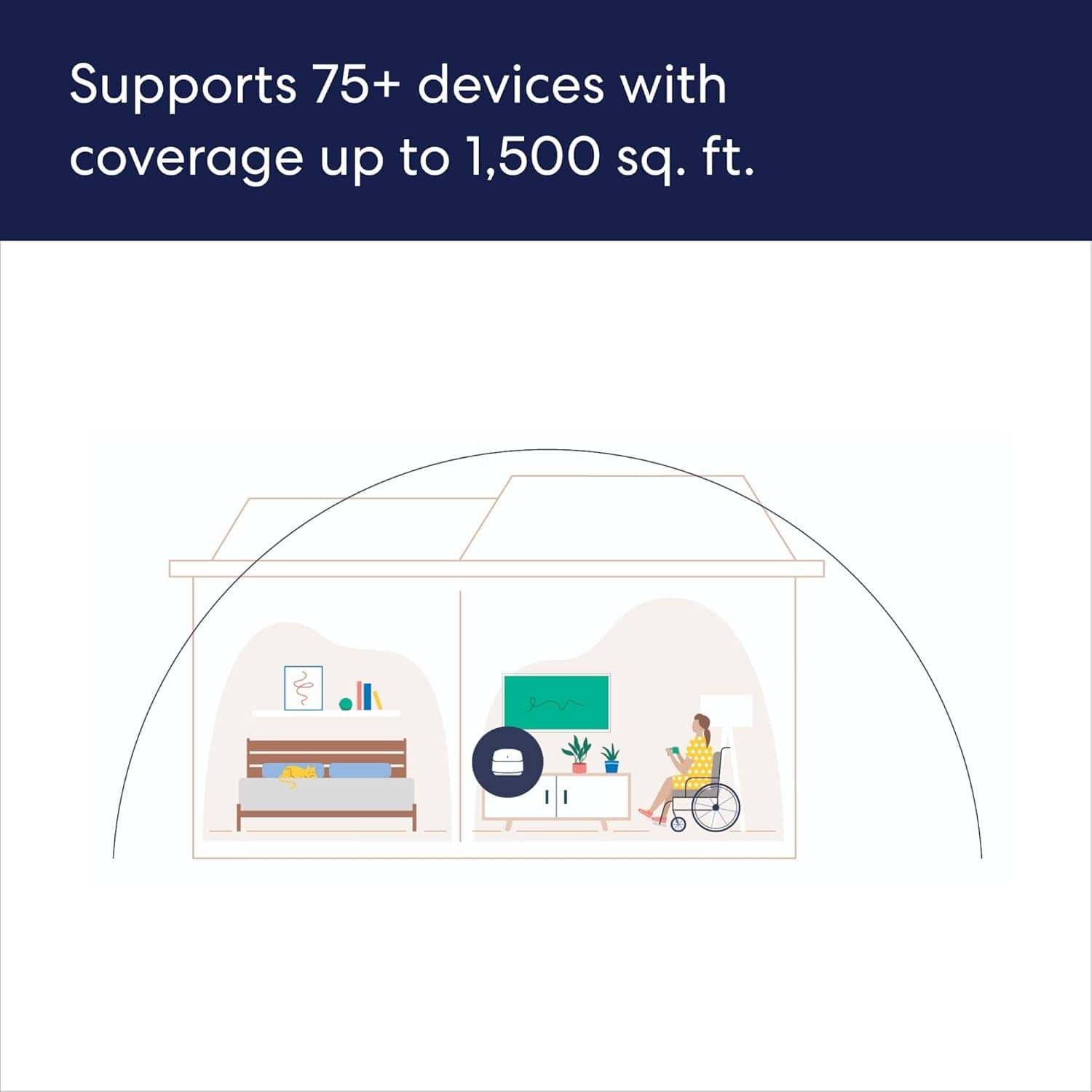
|Posted .This reviewer received promo considerations or sweepstakes entry for writing a review.My house is small at about 1,500 sqft. It was built in the 30s and has thick plaster walls, so internet signal from a wifi router can sometimes be spotty. That's why I wanted to try a full mesh network. THE GOOD ~ Full home coverage ~ Fast ~ Setup should have been easy ~ Not overly large or ugly THE BAD ~ Must tie to Amazon account (or some other way) ~ Didn't work at first THE MEH (Could go either way) ~ Must tie to Amazon account (or some other way) ~ Didn't work at first OVERALL I normally start with the good, but I'm changing that up this time. What I put for THE BAD and THE MEH are exactly the same because they were bad for me, but may not bother you. When I first hooked everything up, following the instructions perfectly, the setup was very quick and easy. I mentioned my house earlier and, although I know better, because of where my SOHO is, my wifi router is on one side of the house and in an addition behind a fireplace. My internet speed at home usually tests around 325-350 Mbps when hardwired. On the far side of the house, I generally pull about 50-100 Mbps depending on the room, with a very weak spot in the space in the center of the far space. When I hooked everything up, I expected to have much better speed tests. Instead, I was pulling about 2.5-4.5 Mbps down and getting 11 Mbps up, depending on the room. In the very middle of the house, between all the access points, I got about 1 Mbps before dropping. Just before setting everything up, I pulled 242 Mbps in the same spot. I decided it was horrible. I rebooted my modem and old wifi router (which is actually new) and went back to business as usual. The next day I decided to plug the main Eero into my wifi router. Everything picked up. In the room I got 2.5 Mbps, I just got 190 Mbps. In the other room where I had 4.5 Mbps, I just pulled 257 Mbps. Now that I have it working, I don't want to take it apart and try again without the main router. I shouldn't need it, but my wifi worked properly with the wifi router (without eero), didn't work with eero, and now works with the router AND eero. So, why fix it again? What I absolutely dislike, perhaps even detest about Eero is that it FORCES you to have an Amazon account to tie it to, or to create an account by which you can be identified. A reddit thread claims they do not monitor your traffic. Then again, Amazon didn't monitor people in the bedroom through Amazon Echo, Alexa or other things. Oh wait, yes they did. I want a mesh network, not something that may or may not monitor my traffic to target me for particular ads. As for the good, now that it's working, it works very well. The speed tests demonstrate that. The boxes are a smooth white, about 4"x4" and 2" tall. They aren't unseemly. It took a couple days for my wife to notice one in the living room and ask, "What's that?" So, they aren't obtrusive. I like the speed in the other rooms for streaming purposes and will probably set up another computer in one room. THE BIG QUESTION Would I recommend this? That's tough to say. I think it depends on the person. I wouldn't recommend it to anyone like myself who doesn't trust Amazon (or other big corporations) to do the right thing where privacy is concerned when my privacy can equal potential profits for them. For the person who says, "I don't care if Amazon follows me to the cats-r-us video site, I just want something simple," then yes, I would tell them about this product and suggest they might try it.
I would recommend this to a friendDisappointed
||Posted . Owned for 3 weeks when reviewed.This reviewer received promo considerations or sweepstakes entry for writing a review.Didn’t really help Wi-Fi coverage… disappointed…save your money
No, I would not recommend this to a friendDoesn't work
||Posted . Owned for 1 month when reviewed.This reviewer received promo considerations or sweepstakes entry for writing a review.Doesnt seem to work. Tried setting up and the extenders arent working
No, I would not recommend this to a friendKeeps disconnecting
||Posted . Owned for 1 month when reviewed.This reviewer received promo considerations or sweepstakes entry for writing a review.Keeps disconnecting and Ethernet ports don’t work.
No, I would not recommend this to a friendPowerful WiFi Mesh System
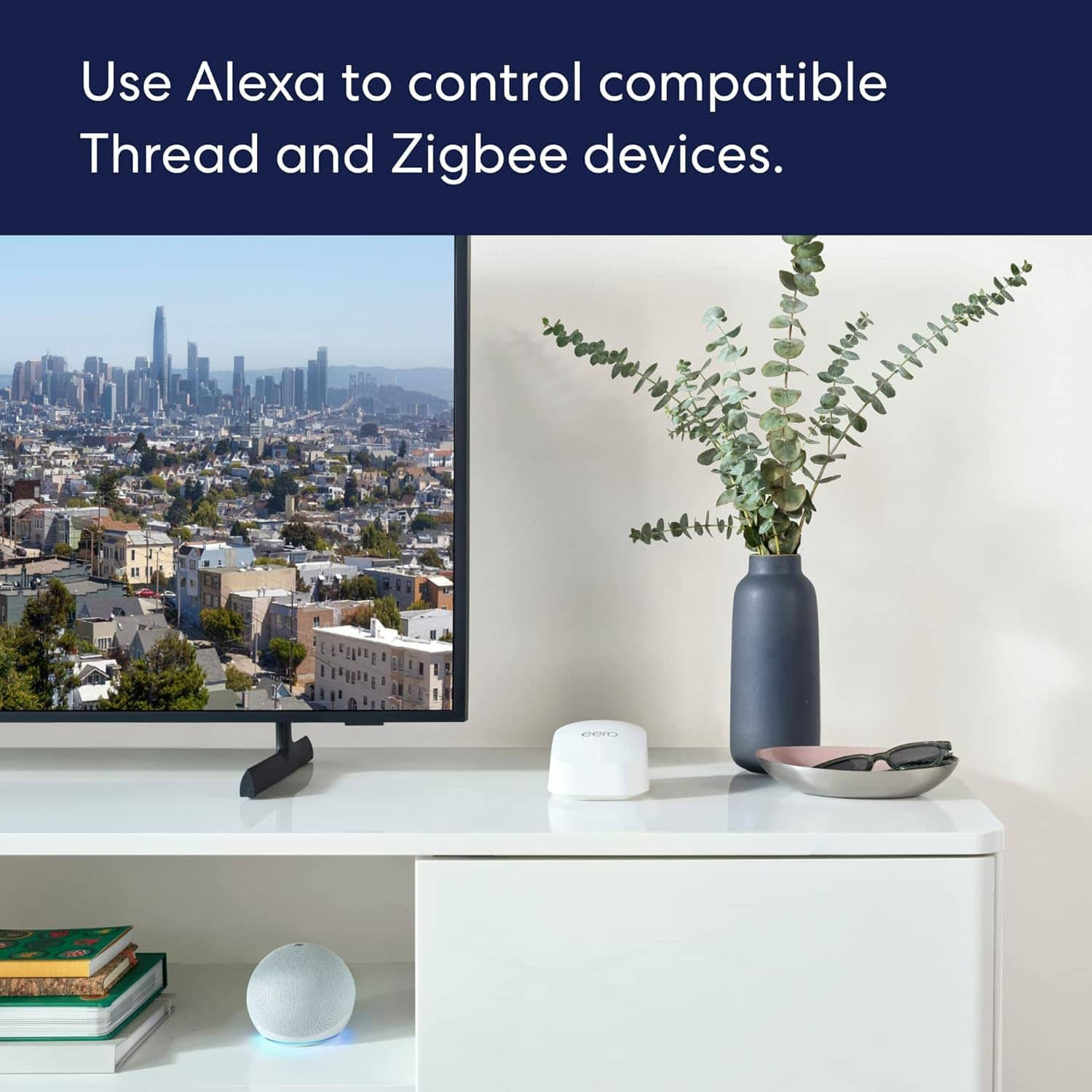
|Posted .This reviewer received promo considerations or sweepstakes entry for writing a review.The eero 6+ is my first mesh wifi router. In the matter of minutes I went from one access point to three with full coverage within my home. Setup is truly breeze and because I am used to navigating my own modem and wifi at home I had no trouble at home. I currently have full gigabyte service at my home. I have a modem/wifi router from my service provider so I logged into my router and deactivated the wifi portion of the router prior to connecting my eero to the modem via a ethernet cable (included). Next download the eero app and it will take you from there and have everything up and running in the matter of minutes. This is a wifi 6 device! I positioned my three devices in a straight line through my 1 story home. This provides complete wifi coverage within my home that I did not have prior to having the eero system. Prior my old wifi router was in the rear of my home so the farther towards the front of the house the weaker the connection. Since my living is the farthest from the router I had the worse connection there. This is no longer the case with the mesh system. Internet speed tests reflect a strong connection throughout my home. What’s new! The new 5th Gen Amazon echo dot will have eero built in. Yes, you read that right! So that means if you love having echo throughout your home you can upgrade to the 5th Gen which will provide a continuation of your mesh system. You can add as many eeros to your existing setup! That could be a lot of wifi power if you need it!
I would recommend this to a friendwaste money
||Posted . Owned for 3 weeks when reviewed.This reviewer received promo considerations or sweepstakes entry for writing a review.dont buy it.. expensive and unreliable connection.
No, I would not recommend this to a friendUnhappy
||Posted . Owned for 3 weeks when reviewed.This reviewer received promo considerations or sweepstakes entry for writing a review.Messed up the installation. Left me waiting all day for naught.
No, I would not recommend this to a friendEasier than expected to set up!
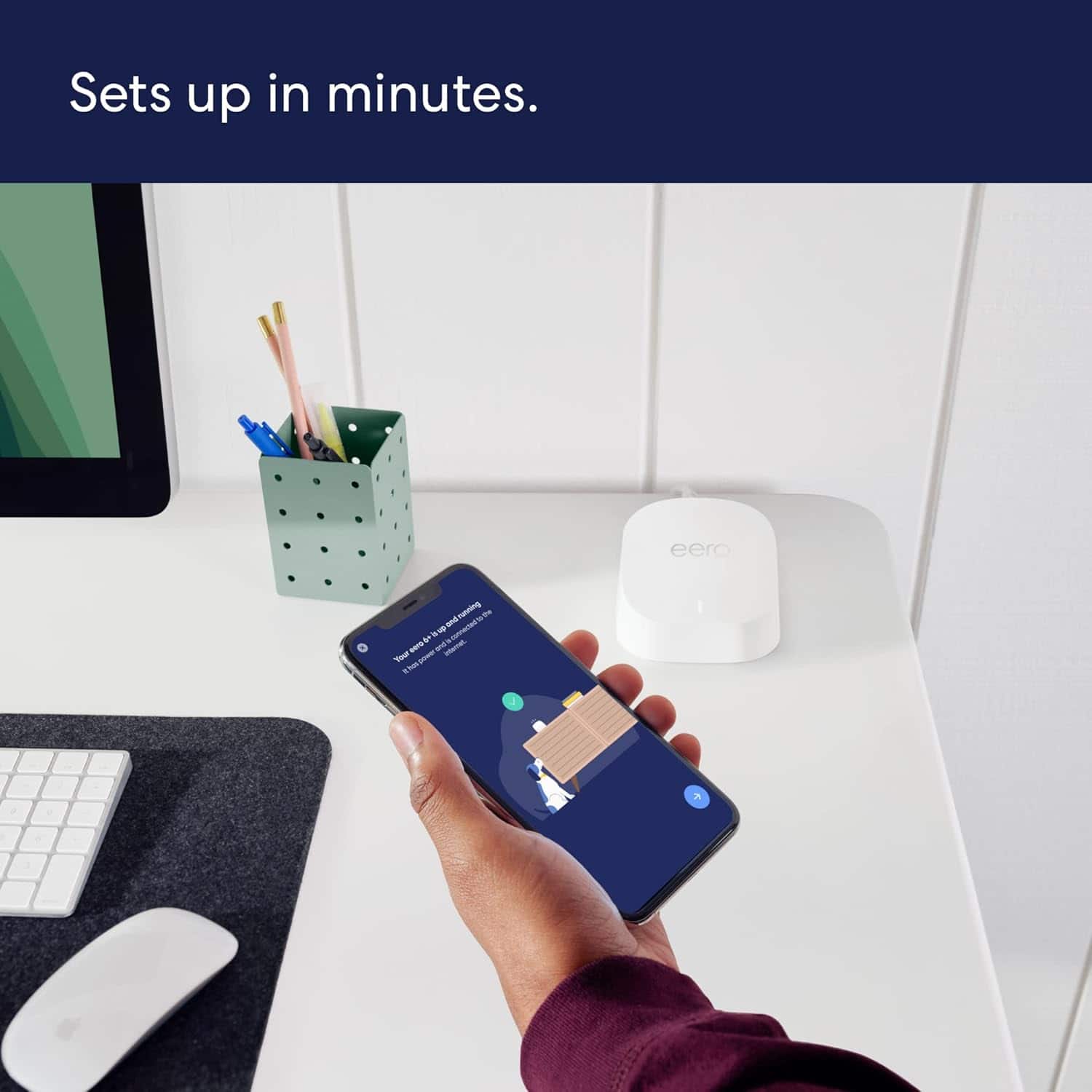
Posted .This reviewer received promo considerations or sweepstakes entry for writing a review.Way easier to set up than expected! Set it up in about 15 minutes and give me coverage throughout my whole how now!
I would recommend this to a friendProblem
||Posted . Owned for 3 weeks when reviewed.This reviewer received promo considerations or sweepstakes entry for writing a review.I bought it and returned it, it never worked, it never connected
No, I would not recommend this to a friendNot for me
||Posted . Owned for 2 weeks when reviewed.This reviewer received promo considerations or sweepstakes entry for writing a review.Not what I expected, this creates a new network not expanding. I hear it is great. Just not what I wanted to do
No, I would not recommend this to a friendNot easy set up
||Posted . Owned for 3 weeks when reviewed.This reviewer received promo considerations or sweepstakes entry for writing a review.Difficult to set up, I spent one hour trying and I gave up, returned to the store
No, I would not recommend this to a friendnot so good
||Posted . Owned for 3 weeks when reviewed.This reviewer received promo considerations or sweepstakes entry for writing a review.tried to put it in my work place cant get it to work
No, I would not recommend this to a friendNot any good
||Posted . Owned for 1 month when reviewed.This reviewer received promo considerations or sweepstakes entry for writing a review.Sucked no one could get it to work worst crap out there
No, I would not recommend this to a friendEasy to set-up, offers much needed wi-fi boost
|Posted .This reviewer received promo considerations or sweepstakes entry for writing a review.The eero 6+ AX3000 dual-band mesh wi-fi 6 system greatly improved our wi-fi system in our two-family home. Directions are clear and set up is very easy out of the box. Our router is located in the living room on the first floor and we intended to use the eero in our office and master bedroom which are both on the second floor where the wi-fi signal seems slower and fluctuating. After setting up the system, we had to reconnect all our devices to the new wi-fi profile created. When prior to using this system, our laptops only register 2-3 bars signal, after installing this system they now register full bars! We have been using this system for about a week and have not experienced any disconnections or significant signal fluctuations. I did not notice a significant speed improvement in my computer as obviously speeds can be affected by several factors including the machine itself. However, with the use of the eero wi-fi system, keeping the laptop connected to the network at all times and accessing the internet without waiting long for the pages to load are no longer an issue. I highly recommend this product for offering a much needed wi-fi boost in your home network.
I would recommend this to a friendGreat coverage Easy set up
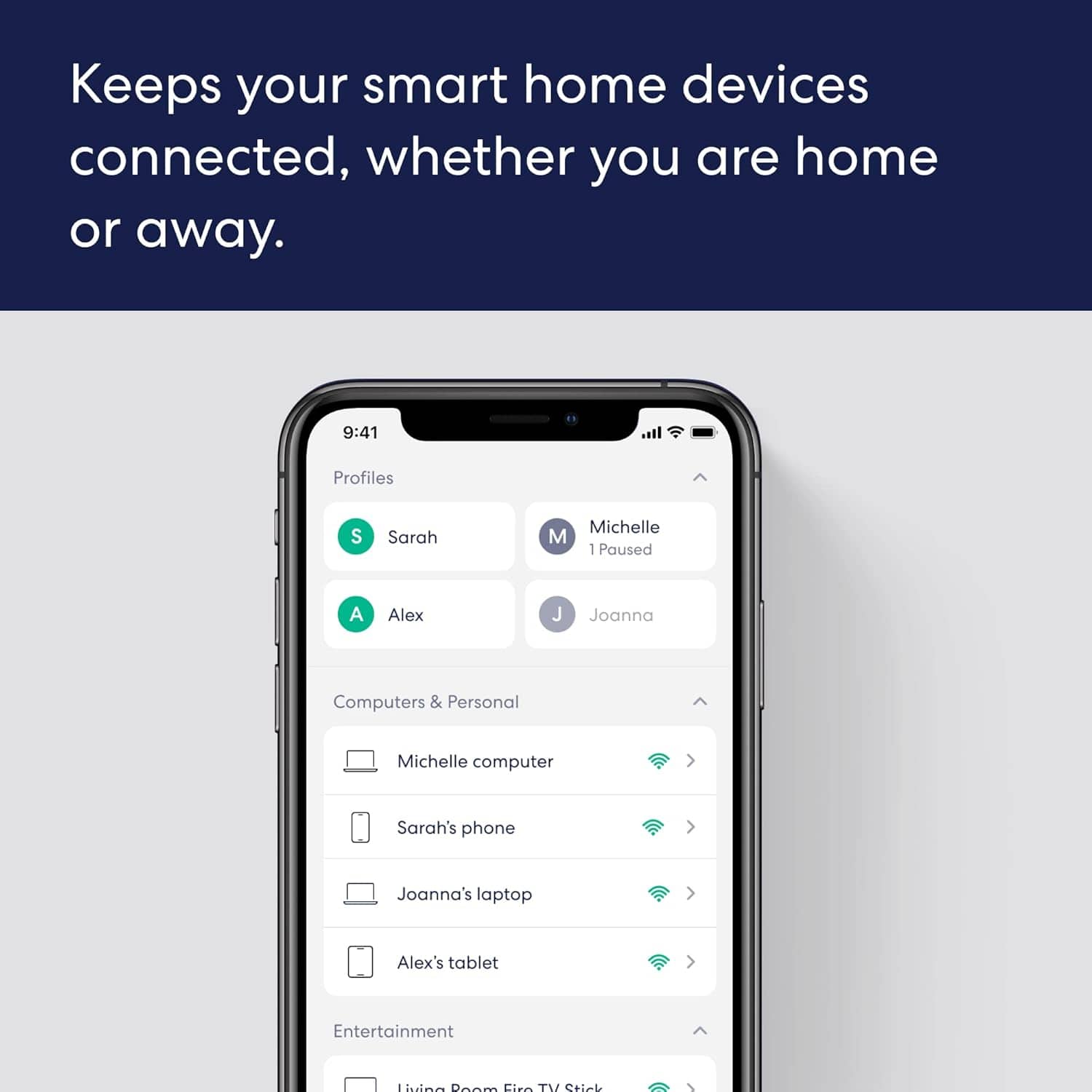
|Posted .This reviewer received promo considerations or sweepstakes entry for writing a review.Did not realize wi-fi systems like these get outdated so quick. Apparently my connectivity issues and buffering, lag had to do with out dated technology. Enter the new new wi-fi 6 system. I have used other systems, but I have always had great experiences with Eero. The mesh software works well and does a great job of spreading and extending my signal throughout the home. Out of the box this thing is super easy to set up. It requires no knowledge or tools. Basically plug and log in. I like the intuitive app set up help to show where the best spots for each beacon provides the best signal spacing. The app is easy to use and features analytics, speed checks and summary of what devices are connected. I don't know how long the technology lasts in these devices before they need to be replaced or upgraded, but I can say that this system is worth the price, given the frustrations we were dealing with in using the outdated tech system we replaced with this system. As a very active household on line from Work from home activities to running a connected house and all things streaming, I am happy I am running on the most up to date system now.
I would recommend this to a friendVery nice upgrade!!!
|Posted .This reviewer received promo considerations or sweepstakes entry for writing a review.I had a Linksys 3 mode system then a Linksys standalone before these...I have to say. I don't think I'll go back unless something drastically changes. With my old node system, I would constantly have to reset or reconnect. I haven't had to do that a single time even after losing power. The set up was easy. All I had to do was follow the instructions. I installed the app first, then powered up the router. The app walked me through every step of the way. It's an easy app to use. The menus and navigations are easy to follow and to understand. One the first node is set up, the others fall right in line with no issues. I do recall that was an issue with my old node set. Two of the three would connect with no issues but one of them would either error out or would only connect to then lose signal again a few minutes later. I haven't had that problem. I don't notice an increase in speed, but what I do notice and all that matters to me is the stability of the system. I do not have drops while playing COD and my signal stretches through most of my 2 acres yard.
I would recommend this to a friend