Customer Ratings & Reviews


- Model:
- R010111
- SKU:
- 12559112
Rating by feature
- Setup
Rating 4.8 out of 5 stars
- Range
Rating 4.7 out of 5 stars
- Signal Strength
Rating 4.7 out of 5 stars
Customers are saying
Customers recognize the product for its excellent ease of use, overall performance, and impressive speed, which significantly improves Wi-Fi coverage and signal strength with a simple setup. Users particularly appreciate its ability to eliminate buffering, lag, and dead spots. However, some customers have noted concerns regarding its compatibility with certain new devices and its perceived high price.
This summary was generated by AI based on customer reviews.
Don't really love it.
||Posted . Owned for 3 weeks when reviewed.This reviewer received promo considerations or sweepstakes entry for writing a review.Can't really say I love this router. I have the regular eero in another house and it works flawlessly. This one keeps needing to be reset every few days. It constantly drops both my thermostat (Ecobee), my Simplisafe alarm system, and my Google home system. Not sure what is going on with this. I use the Echo gen. 5 as repeaters, and that seems to work very well. Just not at all reliable.
No, I would not recommend this to a friend- Pros mentioned:Ease of use
Still slow speeds
||Posted . Owned for 1 month when reviewed.This reviewer received promo considerations or sweepstakes entry for writing a review.Easy to setup and easy to use app. We pay for 1GB internet and the house isjt to big and instill barely break 150mbs.
No, I would not recommend this to a friend Awesome products
||Posted . Owned for 1 month when reviewed.This reviewer received promo considerations or sweepstakes entry for writing a review.Love the eero brand! Everyone in my family has one of these.
I would recommend this to a friendeero Review
||Posted . Owned for 1 month when reviewed.This reviewer received promo considerations or sweepstakes entry for writing a review.Works great and ensures all TVs are fully connected to WiFi. Has improved WiFi signal strength throughout the house.
I would recommend this to a friendSpeed is king
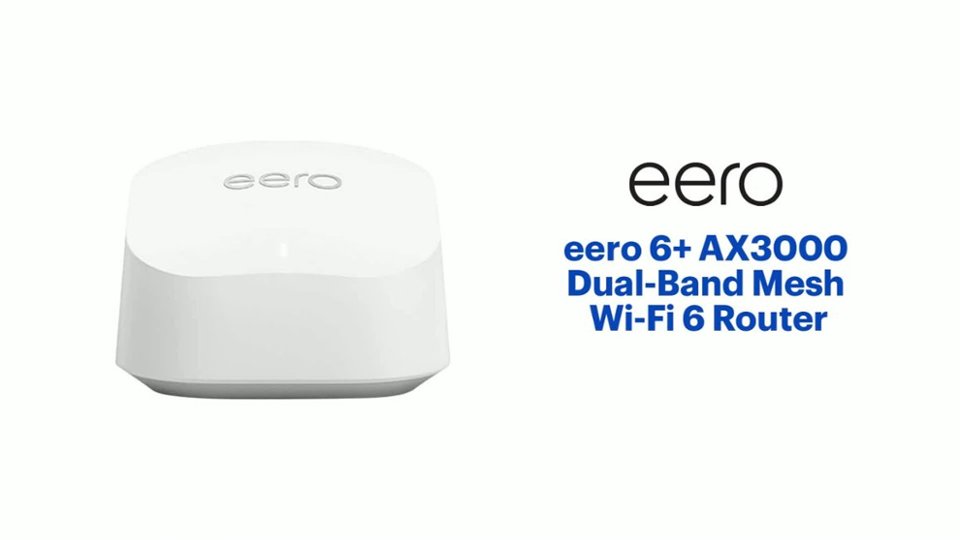
||Posted . Owned for 1 month when reviewed.This reviewer received promo considerations or sweepstakes entry for writing a review.eero 6+ AX3000 Dual-Band Mesh is a great buy because it's wifi speed is 3,000 mbps vs. the standard eero 6's 900 mbps.
I would recommend this to a friendgreat
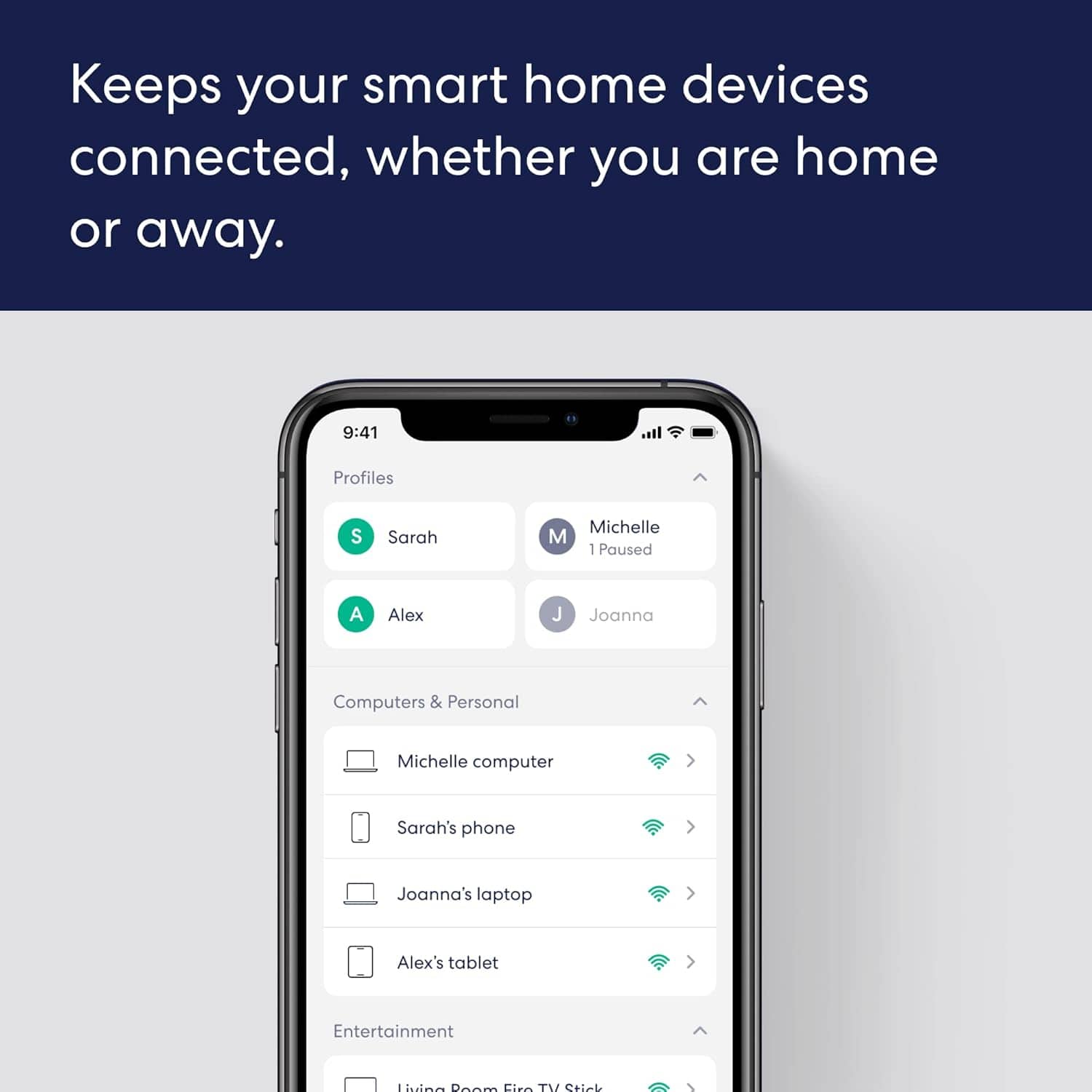
||Posted . Owned for 1 month when reviewed.This reviewer received promo considerations or sweepstakes entry for writing a review.Can't go wrong with Eero no dead spots and love the app that lets you control and monitor activity.
I would recommend this to a friendAmazing Eero Mesh!
||Posted . Owned for 3 months when reviewed.This reviewer received promo considerations or sweepstakes entry for writing a review.Very happy with the Eero Mesh 6 WiFi Systems Worth the price We highly recommend!
I would recommend this to a friendAwesome!
||Posted . Owned for 4 months when reviewed.This reviewer received promo considerations or sweepstakes entry for writing a review.WiFi works great! Access points do exactly what you want!
I would recommend this to a friendRouter replacement!
||Posted . Owned for 3 weeks when reviewed.This reviewer received promo considerations or sweepstakes entry for writing a review.Excellent purchase, now i dont need a spiderweb of cables running across the house!
I would recommend this to a friend- Pros mentioned:Wi-fi coverage
Great Purchase...what a difference!!
||Posted . Owned for 3 weeks when reviewed.This reviewer received promo considerations or sweepstakes entry for writing a review.I moved my office upstairs to another room where before I was in the basement with the router. After the move I experienced a very poor signal to the new room and lost connection when I was trying to get work done. After the purchase, I am getting the same speeds in all the rooms whereas before it was about 1/3 or less. Great purchase and product. I would do it again!
I would recommend this to a friend Great product
||Posted . Owned for 1 month when reviewed.This reviewer received promo considerations or sweepstakes entry for writing a review.Got this to upgrade the router and coverage after upgrading to gigabit internet, and I'm definitely pleased.
I would recommend this to a friendSaved the sound system day!
||Posted . Owned for less than 1 week when reviewed.This reviewer received promo considerations or sweepstakes entry for writing a review.Seriously I love these made all the difference in the connection with my Sonos Soundsystem
I would recommend this to a friendEero mesh instal
||Posted . Owned for 1 month when reviewed.This reviewer received promo considerations or sweepstakes entry for writing a review.Geek Squad technician was extremely helpful and set up satellite in optimum locations. He was very pleasant and helped me understand how the system works best.
I would recommend this to a friendMesh networking simplicity.
||Posted . Owned for less than 1 week when reviewed.This reviewer received promo considerations or sweepstakes entry for writing a review.Very simple setup. The price is great for a mesh network. The app has great features that help with placement of each device.
I would recommend this to a friendPretty good range
||Posted . Owned for 3 weeks when reviewed.This reviewer received promo considerations or sweepstakes entry for writing a review.Works very well. Would like to see higher speed on the a little further
I would recommend this to a friendDependable and Fast
||Posted . Owned for 1 month when reviewed.This reviewer received promo considerations or sweepstakes entry for writing a review.This system has been flawless so far. Have had it up and running for about a month now and no issues unlike my old modem router combo from my Internet provider.
I would recommend this to a friendWorth the price!
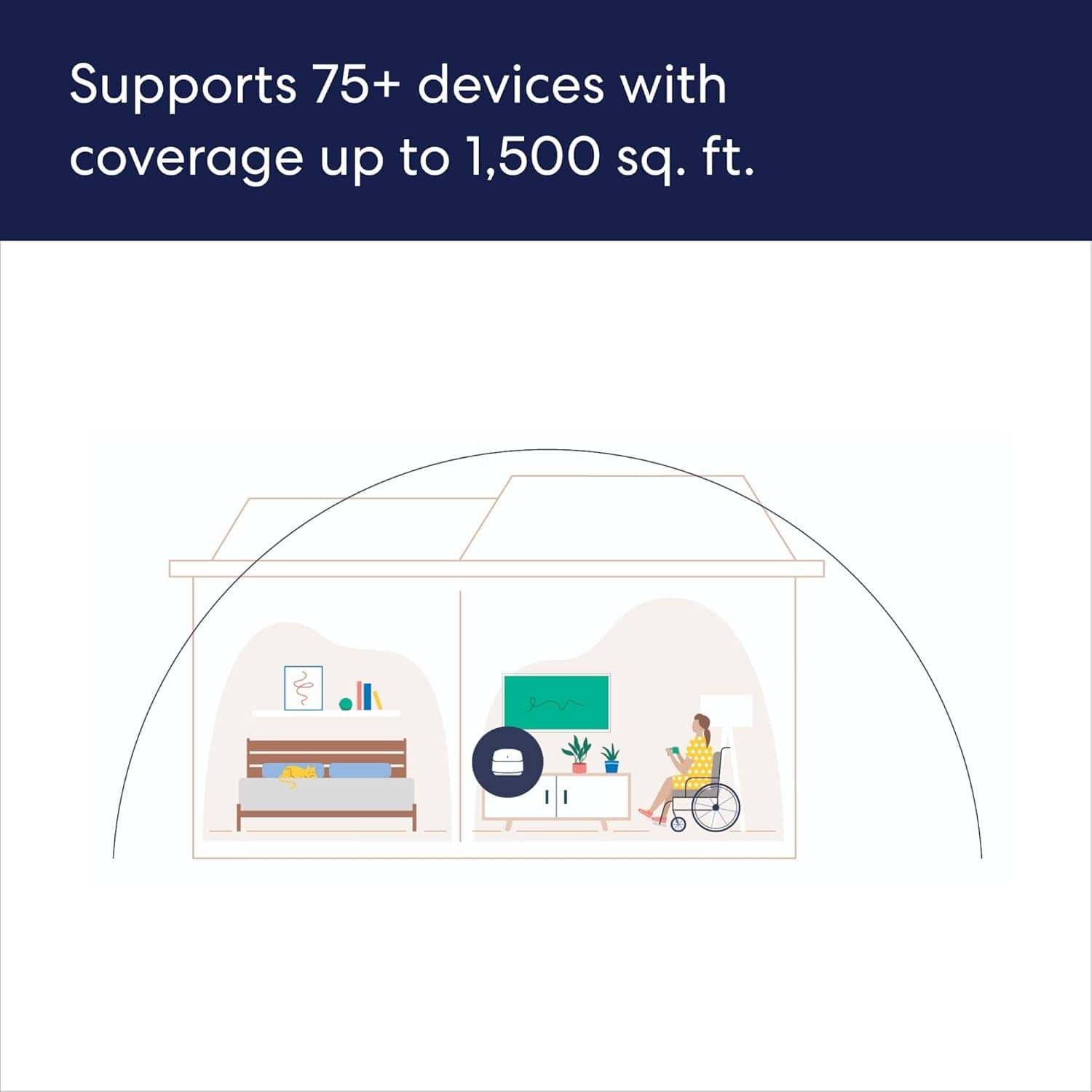
||Posted . Owned for 1 month when reviewed.This reviewer received promo considerations or sweepstakes entry for writing a review.Excellent coverage in our 2 story home. Easy setup.
I would recommend this to a friendWifi Mesh Extender
||Posted . Owned for 5 months when reviewed.This reviewer received promo considerations or sweepstakes entry for writing a review.My second set of Eero Mesh Wifi extenders. As per before, great set and does great job of covering the house.
I would recommend this to a friendGreat wifi expansion
||Posted . Owned for 3 weeks when reviewed.This reviewer received promo considerations or sweepstakes entry for writing a review.Great product to expand wifi. Has helped in better wifi throughout house.
I would recommend this to a friendeero review
||Posted . Owned for 1 month when reviewed.This reviewer received promo considerations or sweepstakes entry for writing a review.can't get it to set up with modem...could be operator error, but troubleshooting help is confusing too.
No, I would not recommend this to a friendBrand response from Amazon Devices Customer Support
Posted .Hello RossP
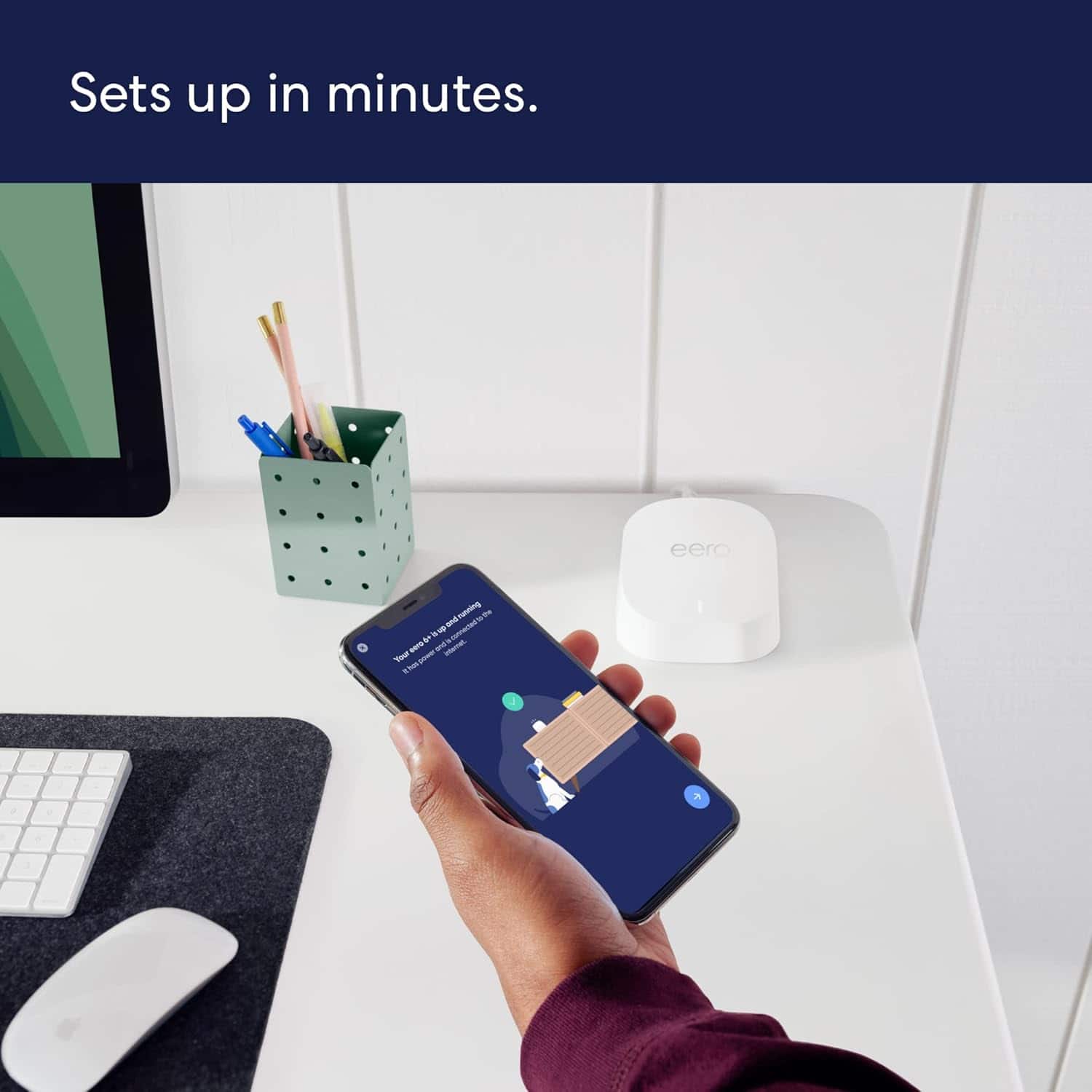
Setting up a new router should be straightforward, and I appreciate you sharing your honest experience. The eero 6+ is designed to set up in minutes through the eero app, but connecting it to your modem can sometimes hit snags depending on your internet service provider and modem type. Here is a clear, simplified step-by-step guide to get your eero 6+ connected to your modem:
Step-by-Step Setup Guide
Download the eero app on your iOS or Android device and create an eero account (or log in if you already have one).
Unplug your modem from power and wait 60 seconds. If you have a separate router, disconnect and set it aside — the eero 6+ replaces your router.
Connect the eero to your modem using the included Ethernet cable. Plug one end into your modem and the other into either of the two Ethernet ports on the back of the eero 6+.
Plug your modem back in and wait 1–2 minutes for it to fully boot up (all lights should be stable).
Plug in your eero 6+ using the included power adapter and wait for the LED light to pulse white — this means it's ready to be set up.
Open the eero app and tap the "+" icon to add a device. The app will use Bluetooth to find your eero, so make sure Bluetooth is enabled on your phone and you are standing near the eero.
Follow the on-screen prompts — the app will walk you through naming your network and setting a password.
Common Issues and Fixes
"No eero devices found" — Make sure Bluetooth is turned on and not connected to other devices (like a smartwatch). Try closing and reopening the eero app, or restarting your phone.
"We found an issue — check if your eero and modem are connected properly" — This usually means the modem hasn't fully restarted. Unplug the modem again for a full 2 minutes, then plug it back in and wait for all lights to stabilize before retrying setup.
ISP modem/router combo (gateway) conflict — If your ISP provided a modem/router combo unit (common with Xfinity, AT&T, Spectrum), you may need to put it into bridge mode to avoid a double NAT conflict. Contact your ISP and ask them to enable bridge mode on your gateway, which will let the eero handle all routing duties.
eero LED stays red or won't turn white — Try a different Ethernet cable, or plug into the other Ethernet port on the eero. If the LED still won't pulse white, perform a factory reset by pressing and holding the reset button on the bottom of the eero for 15 seconds until the LED flashes.
Setup via serial number — If Bluetooth discovery fails, the eero app offers an option to set up using the serial number printed on the bottom of the device. This can bypass Bluetooth pairing issues.
I hope this information helps. Thank you for your feedback — it helps us improve the setup experience for all customers. Have a great day.