Customer Ratings & Reviews
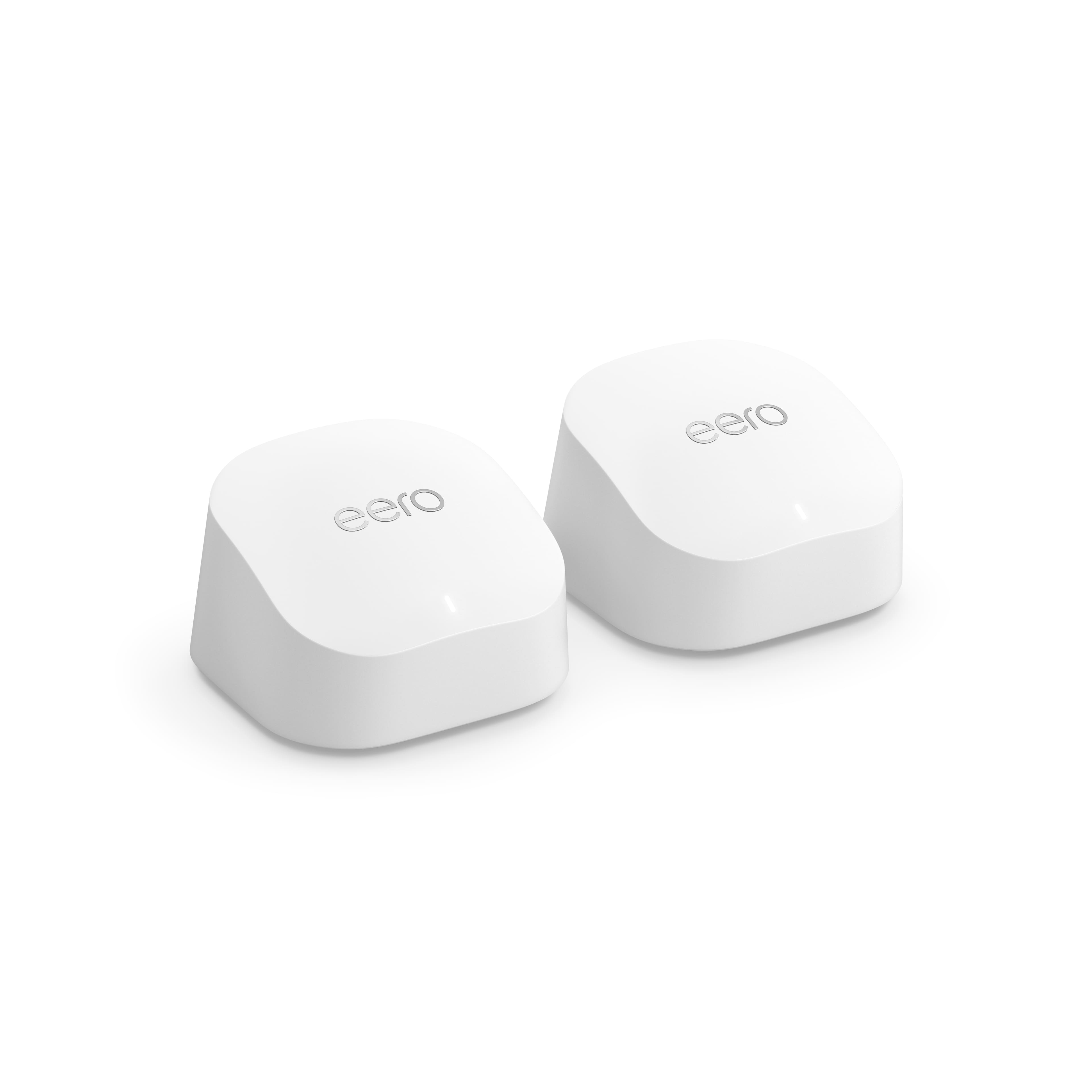


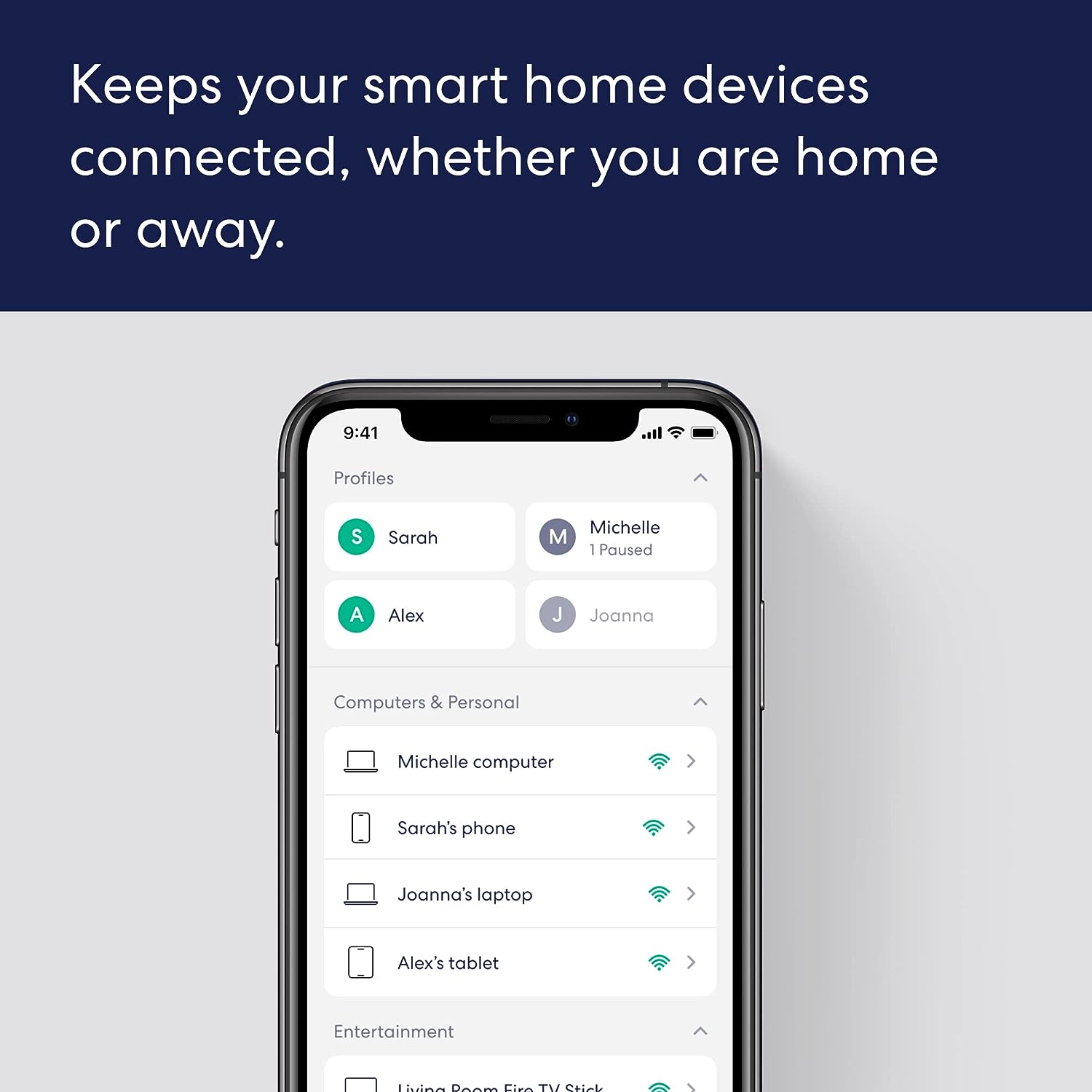
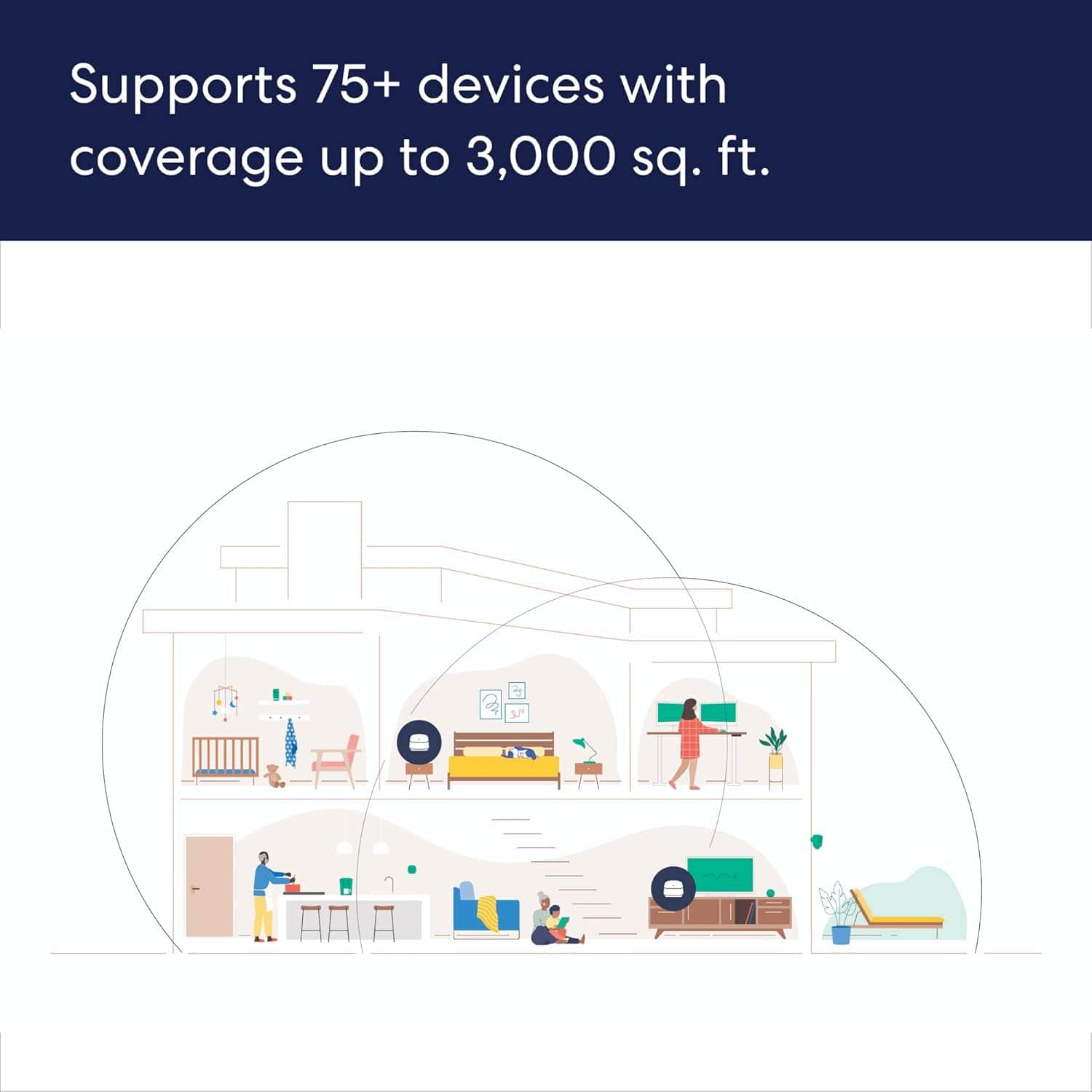
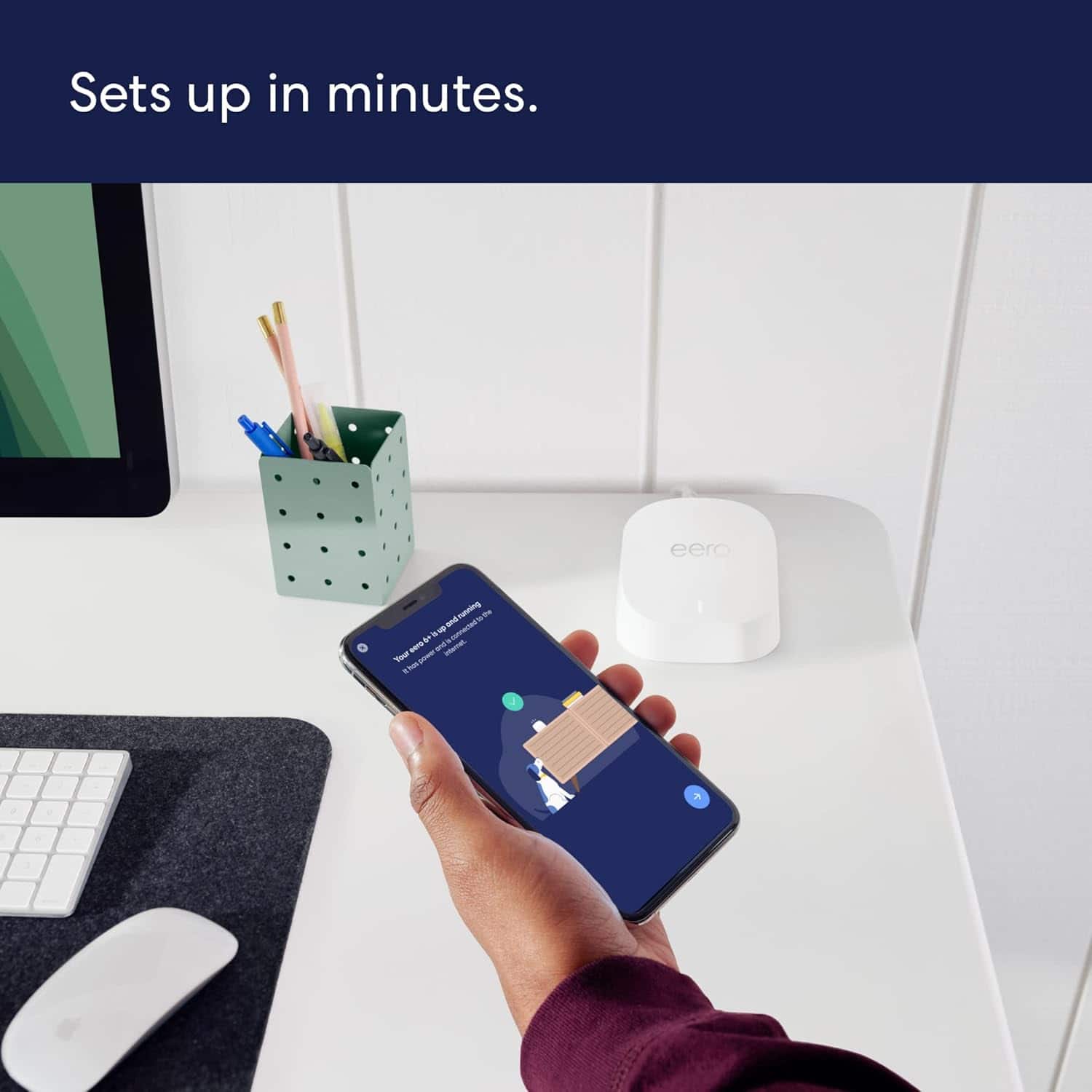

- Model:
- R010211
- SKU:
- 10314953
Rating by feature
- Setup
Rating 4.8 out of 5 stars
- Range
Rating 4.7 out of 5 stars
- Signal Strength
Rating 4.7 out of 5 stars
Hooking up our system
||Posted . Owned for 1 month when reviewed.This reviewer received promo considerations or sweepstakes entry for writing a review.All is up and running but we would only like to try Apple TV and not have yo purchase “an expensive package” with AT&T; is this possible? How do we hookup Apple without an AT&T package?
I would recommend this to a friendRouter
||Posted . Owned for 3 weeks when reviewed.This reviewer received promo considerations or sweepstakes entry for writing a review.Very good it did the work for what i need it in my apt
I would recommend this to a friendGreat
||Posted . Owned for 2 months when reviewed.This reviewer received promo considerations or sweepstakes entry for writing a review.The tv in my room and living room are finally loading fast and not stuttering like they used to. Able to finish assignments in car outside if necessary
I would recommend this to a friendWifi is extended!
||Posted . Owned for 1 month when reviewed.This reviewer received promo considerations or sweepstakes entry for writing a review.Works exactly as described. Got rid of the wifi deadspots on my home.
I would recommend this to a friendeero
||Posted . Owned for 1 month when reviewed.This reviewer received promo considerations or sweepstakes entry for writing a review.works great for our 2100 sqft house. Have wifi in all bedrooms and even garage. Great for connecting my exterior ring cameras as well.
I would recommend this to a friendGreat product
||Posted . Owned for 3 weeks when reviewed.This reviewer received promo considerations or sweepstakes entry for writing a review.Its best purchase i ever made it works great in my railroad apartment with my stupid concrete walls . Even the wifi extendeder was horrible when i had that originally it kept slowing down or just not working.
I would recommend this to a friendNeeded 2 Ethernet ports for work equipment
||Posted . Owned for 2 weeks when reviewed.This reviewer received promo considerations or sweepstakes entry for writing a review.Needed to be able to send WiFi signal from other side of the house to home office to plug in Ethernet connections in office. Works perfectly!
I would recommend this to a friendSuper easy setup, great output
||Posted . Owned for 3 weeks when reviewed.This reviewer received promo considerations or sweepstakes entry for writing a review.These devices are outstanding. The two nodes are connected to the main unit via cat6 cable (I think it’s referred to as a backhaul installation) which I did to preserve Wi-Fi bandwidth. Setup with the eero app was extremely easy, and the coverage in our 4,000 sq ft house is exceptional. I get 400 mb per second of download in 95% of the house - any floor- and 200mb per second download in my shop in the back of the house, separated by 3 walls and floor joists from the closest unit. I would buy them again, and I would recommend them to others.
I would recommend this to a friendEero Mesh System
||Posted . Owned for 1 month when reviewed.This reviewer received promo considerations or sweepstakes entry for writing a review.I love this product, my house is fully within wifi range.
I would recommend this to a friendWifi
||Posted . Owned for more than 2 years when reviewed.This reviewer received promo considerations or sweepstakes entry for writing a review.Good WiFi could be better im not sure if its a signal thing or a WiFi thing
I would recommend this to a friend
eero Mesh WiFi System
|Posted . Owned for less than 1 week when reviewed.This reviewer received promo considerations or sweepstakes entry for writing a review.This would be great for just WiFi purposes, but I wanted to use this to circumvent the usage of a very long ethernet cable that would be connected to my modem straight to my PC. I had an eero satellite right next to my PC and connected that one straight to my PC, and I only achieved 450mbps, when I have Gigabit (1000mbps).
I would recommend this to a friendBrand response from Amazon Devices Customer Support
Posted .Hi JoeC. Thank you for providing feedback regarding your experience with the eero 6+ system. Strategically placing your eeros is the single most important step you can take to ensure your system provides fast, reliable WiFi to every room in your home. Here are some tips to follow: 1. Place eeros where they can talk to each other. 2. Place eeros on a hard, flat surface. 3. Keep your eeros out in the open. 4. Whenever possible, aim for direct line of sight between eeros. The fewer the walls between your eeros, the better. If your eeros aren’t very far apart (~30 ft between eeros) and there’s a minimal amount of potential interference between them, try swapping the eero locations to see if your slow WiFi issues follow the troublesome eero. If your problems do follow the location of the troublesome eero, call eero customer service at (877 )659-2347 so they can troubleshoot further. They’re available Monday-Sunday 6am-8pm PT. I hope this helps. Have a great day!

eero system
||Posted . Owned for 1 month when reviewed.This reviewer received promo considerations or sweepstakes entry for writing a review.Actually I purchased this product to replace an older eero product. However, once I spoke to the manufacturer about my older system was warm to touch and they told me that was normal I returned the product unopened.
I would recommend this to a friendExcellent Product
||Posted . Owned for less than 1 week when reviewed.This reviewer received promo considerations or sweepstakes entry for writing a review.Product Wi-Fi 6 Router works well with an existing Modem.
I would recommend this to a friendfree of disconnection worry
||Posted . Owned for 6 months when reviewed.This reviewer received promo considerations or sweepstakes entry for writing a review.After switching router, I haven't got complaining from my kids and wife anymore about wifi disconnection. Also I can see the internet status from anywhere real-time.
I would recommend this to a friendEERO
||Posted .This reviewer received promo considerations or sweepstakes entry for writing a review.We purchased the EERO so we could have our own WIFI system to be able to properly use our outdoor video camera. After being placed in different areas in our house, we were able to receive better WIFI service from the EERO than from our internet provider.
I would recommend this to a friendGood purchase
||Posted . Owned for 3 weeks when reviewed.This reviewer received promo considerations or sweepstakes entry for writing a review.Got Ring cameras and they were not stable with just our Wi-Fi. Adding eero made a big difference. If setting up seems confusing, download their App and call them - they will guide you through it
I would recommend this to a friendWi-Fi System
||Posted . Owned for 1 week when reviewed.This reviewer received promo considerations or sweepstakes entry for writing a review.It was easy to set up and install and so far appears to be working well.
I would recommend this to a friendPerfect
||Posted . Owned for 1 month when reviewed.This reviewer received promo considerations or sweepstakes entry for writing a review.If youre like me that has a tv, cameras, and other devices in their garage. This is what you need. Zero complaints and streams faster than my existing router.
I would recommend this to a friendNewer & better ones you can buy
||Posted .This reviewer received promo considerations or sweepstakes entry for writing a review.They’re better routers out there. These are not fast and seem to be equal to the one it replaced.
No, I would not recommend this to a friendBrand response from Amazon Devices Customer Support
Posted .Hi AnnetteS. Thanks for providing feedback about your experience with the eero 6+ system. I’m sorry to hear that the speeds aren’t meeting your expectations. Strategically placing your eeros is the single most important step you can take to ensure your system provides fast, reliable WiFi to every room in your home. Here are some tips to follow: 1. Place eeros where they can talk to each other. 2. Place eeros on a hard, flat surface. 3. Keep your eeros out in the open. 4. Whenever possible, aim for direct line of sight between eeros. The fewer the walls between your eeros, the better. If you've already followed these tips, but still have issues with the speeds, call eero customer service so they can troubleshoot further. The can be reached at (877) 659-2347. They’re available Monday-Sunday 6am-8pm PT. I hope this helps. Have a great day!
Works great
||Posted . Owned for 3 weeks when reviewed.This reviewer received promo considerations or sweepstakes entry for writing a review.Bought these a month ago and they have been great for my two story home. Employee Brandon really helped me pick these out!
I would recommend this to a friend