Customer Ratings & Reviews



- Model:
- R010211
- SKU:
- 10314953
Rating by feature
- Setup
Rating 4.8 out of 5 stars
- Range
Rating 4.7 out of 5 stars
- Signal Strength
Rating 4.7 out of 5 stars
Just okay
||Posted . Owned for 10 months when reviewed.This reviewer received promo considerations or sweepstakes entry for writing a review.Ok. I’m having issue with latency and calls dropping one on Wi-Fi calling. Their support has tried to troubleshoot, but so far no solutions.
I would recommend this to a friendBrand response from Amazon Devices Customer Support
Posted .Hello AmandaT! Thank you for your feedback on the eero 6+ (1-pack). I'm sorry to hear you're experiencing latency issues and dropped calls with WiFi calling, and I understand how frustrating this must be, especially when support hasn't yet resolved the problem. WiFi calling requires consistent, stable connectivity with minimal latency and packet loss, so issues in this area can significantly impact call quality. Here are comprehensive troubleshooting strategies specifically targeting WiFi calling performance that may help resolve your connectivity challenges: 1. Ensure your phone is positioned relatively close to the eero unit when making WiFi calls, as distance and obstacles can affect signal quality. Check that your phone's WiFi calling feature is properly configured in your device settings and that your carrier supports WiFi calling on your plan. Verify that your phone is connecting to the 5GHz band when near the eero for better performance, though the eero handles this automatically through band steering. 2. If multiple devices are streaming, downloading, or using bandwidth-intensive applications simultaneously, this can cause latency spikes and dropped connections. Try making calls during periods of lower network activity to determine if congestion is contributing to the issue. Monitor which devices are connected through the eero app and consider temporarily disconnecting non-essential devices during important calls. 3. Restart your eero 6+ by unplugging it for 30 seconds, then plugging it back in. This can resolve temporary connectivity issues. Ensure your eero is running the latest firmware through the eero app, as updates often include performance improvements and bug fixes. Try forgetting and reconnecting to your WiFi network on your phone to establish a fresh connection. Check if other devices experience similar connectivity issues to determine if the problem is device-specific or network-wide. 4. Some carriers have specific requirements or settings for optimal WiFi calling performance. Check with your mobile carrier to ensure there are no account-level restrictions or configuration requirements. Verify that your phone's software is up to date, as carrier updates often include improvements to WiFi calling functionality. Should the issue continue, reach out to eero support and provide details about when the drops occur (time of day, specific locations in your home, during high network usage, etc.). This information will help them diagnose whether the issue is related to network configuration, coverage limitations, or potentially a hardware concern that might warrant a replacement. I hope these suggestions help improve your WiFi calling experience. Thank you for sharing your feedback and for your patience as you work toward a resolution!

Easy and Effective
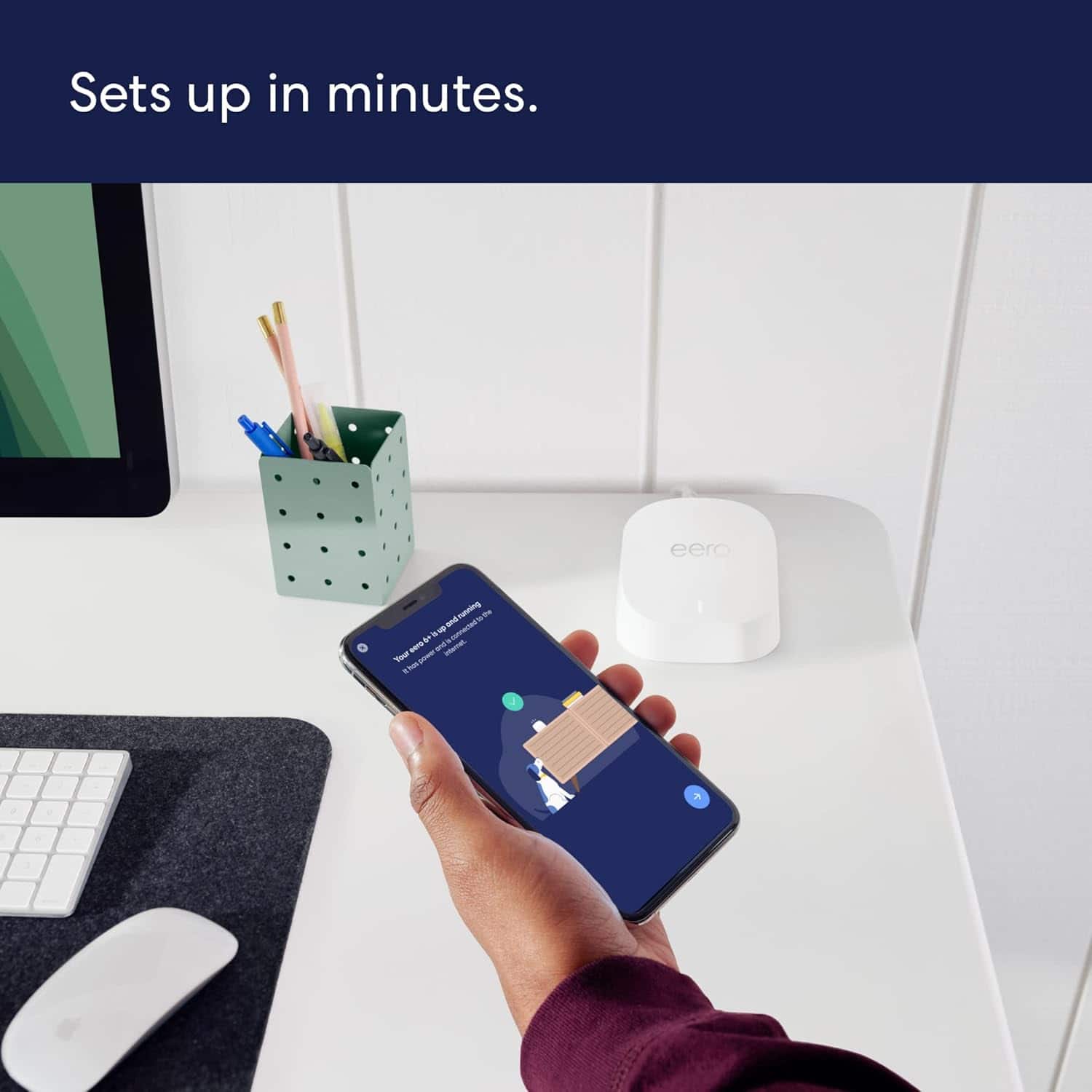
||Posted . Owned for 3 weeks when reviewed.This reviewer received promo considerations or sweepstakes entry for writing a review.Easy to install, easy to use and made a big difference in my Wi-Fi coverage.
I would recommend this to a friendFernando
||Posted . Owned for 2 months when reviewed.This reviewer received promo considerations or sweepstakes entry for writing a review.Excellent product great service all around people very professional
I would recommend this to a friendExcellent for the money in speed and coverage
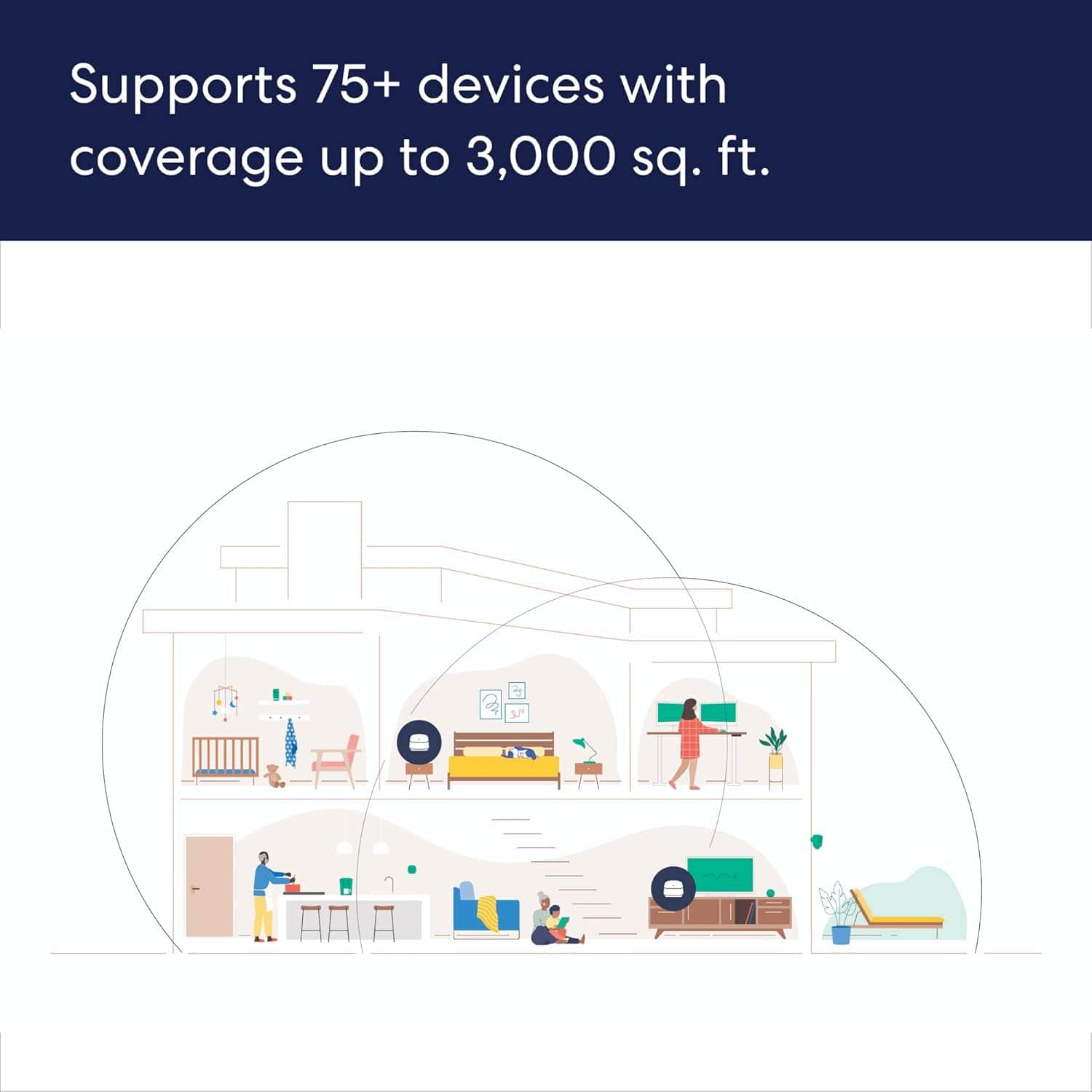
||Posted . Owned for 3 weeks when reviewed.This reviewer received promo considerations or sweepstakes entry for writing a review.I did the 3 pack so I could stagger mine at each end of the house and each level of a tri-level in dense coverage. This has worked well and offers excellent speeds into my garage and back yard as well. It is nice that the 4th Gen and newer Echo’s also can act as a mesh point with these and I played with enabling one in a corner of my garage and found it to work well too.
I would recommend this to a friendYou get wi-fi, you get wi-fi
||Posted . Owned for 1 week when reviewed.This reviewer received promo considerations or sweepstakes entry for writing a review.These work great and were quick, simple & easy to set up. Had to buy an extra single one to cover a two story 2,000 sq foot house though.
I would recommend this to a friendEero internet extenders
||Posted . Owned for 1 month when reviewed.This reviewer received promo considerations or sweepstakes entry for writing a review.Easy install, just what I needed to get good coverage in all rooms including my basement
I would recommend this to a friendGood router
||Posted . Owned for 1 month when reviewed.This reviewer received promo considerations or sweepstakes entry for writing a review.Easy to set up, wish it had more ports but it has been working great so far.
I would recommend this to a friendEasy to Use
||Posted . Owned for 2 weeks when reviewed.This reviewer received promo considerations or sweepstakes entry for writing a review.Easy to use and great app. Set up took seconds and speeds and consistency are awesome.
I would recommend this to a friendEero6
||Posted . Owned for 3 weeks when reviewed.This reviewer received promo considerations or sweepstakes entry for writing a review.Good product. Things change every three to five years like Wi 6 to Wifi6e and to 7. So if this lasts for a while, it is good.
I would recommend this to a friendQuality product/better internet speed
||Posted . Owned for 2 months when reviewed.This reviewer received promo considerations or sweepstakes entry for writing a review.Well i was trying to speed up my download speed and it did exactly that. 10/10 better than the eero 5
I would recommend this to a friendEero a great mesh system
||Posted . Owned for 11 months when reviewed.This reviewer received promo considerations or sweepstakes entry for writing a review.Needed a mesh system for my home that the company the builder contracted with did a horrible installation of wiring inside walls - the system works with the router that is working as my firewall and no collisions to report.
I would recommend this to a friendGreat coverage
||Posted . Owned for 3 months when reviewed.This reviewer received promo considerations or sweepstakes entry for writing a review.Easy install and great coverage across the whole house
I would recommend this to a friendEasy Setup
||Posted . Owned for 3 weeks when reviewed.This reviewer received promo considerations or sweepstakes entry for writing a review.Easy setup. Much faster and reliable than the old routher.
I would recommend this to a friendBravo
||Posted . Owned for 3 weeks when reviewed.This reviewer received promo considerations or sweepstakes entry for writing a review.Works great! Easy to use and set up was easy as well!
I would recommend this to a friendEero
||Posted . Owned for 3 weeks when reviewed.This reviewer received promo considerations or sweepstakes entry for writing a review.Easy to install and works great my internet now works in my basement
I would recommend this to a friendEasy, easy, easy
||Posted . Owned for 1 month when reviewed.This reviewer received promo considerations or sweepstakes entry for writing a review.This was very easy to install and offers excellent performance.
I would recommend this to a friendGreat outcome. Excellent staff
||Posted . Owned for 1 month when reviewed.This reviewer received promo considerations or sweepstakes entry for writing a review.Love it! Able to expand Wi-Fi coverage throughout my house as someone who does not have any IT knowledge. I also want to thank “Kevin” from the New Hartford Best Buy who took the time to go through the process with me and allay my concerns. He was great.
I would recommend this to a friendSweet
||Posted . Owned for 3 weeks when reviewed.This reviewer received promo considerations or sweepstakes entry for writing a review.Awesome product. It is so easy to set up and works do well.
I would recommend this to a friendWorks with Comcast just fine!
||Posted . Owned for 1 month when reviewed.This reviewer received promo considerations or sweepstakes entry for writing a review.We're only a week into the new mesh dual band system, but it's great so far. Improved connectivity, solid signal. Told by a computer installer it wouldn't work with Comcast. Not so. It works fine and was very easy to install.
I would recommend this to a friendExtend your current WIFI covearge
||Posted . Owned for 4 months when reviewed.This reviewer received promo considerations or sweepstakes entry for writing a review.Very easy to set up. If you are replacing an existing WIFI router, make sure to use the same name and password as your existing WIFI, and you won't have to reprogram anything you are using on your existing WIFI. Bought these because the old WIFI didn't have enough coverage for my new Ring cameras. Now, everything works fine.
I would recommend this to a friend