Customer Ratings & Reviews



- Model:
- M110211
- SKU:
- 12353738
Rating by feature
- Setup
Rating 4.7 out of 5 stars
- Range
Rating 4.7 out of 5 stars
- Signal Strength
Rating 4.6 out of 5 stars
to a friend
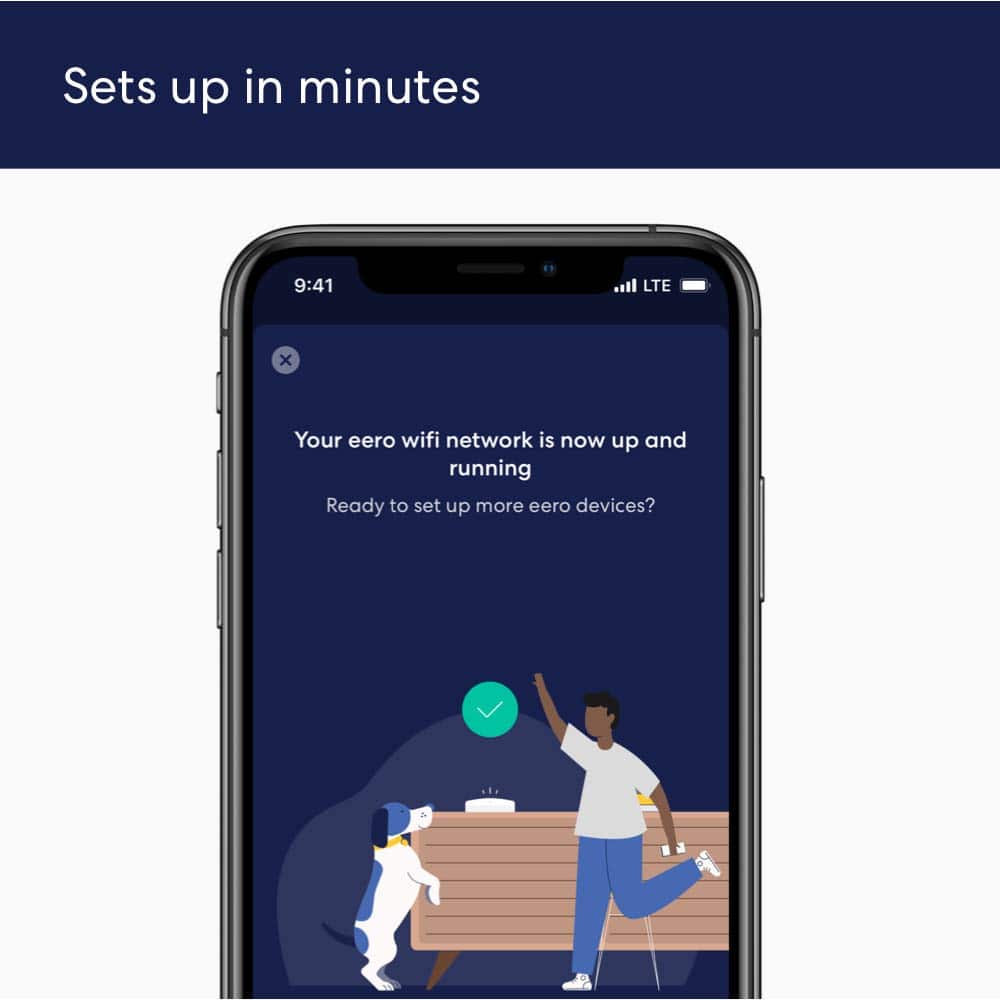
Easy set up and works great
||Posted . Owned for 1 month when reviewed.This reviewer received promo considerations or sweepstakes entry for writing a review.A spectrum employee recommended these to extend my WiFi signal and man where they easy to set up. It was literally 5 min set up and so easy anyone could it. They also work great too, very happy
I would recommend this to a friendFinally, freedom from forever tweaking networks!
||Posted . Owned for 1 week when reviewed.This reviewer received promo considerations or sweepstakes entry for writing a review.First the obligatory background. Live in a small older half twin with a detached garage that we like to have service in. House has plaster/lathe walls with wire mesh throughout and aluminum siding outside, with myself, my wife, and two young adult kids all vying for Wi-Fi signals. And three years ago we “cut the cord”, meaning everyone in the house is streaming when home. We pay for 100mbps internet but generally only saw 25-40 mbps using my conventional routers which were always high quality devices - the last a Linksys WRT3200ACM and before that an ASUS RT-N66U. Had an old Proxim AP hardwired to the garage for signal there. When I saw these on sale here a couple weeks ago for $181…I said that’s it, I have to try it. Got them home and immediately got to work. Downloaded the eero app, then unplugged the WRT3200ACM (centrally located on 1st floor near ceiling) and put the eero 6 “router” puck in it’s place, following the app directions as I went along. Within I’ll guess maybe 5-10 minutes total, I have internet and Wi-Fi reestablished in the house. I take the first beacon and put it upstairs in an outer-wall bedroom where we normally had no signal at the far wall. A few minutes and that’s up and running. We now have Wi-Fi throughout the house so I decide to try the second beacon in the garage. A few minutes later that one is alive, so we now have coverage in the house and garage. And what great coverage it was… At this point, I was seeing 115-130mbps average Wi-Fi speeds everywhere except the opposite end of the house upstairs, which was dropping to 80 or so occasionally and dropping to the 2.4ghz channel. (The other big plus if this system was that nearly everything was now using 5ghz, some devices we had that I thought weren’t 5ghz capable - turns out they just couldn’t see it with the conventional routers lol). Anyway no one was complaining but I knew the drop was there sooo…went and snagged a single eero 6 router as they were on sale, too! Took that second eero router and put it in the garage, using the existing CAT6 to hardwire it to the first and main eero 6 in the house. That also took that Wi-Fi load off of the rest of the system, ie the garage beacon isn’t stressing the house beacons this way. I put the beacon from the garage into a room on the opposite side of the house that had the weaker signal, and now everything is golden - it even helped extend good signals into our yard at both ends of the house. The simplicity of all of this was amazing. It’s funny because as a tech nerd, I impulsively want to say I miss all the tweaking that could be done with the conventional system…then I remember that’s what I was getting tired of in the first place. Plug and play, with full internet speeds everywhere. The band steering is incredible - as I said I’m seeing 5ghz on almost every device. The one downside is no USB ports for network storage or printers. Each “router” does have a second RJ45 Jack for adding network peripherals (like how I hardwired the two eero routers together) so you can get a little creative. I took my old ASUS router, for example, which has two USB ports and put it into AP mode and disabled the radios, then plugged it into the free RJ45 Jack on the garage eero. The eero system added it to the network easily, and I’m now able to use my external usb drives again as network storage on the entire eero network. Technically this also adds the 4 gigabit ports on the ASUS router as a switch, too, so that opens up more hardwire network options should I need them. Overall, I love it! Fast, reliable, and it’ll take more smart home devices than I’ll ever add. So far in my 30 years of maintaining my sometimes pretty cool home networks, this is probably the first time I said “wow, now I can just sit back and enjoy what it does for me.” PROS: Easy setup, awesome band steering, no drops, app makes it easy to visualize the network. CONS: Lack of USB connectivity ports, only one gigabit port on the routers (no ports at all on the beacons), higher level security mode requires a subscription (cheap but…).
I would recommend this to a friendWorks great, easy to install
||Posted . Owned for 3 weeks when reviewed.This reviewer received promo considerations or sweepstakes entry for writing a review.We had an old TV and was using Apple TV to stream content. When we purchased a new 4K TV we had issues with buffering. We assumed it was because we were now streaming 4K. The Geek Squad tech who installed our new TV suggested this product because our Internet router is upstairs and he predicted the signal was just not strong enough with the square footage of our house. We've had almost zero buffering since hooking up the EERO (we're blaming our internet providers for the few hiccups) and connecting the TV and streaming devices to the EERO instead of the router. Install and setup was very simple and we haven't had any issues. Great buy AND it was on sale!
I would recommend this to a friendNot Happy
||Posted . Owned for 1 month when reviewed.This reviewer received promo considerations or sweepstakes entry for writing a review.Im disappointed in this product. It is slow, sometimes i actually turn off wifi because a page is taking to long to open. Switch it off & the page opens right away. TV gets the spinning whell a lot, sometimes for as much as a minute or more. I shut down & restart the show. When it freezes i have to totally shut down.
No, I would not recommend this to a friendBrand response from Amazon Devices Customer Support
Posted .Hello Notime
Thank you for your feedback on the eero 6. I'm sorry to hear about the slow speeds, long page load times, and the freezing and spinning wheel issues you're experiencing, especially on your TV.
The eero 6 is designed to deliver reliable Wi-Fi coverage up to 4,500 sq. ft. and support internet plans up to 500 Mbps. When performance falls short, there are several steps that can help improve your experience significantly.
First, try restarting your eero network by unplugging your eero device(s) from power, waiting 30 seconds, and plugging them back in. This refreshes the connection and clears temporary issues that can cause slowdowns. Next, check the placement of your eero — it should be in a central, elevated, and unobstructed location for optimal performance. Walls, large appliances, and metal objects can interfere with the Wi-Fi signal and cause the slow speeds and buffering you're describing.
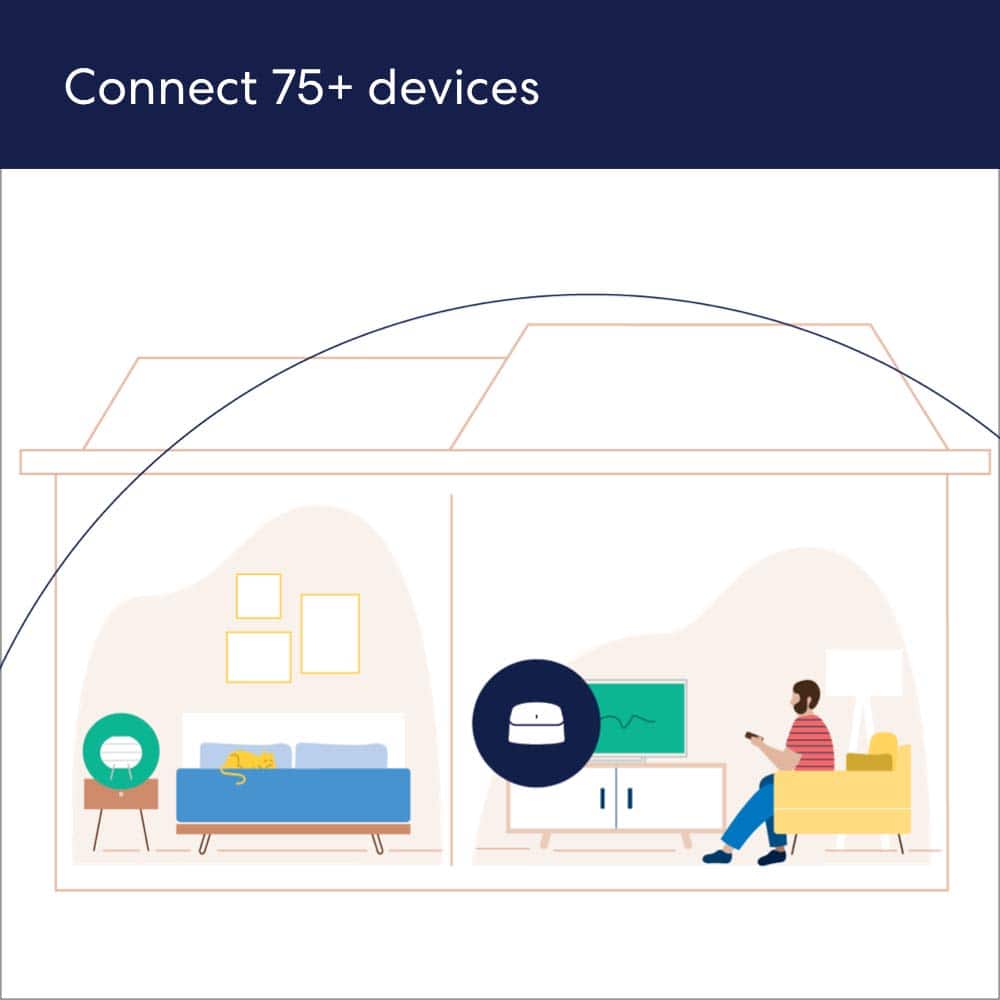
Open the eero app and run a speed test to check the internet speed coming into your eero from your internet service provider (ISP). If the speed from your ISP is low, the issue may be with your internet plan rather than the eero itself. You may want to contact your ISP to verify you're getting the speeds you're paying for. In the eero app, also check how many devices are connected to your network — the eero 6 supports 75+ devices, but having many devices actively streaming or downloading at the same time can impact performance for individual devices.
If your TV is experiencing the spinning wheel and freezing, try moving the eero closer to your TV or connecting the TV directly to the eero via an Ethernet cable for a more stable, wired connection. You can also try enabling SQM (Smart Queue Management) in the eero app under Settings, which helps manage bandwidth more efficiently by preventing any single device or activity from consuming all available bandwidth — this has been shown to significantly improve performance for streaming and video calls.
Additionally, make sure your eero firmware is up to date by checking the eero app — updates are typically applied automatically, but confirming you're on the latest version ensures you have the most recent performance improvements and bug fixes. If you are using eero extenders alongside your router, keep in mind that placing them too far from the main router can reduce speeds, so positioning them within a reasonable range is important.
Your feedback is valuable, and I hope these steps help improve your eero 6 experience. Have a great day!
They are awesome
||Posted . Owned for 1 year when reviewed.This reviewer received promo considerations or sweepstakes entry for writing a review.They work great. No more loosing wifi around the house
I would recommend this to a friendEERO 6 Dual-band Mesh Wi Fi 6 System
||Posted . Owned for 1 week when reviewed.This reviewer received promo considerations or sweepstakes entry for writing a review.This works great ! Was easy to set up also. what a difference in my wifi, it is so much better!
I would recommend this to a friendWorks how it should
||Posted . Owned for 6 months when reviewed.This reviewer received promo considerations or sweepstakes entry for writing a review.The sleek look, and heavy base, clean designed app is worth looking into. I now have internet on my top floor and my garage.
I would recommend this to a friendwireless
||Posted . Owned for 1 month when reviewed.This reviewer received promo considerations or sweepstakes entry for writing a review.great! very easy to install and haven't had an issue since
I would recommend this to a friendUse a 3rd party cat6 Ethernet cable!
||Posted .This reviewer received promo considerations or sweepstakes entry for writing a review.After replacing my Netgear router, I was pleasantly surprised with how absolutely easy and fast this was to setup. Literally took less than 5min to get this up and running in each room. The house now has full bars where I go and no loss of speed either, no matter the device. The wifi 6 handles and shared everything we throw at it which is an amazing plus. One thing I will say is that after 6 days of usage, the Ethernet cable that comes with it is kind of bad. Replace it with a spare cat6 cable and your speeds should increase a bit more. Either than that super happy with eero.
I would recommend this to a friendEasy To Use
||Posted . Owned for 4 months when reviewed.This reviewer received promo considerations or sweepstakes entry for writing a review.Bought these to extend the WiFi in my house. Real easy setup and real easy to work with. They helped with the dead spots in my house.
I would recommend this to a friendGreat choice for mesh wifi 6
||Posted . Owned for 1 month when reviewed.This reviewer received promo considerations or sweepstakes entry for writing a review.Easy set up with app. Improved coverage in home and upgraded speed with Wi-Fi 6. Would have given 5 stars, but only the main unit has 2 ethernet ports. The 2 satellites have none. Other than that, the units look great and perform as expected.
I would recommend this to a friendEero wifi
||Posted . Owned for 2 weeks when reviewed.This reviewer received promo considerations or sweepstakes entry for writing a review.Range and signal strength is amazing and the Geek Squad did a great job
I would recommend this to a friendEero 6 ups and downs. Honest review.
||Posted . Owned for 1 month when reviewed.This reviewer received promo considerations or sweepstakes entry for writing a review.I purchased these on a whim, did a ton of research and was overall very happy. I wish I went with a tri-band but for the money, you cant go wrong with these. Super easy setup, great app support. Its much better than the standard router I got with my internet service provider. Speeds (when fully working) are outstanding. They are able to keep up with all of my demands, sometimes working from home. Now for the cons: they lose connection all of the time. When one goes out, they all have to be reset. Speeds will drastically decline over a short period of time and you need to unplug and reset. Its annoying, I am not blaming these per say but they may be a contributing factor. Dont hesitate on buying these, every router has its own sets of issues and negative complaints. As mentioned above with the outages, I am sure there is a fix in the future or it could be my internet service provider.
I would recommend this to a friendGood wifi coverage. Easy setup.
||Posted . Owned for 1 year when reviewed.This reviewer received promo considerations or sweepstakes entry for writing a review.Good wifi coverage for 1800sq ft house. Setup was quick and easy. Main box next to TV. Repeater in back bedroom. End user is happy.
I would recommend this to a friendAwesome home wireless for all my devices
||Posted . Owned for 3 weeks when reviewed.This reviewer received promo considerations or sweepstakes entry for writing a review.Just got this in time for my new fiber internet connection and the cameras that was installed for my home. The app is very simple to use. Unlike the older router that uses a web interface the eero is very easy to setup. It does come with a trial subscription service for security which I would recommend. Parental controls are easy to work with. Great system for getting a 2000 sq/ft home wireless coverage. Now my wireless devices all have a strong signal and hasn't dropped any connectivity. Next time I'll be buying the Eero 6 Pro so i can add a switch for my other networking devices.
I would recommend this to a friendGreat
||Posted . Owned for less than 1 week when reviewed.This reviewer received promo considerations or sweepstakes entry for writing a review.Super easy to set up. Worked great to extend WiFi in 2,800 sf house. Did not lose speed and never disconnects. I would say the range of each eero is not just unbelievable but it’ll do
I would recommend this to a friendAwesome, can’t be more impressed
||Posted . Owned for 3 weeks when reviewed.This reviewer received promo considerations or sweepstakes entry for writing a review.They work great, no dead zones in the house. I bought 2 systems for my 7000 sqft house, and i am surprised on how well they work, even have one in our shed in the back yard and have WiFi in our whole back yard. I would recommend if you are currently having dead zones in your house, or if the WiFi strength doesn’t reach to the far corners of your house. Setup is super easy, took about 10-15 min to set up all six that I have. I’d recommend getting the wall mounts as well, makes for a tidy look.
I would recommend this to a friendAmazing and fast
||Posted . Owned for 1 month when reviewed.This reviewer received promo considerations or sweepstakes entry for writing a review.Set up was easy. No loss of internet. We have a split foyer house and this mesh system handles our internet very well. Highly recommend this product.
I would recommend this to a friendWifi solved in a sleek solution
||Posted .This reviewer received promo considerations or sweepstakes entry for writing a review.I went back and forth comparing every mesh system on the market and ultimately selected the eero 6. I have 100/100 fiber and a 100 year old house that's just big enough and awkwardly constructed to make connectivity an issue. Eero works like a champ for my needs. Remote work, video calls, 4k streaming, video games- all good. Setup was excellent and streamlined. Having just one SSID has simplified wifi for the entire family. Good apps and smart home connectivity as well. Up and running in 10 mins. Really impressed with eero. My old wifi extenders and having to pick between 2.4 or 5 is a suddenly distant memory.
I would recommend this to a friendBest router for the money
||Posted . Owned for 1 month when reviewed.This reviewer received promo considerations or sweepstakes entry for writing a review.Awesome router before we got this we could not connect all of our devices . Now we have everything connected and great speed too ! Super easy to set up right out of the box
I would recommend this to a friend