Customer Ratings & Reviews



- Model:
- M110211
- SKU:
- 6433418
Rating by feature
- Setup
Rating 4.7 out of 5 stars
- Range
Rating 4.7 out of 5 stars
- Signal Strength
Rating 4.6 out of 5 stars
Customers are saying
Customers recognize this product for its exceptional ease of use and simplicity, which many users compare to the intuitive nature of Apple devices. The system is highly praised for providing robust Wi-Fi coverage, impressive speed, and reliable signal strength throughout the home. While the setup process is consistently described as straightforward and efficient, a small number of users have reported occasional issues with buffering. Overall, the device is regarded as a high-performance solution for those seeking a powerful and user-friendly networking experience.
This summary was generated by AI based on customer reviews.
Easy but Awful
||Posted . Owned for 3 months when reviewed.This reviewer received promo considerations or sweepstakes entry for writing a review.Fairly easy set up but 3 months in and signal constantly drops. Tried to call and their support is awful. Would not recommend unless you barely use your internet.
No, I would not recommend this to a friendBrand response from Amazon Devices Customer Support
Posted .Hi BryanS. Thank you for your feedback on the eero 6 system. I’m sorry to hear about your signal drops. Soft resetting your gateway eero (the one connected to your modem) can be a useful troubleshooting step. To soft reset your eero: Hold the reset button until its LED flashes yellow (approximately 7 seconds). Once it flashes yellow, release it. As the eero boots up, the LED will flash white, then blue, and then return to solid white. Once the LED is solid white, you should be able to see your eero is back online in the eero app. If you still experience connection drops, take note of the time of the drop and reach out to customer service so that they can troubleshoot further. They can be reached at (877) 659-2347. I hope this helps. Have a great day!

eero 2
||Posted . Owned for 1 month when reviewed.This reviewer received promo considerations or sweepstakes entry for writing a review.The salesman didn't tell me it is a subscription you have to have also.
No, I would not recommend this to a friendNice idea but not as Much coverage as I expected
||Posted . Owned for 1 month when reviewed.This reviewer received promo considerations or sweepstakes entry for writing a review.This product did not meet my expectations Had to return it and upgrade to a different mesh System,
No, I would not recommend this to a friendnot so easy
||Posted . Owned for 8 months when reviewed.This reviewer received promo considerations or sweepstakes entry for writing a review.not as easy as they tell you to set up for your home network
No, I would not recommend this to a friendEhh there’s something better out there
||Posted .This reviewer received promo considerations or sweepstakes entry for writing a review.One of them gets restarted at least once a week. Not the best, tried calling or texting the installer from geek squad but no response
No, I would not recommend this to a friendTerrible Speeds
||Posted . Owned for 2 months when reviewed.This reviewer received promo considerations or sweepstakes entry for writing a review.If you are looking for coverage of your 5,000 sq foot home, this may be the way to go. For fast speeds, look for a singular router
No, I would not recommend this to a friendBrand response from Amazon Devices Customer Support
Posted .Hi Blake, thank you for providing feedback regarding your experience with the eero 6 system. I am sorry to hear about the speed issues you’re having. The eero 6 3-pack supports speeds up to 500 Mbps. Here are some tips that may help: 1. Place eeros where they can talk to each other. 2. Place eeros on a hard, flat surface. 3. Keep your eeros out in the open. 4. Whenever possible, aim for direct line of sight between eeros. The fewer the walls between your eeros, the better. If this information doesn’t resolve your issue, call eero customer service at (877)659-2347. They’re available Monday-Sunday 6am-8pm PT. I hope this helps. Have a great day!
Drops devices
||Posted . Owned for 3 months when reviewed.This reviewer received promo considerations or sweepstakes entry for writing a review.Drops connections to some devices randomly. Have to forget the network and resign in. It is so annoying . This was an expensive mistake.
No, I would not recommend this to a friendNot good, especially for Apple products
||Posted . Owned for less than 1 week when reviewed.This reviewer received promo considerations or sweepstakes entry for writing a review.Terrible. Much much slower than older generation Orbi. Install simple….as long as you don’t try to connect any Apple devices. Had to constantly pause 5G channel to connect. Coverage poor at best. Speeds dramatically slower than older Orbi. Customer support blamed my Ethernet cable, when it was obvious that it was throttled on their end. Returned after that customer “support” interaction. Upgraded to new Orbi
No, I would not recommend this to a friendTry Something Else
||Posted . Owned for 1 month when reviewed.This reviewer received promo considerations or sweepstakes entry for writing a review.These just don't do what they are supposed to do. Very disappointed in this purchase.
No, I would not recommend this to a friendWont buy again
||Posted . Owned for 2 weeks when reviewed.This reviewer received promo considerations or sweepstakes entry for writing a review.Wont do their job. Not connecting properly. And i got TECH SUPPORT. This one must e faulty.
No, I would not recommend this to a friendUnhappy with Geek Squad
||Posted . Owned for 1 month when reviewed.This reviewer received promo considerations or sweepstakes entry for writing a review.Geek Squad Terrible.I had an appointment at 100PM I was working that day till 1230 so it worked out fine Problem was they came at 1210 (no phone call) When i called to point out that issue i had zero help ..I ended up having to drive back to store and spent 1.5 hours trying to get it rescheduled. It was all because serviceman came before scheduled time and it became a nightmare
No, I would not recommend this to a friend- Pros mentioned:Ease of use, Range, Speed

Great Mesh Wi-Fi!
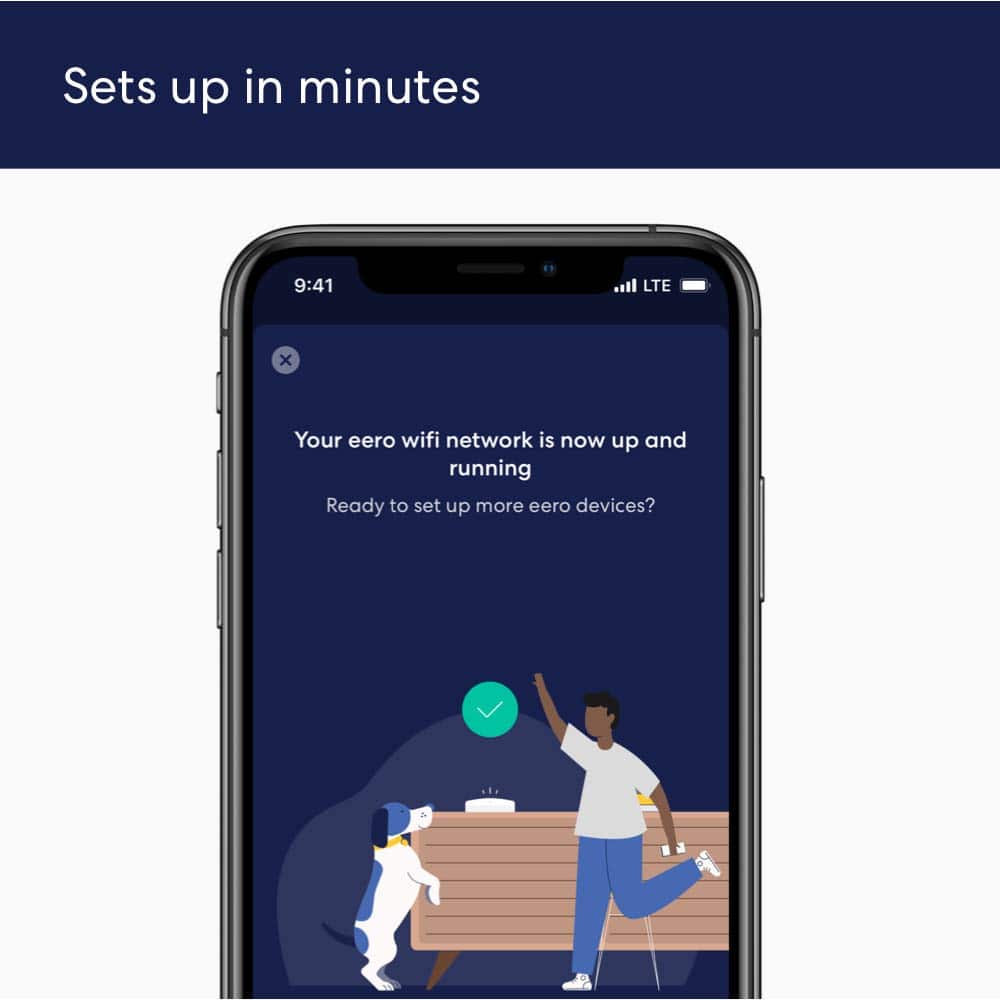
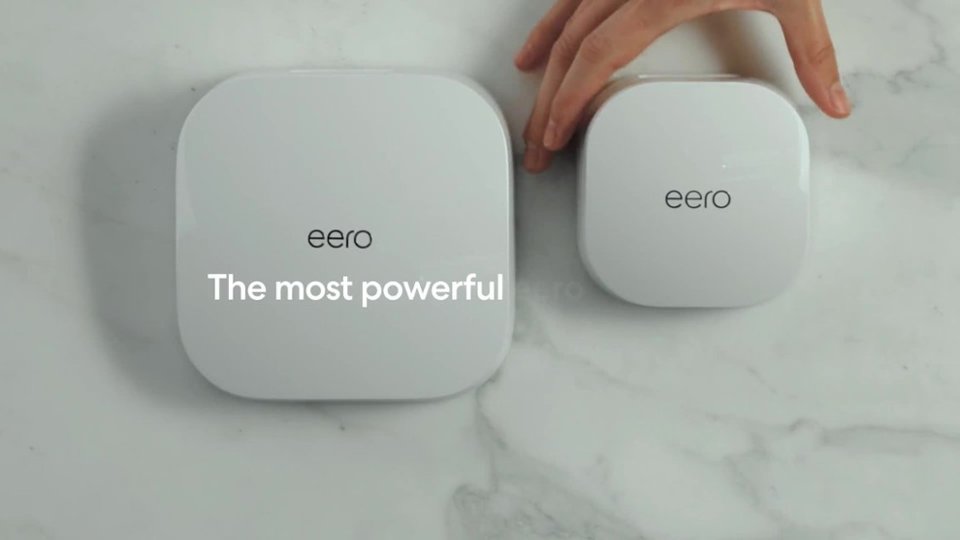
|Posted .This reviewer received promo considerations or sweepstakes entry for writing a review.I am really impressed with this eero mesh unit! This is probably the easiest Wi-Fi systems I have ever installed. The packaging is nice and simple. Three units, power cables, an ethernet cord and instructions. But really, all you need to do is first download the eero app and it will walk you thru the steps with very easy to understand instructions. They claim you will be up and running in 10 minutes and I think they are right. The only minor issue I had with installation was that when the app was looking for the main unit for setup it couldn't detect it. But they give you an option to manually enter the serial number and that worked fine. This was only with the main (first) unit. The other two receivers connected just fine on the first try. The app is fairly basic and easy to understand. I've run speed test from all over the house and we are getting a full & strong signal all over at top speeds. We have an outdoor security camera that we have always had issues with it picking up the Wi-Fi signal. Now, it picks it up great because of being able to place one of the units in the room right by the camera. The signal has been stable with no drop outs and even with a ton of household items running on Wi-Fi there has not been a single issue. Another plus is that the units are very small making it easy to find a spot just about anywhere for them. Really can't recommend the eero 6 AX1800 enough!
I would recommend this to a friend Efficiency and cost effectiveness
||Posted . Owned for 1 month when reviewed.This reviewer received promo considerations or sweepstakes entry for writing a review.Since I got this my Internet has been very erratic and unstable. I don't have any good experience with the device yet.
No, I would not recommend this to a friendWorks as intended
||Posted . Owned for 1 month when reviewed.This reviewer received promo considerations or sweepstakes entry for writing a review.Works pretty, but it cant connect to ring base and use wifi 6e at the same time
I would recommend this to a friendNot too bad
||Posted . Owned for 1 month when reviewed.This reviewer received promo considerations or sweepstakes entry for writing a review.Honestly I cant tell the difference. I still get buffering
I would recommend this to a friendWi-Fi Ext Device
||Posted .This reviewer received promo considerations or sweepstakes entry for writing a review.Did not see the benefit Connection was the same throughout my home nothing really changed
No, I would not recommend this to a friend- Pros mentioned:Ease of use
Wifi extender
||Posted . Owned for 1 month when reviewed.This reviewer received promo considerations or sweepstakes entry for writing a review.Works great must buy ease to use great for big home and old house.
I would recommend this to a friend good idea..didn't work for us
||Posted . Owned for 3 weeks when reviewed.This reviewer received promo considerations or sweepstakes entry for writing a review.garbage in our house. single story 2,500 sq ft with router at one end and provides slower speed than just connecting to the router/modem itself. thought it was going to get us more speed at the other end of the house but its slow. and past the 14 day return period so now we're stuck with it. coming soon to ebay
No, I would not recommend this to a friendBad choice
||Posted . Owned for 1 month when reviewed.This reviewer received promo considerations or sweepstakes entry for writing a review.I did not like this product. The store was out of the one box , so I paid for 2. This was horrible. I didn’t open it immediately, because we were on vacation. I learned I only had 15 days before returning this garbage.
No, I would not recommend this to a friendEERO system is not explained well
||Posted . Owned for 3 weeks when reviewed.This reviewer received promo considerations or sweepstakes entry for writing a review.It was a terrible experience. The explanation of how to connect this to my existing router seemed simple but it did not work with my Fios wifi and actually I was without wifi rather than have it work better. I finally had no internet, had to spend a lot of time with Verizon Fios to get it restored and then EERO did not work at all. I would like to return it and get full or partial credit.
No, I would not recommend this to a friend