Skip to contentGo to Product Search
Main Content

Customer Ratings & Reviews
$139.99

Customer reviews

Rating 4.6 out of 5 stars with 4759 reviews

Rating Filter

Rating by feature

  • Setup

    Rating 4.7 out of 5 stars

  • Range

    Rating 4.7 out of 5 stars

  • Signal Strength

    Rating 4.6 out of 5 stars

Pros mentioned filter

Cons mentioned filter

92%would recommend to a friend

Customers are saying

Customers are delighted by the increased Wi-Fi range and ease of use of the 6 AX1800 Dual-Band Mesh Wi-Fi 6 System. Many customers also appreciate the consistent internet speed and good coverage throughout their homes, along with the strong signal strength. However, some customers have reported issues with buffering and compatibility with certain devices.

This summary was generated by AI based on customer reviews.

The vast majority of our reviews come from verified purchases. Reviews from customers may include My Best Buy members, employees, and Tech Insider Network members (as tagged). Select reviewers may receive discounted products, promotional considerations or entries into drawings for honest, helpful reviews.
Page 225 Showing 4,481-4,500 of 4,759 reviews
  • Rated 1 out of 5 stars

    Junk

    |
    |
    Posted . Owned for 4 months when reviewed.
    This reviewer received promo considerations or sweepstakes entry for writing a review.

    Terrible junk awful did I mention it don’t work at all worthless item don’t buy

    No, I would not recommend this to a friend
  • Rated 1 out of 5 stars

    Eero

    |
    |
    Posted . Owned for 3 weeks when reviewed.
    This reviewer received promo considerations or sweepstakes entry for writing a review.

    Product didn’t deliver what i was expecting. Very disappointed.

    No, I would not recommend this to a friend
  • Tech Insider Network Member

    Rated 5 out of 5 stars

    eero 6

    |
    Tech Insider Network Member
    Posted .
    This reviewer received promo considerations or sweepstakes entry for writing a review.

    I think the eero 6 mesh wifi set is pretty amazing. Due to where I have to keep my router I have been suffering from weak signals in parts of my house. Our house isn't very large, but the cable hook up is in the southeast corner of the house. The two bedrooms on the north end of the house have always struggled to get a decent wifi signal. Earlier this year I got fed up with it and did some research and came to the conclusion that our nearly 10-year-old router must have been the issue. So, I swapped it out for a Netgear Nighthawk after reading rave reviews. Alas, it didn't help very much. Then, I read about wifi extenders and bought one of those. While this did give me strong signals throughout the house, the extender's network came with a bit of a lag, as it had to relay from the main network. This made streaming tv (we're cord cutters) difficult, especially if there were multiple devices running on the main network. I realized that a mesh network was probably going to be the best solution for our situation. In came eero 6 to the rescue! I had just succumbed to the idea of living with spotty wifi in our house when the chance arose to get this system. I thought I was getting pretty decent speeds with my Nighthawk, but the eero blew that out of the water. I ran speed tests in a few areas around the house to see how much of a difference, if any, the eero system would make. In the living room (where the router is located) my speed more than doubled. In the master bedroom, the furthest away from the router, my speed quadrupled! I know, impressive. What's even more impressive is that those speed numbers are indicative of only having the main router hooked up. I hadn't decided where I wanted to put the two satellite routers yet. After installing those, I was able to get speeds almost 10 times faster than the Nighthawk alone gave out to the master bedroom. I am even able to get decent speeds in the furthest corners of my back yard, whereas before I was lucky if I got any signal at all just outside the back door. One thing to think about before running out to get one of these systems is where you want to place the two satellite units. While they are wireless in the sense that there aren't any wires connecting them to the main router, they do still have to be plugged into a wall socket. This could be an issue if you have an older home with very few spare outlets. Fortunately, the routers are relatively attractive, so they won't be an eyesore sitting on an end table or nightstand. You can even turn off the LED light if that poses an issue. One thing that bothered me about my Nighthawk was how bright it made my living room in the middle of the night with all its very bright blinking lights emanating from behind the TV. There is one thing I have to criticize the eero 6 on and that is its instructions. They are very minimal and they leave out one key piece of information, which is to turn off wifi on your phone. I tried over and over for 20 minutes and could not get the router to connect. Then, I just happened to recall that when setting up a Ring doorbell you have to turn off wifi on your phone. Having that one step in the instructions would have saved me a lot of frustration.

    I would recommend this to a friend
  • Rated 1 out of 5 stars

    poor tech support timeing

    |
    |
    Posted . Owned for 1 month when reviewed.
    This reviewer received promo considerations or sweepstakes entry for writing a review.

    never opened up. waiting for tech support to finally show up

    No, I would not recommend this to a friend
  • Pros mentioned:
    Speed
    Tech Insider Network Member

    Rated 5 out of 5 stars

    Excellent Coverage

    |
    Tech Insider Network Member
    Posted .
    This reviewer received promo considerations or sweepstakes entry for writing a review.

    I don’t have a huge house, but I do have security cameras connected to my WiFI that I want to make sure are always online. One of the cameras in particular is on the outside of my detached garage and frequently has issues staying connected to my network, especially in bad weather. This 3 pack system was perfect for resolving this issue. In the past, I’ve tried WiFi extenders and found those to be less than satisfactory. In order to get the most out of this WiFi system, I did spend some money on a better modem and traded that in for my old “rented” modem/router combo from my cable provider. Then I sent up the mesh system with the wired mesh connected directly to my modem, one wireless eero upstairs in my home office, and one actually out in my garage to ensure my security cameras have a good connection. Since establishing this set up, I’ve seen a dramatic rise in my Internet speeds as well as continuous connection for my security cameras. That includes during a pretty heavy rain and good amount of wind that previously would have taken my garage camera out of commission. Set-up was super simple with everything and I love the app provided. This is a perfect set-up if you have multiple devices, especially if they’re somewhat spread out in your home/property.

    I would recommend this to a friend
  • Rated 1 out of 5 stars

    Mhm

    |
    |
    Posted .
    This reviewer received promo considerations or sweepstakes entry for writing a review.

    Trash. Wouldn’t recommend. Does absolutely nothing, waste of money

    No, I would not recommend this to a friend
  • Rated 1 out of 5 stars

    Meh

    |
    |
    Posted .
    This reviewer received promo considerations or sweepstakes entry for writing a review.

    Doesn’t work well if you have other items using a hub system.

    No, I would not recommend this to a friend
  • Rated 1 out of 5 stars

    eero

    |
    |
    Posted . Owned for 1 month when reviewed.
    This reviewer received promo considerations or sweepstakes entry for writing a review.

    Did not notice a difference in our internet speed. Would not recommend.

    No, I would not recommend this to a friend
  • Rated 1 out of 5 stars

    Extender

    |
    |
    Posted . Owned for 3 weeks when reviewed.
    This reviewer received promo considerations or sweepstakes entry for writing a review.

    They don’t really extend the WiFi like I thought it would

    No, I would not recommend this to a friend
  • Rated 1 out of 5 stars

    Not a good purchase for me.

    |
    |
    Posted . Owned for 5 months when reviewed.
    This reviewer received promo considerations or sweepstakes entry for writing a review.

    Did not work, continued to crash 2-3 times a week.

    No, I would not recommend this to a friend
  • Rated 1 out of 5 stars

    Overheating issues and barely 6 months old

    |
    |
    Posted . Owned for 6 months when reviewed.
    This reviewer received promo considerations or sweepstakes entry for writing a review.

    Product overheats and stopped working. Not even 6 months old.

    No, I would not recommend this to a friend
  • Rated 1 out of 5 stars

    eero

    |
    |
    Posted . Owned for 2 weeks when reviewed.
    This reviewer received promo considerations or sweepstakes entry for writing a review.

    returned these due to hook up issues with wifi & router

    No, I would not recommend this to a friend
  • Pros mentioned:
    Ease of use, Speed

    Rated 5 out of 5 stars

    Excellent little gadgets

    Posted .
    This reviewer received promo considerations or sweepstakes entry for writing a review.

    These are great and completely cover all 3300 square feet of my home. Great price, easy to set up and my internet service is a lot faster and dependable. No more bulky boxes and tangled cords. Just plug in and enjoy!

    I would recommend this to a friend
  • Tech Insider Network Member

    Rated 4 out of 5 stars

    Great coverage, easy setup but dumbed down

    |
    Tech Insider Network Member
    Posted .
    This reviewer received promo considerations or sweepstakes entry for writing a review.

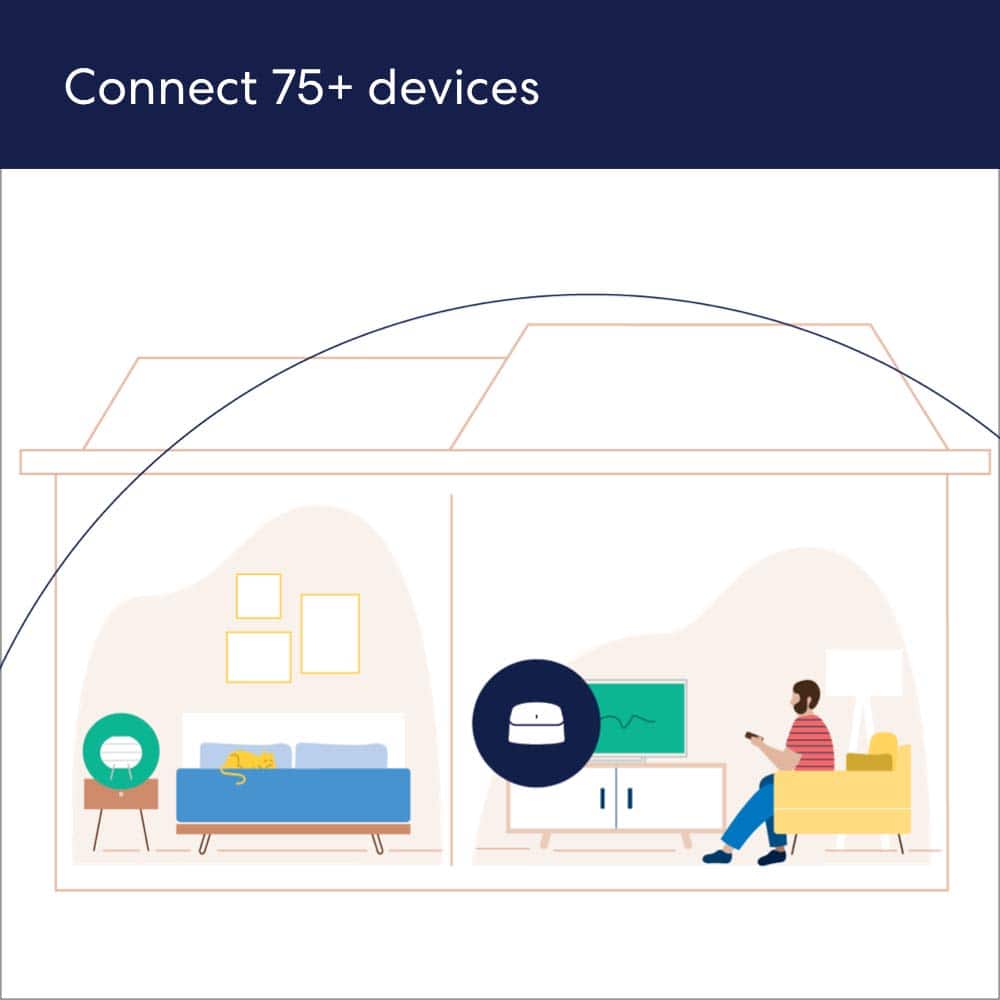
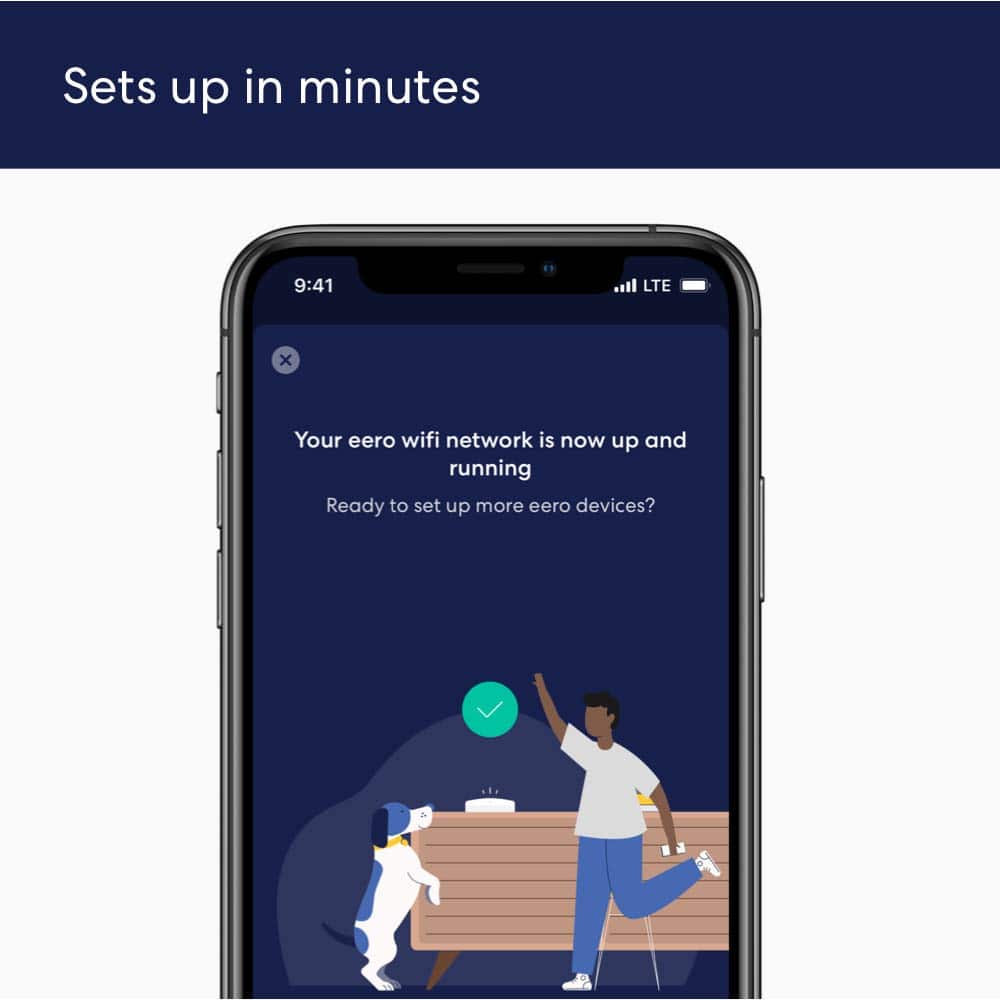
    If you have a big house or office and have lots of connected wi-fi devices, a mesh system is the way to go. Once expensive and difficult to set up -- and a bit flaky to boot -- mesh is now ready for prime time and there is perhaps no better example than this eero dual-band mesh wi-fi 6 system. A mesh system uses multiple nodes to improve wi-fi performance in the far flung corners of large or multi-story homes. Setup is a breeze using the always required smartphone app. It's a little odd in that you have to disconnect wi-fi and the cable modem to begin the setup up for the new system. So you must run with a cellular connection in the beginning. But once the first node is up and running, you can go back to wi-fi. Adding additional nodes is relatively fast and painless., following the step by step prompts of the app. It takes a few minutes for each one. Once that is done,, check settings and and install any firmware updates,which are almost aways required when you install a new hardware. Then check all your wi-fi devices to make sure they are connecting properly . I usually have a few that are dead and have to be restarted to work correctly. And this time was no different. Once that was complete, everything worked well. This eero 6 system, with 3 nodes, is designed for homes up to 5,000 square feet so was more than adequate for my humble 1500 square foot abode. A got a strong signal everywhere except for my leak detector under the sink. Lots of big bulky metal things get in the way of the signal in a kitchen. Some devices and apps, particularly those used for streaming services, seemed a bit faster with this new eero 6 system. It claims to be designed to work better in homes with multiple wi-fi devices. I have nearly 30 of them in my house (up to 75 are supported) and they did indeed seem to be running a bit more smoothly with eero 6. This system is dual-band (2.4 and 5 ghz) with download speeds of up to 500mbs. It supports one of the the newest wi-fi protocols, which used to be called AX (preceded by AC, N, G, etc) but is now simply called 6. Your devices must also be wi-fi 6 compatible to get the most out of this new protocol but wi-fi 6 is downwardly compatible with all the older standards. This does not support the latest and greatest wi-fi standard, 6E, which uses the new 6ghz frequencies. The biggest downside to this setup and some other mesh systems, compared a single wireless router, is you have almost no wired ethernet ports available. There is just one on the main node (beyond the one you need to connect to your cable modem) and none on the other nodes. If you require a wired connection, you better hope you cable modem has enough ethernet ports to handle the job. Also, be aware this system is dumbed down to a large degree compared to any good wi-fi router. There are no flashing lights to tell you want is going on in real time (well except for the one to tell you it is on) and app gives you zero control over any of the many obscure but essential settings the typical wi-fi router software offers. That makes trouble shooting and tweaking very difficult. This is pretty much a one size fits all system. It works on default settings or it doesn't. Another unfortunate decision made by the eero folks was to charge a hefty monthly fee for router based security. You will have to fork over $10 a month, or $100 a year for the complete package, which include Malwarebytes anti viru, a password manager and VPN, which is a nice extra. . A scaled-back version, that includes only "advanced security" (whatever that is) and an ad blocker, is $30 a year. Some competing wi-fi routers include lifetime anti-virus for free these days. You get a free 30 day trial of the bare bones security system with the eero 6, which automatically flips over to a paid subscription if you don't cancel it. Ugh. I dont know anyone who does not despise these subscription models. It is good for the company selling it but often a bad deal for consumers, at least in terms of your pocketbook. (eero is owned by Amazon). Fortunately, it IS optional so if you don't want to fork over the big bucks for these extra services, you don't have to. If you can get past these shortcomings, however, this eero 6 system works well and is pretty easy to setup. So if you have lots of wi-fi devices running in your home and/or have lots of floor space to cover, it is a good way to go.

    I would recommend this to a friend
  • Rated 2 out of 5 stars

    eero not good with Apple products.

    |
    |
    Posted . Owned for 3 weeks when reviewed.
    This reviewer received promo considerations or sweepstakes entry for writing a review.

    If you own Apple product, at least for me, they did not work. And, eero Tech Support could not fix it. I do not blame their Tech a support but the produce designers.

    No, I would not recommend this to a friend
  • Tech Insider Network Member

    Rated 4 out of 5 stars

    Good blanket coverage of 5Ghz

    |
    Tech Insider Network Member
    Posted .
    This reviewer received promo considerations or sweepstakes entry for writing a review.

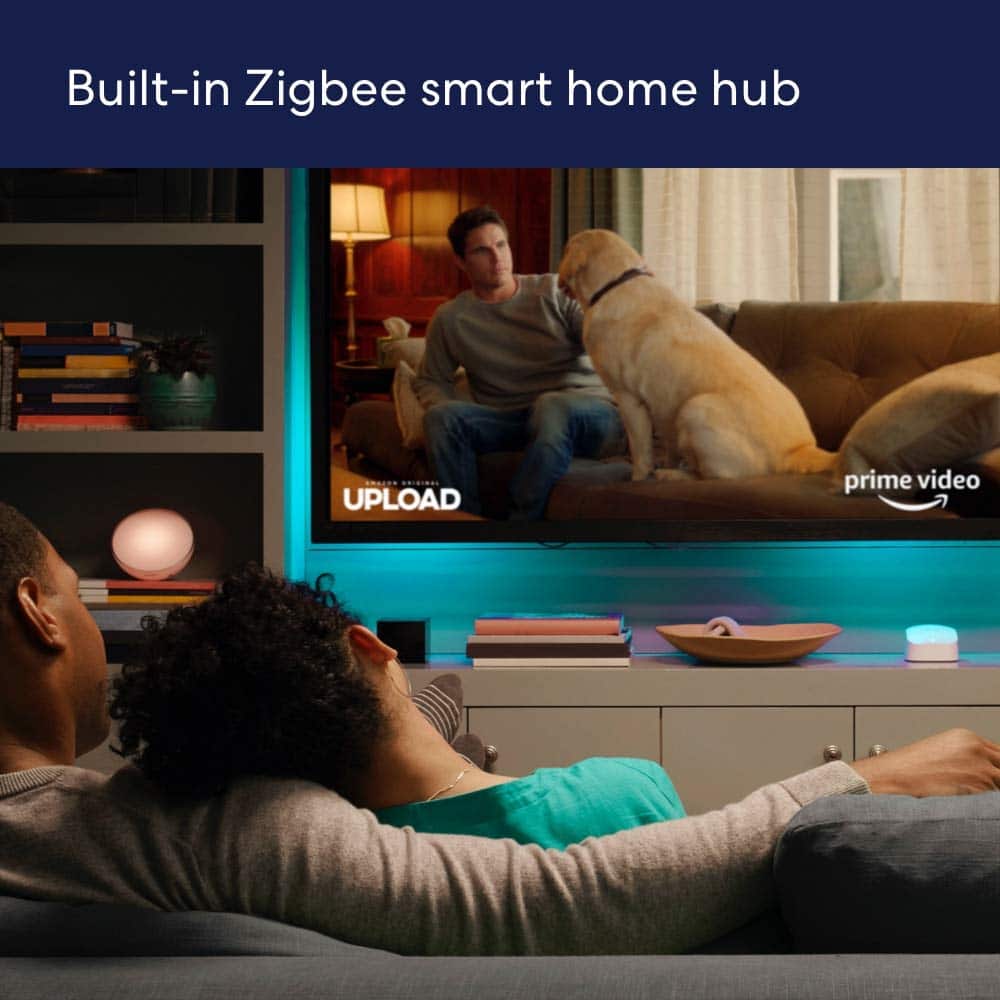
    This Eero 6 ax1800 and 2 extenders is supposed to replace my ac2300 with 1 extender. The setup of this unit was ridiculously simple, I didn't even turn off the broadband and still got all 3 units connected in no time. I wanted a second extender for the upstairs office in my 4000sf house because I feel having a dedicated connection would increase productivity. Being owned by Amazon, the eero has zigbee support, though it wouldn't download my list of connected devices from the Alexa app, I had to do each one separately. I have a Gig plan from Cox and was hoping to get at least 400Mbps with this 500Mbps system, sadly I can only report 270Mbps max within 10ft of the units when the router is connected at 883Mbps. Though, I can happily mention that even 40ft away from the nearest hub, I continue to get a strong signal with nearly the same speeds and that's true for the extenders as well. Amazon includes 1 month free of the security suite which might prove useful at the base rate of $2.99/mo, you may not even need separate security software for your devices. This is great for a stable, continuous speed, albeit, not fast. I pay for a gig, I should at least get half that on wifi, wifi6 even! I guess I'll just have to wait and see if future updates address this issue.

    I would recommend this to a friend
  • Pros mentioned:
    Ease of use
    Tech Insider Network Member

    Rated 3 out of 5 stars

    Good Coverage but missing Features

    |
    Tech Insider Network Member
    Posted .
    This reviewer received promo considerations or sweepstakes entry for writing a review.

    The eero 6 AX1800 is a wi-fi system for someone who wants a very simple wi-fi network. For anyone who wants to control their wi-fi network this router will not meet their needs. Even with the simple eero system configuration and set up I ran into several issues that may be problematic for someone who is not network savy. The overall coverage provided by the two satellite stations and the base unit is good. The plus side here is that due to coverage I am now able to get connectivity with the eero mesh set up where as before I had areas with no wireless connectivity from my existing router. The overall speed of eero system is difficult to determine which I explain below. The eero Wi-Fi system does not have any type of configurable Quality of Service – QOS which means you cannot control or limit the bandwidth being used by your kids playing games or streaming videos while you are trying to do your work in your home office. I think this is a major flaw in this system. Also, note that the main hub only has one available ethernet port for wired expansion and the satellites do not have any. This means everything has to be wireless or you need to purchase additional networking gear. The system does not support USB network drives. The app you use to control the eero system is very intuitive but it is only supported on phones and tablets, it is not supported on a laptop. Setup: Setting up the eero system is very quick but this can be misleading. You download the app and follow the specific directions given in the app. They recommend you use the existing SSID and password that you have in your existing router so that everything comes up working when you turn off the old unit and turn on the new one. I followed these directions and for the most part about 70% of my devices did in fact come up working. The misleading part of this is that the devices did not show up in the eero management app as being on the network. In other words, I had smart plugs working on the network but when I looked in the eero app they were not listed as being on the network. To get all my devices to show up in the app I had to go to each device and delete the old network configuration and add a new one even though both configurations where identical. When the device signed into the network the eero app recognized the device and added it to the program. Sorry to say that just power cycling or rebooting the devices had no effect, only reconfiguring the network settings worked. Reconfiguring phones, tablets and laptops aren’t that time consuming but all the small devices like smart plugs, security cameras and appliances can take some time and patience. I also had an interesting issue when the eero router decided that accessing my isp gateway was a security risk and started blocking my access. Nowhere in the app is there a listing of blocked sites nor did I find a way to unblock the access. Adding New Devices: Adding a new device was generally very simple but there were some devices that were very problematic. When I would add a new device the eero app would alert me that a new device joined the network. I would then open the app to name the new device and add a proper icon to the device. The app is very intuitive and it does show you what devices are connected to the router hub and satellites. Problems occurred when I tried to add devices like my vacuums that only supported the 2.4 ghz band. The eero router would attempt to add devices to the 5 ghz band and thus it constantly failed. After doing some searching I found an option hidden in the troubleshooting section that allows you to “Temporarily pause 5 Ghz”! Great idea to have this option but its too bad its buried in the troubleshooting section of the app. Coverage: I placed the base unit and two satellites strategically around my house to cover the most space. My overall coverage when I checked with a wi-fi analyzer on my phone was better than what I had with my old single router. Throughput Speed: This is very difficult to judge due to the lack of control and information you have with the eero router and app. My isp provides 500mb service to the gateway. The eero app verified that I was getting 500mb download from the gateway but I could never pull more than about 200 mb on my laptop or phone using Speed test. For this testing I was using a new Iphone 12 pro that supports wi-fi 6 and a standard laptop that did not support wi-fi 6. As I checked around the house the typical eero speed test was about 1/3rd less than my old router. I do not know if the eero router is limiting the download speed due to some type of internal configuration or if it is just that much slower. Also keep in mind that any devices connected via a satellite can be speed limited due to the connectivity between the main hub and the satellite.

    I would recommend this to a friend
  • Pros mentioned:
    Ease of use

    Rated 5 out of 5 stars

    BEST BANG FOR YOUR BUCK!

    Posted .
    This reviewer received promo considerations or sweepstakes entry for writing a review.

    Best purchase ever! I came to buy a different brand mesh router system & asked 1 of the workers for advice. I didn't know much about these just was going by price. I told him I wanted the best bang for the buck and he recommended the eero mesh system. I'm sooo happy that I asked questions and got this. It took me less than 10 minutes to set up ( was SUPER EASY) and our home wifi connection is FASTER than it has ever been! I even get a stong signal at the bottom of my driveway! The Eero app is also super easy to manage and monitor as well. Thank you vest Buy for recommending this!

    I would recommend this to a friend
  • Pros mentioned:
    Signal strength

    Rated 4 out of 5 stars

    Great product, activating requires cell service

    Posted .
    This reviewer received promo considerations or sweepstakes entry for writing a review.

    After 4 days, this product has exceeded my expectations. Unfortunately for me, I had difficulty with the install because I replaced the Xfinity modem at the same time, and thus could not access the internet until the router was installed. The router installation requires internet access, apparently via my cell phone, but the cell signal at my house is weak and non-existent in the basement, where I was trying to activate the router. My tips are: 1) make sure you download the EERO app to your phone before you lose internet access (get rid of you modem/router). The router kept stopping at the registering phase, I guess because it would not or could not access the internet via my working modem until after it was registered. Ultimately I used a long ethernet cable to activate the router in the second floor of my house, where the cell signal was just strong enough (two bars) to get past the registration. Since then, it has been awesome. With my original Xfinity combination modem router, I could never connect to it on the second floor of my house and not really very well on the first floor. But with the EERO router, in the basement, before I even installed the other two units, I had excellent wifi on the second floor. it was worth the effort to install.

    I would recommend this to a friend
  • Pros mentioned:
    Ease of use

    Rated 5 out of 5 stars

    Extremely Happy

    Posted .
    This reviewer received promo considerations or sweepstakes entry for writing a review.

    Easy to set up and use. I get great coverage inside and outside my home. I’m was not sure of what to purchase and was not even aware of the Mesh system. But after talking with a customer service representative they explained to me in English terms that I could understand what the difference between the one I was looking at and the Mesh system. Very happy with the Mesh system and the help I received from the associate.

    I would recommend this to a friend