Customer Ratings & Reviews

- Model:
- R010211
- SKU:
- 6495772
Rating by feature
- Setup
Rating 4.8 out of 5 stars
- Range
Rating 4.7 out of 5 stars
- Signal Strength
Rating 4.7 out of 5 stars
to a friend
Customers are saying
Customers recognize the 6+ Dual-band Mesh Wi-Fi 6 Router (1-pack) for its ease of use, overall performance, and impressive speed. Many users appreciate the Wi-Fi coverage, easy setup, and reliable range and signal strength. Some customers have noted issues with compatibility and consider the price to be a bit high. However, users report minimal issues with buffering, lag, and dead spots.
This summary was generated by AI based on customer reviews.
Best Wi-Fi mesh system
||Posted . Owned for 1 month when reviewed.This reviewer received promo considerations or sweepstakes entry for writing a review.Best Wi-Fi mesh system I have used. I have tried about 5 different one and this by far is one of the best.
I would recommend this to a friendBroadcast speed much less than advertised
||Posted . Owned for 1 month when reviewed.This reviewer received promo considerations or sweepstakes entry for writing a review.I bought it to try to increase my internet speed to my devices throughout the house. It advertised to broadcast up to 1 gig, turns out to be about 50% of that. Disappointing.
I would recommend this to a friendBrand response from Amazon Devices Customer Support
Posted .Hello ThomasA! Sorry to hear about your eero 6+ not giving you the 1 gbps. The eero 6 + can push up to 1 gig speeds over WiFi. But this requires optimal setup with minimal interference. Make sure that if you are running multiple eeros that they are at least 35-45ft away from each other. Also, make sure that your eeros are placed optimally. I would encourage you to connect a device to your modem and test the speed. If you aren't getting 1 gbps, reach out to your service provider so they can troubleshoot your network. If this does not help, please reach out to eero customer support at (877) 659-2347 for further assistance. Have a great day!

Mesh router for the win!
||Posted . Owned for 1 month when reviewed.This reviewer received promo considerations or sweepstakes entry for writing a review.I prefer these mesh systems - even with apt living!
I would recommend this to a friendEero mesh Wi-Fi system
||Posted . Owned for 1 month when reviewed.This reviewer received promo considerations or sweepstakes entry for writing a review.Great product, clerk was very informative and stated had the same system in his home.
I would recommend this to a friendGreat product
||Posted . Owned for 1 month when reviewed.This reviewer received promo considerations or sweepstakes entry for writing a review.This product works great. I have not had any issues with my internet since I set it up.
I would recommend this to a friendIt works
||Posted . Owned for 1 week when reviewed.This reviewer received promo considerations or sweepstakes entry for writing a review.Nuff said. And the review wants another 11 characters.
I would recommend this to a friendeero-6+
||Posted . Owned for 2 weeks when reviewed.This reviewer received promo considerations or sweepstakes entry for writing a review.I bought these hoping for an outstanding WiFi signal throughout the house but have not had any improvement since adding them. We have AT&T internet and I'm not sure why they won't mesh but I'm still hoping I can make them work.
No, I would not recommend this to a friendBrand response from Amazon Devices Customer Support
Posted .Hello Rick. Thank you for your feedback on the eero 6+ Dual-band Mesh Wi-Fi 6 System. I'm sorry to hear you haven't experienced any improvement in your WiFi signal with your AT&T internet. The most common issue preventing proper mesh functionality with AT&T gateways is that the AT&T gateway needs to be configured in bridge mode or IP passthrough mode to allow the eero system to function as your primary router and create a proper mesh network, as without this configuration you may experience double NAT issues that prevent the eero units from meshing correctly. To resolve this, access your AT&T gateway's settings and enable bridge mode or IP passthrough mode, then restart both your AT&T gateway and eero system. Additionally, ensure optimal eero placement by connecting the primary eero directly to your AT&T gateway via ethernet, positioning additional eero units in open areas roughly halfway between the gateway and weak coverage areas, and avoiding placement near large metal objects or electronics that can cause interference. I hope this helps you get your eero mesh system working properly to improve your WiFi coverage throughout your home.
Worth the investment
||Posted . Owned for 1 week when reviewed.This reviewer received promo considerations or sweepstakes entry for writing a review.Easy to setup. The network connectivity is excellent. Works well with ziply network. All I had to do it plug in and use the app.
I would recommend this to a friendMesh Success
||Posted . Owned for 1 month when reviewed.This reviewer received promo considerations or sweepstakes entry for writing a review.Works fine. Why add more it doing what it’s supposed to.
I would recommend this to a friendEverywhere
||Posted . Owned for 2 weeks when reviewed.This reviewer received promo considerations or sweepstakes entry for writing a review.This works everywhere you need it to. Cox cable company couldnt get their modem to work… plugged this in and it worked.
I would recommend this to a friendFantastic mesh WiFi
||Posted . Owned for 1 month when reviewed.This reviewer received promo considerations or sweepstakes entry for writing a review.Fantastic coverage. The routers/repeaters are small, and blend in with just about anything. Easy to hide away behind books, photos
I would recommend this to a friendMesh System is good
||Posted . Owned for 1 month when reviewed.This reviewer received promo considerations or sweepstakes entry for writing a review.Provides internet throughout our building. Meets expectation
I would recommend this to a friendEero router and mesh
||Posted . Owned for 2 weeks when reviewed.This reviewer received promo considerations or sweepstakes entry for writing a review.Great coverage! Best ststem ive had! Would buy again!
I would recommend this to a friendGood product!
||Posted . Owned for 2 weeks when reviewed.This reviewer received promo considerations or sweepstakes entry for writing a review.Great product that worked fine, but for someone without an understanding of networks, it is a bit confusing to setup.
I would recommend this to a friendBrand response from Amazon Devices Customer Support
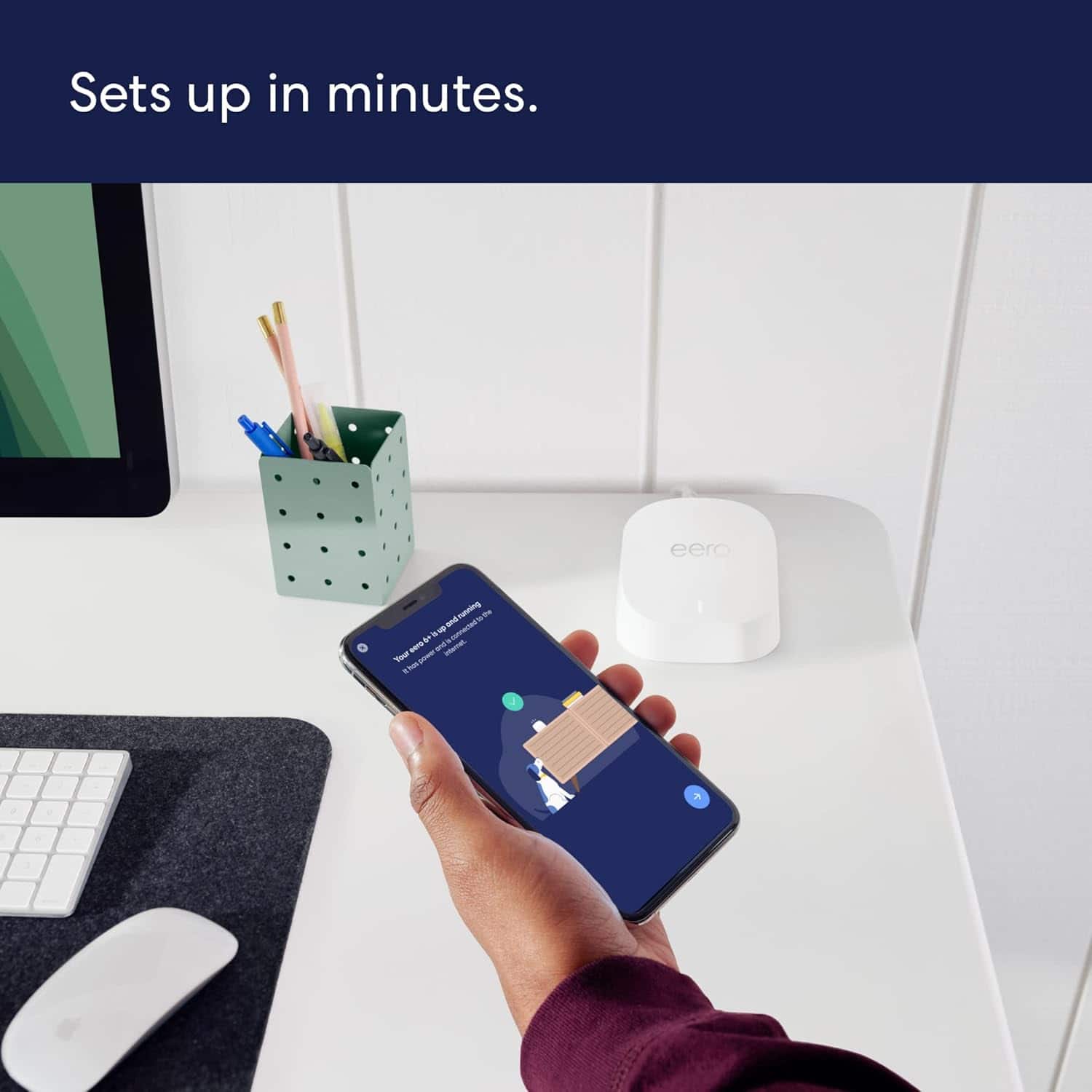
Posted .Hi Matt. Thank you for your feedback on the eero 6+ system. I'm sorry to hear that there was some confusion during the setup process. Here’s how to get your eero network online: 1. Download the eero app for iOS or Android on a phone or tablet with an internet connection. 2. Create an eero account or log in with your existing Amazon account information. 3. Unplug your old modem and router from power. 4. Connect your eero router to your modem using the included Ethernet cable. 5. Plug your eero router into an available power outlet, then reconnect your modem to power. If your modem is built into your current router, then you’ll connect the eero router to one of the Ethernet ports on your existing router. 6. Continue following the prompts in the app to set up your network. If you need any assistance during the setup process, please reach out directly to eero customer support at (877) 659-2347. Have a great day!
Works as it should
||Posted . Owned for 3 weeks when reviewed.This reviewer received promo considerations or sweepstakes entry for writing a review.Works as it should. Easy set up and quick setup. No issues so far.
I would recommend this to a friendgood value
||Posted . Owned for 1 month when reviewed.This reviewer received promo considerations or sweepstakes entry for writing a review.these are awesome- compact - easy to setup- provides wifi to entire property
I would recommend this to a friendEero+ mesh wifi system
||Posted . Owned for 1 month when reviewed.This reviewer received promo considerations or sweepstakes entry for writing a review.This eero+ system has really improved our home wifi system.
I would recommend this to a friendBetter than 'one
||Posted . Owned for 1 month when reviewed.This reviewer received promo considerations or sweepstakes entry for writing a review.Much better coverage than a central unit. Will never go back.
I would recommend this to a friendEERO
||Posted . Owned for 1 month when reviewed.This reviewer received promo considerations or sweepstakes entry for writing a review.Amazing how this product improved my Wifi experience.
I would recommend this to a friendGood but expensive parental controls
||Posted . Owned for 3 weeks when reviewed.This reviewer received promo considerations or sweepstakes entry for writing a review.They work very well but you have to buy an expensive subscription to use parental controls features. That was not mentioned before I purchased them or the main system.
I would recommend this to a friend