Customer Ratings & Reviews



- Model:
- R010211
- SKU:
- 6495772
Rating by feature
- Setup
Rating 4.8 out of 5 stars
- Range
Rating 4.7 out of 5 stars
- Signal Strength
Rating 4.7 out of 5 stars
to a friend
Customers are saying
Customers recognize the 6+ Dual-band Mesh Wi-Fi 6 Router (1-pack) for its ease of use, overall performance, and impressive speed. Many users appreciate the Wi-Fi coverage, easy setup, and reliable range and signal strength. Some customers have noted issues with compatibility and consider the price to be a bit high. However, users report minimal issues with buffering, lag, and dead spots.
This summary was generated by AI based on customer reviews.
Quality issue
||Posted . Owned for 1 year when reviewed.This reviewer received promo considerations or sweepstakes entry for writing a review.Hard wired them together. The subordinate unit faulted the whole WiFi network and wouldn't work until I simply unplugged the bad apple. Paid subscription for internet data. Uses Amazon Alexa for it's hub features, no other options.
I would recommend this to a friendI don't recommend it.
||Posted . Owned for 3 weeks when reviewed.This reviewer received promo considerations or sweepstakes entry for writing a review.One start because they lead you to believe this will fix all ofnyour wifi problems. I have a 1gb down speed. By the time I connect to the furthest eero, my speed goes down to 300is. And according to customer service this is "normal". I live in a 1400sqt apartment. It's a tiny apartment. I have tried all their trouble shooting they have asked. Just don't get it. I wish companies didn't mislead you to buy products then say, well, that's normal. If you have any tips, suggestions or tricks, I'm willing to try them.
No, I would not recommend this to a friendSoSo
||Posted . Owned for 1 month when reviewed.This reviewer received promo considerations or sweepstakes entry for writing a review.Great gadget for computer wifi but is absolutely horrible if you have to use wifi for telephone calling. Not easy to set up and there are no instructions unless you download the user app.
No, I would not recommend this to a friendEverything expected and more
||Posted . Owned for 1 month when reviewed.This reviewer received promo considerations or sweepstakes entry for writing a review.Perfect for my 2000sqft split level home. Seemless setup using my fios rouster as a modem. Coversge is great even on my back yard i stay connected
I would recommend this to a friendNo more wi-fi outages
||Posted . Owned for 1 month when reviewed.This reviewer received promo considerations or sweepstakes entry for writing a review.I had thought my wi-fi carrier was the problem, but when I changed my router with the eero 6+ Mesh, I no longer have any internet outages!
I would recommend this to a friendMesh Router
||Posted . Owned for 3 weeks when reviewed.This reviewer received promo considerations or sweepstakes entry for writing a review.I can tell no difference in my wifi. It could very well be our internet but I have no way of knowing.
No, I would not recommend this to a friendMr.
||Posted . Owned for 1 month when reviewed.This reviewer received promo considerations or sweepstakes entry for writing a review.Slow download speeds Happens a lot. The old wifi I always got over 300 mbps download speeds. Never have gotten close with this system. I am very disappointed, very.
No, I would not recommend this to a friendInstance difference
||Posted . Owned for 1 week when reviewed.This reviewer received promo considerations or sweepstakes entry for writing a review.Instance difference with my Wi-Fi connection. I can be on my phone a good distance from my house and still have great connection.
I would recommend this to a friendDisappointed.
||Posted .This reviewer received promo considerations or sweepstakes entry for writing a review.One of the nodes stopped powering up, and there doesn't seem to be anything anyone can do to help. Disappointed.
No, I would not recommend this to a friendBrand response from Amazon Devices Customer Support
Posted .Hi JB002. Thank you for providing feedback on the eero 6+ system. I'm sorry to hear that one of your nodes isn't working. If the node is failing to power on, I would suggest swapping the power cord with the working eero to see if the issue is the node, or a faulty cable. Once you've completed that troubleshooting step, call eero customer support at (877) 659-2347 so they can advise on next steps. They’re available Monday-Sunday 6am-8pm PT. I hope this helps. Have a great day!

Bummer
||Posted .This reviewer received promo considerations or sweepstakes entry for writing a review.These are definitely NOT worth the money!! We purchased these specifically because Geek Squad recommended them. They have not helped with our internet at all
No, I would not recommend this to a friendBrand response from Amazon Devices Customer Support
Posted .Hi ArianC. Thank you for your feedback on the eero 6+ system. I am sorry to hear about your dissatisfaction. Strategically placing your eeros is the single most important step you can take to ensure your system provides fast, reliable WiFi to every room in your home. Here are some tips to follow: 1. Place eeros where they can talk to each other. 2. Place eeros on a hard, flat surface. 3. Keep your eeros out in the open. 4. Whenever possible, aim for direct line of sight between eeros. The fewer the walls between your eeros, the better. If this information doesn’t resolve your issue, call eero customer service at (877) 659-2347. They’re available Monday-Sunday 6am-8pm PT. I hope this helps. Have a great day!
Signal strength.
||Posted . Owned for 3 weeks when reviewed.This reviewer received promo considerations or sweepstakes entry for writing a review.Can't believe the difference in signal quality this product has produced. Never have problems with my internet service now.
I would recommend this to a friendNot true
||Posted . Owned for 1.5 years when reviewed.This reviewer received promo considerations or sweepstakes entry for writing a review.Honestly I am disappointed in the eero system I have 4 that all say they are putting out 1700+ I followed everything it said and I barely 178 down and 40 up on a good day
No, I would not recommend this to a friendBrand response from Amazon Devices Customer Support
Posted .Hi KennethGoode. Thank you for your feedback on the eero 6+ system. I’m sorry to hear about the connectivity issues you’re experiencing. If you have a laptop with an Ethernet port, disconnect your gateway eero from your modem, restart your modem, and connect the modem to your laptop. Once the modem is back online, you’ll want to make sure your laptop is receiving the wired signal. After you’ve verified the connection, open a web browser on your laptop and go to speedtest.net to run a speed test to make sure the modem is sending out the full speed. If the speed test shows slow speeds, you’ll want to reach out to your internet provider to troubleshoot your modem. If the speed test shows your full speed, further troubleshooting will need to be done for your eero system. Also, be advised that the eero 6+ system supports speeds up to a gigabit. Since your speeds are higher than a gigabit, you may want to consider upgrading to the eero 7 system instead because it is ideal for Internet plans up to 2.5Gbps.in the meantime, you can call eero customer service to troubleshoot your connection issues. They can be reached at (877)659-2347. They’re available Monday-Sunday 6am-8pm PT. I hope this helps. Have a great day!
Great router!
||Posted . Owned for 1 week when reviewed.This reviewer received promo considerations or sweepstakes entry for writing a review.Really good router/mesh! Already have existing router in place but purchased to take advantage of Black Friday deal.
I would recommend this to a friendA terrible experience
||Posted .This reviewer received promo considerations or sweepstakes entry for writing a review.In my book, a terrible experience. You MUST have a phone - and you must give them your phone number and email address - and this thing only runs from a phone (did I say that?)! None of that is needed for most routers - and I don't want them having my i9nformation. Oh yeah, did I mention I've already received 4 emails from them? Just terrible. And my installation somehow required my having to call them.
No, I would not recommend this to a friend
Easy to set up, fast, and with great range
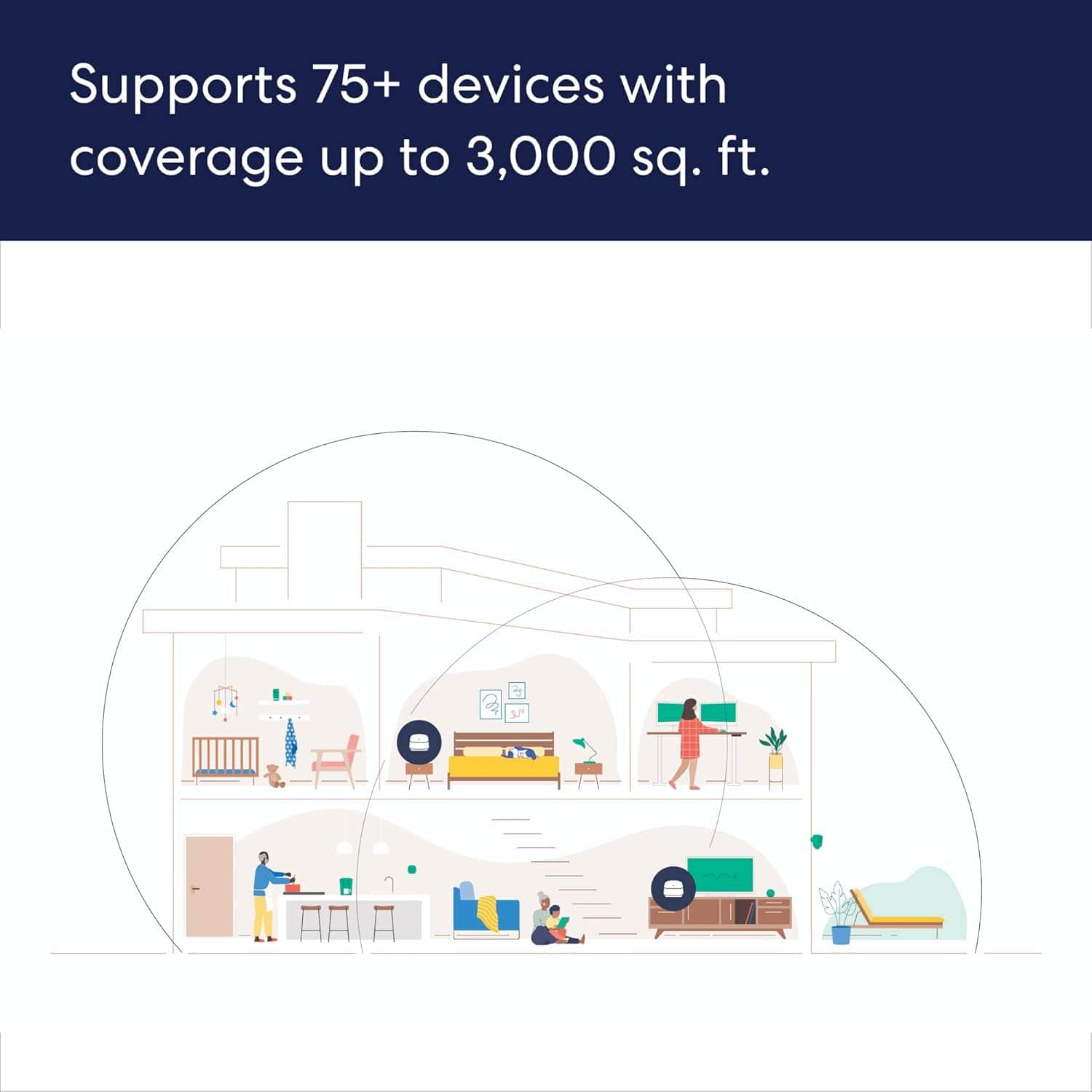
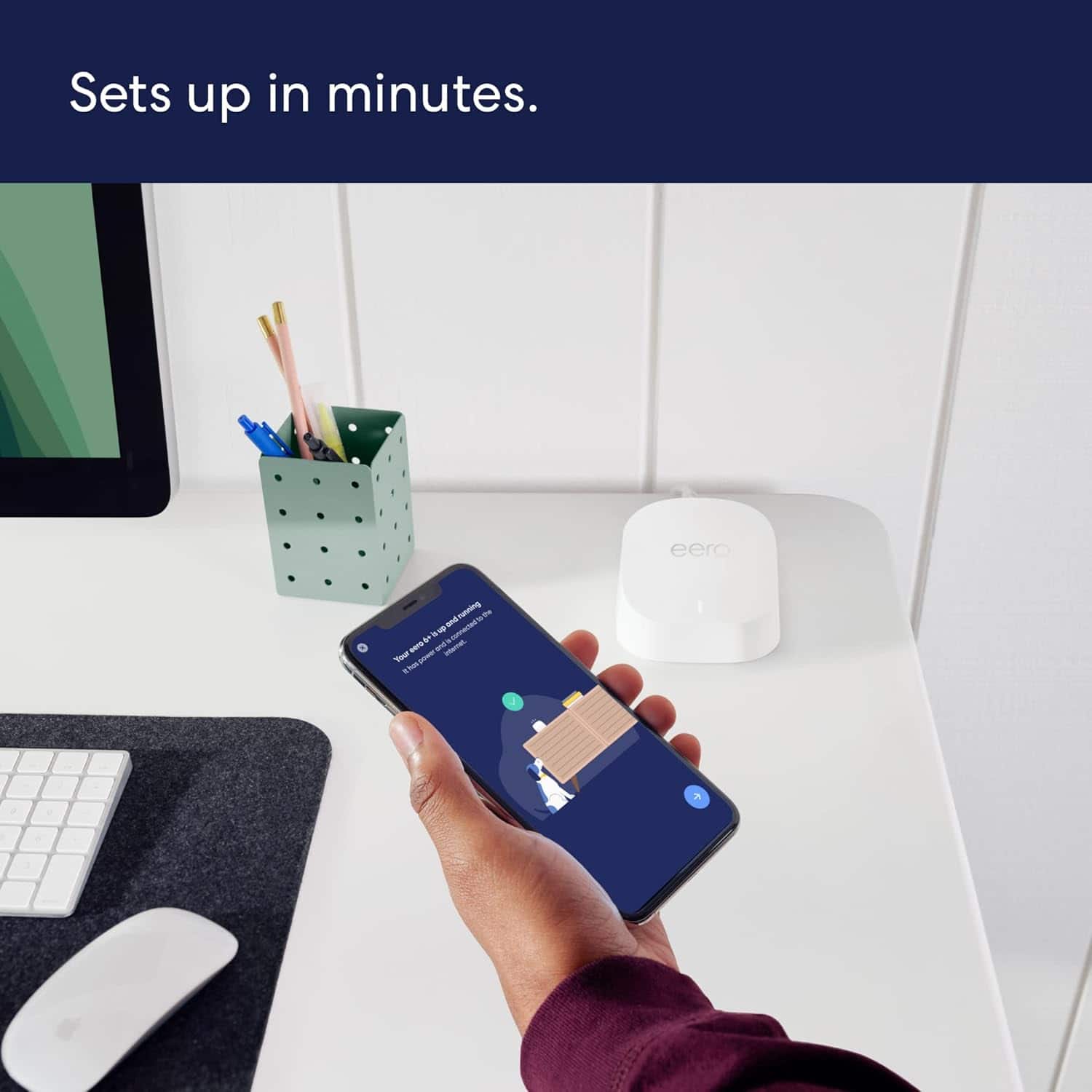
|Posted .This reviewer received promo considerations or sweepstakes entry for writing a review.The Eero 6+ AX-3000 is a 3 pack, dual band mesh wifi 6 system that is easy to set up, fast, and provides excellent range capable of handling at least a 3000 square foot house. Set up and control of the system is done entirely through an app downloaded to your Iphone or Android phone. In my case, it was an Iphone. Set up allows you to keep the SSID and password from your previous network which had been a Velop tri band mesh system. I found this tremendously helpful since all of the 25 or so devices that I have immediately recognized the new network without additional configuration. The first of the 3 pack devices is connected to your cable modem, etc. and is configured during the initial setup. The additional 2 devices can be configured during initial set up or any time later through the app. I ended up using only 2 of the 3 pack devices since the 3rd one would have been overkill for my 2200 square foot house unless I wanted to extend the network deep into the backyard or my neighbor’s yard. As I mention, I previously had a two pack, tri band Velop mesh system. This system had served me well for several years, however, I have recently acquired several wifi 6 devices and the Velop system was not wifi 6. I have about 25 devices on my system including 4 HDTVs which I constantly stream. In actual operation, the eero system felt very quick and no buffering occurred. Range was also excellent exceeding my previous Velop system. I have 1 gigabyte per second internet coming into the house. About 20 feet from the router and in the same room as the router, I was able to achieve about 900mbps on my laptop compared to about 750mbps with the previous Velop system. A story below the router and through 3 walls, I achieved around 250mbps compared to 200mbps with the previous system. I you are a heavy user of video or other data intensive devices and want a network that is easy to set up, fast, and with great range, I highly recommend the Eero 6+ AX3000.
I would recommend this to a friendNot what it's supposed to be. Pay all that money
||Posted . Owned for 3 weeks when reviewed.This reviewer received promo considerations or sweepstakes entry for writing a review.I'm still having the same Issues Seems like everything that I did trying to upgrade and get the newer model. It just turned out to be the same way.
No, I would not recommend this to a friendBad Wifi service
||Posted . Owned for 2 weeks when reviewed.This reviewer received promo considerations or sweepstakes entry for writing a review.My wifi got worst after i start using this these devices.
No, I would not recommend this to a friendBrand response from Amazon Devices Customer Support
Posted .Hello ShahF! I'm sorry to hear you're experiencing degraded WiFi performance with your eero 6+ mesh system. Let me help provide some troubleshooting steps to improve your network performance. For optimal placement, ensure your eero units are at least 30 feet apart but not more than 50 feet apart. Keep devices elevated off the floor and away from metal objects, mirrors, and concrete walls, and make sure units aren't hidden in cabinets or behind furniture. For network configuration, check that your primary eero is properly connected to your modem and verify all cables are securely connected. Try power cycling the entire system by unplugging your modem and all eero devices, waiting 30 seconds, then plug in the modem and wait 2-3 minutes. Next, plug in the primary eero and wait until fully booted, then plug in remaining eeros one at a time. In the app settings, update to the latest eero app version and check for any available firmware updates. Use the eero app's placement tool to optimize node locations and consider running the network optimization tool in the eero app. Thank you for your feedback, and I hope these suggestions help improve your network performance.
Nope
||Posted . Owned for 1 month when reviewed.This reviewer received promo considerations or sweepstakes entry for writing a review.Have to pay for any of the need options and doest have good coverage. 3600 sq ft house
I would recommend this to a friendConnectivity issues little support
||Posted . Owned for 1 month when reviewed.This reviewer received promo considerations or sweepstakes entry for writing a review.Cannot get this to connect with my Apple products hardwired. The setup was grueling and even after the connection it goes in and out. Trying to get support is worse as eero does not appear to have support you can call directly and Best Buy support is a endless merry go round of outsourced agents I can barely understand that won’t to keep sending a link to a computer I do not have
No, I would not recommend this to a friendBrand response from Amazon Devices Customer Support
Posted .Thank you for your feedback on the eero 6+ router. I am sorry to hear about the issues you are running into with connectivity and trying to contact eero customer support. You can contact eero customer support at 877-659-2347. They are available Monday through Sunday, 6am - 8pm PT. They are great and will be able to assist you in getting your eero system working. Hope this helps and have a great day!
Nice system
||Posted . Owned for 2 weeks when reviewed.This reviewer received promo considerations or sweepstakes entry for writing a review.Cost effective and works great. Haven’t had any issues with connectivity or speed which is a huge relief.
I would recommend this to a friend