Customer Ratings & Reviews

- Model:
- R010311
- SKU:
- 12350839
Rating by feature
- Setup
Rating 4.8 out of 5 stars
- Range
Rating 4.7 out of 5 stars
- Signal Strength
Rating 4.7 out of 5 stars
Customers are saying
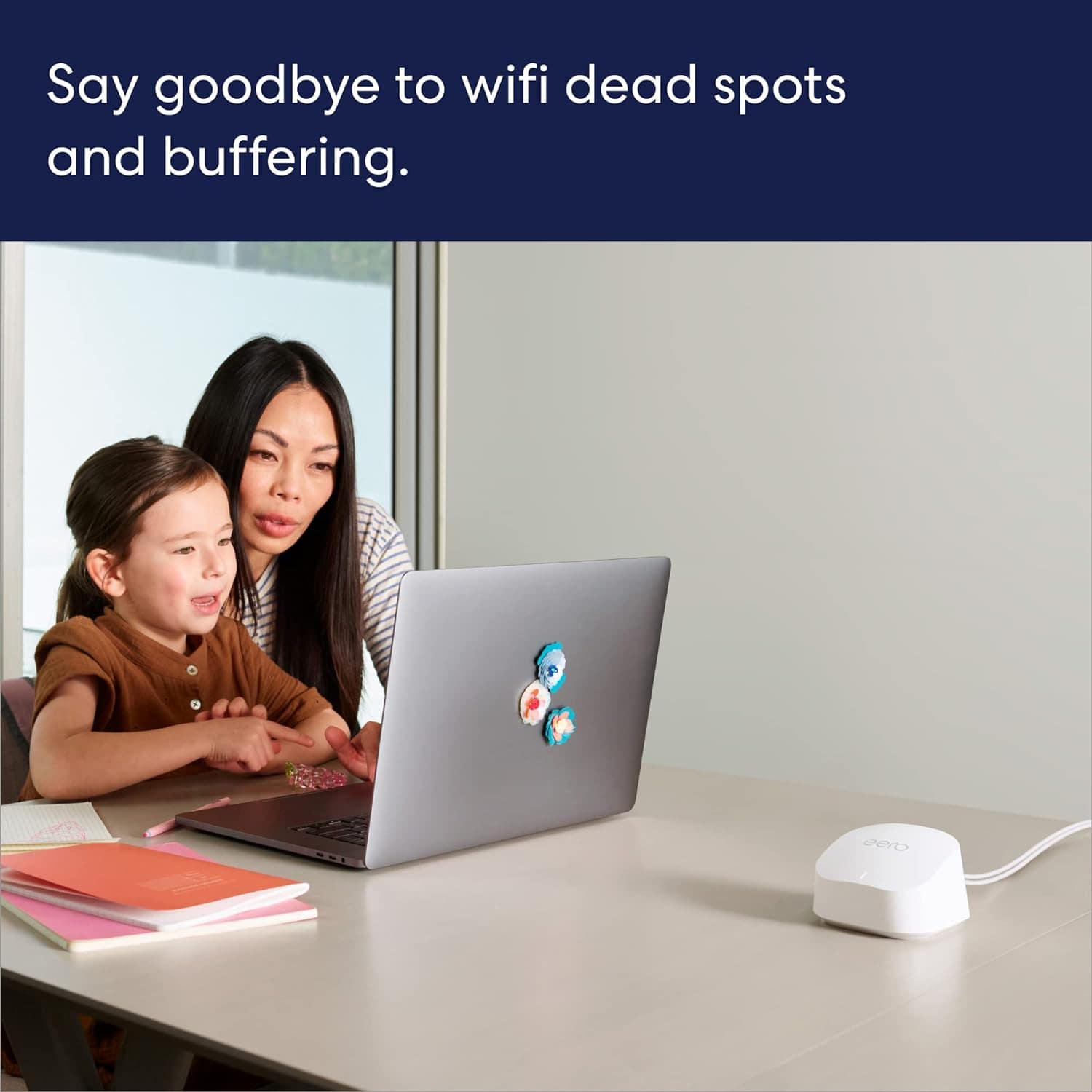
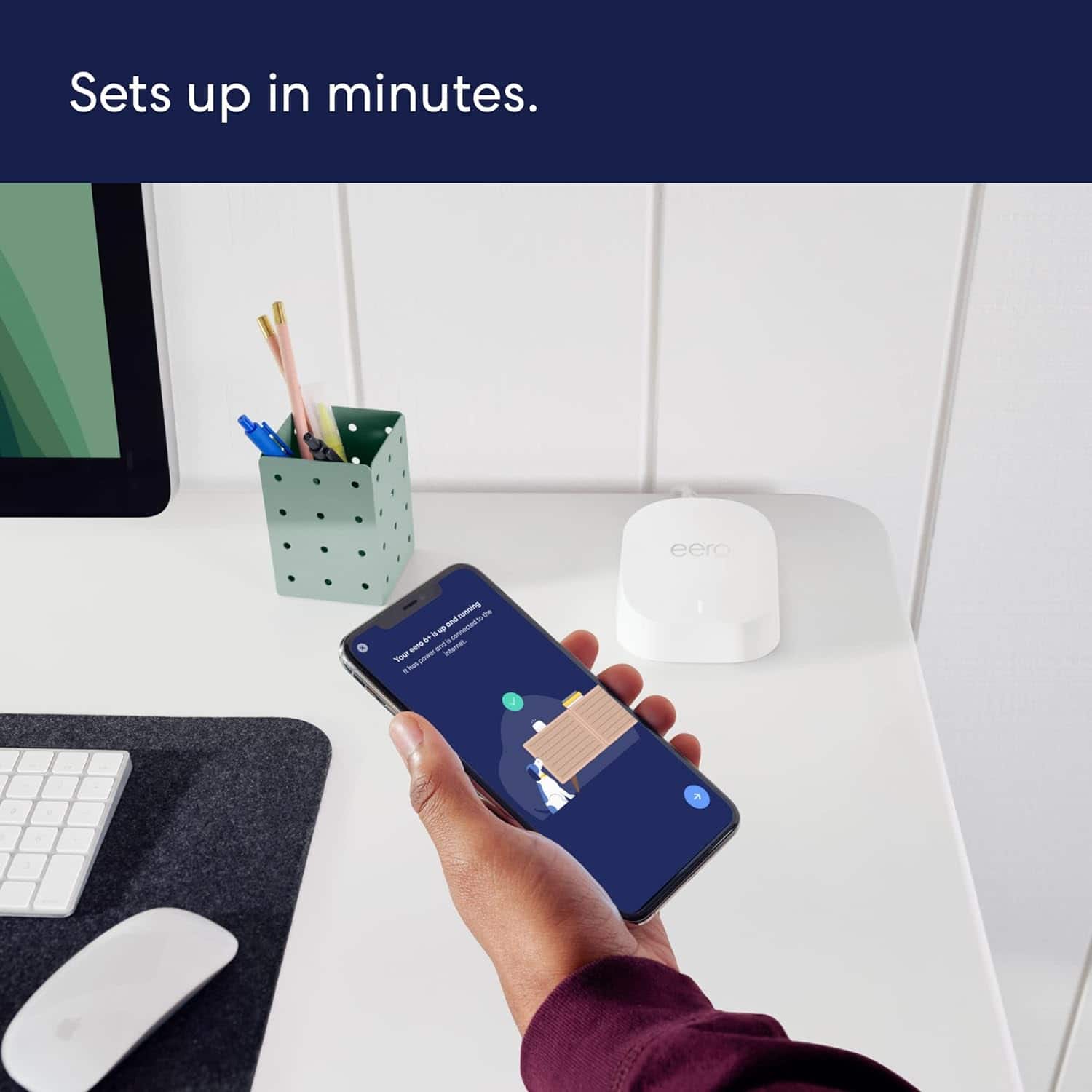
Customers frequently mention the product's excellent ease of use, overall performance, and impressive speed, which significantly improves Wi-Fi coverage, range, and signal strength with an easy setup process. Many also highlight its effectiveness in eliminating buffering, lag, and dead spots. However, some customers have noted concerns regarding its compatibility with newer devices and its price.
This summary was generated by AI based on customer reviews.
Worth It
||Posted . Owned for 1 month when reviewed.This reviewer received promo considerations or sweepstakes entry for writing a review.This made a HUGE difference in my internet performance! So worth the cost!
I would recommend this to a friendSo simple!
||Posted . Owned for 2 weeks when reviewed.This reviewer received promo considerations or sweepstakes entry for writing a review.It truly was “plug and play”! Download the app, connect one of the pods and let it find the internet. That’s it! Connect the second pod and wait a moment to find the first… and so on! Great coverage throughout.
I would recommend this to a friendWorks
||Posted . Owned for 3 weeks when reviewed.This reviewer received promo considerations or sweepstakes entry for writing a review.Works ok for the size of our home. Had the Geek Squad put it in after they fixed connections to television and suggested this system. We had just purchased a router and connected it. Best Buy let us return it and gave us a full refund.
I would recommend this to a friendGreat product!
||Posted . Owned for 1 month when reviewed.This reviewer received promo considerations or sweepstakes entry for writing a review.Great connecton! Has made working from home so much easier.
I would recommend this to a friendOUR BANDWIDTH & INTERNET SPEEDS ARE THRU THE ROOF
||Posted . Owned for 1 month when reviewed.This reviewer received promo considerations or sweepstakes entry for writing a review.System was needed to support addition of Ring security system and exceeded our expectations..... Installed effortlessly by the Geek Squad as part of our TotalTech membership. Upload and download speeds are off the chart now and number of devices supported is beyond our needs.
I would recommend this to a friendAmazing Speed, Easy install.
||Posted . Owned for 1 month when reviewed.This reviewer received promo considerations or sweepstakes entry for writing a review.Amazing, I bought this as my wifi in my home was not connecting/fast 1GB speed from Bluestream. Easy hook up, placed around home. I now get 250GB to 300GB wifi speed instead of 50 GB. I have many devices going at the same time and I can't believe the difference. I keep recommending to my friends and family!
I would recommend this to a friendGreat idea
||Posted . Owned for 3 weeks when reviewed.This reviewer received promo considerations or sweepstakes entry for writing a review.Great service from the whole team! I was impressed with the staff since the moment I walked in and asked questions about which device to buy for my home. The installation tech was amazing and super sweet as well. The merch is great and our wifi connection is amazing.
I would recommend this to a friend- Pros mentioned:Setup
Excellent Mesh WiFi system!
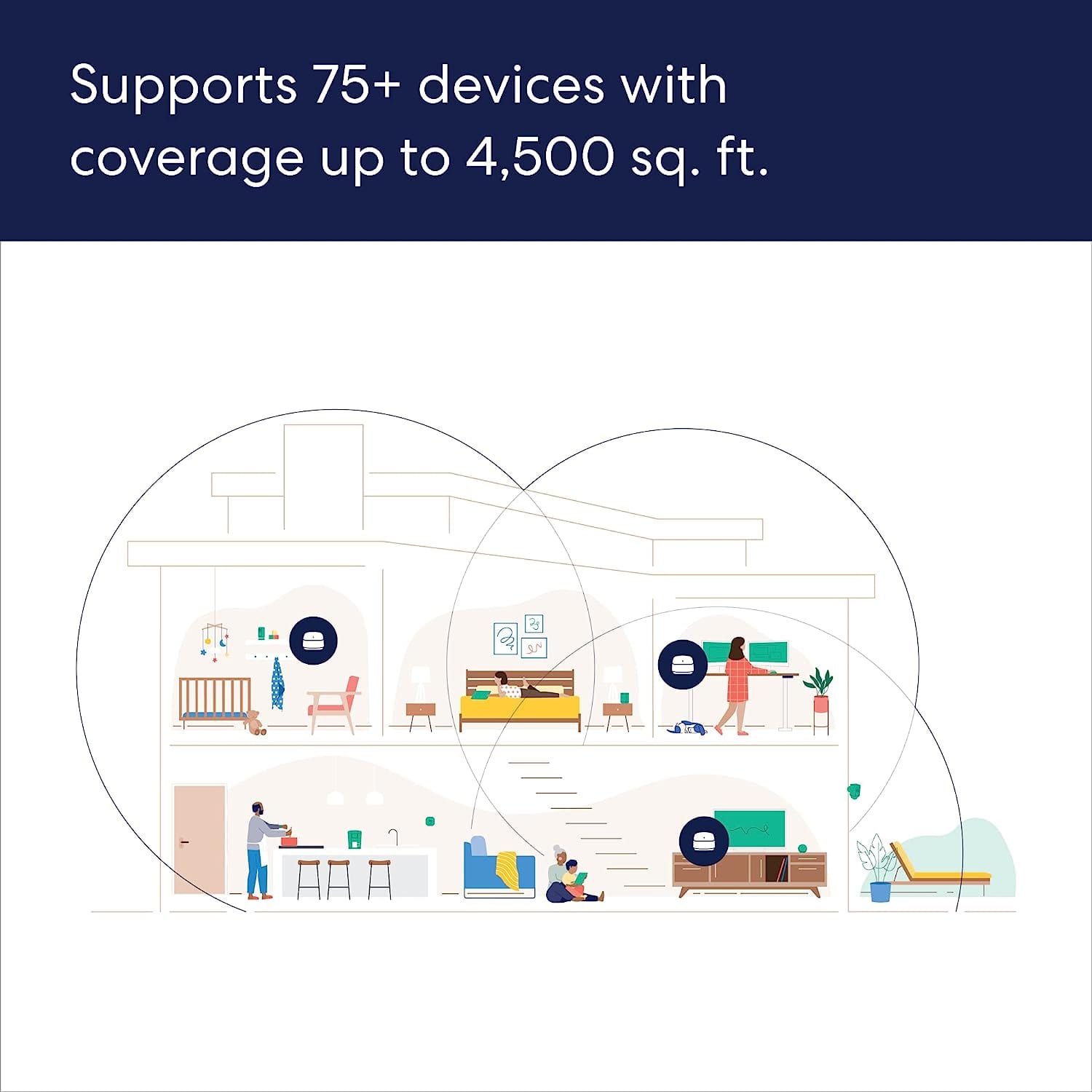
||Posted . Owned for 1 month when reviewed.This reviewer received promo considerations or sweepstakes entry for writing a review.I am completely thrilled with this mesh WiFi. There are six of us in our home with cellphones, laptops, and streaming TV's, as well as smart thermostats and other WiFi connected devices. Once I installed this, the lag we were experiencing with our Fios Quantum Gateway router was eliminated when streaming TV or on work video calls. The installation was very straightforward and took no more than 15 minutes. Our house has 4800 sq. ft. and this system provides excellent coverage. Note that if you are using an existing router like I am, you will need to deactivate the WiFi on the router. Optionally, you can buy a new cable modem.
I would recommend this to a friend 4 Vacation rentals with eero system!
||Posted . Owned for 3 weeks when reviewed.This reviewer received promo considerations or sweepstakes entry for writing a review.This was my 4th purchase of the mesh system and I must say it works seamlessly. I have 4 Airbnb properties and have installed this in all of my homes. I have a software engineer staying in one house and he is working and is very happy with the wifi system. Thanks!
I would recommend this to a friend- Pros mentioned:Ease of use
Hv
||Posted . Owned for 3 weeks when reviewed.This reviewer received promo considerations or sweepstakes entry for writing a review.It’s good product and is easy to install for home and off
I would recommend this to a friend Excellent coverage!
||Posted . Owned for 1 month when reviewed.This reviewer received promo considerations or sweepstakes entry for writing a review.I really do like the Wi-Fi coverage and it was very easy to set up!
I would recommend this to a friend- Cons mentioned:Price
Seamles yet expensive
||Posted . Owned for 1 year when reviewed.This reviewer received promo considerations or sweepstakes entry for writing a review.Seamless, but a bit expensive compared to the competetion.
I would recommend this to a friend Great coverage and fast
||Posted . Owned for less than 1 week when reviewed.This reviewer received promo considerations or sweepstakes entry for writing a review.The setup was amazingly fast! It asked for my old routers info and immediately started working, using my current system info! That is awesome! The coverage is great and the fact you can turn the lights off on them through the app is nice too.
I would recommend this to a friend- Pros mentioned:Overall performance
Works great. Limited user configuration.
||Posted . Owned for 1 month when reviewed.This reviewer received promo considerations or sweepstakes entry for writing a review.They are working great. Simple set up but very limited user control configuration for techies.
I would recommend this to a friend - Pros mentioned:Setup
Eero
||Posted .This reviewer received promo considerations or sweepstakes entry for writing a review.It’s easy to install but it doesn’t provide good support
No, I would not recommend this to a friendBrand response from Amazon Devices Customer Support
Posted .Hello Mari! If you need support for your eero 6+ 3-pack system, please reach out to eero customer support at 877-659-2347. They will be able to support you and any troubles you are facing with your eero system. Thanks and have a great day!

WiFi
||Posted . Owned for 3 weeks when reviewed.This reviewer received promo considerations or sweepstakes entry for writing a review.Our new eero wifi works great and now we have no dead spots in our house.
I would recommend this to a friend- Pros mentioned:Ease of use
Nice
||Posted . Owned for 1 month when reviewed.This reviewer received promo considerations or sweepstakes entry for writing a review.It seamed very easy for the TDS rep. to hook up..
I would recommend this to a friend WIFI improvement
||Posted . Owned for 1 month when reviewed.This reviewer received promo considerations or sweepstakes entry for writing a review.This product has greatly increased my WIFI experience. The addition of this device immediately corrected a camera deficiency in my garage and I have noticed other devices are operating efficiently. I highly recommend this product as it enhances one’s WIFI performance.
I would recommend this to a friendeero review
||Posted . Owned for 3 weeks when reviewed.This reviewer received promo considerations or sweepstakes entry for writing a review.seems ok but occasionally goes out and there is no internet connection. Definitely around 3AM daily Nice design
I would recommend this to a friendBrand response from Amazon Devices Customer Support
Posted .Hi CynthiaB. Thank you for your feedback on the eero 6+ system. I’m sorry to hear about your signal drops. Soft resetting your gateway eero (the one connected to your modem) can be a useful troubleshooting step. To soft reset your eero: Hold the reset button until its LED flashes yellow (approximately 7 seconds). Once it flashes yellow, release it. As the eero boots up, the LED will flash white, then blue, and then return to solid white. Once the LED is solid white, you should be able to see your eero is back online in the eero app. If you still experience connection drops, take note of the time of the drop and reach out to customer service so that they can troubleshoot further. They can be reached at (877) 659-2347. I hope this helps. Have a great day!
Good but not great
||Posted . Owned for 11 months when reviewed.This reviewer received promo considerations or sweepstakes entry for writing a review.It’s good, but it doesn’t travel through walls well because it auto switches between frequencies. There is no way to have it set to only 2.4ghz.
No, I would not recommend this to a friendBrand response from Amazon Devices Customer Support
Posted .Hello MarcS! Thank you for your feedback on the eero 6+ (3-pack). I understand your concern about the WiFi signal strength through walls and the automatic frequency switching between 2.4GHz and 5GHz bands.
The eero 6+ is designed with intelligent band steering technology that automatically selects the optimal frequency for each connected device to maximize performance and network efficiency. While this system doesn't allow manual selection to lock devices to only 2.4GHz, this automatic switching is intentional to balance speed and range across your network. The 2.4GHz band does provide better wall penetration and longer range, while 5GHz offers faster speeds at shorter distances. Here are some strategies to optimize your eero network's performance through walls and improve overall coverage:1. Place eero where they can talk to each other. 2. Place eero on a hard, flat surface. 3. Keep eero in open space. 4. Try placing your eero near doors; this may help since wood is less dense and easier for Wi-Fi waves to penetrate. 5. Avoid placing your eero in a location near heavy metal or any other point of interference, such as a microwave. If this information does not resolve your issue, please reach out directly to eero customer support at (877) 659-2347. Again, thank you for the feedback and have a great day!