Customer Ratings & Reviews



- Model:
- R010311
- SKU:
- 12350839
Rating by feature
- Setup
Rating 4.8 out of 5 stars
- Range
Rating 4.7 out of 5 stars
- Signal Strength
Rating 4.7 out of 5 stars
Customers are saying
Customers frequently mention the product's excellent ease of use, overall performance, and impressive speed, which significantly improves Wi-Fi coverage, range, and signal strength with an easy setup process. Many also highlight its effectiveness in eliminating buffering, lag, and dead spots. However, some customers have noted concerns regarding its compatibility with newer devices and its price.
This summary was generated by AI based on customer reviews.
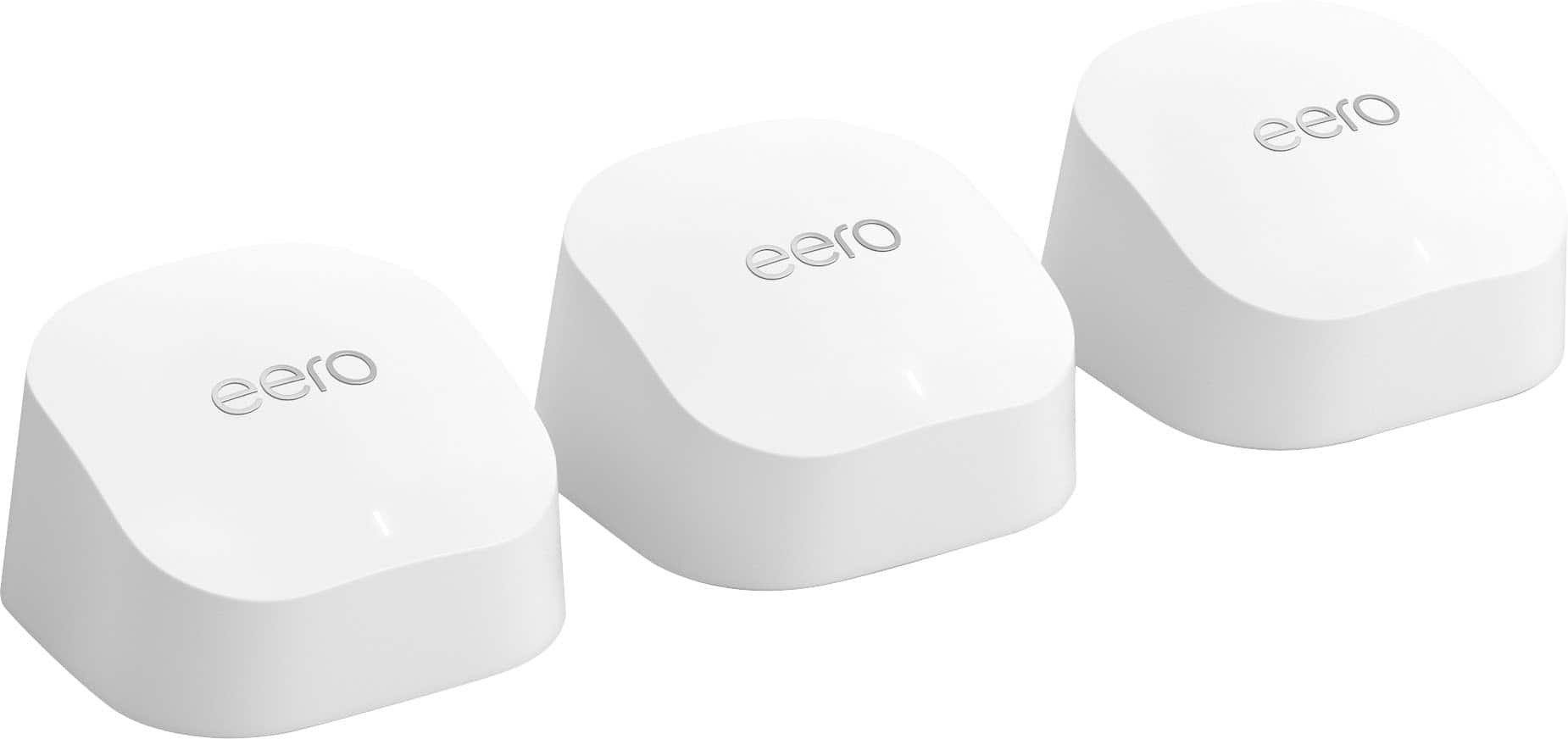
Eero 6+
||Posted . Owned for 3 weeks when reviewed.This reviewer received promo considerations or sweepstakes entry for writing a review.We are very pleased with our Eero 6+ purchase. We set up the 3 pods in various locations in our home & it has definitely aided in providing better internet connection & also speeding up our internet connection.
I would recommend this to a friendEERO
||Posted . Owned for 1 month when reviewed.This reviewer received promo considerations or sweepstakes entry for writing a review.I got it for my daughter and she love. my daughter wasn't getting good internet Service but know its excellent
I would recommend this to a friendeero review
||Posted . Owned for 1 month when reviewed.This reviewer received promo considerations or sweepstakes entry for writing a review.can't get it to set up with modem...could be operator error, but troubleshooting help is confusing too.
No, I would not recommend this to a friendBrand response from Amazon Devices Customer Support
Posted .Hello RossP
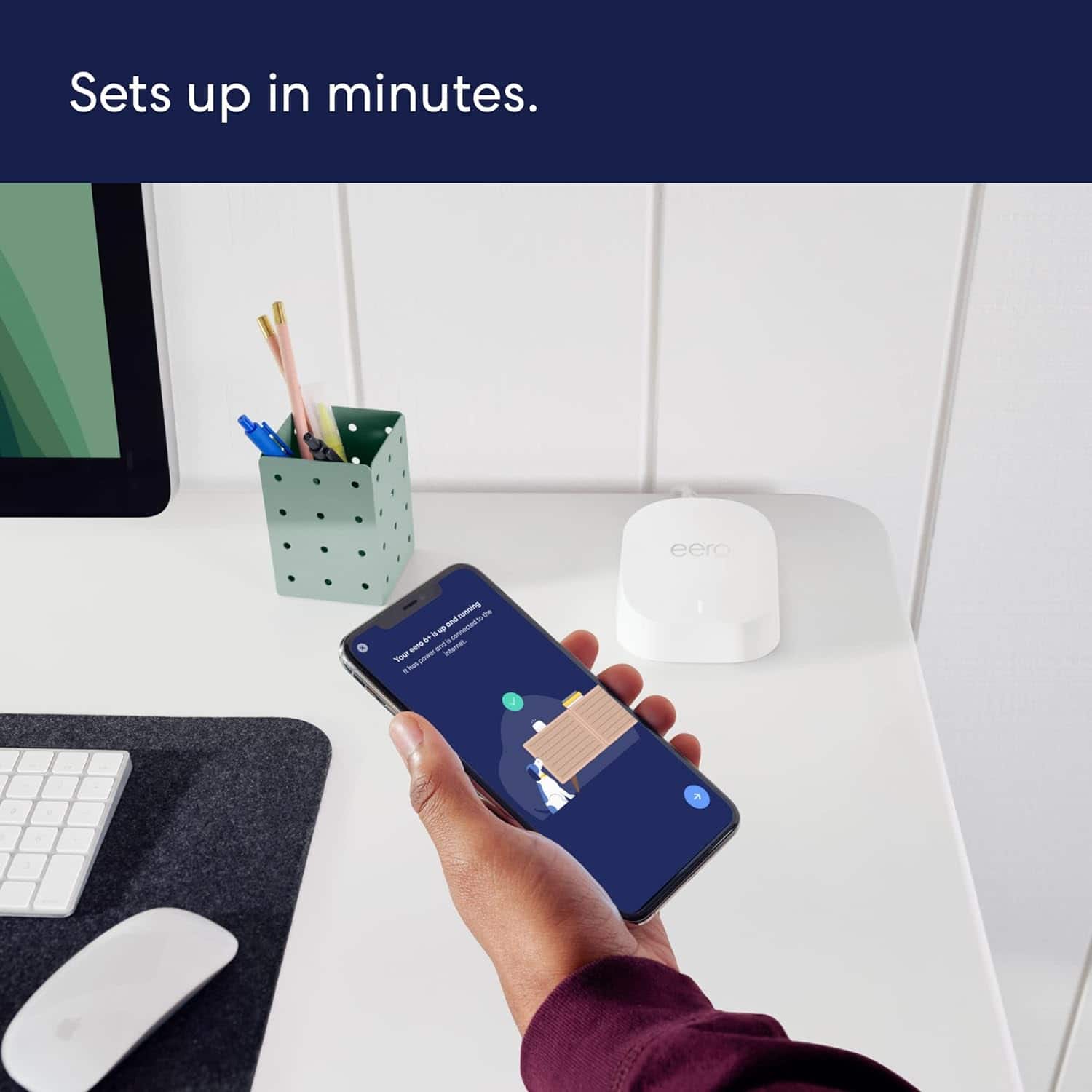
Setting up a new router should be straightforward, and I appreciate you sharing your honest experience. The eero 6+ is designed to set up in minutes through the eero app, but connecting it to your modem can sometimes hit snags depending on your internet service provider and modem type. Here is a clear, simplified step-by-step guide to get your eero 6+ connected to your modem:
Step-by-Step Setup Guide
Download the eero app on your iOS or Android device and create an eero account (or log in if you already have one).
Unplug your modem from power and wait 60 seconds. If you have a separate router, disconnect and set it aside — the eero 6+ replaces your router.
Connect the eero to your modem using the included Ethernet cable. Plug one end into your modem and the other into either of the two Ethernet ports on the back of the eero 6+.
Plug your modem back in and wait 1–2 minutes for it to fully boot up (all lights should be stable).
Plug in your eero 6+ using the included power adapter and wait for the LED light to pulse white — this means it's ready to be set up.
Open the eero app and tap the "+" icon to add a device. The app will use Bluetooth to find your eero, so make sure Bluetooth is enabled on your phone and you are standing near the eero.
Follow the on-screen prompts — the app will walk you through naming your network and setting a password.
Common Issues and Fixes
"No eero devices found" — Make sure Bluetooth is turned on and not connected to other devices (like a smartwatch). Try closing and reopening the eero app, or restarting your phone.
"We found an issue — check if your eero and modem are connected properly" — This usually means the modem hasn't fully restarted. Unplug the modem again for a full 2 minutes, then plug it back in and wait for all lights to stabilize before retrying setup.
ISP modem/router combo (gateway) conflict — If your ISP provided a modem/router combo unit (common with Xfinity, AT&T, Spectrum), you may need to put it into bridge mode to avoid a double NAT conflict. Contact your ISP and ask them to enable bridge mode on your gateway, which will let the eero handle all routing duties.
eero LED stays red or won't turn white — Try a different Ethernet cable, or plug into the other Ethernet port on the eero. If the LED still won't pulse white, perform a factory reset by pressing and holding the reset button on the bottom of the eero for 15 seconds until the LED flashes.
Setup via serial number — If Bluetooth discovery fails, the eero app offers an option to set up using the serial number printed on the bottom of the device. This can bypass Bluetooth pairing issues.
I hope this information helps. Thank you for your feedback — it helps us improve the setup experience for all customers. Have a great day.
Eero Wi-Fi Mesh great coverage.
||Posted . Owned for 1 month when reviewed.This reviewer received promo considerations or sweepstakes entry for writing a review.Great wi-fi mesh system! The coverage is great. Allows my streaming devices to stream with no restrictions.
I would recommend this to a friendWorks as designed.
||Posted . Owned for 3 weeks when reviewed.This reviewer received promo considerations or sweepstakes entry for writing a review.Good product. Works as advertised. Only drawback is satellites are only wireless, can't be hardwired via Cat5 or6. Could have faster throughput but OK.
I would recommend this to a friendits okay
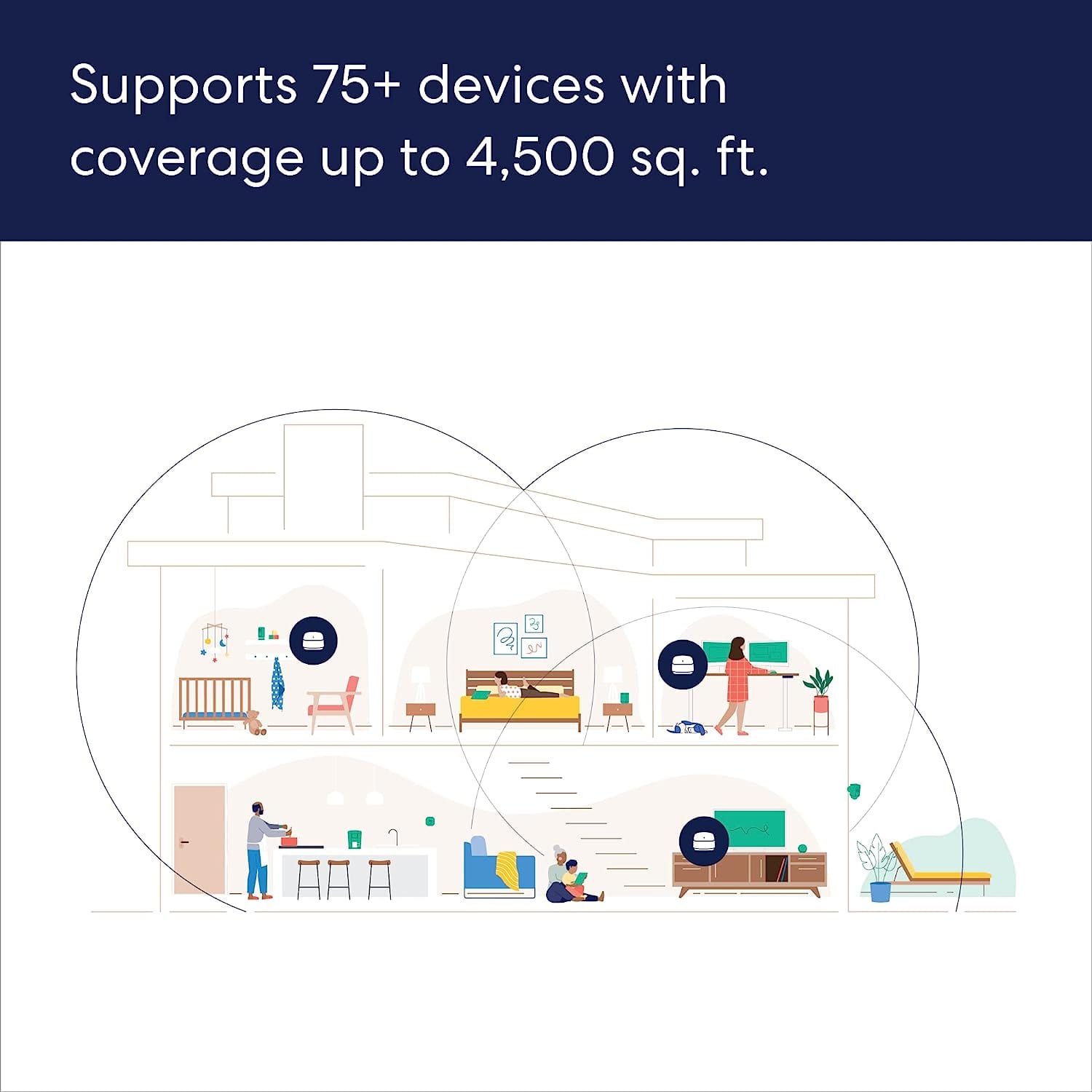
||Posted . Owned for 2 weeks when reviewed.This reviewer received promo considerations or sweepstakes entry for writing a review.They said its supposed to cover 1500 sqft but my apartment is 1100 and its definitely spotty the further I get from the router
I would recommend this to a friendBrand response from Amazon Devices Customer Support
Posted .Hi NerissaO. Thank you for providing feedback regarding your experience with the eero 6+. I am sorry to hear that the coverage isn't meeting your expectations. Each eero 6+ router provides coverage up to 1,500 sq. ft. Depending on the layout of your apartment and the materials used in its construction, more eeros could be needed. I would suggest switching to a 2-Pack eero 6+ system to ensure fast, reliable WiFi throughout your apartment. I hope this helps. Have a great day!
Great signal!
||Posted . Owned for more than 2 years when reviewed.This reviewer received promo considerations or sweepstakes entry for writing a review.Very helpful in extending our home network signal!
I would recommend this to a friend
Best mesh network for the money
|Posted . Owned for 1 month when reviewed.This reviewer received promo considerations or sweepstakes entry for writing a review.[Employee of bestbuy] Tried many of the other brands mesh system, and this one just seems to be the most reliable
I would recommend this to a friendWI FI in Home Problem - Solved by Vegas and Instal
||Posted . Owned for 1 month when reviewed.This reviewer received promo considerations or sweepstakes entry for writing a review.Needed stronger WIFI. Was on the wrong track, and Vegas (Best Buy sales) steered me to EERO, which solved my WiFi and cell phone inside home issues.
I would recommend this to a friendAmazing
||Posted . Owned for 1 month when reviewed.This reviewer received promo considerations or sweepstakes entry for writing a review.Awesome product!! The associate was amazing and he guided me in the right direction! Perfect choice for my 4-bed townhome.
I would recommend this to a friendEero wifi system highly recommend
||Posted . Owned for 1 month when reviewed.This reviewer received promo considerations or sweepstakes entry for writing a review.The Eero wifi systems have been a great addition to our home. We no longer have connectivity issues or rooms in the home that are to far away to get a good signal.
I would recommend this to a friendWorth it!
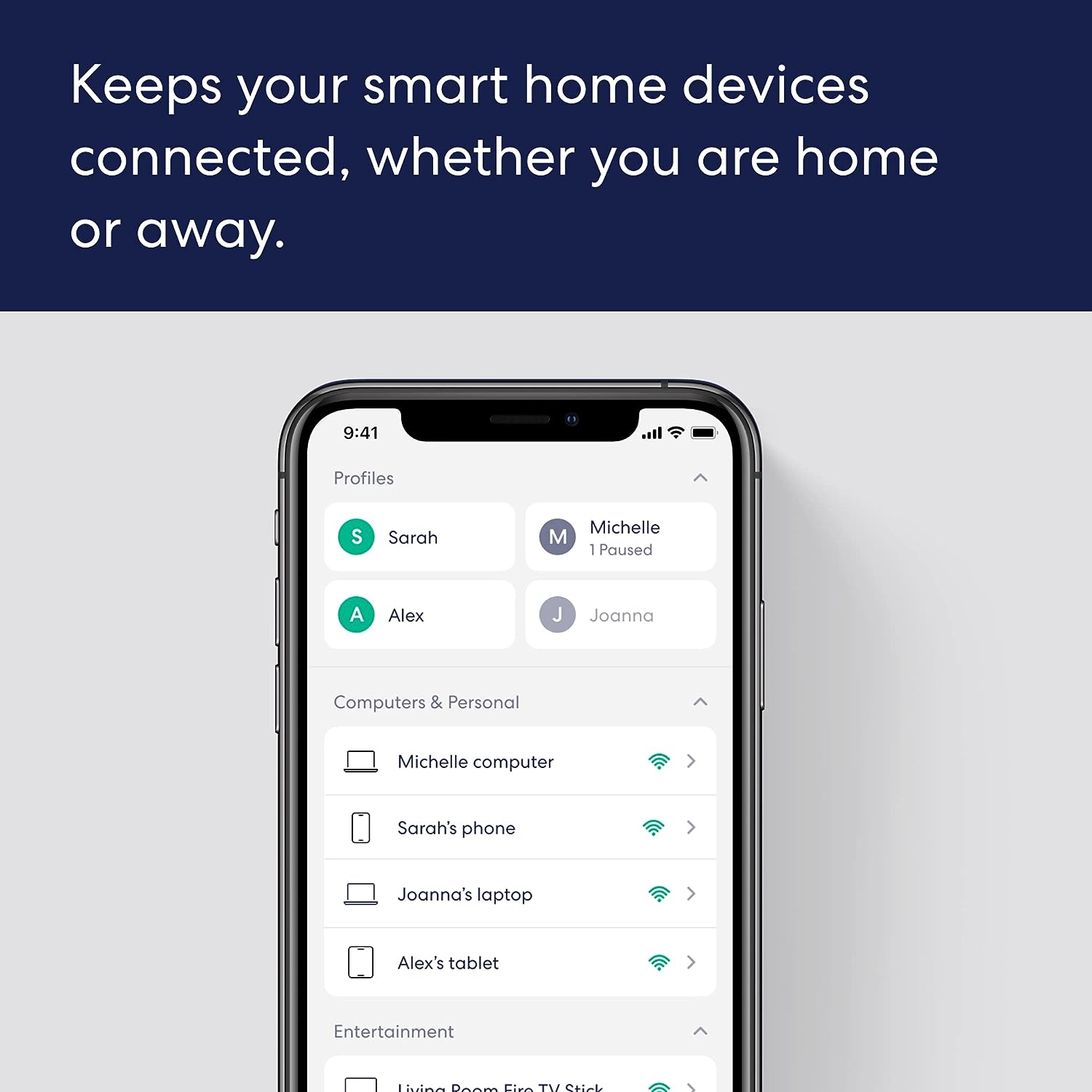
||Posted . Owned for 1 month when reviewed.This reviewer received promo considerations or sweepstakes entry for writing a review.These are game changers. Highly recommended. They are simple to set up and improve connectivity immediately. They include a dashboard that can also support your management and control of WiFi access
I would recommend this to a friend- Pros mentioned:Speed
Not so fast.
||Posted . Owned for 2 weeks when reviewed.This reviewer received promo considerations or sweepstakes entry for writing a review.Not as fast as Linksys. I returned it and purchased a Linksys mesh system. It is twice the speed.
No, I would not recommend this to a friend Better wifi range.
||Posted . Owned for 3 weeks when reviewed.This reviewer received promo considerations or sweepstakes entry for writing a review.I live in an 102 year old house with lots of plaster and lath walls. I added a few units to my existing Eero system and have much better wifi strength in the rooms that were the weakest.
I would recommend this to a friendAmazing!!
||Posted . Owned for 3 months when reviewed.This reviewer received promo considerations or sweepstakes entry for writing a review.My WiFi has never been better! No dead zones in the house at all. Haven’t had any issue unlike my AT&T extender which was TRASH!!
I would recommend this to a friendFrustrated
||Posted . Owned for 1 month when reviewed.This reviewer received promo considerations or sweepstakes entry for writing a review.The eero mesh system does work better then the previous system, but we still put up with buffering and dropped internet, I was really hoping this was going to fix the issue, however, I'm just tired of throwing money at the problem.
I would recommend this to a friendBrand response from Amazon Devices Customer Support
Posted .Hi TClick. Thank you for your feedback on the eero 6+ system. I'm sorry to hear that you're having signal issues. Each eero 6+ node provides coverage up to 1,500 sq. ft. Depending on the layout of your home and the materials used in its construction, more eeros could be needed. For now, here are some troubleshooting steps that may remedy your issue: 1. If you're noticing signal drops on a particular eero node, power cycle your eero. If the signal drops on all eeros on the network, power cycle all of your eeros. You'll do this by unplugging the power cable from the back of your eero, waiting 30 seconds, and plugging it back in. This step can sometimes fix connectivity issues. 2. Unplug the power cable from your modem, wait 30 seconds, then plug it back in. If this information doesn’t resolve your issue, call eero customer service at (877) 659-2347. They’re available Monday-Sunday 6am-8pm PT. I hope this helps. Have a great day!
Mesh Wi-Fi
||Posted . Owned for 3 weeks when reviewed.This reviewer received promo considerations or sweepstakes entry for writing a review.This system covers the entire home effectively. I had it setup by the Geek Squad. I’m very pleased with the performance of the system.
I would recommend this to a friendGrateful for standard users
||Posted . Owned for 1 month when reviewed.This reviewer received promo considerations or sweepstakes entry for writing a review.Cover a lot of square footage just lacking a lot of security features even if you pay the additional for the package.
I would recommend this to a friendOwner
||Posted . Owned for 1 month when reviewed.This reviewer received promo considerations or sweepstakes entry for writing a review.We just turned 7 TV’s to streaming and we’re struggling with buffering. The 2 EERO installed dramatically improved our service!!
I would recommend this to a frienderro
||Posted . Owned for 3 weeks when reviewed.This reviewer received promo considerations or sweepstakes entry for writing a review.Works great and my house internet network runs perfectly.
I would recommend this to a friend