Customer Ratings & Reviews



- Model:
- R010311
- SKU:
- 12350839
Rating by feature
- Setup
Rating 4.8 out of 5 stars
- Range
Rating 4.7 out of 5 stars
- Signal Strength
Rating 4.7 out of 5 stars
Customers are saying
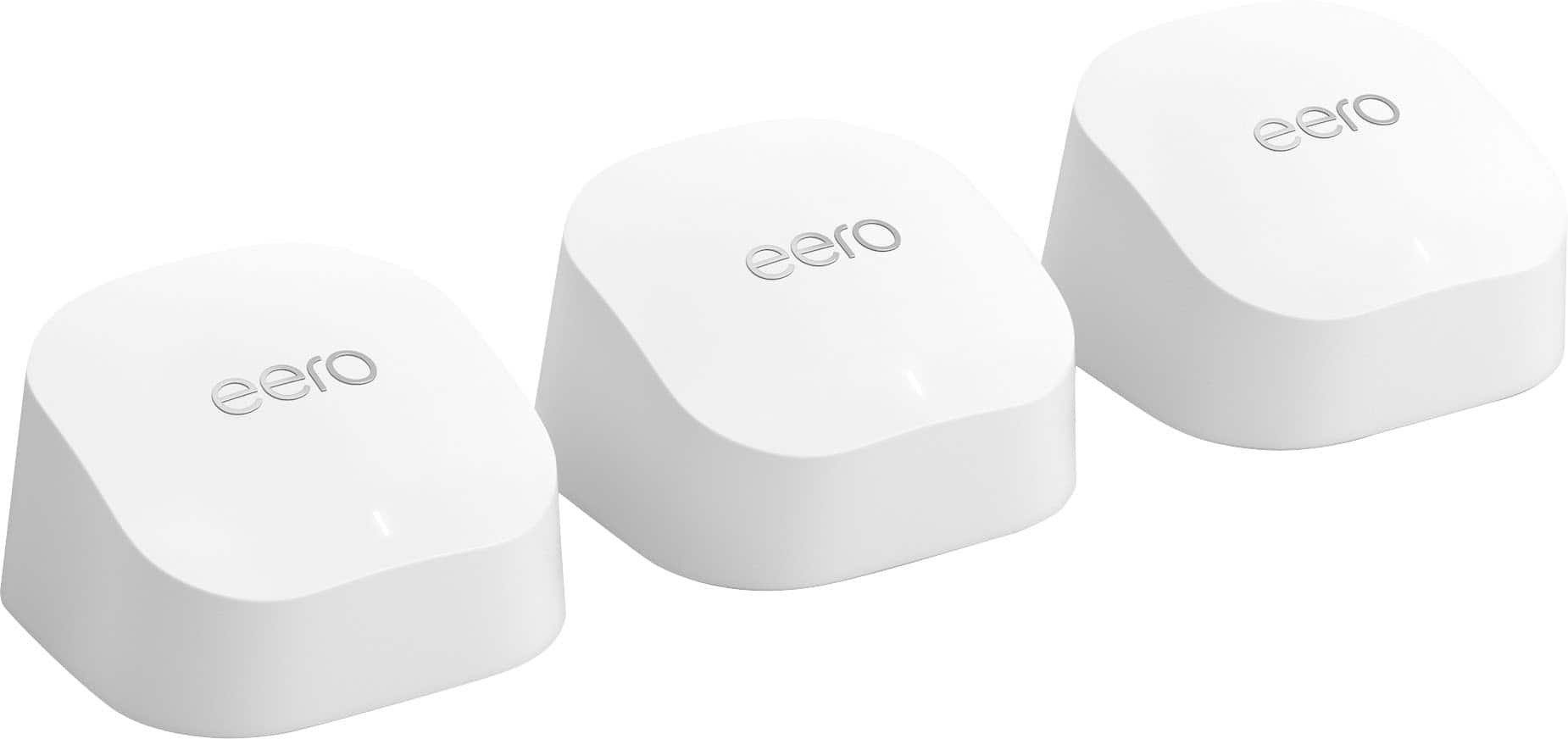
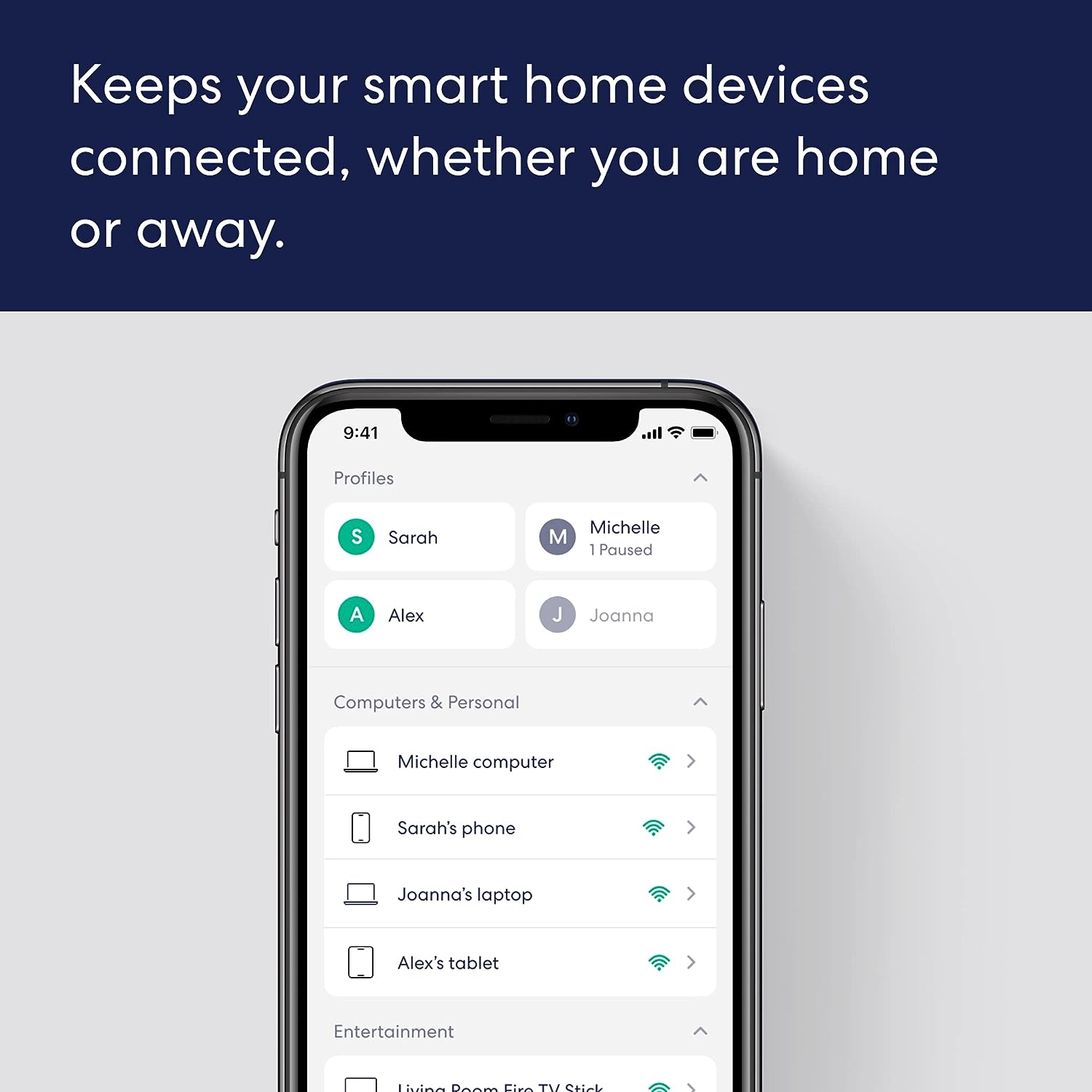
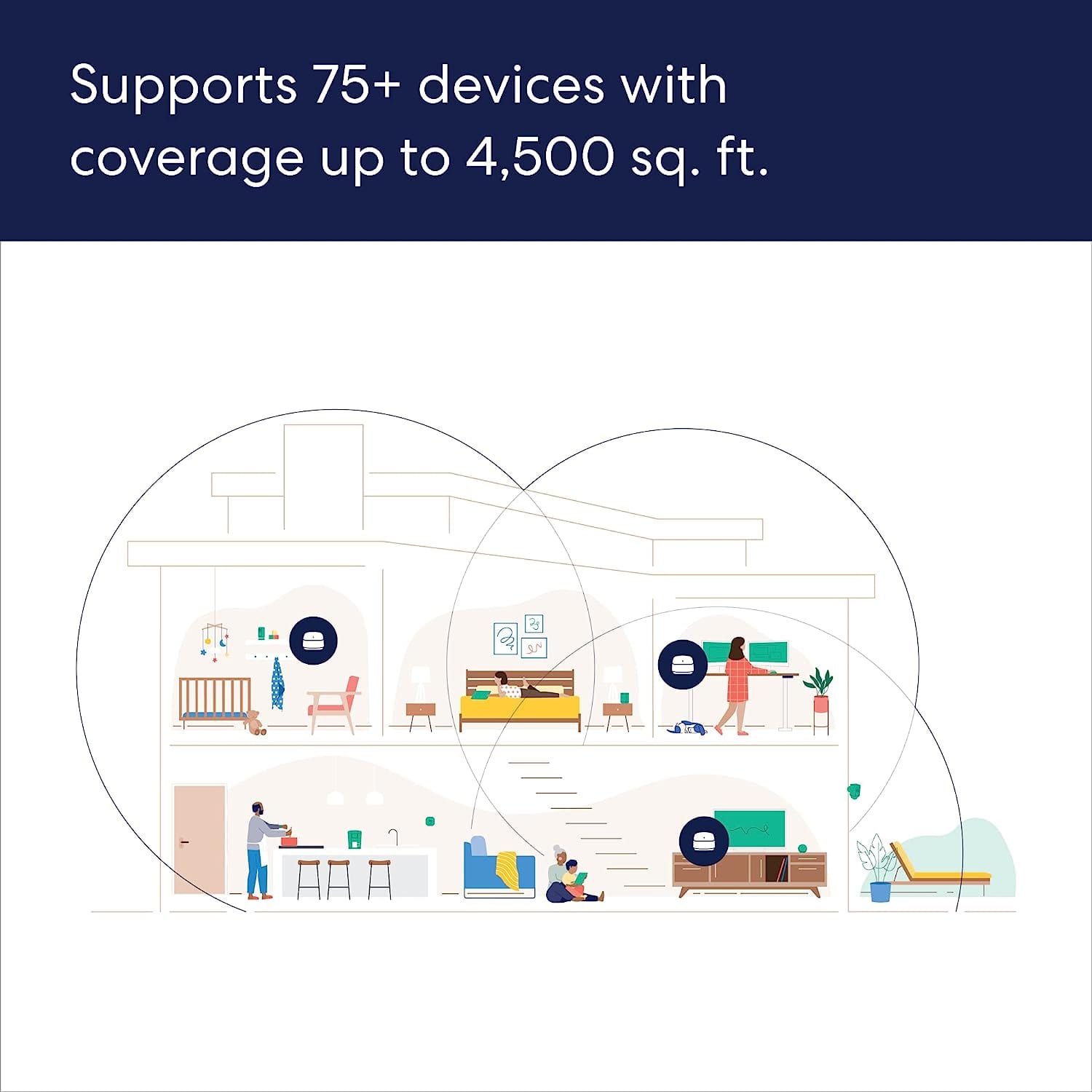
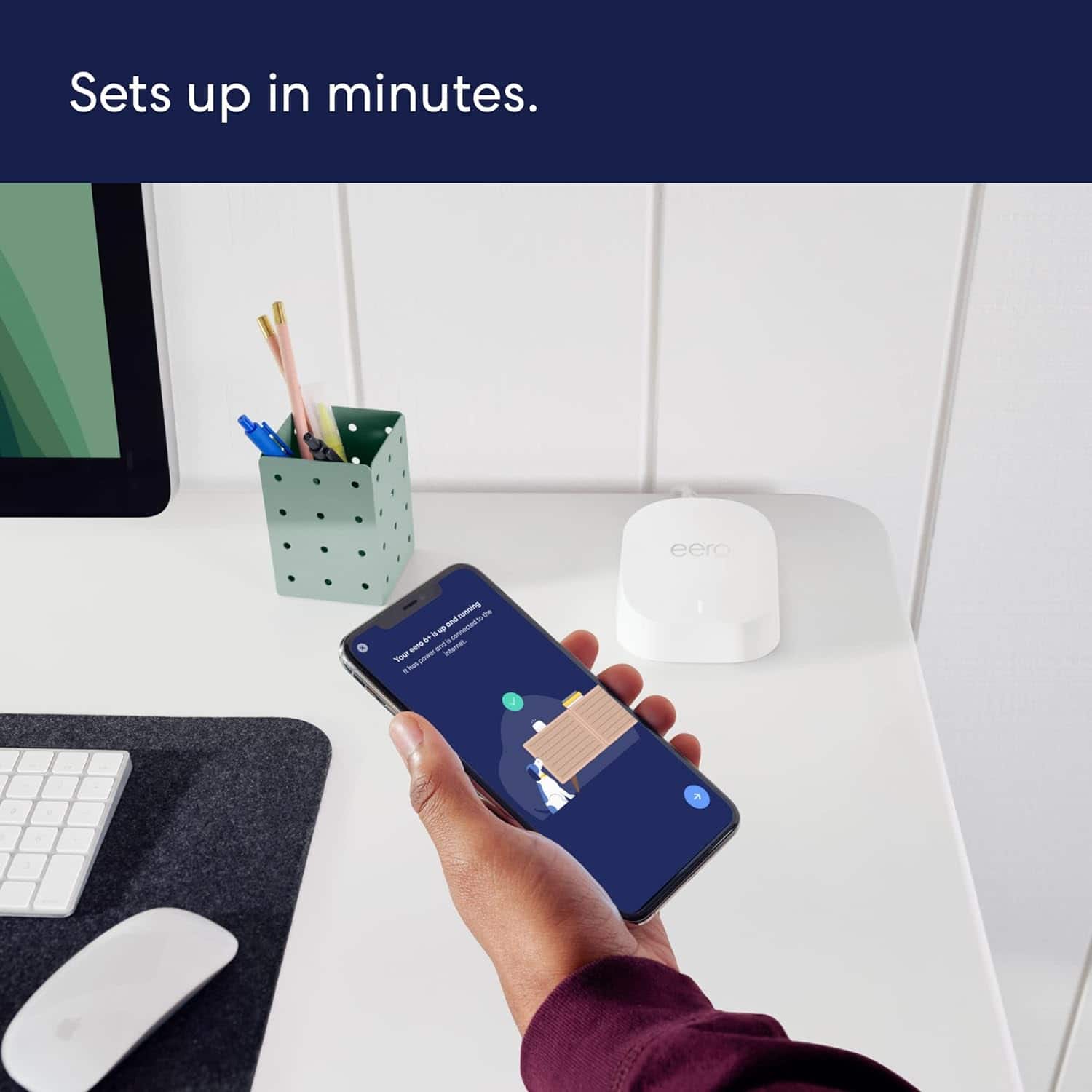
Customers frequently mention the product's excellent ease of use, overall performance, and impressive speed, which significantly improves Wi-Fi coverage, range, and signal strength with an easy setup process. Many also highlight its effectiveness in eliminating buffering, lag, and dead spots. However, some customers have noted concerns regarding its compatibility with newer devices and its price.
This summary was generated by AI based on customer reviews.
A fantastic high speed wi-fi router system!
||Posted . Owned for 3 weeks when reviewed.This reviewer received promo considerations or sweepstakes entry for writing a review.This wi-fi system is awesome, easily tripling (or more) the download speed of my old wi-fi router and the two cat-5 jacks in each module allows me to wirelessly connect my Marklin model train controller to the internet for updates and downloads. My wifi signal strength is a full 3 bars everywhere in our 3,000 square foot house and out to the perimeters of the two acres around the house.
I would recommend this to a friendRouter Did Not Work
||Posted . Owned for 1 month when reviewed.This reviewer received promo considerations or sweepstakes entry for writing a review.The router never completed setup. I've setup more routers than I can count and this one wouldn't finish setup. After an hour on the phone with Eero Tech Support, they blamed the ISP for blocking access to an unrecognized router Mac Address after which I plugged in several old routers and they immediately connected to the Internet. This product was returned.
No, I would not recommend this to a friend- Pros mentioned:Ease of use
GREAT
||Posted . Owned for 2 weeks when reviewed.This reviewer received promo considerations or sweepstakes entry for writing a review.Works great and was an easy set up. Would highly recommend trying it out.
I would recommend this to a friend - Pros mentioned:Ease of use
AX3000
||Posted . Owned for 3 weeks when reviewed.This reviewer received promo considerations or sweepstakes entry for writing a review.increased my wifi area. Easy to set up, easy to create a dual band wifi.
I would recommend this to a friend - Pros mentioned:Setup
AX3000
||Posted . Owned for 3 weeks when reviewed.This reviewer received promo considerations or sweepstakes entry for writing a review.increased my wifi area. Easy to set up, easy to create a dual band wifi.
I would recommend this to a friend - Pros mentioned:Overall performance
Works
||Posted . Owned for 2 weeks when reviewed.This reviewer received promo considerations or sweepstakes entry for writing a review.Good work is nice peffdct boxing im omly doinv ghe review gi get pointx
I would recommend this to a friend This a a great WiFi extender.
||Posted . Owned for 1 month when reviewed.This reviewer received promo considerations or sweepstakes entry for writing a review.I even put one in the detached garage and get a good signal out there.
I would recommend this to a friendGood
||Posted . Owned for 1 month when reviewed.This reviewer received promo considerations or sweepstakes entry for writing a review.Good it’ exactly what I looking for, excellent to extend the range
I would recommend this to a friendDoesn't let you choose your band and is limited
||Posted . Owned for 7 months when reviewed.This reviewer received promo considerations or sweepstakes entry for writing a review.My biggest issue with this router and it's a feature I'm stumped about is the lack of letting the user control the individual bands. For example, my PS5nuses 5Ghz wifi which is much faster than traditional 2.4Ghz. but this router chooses to send the slower signal to the newer and more modern capable device. This means less wifi speed and just a bad experience. For this reason. I'm returning. Switching back to my TP link router.
No, I would not recommend this to a friendBrand response from Amazon Devices Customer Support
Posted .Hi Vic87. Thank you for providing feedback about your experience with the eero 6+ router. I’m sorry to hear about your connection issues. Devices generally choose which Wi-Fi band to connect to automatically, based on factors like signal strength, compatibility, and interference. Turning on Client Steering may help your device choose the 5GHz band. To turn on Client Steering, open the eero app, go to the Settings tab, select Network settings, select Client Steering, toggle the Client steering option on. If this doesn’t resolve your issue, call eero customer service at (877) 659-2347. They’re available Monday-Sunday 6am-8pm PT. I hope this helps. Have a great day!

- Pros mentioned:Overall performance
Works
||Posted . Owned for 3 weeks when reviewed.This reviewer received promo considerations or sweepstakes entry for writing a review.Does what I need it too. Makes wife happy for working from home.
I would recommend this to a friend - Pros mentioned:Ease of use
Improved WiFi
||Posted . Owned for 3 weeks when reviewed.This reviewer received promo considerations or sweepstakes entry for writing a review.Was easy to set up and greatly improved our streaming experience.
I would recommend this to a friend - Pros mentioned:Ease of use
Speedy Wi-Fi signal.
||Posted . Owned for 3 weeks when reviewed.This reviewer received promo considerations or sweepstakes entry for writing a review.Very easy to set up, I was up an running within about 10 minutes,
I would recommend this to a friend - Pros mentioned:Wi-fi coverage
Great coverage!
||Posted . Owned for 2 weeks when reviewed.This reviewer received promo considerations or sweepstakes entry for writing a review.The coverage that these provide is phenomenal. Just what Ineeded!
I would recommend this to a friend - Pros mentioned:Wi-fi coverage
Eero wifi router
||Posted . Owned for 1 month when reviewed.This reviewer received promo considerations or sweepstakes entry for writing a review.Works very well no more dead spots in my home excellent device
I would recommend this to a friend Eero 6+
||Posted . Owned for 1 month when reviewed.This reviewer received promo considerations or sweepstakes entry for writing a review.Easy set by up and provides great signal strength to all areas.
I would recommend this to a friend- Pros mentioned:Overall performance
Eero
||Posted . Owned for 2 weeks when reviewed.This reviewer received promo considerations or sweepstakes entry for writing a review.Easy to use and does exactly what is needed. No issues to note
I would recommend this to a friend Extended wifi
||Posted . Owned for 1 month when reviewed.This reviewer received promo considerations or sweepstakes entry for writing a review.Great product, great range. Would purchase again if needed.
I would recommend this to a friendJob not done
||Posted . Owned for less than 1 week when reviewed.This reviewer received promo considerations or sweepstakes entry for writing a review.They didnt cover my house. I needed more range.Didnt do job as expect
No, I would not recommend this to a friend- Pros mentioned:Ease of use
Was great until not great
||Posted .This reviewer received promo considerations or sweepstakes entry for writing a review.It was very easy to install, and did its job. However, after 2 weeks the router stopped functioning even though my ISP had no outages. It continued to display a red LED and troubleshooting did not resolve the problem. I will be returning this router.
No, I would not recommend this to a friend Frustrating
||Posted . Owned for 1 year when reviewed.This reviewer received promo considerations or sweepstakes entry for writing a review.This mesh router doesn’t distinguish between 5mhz and 2.4 mhz. Many 2,4 devices can’t sync. Very frustrating.
No, I would not recommend this to a friendBrand response from Amazon Devices Customer Support
Posted .Hi RandallW. Thank you for providing feedback regarding your experience with the eero 6+ system. eero uses a single SSID that allows devices to live on the 2.4GHz and 5 GHz radio frequencies. Devices that only work on the 2.4 GHz frequency are still usable with eero. To get these devices set up, you’ll need to temporarily disable the 5GHz bands. Do this in the eero app by tapping on Settings > Troubleshooting > 'My device won't connect', then tapping on the "Temporarily pause 5GHz" button. This will disable 5GHz for 10 minutes, which can help with setting up some 2.4GHz only devices.If you still can’t get your devices connected, call eero customer service at (877) 659-2347 so they can troubleshoot further. They’re available Monday-Sunday 6am-8pm PT. I hope this helps. Have a great day!