Customer Ratings & Reviews

- Model:
- R010311
- SKU:
- 12350839
Rating by feature
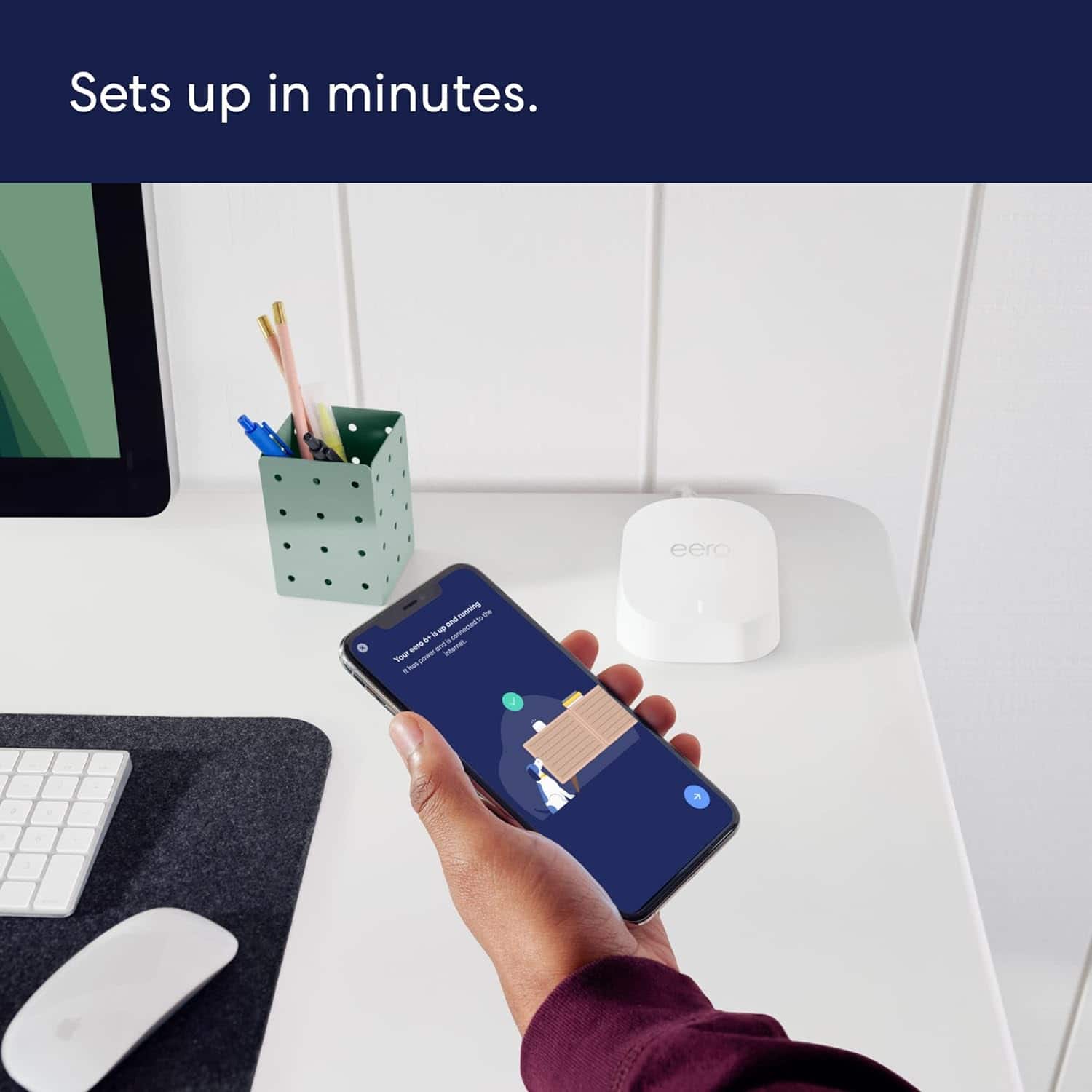
- Setup
Rating 4.8 out of 5 stars
- Range
Rating 4.7 out of 5 stars
- Signal Strength
Rating 4.7 out of 5 stars
Customers are saying
Customers frequently mention the product's excellent ease of use, overall performance, and impressive speed, which significantly improves Wi-Fi coverage, range, and signal strength with an easy setup process. Many also highlight its effectiveness in eliminating buffering, lag, and dead spots. However, some customers have noted concerns regarding its compatibility with newer devices and its price.
This summary was generated by AI based on customer reviews.
Eer0 6+
||Posted . Owned for 1 month when reviewed.This reviewer received promo considerations or sweepstakes entry for writing a review.Signal is not stable. Ping is too high and not getting close to 1g speed
No, I would not recommend this to a friendBasura
||Posted . Owned for more than 2 years when reviewed.This reviewer received promo considerations or sweepstakes entry for writing a review.Didn’t help at all. Waste of money Verizon tech said these would help. They didn’t.
No, I would not recommend this to a friendBrand response from Amazon Devices Customer Support
Posted .Hi MikeW,
Thanks for taking the time to share your experience with the eero 6+ system. I'm sorry to hear it didn't resolve your connectivity issues as expected.
Wi-Fi mesh systems can be incredibly effective, but their performance depends heavily on factors like your home's layout, the type of internet service issues you're experiencing, and proper placement of the nodes. If a Verizon tech recommended these specifically for your situation but you're not seeing improvement, there may be underlying issues with your internet service itself, modem compatibility, or the mesh system may need configuration adjustments to work optimally with your setup.
I'd recommend reaching out to eero's support team at 1-877-659-2347 or through the eero app - they can walk you through placement optimization and troubleshooting steps that might make a significant difference. Sometimes repositioning the nodes or adjusting settings can transform performance.
If the system truly isn't compatible with your specific setup or service needs, eero support can also help determine if there's a better solution for your situation.
Thanks again for sharing your honest feedback with the Best Buy community.
- Cons mentioned:Compatibility
Product not compatible
||Posted . Owned for 1 month when reviewed.This reviewer received promo considerations or sweepstakes entry for writing a review.Unfortunately the product was not compatible with our internet service. The salesperson assured us otherwise. The other issue is that directions were online and very difficult to follow especially for us elderly. Geek squad would be too expensive to assist us.
No, I would not recommend this to a friend Works well enough
||Posted . Owned for 2 months when reviewed.This reviewer received promo considerations or sweepstakes entry for writing a review.If you need a mesh system from a terrible parent company, this is the lesser of 2 evils.
I would recommend this to a friendcustomer service sucks
||Posted . Owned for 1 year when reviewed.This reviewer received promo considerations or sweepstakes entry for writing a review.cannot use where I live.So it sits in the box, wasted money
No, I would not recommend this to a friendBrand response from Amazon Devices Customer Support
Posted .Hi Cutcable. Thank you for your feedback on the eero 6+ system. I'm sorry that you haven't been able to use the system in your area. eero has been tested for compatibility with most major Internet Service Providers (ISPs) in the United States, Canada, UK, EU (France, Germany, Italy & Spain), Japan, and Australia. As long as you can connect your gateway eero to a modem or upstream device with an Ethernet cable, you should be able to set up and use eero. Please reach out directly to eero customer support at (877) 659-2347, they can assist you with the setup process. Have a great day!
Not the best
||Posted . Owned for 3 months when reviewed.This reviewer received promo considerations or sweepstakes entry for writing a review.I made this purchase at the end of Feb 2024 so at first everything was going great Speed great and each eero comes with 2 ports. Then with out me changing a thing all my devices start dropping internet all at once for 1-2 minutes numerous times a day. I call my service provider them can't find anything in that shows the internet is the problem. Then I call customer Service 3 times to try and see why all my devices are losing connection the reason is unknown so I go buy a different products and nothing is dropping as of right now. I will add more in a month and let you know how it's going
No, I would not recommend this to a friendDramatic improvement over orignal Eero
||Posted .This reviewer received promo considerations or sweepstakes entry for writing a review.Upgraded from an old Eero mesh and wifi performance more than doubled on devices capable of WIFI6. The upgrade process takes longer than I thought it would, and required 2 tries to get the gateway unit running. Once they were all setup the performance increase was dramatic.
I would recommend this to a friendThese work great, easy to setup
||Posted . Owned for less than 1 week when reviewed.This reviewer received promo considerations or sweepstakes entry for writing a review.These are easy to setup and give great coverage. Cameras, doorbell, and tv much more responsive. Big improvement over the Linksys WHW03 repeaters they replaced. In fairness to Linksys, those are a few years old and had lower specs, so not really apples to apples.
I would recommend this to a friendThis solved my issue with dead spots
||Posted . Owned for 2 weeks when reviewed.This reviewer received promo considerations or sweepstakes entry for writing a review.This mesh network is fantastic. My verizon router wasn't reaching the far end of the house on either floor. I put 2 of these on the first floor and one on the second floor and it works great. Seamless handoff as you go from one end of the house to the other.
I would recommend this to a friend- Pros mentioned:Wi-fi coverage
Nice unit - good price
||Posted . Owned for 1 month when reviewed.This reviewer received promo considerations or sweepstakes entry for writing a review.My house is 2 floors 2110 square feet - the mesh seems to be helping so far
I would recommend this to a friend Not happy with this product
||Posted .This reviewer received promo considerations or sweepstakes entry for writing a review.The WiFi has to be reset constantly. This is something my old WiFi did not require. I would not recommend this product
No, I would not recommend this to a friendBrand response from Amazon Devices Customer Support
Posted .Hi User165521. Thank you for your feedback on the eero 6+ system. I’m sorry to hear that you’ve repeatedly had to reset your system. Swapping your gateway eero (the one connected to your modem) with another eero on your network can help determine if the issue is network wide. To perform the gateway eero swap, please follow these steps: Determine which eero in your network you would like to swap with the current gateway. Unplug the modem from power. Remove power from the secondary eero that is not connected to the modem. Unplug the current gateway eero from power. Plug the modem into power and wait for it to come online. Connect the replacement gateway to the Modem via ethernet cable. Connect the replacement gateway to power. Connect the original gateway eero to power in the replacement gateway’s previous location. Allow both eeros to boot up and come online. It may take up to 10 minutes for your eero network to come back online as your network assigns the new gateway. If your network goes down again, note which eero(s) went offline and reach out to customer service so that they can further troubleshoot. They can be reached at (877) 659-2347. I hope this helps. Have a great day!
Easiest to set up
||Posted . Owned for 3 weeks when reviewed.This reviewer received promo considerations or sweepstakes entry for writing a review.Extremely user friendly, however it is struggled to see any speed faster than 200mbs
No, I would not recommend this to a friendOk product
||Posted . Owned for 1 month when reviewed.This reviewer received promo considerations or sweepstakes entry for writing a review.For small house it’s okay - if too many devices then observed slowness
No, I would not recommend this to a friendNot good
||Posted . Owned for 1 month when reviewed.This reviewer received promo considerations or sweepstakes entry for writing a review.Where to begin. First of all, the app is not useful for configuration unless you buy their subscription (eero Plus). Second, the I've had 2 of their power adapters fail within 2 months. They're $25 each. Third, I get frequent "Communication Error" when gaming and have to hard connect via ethernet to game. Fourth, when hard connected via Ethernet the upload speed is horrendous (3 MBps vs 20 MBps wireless). Never again. Changing to another brand as I don't want to hassle with constant returns.
No, I would not recommend this to a friendreview
||Posted .This reviewer received promo considerations or sweepstakes entry for writing a review.Has not improved my internet. I don't know why I'm having so much trouble.
No, I would not recommend this to a friendNot what I was expecting
||Posted . Owned for 3 weeks when reviewed.This reviewer received promo considerations or sweepstakes entry for writing a review.I have 1 Gig internet, can get the full one gig from wired to the main eero but the wifi from the beacons is weak.
I would recommend this to a friend- Pros mentioned:Overall performance
Good Product
||Posted .This reviewer received promo considerations or sweepstakes entry for writing a review.Works very nicely. The Best Buy Geek Squad hooked it up for us.
I would recommend this to a friend Works well, but not well enough
||Posted . Owned for 1 month when reviewed.This reviewer received promo considerations or sweepstakes entry for writing a review.Works well, but not a significant upgrade over my Nest mesh.
I would recommend this to a friendInconsistent connection speed
||Posted . Owned for 1 month when reviewed.This reviewer received promo considerations or sweepstakes entry for writing a review.Doesn't always connect with 5G? This will slow my computer response!
I would recommend this to a friendEERO
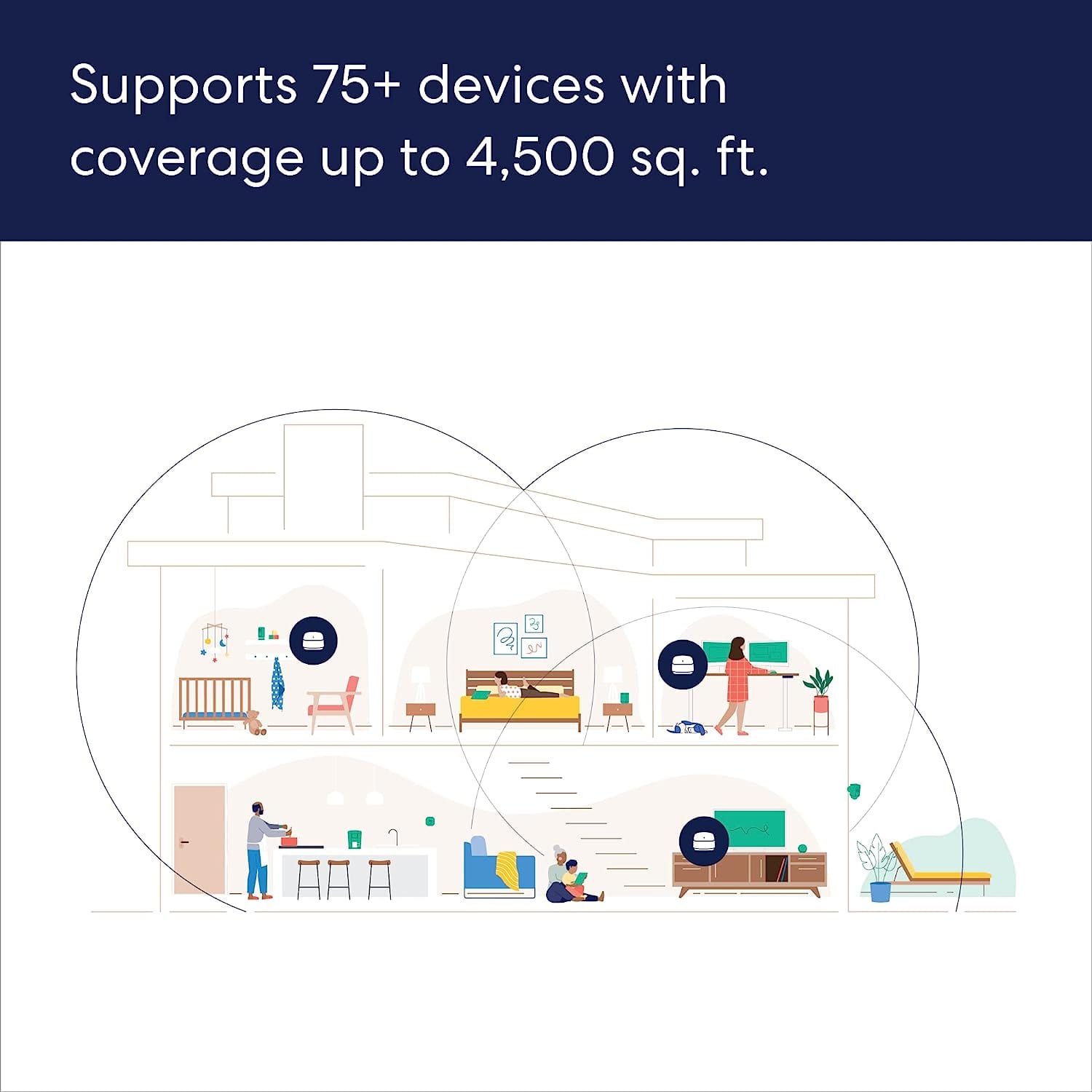
||Posted . Owned for 1 month when reviewed.This reviewer received promo considerations or sweepstakes entry for writing a review.I have the eero 6+, with a claim of 4,500 sq ft. My house is 1,553 sq ft. I still have dead spots with occasional iPhone connectivity issues. Dissatisfied
No, I would not recommend this to a friendBrand response from Amazon Devices Customer Support
Posted .Hi GButler. Thank you for reaching out. I am sorry to hear about the issues you’re having with the eero 6+ system. Here are some tips that may remedy your range issue: 1. Place eeros where they can talk to each other. 2. Place eeros on a hard, flat surface. 3. Keep your eeros out in the open. 4. Whenever possible, aim for direct line of sight between eeros. The fewer the walls between your eeros, the better. If this information doesn’t resolve your issue, call eero customer service at (877)659-2347. They’re available Monday-Sunday 6am-8pm PT. I hope this helps. Have a great day!