Customer Ratings & Reviews

- Model:
- R010311
- SKU:
- 12350839
Rating by feature
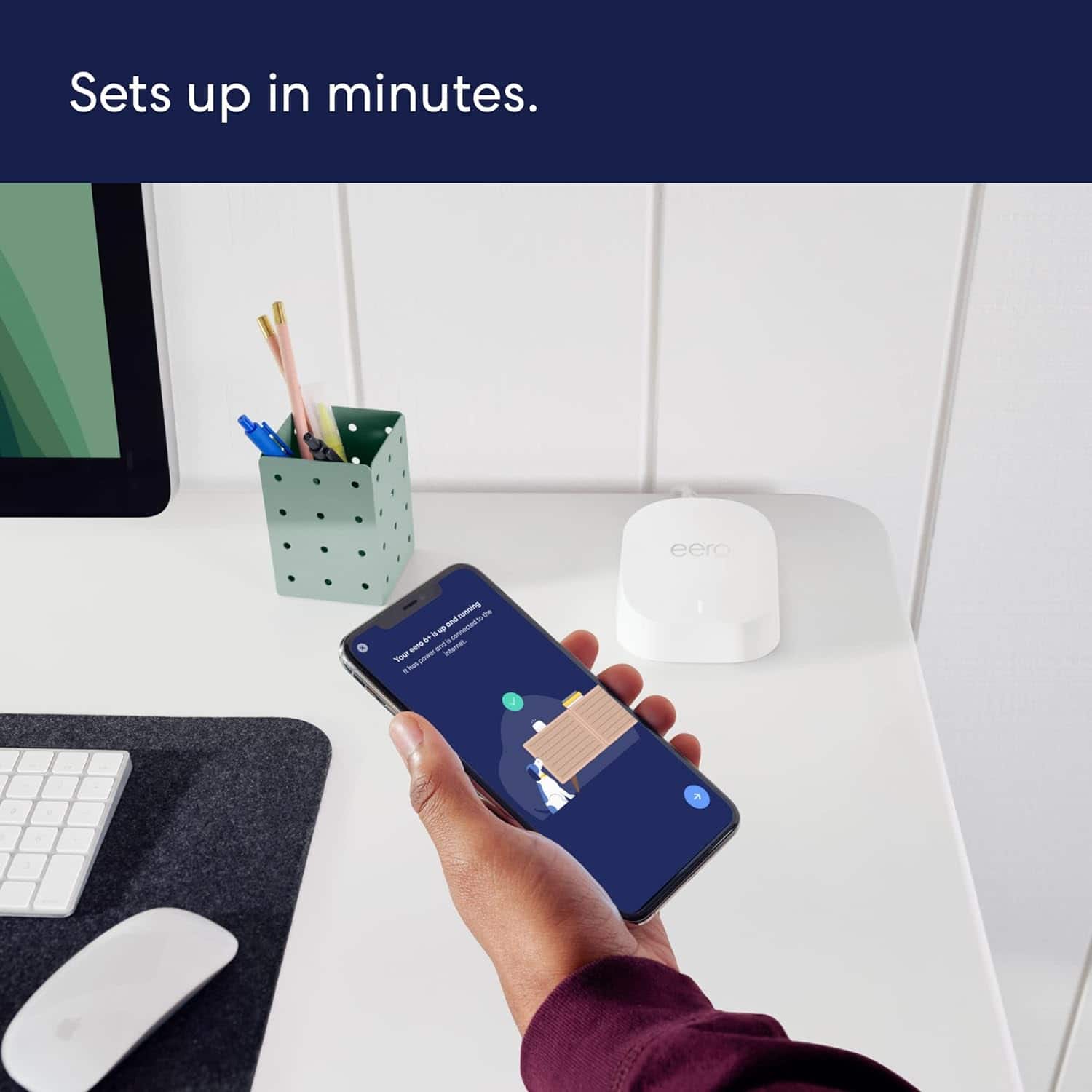
- Setup
Rating 4.8 out of 5 stars
- Range
Rating 4.7 out of 5 stars
- Signal Strength
Rating 4.7 out of 5 stars
Customers are saying
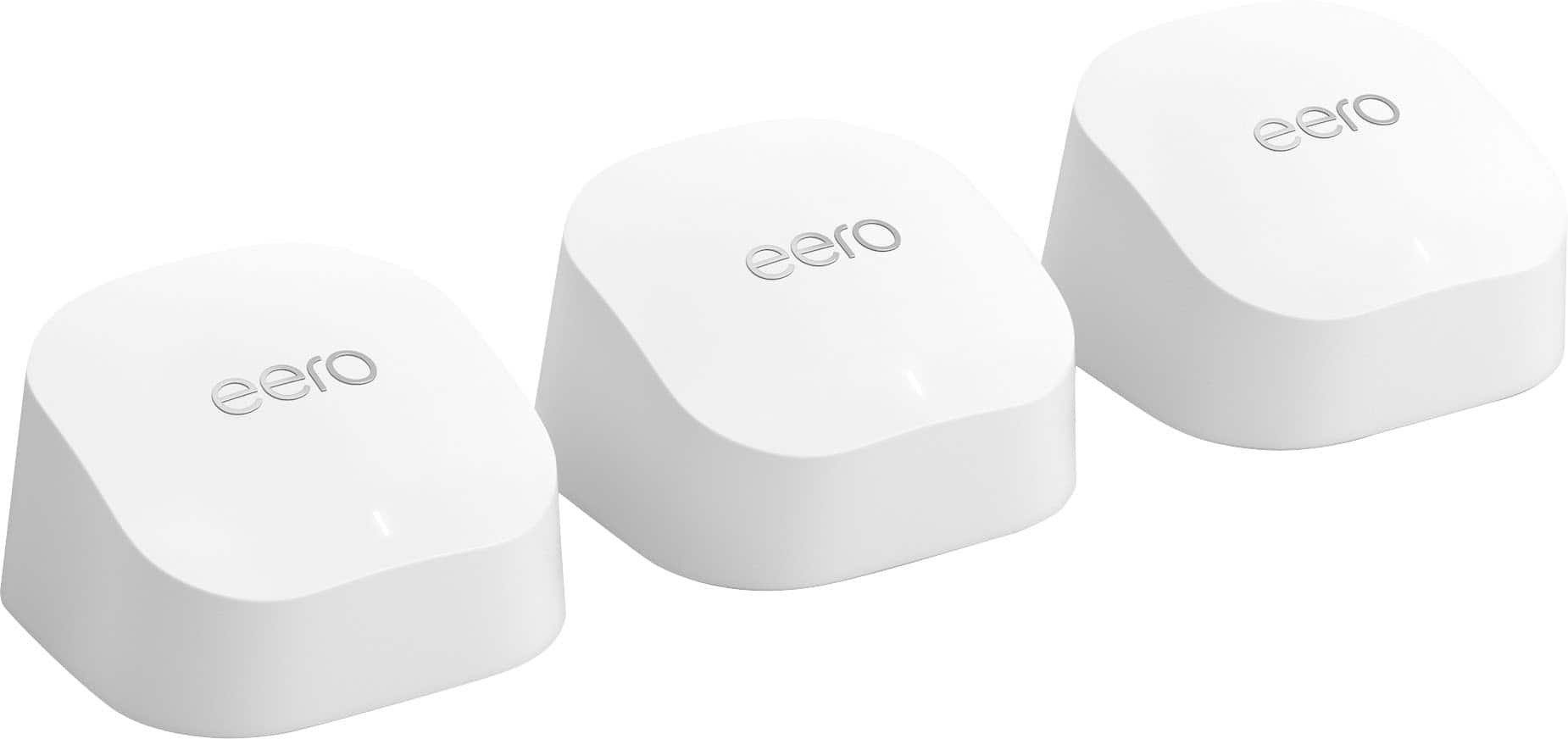
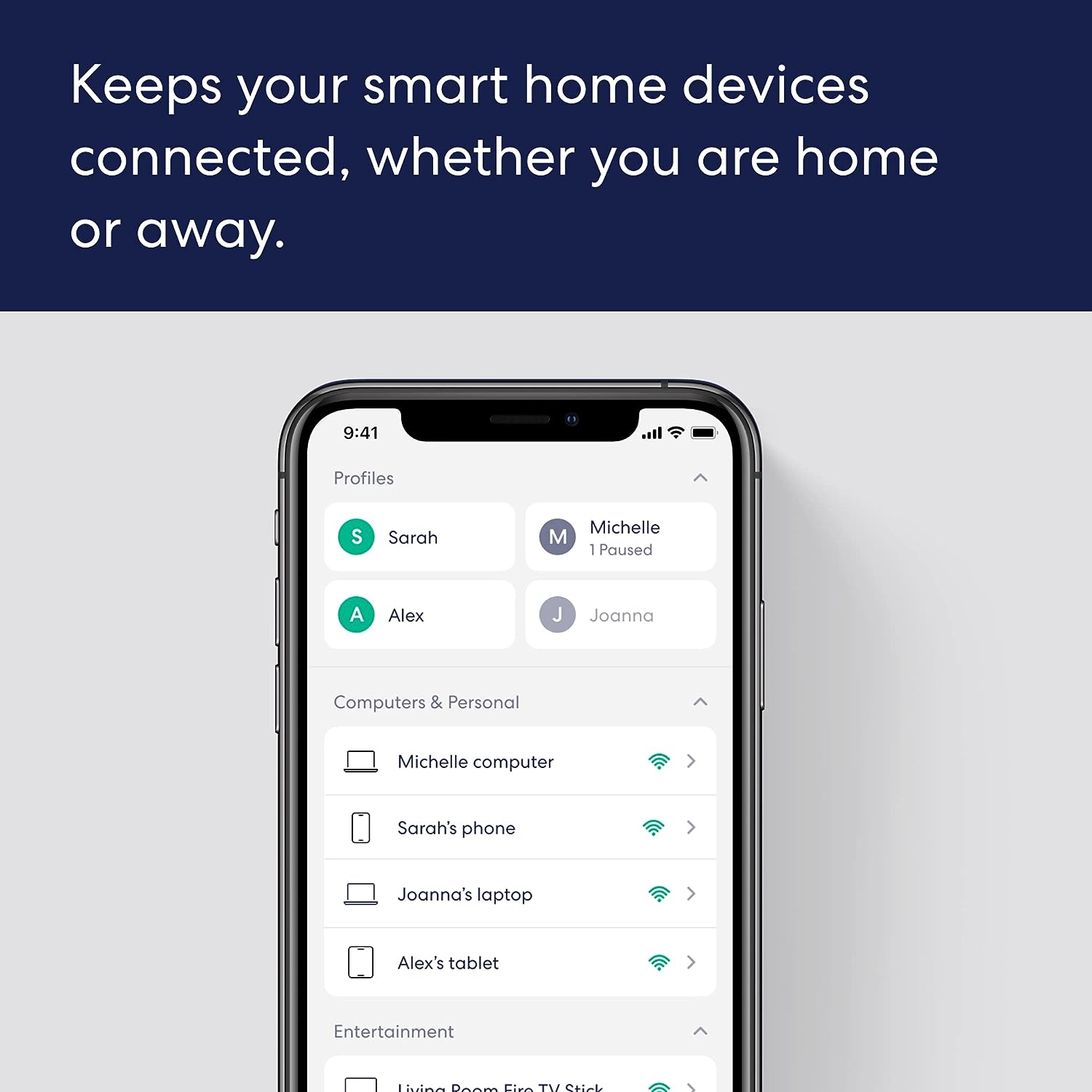
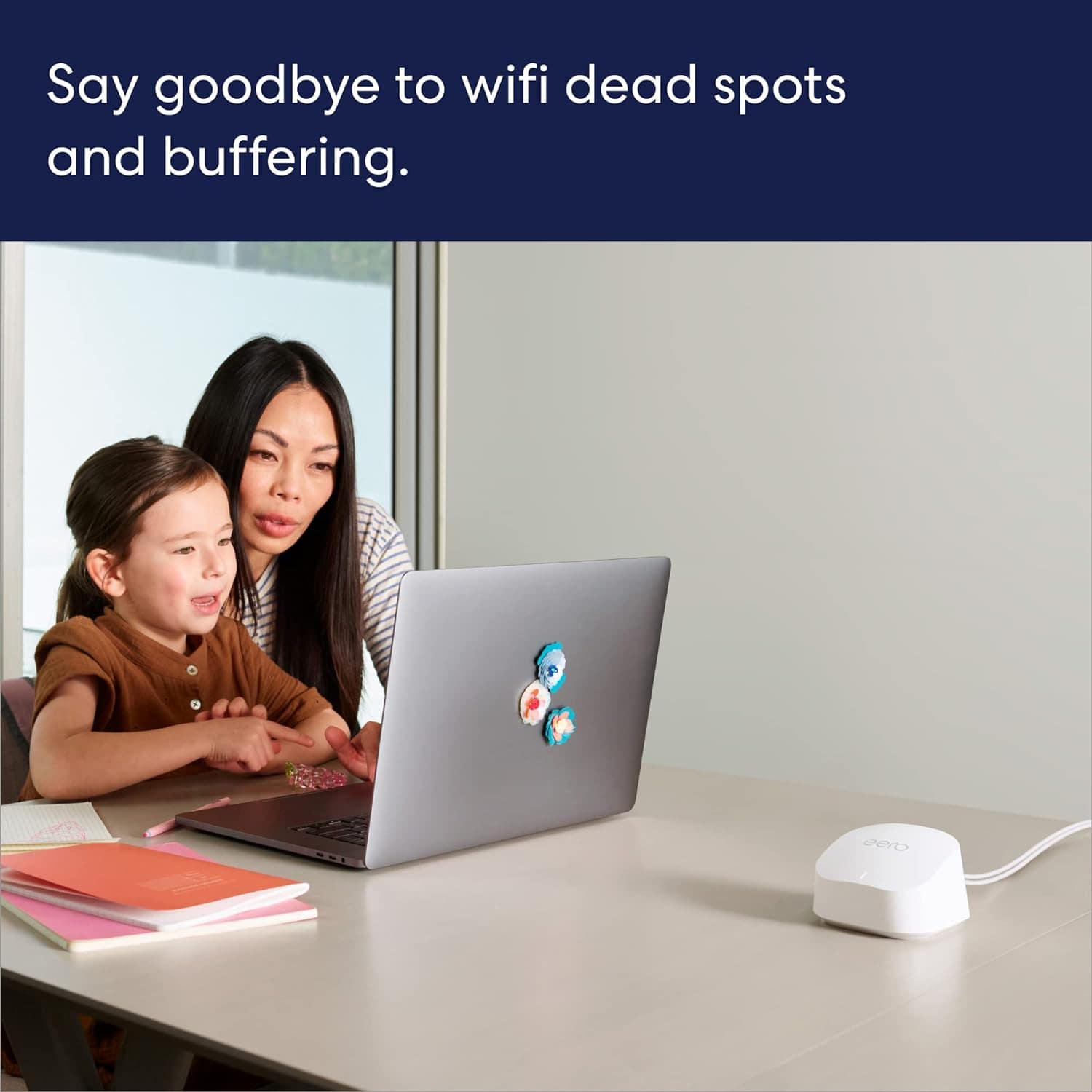
Customers frequently mention the product's excellent ease of use, overall performance, and impressive speed, which significantly improves Wi-Fi coverage, range, and signal strength with an easy setup process. Many also highlight its effectiveness in eliminating buffering, lag, and dead spots. However, some customers have noted concerns regarding its compatibility with newer devices and its price.
This summary was generated by AI based on customer reviews.
Disappointing
||Posted . Owned for 3 weeks when reviewed.This reviewer received promo considerations or sweepstakes entry for writing a review.I had high hopes purchasing the system. I was looking forward to have a nice wifi network with no dead spots. However this system never worked right. One or both of the satellite routers would randomly drop out and required manual reset (not possible to reset them though the app). Occasionally I would need to reset to factory settings, and reinstall. I must have spent more than 4 hours troubleshooting and constantly resetting the routers. Never had I had so much trouble setting up a wifi network. The routers went straight back to the store. I've had enough of them. I replaced them with my old router and a newly purchased wifi repeater that does a marvelous job providing proper coverage without giving me any attitude.
No, I would not recommend this to a friendDispleased
||Posted . Owned for less than 1 week when reviewed.This reviewer received promo considerations or sweepstakes entry for writing a review.Not easy to set up. Too much online (over and over) and then download of different apps when the first doesn't work. In the end directions were to update iPhone that I purchased in 2023 in order for app to work properly.
No, I would not recommend this to a friendBrand response from Amazon Devices Customer Support
Posted .Hi EthelC. Thank you for providing feedback about your experience with the eero 6+ router. I’m sorry to hear that you had issues during the setup process. It's good practice to make sure your iPhone has completed the latest software updates before installing new apps to ensure better compatibility. Once your iOS has been updated, here’s how to get your eero network online: 1. Download the eero app for iOS on a phone or tablet with an internet connection. 2. Create an eero account or log in with your existing Amazon account information. 3. Unplug your old modem and router from power. 4. Connect your eero router to your modem using the included Ethernet cable. 5. Plug your eero router into an available power outlet, then reconnect your modem to power. If your modem is built into your current router, then you’ll connect the eero router to one of the Ethernet ports on your existing router. 6. Continue following the prompts in the app to set up your network. If you need any assistance during the setup process, please reach out directly to eero customer support at (877) 659-2347. Have a great day!

Works perfectly fine.
||Posted . Owned for 3 weeks when reviewed.This reviewer received promo considerations or sweepstakes entry for writing a review.Works perfectly fine, only couple of features I wish eero engineers would provide are selection of 2.4GHz and 5GHz manually and another one is I can manage router through PC as it is just relying only on app.
I would recommend this to a friendGreat purchase
||Posted . Owned for 1 week when reviewed.This reviewer received promo considerations or sweepstakes entry for writing a review.Don’t even think about it and just purchase this. We had a lot of issues with Internet signal in our home but once we bought this baby all of our issues were gone. We have Internet even in our backyard now. 
I would recommend this to a friendGood but not great
||Posted . Owned for 1 month when reviewed.This reviewer received promo considerations or sweepstakes entry for writing a review.Not a bad product but not consistent in providing a mesh stable internet bandwidth. Needed a stronger mesh router system which I found by another company at Best Buy.
I would recommend this to a friendNew WiFi
||Posted . Owned for 1 month when reviewed.This reviewer received promo considerations or sweepstakes entry for writing a review.I really wasn’t impressed. With our house, the difference wasn’t as noticeable as I had hoped. Didn’t live up to my expectations.
No, I would not recommend this to a friendBrand response from Amazon Devices Customer Support
Posted .Hi JMB1963, I'm sorry that you have not had a great experience with the eero 6+ 3-pack system thus far. Here is some troubleshooting that may help. First, make sure that they each device is at least 35-45ft away from each other, and placed in an area with minimal interference. After we verify that the eeros are placed correctly and placement is not the cause we can start further testing.
1. Test the speeds with a device connected to the modem with Speedtest app on your phone. 2. If your eero is in a double NAT, it is possible that the upstream router is limiting the speeds you are able to pull through the eero. You can try and put the eero into the upstream routers DMZ or see if you can bridge the upstream router. 3. Make sure you are using the ethernet that came with the eero. If all else fails, please reach out to eero customer service at (877) 659-2347. Thank you for your feedback. I hope this information is useful.
2) Do you know if your eero is in a double NAT? If so, it is possible that the upstream router is limiting the speeds you are able to pull through the eero. You can try and put the eero into the upstream routers DMZ or see if you can bridge the upstream router.
3) Are you using the ethernet that came with the eero?
Decent general router with abysmal upload speeds.
||Posted . Owned for 3 weeks when reviewed.This reviewer received promo considerations or sweepstakes entry for writing a review.Software is great to use and incredibly helpful (although wish they didn't lock features behind monthly payments), and the download speeds are adequate. However, the upload speeds were atrocious, and far inferior to a 10 year old discontinued Apple brand router. If you work from home or need decent upload speeds, would look elsewhere.
No, I would not recommend this to a friendBrand response from Amazon Devices Customer Support
Posted .Hi MichaelR. Thank you for your feedback on the eero 6+ router. I am sorry to hear of the performance issues you were experiencing. Here are some troubleshooting steps that may remedy your issue: 1. The first thing you’ll want to do is figure out whether you’re experiencing slow behavior on multiple devices. If it’s only on one device, simply turn your device’s WiFi off and on again. If that doesn’t work, try rebooting the device. 2. Try power cycling your eeros by unplugging the power cable from the back of your eero, waiting 30 seconds, and plugging it back in. This step can sometimes fix connectivity issues. 3. Unplug the power cable from your modem, wait 30 seconds, then plug it back in. If this information doesn’t resolve your issue, call eero customer service at (877) 659-2347. They’re available Monday-Sunday 6am-8pm PT. I hope this helps. Have a great day!
Won't work without internet
||Posted . Owned for 11 months when reviewed.This reviewer received promo considerations or sweepstakes entry for writing a review.It stops working when you lose internet. You have to pay a subscription fee to keep it working when Internet is down. So if you are interested in true home network even without internet, this is not for you. Got rid of mine as soon as i realized that, saddly was unable to return as i had foolishly already thrown away the boxes. Just go buy another brand all together.
No, I would not recommend this to a friendBrand response from Amazon Devices Customer Support
Posted .Hi DanC. Thank you for providing feedback regarding your experience with the eero 6+ router. eero routers support LAN persistence during internet outages. Be advised that during an internet outage, the app will show that the eeros are offline due to lack of connection to the eero servers. Although the app will show offline, your devices should still be connected to the eero system for LAN communication. If you’re experiencing LAN persistence issues during an internet outage, contact eero customer service so they can look into the issue. They can be reached at (877) 659-2347. I hope this helps. Have a great day!

Eero router
|Posted . Owned for 1 week when reviewed.This reviewer received promo considerations or sweepstakes entry for writing a review.[Employee of bestbuy] Not a good quality product actually lowered signal.
No, I would not recommend this to a friendBrand response from Amazon Devices Customer Support
Posted .Hi Kyng. Thank you for your feedback on the eero 6+ system. I'm sorry that you're having issues with the signal. Strategically placing your eeros is the single most important step you can take to ensure your system provides fast, reliable WiFi to every room in your home. Here are some tips to follow: 1. Place eeros where they can talk to each other. 2. Place eeros on a hard, flat surface. 3. Keep your eeros out in the open. 4. Whenever possible, aim for direct line of sight between eeros. The fewer the walls between your eeros, the better. If this information doesn’t resolve your issue, call eero customer service at (877)659-2347. They’re available Monday-Sunday 6am-8pm PT. I hope this helps. Have a great day!
Not that great
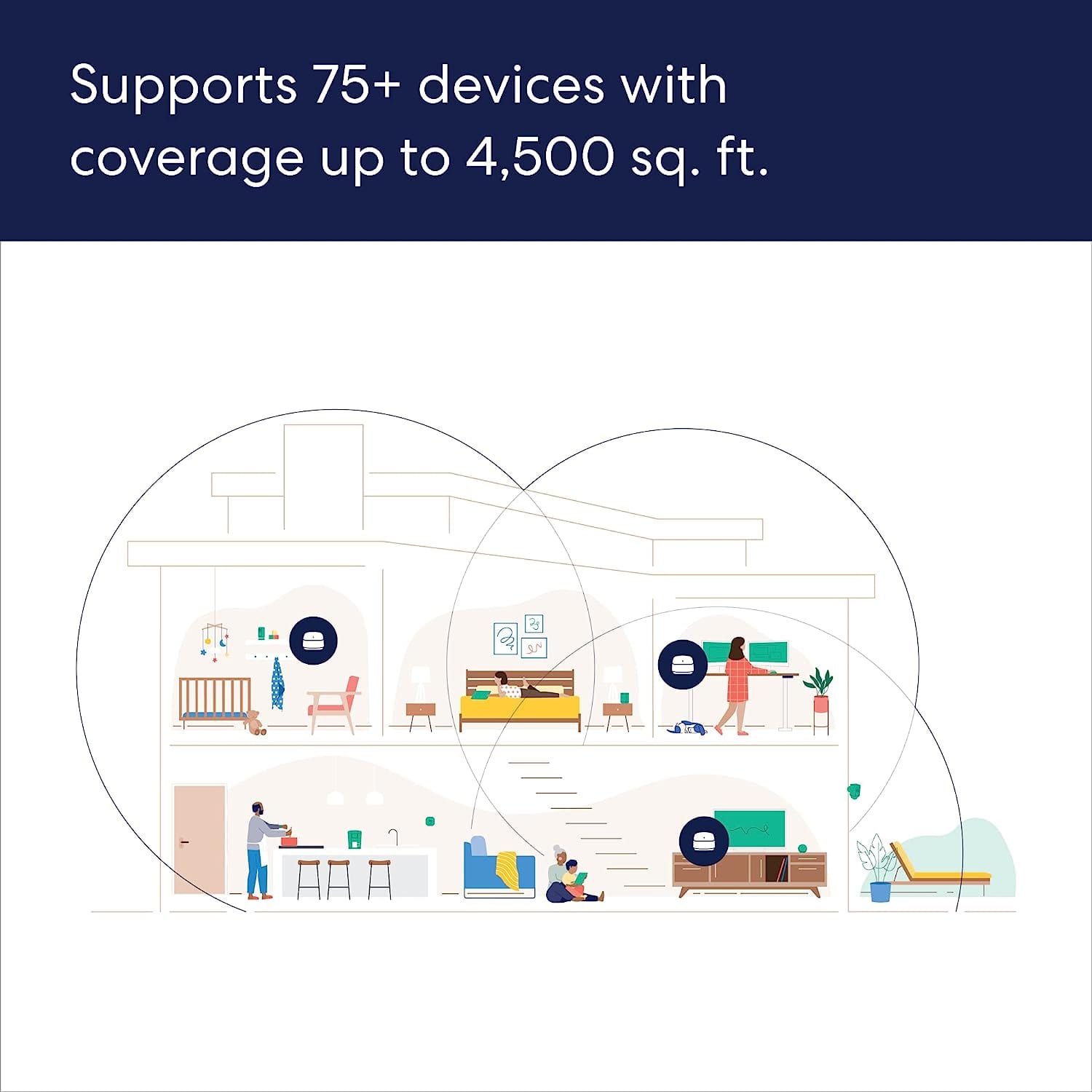
||Posted . Owned for 3 weeks when reviewed.This reviewer received promo considerations or sweepstakes entry for writing a review.Not impressed at all with the range, definitely didn’t cover 4500sq ft. Returned this item.
No, I would not recommend this to a friendBrand response from Amazon Devices Customer Support
Posted .Hi ZackW, thank you for providing feedback regarding your experience with the eero 6+ system. I'm sorry to hear that the system didn't meet your range expectations. Here are some tips that may remedy your range issue: 1. Place eeros where they can talk to each other. 2. Place eeros on a hard, flat surface. 3. Keep your eeros out in the open. 4. Whenever possible, aim for direct line of sight between eeros. The fewer the walls between your eeros, the better. If this information doesn’t resolve your issue, call eero customer service at (877)659-2347. They’re available Monday-Sunday 6am-8pm PT. I hope this helps. Have a great day!
Not pleased with purchase
||Posted . Owned for 1 month when reviewed.This reviewer received promo considerations or sweepstakes entry for writing a review.The Eero is rated to cover an area of 1500 sq. ft. Since my home is 1400 sq.ft. I purchased one of these units. Since installing the Eero I have a problem with the video freezing up (the picture freezes but the audio portion continues on). This happens all the time, not just once in a while. This happens with usually 1 tv and 1 computer running so there is no large demand on the system. I am not sure if adding another Eero unit would help or not. No I am not happy with my purchase so far.
No, I would not recommend this to a friendAbsolutely terrible experience
||Posted . Owned for 1 week when reviewed.This reviewer received promo considerations or sweepstakes entry for writing a review.Dual band does not work well. The 5ghz channel will not connect to the internet. Even with multiple units spread across my 1900sq ft, I have more dead spots than with my cheap, 7 year old router.
No, I would not recommend this to a friendBrand response from Amazon Devices Customer Support
Posted .Hi TedM. Thank you for providing feedback about your experience with the eero 6+ system. I’m sorry to hear about your connection issues. Soft resetting your gateway eero (the one connected to your modem) can be a useful troubleshooting step. To soft reset your eero: Hold the reset button until its LED flashes yellow (approximately 7 seconds). Once it flashes yellow, release it. As the eero boots up, the LED will flash white, then blue, and then return to solid white. Once the LED is solid white, you should be able to see your eero is back online in the eero app. If the soft reset doesn’t resolve your issues, contact eero customer service. They can be reached at (877) 659-2347. I hope this helps. Have a great day!
Huge Disappointment
||Posted . Owned for 1 week when reviewed.This reviewer received promo considerations or sweepstakes entry for writing a review.Save your money. Very disappointed in performance as switching between eero's is slow if it happens at all and will push streaming devices to 2.4GHZ instead of 5GHZ. Also speed throughput not impressive for a wifi 6 device.
No, I would not recommend this to a friendCheap for a reason
||Posted . Owned for 2 weeks when reviewed.This reviewer received promo considerations or sweepstakes entry for writing a review.Doesn’t keep up with one tv constantly buffering every 30 to 60 seconds . Don’t waste your money I had one router from the cable company that keeps up better then the 3 pods. Best return quick Best Buy only gives you two weeks and seems to have been getting worse by the day. Anyone recommend a better mesh system I would appreciate it
No, I would not recommend this to a friendGreat item
||Posted . Owned for 1 week when reviewed.This reviewer received promo considerations or sweepstakes entry for writing a review.Was skeptical at first if I should just get a modem and router together for cheaper but I got this item on a steal and it’s been great def will be using eero more in future
I would recommend this to a friendWorks Great
||Posted . Owned for 2 weeks when reviewed.This reviewer received promo considerations or sweepstakes entry for writing a review.Used this with my 3 pack that I bought and put this one in the finished basement room so the kids have great internet reception down there. They said it is working great
I would recommend this to a friendQuality issue
||Posted . Owned for 1 year when reviewed.This reviewer received promo considerations or sweepstakes entry for writing a review.Hard wired them together. The subordinate unit faulted the whole WiFi network and wouldn't work until I simply unplugged the bad apple. Paid subscription for internet data. Uses Amazon Alexa for it's hub features, no other options.
I would recommend this to a friendI don't recommend it.
||Posted . Owned for 3 weeks when reviewed.This reviewer received promo considerations or sweepstakes entry for writing a review.One start because they lead you to believe this will fix all ofnyour wifi problems. I have a 1gb down speed. By the time I connect to the furthest eero, my speed goes down to 300is. And according to customer service this is "normal". I live in a 1400sqt apartment. It's a tiny apartment. I have tried all their trouble shooting they have asked. Just don't get it. I wish companies didn't mislead you to buy products then say, well, that's normal. If you have any tips, suggestions or tricks, I'm willing to try them.
No, I would not recommend this to a friendSoSo
||Posted . Owned for 1 month when reviewed.This reviewer received promo considerations or sweepstakes entry for writing a review.Great gadget for computer wifi but is absolutely horrible if you have to use wifi for telephone calling. Not easy to set up and there are no instructions unless you download the user app.
No, I would not recommend this to a friendOverpriced and not worth it
||Posted . Owned for 2 months when reviewed.This reviewer received promo considerations or sweepstakes entry for writing a review.Way over priced and it doesn't work as good as advertised a normal router does the same thing
No, I would not recommend this to a friendBrand response from Amazon Devices Customer Support
Posted .Hi JasonH, I’m sorry to hear the eero 6+ has not met your expectations. Performance can sometimes improve by optimizing placement, ensuring the router is centrally located, and checking for the latest software updates in the eero app. If you haven’t tried those steps yet, they may help strengthen coverage and consistency. If these steps do not improve performance, I recommend contacting eero customer support at 1 (877) 659-2347, so a specialist can assist further. I appreciate your feedback and hope you have a great day!