Customer Ratings & Reviews


- Model:
- R010311
- SKU:
- 12350839
Rating by feature
- Setup
Rating 4.8 out of 5 stars
- Range
Rating 4.7 out of 5 stars
- Signal Strength
Rating 4.7 out of 5 stars
to a friend
Customers are saying
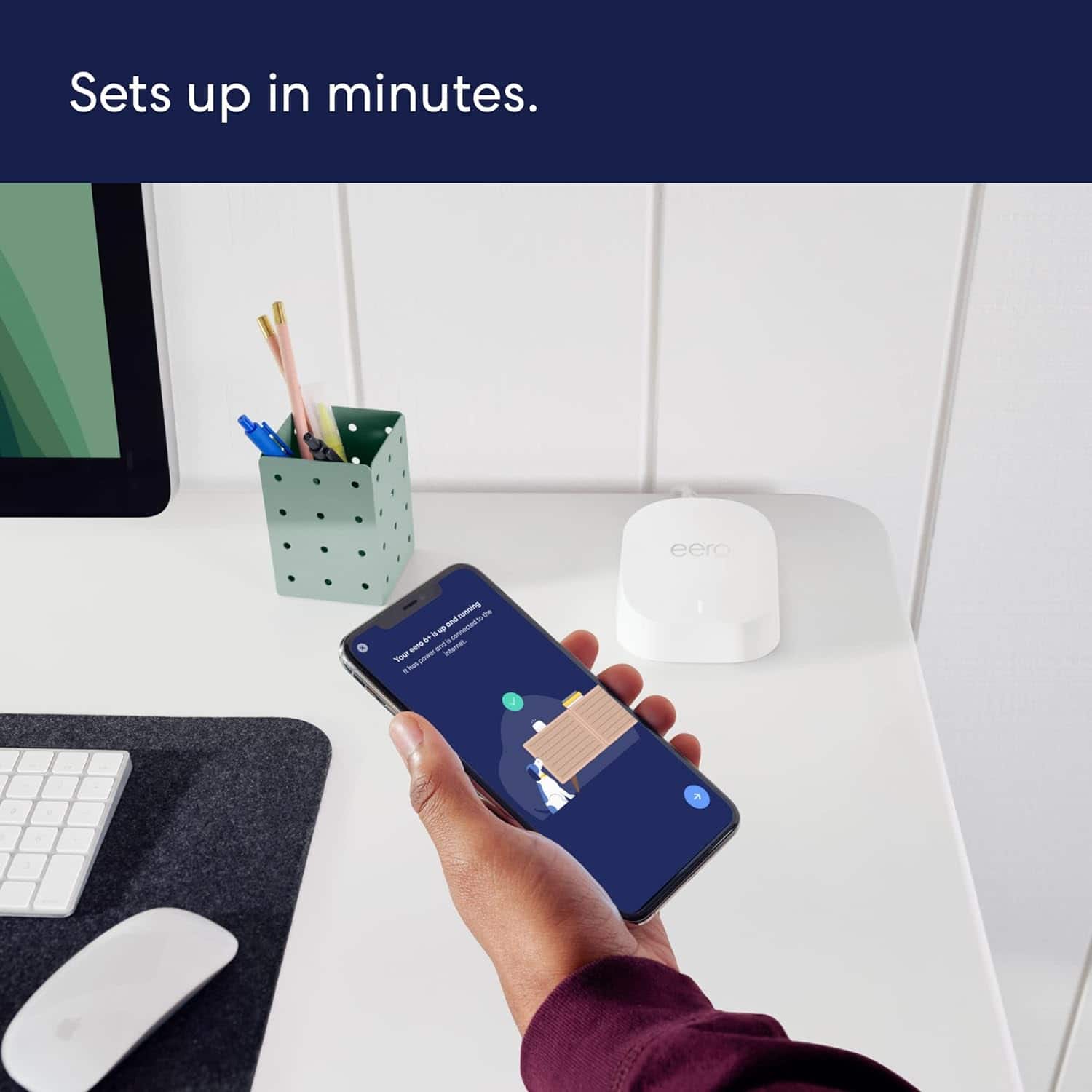
Customers enjoy the product's ability to enhance WiFi signals. They also appreciate the ease of setup, particularly when using the app.
This summary was generated by AI based on customer reviews.
Good Upgrade
||Posted .This reviewer received promo considerations or sweepstakes entry for writing a review.Works great! Easy to set-up, other than it took quite a while to sync everything, but finally did. Probably just my system. Range is much better than old router.
I would recommend this to a friendWofi router/range extenders
||Posted . Owned for 1 month when reviewed.This reviewer received promo considerations or sweepstakes entry for writing a review.These small wifi routers work very well extending our wifi range.
I would recommend this to a friendIts helps - only needed one
||Posted . Owned for 3 weeks when reviewed.This reviewer received promo considerations or sweepstakes entry for writing a review.We were set up with all 3. We have 2 TVs....one in the living room, one in the bedroom. Using this product stopped the circling with the one in the bedroom - we had no issues with the one in the living room. It's not far from the wifi. It's rated the best on the market - and I won't argue with that - we could have gotten by with just one hub.
I would recommend this to a friendGreat Whole Home Internet
||Posted . Owned for 4 months when reviewed.This reviewer received promo considerations or sweepstakes entry for writing a review.Fantastic internet speeds across our entire house. We recently got AT&T Fiber and it is able to handle those amazing wireless speeds and multiple devices that are connected.
I would recommend this to a friendJust okay
||Posted . Owned for 10 months when reviewed.This reviewer received promo considerations or sweepstakes entry for writing a review.Ok. I’m having issue with latency and calls dropping one on Wi-Fi calling. Their support has tried to troubleshoot, but so far no solutions.
I would recommend this to a friendBrand response from Amazon Devices Customer Support
Posted .Hello AmandaT! Thank you for your feedback on the eero 6+ (1-pack). I'm sorry to hear you're experiencing latency issues and dropped calls with WiFi calling, and I understand how frustrating this must be, especially when support hasn't yet resolved the problem. WiFi calling requires consistent, stable connectivity with minimal latency and packet loss, so issues in this area can significantly impact call quality. Here are comprehensive troubleshooting strategies specifically targeting WiFi calling performance that may help resolve your connectivity challenges: 1. Ensure your phone is positioned relatively close to the eero unit when making WiFi calls, as distance and obstacles can affect signal quality. Check that your phone's WiFi calling feature is properly configured in your device settings and that your carrier supports WiFi calling on your plan. Verify that your phone is connecting to the 5GHz band when near the eero for better performance, though the eero handles this automatically through band steering. 2. If multiple devices are streaming, downloading, or using bandwidth-intensive applications simultaneously, this can cause latency spikes and dropped connections. Try making calls during periods of lower network activity to determine if congestion is contributing to the issue. Monitor which devices are connected through the eero app and consider temporarily disconnecting non-essential devices during important calls. 3. Restart your eero 6+ by unplugging it for 30 seconds, then plugging it back in. This can resolve temporary connectivity issues. Ensure your eero is running the latest firmware through the eero app, as updates often include performance improvements and bug fixes. Try forgetting and reconnecting to your WiFi network on your phone to establish a fresh connection. Check if other devices experience similar connectivity issues to determine if the problem is device-specific or network-wide. 4. Some carriers have specific requirements or settings for optimal WiFi calling performance. Check with your mobile carrier to ensure there are no account-level restrictions or configuration requirements. Verify that your phone's software is up to date, as carrier updates often include improvements to WiFi calling functionality. Should the issue continue, reach out to eero support and provide details about when the drops occur (time of day, specific locations in your home, during high network usage, etc.). This information will help them diagnose whether the issue is related to network configuration, coverage limitations, or potentially a hardware concern that might warrant a replacement. I hope these suggestions help improve your WiFi calling experience. Thank you for sharing your feedback and for your patience as you work toward a resolution!

Work great, auto update is frustrating though.
||Posted . Owned for 2 months when reviewed.This reviewer received promo considerations or sweepstakes entry for writing a review.Works very well. Was able to cover a 14 acre farm with 4 of them. Only thing I have a real issue with; you can not turn off automatic updates. The whole system goes down and resets when it auto updates, there is no warning, and it loves doing it at inopportune times, if you use Wi-Fi based cameras etc, be prepared to have random 10-15 outages in the middle of the night, and sometimes in the afternoon.. . They need to fix that asap, otherwise they work great.
I would recommend this to a friendVery easy to setup
||Posted . Owned for less than 1 week when reviewed.This reviewer received promo considerations or sweepstakes entry for writing a review.This product has worked really well—very simple to setup.
I would recommend this to a friendRouter for multi level household
||Posted . Owned for 2 weeks when reviewed.This reviewer received promo considerations or sweepstakes entry for writing a review.Thia was a alternative to get our whole house with no dead spot internet signal. It works really well on our three floor home. Very easy and straightforward installation process. I would recommend this product if you have issues with low signal on multi level household
I would recommend this to a friendExtra Add On
||Posted .This reviewer received promo considerations or sweepstakes entry for writing a review.I've added this product to a three piece set that I previously purchased. This product has provided a greater coverage area, eliminating a previous weak zone.
I would recommend this to a friendGreat wifi system
||Posted . Owned for 5 months when reviewed.This reviewer received promo considerations or sweepstakes entry for writing a review.Bought this item for remote work setting and best coverage for both work and camera related need and its been working perfect since. Very easy setup
I would recommend this to a friendThe BEST!
||Posted . Owned for 1 month when reviewed.This reviewer received promo considerations or sweepstakes entry for writing a review.After about a year of frustrating problems with my internet connections, I bought the Eero product. It has resolved all my issues and works flawlessly. Technical support provided during set-up was superb.
I would recommend this to a friendWorthy of your money
||Posted . Owned for 2 months when reviewed.This reviewer received promo considerations or sweepstakes entry for writing a review.Great product helped for covering the entire house and some outside areas near the house. Have had troubles with getting older light bulbs to connect. Incredible speeds for multiple devices streaming movies.
I would recommend this to a friendMESH EXTENDER
||Posted . Owned for 3 weeks when reviewed.This reviewer received promo considerations or sweepstakes entry for writing a review.Great product to expand flawlessly the wifi in your home
I would recommend this to a friendGreat coverage inside home
||Posted . Owned for 1 week when reviewed.This reviewer received promo considerations or sweepstakes entry for writing a review.I have never had such good Wi-Fi coverage in my home. This Eero Wi-Fi system is amazing and I would highly recommend it to anyone who’s experiencing coverage issues. I’ve also tried it with online gaming PS5/Series-X and no lag(connected directly).
I would recommend this to a friendWorks Great
||Posted . Owned for 1 month when reviewed.This reviewer received promo considerations or sweepstakes entry for writing a review.Have a 3 bed apartment and us three wanted to have wired connections. This was the next best thing to having cords running across the place. This has never missed a beat 5/5.
I would recommend this to a friendWifi extension, connect directly to game system
||Posted . Owned for 1 month when reviewed.This reviewer received promo considerations or sweepstakes entry for writing a review.They extend wifi, made the wifi work even faster when you connect it to game system. I have a large house area, its nice for it. And I only needed 2, 3 is even better.
I would recommend this to a friendeero 6+ AX3000
||Posted . Owned for 1 month when reviewed.This reviewer received promo considerations or sweepstakes entry for writing a review.Excellent Mesh system for the entire house and outside by the pool. Best Buy Total Tech support made setup easy ad all devices connected with no problems. Increased speed and coverage is fantastic!
I would recommend this to a friendGreat Mesh Router
||Posted . Owned for 1 month when reviewed.This reviewer received promo considerations or sweepstakes entry for writing a review.Bought this router because of lots of issues with connection at home, very easy to install, and works perfectly internet know is day and night no drop in connection. app works great very informative and lots of features. Highly recommended,
I would recommend this to a friendWorks great
||Posted . Owned for 1 week when reviewed.This reviewer received promo considerations or sweepstakes entry for writing a review.No complaints. Just research thoroughly on how to connect it and or make sure it’s compatible with your internet service provider. For me because i have AT&T i can’t use it as a standalone device. I have to use the eeros their router.
I would recommend this to a friendEero 6+ Mesh system
||Posted . Owned for 1 month when reviewed.This reviewer received promo considerations or sweepstakes entry for writing a review.I had an original Eero mesh system and I intend to upgrade to a system to handle higher speeds assuming Xfinity can consistently provide them. I may purchase an additional unit for the basement.
I would recommend this to a friend