Customer Ratings & Reviews


- Model:
- R010311
- SKU:
- 6495773
Rating by feature
- Setup
Rating 4.8 out of 5 stars
- Range
Rating 4.7 out of 5 stars
- Signal Strength
Rating 4.7 out of 5 stars
to a friend
Customers are saying
Customers recognize the 6+ Dual-band Mesh Wi-Fi 6 Router (1-pack) for its ease of use, overall performance, and impressive speed. Many users appreciate the Wi-Fi coverage, easy setup, and reliable range and signal strength. Some customers have noted issues with compatibility and consider the price to be a bit high. However, users report minimal issues with buffering, lag, and dead spots.
This summary was generated by AI based on customer reviews.
Basic router features behind paywall
||Posted . Owned for 1 month when reviewed.This reviewer received promo considerations or sweepstakes entry for writing a review.The product forces you into an annual subscription for basic functionality available on most routers. Wifi analytics, blacklisting website for parental controls, etc. All behind a hundred-dollar a year subscription service. Im past the return window but I'll be upgrading to another product in the near future. Subscription fatigue is a real thing.
No, I would not recommend this to a friendBrand response from Amazon Devices Customer Support
Posted .My Assistant
Dear GusFromMaine,
Thank you for sharing your feedback about the eero 6+ Mesh Wi-Fi 6 System. I'm sorry to hear about your frustration with the subscription model for certain advanced features.
I understand your concerns about subscription fatigue and the feeling that features like WiFi analytics and enhanced parental controls should be included as standard functionality. Your feedback about the eero Plus subscription is valuable, as it reflects an important consideration for many customers when choosing a router system.
While the eero 6+ does provide core WiFi functionality without a subscription—including reliable mesh networking, automatic updates, and basic network management—I recognize that the placement of certain features behind the eero Plus subscription may not align with your expectations, especially when compared to other routers you may have used.
Your point about subscription fatigue is well taken, and this type of feedback helps us understand customer preferences as we continue to evaluate our product offerings and pricing models. I'm sorry that this aspect of the eero system has led you to consider switching to another product.
If you have any questions about the features available without a subscription or would like to discuss your experience further, our customer support team would be happy to help. However, we completely understand your decision to explore alternatives that better fit your needs and budget.
Thank you again for taking the time to share your honest experience. Your feedback is important to us.
Wi-Fi System
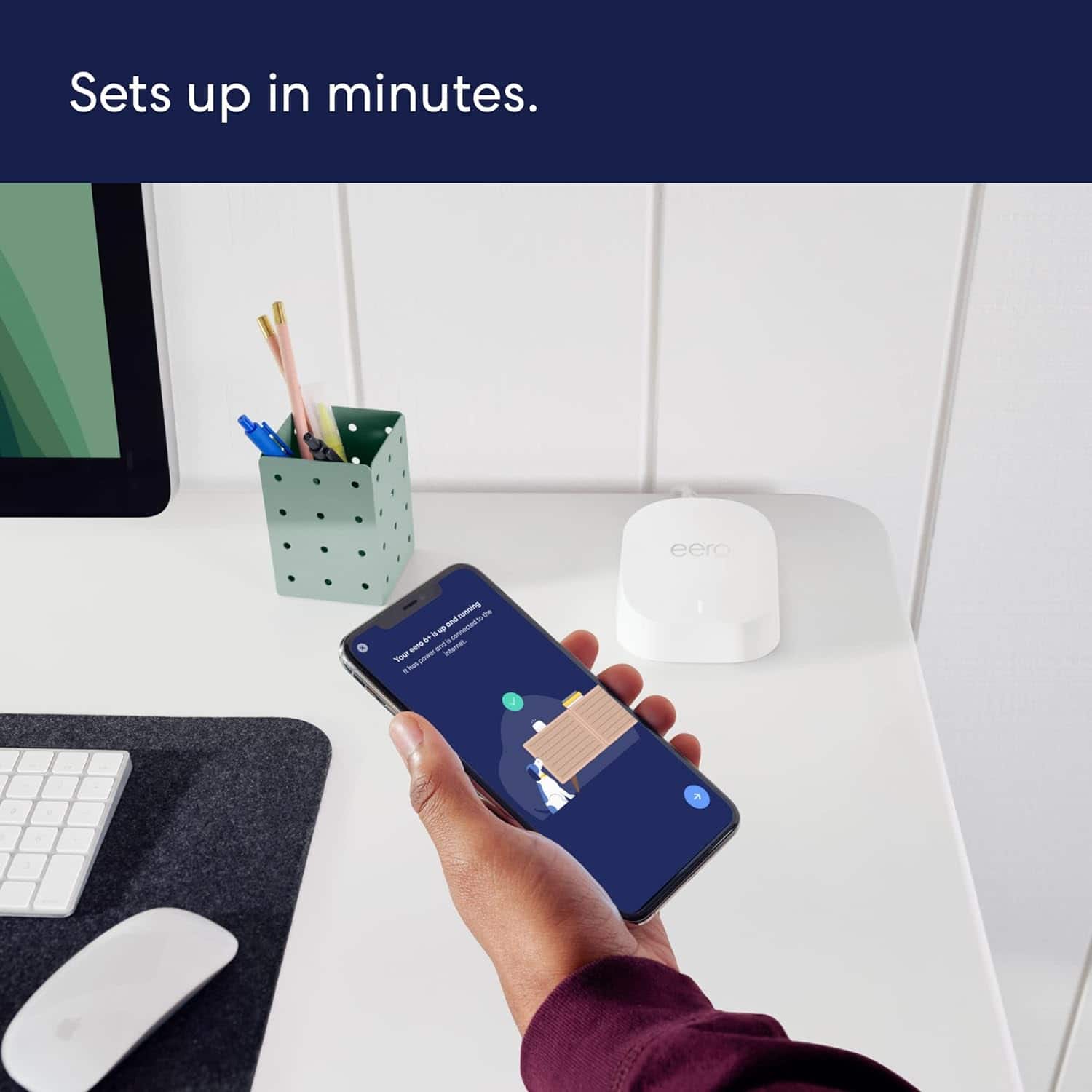
||Posted . Owned for 1 week when reviewed.This reviewer received promo considerations or sweepstakes entry for writing a review.It was easy to set up and install and so far appears to be working well.
I would recommend this to a friendWifi mesh
||Posted . Owned for 1 year when reviewed.This reviewer received promo considerations or sweepstakes entry for writing a review.Great product for a great price regrets returning it not compatable with xfinity
I would recommend this to a friendNeeded 2 Ethernet ports for work equipment
||Posted . Owned for 2 weeks when reviewed.This reviewer received promo considerations or sweepstakes entry for writing a review.Needed to be able to send WiFi signal from other side of the house to home office to plug in Ethernet connections in office. Works perfectly!
I would recommend this to a friendFAST
||Posted . Owned for 4 months when reviewed.This reviewer received promo considerations or sweepstakes entry for writing a review.Works great and solved my problem of poor wifi in my work from home office
I would recommend this to a friendGreat mesh
||Posted . Owned for 3 weeks when reviewed.This reviewer received promo considerations or sweepstakes entry for writing a review.Easy installation, quick and fast connection. Well priced too.
I would recommend this to a friendGood purchase
||Posted . Owned for 3 weeks when reviewed.This reviewer received promo considerations or sweepstakes entry for writing a review.Got Ring cameras and they were not stable with just our Wi-Fi. Adding eero made a big difference. If setting up seems confusing, download their App and call them - they will guide you through it
I would recommend this to a friendfree of disconnection worry
||Posted . Owned for 6 months when reviewed.This reviewer received promo considerations or sweepstakes entry for writing a review.After switching router, I haven't got complaining from my kids and wife anymore about wifi disconnection. Also I can see the internet status from anywhere real-time.
I would recommend this to a friendWorks, But Not Great
||Posted . Owned for 3 weeks when reviewed.This reviewer received promo considerations or sweepstakes entry for writing a review.Increases signal distance but, there is significant drop in speed on second unit which is just 40’ away. The system also is not allowing a VPN connection to work in spite of tech support attempting to correct this. A little disappointing.
I would recommend this to a friendBrand response from Amazon Devices Customer Support
Posted .Hi JohnN. Thank you for feedback on the eero 6+ system. I’m sorry to hear about the connectivity issues you’re experiencing. Strategically placing your eeros is the single most important step you can take to ensure your system provides fast, reliable WiFi to every room in your home. Here are some tips to follow: 1. Place eeros where they can talk to each other. 2. Place eeros on a hard, flat surface. 3. Keep your eeros out in the open. 4. Whenever possible, aim for direct line of sight between eeros. The fewer the walls between your eeros, the better. If this information doesn’t resolve your issue, call eero customer service at (877) 659-2347. They’re available Monday-Sunday 6am-8pm PT. I hope this helps. Have a great day!
Unstable
||Posted . Owned for 1 week when reviewed.This reviewer received promo considerations or sweepstakes entry for writing a review.Recently upgraded our AT&T modem to one that included wifi 6 and purchased this unit as a replacement for our Google Wifi router and extension. Ended up returning bc the signal was unstable. Otherwise easy to setup and use.
No, I would not recommend this to a friendPerfect
||Posted . Owned for 1 month when reviewed.This reviewer received promo considerations or sweepstakes entry for writing a review.If youre like me that has a tv, cameras, and other devices in their garage. This is what you need. Zero complaints and streams faster than my existing router.
I would recommend this to a friendGood deal!
||Posted . Owned for 3 months when reviewed.This reviewer received promo considerations or sweepstakes entry for writing a review.Got this on sale, and it works very well. I replaced a dual-band router, and this one seems to have better distance. If you have newer Echos, you can use them as extenders, with a maximum speed of 100mbs. My only complains is that you can't assign connected devices to the 2.4 and 5 connections, in case you want to prioritize speed.
I would recommend this to a friendWifi is extended!
||Posted . Owned for 1 month when reviewed.This reviewer received promo considerations or sweepstakes entry for writing a review.Works exactly as described. Got rid of the wifi deadspots on my home.
I would recommend this to a friendWifi
||Posted . Owned for more than 2 years when reviewed.This reviewer received promo considerations or sweepstakes entry for writing a review.Good WiFi could be better im not sure if its a signal thing or a WiFi thing
I would recommend this to a friendstreaming tool
||Posted . Owned for 1 month when reviewed.This reviewer received promo considerations or sweepstakes entry for writing a review.Started strong, but losing its sheen after 2 weeks or so.
I would recommend this to a friendBrand response from Amazon Devices Customer Support
Posted .Hi RcanC. Thank you for providing feedback about your experience with the eero 6+ system. I’m sorry to hear about your connection issues. Soft resetting your gateway eero (the one connected to your modem) can be a useful troubleshooting step. To soft reset your eero: Hold the reset button until its LED flashes yellow (approximately 7 seconds). Once it flashes yellow, release it. As the eero boots up, the LED will flash white, then blue, and then return to solid white. Once the LED is solid white, you should be able to see your eero is back online in the eero app. If the soft reset doesn’t resolve your issues, contact eero customer service. They can be reached at (877) 659-2347. I hope this helps. Have a great day!
average not impressed
||Posted . Owned for 2 weeks when reviewed.This reviewer received promo considerations or sweepstakes entry for writing a review.i have a small townhouse and still having issues it helped out as to having another ethernet connection separate from the router but not an impressive improvement
No, I would not recommend this to a friendBrand response from Amazon Devices Customer Support
Posted .Hi Disappointed. Thank you for providing feedback about your experience with the eero 6+ system. I'm sorry to hear that you're still having wifi issues. Strategically placing your eeros is the single most important step you can take to ensure your system provides fast, reliable WiFi to every room in your home. Where you place your eeros will depend on the layout of your home and the materials used in its construction. For example, walls of brick, stone, and metal will be hard for your WiFi to penetrate. You might have to experiment with the location of your eeros for optimal performance. Here are some tips to follow: 1. Place eeros where they can talk to each other. 2. Place eeros on a hard, flat surface. 3. Keep your eeros out in the open. 4. Whenever possible, aim for direct line of sight between eeros. The fewer the walls between your eeros, the better. If this information doesn’t resolve your issue, call eero customer service at (877)659-2347. They’re available Monday-Sunday 6am-8pm PT. I hope this helps. Have a great day!
its okay
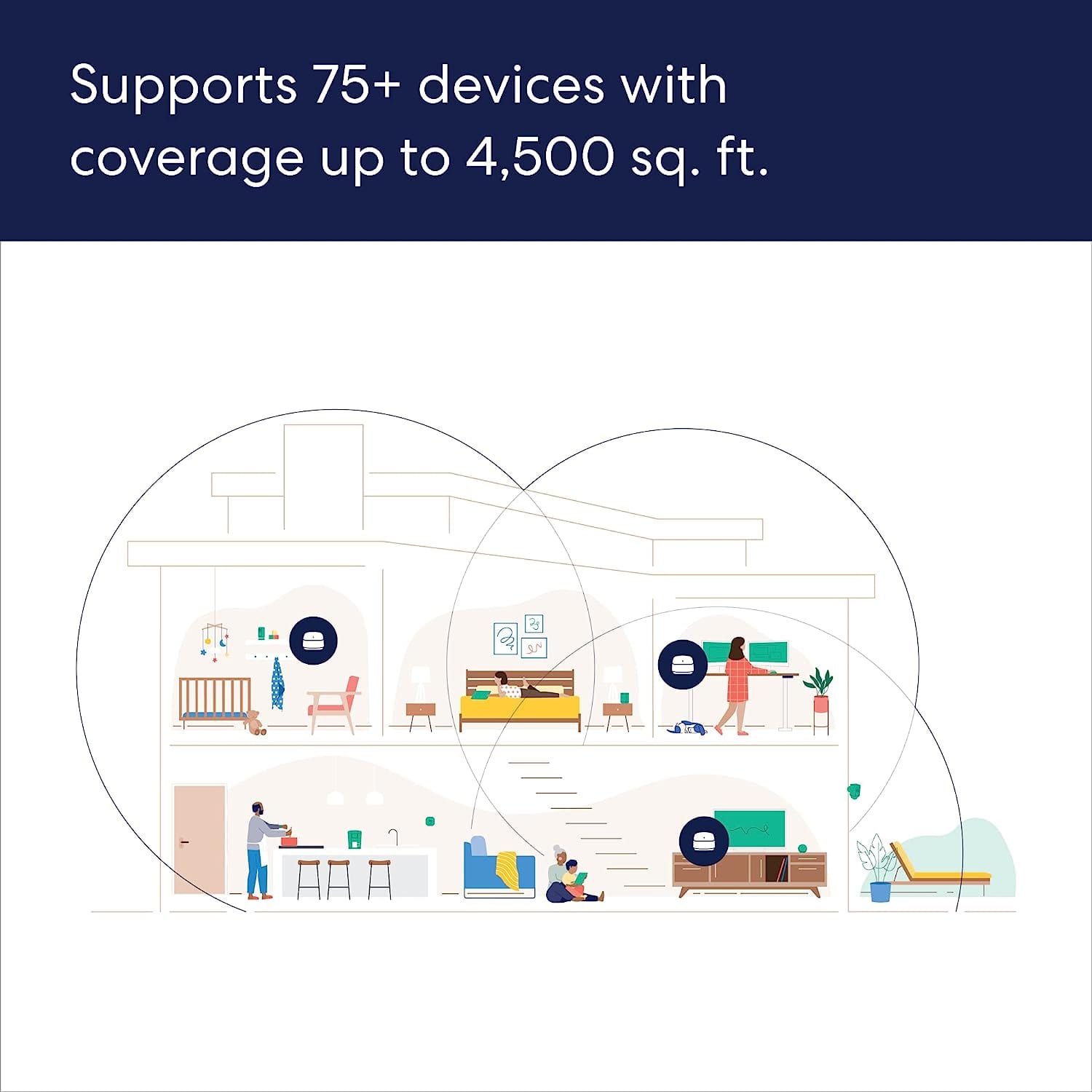
||Posted . Owned for 2 weeks when reviewed.This reviewer received promo considerations or sweepstakes entry for writing a review.They said its supposed to cover 1500 sqft but my apartment is 1100 and its definitely spotty the further I get from the router
I would recommend this to a friendBrand response from Amazon Devices Customer Support
Posted .Hi NerissaO. Thank you for providing feedback regarding your experience with the eero 6+. I am sorry to hear that the coverage isn't meeting your expectations. Each eero 6+ router provides coverage up to 1,500 sq. ft. Depending on the layout of your apartment and the materials used in its construction, more eeros could be needed. I would suggest switching to a 2-Pack eero 6+ system to ensure fast, reliable WiFi throughout your apartment. I hope this helps. Have a great day!
Eero Mesh System
||Posted . Owned for 1 month when reviewed.This reviewer received promo considerations or sweepstakes entry for writing a review.I love this product, my house is fully within wifi range.
I would recommend this to a friendLove this
||Posted . Owned for 1 month when reviewed.This reviewer received promo considerations or sweepstakes entry for writing a review.My internet has always been slow in my home. I’ve tried various things and nothing ever worked. I was so glad that the Geek Squad recommended this item! We love it and our internet works everywhere!!
I would recommend this to a friendWorks great
||Posted . Owned for 3 weeks when reviewed.This reviewer received promo considerations or sweepstakes entry for writing a review.Bought these a month ago and they have been great for my two story home. Employee Brandon really helped me pick these out!
I would recommend this to a friend