Customer Ratings & Reviews
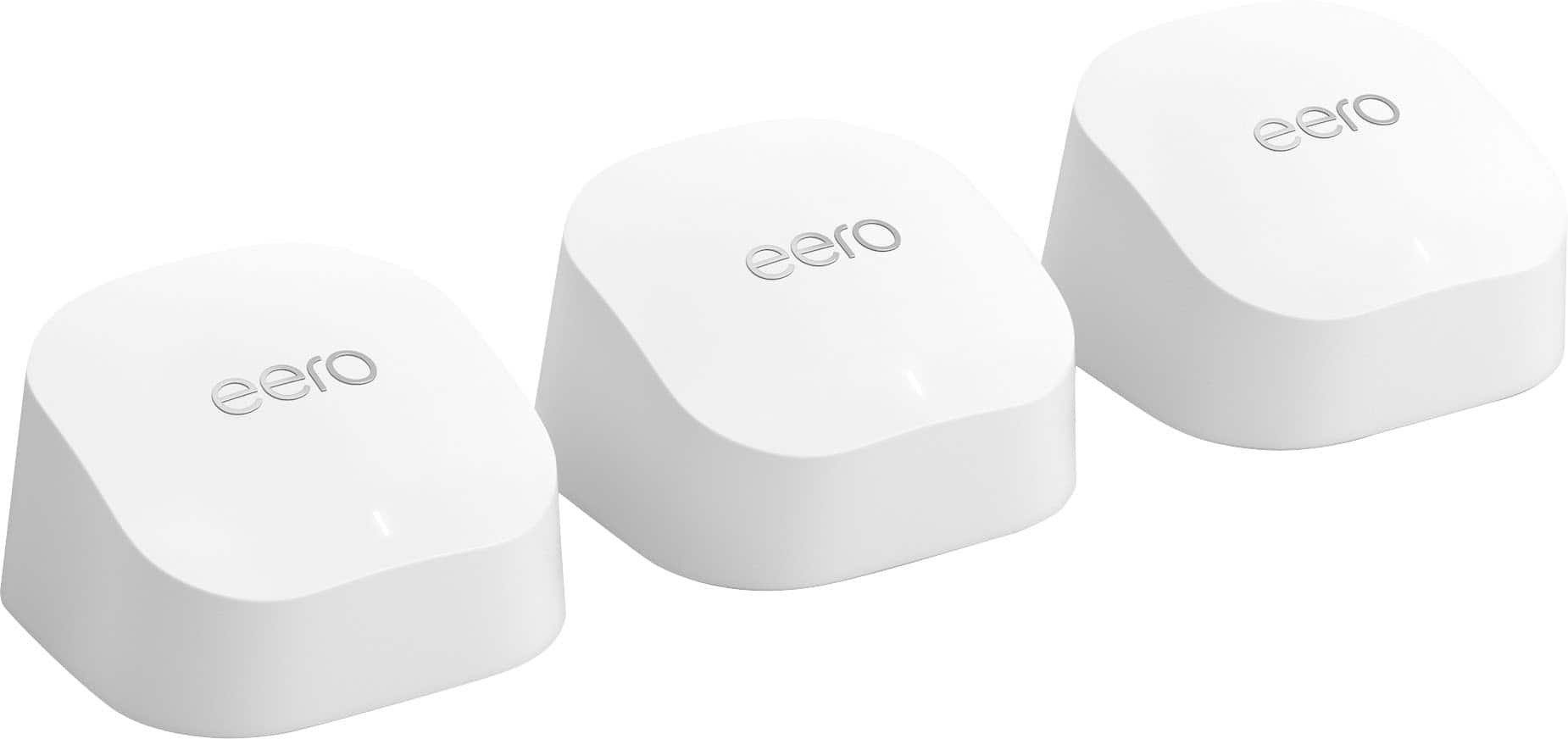





- Model:
- R010311
- SKU:
- 6495773
Rating by feature
- Setup
Rating 4.8 out of 5 stars
- Range
Rating 4.7 out of 5 stars
- Signal Strength
Rating 4.7 out of 5 stars
to a friend
Customers are saying
Customers recognize the 6+ Dual-band Mesh Wi-Fi 6 Router (1-pack) for its ease of use, overall performance, and impressive speed. Many users appreciate the Wi-Fi coverage, easy setup, and reliable range and signal strength. Some customers have noted issues with compatibility and consider the price to be a bit high. However, users report minimal issues with buffering, lag, and dead spots.
This summary was generated by AI based on customer reviews.
not bad, but not enough coverage
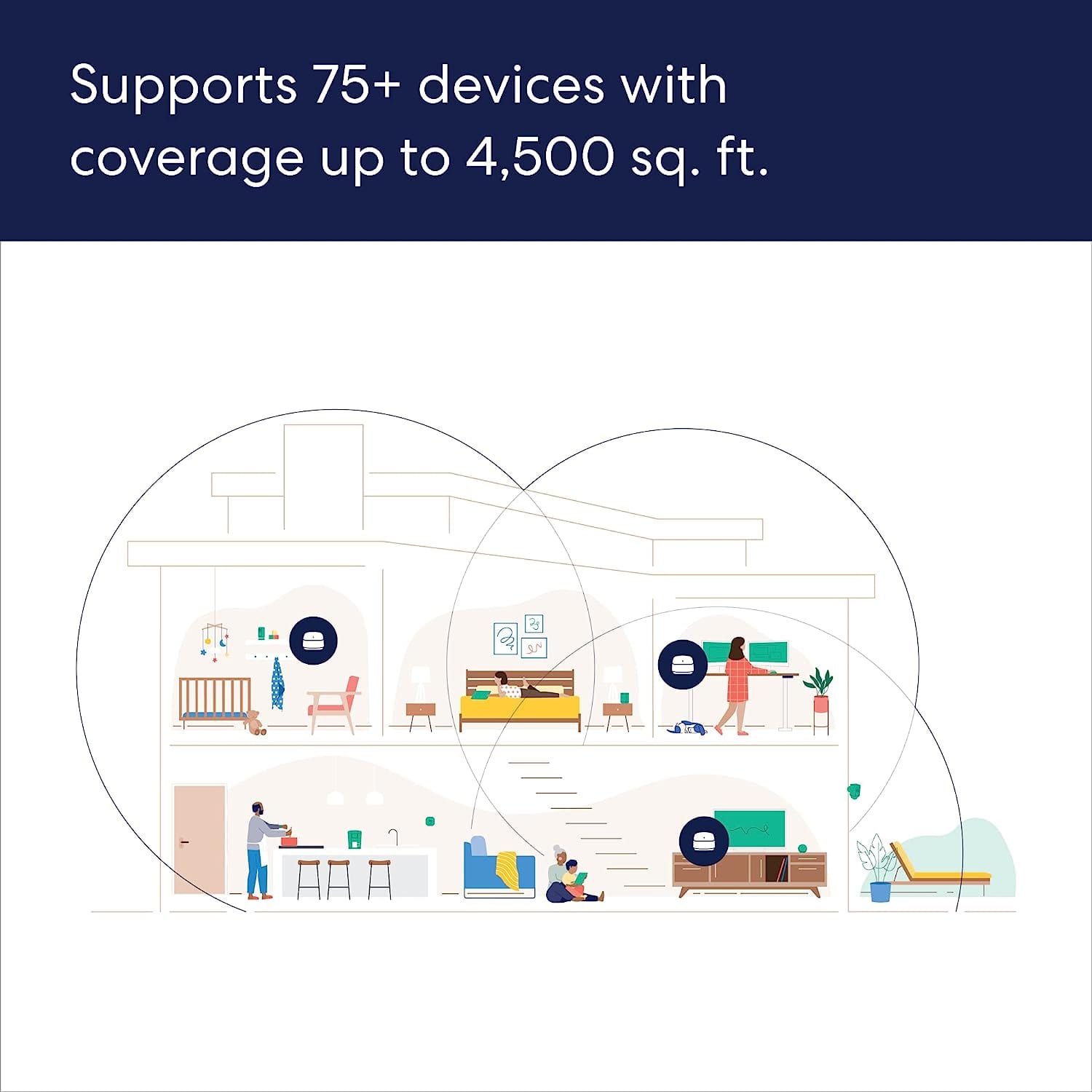
||Posted .This reviewer received promo considerations or sweepstakes entry for writing a review.needed more than 4500 sq ft of coverage so bought the 6 pro instead
No, I would not recommend this to a friendGreat Mesh System for Home Use
||Posted . Owned for 1 month when reviewed.This reviewer received promo considerations or sweepstakes entry for writing a review.Great for use at home or for a home office. Supports Gigabyte speeds. Has great range and excellent coverage around the house.
I would recommend this to a friendNO LOOKING BACK WITH NETGEAR
||Posted . Owned for 1 month when reviewed.This reviewer received promo considerations or sweepstakes entry for writing a review.didn't work as well as I'd like it to work, needed more cable connections, I like hard lining my Internet, so I went back to a Netgear RAX500
No, I would not recommend this to a friendJust okay.
||Posted . Owned for 1 month when reviewed.This reviewer received promo considerations or sweepstakes entry for writing a review.This item is not as good as what was described to me. The signal is there, but buffers a lot. It is annoying when watching a show or movie.
No, I would not recommend this to a friendWorks well..!
||Posted . Owned for less than 1 week when reviewed.This reviewer received promo considerations or sweepstakes entry for writing a review.This is very user friendly, simple setup and functions really well. Highly recommended..! Great price too with Best Buy..
I would recommend this to a friendSet up difficult
||Posted . Owned for 3 weeks when reviewed.This reviewer received promo considerations or sweepstakes entry for writing a review.Works as advertised, extended my WiFi to area with poor reception. I had to call for support twice during setup and their customer service team was less than knowledgeable and helpful.
I would recommend this to a friendAllowed signal to back porch, through house wall.
||Posted . Owned for 1 month when reviewed.This reviewer received promo considerations or sweepstakes entry for writing a review.This allowed me to get a much stronger signal on our back porch. Our television doesn't slow down like it once did.
I would recommend this to a friendGreat router
||Posted . Owned for 4 months when reviewed.This reviewer received promo considerations or sweepstakes entry for writing a review.So far the best router I have ever owned. It’s not like I’ve owned that many but of the 3 or 4 this is the best.
I would recommend this to a friendEeros web connection
||Posted . Owned for 1 month when reviewed.This reviewer received promo considerations or sweepstakes entry for writing a review.Excellent for elimination of dead spots in the house. House is 2100 square feet and have two eeros in use.
I would recommend this to a friendNot too fast but easy.
||Posted . Owned for 2 weeks when reviewed.This reviewer received promo considerations or sweepstakes entry for writing a review.Not as fast as Linksys. I returned it and purchased a Linksys mesh system. It is twice the speed.
No, I would not recommend this to a friendSo far, so good
||Posted . Owned for 2 weeks when reviewed.This reviewer received promo considerations or sweepstakes entry for writing a review.So far, so good — this Eero mesh Wi-Fi system seems to have solved our “buffering” issue. Stay tuned ….
I would recommend this to a friendGreat system
||Posted . Owned for 3 weeks when reviewed.This reviewer received promo considerations or sweepstakes entry for writing a review.I can finally get reception in all rooms in my house. Set up is easy, just remember to rename it.
I would recommend this to a friendAvoid for gaming
||Posted . Owned for 1 month when reviewed.This reviewer received promo considerations or sweepstakes entry for writing a review.Terrible for gaming. Have nit been able to play a game without connectivity issues. Facetime calls lag as well. Ran diagnostics with ISP and everything was running good on the ISPs side. Ive wired directly to the main gate eero and still experience lag issues. Ive called eero and they really were no help as it continues to lag. Best buy return policy does not allow for more than 15 days and now im stuck with a 300 dollar mesh system that is terrible.
No, I would not recommend this to a friendEero 6 plus is the best option for Wi-Fi
||Posted . Owned for less than 1 week when reviewed.This reviewer received promo considerations or sweepstakes entry for writing a review.Awesome system the eero 6 plus makes it so easy to connect to all of my projects and properties.
I would recommend this to a friendEasy Peasy
||Posted . Owned for 6 months when reviewed.This reviewer received promo considerations or sweepstakes entry for writing a review.piece of cake to setup and use. Three gives very high level coverage in a 2700 Ft Square house
I would recommend this to a friend
Disappointed
|Posted . Owned for 1 month when reviewed.This reviewer received promo considerations or sweepstakes entry for writing a review.[Employee of bestbuy] Was able to connect one but not the other 2. It kept saying move it closer to the modem router. I don’t know how close they want it if it is literally right next to it. The range was good from what I got from just the one. But not worth it. Maybe the higher model is good but definitely not this one.
No, I would not recommend this to a friendRouter Did Not Work
||Posted . Owned for 1 month when reviewed.This reviewer received promo considerations or sweepstakes entry for writing a review.The router never completed setup. I've setup more routers than I can count and this one wouldn't finish setup. After an hour on the phone with Eero Tech Support, they blamed the ISP for blocking access to an unrecognized router Mac Address after which I plugged in several old routers and they immediately connected to the Internet. This product was returned.
No, I would not recommend this to a friendNo dead spots for your home's w-fi
||Posted . Owned for 1 month when reviewed.This reviewer received promo considerations or sweepstakes entry for writing a review.Great way to enhance your wi=fi signal throughout the house. No dead spots! Works as intended
I would recommend this to a friendE
||Posted . Owned for 1 month when reviewed.This reviewer received promo considerations or sweepstakes entry for writing a review.I recommend it 100% easy to install and the speed change on the Internet is very different
I would recommend this to a friendokay-ish
||Posted . Owned for 8 months when reviewed.This reviewer received promo considerations or sweepstakes entry for writing a review.They are okay, A little spotty sometimes and internet can still lag. They are also a little bulky so hard to find areas in the home to place inconspicuously.
I would recommend this to a friend