Customer Ratings & Reviews
- Model:
- PA10211
- SKU:
- 6612699
Rating by feature
- Setup
Rating 4.8 out of 5 stars
- Range
Rating 4.6 out of 5 stars
- Signal Strength
Rating 4.6 out of 5 stars
Customers are saying
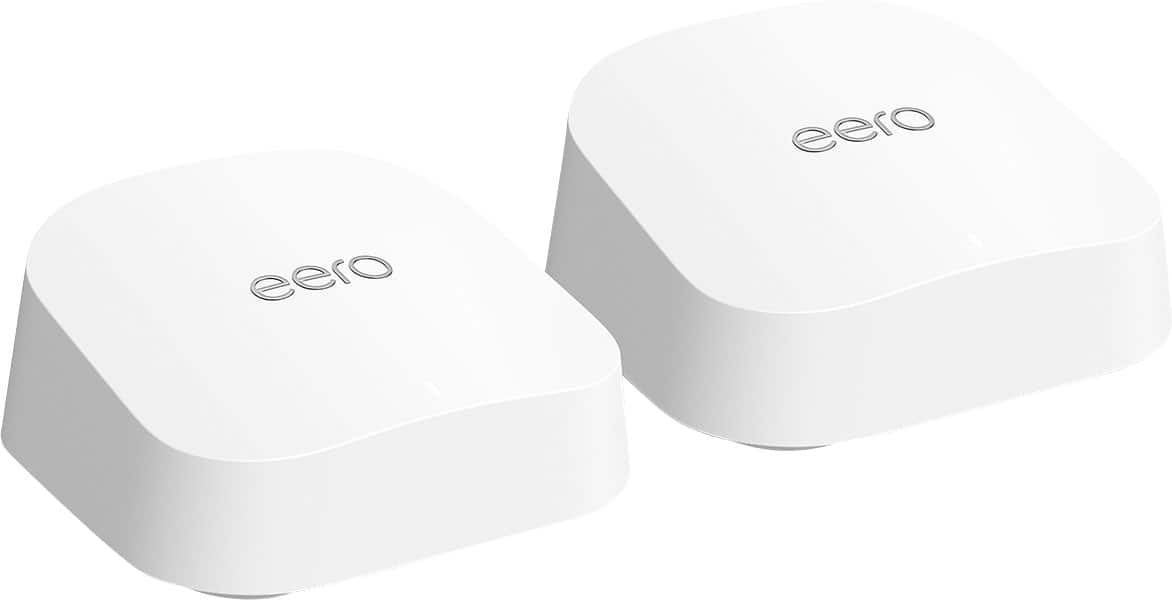
Customers consistently note the 7 Dual-band Mesh Wi-Fi 7 Router (1-pack) for its extremely easy setup and reliable connectivity. Users also appreciate the great coverage and signal strength throughout their homes. The router's compact size is another positive aspect, as it doesn't take up much space.
This summary was generated by AI based on customer reviews.
Helpful but larger device needed
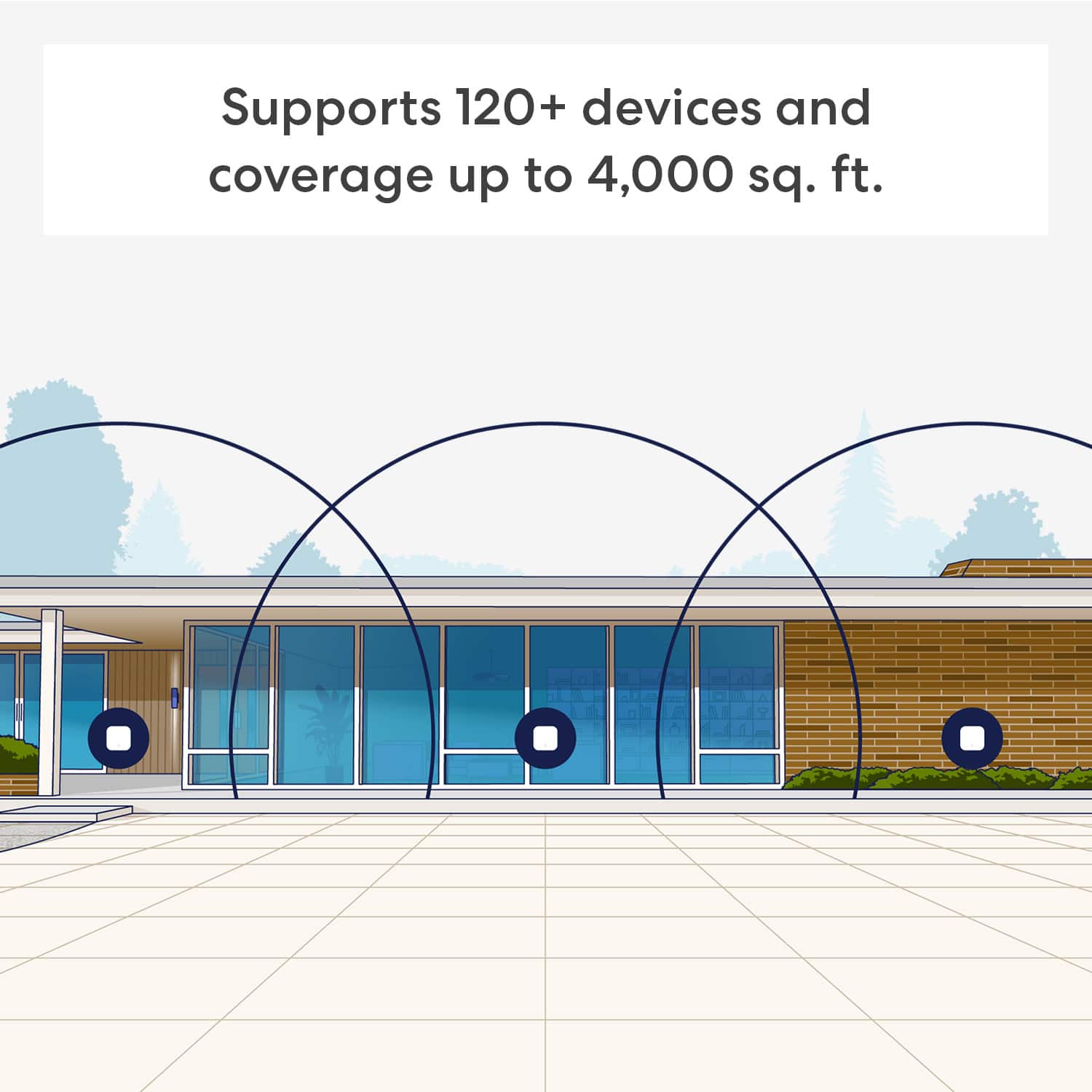
||Posted . Owned for 1 month when reviewed.This reviewer received promo considerations or sweepstakes entry for writing a review.This product was helpful in improving our wifi quality a little more than it was. But by our home being on the larger side we need something a bit more strong. If you have a home 2700sq ft or larger, you may want to try a different device.
I would recommend this to a friendBrand response from Amazon Devices Customer Support
Posted .Hi MrsLDJ. Thank you for providing feedback about the eero 7 system. Each eero 7 router provides coverage up to 2,000 sq. ft. Depending on the layout of your home and the materials used in its construction, more eeros could be needed. Strategically placing your eeros is the single most important step you can take to ensure your system provides fast, reliable WiFi to every room in your home. Here are some tips to follow: 1. Place eeros where they can talk to each other. 2. Place eeros on a hard, flat surface. 3. Keep your eeros out in the open. 4. Whenever possible, aim for direct line of sight between eeros. The fewer the walls between your eeros, the better. If this information doesn’t resolve your issue, call eero customer service at (877) 659-2347. They’re available Monday-Sunday 6am-8pm PT. I hope this helps. Have a great day!

Satisfied customer
||Posted . Owned for 3 weeks when reviewed.This reviewer received promo considerations or sweepstakes entry for writing a review.Performs perfectly, and the phone line support was perfect..thank you
I would recommend this to a friendI upgrade from the original Eeros
||Posted . Owned for 2 weeks when reviewed.This reviewer received promo considerations or sweepstakes entry for writing a review.They connect my internet so quickly. I love the upgrade.
I would recommend this to a friendTHE BEST OUT THERE
||Posted . Owned for 1 month when reviewed.This reviewer received promo considerations or sweepstakes entry for writing a review.I love these and they have really helped my internet in my condo.
I would recommend this to a friendEero wi fi mesh 2 pack system
||Posted . Owned for 3 weeks when reviewed.This reviewer received promo considerations or sweepstakes entry for writing a review.Eero Wi fi 7 mesh 2 pack system that is really easy to set up with their app.
I would recommend this to a friendTop-Flight Mesh System
||Posted .This reviewer received promo considerations or sweepstakes entry for writing a review.Works perfectly to provide high download ability throughout our house for all devices.
I would recommend this to a friendeero really works!
||Posted . Owned for 3 weeks when reviewed.This reviewer received promo considerations or sweepstakes entry for writing a review.Geek Squad did set-up. It was fast and works well.
I would recommend this to a friend
Eero performance
|Posted .This reviewer received promo considerations or sweepstakes entry for writing a review.[Employee of bestbuy] Good “everyday” performance; handles multiple devices decently; solid if your ISP speed isn’t ultra high. Setup is easy.
I would recommend this to a friend- Pros mentioned:Setup ease
Reliable product
||Posted .This reviewer received promo considerations or sweepstakes entry for writing a review.Solid, easy set-up, a bit pricey relative to newer model
I would recommend this to a friend WI-FI COVERAGE.
||Posted . Owned for 3 weeks when reviewed.This reviewer received promo considerations or sweepstakes entry for writing a review.AS TOLD BY THE SALEMAN, IT HAS AN EXCELLENT EXTENSION TO THE WI-FI.
I would recommend this to a friendGreat product
||Posted .This reviewer received promo considerations or sweepstakes entry for writing a review.Absolutely great! Much better than my previous system. I have one in my son's RV in the back of my house and his service had been great.
I would recommend this to a friendHighly Recommended
||Posted . Owned for 1 month when reviewed.This reviewer received promo considerations or sweepstakes entry for writing a review.Great product! Extremely happy with my purchase. Highly recommended.
I would recommend this to a friendGreat product
||Posted . Owned for 2 weeks when reviewed.This reviewer received promo considerations or sweepstakes entry for writing a review.This really helps with connectivity speed between the rooms.
I would recommend this to a friendGreat signal
||Posted . Owned for 2 weeks when reviewed.This reviewer received promo considerations or sweepstakes entry for writing a review.So far so good with these 3 extenders. I would definitely recommend
I would recommend this to a friendOver it!!
|Posted .This reviewer received promo considerations or sweepstakes entry for writing a review.[Employee of bestbuy] Terrible is an understatement, I moved not to long ago and decided to do my own modem and router i went with the arris modem and did a two pack of the eeros. Nothing but issues since day one my internet will unexpectedly turn off one of the eero system will just stop connecting. Late night I can’t even watch a show because how slow the internet is. I’ve troubleshooted the eero so many times so as well the modem but still just issues. I have to be home alone in order to get anything done. Going back with my internet cable modem router because this is stressing!!
No, I would not recommend this to a friendBrand response from Amazon Devices Customer Support
Posted .Hi BryanA. Thank you for providing feedback about your experience with the eero & system. I'm sorry to hear about your connection issues. Soft resetting your gateway eero (the one connected to your modem) can be a useful troubleshooting step. To soft reset your eero: Hold the reset button until its LED flashes yellow (approximately 7 seconds). Once it flashes yellow, release it. As the eero boots up, the LED will flash white, then blue, and then return to solid white. Once the LED is solid white, you should be able to see your eero is back online in the eero app. If the soft reset doesn’t resolve your issues, contact eero customer service. They can be reached at (877) 659-2347. I hope this helps. Have a great day!
Eero’s
||Posted . Owned for 1 month when reviewed.This reviewer received promo considerations or sweepstakes entry for writing a review.I have 3, and they provide great coverage for each level of my residence.
I would recommend this to a friendEERO 7
||Posted . Owned for 1 week when reviewed.This reviewer received promo considerations or sweepstakes entry for writing a review.Provides good wifi coverage at all floors and backyard
I would recommend this to a friendGreat Product
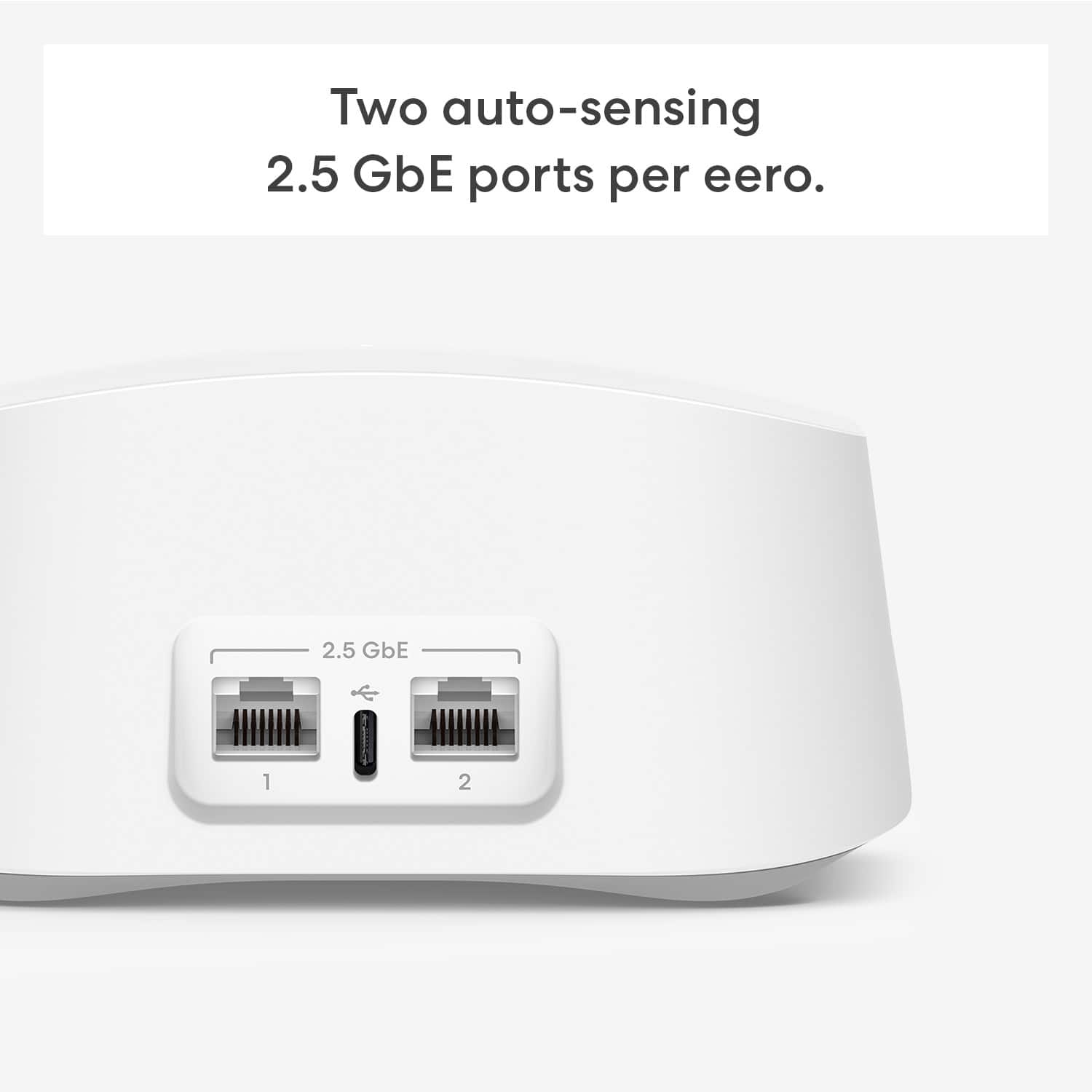
||Posted . Owned for 1 month when reviewed.This reviewer received promo considerations or sweepstakes entry for writing a review.It works great, I like that I can hard wire my xbox on one of the satellite boxes.
I would recommend this to a friendNot What I Wanted
||Posted . Owned for 5 months when reviewed.This reviewer received promo considerations or sweepstakes entry for writing a review.I bought this on the recommendation of the BB associate. When I got it home and started to unpack it, it was not what I wanted. He told me it was wireless. Nothing to plug in-put them where I want them. These satellites need to plugged in to a wall socket. I didn't want that. I returned it and got a different router. I can't give a fair rating, because I returned it before using it.
No, I would not recommend this to a friendBrand response from Amazon Devices Customer Support
Posted .Hi LaurieV. Thank you for your feedback on the eero 7 system. I'm sorry to hear that the system failed to meet your expectations. Should you need increased coverage and want to try eero again, be advised that the connection between the eeros will be wireless, but each eero will require wall power.Should you have questions about selecting the right system for your home, reach out to customer service so that they can provide a recommendation. They can be reached at (877) 659-2347. I hope this helps. Have a great day!
Mesh system for gome
||Posted . Owned for less than 1 week when reviewed.This reviewer received promo considerations or sweepstakes entry for writing a review.Best mesh system for your home. Excellent quality and price
I would recommend this to a friend