Customer Ratings & Reviews
- Model:
- PA10311
- SKU:
- 6612700
Rating by feature
- Setup
Rating 4.8 out of 5 stars
- Range
Rating 4.6 out of 5 stars
- Signal Strength
Rating 4.6 out of 5 stars
Customers are saying
Customers consistently note the 7 Dual-band Mesh Wi-Fi 7 Router (1-pack) for its extremely easy setup and reliable connectivity. Users also appreciate the great coverage and signal strength throughout their homes. The router's compact size is another positive aspect, as it doesn't take up much space.
This summary was generated by AI based on customer reviews.
- Pros mentioned:Signal strength
Fantastic
||Posted . Owned for 1 month when reviewed.This reviewer received promo considerations or sweepstakes entry for writing a review.Outstanding product to extend your signal throughout the entire house
I would recommend this to a friend - Pros mentioned:Connectivity
WiFi 7
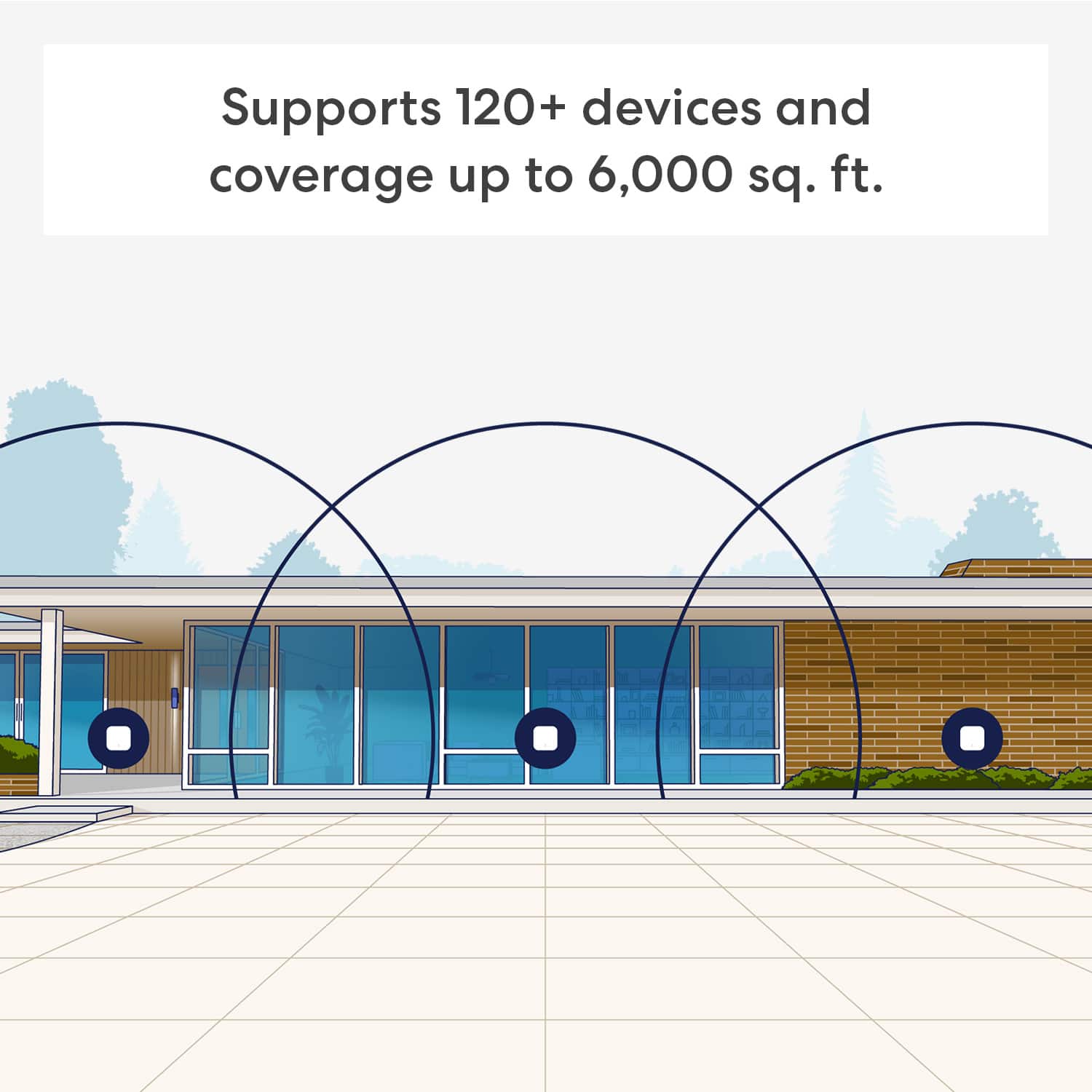
||Posted . Owned for 1 month when reviewed.This reviewer received promo considerations or sweepstakes entry for writing a review.Excellent WiFi mesh system, I have over 30 devices connected to it in my home, works very well, super reliable, no dead spots or bad zones at all.
I would recommend this to a friend Eeroo for the win
||Posted . Owned for 2 weeks when reviewed.This reviewer received promo considerations or sweepstakes entry for writing a review.Great product higly recommend it over tp-link which ive use tp link products for 15 year or so eero for the win
I would recommend this to a friend- Pros mentioned:Signal strength
Worth the money
||Posted .This reviewer received promo considerations or sweepstakes entry for writing a review.Easy to set up no signal drops throughout the house
I would recommend this to a friend - Pros mentioned:Setup ease

Simple product for simple people
|Posted .This reviewer received promo considerations or sweepstakes entry for writing a review.[Employee of bestbuy] Works well, have no issues. Very easy setup and app is very simple.
I would recommend this to a friend - Pros mentioned:Connectivity
Range extender
||Posted .This reviewer received promo considerations or sweepstakes entry for writing a review.Definitely increased the WiFi range throughout my home.
I would recommend this to a friend EASY SETUP WI-FI ROUTER AND SATELLITE
||Posted . Owned for 2 weeks when reviewed.This reviewer received promo considerations or sweepstakes entry for writing a review.The eero Wi-Fi router and satellite have the easiest setup for a "mesh" system that I have experienced. Note that I have been installing routers since the early 2000's, around the year 2001 was the first instance. As well as easy setup, the system responded/completed setup faster that any other that I have installed.
I would recommend this to a friend- Pros mentioned:Connectivity
Helped my wifi deadzones
|Posted .This reviewer received promo considerations or sweepstakes entry for writing a review.[Employee of bestbuy] These absolutely improved my wifi in the second story of my home , it’s like night and day
I would recommend this to a friend - Pros mentioned:Signal strength
K. Pepper
||Posted . Owned for 2 weeks when reviewed.This reviewer received promo considerations or sweepstakes entry for writing a review.They work great. Problems with getting a WiFi signal are gone.
I would recommend this to a friend - Pros mentioned:Coverage
Eero 7
||Posted . Owned for 2 weeks when reviewed.This reviewer received promo considerations or sweepstakes entry for writing a review.Very happy with this purchase. Great whole house coverage
I would recommend this to a friend Excellent product
||Posted . Owned for 3 months when reviewed.This reviewer received promo considerations or sweepstakes entry for writing a review.Have had many different routers. This company offers fantastic product's. Customer service is present , available and goes out of their way to make sure everything is working fine and that the customer understands. The app to control the system is one of the best I have encountered
I would recommend this to a friend- Pros mentioned:Connectivity
The best Wi-Fi system
||Posted . Owned for 1 month when reviewed.This reviewer received promo considerations or sweepstakes entry for writing a review.The best Wi-Fi system you can have it now I have a Wi-Fi around my whole house in my yard
I would recommend this to a friend - Pros mentioned:Setup ease
Works great!
||Posted . Owned for 4 months when reviewed.This reviewer received promo considerations or sweepstakes entry for writing a review.Usung the app thet comes able to doenload yo your phone, it works great. Easy to setup and manage.
I would recommend this to a friend fast and powerfull wifi
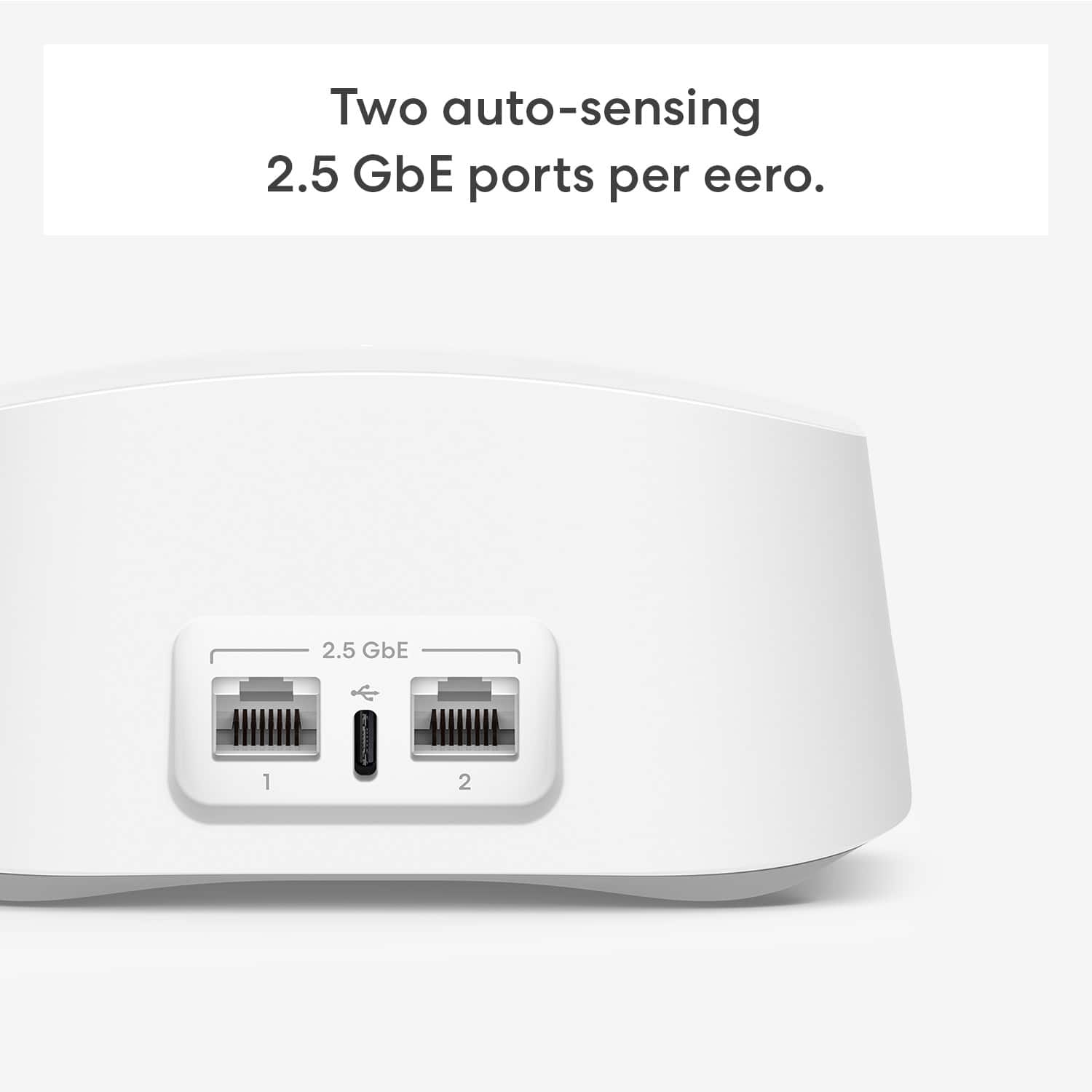
||Posted . Owned for 2 weeks when reviewed.This reviewer received promo considerations or sweepstakes entry for writing a review.very good router looks small but very powerful the only thing is only 2 cable entrance
I would recommend this to a friend- Pros mentioned:Setup ease
Easy Setup
||Posted . Owned for 4 months when reviewed.This reviewer received promo considerations or sweepstakes entry for writing a review.Easy setup and fast enough for my needs. Great system.
I would recommend this to a friend - Pros mentioned:Setup ease
Best wifi access points
||Posted . Owned for 1 month when reviewed.This reviewer received promo considerations or sweepstakes entry for writing a review.Im a senior installer an i like this divices they are easy to install network runs fast, app easy to set up also good. Costumer service .
I would recommend this to a friend - Pros mentioned:Signal strength
Works great
||Posted . Owned for 2 months when reviewed.This reviewer received promo considerations or sweepstakes entry for writing a review.Easily added on this extender to my eero wifi system. Powerful signal.
I would recommend this to a friend Barnyard
||Posted . Owned for 3 weeks when reviewed.This reviewer received promo considerations or sweepstakes entry for writing a review.It’s a good product, enjoy watching my animals from within the barnyard area. Going to place more cameras out there
I would recommend this to a friend- Pros mentioned:Setup ease
Best mesh system ever!
|Posted . Owned for 1 month when reviewed.This reviewer received promo considerations or sweepstakes entry for writing a review.[Employee of bestbuy] Absolutely amazing product. It was very easy to set up and gave me fast internet 15 min outside the box
I would recommend this to a friend Wifi Fast
||Posted . Owned for 3 weeks when reviewed.This reviewer received promo considerations or sweepstakes entry for writing a review.-Good that it has an extra ethernet port, you can hardwire game systems to the access point. -Internet speeds were unusable in parts of the house (2770 square foot), and now the internet is fast (500+mbps in the worst parts) in every room. Getting close to the max of our 1 gig internet in many parts of the house. Actually getting 1,058 mbps on this computer as I type this review. No ethernet cable, just going off wifi- and we only pay for 1 gig with our ISP.
I would recommend this to a friend