Customer Ratings & Reviews
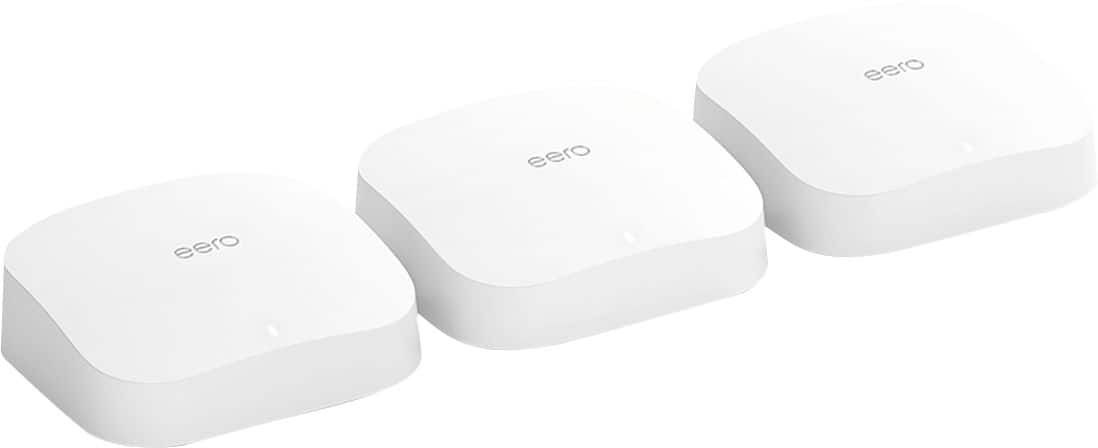

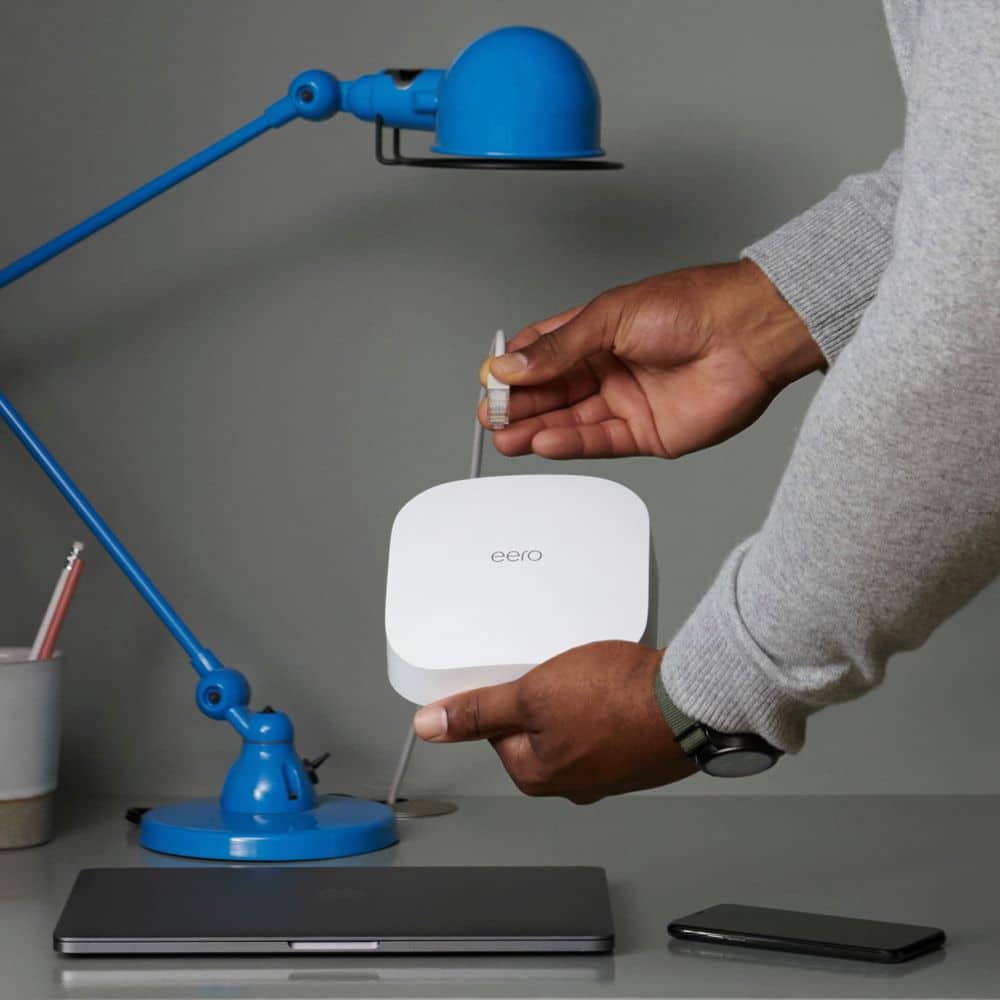





- Model:
- K010311
- |
- SKU:
- 6433414
Customer reviews
Rating 4.7 out of 5 stars with 3387 reviews
(3,387 customer reviews)Rating by feature
- Setup4.8
Rating 4.8 out of 5 stars
- Range4.7
Rating 4.7 out of 5 stars
- Signal Strength4.7
Rating 4.7 out of 5 stars
Customers are saying
Customers are delighted by the Pro 6 AX4200 Tri-Band Mesh Wi-Fi 6 Router's ease of use, impressive Wi-Fi coverage, and strong performance. Many appreciate the straightforward setup and extended range, resulting in a significantly improved home Wi-Fi experience. However, some users find the price to be high and note that the device can get warm during operation. A few also mention a limited number of Ethernet ports as a drawback.
This summary was generated by AI based on customer reviews.
- Pros mentioned:Speed
Rated 5 out of 5 stars
No More WiFi Issues
Posted .This reviewer received promo considerations or sweepstakes entry for writing a review.This Mesh system is great for the value. Geek Squad techs installed it and it works perfectly. I can download photos, maps and large documents with ease. These two techs even cleaned up my internet cabinet that was a mess. I highly recommend purchasing this system.
I would recommend this to a friend - Pros mentioned:Ease of use
Rated 5 out of 5 stars
eero Pro 6 3 mesh system is fantastic!
||Posted . Owned for 1 month when reviewed.This reviewer received promo considerations or sweepstakes entry for writing a review.eero mesh wi-fi was extremely easy to setup, and works exactly as advertised. I switched from a Spectrum router with an access point in my lower level to this 3 unit mesh system and the coverage and signal strength is much improved. My garage door openers and outdoor camera previously received a weak signal and sometimes dropped, but now indicate a strong signal. The mobile app is very intuitive, easy to use and has some great features.
I would recommend this to a friend - Pros mentioned:Ease of useCons mentioned:Price
Rated 4 out of 5 stars
Eero 6 Pro very happy
||Posted . Owned for 1 month when reviewed.This reviewer received promo considerations or sweepstakes entry for writing a review.I have about 3000 sq ft home and the Wi Fi router supplied by the ISPwas just not strong enough to reach the upstairs bedroom. I installed the Eero Pro 6 with the base and 2 pods. Super easy to install. The app walks you through the whole process. Took about 20 minutes total. The pods need to be plugged in so keep that in mind,and make sure the outlets you use are not controlled by light switches. You will get to rename the broadcast name of your network(SSID) and provide a new wireless password as well. You can also use the same SSID and password that your ISP used. That will save you the trouble of resetting up the wireless on your smart TV's and other connected devices. Once installed you can run speed tests right from the app from each room. You can also give your connected devices friendly names so you can easily see what device is connected to what access point. Coverage throughout the house is great now with 4 smart TV's, 2 laptops, 2 desktops, 2 tablets and 2 phones. Only reason not 5 stars is the setup is expensive, but we all work from home now and needed reliable wi fi.
I would recommend this to a friend - Pros mentioned:Setup, Speed
Rated 5 out of 5 stars
Amazing improvement!
||Posted .This reviewer received promo considerations or sweepstakes entry for writing a review.I very strongly suggest this product if you are dealing with slow speeds or dead spots in your basement. I was getting good speeds (not “great” as I pay for 400mb but was getting 370mb at best) in my family room with the old set up. It was a Netgear Nighthawk R7000. But my office in the basement was unfortunately the furthest away you could possibly be from the router. So I bought an extender which did help some, but I was still getting less than half of my speed upstairs. With the Eero Pro 6, I’m getting 470mb downloads in my family room AND my basement office. I could not be happier. Super easy set up, too. Was able to purchase on sale as well. Five star product from my perspective.
I would recommend this to a friend - Pros mentioned:Performance, Speed
Rated 5 out of 5 stars
Best WiFi system installed
||Posted . Owned for more than 2 years when reviewed.This reviewer received promo considerations or sweepstakes entry for writing a review.Best WiFi system I’ve had over the years. On a recommendations from friends in IT, this system continues to impress me with its speed amongst multiple devices.
I would recommend this to a friend - Pros mentioned:Ease of use, Performance
Rated 5 out of 5 stars
Apple fan is sold!
||Posted . Owned for 1 week when reviewed.This reviewer received promo considerations or sweepstakes entry for writing a review.I used an Apple Airport Extreme for many years, and finally decided that it was time to upgrade even though it was still working fine (mainly because of how working from home had pointed out some, um, 'deficiencies' in performance of my 10-year-old equipment). I couldn't be more pleased. The setup was a piece of cake, it works like a charm, Eero support was wonderful when I asked a question about expanding the mesh, and it's just rock-solid. I've noticed that some folks in other reviews on other sites have been somewhat displeased about a recent firmware upgrade to 6.5.0, but since I started out with that on day one, I haven't noticed any issues. I'm a fan!
This review is from eero - Pro 6 AX4200 Tri-Band Mesh Wi-Fi 6 Router - White
I would recommend this to a friend - Pros mentioned:Ease of use, Speed
Rated 5 out of 5 stars
If you have fiber 1G get the Pro over the regular
||Posted . Owned for 3 weeks when reviewed.This reviewer received promo considerations or sweepstakes entry for writing a review.I have a fiber 1 gig connection. I originally bought the Eero 6 3-pack. The main hard-wired connection was excellent, but as I moved to the further access points it got significantly weaker. The regular Eero 6 regular only has 1 AP that can hardwire, one huge plus of the Pro is that all 3 do. Now even at the furthest AP I am getting excellent speeds, so exchanging for the Pro was definitely the right choice. I would say if your connection is not that great to begin with maybe it doesn't make sense for the extra cost, but if you have a a fiber connection I highly recommend spending extra for the Pro. Overall I am very happy with the performance, it is easy to set up and it is aesthetically pleasing too.
I would recommend this to a friend - Pros mentioned:Setup
Rated 5 out of 5 stars
The perfect solution to weak wifi strength for us!
||Posted . Owned for 1 month when reviewed.This reviewer received promo considerations or sweepstakes entry for writing a review.WOW! We were searching for a solution to spotty to non-existent wifi signals within our 5400 sq ft cement block three story home. We didn’t want to have two separate routers because we like the seamless music throughout the home provided with our Sonos system. This was recommended as a solution by the salesperson who assisted us and we could not have been more thrilled with the results we got. We did add two more boosters we purchased because we have thick spiral staircases and now we have amazing wifi signal strength throughout our home and even up on the rooftop terrace! Plus super easy to set up and they look nice, too. Thank you Eeros and Best Buy!!!!
I would recommend this to a friend - Pros mentioned:Ease of use
Rated 5 out of 5 stars
EERO = EASY
||Posted . Owned for 2 weeks when reviewed.This reviewer received promo considerations or sweepstakes entry for writing a review.This Wi-Fi 6 mesh system was extremely easy to setup! You simply need one connected with a landline straight to your modem and the option for the any others to be wireless within range. What’s really nice is that you can set these up across your house and connect devices via landline or just wirelessly and have a good powerful signal across your whole home. The system was recommended to me via Best Buy employee so I gave it a try and I’m glad I did you will be too.
I would recommend this to a friend - Pros mentioned:Ease of use, Performance, Wi-fi coverage
Rated 5 out of 5 stars
Worth the money
||Posted . Owned for 1 month when reviewed.This reviewer received promo considerations or sweepstakes entry for writing a review.Super easy to set up. Have been using for a month now and gives me great Wifi speeds across my house (5000 sf) and even cover my outdoor areas. Much more reliable than my last system (Lynksys Velop).
I would recommend this to a friend - Pros mentioned:Setup, Speed
Rated 4 out of 5 stars
Works good for the size home I have
||Posted . Owned for 3 weeks when reviewed.This reviewer received promo considerations or sweepstakes entry for writing a review.The only reason I give four stars instead of five is because it seems like the software is sort of limiting to the user on the control front. I mean this is an Amazon product so I would expect to be able to do things like check on the network traffic of a particular device while on the network I mean down to what websites were visited by that device. I would also like a way to control what products get priority in terms of broadband internet. I don't like how they try and make you pay for a subscription to unlock certain features of the router when it's already $600. If this router is capable of protecting your devices from unwanted threats then it should come with it at this price point in my opinion. However the setup was extremely easy and placing them around the house took a little bit of work to get the right coverage but once the satellites were placed accordingly full coverage on every square inch of my home. I have about 300 megabit per second internet and this system performs well everywhere
I would recommend this to a friend - Pros mentioned:Setup, Speed
Rated 5 out of 5 stars
Wow!!! What an Improvement!!
||Posted .This reviewer received promo considerations or sweepstakes entry for writing a review.It was time to upgrade my original Eero system from the Gen 1 edition, so I bought this. Blown away! I have a current 250mbs service that I get from Haefele Tv in Western , NY, and now pretty much anywheere in my house, I get near that on wireless, where before I was topping out at about 100mbs. Triband really makes a big difference. I can really see a big difference in my security camera responses as well. Setup was easy, and it kept all my existing device tags active. Would buy another. AA++
I would recommend this to a friend - Pros mentioned:SetupCons mentioned:Ethernet ports
Rated 5 out of 5 stars
Awesome, Awesome!
||Posted . Owned for 1 week when reviewed.This reviewer received promo considerations or sweepstakes entry for writing a review.Really awesome router. Connected everything in less than 5 min. Everything was seamless. Initially I got Arris mAX - what a mistake. 50-min with tech support trying to connect it to the internet. It just would not sync. And then have Arris S33 cable modem! I’m quite tech savvy, trust me, it wasn’t me. They told me they would need to escalate and someone will call me back. Well, they called, 5 days later. Should have started with Eero pro first. But then again, probably wouldn’t have appreciated the seamlessness of the connection. Buy Eero and don’t bother with anything else. Yeah. It only has two Ethernet ports - get a gig 8-port hub for $30 and that’s it!
I would recommend this to a friend - Pros mentioned:Ease of use, Wi-fi coverageCons mentioned:Price
Rated 5 out of 5 stars
Eero Pro 6 AX4200
||Posted . Owned for 1 month when reviewed.This reviewer received promo considerations or sweepstakes entry for writing a review.They were so easy to set-up and work great. I have a 3,100sq ft home, one level, and three of them cover the entire home with no problem. They are a little pricey but you pay for quality.
I would recommend this to a friend - Pros mentioned:Performance, Setup, Speed
Rated 4 out of 5 stars
A Solid Mesh Network
||Posted . Owned for 1 week when reviewed.This reviewer received promo considerations or sweepstakes entry for writing a review.Added a 4th to my house due to some brick walls. The set-up was extremely easy. The speed is a little slower than expected but Eero is working hard on updates to firmware and I've already seen solid improvements. The mesh network has been running for 7 days straight with no hiccups.
This review is from eero - Pro 6 AX4200 Tri-Band Mesh Wi-Fi 6 Router - White
I would recommend this to a friend - Pros mentioned:Performance, Speed
Rated 5 out of 5 stars
Worry free Homekit enabled router
||Posted . Owned for 3 months when reviewed.This reviewer received promo considerations or sweepstakes entry for writing a review.It's been a pretty good router. I specifically chose this since it is a homekit enabled router and I do use the additional device level security settings (mainly plugs that I'm not as impressed with their companies overall security level and encrypted HK secure video). So it's nice to have the option to firewall an individual devices. Not something everyones interested in, but if you are, it's a great bonus. Had another HK enabled router and wasn't impressed. Returned and went with Eero, never drops, super fast wireless. Just realized, I've never had to reset this one either.
This review is from eero - Pro 6 AX4200 Tri-Band Mesh Wi-Fi 6 Router - White
I would recommend this to a friend Rated 4 out of 5 stars
Great product so far, lacks some features
||Posted . Owned for 3 weeks when reviewed.This reviewer received promo considerations or sweepstakes entry for writing a review.The mesh system seems to work very well, the signal strength and coverage are better than the previous mesh network I set up using new and older Asus routers. I have 5 eero routers to support a 3600 sq ft house and an outbuilding. My two-story house has lots of walls. Realistically, the coverage claims made by router vendors are wildly optimistic and assume you live in an aircraft hanger. On the plus side, the administration aspect is substantially less complex than with more full-featured equipment. The down side is the lack of advanced features for tweaking router behavior and settings and built-in security enhancements. One example is the wake on LAN feature Asus routers support. When I called support to ask if there is support for WOL or WAN, the agent had no idea what I was talking about and had to put me on hold. Regardless, the answer came back as a negative. Another unpleasant surprise is the lack of support for third party ddns services, such as dyndns. With the latter, you can have multiple domains. This was very useful for me, since I have two LANs in two different houses. One subscription fee was all that was necessary to support both. In retrospect, the sales person failed to inform me of the annual fee for ddns from eero (the only available option). Not only that, he specifically said that dyndns was supported. I believe this was due to a lack of product knowledge versus an overt attempt at deception. I was also surprised to realize that not only is the eero annual fee almost twice what I pay for dyndns, but I would have to have two subscriptions to support two LANs. Hence, almost 4 times the current cost. I’ll stick with my Asus router at the other house and keep my dyndns subscription. All that said, time will tell if the eero setup is more stable than what I had before. One piece of advice I can offer is to do whatever you can to use the Ethernet backhaul versus wireless. I had some difficulty not doing this on my first attempt with my old setup, where all devices on one mesh router would mysteriously go offline. Turns out I had cascading switches, which the mesh routers were sensitive to. I set up my fifth eero with cascading switches and have not had the issue yet. I don’t know if eero might have this issue, but so far, so good. Using an Ethernet backhaul will improve throughput and is likely more stable in general, so do that if you can.
I would recommend this to a friend- Pros mentioned:Speed
Rated 5 out of 5 stars
Eero Pro 6 is best mesh system out of them all.
||Posted .This reviewer received promo considerations or sweepstakes entry for writing a review.What a difference, I have a two story house, and steady internet speeds all over my house without dead spots have been pretty much impossible until I found mesh system, first was Google WIFI, but speeds have been pretty poor, wired I get 500 down and 500 up, but wireless right next to the main router my speeds dropped half, 10 feet away dropped by 80%. Nest WIFI honestly I saw very little of improvement and 3 of them was not enough, so I had to pair my 3 previous Google WIFI routers, so in total 6 Mesh routers around the house in order not to have dead spots. While I was paying for 500/500, I was getting around 50 to 100, but with increasing devices in my house these routers started struggling and dropping as long as less than 1 in some spots, so here I am again back to looking for solution that will give me great service all around my house, and for those of you who have been in the same shoes, you know how much of a headache that is, but finally something that works great. My house is over 3000 sq ft, and in the furthest part of my house I'm getting 180/230, but I do have one dead spot in my house, so I ordered another one to make it 4 pack. My current set up is 1 main router on the first floor which is biggest square footage, and 2 routers on second floor, but with fourth one I should be golden. For those of you who think maybe increasing data speeds is the solution, unfortunately it is not, I used to have Gigabit internet speeds, but I saw exact same results as with 500/500. Mesh system is the answer, and Eero Pro 6 is the solution to a headache that I have been dealing with for nearly 9 years after trying so many routers.
I would recommend this to a friend - Pros mentioned:Ease of use
Rated 5 out of 5 stars
Perfect for whole house coverage.
||Posted . Owned for 2 weeks when reviewed.This reviewer received promo considerations or sweepstakes entry for writing a review.The eero mesh system works wonderful in my three story townhome. Even with a very expensive Netgear Nighthawk, there were dead zones among all the floors and walls. With this mesh system, I have one on each floor and the connections are great. I have approximately 25 devices hooked up to the system overall. All my devices adapted to the switch and I didn't have to go in and re-enter my wifi passwords on every device. (However, I will say that Geeksquad assisted with the install, so all that is thanks to them and not me!) I can easily manage the system on my smartphone.
I would recommend this to a friend - Pros mentioned:Setup
Rated 5 out of 5 stars
Great wifi unit!
||Posted . Owned for 1 month when reviewed.This reviewer received promo considerations or sweepstakes entry for writing a review.Have heard great reviews about this product from other people. Got it, easy to set up and place around the house. Wifi now runs through my entire house with no issues (2 story plus a basement) One in the basement(where the wifi comes in), one on the main floor and one on the second floor. Would recommend this to anyone having wifi range issues in their house
I would recommend this to a friend