Customer Ratings & Reviews
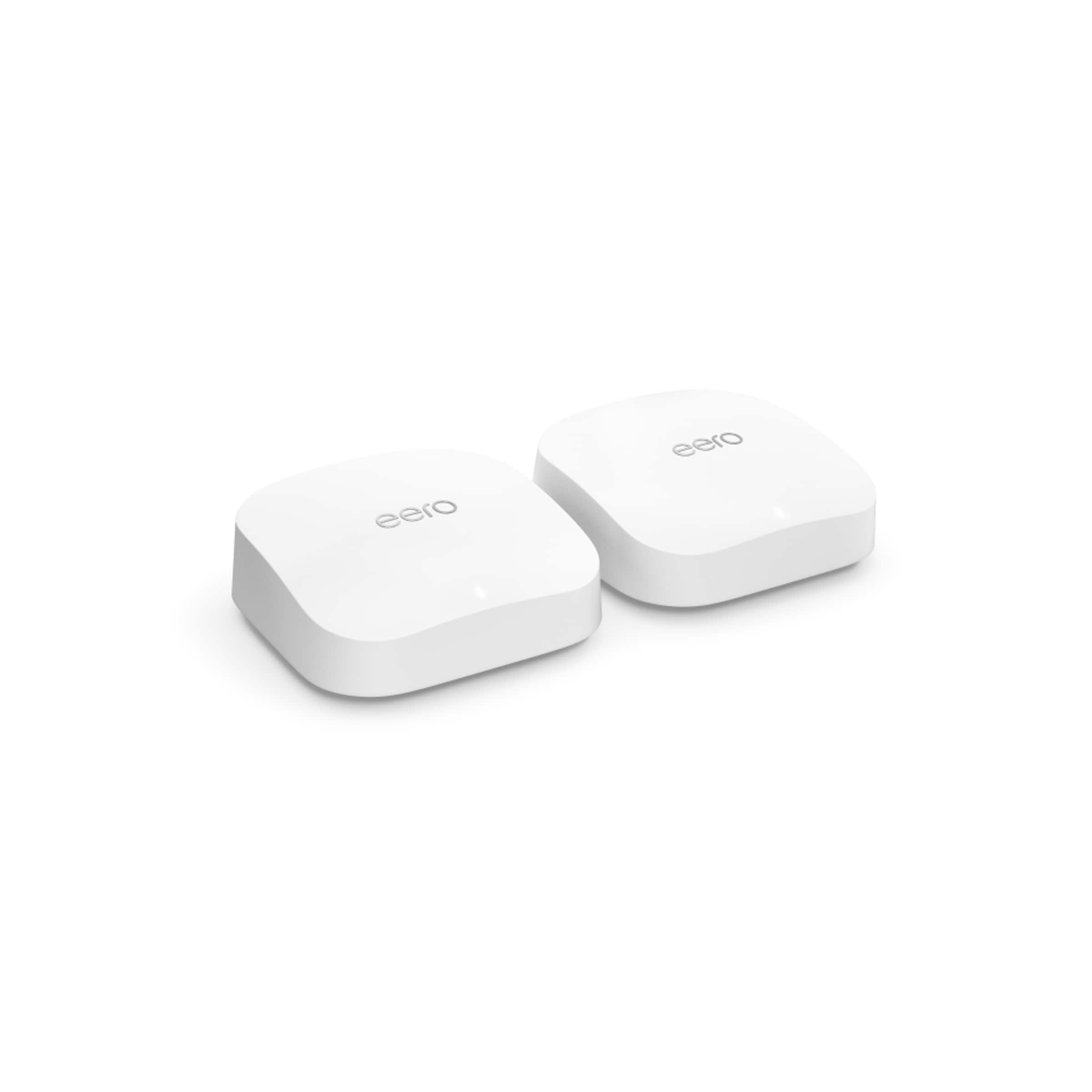

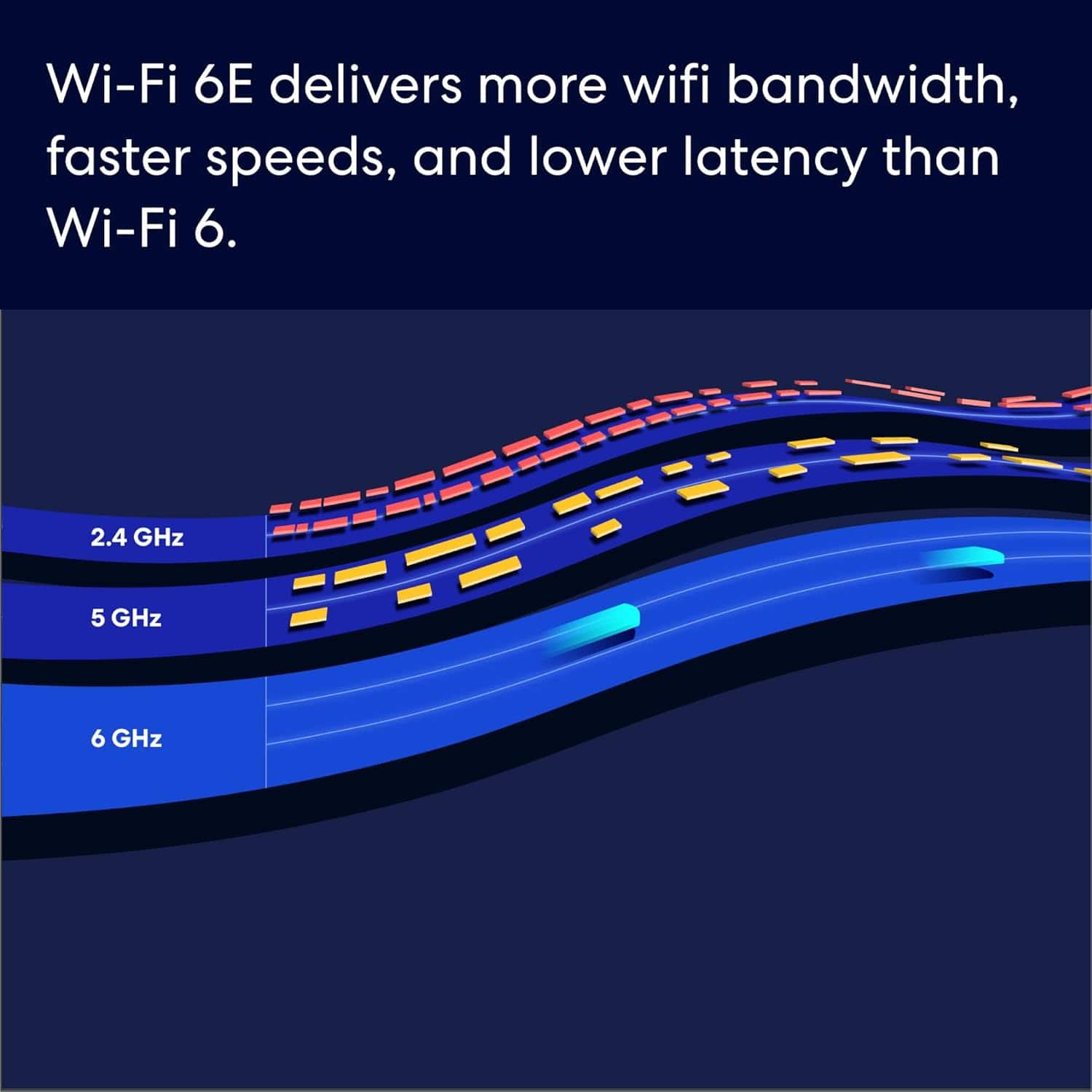
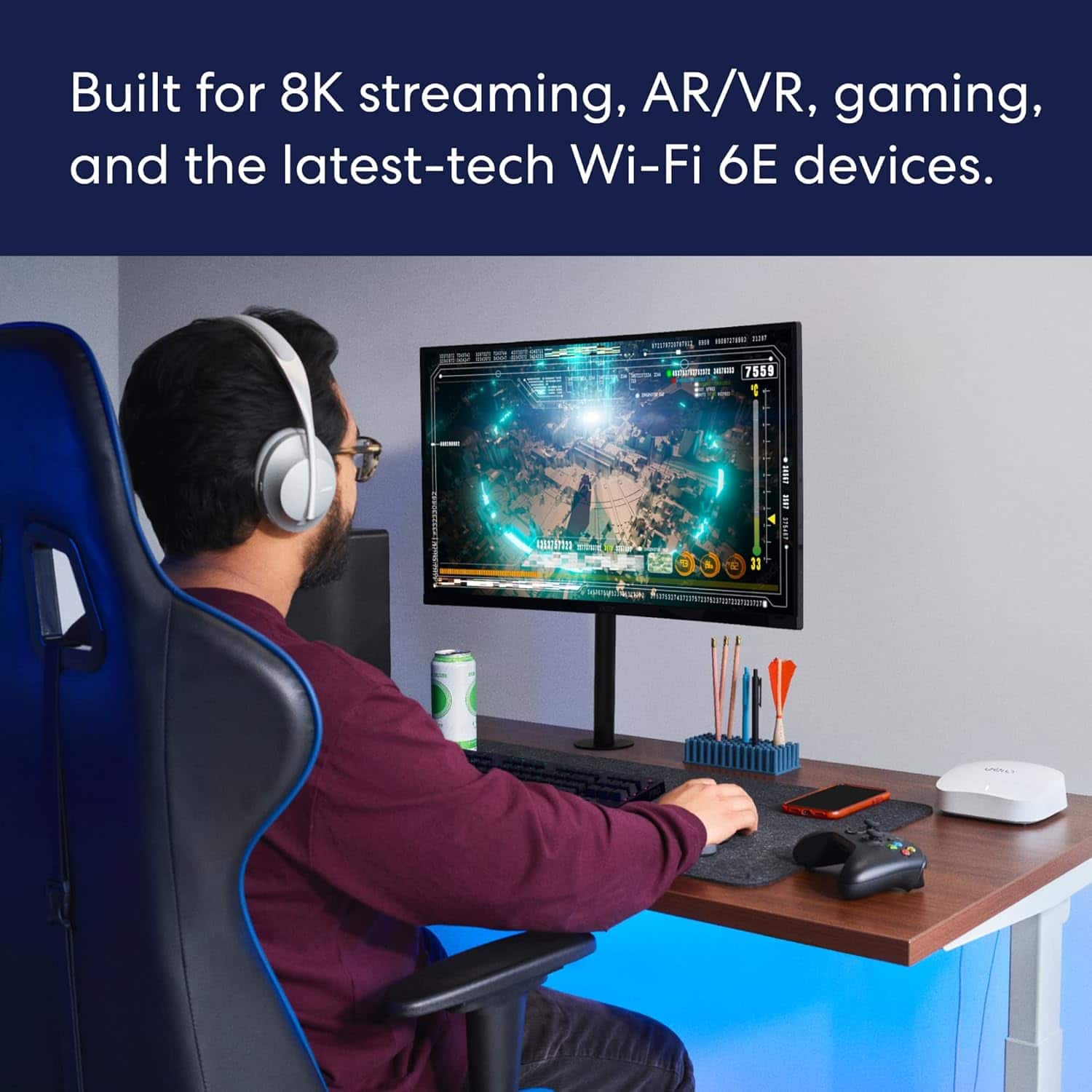
- Model:
- S010211
- SKU:
- 6495915
Rating by feature
- Setup
Rating 4.8 out of 5 stars
- Range
Rating 4.7 out of 5 stars
- Signal Strength
Rating 4.7 out of 5 stars
Customers are saying
Customers admire the Pro 6E Tri-band Mesh Wi-Fi 6E System (2-pack) for its ease of use and impressive speed, with many noting its strong Wi-Fi coverage and overall performance. The setup process is generally considered straightforward, and the range and signal strength are also appreciated. While some find the system to be a bit expensive and having slightly less features, very few experience lag when streaming or gaming.
This summary was generated by AI based on customer reviews.
Not worth the money
||Posted . Owned for less than 1 week when reviewed.This reviewer received promo considerations or sweepstakes entry for writing a review.Purchased and installed to test functionality, but unit appeared used and faulty instead of new. Unclear what went wrong. Won't consider buying again.
No, I would not recommend this to a friendQuestionable worth
||Posted . Owned for 1 week when reviewed.This reviewer received promo considerations or sweepstakes entry for writing a review.Third pod will not connect to wireless system. Email request to Eero has had no response. Will return system if no response in next two days.
No, I would not recommend this to a friend- Pros mentioned:Performance, Speed
Happy with this purchase
Posted .This reviewer received promo considerations or sweepstakes entry for writing a review.Setup went well and had no issues. Needed to upgrade from my previous wifi router when my ISP provided increased speed capabilities that the old router was incapable of supporting. The mesh was needed to provide wifi across the house and several outbuildings. Works well, the one in the outbuilding is a bit slower because of distance, but is reliable.
I would recommend this to a friend Not great
||Posted . Owned for 2 weeks when reviewed.This reviewer received promo considerations or sweepstakes entry for writing a review.The no computer settings change you have to do it All on the app. You really can do what you want
No, I would not recommend this to a friendSignificant price drop after purchase
||Posted . Owned for 1 month when reviewed.This reviewer received promo considerations or sweepstakes entry for writing a review.A week after buying this item, it’s price was dropped by USD 100 ! I did not have time to set it up and the price was already slashed so much.
No, I would not recommend this to a friend- Pros mentioned:Ease of use, Speed

The Perfect Setup for 1+Gb Internet Speed
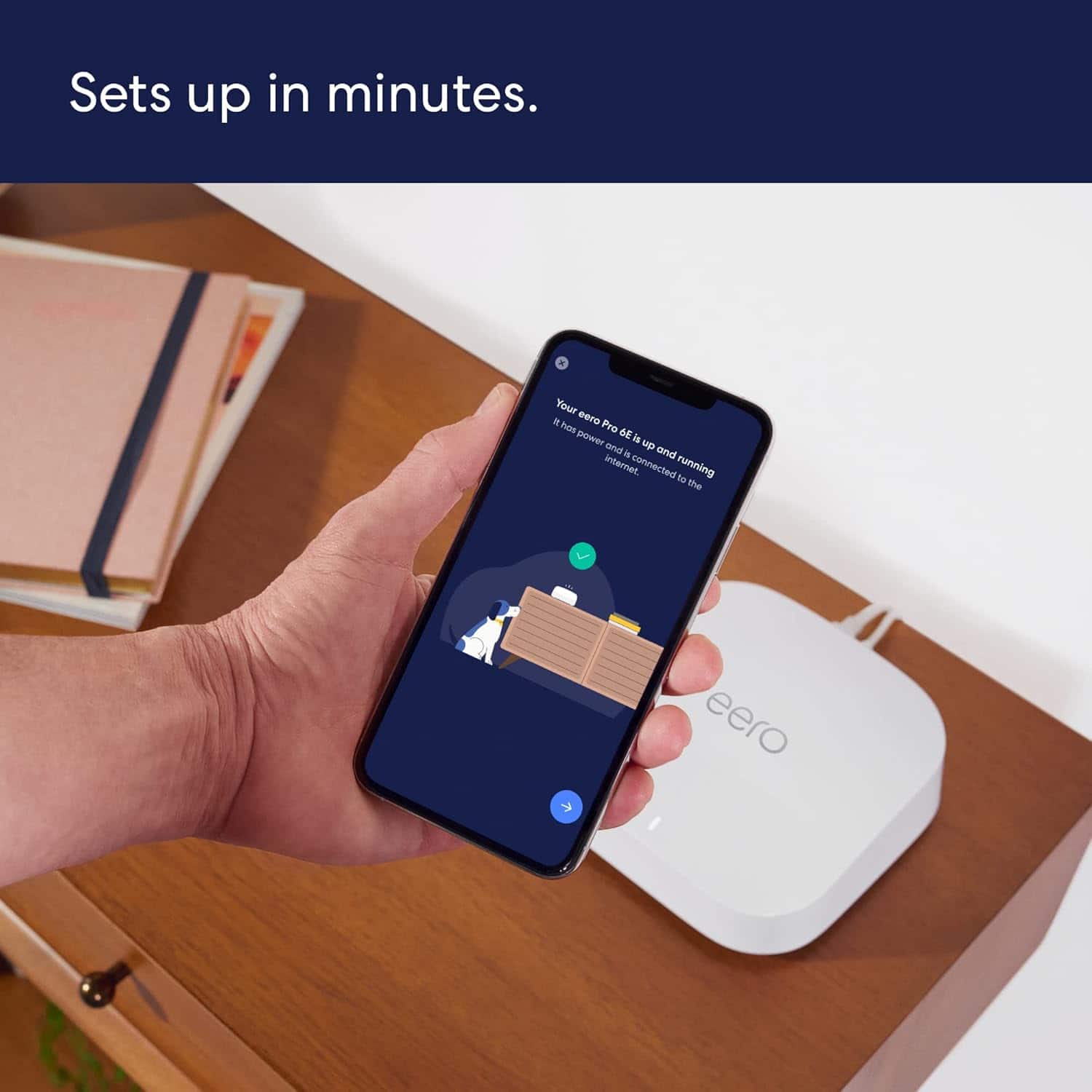
|Posted .This reviewer received promo considerations or sweepstakes entry for writing a review.The Eero Pro 6e is the perfect mesh system for high end internet speeds of 1+ gigs and anyone looking for a user friendly Wifi setup. This is my first time using an Eero product and I’ve been very impressed. I’ve always used Linksys routers in the past and had a mesh system with them in place before I received the Eero Pro 6e system. The Linksys system was always bit of a pain to setup, the steps seemed easy enough but sometimes it would take multiple attempts for the different nodes to connect to the system. With the Eero I didn’t have any of those problems whatsoever. Setup took less then 15 minutes and was so simple I believe my 70 year old mother could have been able to setup this product and she’s SUPER tech challenged. The Eero’s came packaged in a sleek box and the nodes themselves are small, compact and sleek looking. Each unit has 2 ethernet connections so if you have devices that you want to hard wire in that is possible. Initial speed tests showed me getting over 900mbps throughout my entire home which is a huge upgrade considering my last system was only getting about 500-600 even though we have 1 gigabit AT&T fiber. I was able to even get those speeds sitting outside my home which is very useful if we want to maybe stream to devices outside when we have people over to watch football games. The Eero app is user friendly and has a host of cool features but unfortunately some of them are only accessible through the $99 dollar subscription program they have. With Eero Plus You can create profiles if you want to control what kind of sites or apps your children are able to access. You can see historical data and use DDNS features as well as Ad blocking and VIP support. One free feature that I found very useful is being able to dim or completely turn off the status light on the Nodes themselves. I know it sounds silly but my TV sits across from our bed in our master bedroom and there’s a small white light similar to the Eero status lights that I cover up almost every night so its not beaming at me like a headlight. There are some more advanced features that are free like Port Forwarding and DHCP & NAT. But I admittedly probably won't use those features very much, but I'm glad they're available. Overall I am very happy with the Eero 6e Pro system. It finally allows us to hit gigabit speeds throughout the home while being user friendly and super easy to setup. I highly recommend it.
I would recommend this to a friend Smesh did not worked
||Posted . Owned for 3 weeks when reviewed.This reviewer received promo considerations or sweepstakes entry for writing a review.Setup was easy and creating account but it didnt make a difference. No good
No, I would not recommend this to a friendNot worth the money
||Posted . Owned for 1 month when reviewed.This reviewer received promo considerations or sweepstakes entry for writing a review.My WiFi is worse than when I was using WiFi extenders. Not worth the money.
No, I would not recommend this to a friendBrand response from Amazon Devices Customer Support
Posted .Thank you for the feedback on the eero Pro 6E 3-pack. I am sorry to hear of the issues you are experiencing. We know how frustrating this is. Here are several things you can try. But if all else fails, don’t hesitate to give eero a call at 1-877-659-2347. 1. Try power cycling your eeros by unplugging the power cable from the back of your eero, waiting 30 seconds, and plugging it back in. This step can sometimes fix connectivity issues. The eero’s LED will turn solid white, then be flashing white while booting up. It takes about a minute to start up and begin broadcasting. You’ll know when the cycle completes because the eero’s LED will go solid white again. 2. Restarting your modem can sometimes fix connectivity issues and improve performance. Unplug the power cable from your modem, wait 30 seconds, then plug it back in. Depending on the model of your modem, it can take a few minutes to restart. 3. If you’ve got another router or a modem/router combo device double NATed to your eeros, this could be the cause of poor connectivity and performance. If you have a modem/router combo device, you can try putting it in bridge mode, which disables the wireless function on that device. If you have another router connected between your modem and gateway eero, you can try disconnecting the router in between and connecting your gateway eero directly to the modem. If you need assistance with this, please give eero a call at 1-877-659-2347. eero is available to take your call Monday - Sunday 6:00am - 8:00pm PT. I hope this information helps. Have a great day!

Absolute Garbage
||Posted . Owned for less than 1 week when reviewed.This reviewer received promo considerations or sweepstakes entry for writing a review.Range is minimal, and it dropped the speeds I was getting to about 50% what I was with a normal router
No, I would not recommend this to a friend- Pros mentioned:Setup, Speed
Good. Security features need subscription.
|Posted .This reviewer received promo considerations or sweepstakes entry for writing a review.Pro: -Easy quick setup -Works as a Zigbee smart home hub -Integrated with Alexa devices -Up to 2.5 Gbps internet connection (max speed still depends on your internet speed) -Small footprint Con: -Securities features locked behind subscription -Wired devices limited to 1Gbps -Can only use the app to change settings, no browser access -Wired connection takes a while to connect The Eero Pro is probably overkill for most households right now unless they have internet over 1Gbps and 6GHz devices. However, if you do, the Eero offers fast wireless speed and coverage, and is easily managed from its app. Alexa integration means it fits well with the Amazon ecosystem. It also serves as a Zigbee smart hub for compatible smart home devices. It does have some faults, like common security features being behind a subscription plan and connected wired devices are limited to 1Gbps. Setting up Setting up was quick and easy and all done in the app. Once everything is plugged in, it takes 30 seconds and it will be ready to add it through the app. The satellite nodes are set up the same way, but it will check the placement for optimal coverage. Alexa Integration and Smart Hub Being an Amazon product, it integrates well with other Alexa compatible devices. Voice commands can be used to control the wifi like pausing a device or pair devices. Echo devices that are compatible will also extend the wifi. Compatible devices purchased through Amazon can be automatically set up to connect to your wifi, thanks to frustration free setup. The built in smart hub works with Zigbee devices so no additional hubs are needed to control those devices. If you have other standards like Z-Wave, a hub is still needed. Performance Even if my internet speed is not fast enough to fully take advantage of the transfer speed, I have consistent speed and coverage throughout the house. Some of the device handling is weird, with some devices connecting to nodes that are further away rather than the one right next to it. One of my wired PCs would take at least 30 seconds to connect upon waking up. In the app, I can see the device being identified by the wireless manufacturer before it’s recognized and changes its name back to the one assigned to it. The Eero Pro has two wired ports in the back, one is 2.5Gbps the other is 1Gbps. This means that even if you connect your internet to the 2.5Gbps port, your other wired connections will be limited to 1Gbps. Advanced network settings can only be done within the app. There’s no browser access. The app works fine, but if you’re a networking power user, you may find it inconvenient. The biggest negative about the Eero is that the security and parental control features like blocking websites and filtering content are behind a subscription. These are commonly free features found with other routers. The $99 yearly plan also includes features such as data usage tracking, ad and apps blocking, password manager, and Malwarebytes antivirus. Most of these are freely available on their own.
I would recommend this to a friend Bad product
||Posted . Owned for 1 month when reviewed.This reviewer received promo considerations or sweepstakes entry for writing a review.No good would not recommend for anyone it has very little range
No, I would not recommend this to a friendnot working
||Posted . Owned for 3 months when reviewed.This reviewer received promo considerations or sweepstakes entry for writing a review.not helping improve wifi; i see only one bar on my phone wifi; also guest got no reception.
No, I would not recommend this to a friendunmesh
||Posted . Owned for 1 month when reviewed.This reviewer received promo considerations or sweepstakes entry for writing a review.Has made things worse. If I was not past time to return I would return.
No, I would not recommend this to a friendWNK
||Posted . Owned for 1 month when reviewed.This reviewer received promo considerations or sweepstakes entry for writing a review.Within one week, one of the three extenders appears to have stopped working
No, I would not recommend this to a friendDid not help me
||Posted . Owned for 3 weeks when reviewed.This reviewer received promo considerations or sweepstakes entry for writing a review.This item did help me get internet to my out building. :(
No, I would not recommend this to a friendStopped working after 6 months.
||Posted . Owned for 11 months when reviewed.This reviewer received promo considerations or sweepstakes entry for writing a review.Broke after 6 months. Drops connection to modem poor quality. Runs very hot!
No, I would not recommend this to a friendSlower than old Orbi - but distance has improved.
||Posted . Owned for 1 month when reviewed.This reviewer received promo considerations or sweepstakes entry for writing a review.Slower than my 5 year old orbi setup. Distance has improved - but performance has suffered.
I would recommend this to a friendSpeeds
||Posted . Owned for 1 week when reviewed.This reviewer received promo considerations or sweepstakes entry for writing a review.Speeds were the same as my nonwifi 6 eero did not notice a difference
No, I would not recommend this to a friend- Pros mentioned:Speed
Blazing fast
Posted .This reviewer received promo considerations or sweepstakes entry for writing a review.A definite upgrade from standard routers. Three levels of the house are covered like never before. No lags and double the speed with iPhone access to the internet. Wired 2.5 Gb backbone eliminates any speed concerns when transferring data between computers in home office setup. Should have upgraded sooner.
I would recommend this to a friend - Pros mentioned:Ease of use, Setup
Pro-6E Tri-band Router
Posted .This reviewer received promo considerations or sweepstakes entry for writing a review.Effortless set up. Purchased to add to my existing two unit Pro-6E Tri-band network.
I would recommend this to a friend