Customer Ratings & Reviews
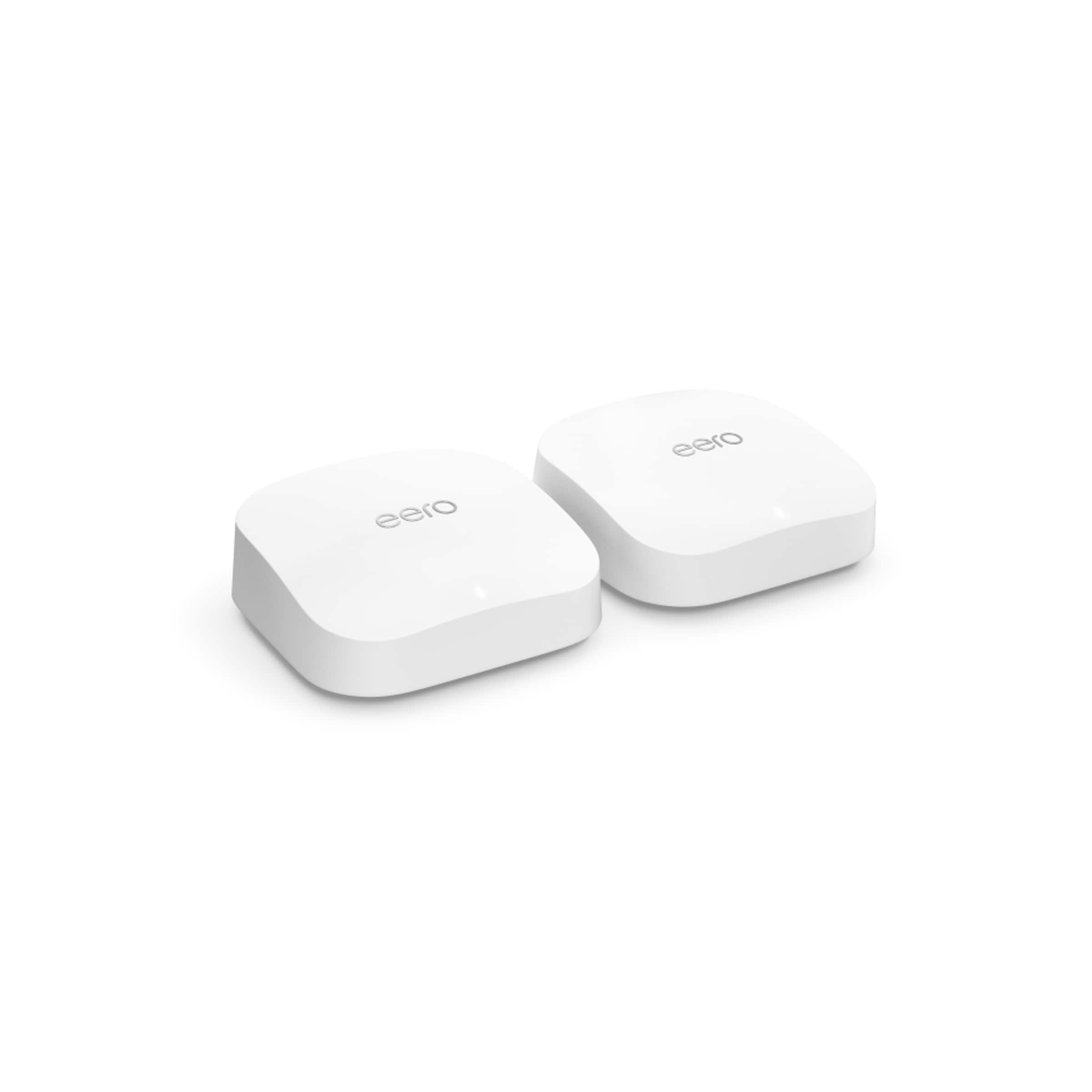

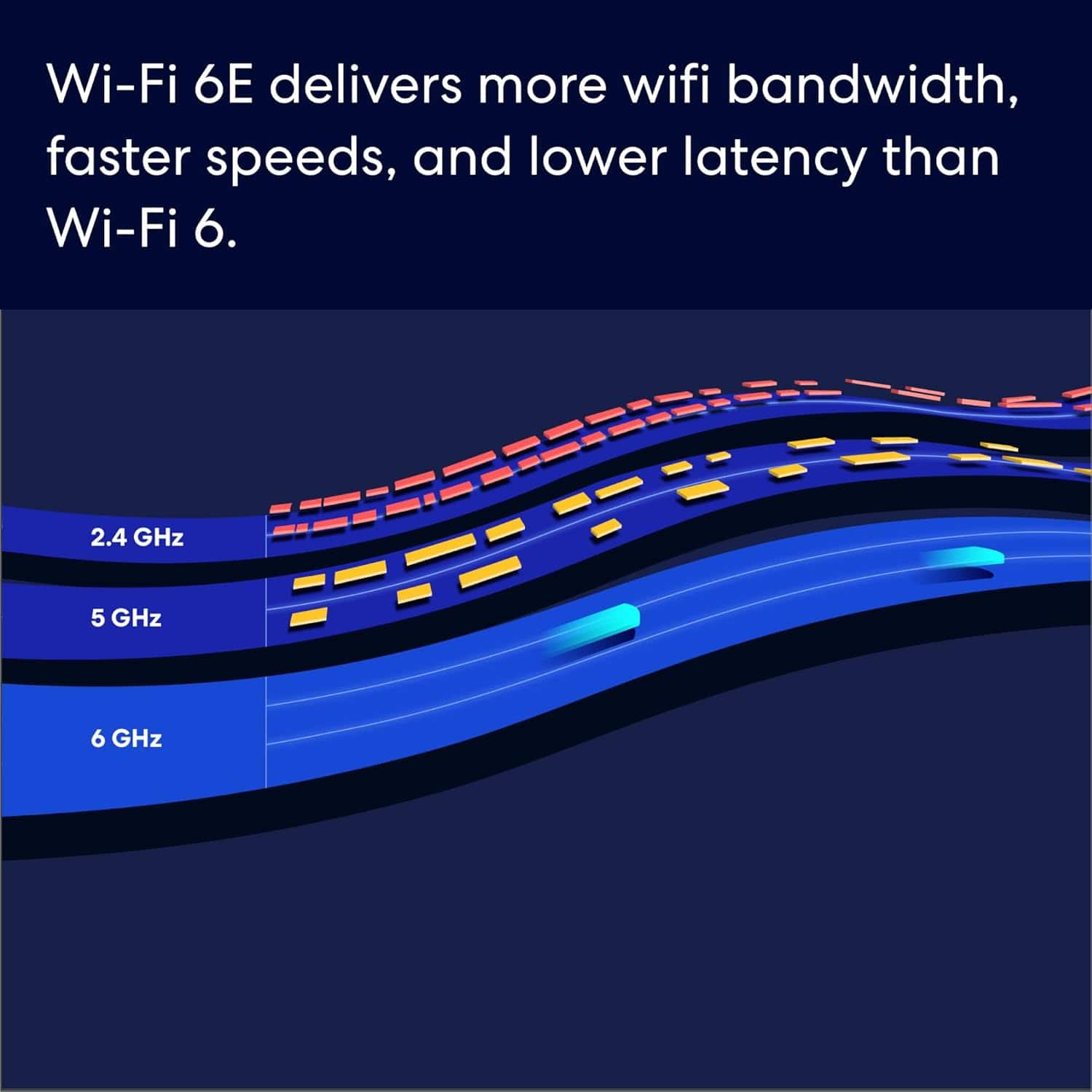
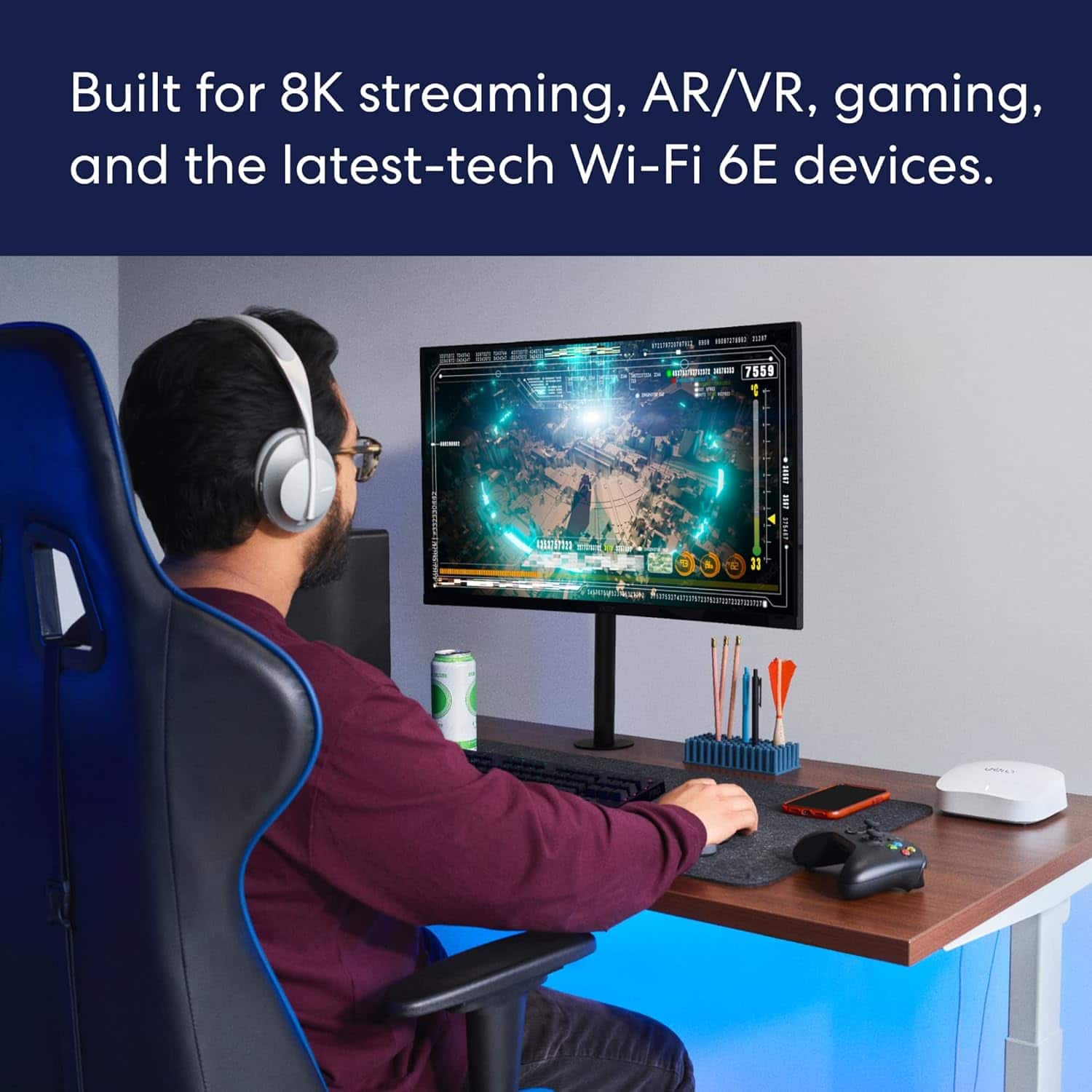
- Model:
- S010211
- SKU:
- 6495915
Rating by feature
- Setup
Rating 4.8 out of 5 stars
- Range
Rating 4.7 out of 5 stars
- Signal Strength
Rating 4.7 out of 5 stars
Customers are saying
Customers admire the Pro 6E Tri-band Mesh Wi-Fi 6E System (2-pack) for its ease of use and impressive speed, with many noting its strong Wi-Fi coverage and overall performance. The setup process is generally considered straightforward, and the range and signal strength are also appreciated. While some find the system to be a bit expensive and having slightly less features, very few experience lag when streaming or gaming.
This summary was generated by AI based on customer reviews.
Terrible range
Posted .This reviewer received promo considerations or sweepstakes entry for writing a review.The range on this system is terrible. Don’t buy if your house is more than 1000 square feet.
No, I would not recommend this to a friendBrand response from Amazon Devices Customer Support
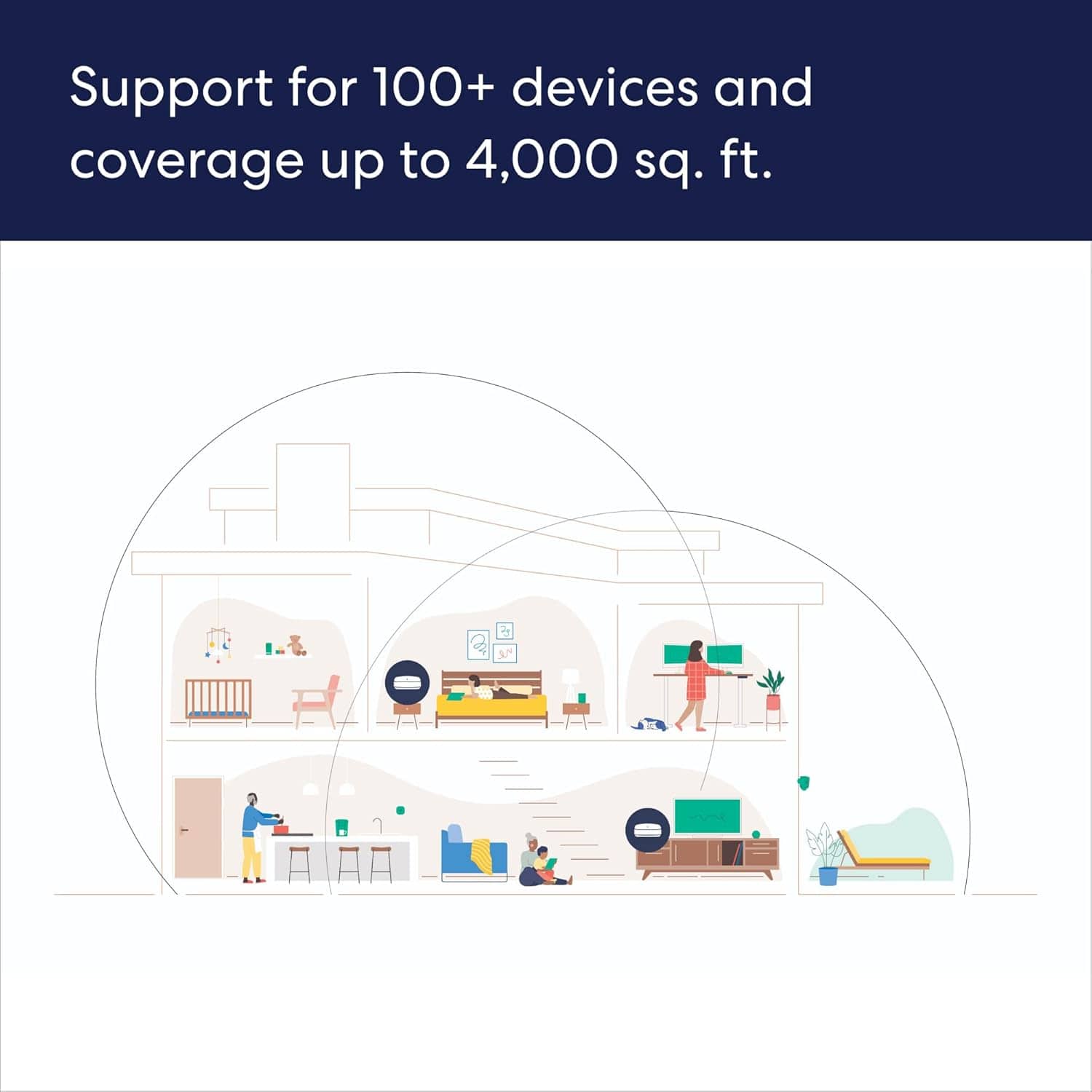
Posted .Hello. I am sorry to hear about the issue you are having with your Eero Pro 6E device. The Eero Pro 6E 3-pack has network coverage up to 6,000 square feet and supports 100+ connected devices. I recommend power cycling your Eeros by unplugging the power cable from the back of your Eero, waiting 30 seconds, and plugging it back in. This step can sometimes fix connectivity issues. The Eero’s LED will turn solid white, then flash white while booting up. It takes about a minute to start up and begin broadcasting. You’ll know when the cycle completes because the Eero’s LED will go solid white again. I also recommend restarting your modem, which can sometimes fix connectivity issues and improve performance. Unplug the power cable from your modem, wait 30 seconds, then plug it back in. Depending on your modem model, it can take a few minutes to restart. If you are still experiencing network issues, I recommend reaching out to Eero customer support at 877-659-2347. They are available from 6 a.m. to 8 p.m. PT. I hope this information is helpful. Have a great day!

Terrible!
Posted .This reviewer received promo considerations or sweepstakes entry for writing a review.Terrible product! Our internet is way worse than it was before we were talked into buying this product. We will be returning it.
No, I would not recommend this to a friendNot compatible
Posted .This reviewer received promo considerations or sweepstakes entry for writing a review.This item actually over powered our router and it crashed information that should have been explained
No, I would not recommend this to a friendThere are better options
Posted .This reviewer received promo considerations or sweepstakes entry for writing a review.Speed is much slower than 3 year old net gear, very disappointed
No, I would not recommend this to a friend