Customer Ratings & Reviews

- Model:
- S010211
- SKU:
- 6495915
Rating by feature
- Setup
Rating 4.8 out of 5 stars
- Range
Rating 4.7 out of 5 stars
- Signal Strength
Rating 4.7 out of 5 stars
Customers are saying
Customers value the ease of use, impressive speed, and overall performance that this product provides for their home networks. Users frequently highlight how simple the setup process is and appreciate the reliable coverage and signal strength throughout their living spaces. While some individuals note that the system can be a bit pricey, they generally find the investment worthwhile. Although there are occasional reports of connectivity challenges, most users enjoy a smooth experience without significant buffering issues.
This summary was generated by AI based on customer reviews.
- Pros mentioned:CoverageCons mentioned:Connectivity

Future Proof Gigabit WiFi
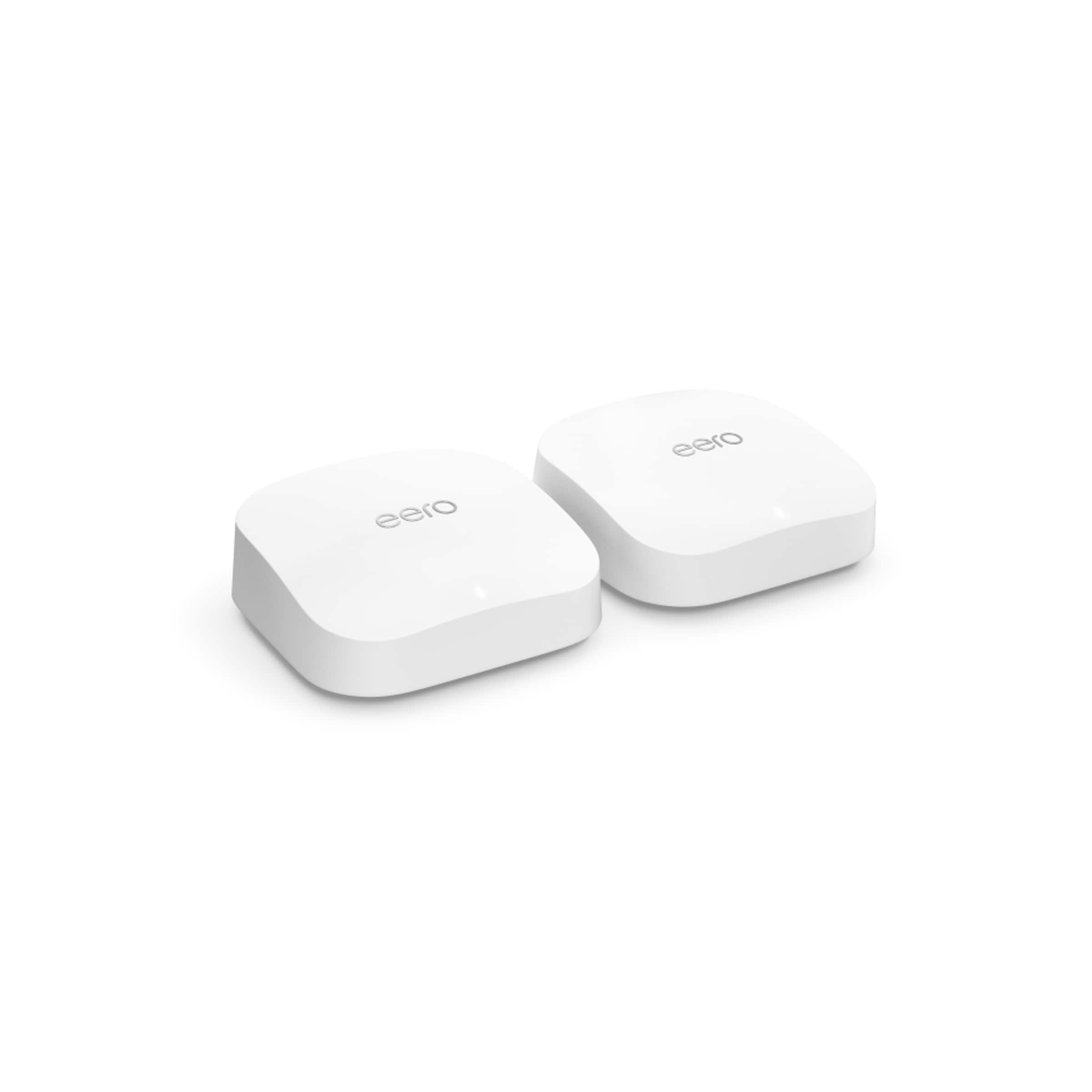
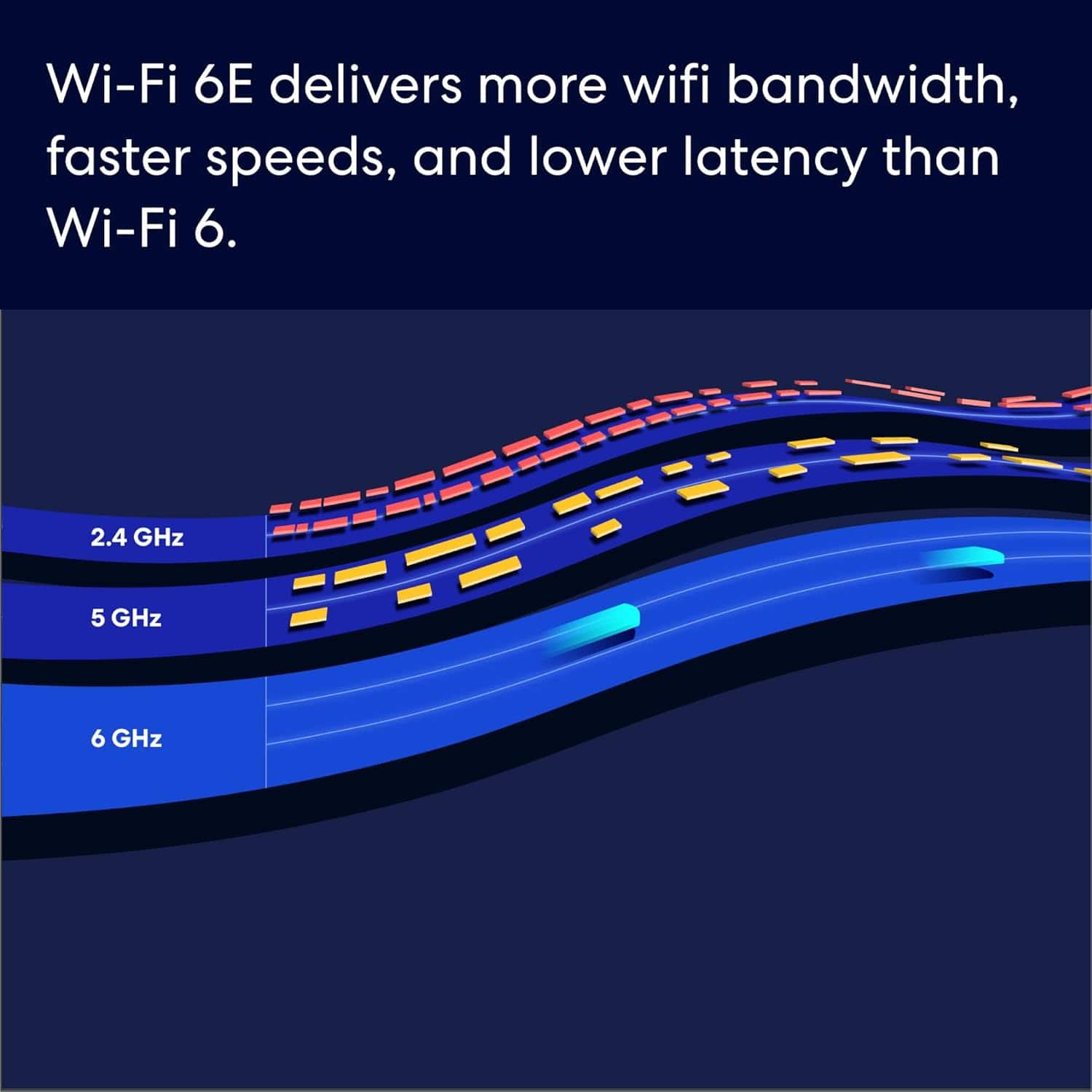
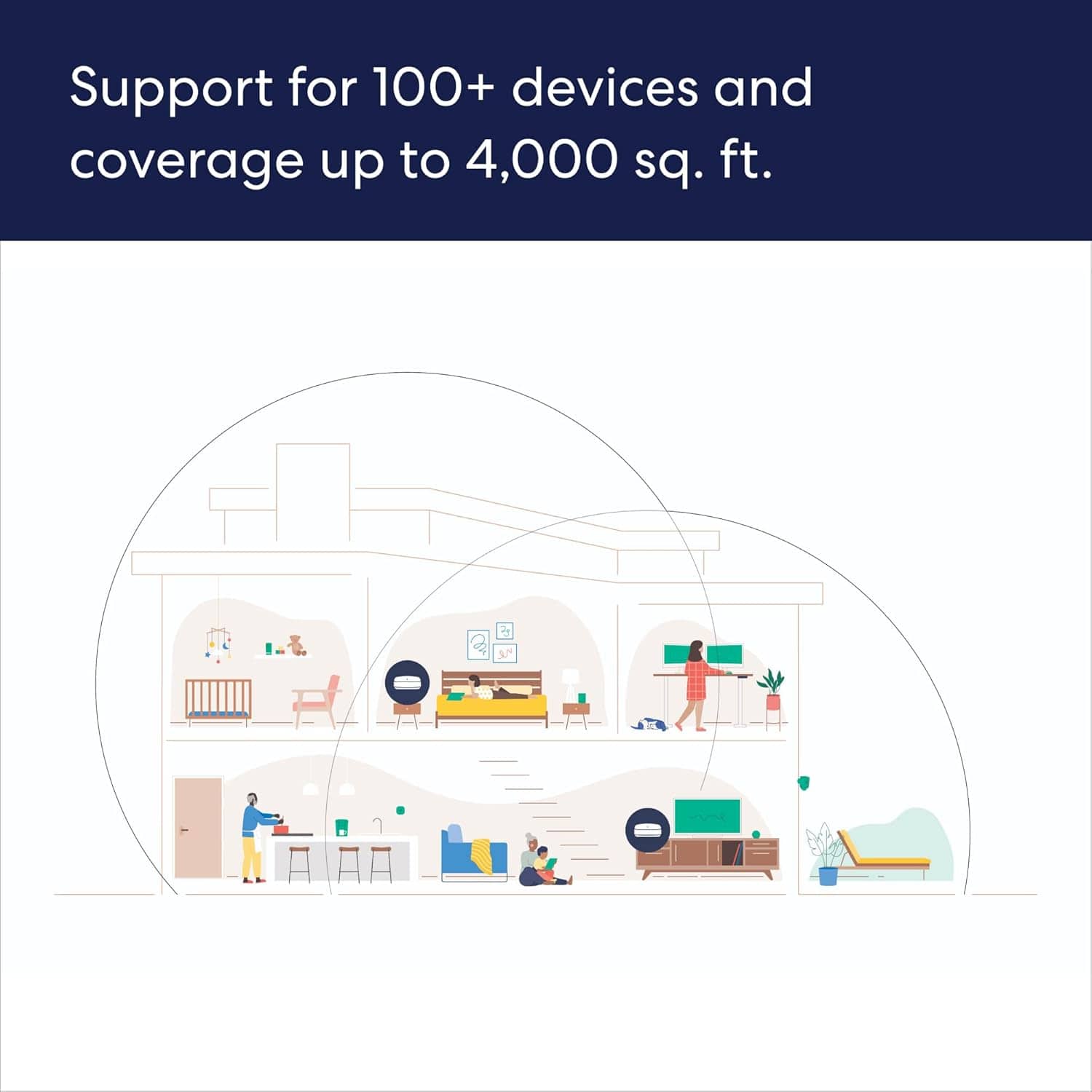
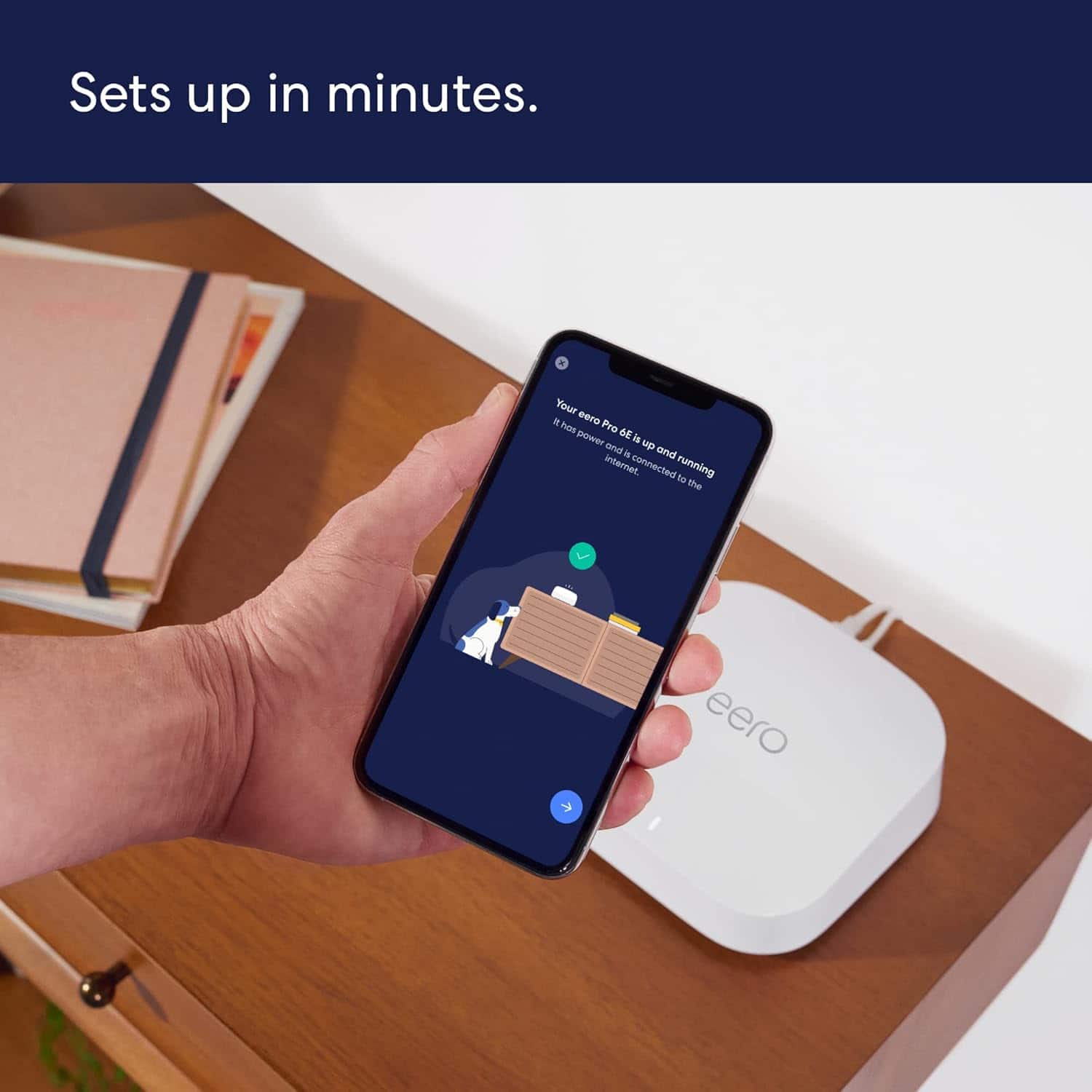
|Posted .This reviewer received promo considerations or sweepstakes entry for writing a review.I have used several mesh network setups over the last few years. The one I’ve been using has treated me well but it is a few years old so upgrading to the eero Pro 6E was intriguing since it supports 1.6 gigabits per second wifi connectivity and supports the 6GHz wifi band. Inside is a 1GHz dual-core processor, 1GB RAM, and 4GB flash storage. This eero also supports Zigbee so you can also use it as a smart home hub. In the box you only find the 3 mesh nodes, usb c power adapters, and a setup card. The card simply instructs you to get the eero application to complete setup. A few seconds later I was ready to go after setting up an account. You can also use your Amazon account if you so chose. The app suggests shutting down your modem before connecting the first node via ethernet cable to modem. Then you just power on your first eero node and then your modem and then the app guides you through the setup. You have the option to name your network. If you have a bunch of devices it’s a huge timesaver to simply use your prior network name for eero. My first node was up and running in no time. The other 2 went just as smoothly as I placed them through my home. Total setup may have taken 20 minutes. I did get a firmware update notification once setup was complete. The eero nodes are sleek, fairly low profile and look unobtrusive. The eero Pro 6E with 3 nodes should provide coverage for 6,000 square feet. In my case this setup is more than adequate. One immediate disappointment during setup was that each node only has 2 ethernet ports, one 1 gbe port and and one 2.5 gbe port which is nice but other mesh systems I’ve used included more ports. You can alway add more with a switch but I’d prefer not having to resort to one. The eero app is quite nice and user friendly. Here you can view all your connected devices and you can block devices if desired. You can also view connection speeds and see which nodes each of your devices are connected to. There are advanced networking setting too for port forwarding, DNS, DDNS, and DHCP & NAT. There is a parental control feature called Eero Plus but it is a monthly subscription service that costs $99 a year. When viewing each node in the app there is a great setting which allows you to adjust the brightness of each nodes status light which can be quite bright in a dark room. After completing setup I was of course interested to check my WiFi speed. I currently have no wifi 6E devices but my devices are wifi 6. I have gigabit internet service so after a few speed tests I was thrilled to actually realize gigabit wifi for the first time in my home! Much better than my old setup. This was excellent but this was in the same room as the main node. As I moved to my second floor I was somewhat less impressed. When connecting to the third node I got about 300 gbs and I was not even that far away from the main node. Oddly worse than my old mesh setup. I’ve played with node placement without much improvement. Still quite fast however. With the eero Pro 6E I do feel future proofed as more 6E devices become available such the new iPad Pro which arrives next week. eero Pro 6E also supports over 100 connected devices so I’m covered as my network grows. Overall I’m quite pleased with the eero Pro 6E.
I would recommend this to a friend - Pros mentioned:Ease of use, Overall performance, Speed
Best Overall WiFi 6E Package
||Posted . Owned for 2 weeks when reviewed.This reviewer received promo considerations or sweepstakes entry for writing a review.I've been an eero user for over 5 years - upgrading to the latest hardware as they release it. I've been extremely pleased with the overall package that eero provides - from the new features and tweaks to increase performance to their open communication on reddit at r/eero. The 6E system features 3 radios (versus 2 on the 6+) providing maximum range and the ability to leverage the ability to use the add'l radio for stronger wireless backhaul performance (connections in between your individual eero units). This unit (and every supported eero unit released) uses the same awesome app to setup and control the network. It's extremely easy - so easy that I've recommended it to non-technical friends and never heard from them again RE: Wi-Fi issues. I cannot recommend eero and this new Pro 6E kit highly enough - fast, easy, set-it and forget-it wireless for your house!
I would recommend this to a friend - Pros mentioned:Coverage, Ease of use, SpeedCons mentioned:Price
Warp Speed Ahead at Over 1 Gig Up & Down
||Posted . Owned for 1 month when reviewed.This reviewer received promo considerations or sweepstakes entry for writing a review.The speed will blow you away as long as you have the right set up. We had 1 Gig internet service through our previous provider at had over 40 items connected to our network. It would run well but as soon as we upgraded to fiber optic internet and added the eero Pro 6E, we were at warp speed. If you need to mesh network, this is the place to start. It is the easiest way to start a network by far. You simply sit back and allow the system to do its' own work. You basically have to have a cell phone and the system does the rest. We have this 3 pack and cover a house with 4,500 square feet. The download speeds are 1 gig and the upload speeds are 1 gig. This makes life so much easier with multiple people in the house plus friends all streaming at the same time and playing video games over the internet. Definitely worth the purchase although it is a little pricey. Just watch for coupons from Best Buy to knock 10% off like I did!
I would recommend this to a friend - Pros mentioned:Ease of use, Overall performance, Speed
Enhanced Performance Across Multiple Devices
||Posted . Owned for 1 month when reviewed.This reviewer received promo considerations or sweepstakes entry for writing a review.I recently upgraded my home Wi-Fi setup and couldn't be happier with my choice of the eero Pro 6E mesh router. Toward the end of last year, I was struggling with slow internet speeds and frequent lag. After some research, I decided to purchase the eero Pro 6E three-pack, and it has transformed my online experience. User-Friendly Setup One of the standout features of the eero Pro 6E is its user-friendly design. You don’t need to be tech-savvy to get it up and running. Following the straightforward instructions, I was able to optimize my Wi-Fi in no time. The eero app is a game-changer, providing insights into my network usage and performance, making it easy to understand what I was getting from my ISP. Impressive Speed and Reliability Initially, I upgraded my internet service from Spectrum to their one gig service, and with the eero, I saw download speeds of 986 Mbps and upload speeds of 40 Mbps. This was already a significant improvement, but I wanted to maximize my network even further. So, I switched to Hawaiian Telcom's one gig fiber service, and now I'm enjoying incredible speeds of 980 Mbps for downloads and a remarkable 678 Mbps for uploads. Enhanced Performance Across Multiple Devices With a house full of wireless devices, including security systems and multiple 4K streaming setups, I was concerned about maintaining performance. The eero Pro 6E has exceeded my expectations, delivering seamless connectivity without buffering, even when streaming in multiple rooms or engaging in online gaming. The speed and reliability have made a noticeable difference in my daily internet usage. Final Thoughts In summary, I highly recommend the eero Pro 6E. It has not only resolved my Wi-Fi issues but also enhanced my overall internet experience. If you're looking for a robust, user-friendly mesh router that can handle high-speed internet and multiple devices, look no further than the eero Pro 6E. I’m thrilled with my purchase!
I would recommend this to a friend - Pros mentioned:Coverage, Ease of use, Overall performance
EERO WIFI
||Posted .This reviewer received promo considerations or sweepstakes entry for writing a review.eero made my Wi-Fi problems disappear. Setup was fast and easy, coverage is excellent, and speeds are consistent throughout the house. No more dead zones or constant reboots—it just works. Worth every dollar.
I would recommend this to a friend Product not final yet
||Posted . Owned for 3 weeks when reviewed.This reviewer received promo considerations or sweepstakes entry for writing a review.Have unresolved issue with download speed. On 1 gig FIOS connection get only 260 mb download speed
No, I would not recommend this to a friend- Pros mentioned:Coverage, Overall performance, Setup
A Future-Proof Mesh Powerhouse for Gigabit Homes
||Posted . Owned for 1 month when reviewed.This reviewer received promo considerations or sweepstakes entry for writing a review.The Eero Pro 6E is a top-tier mesh Wi-Fi system that’s built for speed and stability, especially in homes with multi-gigabit internet like Verizon Fios. Setup is extremely user-friendly through the Eero app, and the system delivers strong, consistent coverage across large spaces, even with multiple devices connected. Its support for Wi-Fi 6E is a big win, unlocking the 6GHz band for newer devices and reducing congestion. Performance-wise, it handles 4K streaming, gaming, and smart home devices without breaking a sweat. The tri-band design ensures efficient traffic management, and the system plays well with Alexa for smart integrations. However, the lack of advanced customization (like detailed QoS settings or native VPN support) might disappoint power users. Also, many features are locked behind a subscription with Eero Secure+, which feels a bit restrictive. Overall, the Eero Pro 6E is a fantastic choice for users who want a fast, easy-to-manage, and future-ready mesh system — especially in homes with gigabit+ internet and lots of devices.
I would recommend this to a friend - Pros mentioned:Coverage, Setup, Speed
Best Router I've ever had
||Posted . Owned for 5 months when reviewed.This reviewer received promo considerations or sweepstakes entry for writing a review.So I've only kept Google routers up until now. I picked up the Eero on a recommendation from a friend. It's got an easy set up that rivals the Google router, and its got the speeds and range of a Netgear. Its a mesh router, but we havent needed any satellites. The one covers our 2400 sqft house from the basement. The tools it comes with helped me pinpoint interference when we moved to a house with a garage. It tells you the traffic and interference of each band (2.4, 5 and 6GHz). While i don't have any devices that only use 2.4Ghz, but its got a mode to account for that.
I would recommend this to a friend - Pros mentioned:Ease of use, Overall performance
Good performance.
||Posted . Owned for 3 weeks when reviewed.This reviewer received promo considerations or sweepstakes entry for writing a review.I bought this to replace an existing mesh system that was not getting me the performance that was expected. I had been using this mesh system for about a month and have been very pleased with the performance and the distance achieved and signal strength within my house. The Eero app is very simple to use and keeps you informed of necessary information
I would recommend this to a friend - Pros mentioned:Coverage, Ease of use, Speed
The BEST of the BEST
||Posted . Owned for 3 weeks when reviewed.This reviewer received promo considerations or sweepstakes entry for writing a review.Easy setup and coverage and speed has been more than I could have imagined. Great product and SUPER SIMPLE to install. I highly recommend this system.
I would recommend this to a friend - Pros mentioned:Overall performance, Setup, Speed
Easy set up
||Posted . Owned for 2 weeks when reviewed.This reviewer received promo considerations or sweepstakes entry for writing a review.Im the go to tech member of the family so everyone comes to me when it comes to tech especially routers ive set up close to 10 different routers and ive got to say this was the easiest set up ever and it works really great. Ive had it on for about a month already no drops in signal, speeds stay consistent throughout the day doesn’t matter on the amount of devices its awesome.
I would recommend this to a friend - Pros mentioned:Overall performance, Setup, Speed
Upgrade from Orbi system
||Posted .This reviewer received promo considerations or sweepstakes entry for writing a review.I swapped out an Orbi system that could barely cover my medium size house. So far really pleased with the performance of the eero. Great speeds, great range and a very simple setup. It's missing some of the super technical advanced options found on some other routers but I realized over the years that my fiddling with those was making things worse, not better. I'm very happy with my decision to switch to eero.
I would recommend this to a friend - Pros mentioned:Setup, Speed
Great speed and range
||Posted . Owned for 3 weeks when reviewed.This reviewer received promo considerations or sweepstakes entry for writing a review.I want to preface that i bought these on sale for under $400. I have only had these for a few weeks now but so far, i am enjoying this setup more than my old Arlo mesh setup. These have great range, great speed, and were super easy to setup and have a solid app to monitor whats going on. No weird drops or coverage issues from the satellites yet either. I will be buying a second set to cover my garage as well!
I would recommend this to a friend - Pros mentioned:Speed
Not bad, but not great. I had higher expectations.
||Posted . Owned for 3 weeks when reviewed.This reviewer received promo considerations or sweepstakes entry for writing a review.TLDR: Pros: This mesh system is full featured, has a nice app interface, and is easy to set up. When working as it should, wi-fi speeds can perform as stated or at least somewhat close. Wired speeds are fine. Cons: Inconsistent speeds on wi-fi with a fiber connection after updates, clumsy device switching across nodes, range is far less than stated while still considering construction/materials of home. I got similar performance out of the much cheaper google mesh network (non pro). Detail: When this system works, it works well and as you would expect based on its specifications and features. The system is easy to set up and has worked with any modem I have paired with it. My fiber package technically exceeds the capability of this system, but the wired connection has been operating at max output which is great. The wifi however, not so amazing. The wi-fi speed across the nodes is incredibly inconsistent. When I had first finished the setup, the wi-fi speed was great and ranged between 700MBPS to just over 1 GBPS. After firmware/software updates, speeds rarely reach over 400 MBPS. The speeds across all devices were impacted even after taking device network interface cards into consideration. The next quirk is how the network manages devices. The simplest way I can say this is the mesh network and automatic device management is clumsy at best. Whether you allow Eero to manage the network switching or you leave it to your own device (ie: your cell phone), you will find yourself consistently dropping off the wifi. Sometimes its quick, sometimes its not, but its enough to be an annoyance. Lastly, the range on this network is far less than stated. We have a large two story home well within the stated SQ footage for 3 nodes. I had to add an additional 3 nodes to ensure coverage was maintained, that I will chalk up to construction/material interference. That being said, I lose connection to a node that I am standing 15 feet away from or, it tries to switch to a node thats even further away. If I can manage to optimize the network to perform consistently then I would easily give this 4 or more stars, but its short comings undermine the pros.
No, I would not recommend this to a friendBrand response from Amazon Devices Customer Support
Posted .Hi JM1911. Thank you for providing feedback about your experience with the eero Pro 6E system. I’m sorry to hear about your connection issues. Soft resetting your gateway eero (the one connected to your modem) can be a useful troubleshooting step. To soft reset your eero: Hold the reset button until its LED flashes yellow (approximately 7 seconds). Once it flashes yellow, release it. As the eero boots up, the LED will flash white, then blue, and then return to solid white. Once the LED is solid white, you should be able to see your eero is back online in the eero app. If the soft reset doesn’t resolve your issues, contact eero customer service. They can be reached at (877) 659-2347. I hope this helps. Have a great day!

- Pros mentioned:Setup, Speed
Stable and Fast for a HomeKit Connected Smarthome
||Posted . Owned for 2 weeks when reviewed.This reviewer received promo considerations or sweepstakes entry for writing a review.I’ve had just about every mesh system out there over the past two years including WiFi 6, 6E,and 7, and they work good for awhile then I start getting the dreaded “No Response “ in my Apple HomeKit app or the speed is inconsistent. Since I have installed the eero Pro 6E 3-Pack in my 2,800 sq. Ft. Two story home I’ve had no issues and the speeds are consistent. I have ATT Fiber 1gb and I get 500mbs + both uploads and download when right next to an access point and in the 300’s when 40 ft away. I have 70 devices in total connected and they range from Google and Eufy cameras , Nanoleaf light strips, LIFX and Hue bulbs, Lutron switches and blinds, and various smart plugs. The setup was very easy and quick. I have all my eero’s connected via Ethernet backhaul which helps.
I would recommend this to a friend - Pros mentioned:Ease of use, Overall performance
Good customer service
||Posted . Owned for 3 weeks when reviewed.This reviewer received promo considerations or sweepstakes entry for writing a review.Setup was fairly easy with the app. The app did have a hiccup trying to get the 2nd device set up. Luckily the customer service was fantastic and knew the exact problem and the easy fix. So far it has worked almost seemless. I noticed my phone occasionally has a small lag when walking around and it has to switch to the different router. Everything else has been good.
I would recommend this to a friend - Pros mentioned:SpeedCons mentioned:Connectivity
Better, faster and cheaper than the competitors.
||Posted . Owned for 3 weeks when reviewed.This reviewer received promo considerations or sweepstakes entry for writing a review.Best Mesh system ever. I've used Nighthawk for years, thinking it was the best, but unfortunately, it would always slow down the internet speed, lose connection, and didn't cover a 1500-square-foot house. I went to buy a new one, thinking maybe it was old even though it was little over a year old. The salesperson suggested getting the Eero Pro 6e for my budget. I was hesitant at first, but I got it to try it out. If I didn't like it, I would always exchange it, but I've been using it for a month now and would never go back to Nighthawk. No more slowing down, always connected, and best of all, the speed is like having the internet connected with wire. Don't even second-guess; you won’t be disappointed.
I would recommend this to a friend - Pros mentioned:Ease of use, Overall performance
Easy to deploy, potential privacy issues
||Posted . Owned for 1 month when reviewed.This reviewer received promo considerations or sweepstakes entry for writing a review.N.B.: If you have concerns about the privacy of your network information, this is probably not the device for you. After my old Synology router died from overheating, I thought I would give eero a shot since they're recommended by my ISP, Sonic. Setup was surprisingly simple via the app, and IPv6 just works, which was certainly not true with my last router. Internet access also became noticeably more responsive, which makes sense given the age and failing hardware of my old router. What's a little surprising is that, in my 700 square foot apartment, I see a noticeable decrease in signal strength when I'm just down the hallway. I don't see any packet loss or significant latency, but I would expect the signal to be stronger. A potential caveat with regard to the app-based setup: the app works even outside the network, which implies that the router is using a cloud-based service for configuration. This raises a few concerns. First of all, the router has administration access exposed to the Internet. Second, if eero goes out of business, the router will cease to be manageable, since the cloud service will go away. Finally, eero's privacy policy indicates that they don't track your Internet activity, but they do collect information such as your SSIDs, the hardware on your network, and network utilization and associate that information with you, personally. Their privacy policy indicates that this information may be shared with "affiliates," so make of that what you will. Due to the app-based nature of management, people who really want to fiddle with their network will probably be dissatisfied. The app is very easy to use and shows quite a lot of information, but certain functionality, such as presenting daily or monthly network statistics, is only available if you buy a subscription to eero Plus. The app did show me that my HP printer was somehow downloading exactly 1 GB of data daily and uploading about 850 MB, but there's no way to get traffic analysis out of the router to see what the printer was connecting to, although perhaps this functionality is available in eero Plus. And, of course, the curse of the mobile app is that it tries periodically to upsell you on the subscription and business offerings. Pros: * Easy to set up * Fast * Great IPv6 support Cons: * Somewhat limited range * Advanced features require subscription * Only one physical network port, so connecting more than one wired device requires a separate switch * Cloud-based service raises privacy, security, and longevity concerns On balance, I recommend the product for speed and ease of use, but I have some misgivings about the privacy implications of the company's data collection and would very much prefer to have the option to disable or restrict that capability.
I would recommend this to a friend - Pros mentioned:Coverage, Setup, Speed
A must have for the home
||Posted . Owned for 3 weeks when reviewed.This reviewer received promo considerations or sweepstakes entry for writing a review.Totally fixed my intermittent disconnecting problems with my devices. Speeds are now downloading at the rate in which I pay for. It came with three devices and I’ve only used 2 and I have complete coverage over my whole house. I have centrally downstairs and the other centrally located upstairs and works perfect! EASY SETUP AS WELL!!
I would recommend this to a friend - Pros mentioned:Coverage, Setup, Speed
Great Mesh system!!
||Posted . Owned for 1 month when reviewed.This reviewer received promo considerations or sweepstakes entry for writing a review.I bought this Eero Pro 6E mesh system and the Orbi 770 mesh system to try them both. The Eero was a breeze to setup, the Orbi was a nightmare. The coverage is good and speeds are good. I am getting about 680mbps on my iPhone 15 Pro max when i am next to my main router. In the rest of the 4,000sq ft house I am seeing speeds between 250-500mbps. Overall I am happy with the system!
I would recommend this to a friend